

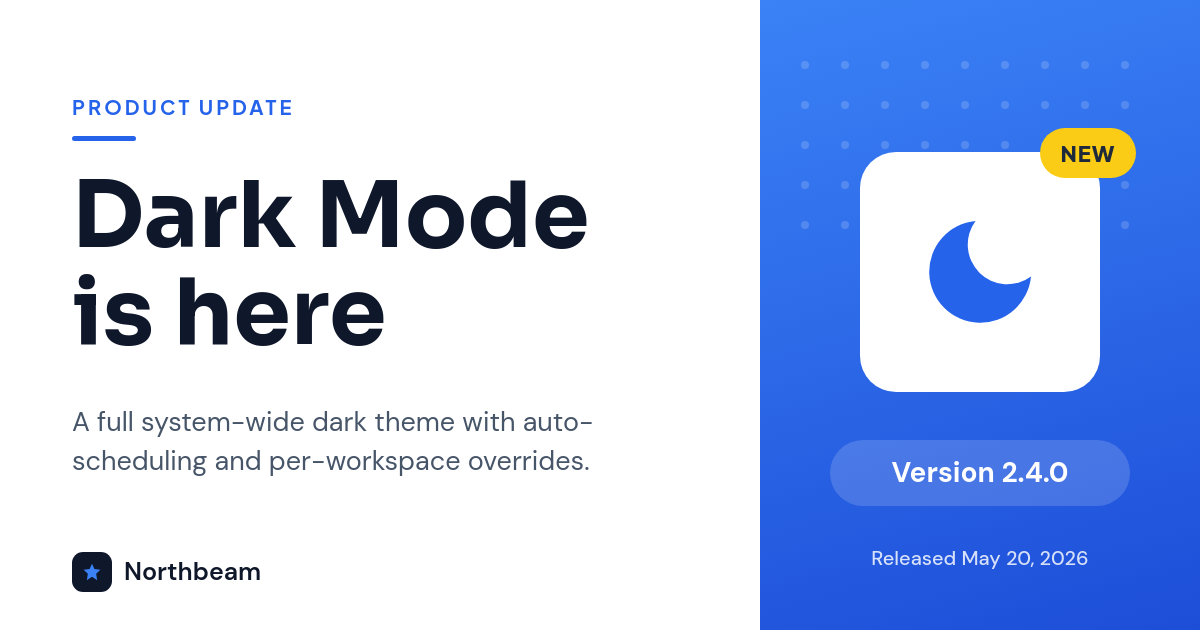
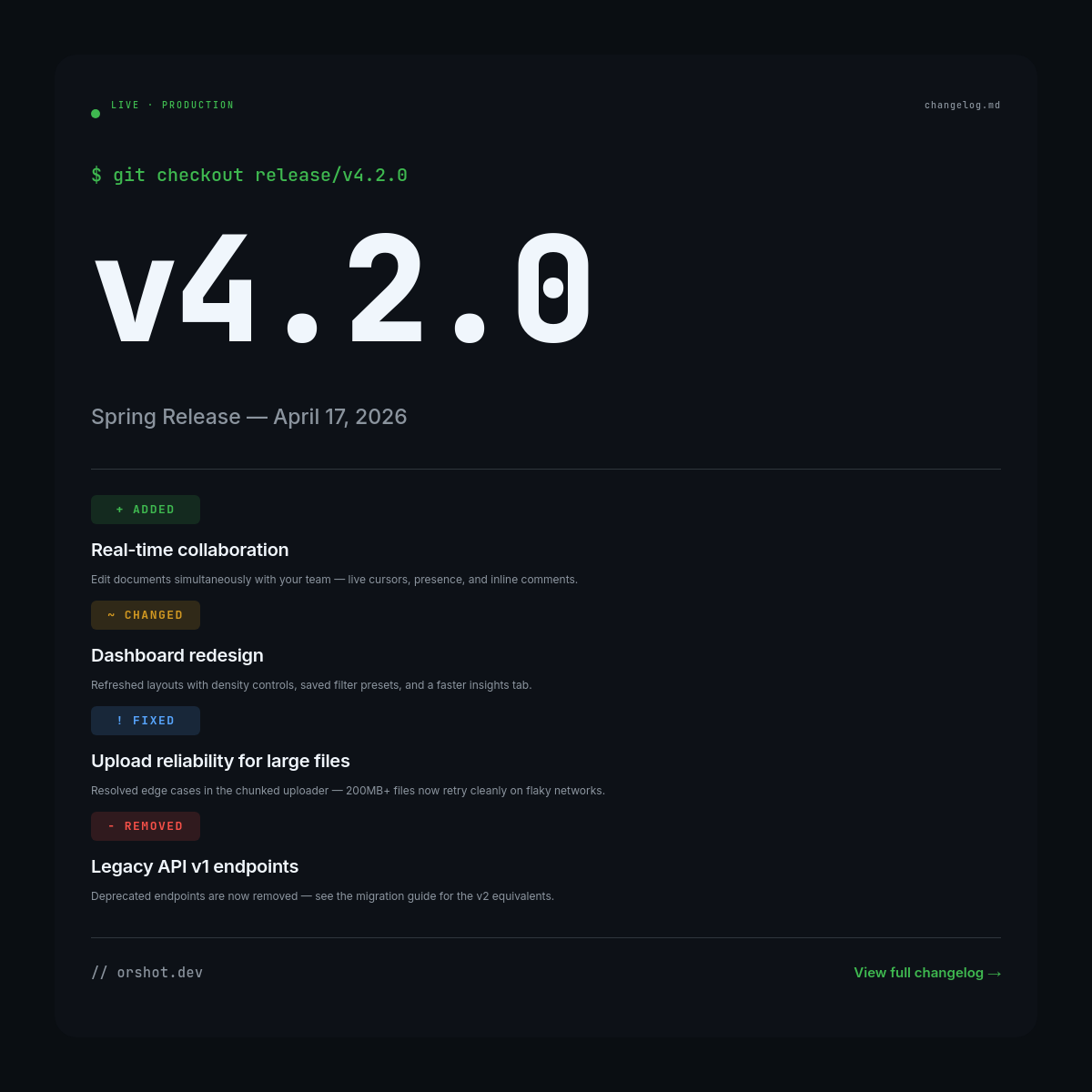
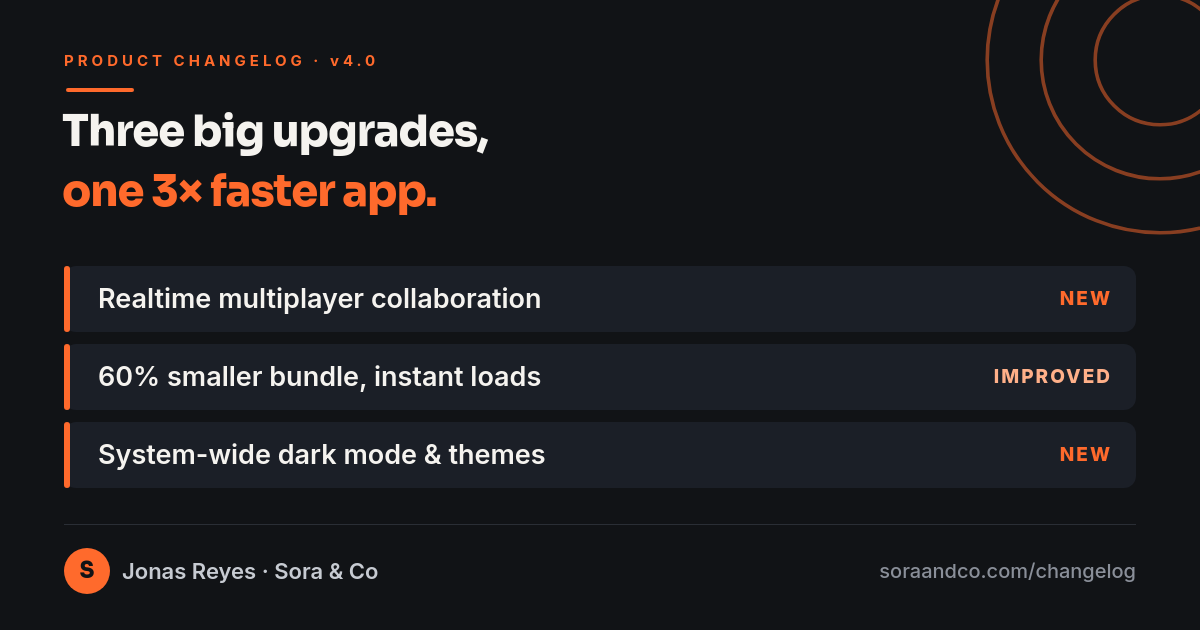

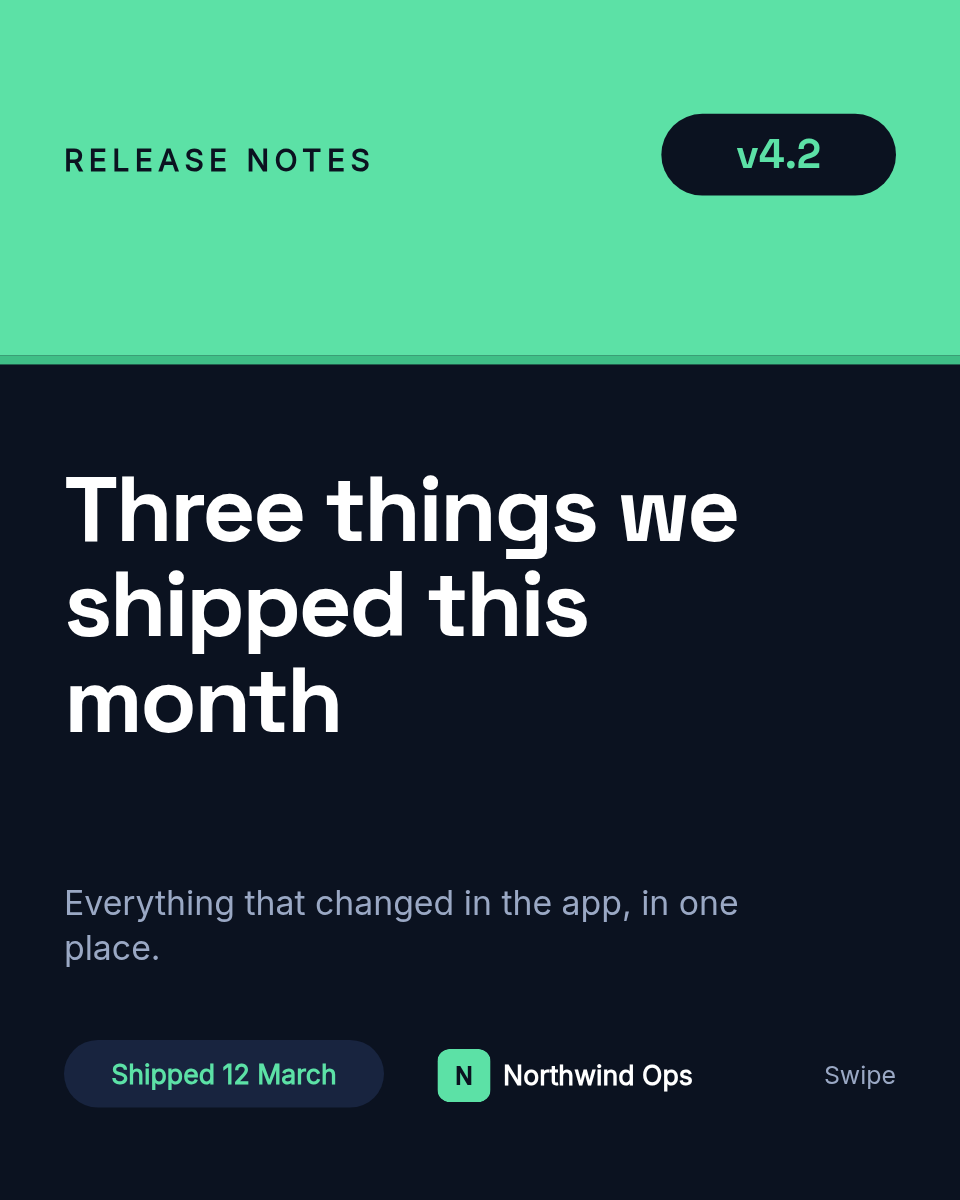
Releases ship, and the announcement is an afterthought. Someone screenshots the changelog, pastes it into Slack, and half the time skips it entirely. This workflow makes the announcement part of the release itself. Tag a version, and a designed changelog card shows up in Slack before anyone asks what changed.
Who ships with this
Engineering teams
A card in the team channel on every deploy, fired from the CI job that already runs.
Product and DevRel
A consistent changelog format that is ready to reshare with customers, not a raw diff.
Internal tooling owners
Release notes that land where the team already looks, so nobody misses a change.
Developer-first products
Polished release cards that double as social posts when you want to show progress publicly.
Wire it into your release step
- Tag a release. Cut a version the way you already do, in GitHub, GitLab, or your deploy script.
- CI fires a webhook. Your pipeline POSTs the version and a short summary of what shipped to the workflow webhook.
- A card is rendered. Orshot reads the payload and renders a changelog card from your template, filling in the version and notes.
- It posts to your Slack. The finished card drops into the channel you connected, so the whole team sees what shipped.
Set it up once and every release announces itself, in the same clean format, without a single screenshot.
