
← All Workflows

Reward users with shareable achievement badges

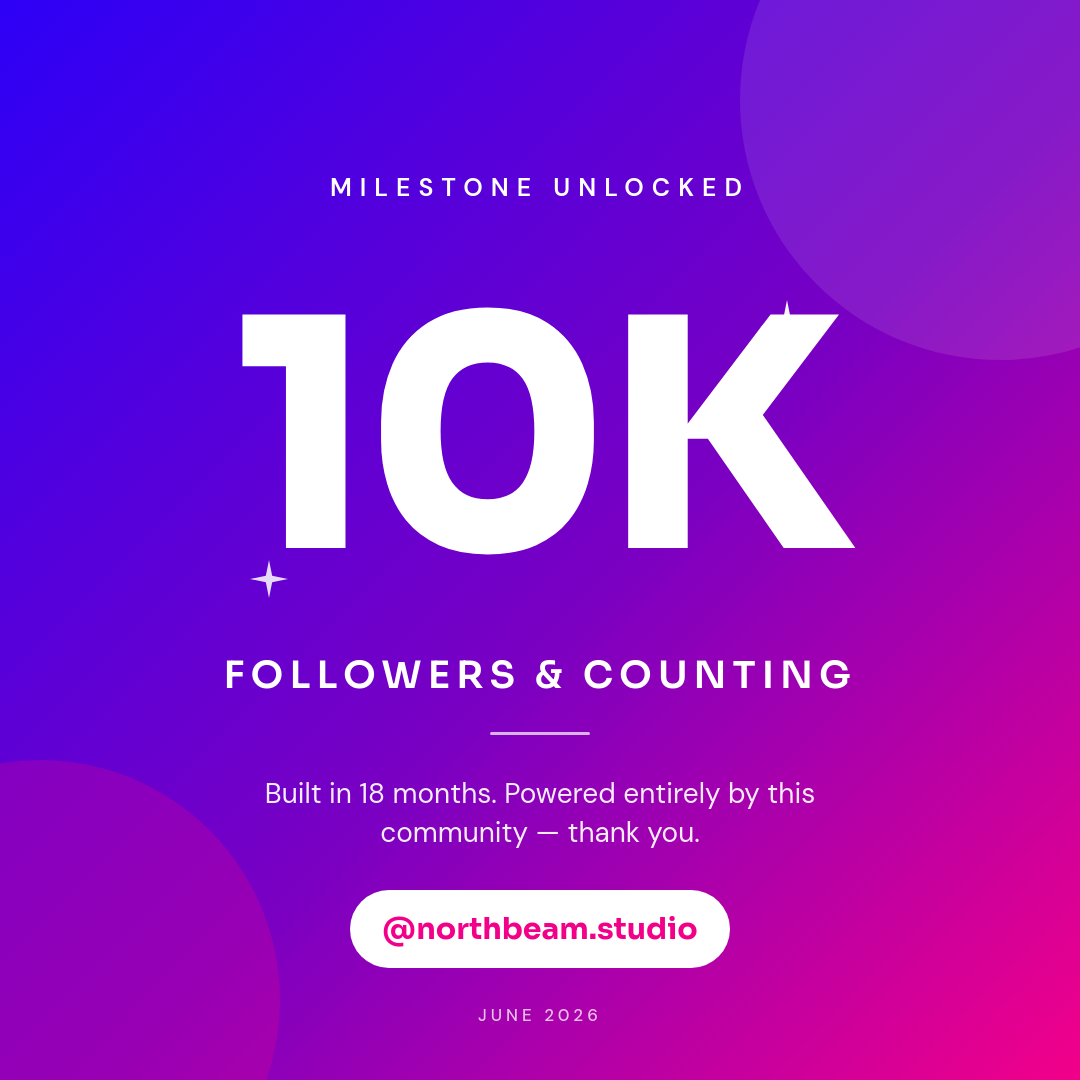
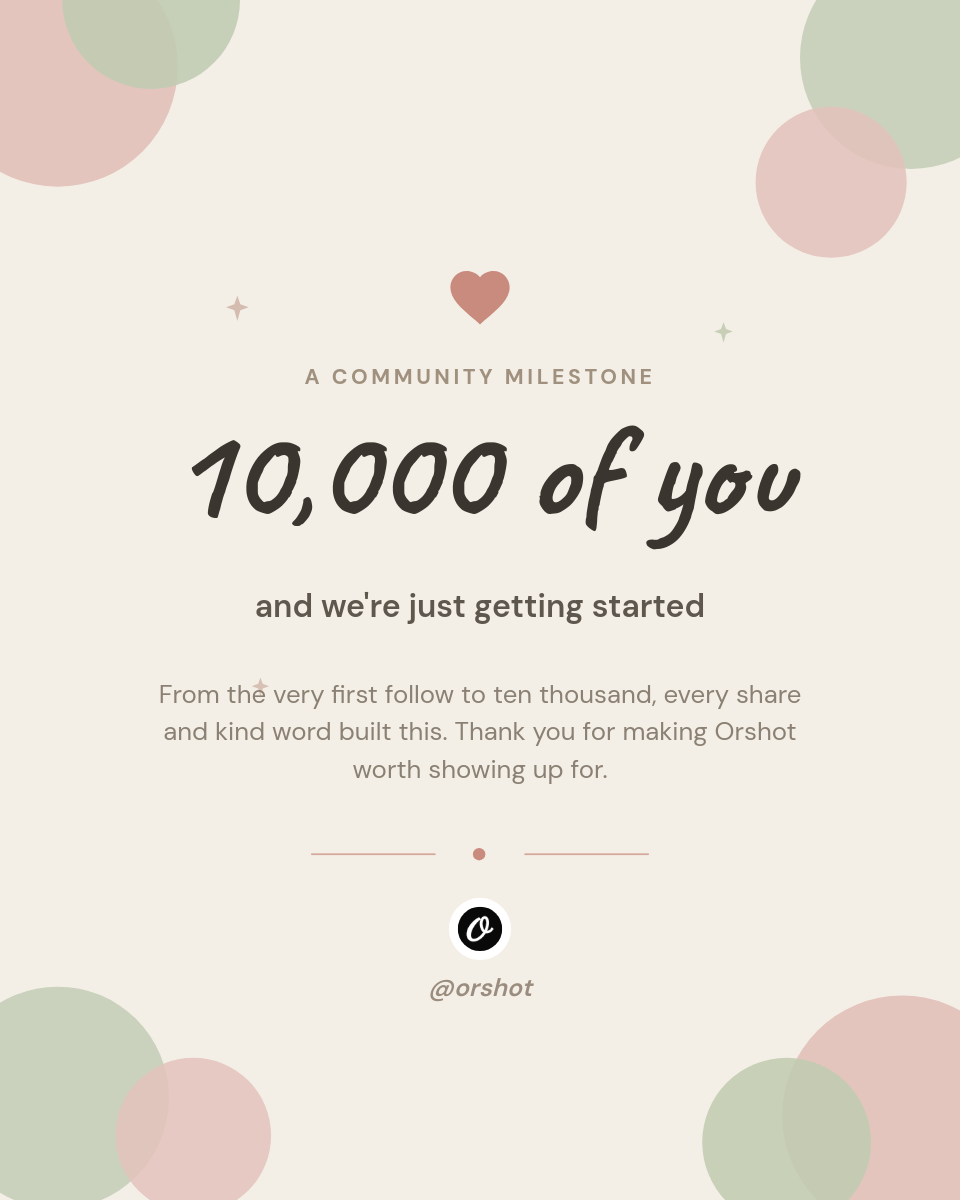
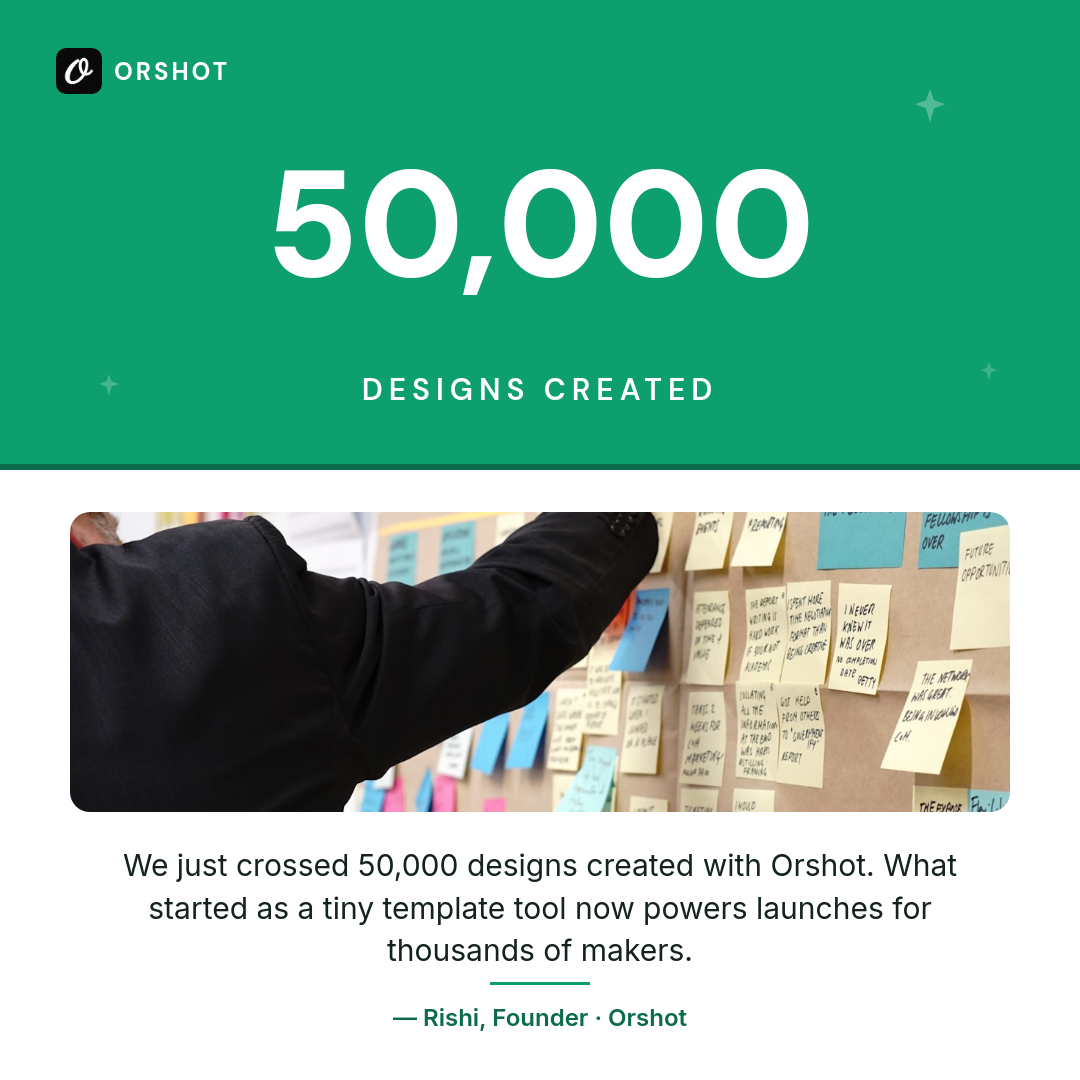
A milestone webhook produces a badge your users post, sending traffic back to you.

See all workflows
Trigger1Incoming webhookRun when an external service posts data.
Source2Webhook payloadUse rows from the incoming webhook body.
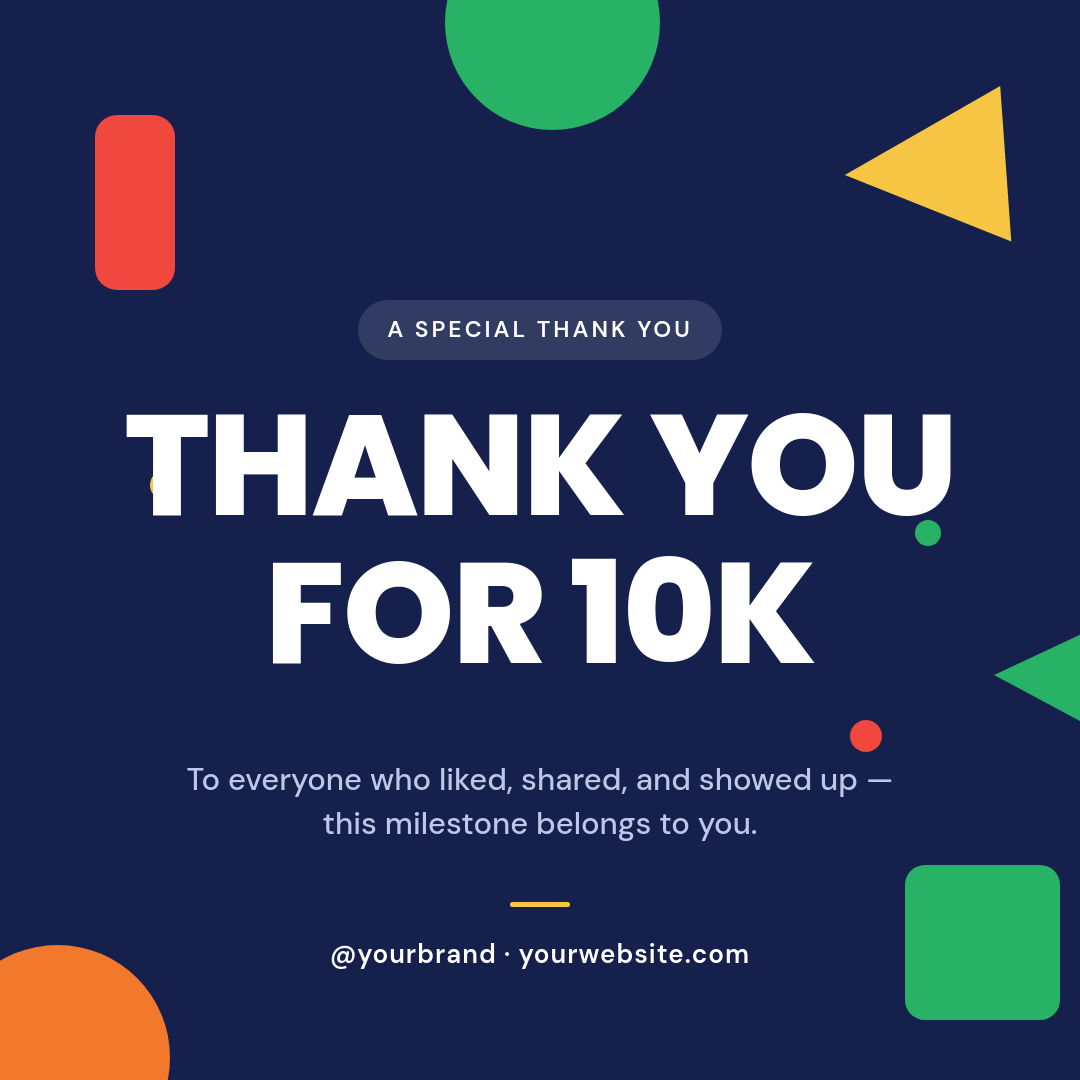
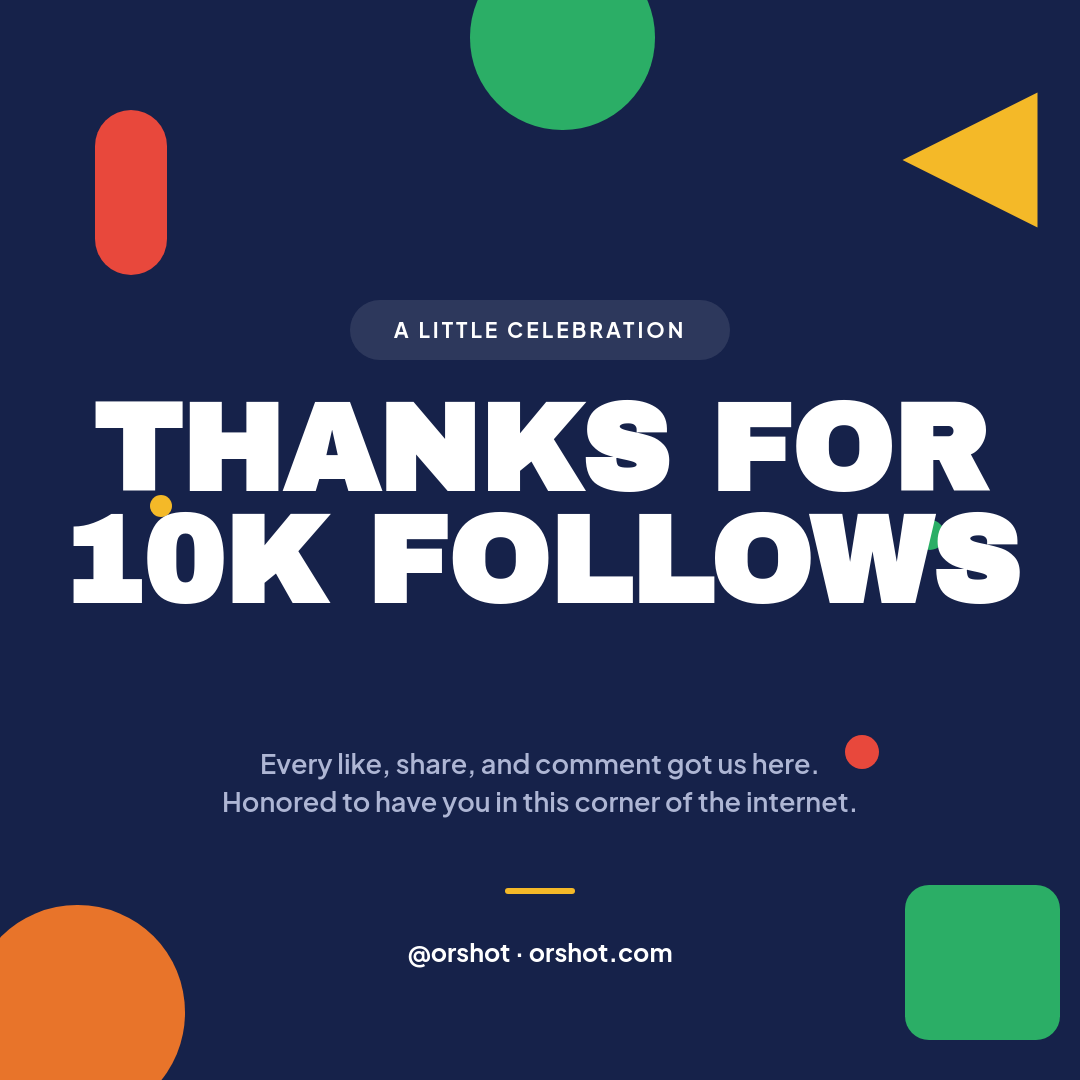
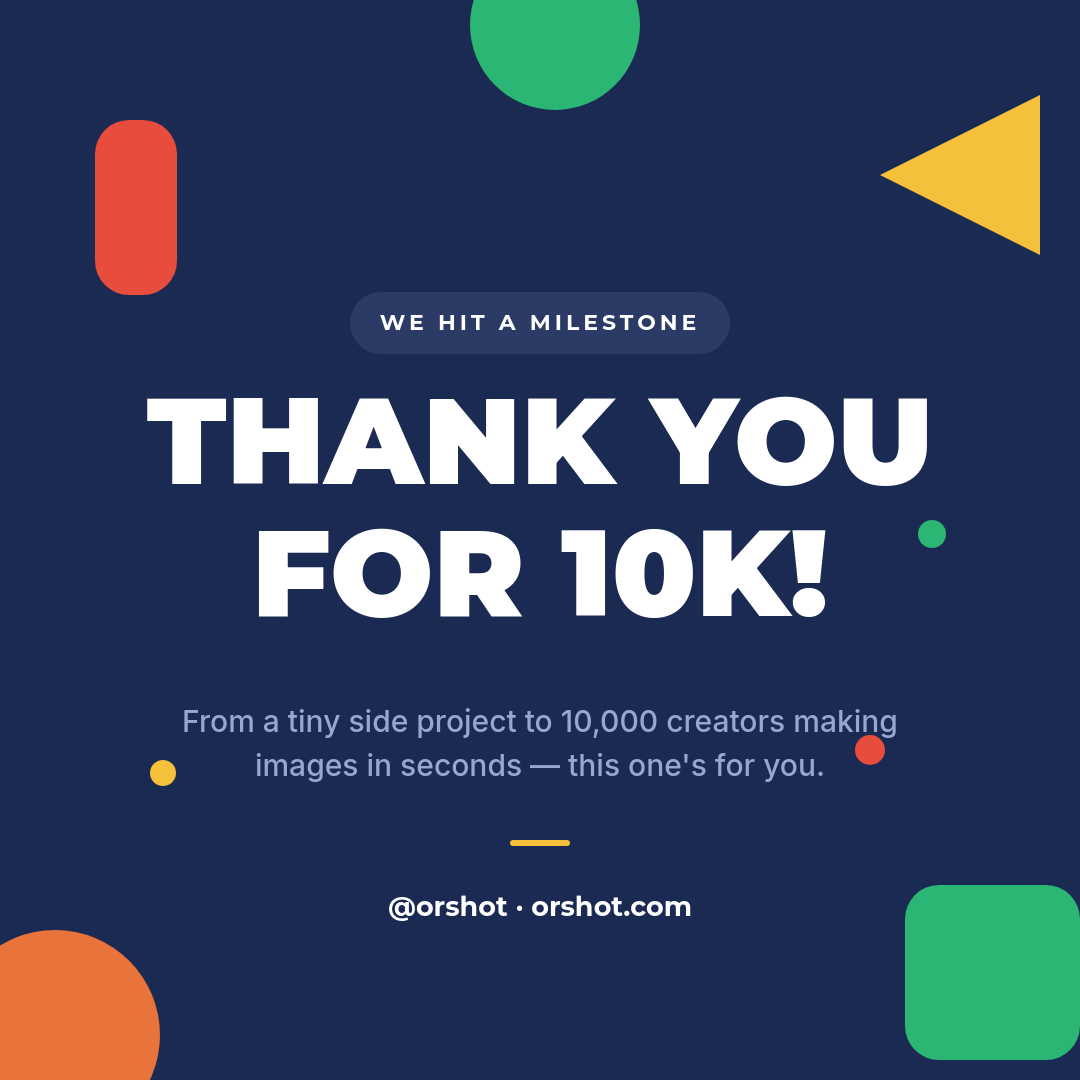
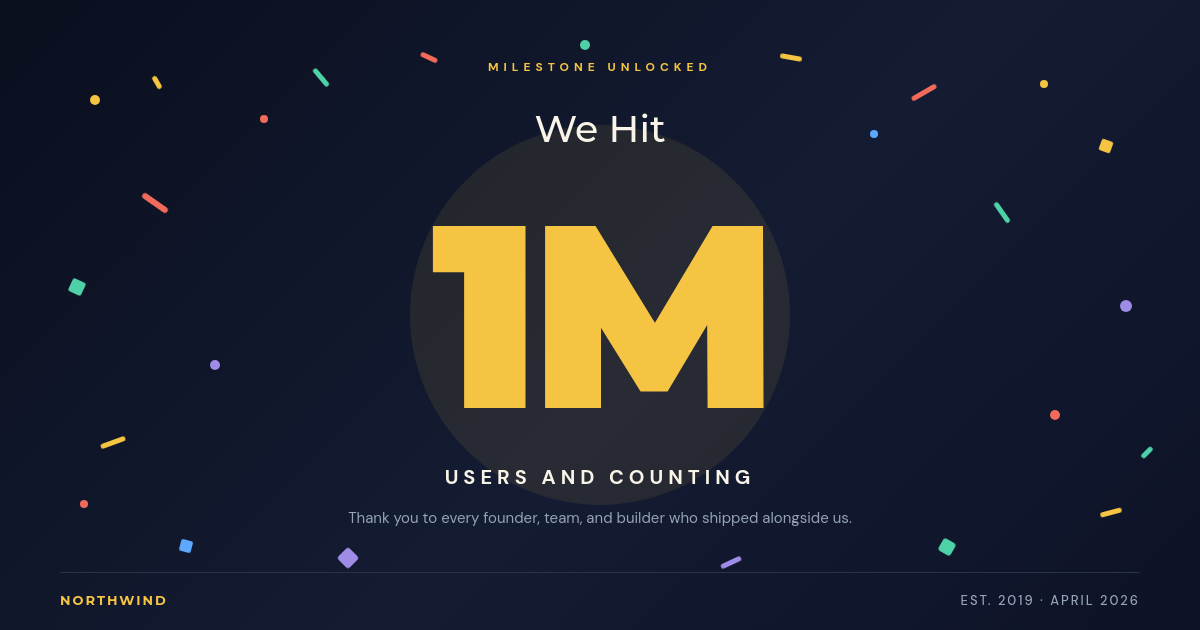
Render3Bold Geometric Confetti Milestone Thank-You Instagram PostExample template. Swap in your own design.
Destination4Orshot URLKeep the render available at a URL.

Badges your users actually want to share

Users love a badge they earned, and they share the ones that look good. The problem is generating one per user, per milestone, without a design queue. This workflow closes that gap. Your app already knows when someone hits a milestone, so let it fire a webhook and get a finished badge back.

How it works

  1. A milestone webhook fires from your app. When a user unlocks something, POST a small JSON payload to the workflow webhook with the achievement name, the user, and a date.
  2. A badge is rendered from the payload. Orshot reads those fields and renders a PNG from your template. Long names and short ones both fit because the text resizes to the layout.
  3. You get a hosted image URL back. The render returns as an Orshot URL. Drop it into your app, a share card, or an email. It works anywhere a link works.

Why badges bring traffic back

A shared badge is a link with your product on it. Every user who posts one is putting your name in front of people who trust them, and each of those people can click through. You are not buying that reach, you are rendering it, one earned badge at a time.

Who builds this

SaaS and app teams
A badge on a milestone screen or in a lifecycle email, generated from the event you already track.
Learning platforms
Course and streak badges learners can post, each rendered from the completion payload.
Community products
Reputation and contributor badges that members show off, made the moment they are earned.
Creator tools
Achievement cards your users share, turning their wins into links back to your product.
How it works, step by step

  1. Design a badge template

    Build a badge image in the studio with placeholders for the achievement name, the user, and a date.

  2. Point a webhook at the milestone

    In your app, POST to the workflow webhook the moment a user unlocks something worth marking.

  3. Map the payload to the badge

    Match the fields in your POST body to the badge placeholders so each render is personal.

  4. Return a hosted image URL

    The workflow renders a PNG and hands back an Orshot URL you can drop into your app or an email.

Integrations in this workflow

Connect these apps once and the workflow moves your data through them automatically.

Frequently asked

How do I generate an achievement badge from my own app?

POST a small JSON payload to the workflow webhook when a user hits a milestone. Orshot reads the fields, renders a badge from your template, and returns a hosted image URL. You never leave your codebase or touch a design tool.

What is in the webhook payload?

Whatever your badge needs. Usually the achievement name, the user's name, and a date. Those fields map straight to placeholders in the template, so the badge is built from the exact data you send.

Where does the finished badge live?

The render comes back as a hosted Orshot URL. It does not post anywhere on its own, so you decide where it goes: a profile page, a share button, a receipt email, or an API response.

Can each achievement look different?

Yes. Send the achievement type in the payload and switch a label, color, or icon in the template, so a first-purchase badge reads differently from a hundred-day-streak badge while sharing one design.

Do I need to design a badge for every milestone?

No. One template covers many achievements. The payload fills in the name and detail, so a single design scales to every milestone you track.