


← All Workflows

Return a dynamic OG image from a webhook

Fire a webhook with a title and description, get back a social card URL for any page.

See all workflows
Trigger1Incoming webhookRun when an external service posts data.
Source2Webhook payloadUse rows from the incoming webhook body.
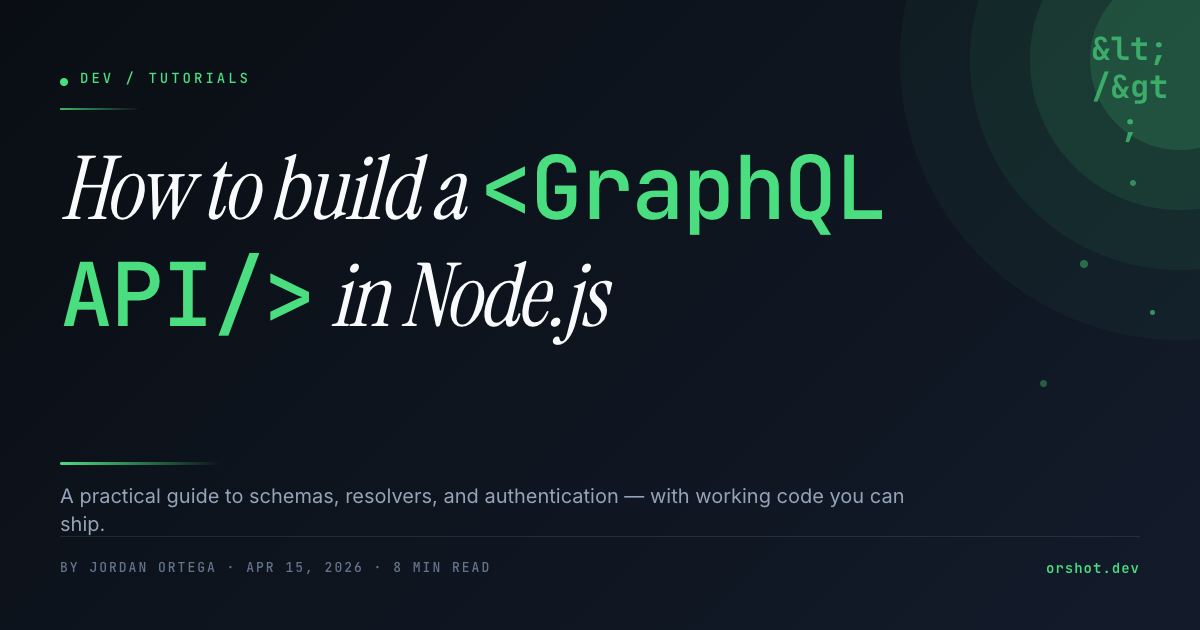
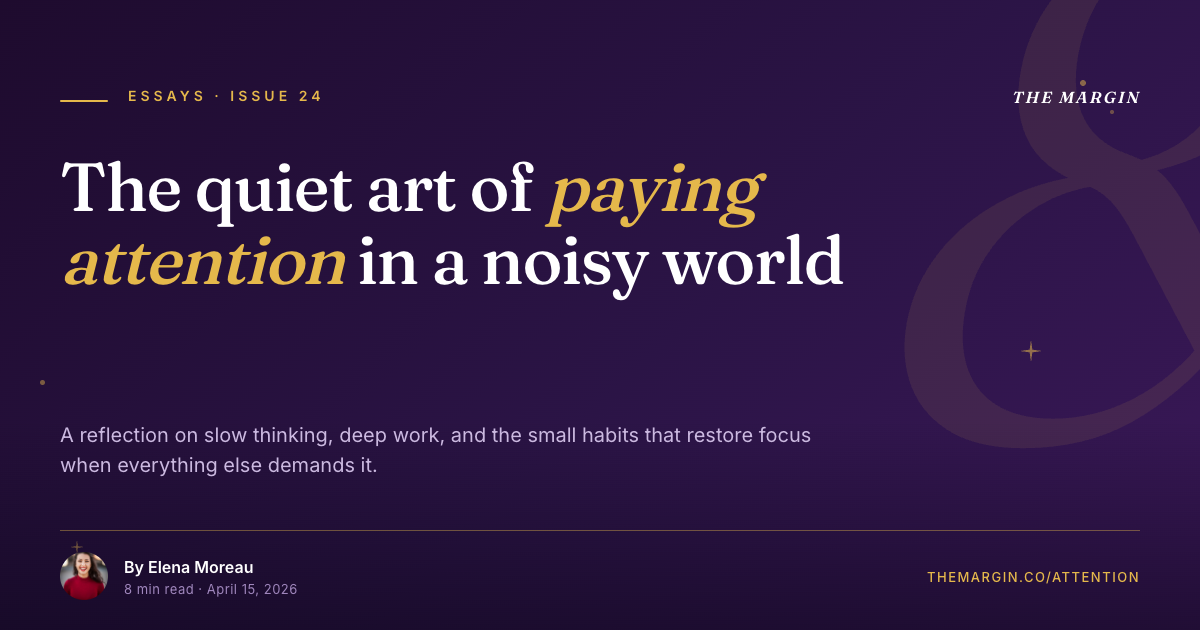
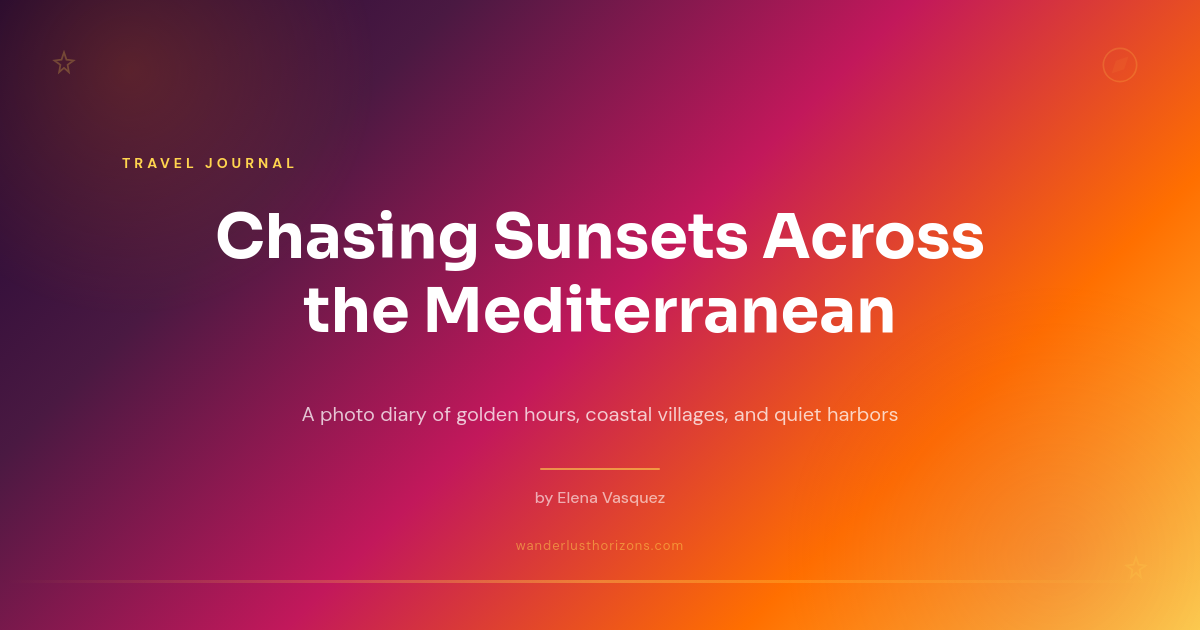
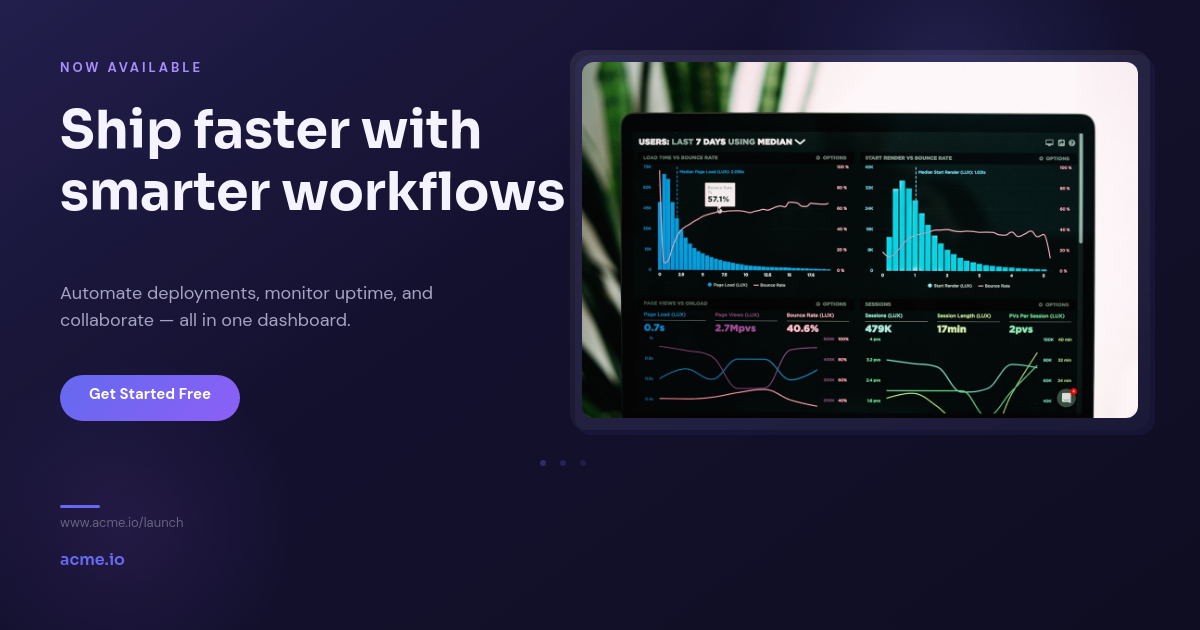
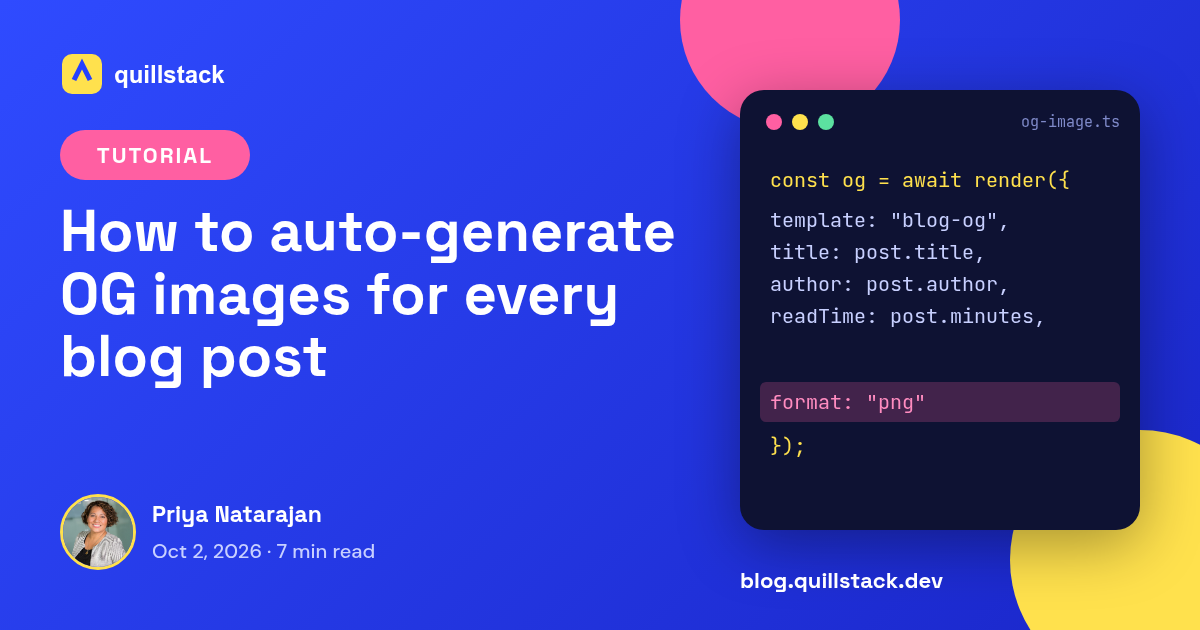
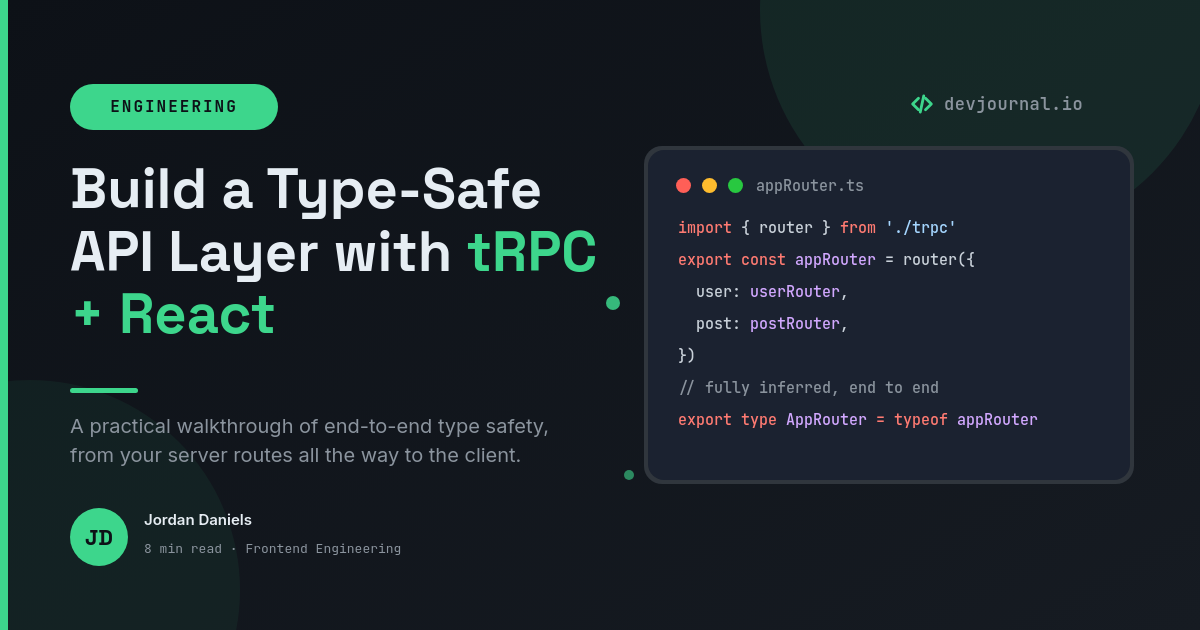
Render3How to Build — Dev Tutorial Blog OG ImageExample template. Swap in your own design.
Destination4Orshot URLKeep the render available at a URL.

A webhook that returns a social card URL

Every page that gets shared needs an og:image, and wiring up an HTML-to-image endpoint per project is the kind of yak-shave that eats an afternoon. This workflow gives you the endpoint instead. POST a title and a description, get back a hosted image URL, and drop it in your og:image tag.

How it works

  1. POST to the webhook. Send a JSON body with the fields your card shows, a title and a description at minimum.
  2. A card renders from the payload. The workflow maps those fields onto your template and renders the social card. Long titles auto-fit instead of overflowing.
  3. You get back a hosted URL. The response carries a hosted Orshot image URL for that render. It does not post anywhere, it is yours to use.
  4. Use it as og:image. Put the URL in the page's og:image tag. When the link is shared, the preview is your rendered card.

Where developers use it

Blogs
One POST per post from the CMS or build step, so every article has a card built from its own title.
Docs sites
A card per page rendered from the page title and section, generated at build time.
Dashboards
Shareable snapshots where the title and a key number come straight from the request payload.
User-generated pages
Profiles and listings that each get a card from their own fields, no screenshot service in the stack.

Design the card once in the studio, and every route that can build a title and a description has a matching social image on demand.

How it works, step by step

  1. Design a social card template

    Build a 1200 x 630 template in the studio with placeholders for the title and description, plus anything else your card shows.

  2. Create the webhook trigger

    The workflow gives you a webhook URL. Call it from your app or build step with the values for the card in the request body.

  3. Map the payload

    Point the template placeholders at fields in the webhook body, like title and description, so each request renders its own card.

  4. Use the returned URL

    The response returns a hosted Orshot image URL. Set it as the page's og:image. It does not post anywhere on its own.

Integrations in this workflow

Connect these apps once and the workflow moves your data through them automatically.

Frequently asked

How do I generate a dynamic OG image from a webhook?

Design one 1200 x 630 template, then POST a title and description to the workflow's webhook URL. Orshot renders a social card from that payload and returns a hosted image URL, which you set as the page's og:image tag.

What do I send in the webhook body?

A JSON body with the fields your card shows, a title and a description at minimum. Map those to the template placeholders once, and every request renders a card from its own values.

Do I get an image back, or does it post somewhere?

You get a hosted image URL back in the response. The workflow does not post to any social account. You use the URL wherever a link works, most often in the og:image meta tag.

What size should the card be?

1200 x 630 pixels is the standard for Open Graph. Design the template at that size and every render comes out correct for X, LinkedIn, Slack, and chat apps.

Can each request use different text?

Yes. The card is rendered from the payload, so a different title and description in each POST produces a different image, all from one template.