Generate Facebook Ads in Every Size with Your Agent
Describe the offer once. Your agent designs the ad on your brand, renders it in every placement size from one template, and makes the variants you want to test.
100 free credits a month · no credit card · works in Claude, ChatGPT, Codex, Cursor and more
Use the Orshot ad creative skill: https://orshot.com/agents/skills/ad-creative.md. Make this ad in every Meta and Google size:
 Claude
 ChatGPT
Your agent reads the skill from /agents/skills/ad-creative.md and renders through Orshot. First time? It asks you to sign in once.
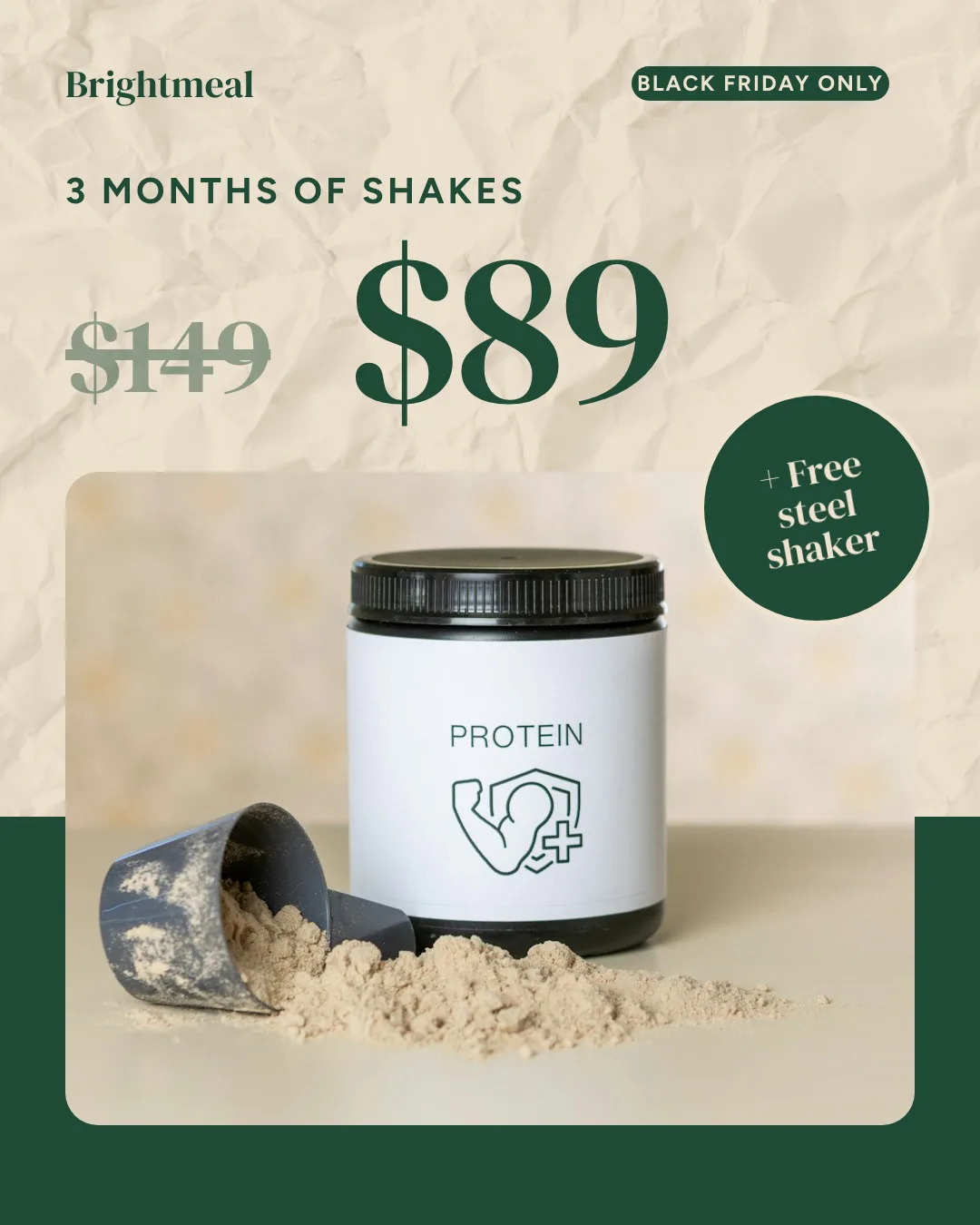
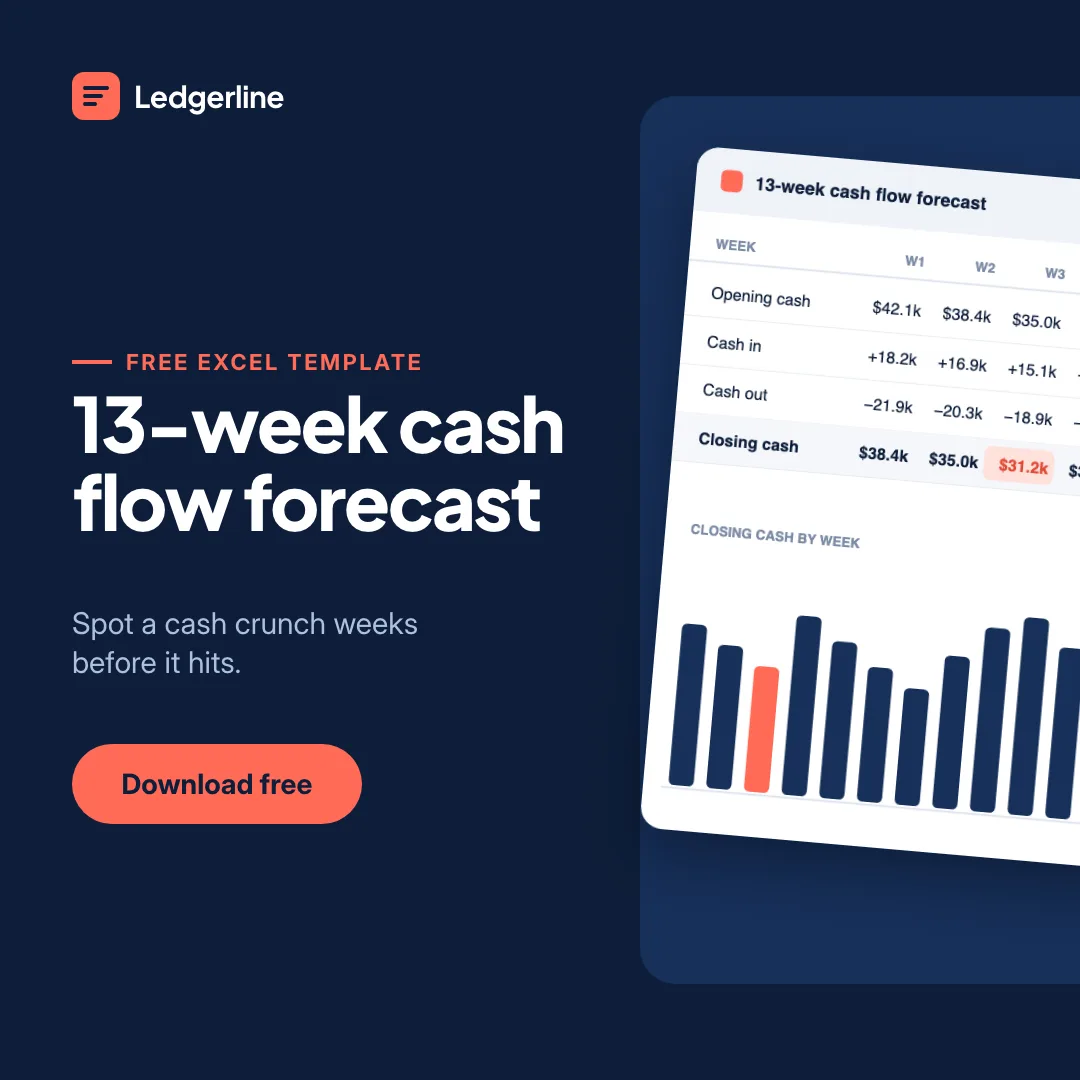
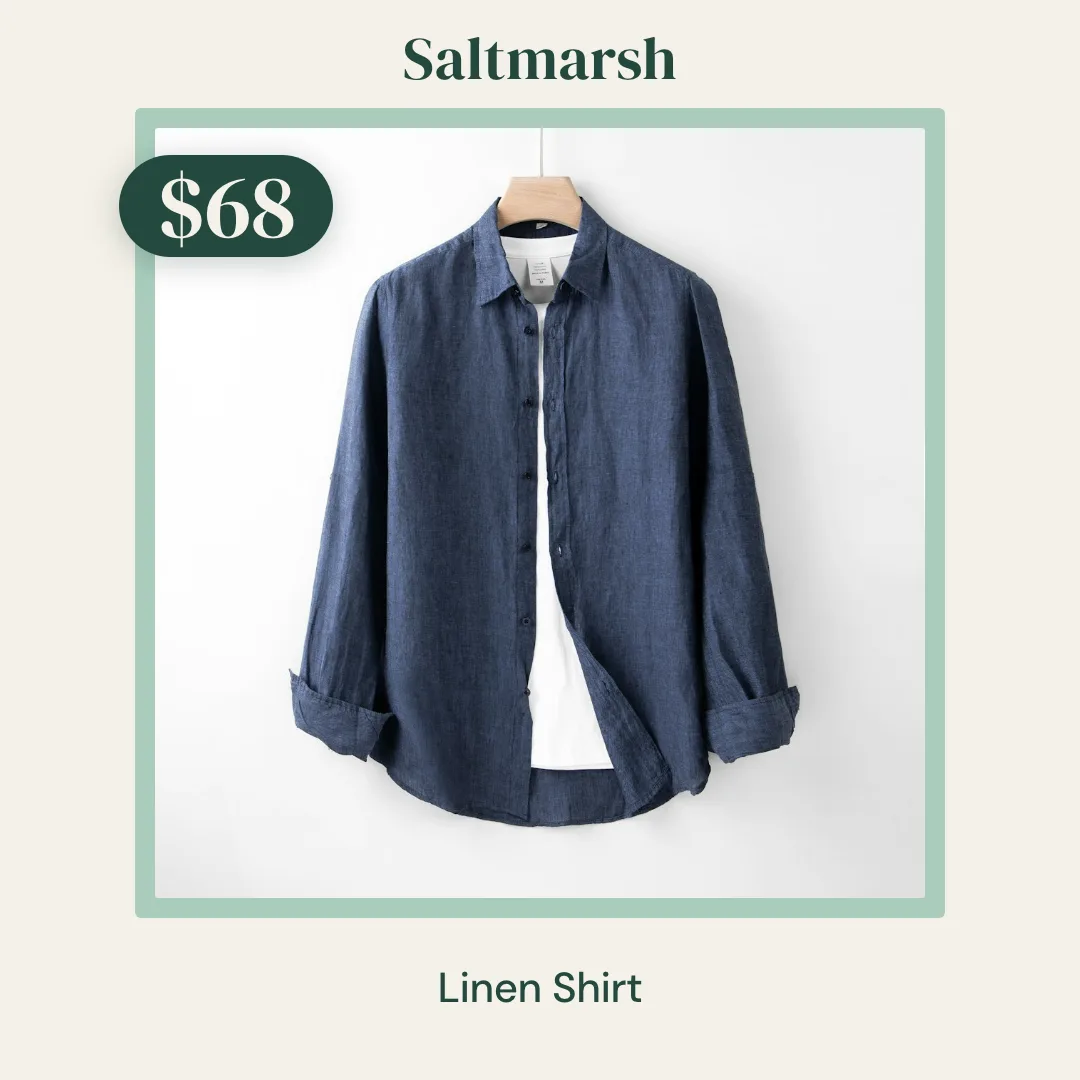
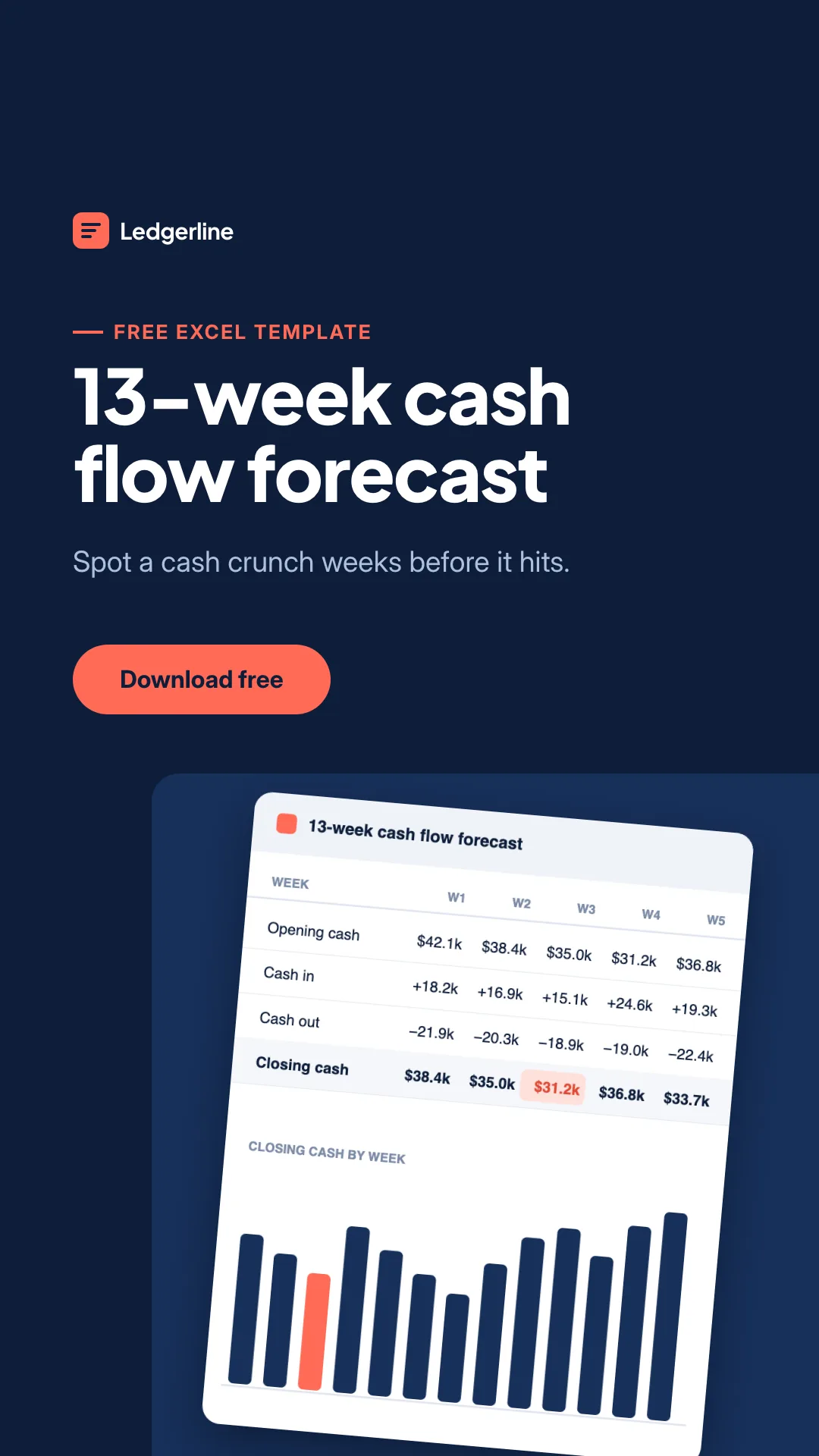
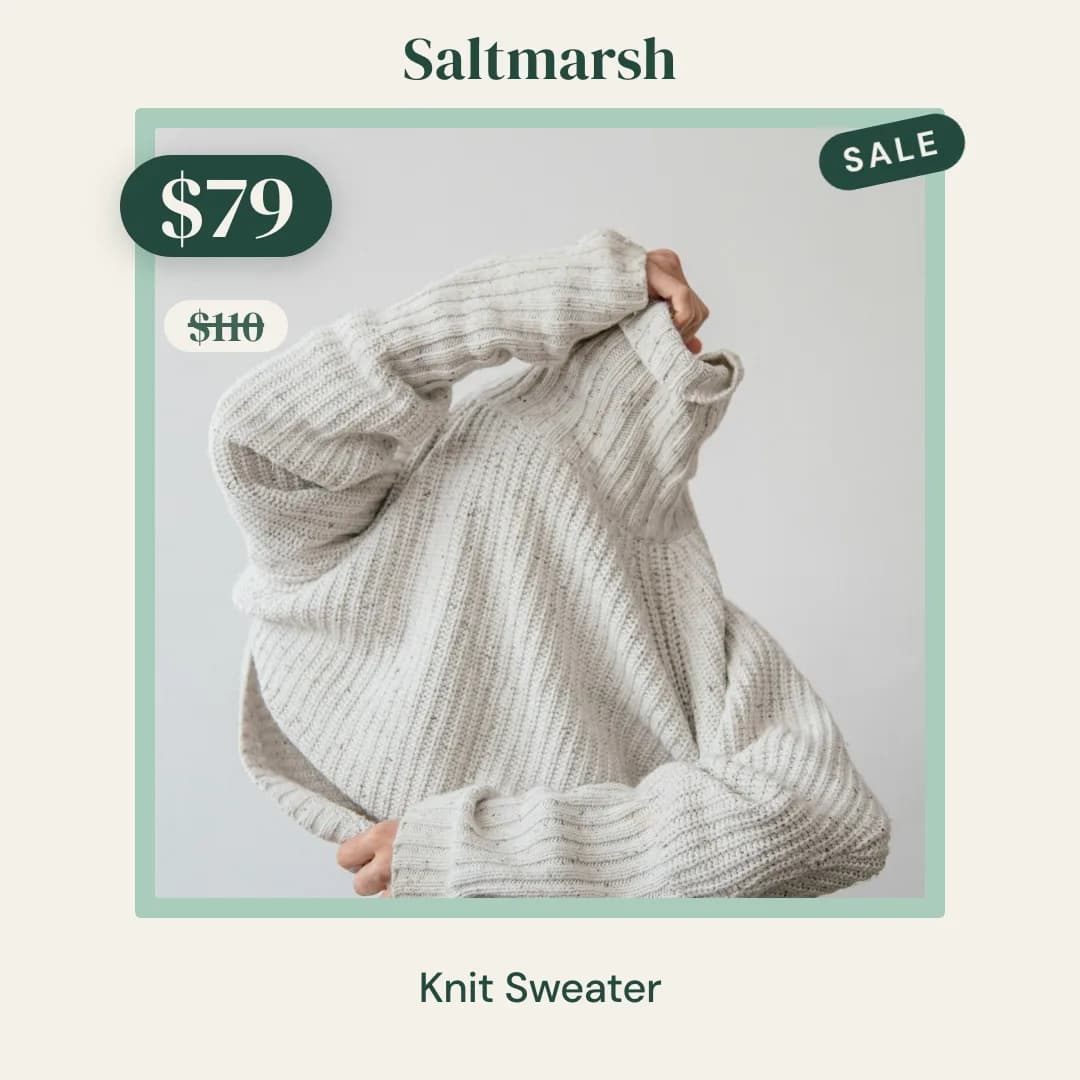
Real outputs, rendered with this skill.
Every image here came from a template and a render call, not from a mockup. Drag or scroll the row, and click one to see it full size.
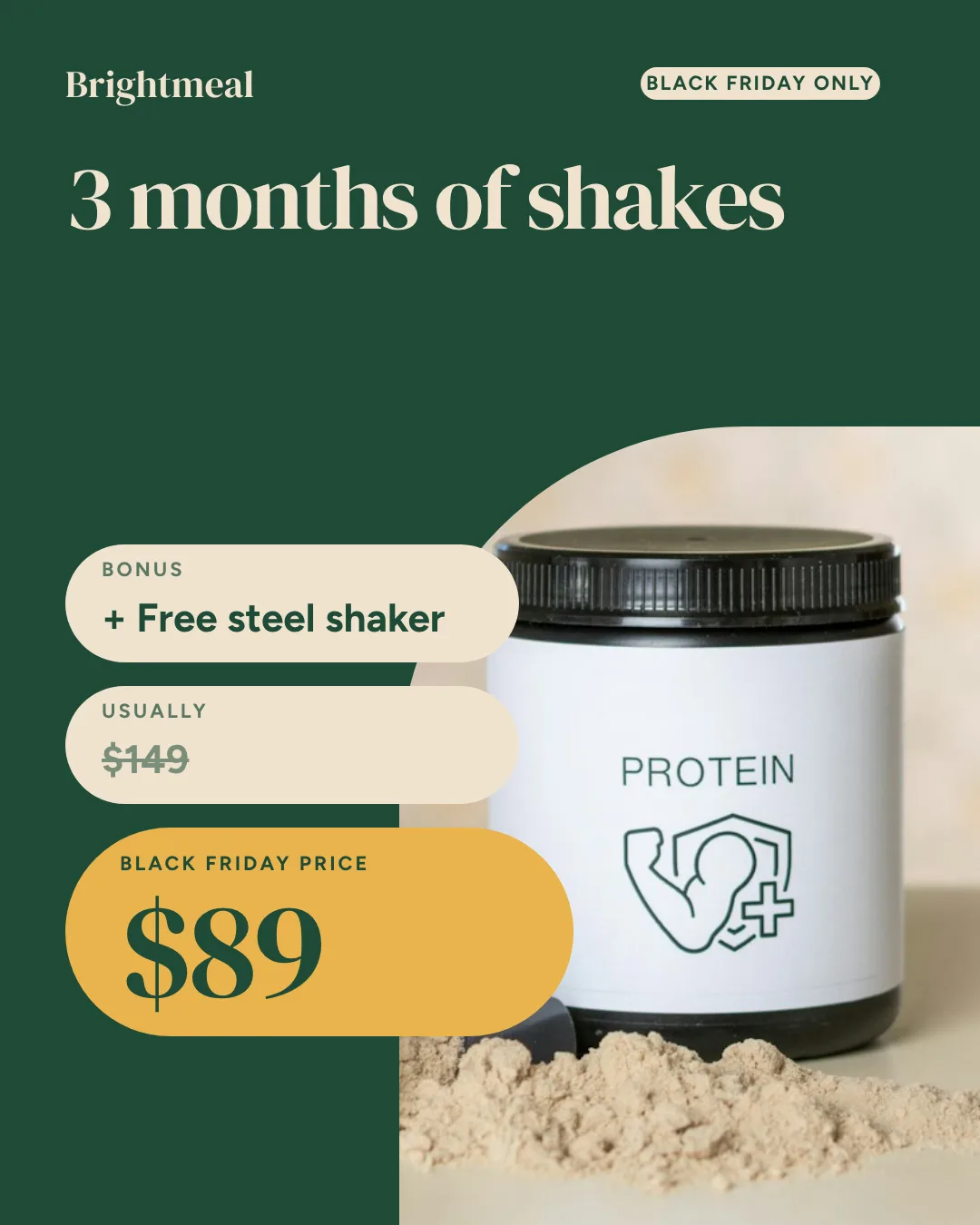


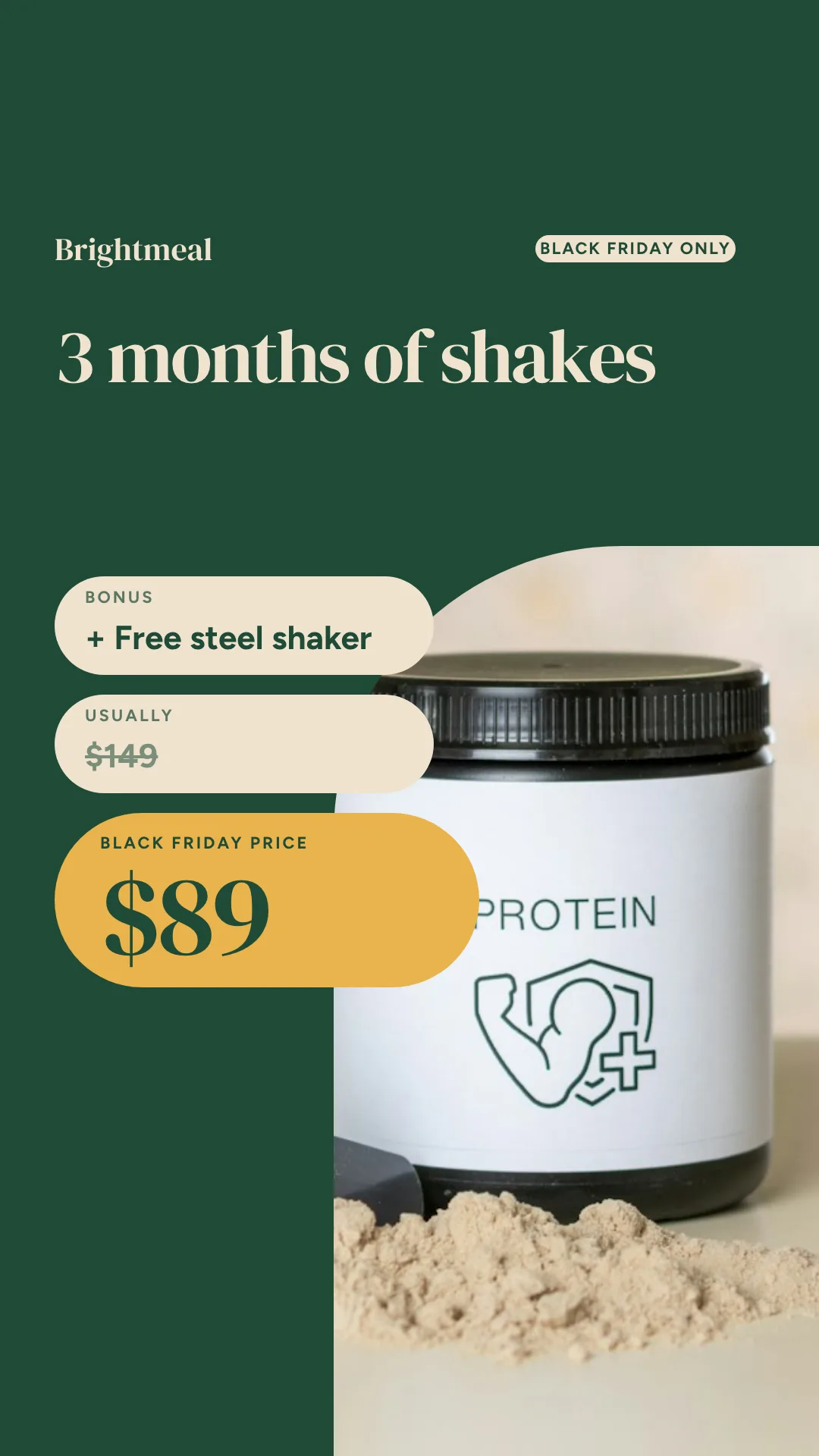
Built from ads that keep running.
We went through the public ad libraries in October 2026, kept static ads that had run for 30 days or more or in several versions, and measured each layout. Your agent builds one of those formats as a template, so every new offer, product or hook drops into a layout that already works.
 Meta Ad Library: ecommerce16 direct-to-consumer brands across food, beauty, apparel, home, pets and tech, from 23 scanned20
- Meta Ad Library: SaaS and localLead magnets, roofing, HVAC, med spa, dental, movers and hiring, from about 230 ad cards20
 LinkedIn Ad LibraryThe 24 newest ads of 10 B2B software advertisers, 240 cards11
 Google Ads Transparency CenterDisplay banners from about 4,000 creatives, one shown for 1,515 days9
- 3 to 6layouts per winning offer, so the skill builds a set
- 2 to 6words in the hook, with the product filling 40 to 75%
- 85 to 90%of local ads had no offer on the image
- 9:16twin for almost every static, top and bottom kept clear
What your agent does, step by step.
The skill tells the agent which Orshot tools to call and in what order. You see each result before the next step.
- Step 1
Reads the offer
Product, price, discount, deadline and the one line that sells it.
your brief - Step 2
Designs on brand
Picks a format advertisers run (offer as the headline, proof chips, us vs them) and builds one ad template from your brand kit with the headline, price, photo and CTA as dynamic fields.
orshot_plan_designorshot_get_brand_kitorshot_create_template_design - Step 3
Renders every size
Smart Resize re-lays the same design for feed, story, display and LinkedIn sizes in one call.
 orshot_render_templateextraSizes
 - Step 4
Makes test variants
Two or three headlines, offers or photos rendered in one batch, named so you can tell them apart in Ads Manager.
orshot_batch_render_template
Say it like this. The skill does the rest.
Not for organic social posts (use the social-media-content skill), carousels (use the carousel skill), video ads with footage or voiceover (use the video-generator skill), YouTube thumbnails (use the youtube-thumbnail skill) or posting and scheduling (use the social-media-scheduler skill).
- Meta feed ad · 1200×628 · PNG
Facebook ad
Make a 1200×628 Facebook ad for a vitamin C serum: 'Brighter skin in 14 days', a 20% off badge, the star rating and a Shop now button. Product photo on the right.
- Instagram post · 1080×1080 · PNG
Weekend sale post
Create a square weekend sale post for STRIDE&CO: 30% off every runner, code RUN30, ends Sunday 11:59 PM. Navy and orange, with the sneaker photo on the right.
- Instagram story · 1080×1920 · PNG
Black Friday story
Design a Black Friday early-access Instagram story: up to 50% off, Nov 24 to 30, code EARLY50. Black and yellow, with a tap-to-shop line inside the safe area.
- Catalog card · 1080×1350 · PNG
Product card from a sheet
Create a product card template with the product photo, name, price, compare-at price and a 'New in' badge. Then render one for every SKU in my product sheet.
Ads from your product feed. No agent in the loop.
Render one ad per product from a sheet, CSV or Shopify feed on a schedule. Your ad platform reads the image URLs.
curl -X POST https://api.orshot.com/v1/studio/render \
  -H "Authorization: Bearer $ORSHOT_API_KEY" \
  -H "Content-Type: application/json" \
  -d '{
    "templateId": 123,
    "modifications": {
      "headline": "Midnight Cold Brew",
      "price": "$4.50",
      "product_photo": "https://example.com/cold-brew.jpg"
    },
    "response": {
      "type": "url",
      "format": "png"
    }
}'Read it before you install. It is one file.
This is the SKILL.md your agent loads, word for word. It names every tool call, the layout rules and the gotchas.
Orshot-HQ/orshot-agent-skills---
name: orshot-ad-creative
description: "Static ad creative generator with Orshot: Facebook and Instagram ad creatives, Meta story ads, catalog ads and display banners rendered from one template with real headlines, offers, prices, logos and product photos, so every test variation is on brand and spelled right. Smart Resize makes every placement size in one call, a batch render makes hook and angle variants, catalog ads render one image per product from a sheet, a CSV or the Orshot Shopify app, plus short GIF or MP4 banners. Use when: \"static ad creatives for Meta\", \"ad variations to test\", \"our ads have creative fatigue\", \"15 ad variants from this product photo\", \"facebook ad maker\", \"catalog ads for my store\", \"banner ads in every size\", \"AI ad generator\". NOT for organic social posts (use orshot-social-media-content), carousels (use orshot-carousel), video ads with footage or voiceover (use orshot-video-generator), YouTube thumbnails (use orshot-youtube-thumbnail) or posting and scheduling (use orshot-social-media-scheduler)."
homepage: https://orshot.com/agents/skills/ad-creative
license: MIT
metadata:
author: Orshot
version: "1.1.1"
openclaw:
emoji: "📣"
homepage: https://orshot.com/agents/skills/ad-creative
primaryEnv: ORSHOT_API_KEY
requires:
env: []
bins: []
envVars:
- name: ORSHOT_API_KEY
required: false
description: Orshot API key. Only for REST and scheduled jobs. Not needed over the hosted MCP server with OAuth.
---
# Orshot Ad Creative: one template, every ad size, every variant
An ad campaign is one design repeated many times: three Meta sizes, five display sizes, four headline tests, a new price every week. Drawing each one is slow, and image models cannot be trusted with prices, logos or the word "40%". So this skill builds an ad **template** once and **renders** it with Orshot, an API for automated image, PDF and video generation from templates. The price is real text, the logo is the real logo, and the 300th ad matches the first.
Writing ad copy is your job. Rendering it into pixel-exact ads in every size is Orshot's.
The layouts come from the ad formats `orshot_plan_design` returns for the job: the formats advertisers actually run, built from 60 static ads that were live in October 2026, most of them running 30 days or longer: 40 from the Meta Ad Library (picked from the ad pages of 23 direct-to-consumer brands and about 230 SaaS, B2B and local service ads), 11 from the LinkedIn Ad Library (240 cards from 10 B2B advertisers) and 9 from the Google Ads Transparency Center (about 4,000 creatives searched). Plan before you design.
## What people ask for
- "Our Meta statics are fatiguing after a week. Make 10 new variations of our winning ad. Only the hook changes." (Refresh before the ad fatigues.)
- "Here's a product photo of the Tidewell bottle. Give me 15 static ad variations to test, feed and story sizes." (Product photo on a busy background, then Variants.)
- "I already make product scenes with an AI image model. Put our headline, price and logo on top so the text is never wrong."
- "Make catalog ads for every product in this Shopify store, with the sale price struck through when there is one." (Catalog and feed ads.)
- "I run Meta ads for six HVAC and roofing clients. Set up one ad template per client so I can push a new offer every week." (Agencies.)
- "Our recruiters at Hirebright send job details every day. Turn each one into a static job ad from our approved template in n8n."
## Where the facts live
This skill is the flow. Field shapes, allowed values and limits are in the docs. Read the page instead of guessing.
- Smart Resize over the API (`size`, `extraSizes`, preset list with sizes, response shape, limits): https://orshot.com/docs/api-reference/render-from-studio-template.md
- Smart Resize in the editor (adjust and save a size): https://orshot.com/docs/orshot-studio/smart-resize.md
- Style overrides per render (for example `opacity`): https://orshot.com/docs/orshot-studio/style-parameters.md
- Canvas background per render: https://orshot.com/docs/orshot-studio/api-specs.md
- Template JSON: `orshot_get_design_spec` topic `template-json`, or https://orshot.com/docs/definitions/template-json.md
- Credits: https://orshot.com/docs/definitions/credits-usage.md
- Shopify app: https://orshot.com/docs/integrations/shopify.md
- Animated output (`videoOptions`): https://orshot.com/docs/video-generation/video-options.md
- Ad formats by type (skeleton, sizes, fields): `orshot_plan_design` with the campaign as `job`; every format by name: `orshot_get_design_spec` topic `formats-catalogue`
- Default size sets per campaign: `references/ad-sizes.md`
- Design craft (hierarchy, type, color, safe areas): load the `orshot-design` skill.
## Setup
1. Connect the hosted MCP server `https://mcp.orshot.com/mcp` (OAuth in the browser, no key). Client steps: https://orshot.com/docs/integrations/mcp-server.md. Scheduled jobs, n8n, Make, Zapier and server code use REST with `ORSHOT_API_KEY` (Workspace Settings > API Keys).
2. Confirm with `orshot_get_account`. A "plan limit" or "inactive subscription" reply is billing, not auth: send the user to https://orshot.com/pricing.
3. Get the brand: `orshot_get_brand_kit`. Empty and the user has a website? `orshot_scan_brand_website` with the URL, show what it found, and only after a yes call `orshot_import_brand_website`.
## The idea: one design, every size
Design the ad once at its main size. Render it with `extraSizes` and Smart Resize re-lays the same design out for each extra size in the same call. `size` replaces the main size; `extraSizes` adds copies. A value is a preset slug, a `"WIDTHxHEIGHT"` string or `{ width, height }`. Presets and limits: [Smart Resize](https://orshot.com/docs/api-reference/render-from-studio-template.md). Default sets for Meta, display and LinkedIn: `references/ad-sizes.md`.
Rules that keep Smart Resize honest:
- Pick the main size from the format, then from where most spend goes. The format from `orshot_plan_design` names its size (catalog frames, local offers and LinkedIn are 1:1). Otherwise Meta-first campaigns design at 1080x1350, display-first at 300x250 or 1200x1200.
- Strip banners (728x90, 320x50, 970x250) have room for a logo, a 3 to 5 word headline and a CTA. Look at them before shipping. If one does not read, build a separate strip template with the same parameter ids. (A person can also fix that size in the Studio's Smart Resize panel with Adjust Variant; an agent cannot, so offer it to the user rather than relying on it.)
- `extraSizes` works for image formats only. Each extra size is billed as its own image.
## Ad anatomy and copy rules
An offer ad has these parts; make each one it uses a dynamic field. Formats without a product or price (a lead magnet, a quote, a stat card) use their own fields from the formats file plus the shared ids below:
| Part | parameterId | Rule |
|---|---|---|
| Hook / headline | `headline` | 2 to 6 words, the benefit or the offer itself, not the feature. "Sleep cooler tonight" beats "Phase-change fabric"; "$150 furnace tune-up" needs no headline above it |
| Offer | `offer` | One device: "40% OFF", "Free shipping", "2 for 1". In a badge, the biggest text after the product |
| Price | `price`, `old_price` | Real price from the user or the feed. `old_price` struck through, hidden with `"old_price.opacity": "0"` when there is no sale |
| CTA | `cta` | 1 to 3 words: "Shop now", "Get 40% off". Display banners, lead magnets, webinars and B2B offers carry it on the image. DTC and catalog ads on Meta leave it off, because the ad unit adds its own button. Make it a field so it can be hidden with its opacity |
| Logo | `logo` | Brand kit logo, small, one corner, always the same corner. No logo for this brand (a new agency client, a kit that holds other brands' assets): set the name as a text wordmark in `brand_name` and say so. Never use another brand's kit assets |
| Product | `product_image` | The product huge (40 to 75% of the frame, often cropped by the edge) on a flat colour taken from the product, or a real photo of it in use. `objectFit: "cover"` for photos, `"contain"` for cut-outs. A photo with a background counts only when the product itself fills that share: crop in, or cut it out |
**One field set for every layout.** Templates in one campaign, and every client template an agency keeps, use the same ids, so one row renders through all of them: `brand_name`, `logo`, `kicker` (the line above the price), `headline`, `old_price`, `price`, `offer` (the gift or bonus, often a sticker), `product_image` (a product), `photo` (a scene: a job site, a van, a portrait), `phone`, `cta`, `legal`. The formats file lists only the extra fields a format adds. Catalog templates for Shopify use the app's field names from its docs instead.
Copy rules:
- Few words on the image. The ad's primary text and headline fields carry the long copy; the image carries the hook, the offer and the product. About 20 words on the image is a hard ceiling; 8 to 12 is better.
- One message per ad. A test changes one thing at a time.
- Numbers are digits: "40%", "$29", "3 days left".
- The hook goes in the top third and reads on its own, so it is the first thing seen. In Stories and Reels the bottom of the frame sits under the caption and buttons.
- Story placements: keep text, offer and logo out of the zones the platform UI covers: on a 9:16 ad the top 13 to 20% and the bottom 20% hold no text. The safe areas are in `orshot_get_design_spec` topic `social-pack`, section 1.
- Specific numbers beat adjectives: "$2.65 per meal", "2g vs 39g of sugar". The offer sits on the product (a sticker, the price under the kicker), never in a footer.
- Contrast: white text on a photo needs a dark scrim (a gradient shape) under it.
## Build the template once
1. `orshot_list_studio_templates` with search `ad`. A good one exists? Read its keys with `orshot_get_studio_template_modifications` and skip to rendering.
2. **Plan, and pick the format.** `orshot_plan_design` with the brief, `job` (the user's words: "meta ad for the spring sale"), the main size and `on_brand: true` for brand work. It returns the ad formats advertisers run for that job (skeleton, size, fields, what makes each work) and the plan: palette, fonts, type scale. Pick the format whose fields match what changes per ad and say it in one line before you design: "DTC offer ad, offer as the headline: kicker, struck old price and new price, the open box filling the middle, a free-gift sticker on it." The format sets the skeleton, the sizes of things and the fields; the brand's colours win over the plan's accent.
3. Read `orshot_get_design_spec` topic `template-json` once per session, and load the `orshot-design` skill if the user has not fixed a look.
4. Find real imagery: the user's product shots from the brand kit, or `orshot_search_stock_media` with the subject in 1 to 3 words. Pick stock with no visible brand or label (many product shots show a real logo), and tell the user it is a placeholder for their own shot. Resolve a stock pick to a URL with `orshot_use_stock_media`, or put its `ref` straight into the template.
5. `orshot_create_template_design` named `Ad: <brand> <campaign type>`, `canvas_width` and `canvas_height` from the format's size, `tags: ["ad"]`, `includeThumbnails: true`. Every part in the table above is `parameterizable: true` with its `parameterId`. Text layers get `textMode: "fit"` and a `minFontSize`. A seasonal background colour needs no field: send `canvasBackgroundColor` per render.
6. Read the thumbnail and the design checks. Fix real problems with one `orshot_update_template_design` call; small edits go through `orshot_patch_template_elements`.
7. Render once with all target sizes in `extraSizes` and look at every variant, the strips most of all, before any campaign run.
### A campaign is a set of layouts
Winning advertisers run one offer or one quote in 3 to 6 layouts at once and keep the ones that hold. Build 2 to 4 templates for a campaign from different formats in the formats file (offer as the headline, proof chips, a native screenshot, a review card), all with the same parameter ids, and render the same row through each. A layout test is then one batch, and the next week's offer fills every layout at once.
For Stories and Reels, brands ship a native 9:16 sibling of each static, not a stretched feed ad. Render the 9:16 with Smart Resize and look at it. A result with `resize.mode: "block"` or a `coverage` under about 0.6 is the square letterboxed in empty ground: build the sibling. If any text sits in the top 250 px or the bottom 380 px of the 1920, the product shrinks, a band of empty ground appears or a sticker stretches, build the sibling: a second template at 1080x1920 named `<feed name> 9:16`, with the same parameter ids and an extra `story` tag, its text between y 270 and 1530. That is the agent's path; render the same row through both.
### Product photo on a busy background
Cut it out first: `orshot_render_library_template` with `templateId: "image-background-removal-api"`, `modifications: { "inputImage": "<photo URL>" }` and `format: "png"`. Check the fields with `orshot_get_library_template_modifications` if unsure. Use the result as `product_image` with `objectFit: "contain"`. It costs 1 AI credit per image, a separate pool from render credits ([Credits](https://orshot.com/docs/definitions/credits-usage.md)). Over REST it is `POST https://api.orshot.com/v1/generate/images` with the same `templateId` and `modifications` ([Render from a utility template](https://orshot.com/docs/api-reference/render-from-template.md)).
### Already making images with an AI model? Keep them, fix the text
Image models get prices, offers and small words wrong. Keep the user's generated image and send it as `product_image`, or as a full-bleed background image field. The template sets the headline, offer, price, CTA and logo as real text. The image URL must be public and must not expire (Gotchas).
### Rebuild a winning layout with the user's own assets
Start from the user's own past winner, or a screenshot of a layout they like. Note where the hook, product, offer and logo sit, and build that structure with the user's brand kit, product photos and words. Never copy another brand's logo, product shots, claims or copy, and do not scrape ad libraries for material.
### Agencies: one template per client
Each client gets its own template, tagged with the client name (`tags: ["ad", "<client>"]`), and every client template uses the same parameterIds. One automation then serves every client: it switches `templateId` and sends that client's row. Find a client's template with `orshot_list_studio_templates` and its tag.
## Render per campaign
Over MCP, `orshot_render_template` takes `templateId`, `modifications`, `format`, `size`, `extraSizes` and `fileName` as top-level arguments. Over REST the size fields go inside `response`:
```bash
curl -s -X POST https://api.orshot.com/v1/studio/render \
-H "Authorization: Bearer $ORSHOT_API_KEY" -H "Content-Type: application/json" \
-d '{
"templateId": 123,
"modifications": {
"headline": "Sleep cooler tonight",
"offer": "40% OFF",
"price": "$89",
"old_price": "$149",
"cta": "Shop the sale",
"product_image": "https://cdn.example.com/pillow.png",
"cta.opacity": "0"
},
"response": {
"type": "url", "format": "png",
"fileName": "bf26_offer-40_v1_feed",
"extraSizes": { "square": "instagram-post", "story": "instagram-story", "mrec": "medium-rectangle-ad" }
}
}'
```
`data.content` is the main ad. Each entry in `data.extraSizes` carries its own link in `content`. An entry with an `error` failed alone; the others are fine. Show the user every link.
The CTA is hidden for Meta in the example. For a display-only run, leave `cta` visible.
## Variants for testing
Test one variable at a time: headline angle, offer, or image. Write 3 to 5 options of that one field and keep the rest fixed.
- `orshot_batch_render_template` takes the `templateId`, a `renders` array of modification sets, and one shared `format`, `size` and `extraSizes`. Results come back in the same order as `renders`. Split large sets into several calls; the tool schema gives the per-call cap. Over REST, loop `POST /v1/studio/render`.
- Naming: `<campaign>_<variable>-<value>_v<n>_<size>`, for example `bf26_headline-sleep-cooler_v2_story`. Batch renders take no `fileName`, so keep a table of index, name, copy and URL, and hand it to the user with the links. Single renders take `fileName`.
- Cost before you send: variants x (1 + extra sizes). 5 headlines with 3 extra sizes is 20 images, 20 credits.
- After the test, make the winner's copy the template default with `orshot_patch_template_elements`, so future runs start from it.
### Refresh before the ad fatigues
Static ads wear out, so plan new variants on a schedule instead of waiting for results to drop.
- A sheet with one row per concept: the winning image, the offer and price, and a column of new hooks.
- Once a week, render the new hooks for each concept. Only the hook changes (or only the image). Name each file with the pattern above and write each URL back to its row.
- Run it where the user already automates (n8n, Make, Zapier or code), or as an Orshot Workflow draft (see Sheets, CSV and Airtable feeds below).
- Say the weekly cost first: hooks x (1 + extra sizes) credits per concept. 8 hooks with 2 extra sizes is 24 credits per concept a week.
- When a test ends, patch the winning hook into the template default as above.
## Catalog and feed ads: one render per product
For Meta Advantage+ catalog ads, Google Shopping-style display and any "every product, every size" job, each product is a set of modifications. Map the feed's columns (`title`, `price`, `sale_price`, `image_link`) to the template's fields, render one ad per product, and put each URL back next to its row.
Orshot renders the images and returns hosted URLs. It does not upload ads to Meta Ads Manager, Google Ads or LinkedIn Campaign Manager. The ad platform reads the image links from a feed.
**Shopify stores: use the Orshot Shopify app** ([docs](https://orshot.com/docs/integrations/shopify.md)).
- The user installs Orshot from the Shopify App Store. On the **Shopify** page in Orshot they pick "ad images", pick the template, and turn the workflow on for added or edited products, with a one-time run for the existing catalog.
- Name the template's fields with the Shopify parameter names in those docs and they fill from each product with no mapping. Any other template is mapped once on that page.
- Ad images go to Shopify Files and to an ads feed that Meta Commerce Manager and Google Merchant Center read as a supplementary feed. The product's main image is not replaced.
- Over MCP, `orshot_list_connected_integrations` shows whether Shopify is linked, and `orshot_list_workflow_nodes` lists the Shopify trigger (`shopify_new_product`) for a custom workflow.
**Sheets, CSV and Airtable feeds.** This is a recurring job, so set it up as automation:
- Check `orshot_list_workspace_logs` for the `source` the user already runs. n8n, Make, Zapier or their own code: add the render call there (on a schedule, read the feed, keep only changed rows, render, write the URL back).
- No orchestrator yet: Orshot Workflows. `orshot_list_workflow_nodes` returns the exact node keys, including Google Sheets, CSV and Airtable sources and a Google Sheets write-back step. Build with `orshot_create_workflow` as a draft and run it once with `orshot_run_workflow` after the user says yes.
For every feed:
- Sale logic lives in the feed step: when `sale_price` is lower, send `offer`, `price` and `old_price`; when it is not, send the price and `"old_price.opacity": "0"`.
- Re-render only changed rows. A 500-product catalog in 3 sizes is 1,500 credits per full pass.
## Animated banners (GIF and MP4)
For a short moving banner (a price that pops, a badge that pulses, 3 to 6 seconds), the same render tool takes `format: "gif"` or `"mp4"`. A video ad over 6 seconds, or with footage, voiceover or more than one scene, is a film: load `orshot-video-generator` alongside this skill and use them as a pair. This skill sets the offer, the hook, the product photo, the sizes and the CTA, and designs the static end card. The video skill builds the scenes that lead to it (the "Video ad" format from `orshot_plan_design`).
- GIF and MP4 need a plan with video rendering. The Free plan renders neither. Check `orshot_get_account` first.
- Add motion to the template (enter animations, `showAt`, `motion`; see [Template JSON](https://orshot.com/docs/definitions/template-json.md)). Frame 0 must already show the product and the offer.
- Check the layout with a still first: `format: "png"` with `responseType: "base64"` costs one image credit and shows the first frame. Then render the motion once.
- `videoOptions` sets `duration` and `fps` ([video options](https://orshot.com/docs/video-generation/video-options.md)). A lower fps makes a smaller GIF. GIF has no audio. Animated output is billed per second.
- `extraSizes` does not work for GIF or MP4. Render each animated size as its own call with `size` (for example `size: "medium-rectangle-ad"`, then `size: "320x50"`), and look at each one. A size saved in the Smart Resize panel renders as arranged.
- Display networks cap file size. Keep GIFs short, small and low on fps; check the network's limit before you upload.
- Long renders: pass `background: true` and collect with `orshot_get_render_job`.
## Gotchas
1. Modifications key by `parameterId`, never by layer name. Read `orshot_get_studio_template_modifications` first.
2. Style overrides like `"old_price.opacity"` only reach parameterized layers ([style parameters](https://orshot.com/docs/orshot-studio/style-parameters.md)).
3. Keep ad templates single page; sizes come from Smart Resize, not pages. On a multi-page template a key without a `pageN@` prefix reaches no page.
4. Image URLs must be public. Feed image links behind auth or signed links that expire fail the render.
5. Rendering does not run an ad. A render can be posted as organic content with `orshot_publish_social_post`, but that is not a paid ad and is never the default.
6. A 9:16 variant made by Smart Resize keeps the feed layout's logic. Check the top 250 px as well as the bottom 380 px for text, and look for stretched stickers and empty bands.
7. Do not make a new template per campaign. Swap the colour, offer and image fields instead.
8. Serif faces with old-style figures (Cormorant, Playfair) make prices like "$110" hard to read. Set prices in a face with lining figures.
## Safety
- Never invent a discount, price, deadline or review. Use the numbers the user or the feed gives you, and ask when one is missing.
- No fake scarcity ("only 2 left") unless the data says so. No competitor logos or trademarks without the user's say-so.
- Rebuild layouts only with the user's own brand, images and words. Never copy another brand's ad, and never scrape ad libraries.
- Say the credit cost before any batch over 10 renders and before any feed run, and wait for a yes.
- Show the first render of a new template before running a batch or a feed.
- Ask before importing anything into the brand kit.
Related skills: `orshot` (API, render options, automation), `orshot-design` (design craft rules), `orshot-social-media-content` (organic posts from the same brand), `orshot-carousel` (carousel ads and posts), `orshot-video-generator` (video ads, used as a pair), `orshot-social-media-scheduler` (posting organic content).Ad Creative skill questions
Can Claude make Facebook ads?
Which ad sizes can it make?
Does it write the ad copy too?
Can it upload ads to Meta or Google?
Same templates, other jobs.
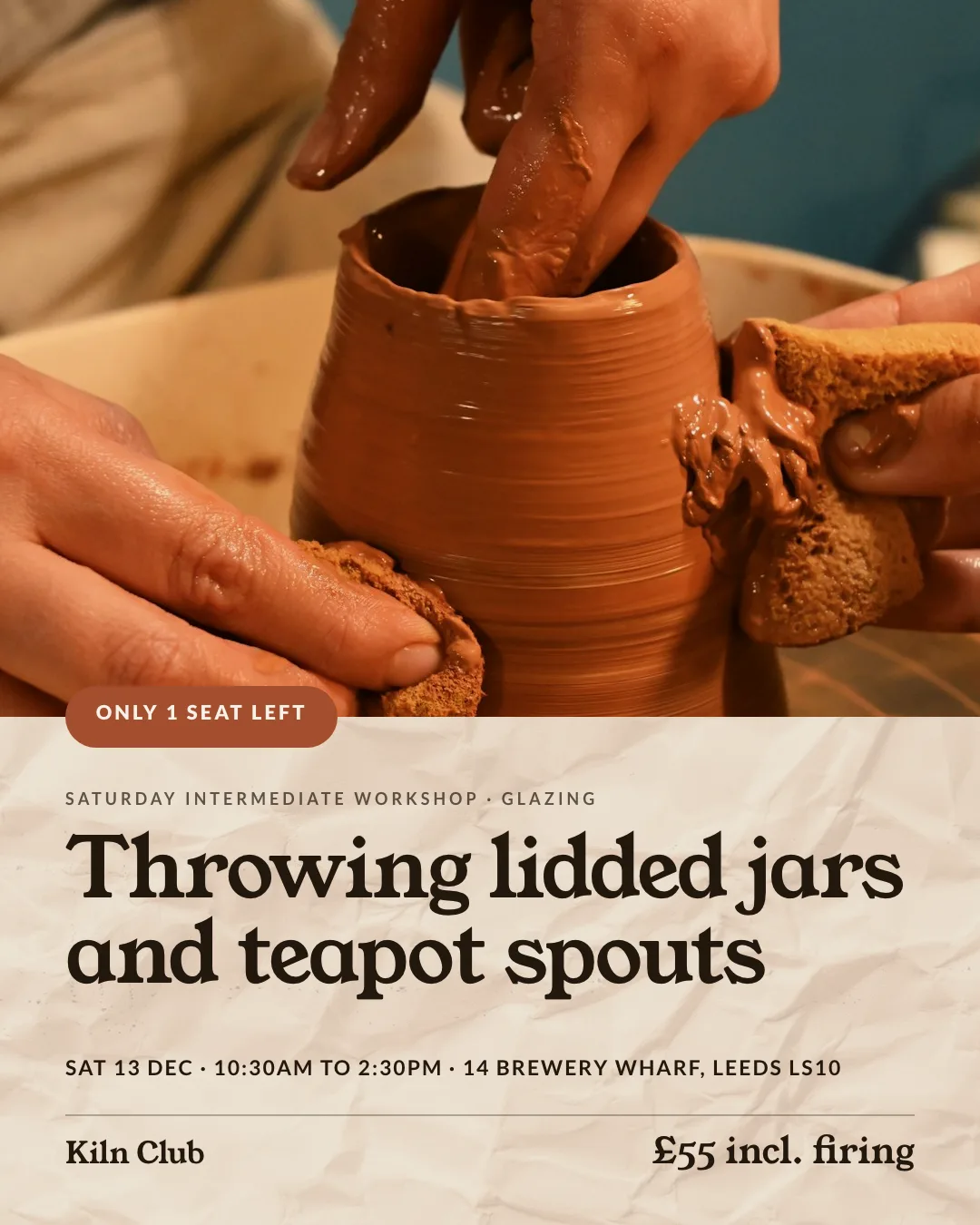
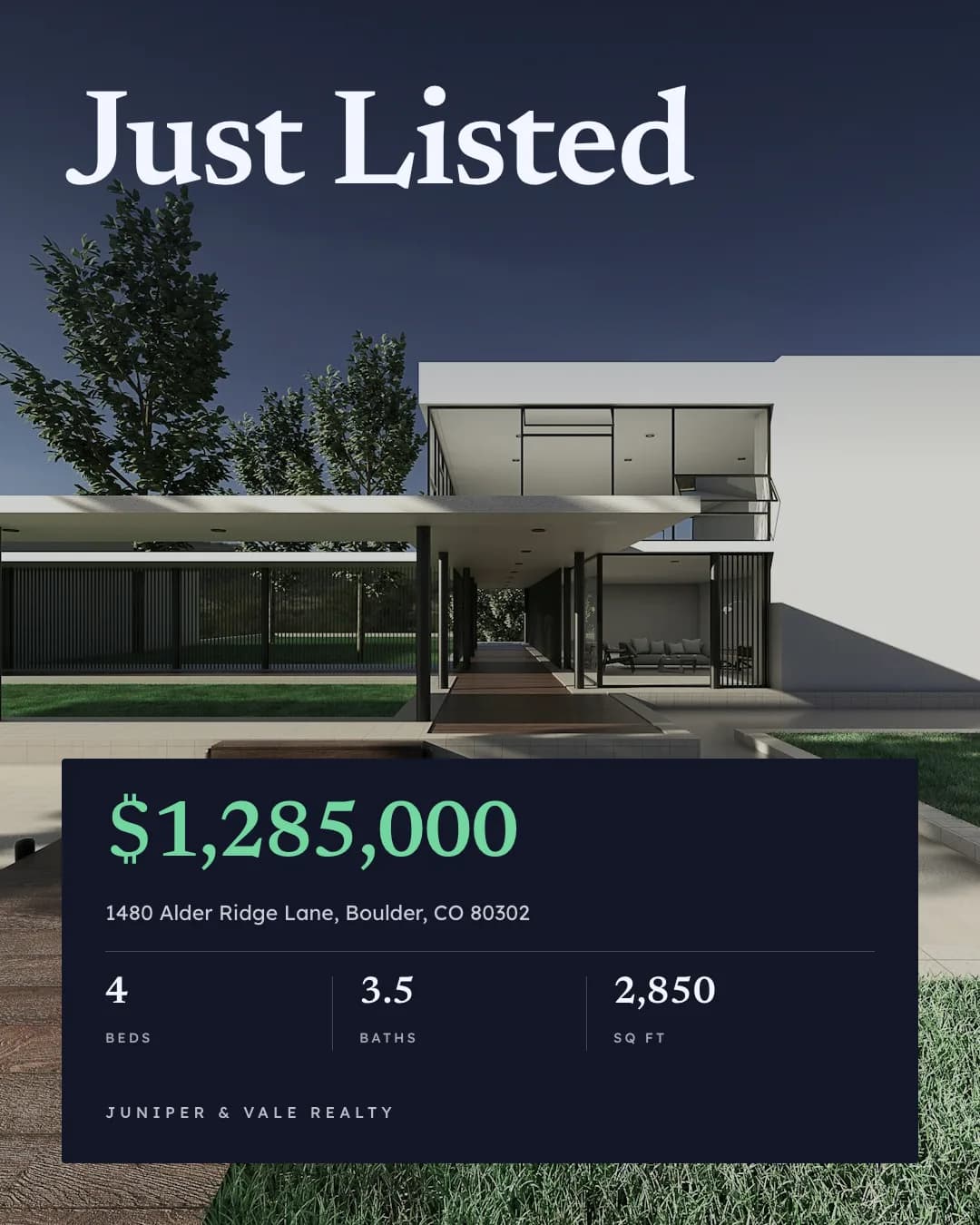
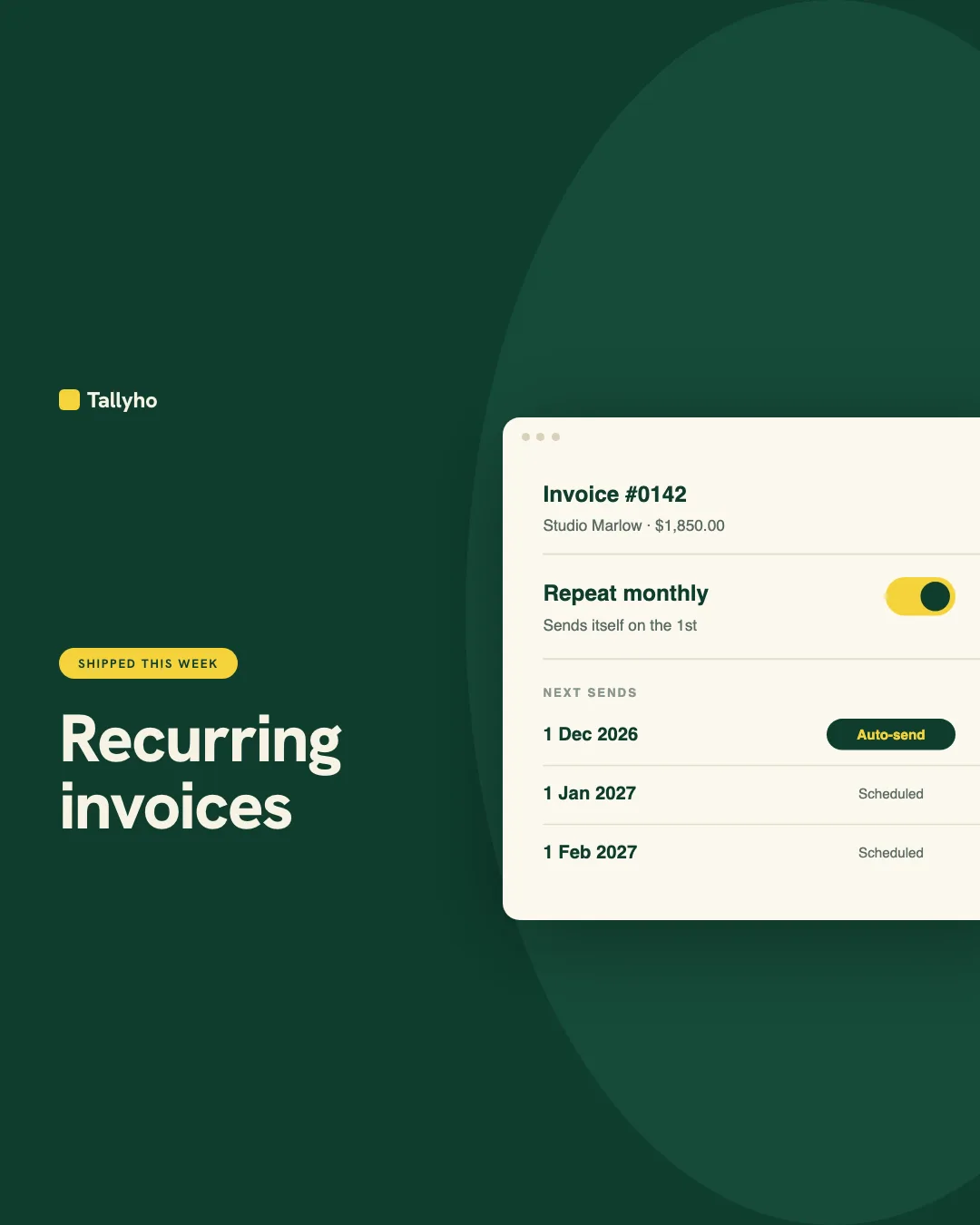
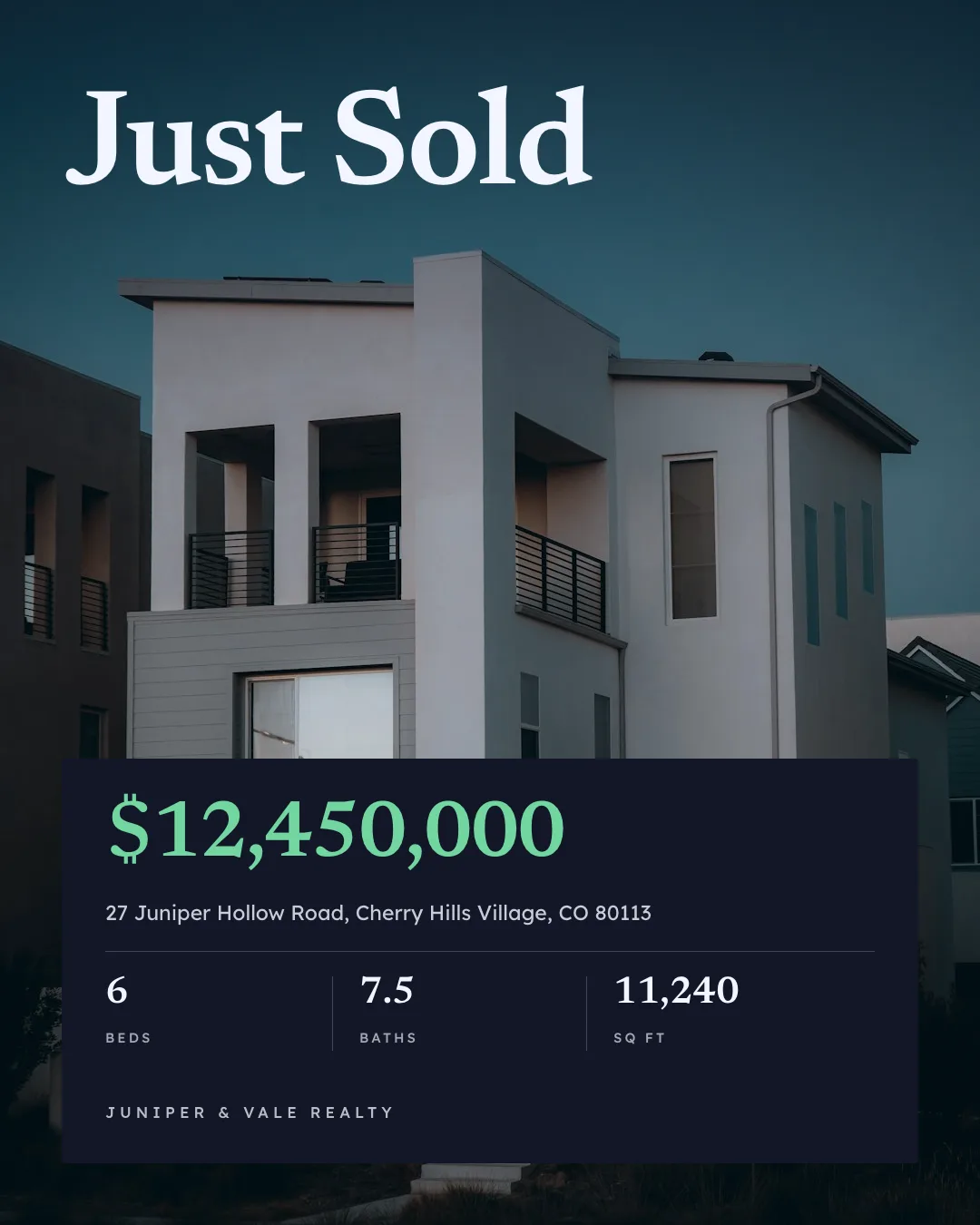
Social Media Content
On-brand Instagram, LinkedIn and Facebook posts from one prompt
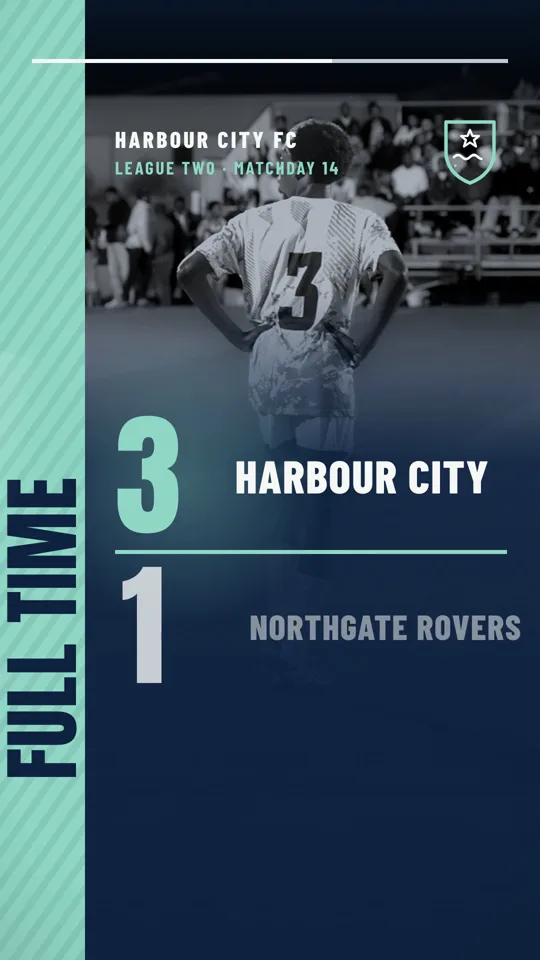
Video Generator
Reels, Shorts, product and listing videos and animated chart films


Carousel
Swipeable Instagram and LinkedIn carousels from any idea or post
Give your agent the ad creative skill. 100 free credits every month.
No credit card. Paste the link into your agent, sign in to Orshot once, and get your first render in the same chat.







