Make Faceless Videos, Reels and Shorts with Your Agent
Your agent plans the scenes, writes the text, draws the charts and icons or picks stock footage, and renders one MP4 with a transition into every scene. The same template then makes the next hundred videos.
100 free credits a month · no credit card · works in Claude, ChatGPT, Codex, Cursor and more
Use the Orshot video generator skill: https://orshot.com/agents/skills/video-generator.md. Make a 9:16 reel with captions from this script:
 Claude
 ChatGPT
Your agent reads the skill from /agents/skills/video-generator.md and renders through Orshot. First time? It asks you to sign in once.
Real outputs, rendered with this skill.
Every image here came from a template and a render call, not from a mockup. Drag or scroll the row, and click one to see it full size.
Built from videos brands actually post.
We timed every beat of short videos that clubs, venues and product teams posted, then compared each brand's most viewed Reels with its least viewed ones. The pacing, scene lengths and motion rules come from that.
 Instagram ReelsEvents, match days, listings, menus and testimonials, timed scene by scene15
 X and LinkedIn product videosFeature updates, milestones, charts and speaker videos15
- Motion design showcasesDribbble, Behance and motion designers on X16
- Reels compared by viewsThe 20 top and 17 weakest designed Reels across 7 brand accounts37
- 16 of 20top Reels show the message at frame 0, against 9 of 17 of the weakest
- 20 of 20top Reels are laid out for vertical; 4 of the 17 weakest were letterboxed
- 10film formats, each ending on the post itself
What your agent does, step by step.
The skill tells the agent which Orshot tools to call and in what order. You see each result before the next step.
- Step 1
Plans the scenes
Writes a beat sheet: one thing that happens per scene, each timed so every word can be read.
your script or topic - Step 2
Draws or finds the pictures
Draws charts, icons and logos as SVG that animates part by part, or searches stock video and photos, and adds your brand audio.
orshot_plan_designorshot_preview_elementorshot_search_stock_media - Step 3
Builds the template once
Scenes, transitions, motion and music become one film template with dynamic fields. Pacing and design checks run before any MP4.
orshot_create_template_design - Step 4
Renders the MP4
Renders every scene and cut as one MP4 with this video's text, pictures and numbers.
 orshot_render_templateformat: mp4
Say it like this. The skill does the rest.
Not for photo carousels posted as slides (use the carousel skill), YouTube thumbnails (use the youtube-thumbnail skill), static ads or 3 to 6 second animated banners (use the ad-creative skill).
- Reel · 1080×1920 · MP4
Product reel
Make a 6-second 9:16 reel for our new Midnight Cold Brew. Use a close-up photo with a slow push-in, the name in a big serif, the price ($4.50) and a Shop now button that gets pressed at the end.
- Reel with voiceover · 1080×1920 · MP4
Daily fact reel
Create a 9:16 'Did you know?' reel: a big number that counts up, the fact in bold type, the voiceover from my brand kit and word-by-word captions. Deep ocean blues.
- Audiogram · 1080×1080 · PNG + MP4
Podcast episode card
Create a new-episode card for my podcast: show name, EP 112, the episode title, the guest photo in a gradient ring and an audio waveform.
A video for every row. No agent in the loop.
Point a sheet, a product feed or a daily cron at the template and render one video per row through the API, n8n, Make or Zapier.
curl -X POST https://api.orshot.com/v1/studio/render \
  -H "Authorization: Bearer $ORSHOT_API_KEY" \
  -H "Content-Type: application/json" \
  -d '{
    "templateId": 123,
    "modifications": {
      "page1@hook": "Octopuses have three hearts",
      "page2@fact": "Two pump blood to the gills",
      "page3@cta": "Follow for one fact a day"
    },
    "response": {
      "type": "url",
      "format": "png"
    }
}'Read it before you install. It is one file.
This is the SKILL.md your agent loads, word for word. It names every tool call, the layout rules and the gotchas.
Orshot-HQ/orshot-agent-skills---
name: orshot-video-generator
description: "Faceless video and YouTube Shorts maker with Orshot: product and promo reels, real estate listing reels, tips and listicle reels, launch teasers, animated chart and stat explainers, testimonial and brand films, rendered to one MP4 from a film template (scenes, transitions, motion, drawn SVG charts and icons that animate part by part, stock footage, music), by hand or on a schedule from n8n, Make, Zapier or cron. Also voiceover shorts and talking-head clips with word-by-word captions. Use when: \"automate my faceless YouTube channel\", \"make a reel for this product\", \"turn this listing into a reel\", \"animate this chart\", \"make a launch video for my app\", \"make a 15 second video ad\", \"n8n video automation\". Pairs with orshot-social-media-content, orshot-carousel and orshot-ad-creative for video versions of their work. NOT for photo carousels posted as slides (use orshot-carousel), YouTube thumbnails (use orshot-youtube-thumbnail), static ads or 3 to 6 second animated banners (use orshot-ad-creative)."
homepage: https://orshot.com/agents/skills/video-generator
license: MIT
metadata:
author: Orshot
version: "1.1.1"
openclaw:
emoji: "🎬"
homepage: https://orshot.com/agents/skills/video-generator
primaryEnv: ORSHOT_API_KEY
requires:
env: []
bins: []
envVars:
- name: ORSHOT_API_KEY
required: false
description: Orshot API key. Only for REST and scheduled jobs. Not needed over the hosted MCP server with OAuth.
---
# Orshot Video Generator: reels, Shorts and explainer films from one template
A reel, a Short or a TikTok is the same video every time with new words, new pictures and new numbers. That is a template render. An Orshot video template holds the scenes, the cuts between them, the fonts, the motion and the music. Each new video sends only its own text and media and gets one MP4 back.
Most videos are **films**: one template whose pages are scenes, played end to end with a transition into each scene, rendered as one MP4. Inside a scene, layers enter, move on keyframes, count up and reveal word by word, and a drawn SVG (a chart, an icon, a mascot, a logo) animates part by part: lines draw themselves, bars fill, a pin drops. This is how a chart from a post or a product launch becomes a video that looks edited, not generated.
The formats, pacing and motion rules come from 83 real videos: 46 brand videos timed frame by frame and 37 Reels compared by views on the same accounts. `orshot_plan_design` returns the video post format for the job.
This is not a model that invents footage. You write the script and draw or pick the pictures: drawn SVG, stock clips and photos, or the user's own media. The template stays editable in Orshot Studio, so someone who does not code can change a line, a clip or a color later.
## Works in a pair
This skill is the motion layer. When the video is a version of something another skill makes, load that skill too and let each do its half:
| The video | Load with this skill | That skill decides | This skill adds |
|---|---|---|---|
| A post as a video: event, launch, match day, stat, speaker, listing, menu, quote | `orshot-social-media-content` | the format, the copy, the fields, the palette and fonts, the static post | the scenes that build to the post, motion, cuts, pacing, the ground and the layer that runs start to end (the video post format `orshot_plan_design` returns) |
| A carousel as a video: a slideshow with a song, a listicle or tips reel | `orshot-carousel` | the hook slide, the slides, the CTA slide | one scene per slide, a segmented progress rail, one cut family (same file, "Carousel as a video") |
| A video ad over 6 s, or with footage or more than one scene | `orshot-ad-creative` | the offer, the hook, the product photo, the sizes, the CTA | the scenes, the motion and the end card (same file, "Video ad") |
| Posting it | `orshot-social-media-scheduler`, after the render | accounts, captions, times | |
How a pair runs:
1. The paired skill makes the static version first, or finds the brand's existing image template. That static design is the film's last scene and its cover frame: same palette, same fonts, same field names.
2. This skill writes the beat sheet that builds to it, lays every scene out natively for the video's frame (a 4:5 post is re-laid for 9:16, never pasted), and adds the motion.
3. The image template and the film share their base field names, so one sheet row renders both.
Videos that are not a version of a post, a carousel or an ad (a tips reel, a launch teaser, a brand film, a narrated short) use this skill alone, from [`references/film-recipes.md`](references/film-recipes.md) and [`references/narrated-shorts.md`](references/narrated-shorts.md).
## What people ask for
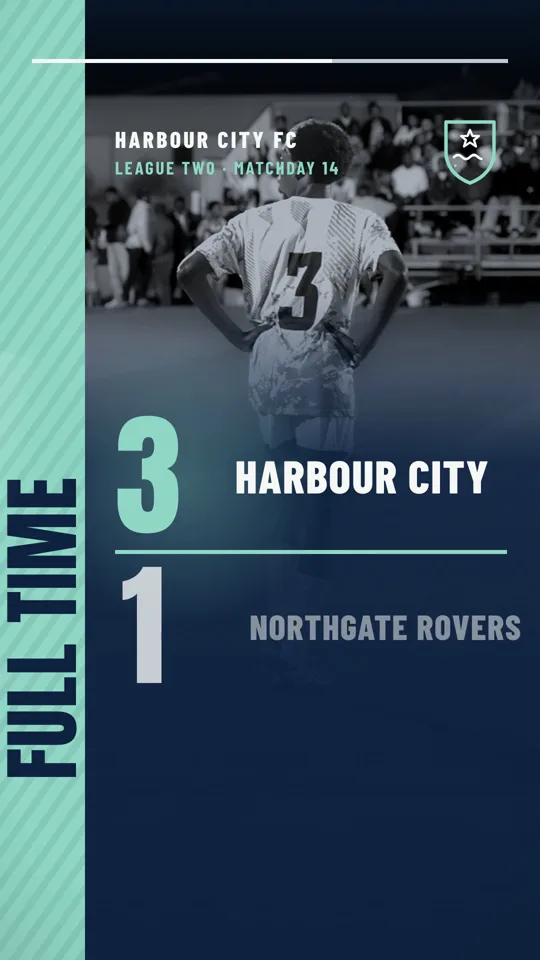
- "Make a video version of our Saturday market post for Reels." "A full-time score video we can post after every game." "Our weekly specials as a reel." (Social post videos: event, launch, match day, stat or chart, speaker, listing, menu, quote: `orshot_plan_design` returns the format.)
- "Here's the chart from our investor update. Turn it into a video for X: the line draws in, the milestones pop, then the takeaway." (Stat or chart, same file.)
- "Make a reel with 3 tips for choosing a perfume, with our bottle at the end and the shop link." (Tips reel, §2.)
- "Turn this listing into a reel: 6 photos, price, beds and baths, agent card at the end. Same look for every listing." (Real estate: the format from `orshot_plan_design`.)
- "Make a 20 second launch video for Tallyhop from our website: the problem, three screens, the signup link." (Launch teaser, §4.)
- "Our granola needs a product intro reel for Instagram, in Persian." (Product promo reel, §5, in any language.)
- "Animate our new logo and brand cards into a short brand film." (Brand line-art film, §6.)
- "Make a teacher's day video for our school with a thank-you message." (Occasion reel, §7.)
- "Build me a faceless YouTube Shorts pipeline: every morning take the next row in my sheet and make a 30 second fact short with voiceover and captions." (Narrated short, [`references/narrated-shorts.md`](references/narrated-shorts.md).)
## Where the facts live
This skill is the flow and the taste. Field shapes, allowed values and limits are in the docs and in `orshot_get_design_spec`. Read them instead of guessing.
- Film schema (the `film` block, `transitionIn` per page, tracks, limits): `orshot_get_design_spec` topic `film`, or https://orshot.com/docs/definitions/film.md
- Film craft (beat sheet, cuts with a cause, scene recipes, checks): `orshot_get_design_spec` topic `film-pack`, plus `orshot_get_design_spec` topic `video-pack` for the first second, eases and words on screen.
- Template JSON (pages, elements, motion, audio): `orshot_get_design_spec` topic `template-json`, or https://orshot.com/docs/definitions/template-json.md
- Motion (keyframes, reveal, count, groups, camera, SVG parts with `drawIn`, `clock` and `repeat`, per-render motion keys): https://orshot.com/docs/orshot-studio/motion.md
- Film mode in Studio (what the user sees, the pacing rule, the render body): https://orshot.com/docs/orshot-studio/film-mode.md
- Formats and video rendering: https://orshot.com/docs/video-generation.md and https://orshot.com/docs/video-generation/video-options.md
- Credits: https://orshot.com/docs/definitions/credits-usage.md
- Async jobs over REST: https://orshot.com/docs/api-reference/async-render-start.md
- Design craft (hierarchy, type, color, safe areas): load the `orshot-design` skill.
## Pick the structure
| The video | Structure |
|---|---|
| Over 8 s, more than one scene, or one deliverable MP4 | **Film** (the default): one page per scene, a `film` block, `transitionIn` on every page after the first |
| A social post as video (event, launch, score, stat, speaker, listing, menu, quote) | **Film** of 2 to 4 scenes that ends on the post itself, from the video post format `orshot_plan_design` returns |
| A logo sting or a loop under 6 s | One page, no `film` (a film needs 2 or more scenes; one page with `film` is refused) |
| A voiceover script with burnt-in word-by-word captions, or captions on an existing clip | Not a film: films do not burn captions or take a per-render `audioSource` yet. Follow [`references/narrated-shorts.md`](references/narrated-shorts.md) |
| Each page posted as its own slide | A carousel: the `orshot-carousel` skill |
| Format | Size | Use |
|---|---|---|
| 9:16 vertical | 1080x1920 | Reels, Shorts, TikTok, Stories |
| 1:1 square | 1080x1080 | feed video, a chart from a post |
| 4:5 | 1080x1350 | Instagram and LinkedIn feed |
| 16:9 landscape | 1920x1080 | YouTube, landing pages, X |
A chart or screenshot from a post keeps its own aspect ratio. A 9:16 film resizes well to 1:1 and 4:5 with `size`; 16:9 needs its own template.
**Video needs a plan with video rendering.** The Free plan renders no video format, GIF included ([Video on Free Plan](https://orshot.com/docs/error-reference.md)). `orshot_get_account` shows whether video is on the plan. On a plan without it, the create and update results still link a free animated preview, so the user sees the motion before upgrading.
## The look: full, layered, always moving
A video that holds attention keeps the frame full and keeps something moving from the first frame to the last. Build every scene from these layers, bottom to top:
1. **Ground: never a flat colour alone.** Stock footage or a stock photo of the subject's world wherever one fits (a stadium, a kitchen, a street, a desk), full bleed, graded to the palette: a CSS `filter` such as `grayscale(1) contrast(1.15)` on the layer and a brand-colour rectangle above it at 0.5 to 0.7 opacity, or `mixBlendMode: "multiply"`. Horizontal footage works in 9:16 with `objectFit: "cover"`. Where no footage fits, a static SVG ground: a radial or linear gradient in the palette, a pattern (kit stripes, a grid, dots), or the hero word repeated in rows at 8 to 10% opacity, drifting.
2. **Depth: static SVG.** Gradients and glows that give the flat design light and depth: a soft radial glow behind the hero number, a vignette, a scrim that fades a photo into the type area, stripes on a rail. They do not move, or move only with the camera.
3. **The subject: animated SVG.** The drawn part the scene is about (a pitch, a crest, a chart line, spec icons, a marker) draws in with `drawIn` or moves part by part. During a hold, one part loops (`repeat: -1`): a star that turns, a ring that pulses, a dot that travels.
4. **Type: two Google Fonts chosen for the subject.** The whole Google Fonts catalog renders, so choose with character instead of defaulting: a heavy display face for the shout and the numbers (sport: Anton, Bebas Neue, Oswald; food: Fraunces, DM Serif Display; tech: Space Grotesk, Instrument Serif; fashion: Playfair Display, Bodoni Moda) and a workhorse face for names and meta (Barlow Condensed, Inter, IBM Plex Sans or Mono, DM Sans). The brand's own fonts win when the work is on-brand.
5. **Chrome: one layer that runs start to end.** A progress bar, the logo in a corner, a price rail: a `layers` track in `film.tracks`, built from shapes and text (an SVG inside a track currently renders as a white box).
Then check the frame, not the JSON:
- **No empty zone.** The hero fills 40% or more of the frame and no third of the frame is empty for more than a scene's first second. Space that is not type is picture, footage, pattern or a drawn part.
- **Something new every 1 to 2 s while a scene builds** (a word, a number ticking, a line drawing, a dot popping) and every 2 to 3 s during a hold (a chip, a sweep of light, a looping part). The ground keeps moving under all of it: a camera push or a footage drift, about 1.0 to 1.08 over the scene.
- **Every scene earns its place.** If a scene is a single word on a colour, give it a ground (footage or repeated type) and a second beat (a band that wipes in with the result line).
The worked example in [`references/examples/match-day-film.md`](references/examples/match-day-film.md) shows every layer above in one 13.5 s film, with the timings.
## Pacing: every word gets read
A reel is read, not just watched. Time each scene to what is on it, never to a target length.
- A viewer reads at about **2.5 words a second (0.4 s per word)**, reading along from when a block starts entering, one block after another in the order they enter. Blocks that enter within 0.8 s of each other read as one. The last word of a line needs 0.4 s after it lands. Then the scene holds about 1 s and cuts.
- The last thing to arrive in a scene holds at least 2 s. An end card holds 2 to 3 s with nothing new after its first second.
- A one-line hook scene is 3 to 4 s. A chart or table scene is 8 to 11 s. No scene under 2 s or over 12 s.
- Line draws and wipes take 2 to 3 s. Icon strokes draw in 0.6 to 1.2 s each, 0.3 to 0.5 s apart. Labels and pills pop 0.25 to 0.4 s apart, never all at once.
- Transitions between scenes take 0.9 to 1.2 s (the defaults). Under 0.8 s a cut reads as a jump.
- Once everything is read, cut. A hold of more than 3 s where nothing changes is a dead stretch.
- Too long? Cut words or a scene. Never speed the motion up to fit.
A scene can run up to 12 s (a tool description that says 2 to 8 s is out of date). The check counts every text layer on the page, axis labels and chart pills included. It also counts text that was already on screen in the scene before (a layer carried across a `match` cut, a repeated word) as new reading; when that is the only reason it asks for a longer scene, keep the scene to what the new words need and tell the user which warning you judged wrong. Keep tick labels to 6 or fewer and a pill to a name and a value. The create result reports misses as "Cut too soon", "Too fast to read" and "Dead stretch"; fix every real one before rendering. The check can miss a dead stretch, so look at the frames too.
## Setup
1. Connect the hosted MCP server `https://mcp.orshot.com/mcp` (OAuth in the browser, no key). Client steps: https://orshot.com/docs/integrations/mcp-server.md. Scheduled jobs use REST with `ORSHOT_API_KEY` (Workspace Settings > API Keys).
2. `orshot_get_account`: confirm the workspace and that video rendering is included.
3. `orshot_get_brand_kit` for on-brand work: colors, fonts, logo, brand videos and brand audio.
4. Look for an existing template first: `orshot_list_studio_templates` with a search like "reel" or "film". Reuse it if it fits; then a new video is only Step 6.
## Step 1. Write the beat sheet
Before any JSON, write one line per scene. Each line is a thing that happens on screen, not a sentence about it. "Revenue line draws to $506M" is a beat; "We grew fast" is not. 3 to 6 scenes for 12 to 30 s. Add each scene's length from the pacing rule.
Then open the format that matches the job and follow its scenes and timings:
- A post type brands publish every week (event, launch or feature update, match day, stat or chart, speaker, real estate, menu, quote), a carousel as a video or a video ad: `orshot_plan_design` with the job and `duration_seconds` returns its scenes and timings, with the paired skill loaded (Works in a pair). The film ends on the static post for that type, with the same field names as the image template, so one sheet row can render both.
- Tips reel, launch teaser, product promo, brand line-art film, occasion reel or character dialogue: [`references/film-recipes.md`](references/film-recipes.md).
Each gives the scenes, the cut, the motion per scene and the fields that change per render.
Show the user the beat sheet when the brief is loose. Go straight on when it is specific.
## Step 2. Plan the look
`orshot_plan_design` with the brief, `job` (the user's words: "reel for match day"), `width`, `height`, `duration_seconds` (the video's length), `headline_words` (a number), `items` (a number: how many tips, rooms or rows), `has_photo`, `on_brand: true` for brand work, and `subject_colours`: 2 to 4 hex colors of real things in the subject's world, or the `colors` of the stock photo you will lead with (search first, Step 3). With no reference and no photo yet, leave `subject_colours` out.
It returns the video post format for the job (scenes, timings, the cut, the fields and what every strong video shares) and the plan: palette, font pair, type scale, timeline. The format's scenes and your beat sheet set the cuts and timings; the plan sets the look. A tips reel, launch teaser or other recipe from `references/film-recipes.md` keeps its own scenes and takes the plan's palette, fonts and type scale. On a 9:16 frame the platform UI covers the top 168 px and the bottom: keep the hero, the numbers and the call to action above 1330 px (where TikTok's caption starts) and every line of text above 1530 px (Reels). Pictures and grounds still run to every edge.
For a chart, icon or logo film drawn from a reference (a post, a slide, a brand board), the reference sets the colors and fonts. Keep them.
Read `orshot_get_design_spec` topics `film` and `film-pack` once before the first create.
## Step 3. Get the pictures
- **Drawn SVG** for the thing the scene is about, in every film: each format names its drawn part (a crest or rail, a chart line, spec icons, a marker under a phrase, a circle around a date). A film of photos and sliding text with nothing drawn is the generic look this skill exists to avoid. Draw it as one SVG layer (`type: "element"` with the markup in `svg_markup`) with an `id` on every part that moves. Preview each drawing with `orshot_preview_element` (free, nothing stored), correct it against the reference, then use the same markup in the scene. How parts animate: SVG parts in [Motion](https://orshot.com/docs/orshot-studio/motion.md) and `orshot_get_design_spec` topic `film` §3.
- **Stock**: `orshot_search_stock_media` with `type: "video"` or `"photo"`, `orientation: "vertical"` for 9:16, and a 1 to 3 word query ("espresso pour", "living room", "stadium aerial"). Search for every film: a graded clip of the subject's world under the type is the cheapest way to fill a ground (The look). In a template, put the result's `ref` (`stock://...`) as the layer's `content`; a clip is a `type: "video"` layer with `videoOptions: { loop: true, muted: true }`. Never use `previewUrl`; it expires. Most stock video is horizontal: `objectFit: "cover"` crops it to 9:16, and a grade hides the softness. A clip that is off-subject is worse than a photo with a slow push or a drawn ground.
- **Place the photo for the layout.** With `objectFit: "cover"`, the photo can only slide along its long side. When the subject sits low in the picture and the type goes at the bottom, make the image layer taller than the frame and move it up (a 2800 px tall layer at `y: -900` in a 1920 px frame) so the subject sits above the type.
- **The user's own media**: `orshot_get_brand_images`, `orshot_get_brand_videos`, `orshot_get_brand_audio`, or any public URL. Upload new files with the `orshot_upload_brand_*` tools.
- **Stock is searched blind**: results carry no image to look at, and branded products (perfume, sneakers, phones) show up with real labels. Search for unbranded close-ups and textures, and put the user's own product photo in the hero slot.
- **Music**: `orshot_search_stock_media` has no audio. Use a track from `orshot_get_brand_audio` or a URL the user gives, as one audio clip under the whole film in `film.tracks` at volume 0.25 to 0.35, fading out at the end (`orshot_get_design_spec` topic `film-pack` §3). No track: no music.
## Step 4. Create the film in one call
`orshot_create_template_design` with `name`, `canvas_width`, `canvas_height`, the `film` block with `output.profile: "film"`, every scene in `pages_data`, and `includeThumbnails: true`. Per scene: a stable `id`, a `videoDuration` from the pacing rule, a `transitionIn` from page 2 on, and finished copy and pictures. Text and pictures that change per video are dynamic fields (`parameterizable: true` with a `parameterId`), so the next video is a render, not a redesign.
What makes a film look edited:
- Frame 0 of scene 1 is never empty: the subject is on screen and the hook is either already there or finishes entering by 0.3 s, landing fully by 0.6 s. On a chart, the title, axes and source are on screen at frame 0; the motion is in the data.
- Fill every slot the recipe lists. A thin brief makes empty pages: when the user did not give a detail the recipe needs (an address, a feature per room, a supporting line under a tip), write a realistic sample value in a dynamic field and list those fields for the user to replace. Prices, discounts, quotes and claims come only from the user.
- One idea per scene, acted out: a number counts up, a line draws, a price swaps, a button gets pressed. A static text card is a slide, not a scene.
- One cut family per film (`push`, `slide`, `wipe` or `whip`), chosen by what the cut means, plus at most one continuity cut (`grow`, `match` or `zoomThrough`): in a post film it is usually the cut into the final post, and a film of 15 s or more should have one. Never a third transition type. Scenes that keep the same text grid never `fade`. A `grow` needs the layer it grows from on the previous scene, so a list or checklist scene before the end card carries a small teaser card of what comes next.
- One look on every scene: the same `look.grain` and a slow camera push (zoom about 1.02 over the scene) give the film one texture.
- Headlines reveal by word with a mask; supporting lines follow them. Arabic, Persian and other joined scripts reveal by word or line, never by character.
- On-screen text is in the viewer's language, in a font that covers its script, right-aligned for right-to-left scripts.
## Step 5. Check before any render
1. Read every block at the end of the create result: "Film saved" (scene count, length, cuts), "Film checks", "Design checks", "Imagery check", "Param warnings" (a warned param does nothing) and any pack design check. Fix every real pacing warning.
2. `orshot_get_studio_template` with `storyboard: true`: it waits for the free motion previews and shows each scene's frames. Check each scene against the beat sheet: does each beat happen, is anything empty, can every word be read? Previews are per scene, at most 8 s, 480 px and muted: they never show the cuts, the music or film tracks. Only an MP4 does. Still thumbnails also skip a count's prefix and separator; the motion preview shows them.
3. Fix real problems in one `orshot_update_template_design` call. Change one cut or one scene length with `page_operations` (`orshot_get_design_spec` topic `film` §6); small layer changes go through `orshot_patch_template_elements`. An update made only of `page_operations` returns no design checks, so after it run `orshot_verify_design` and look at the storyboard again.
4. `orshot_verify_design` on the saved template before the final render.
Some design checks were written for posts and carousels and can fire on a film (grid or hierarchy notes on a chart scene). Judge those against the beat sheet. The pacing checks always apply.
## Step 6. Render the MP4 once
Over MCP, output options are flat arguments. A REST-style `response` object is ignored, and you get a PNG.
```json
{
"templateId": 123,
"format": "mp4",
"background": true,
"modifications": {
"page1@headline": "3 signs your perfume is fake",
"page5@cta": "Shop the real one"
}
}
```
`orshot_get_render_job` with the render's `jobId` and `waitSeconds: 25`; call again while `finished` is false. A 20 s film encodes in about a minute. The job lists one output (labelled page 1): that is the whole film, and `videoDuration` is its length. Open it and watch it; the checks and thumbnails do not show the cuts.
Video costs 1 credit per second. Say the cost before rendering more than 3 videos or anything over 60 s.
Per-render changes need no template edit: text and pictures by their keys (`orshot_get_studio_template_modifications` lists them), a count layer counts to a new number when its content is a number (`"page2@weekly_signups": "742"`), and any motion value can change for one render (`"page5@cta.motion.press.at": 3.2`). Keys: Per-render motion control in [Motion](https://orshot.com/docs/orshot-studio/motion.md).
`size` renders the same film at another size and `extraSizes` adds up to 4 more, each a full film render billed on its own.
## Step 7. Many videos, or one every day
`orshot_batch_render_template` renders images and PDFs only. For videos, loop `orshot_render_template` with `background: true`, one call per row, and collect each `jobId`. Say the total credit cost before starting.
For a recurring video (a listing reel per new listing, a weekly numbers video), put the REST call into what the user already runs. Check `orshot_list_workspace_logs` for their `source` and add to that: [n8n](https://orshot.com/docs/integrations/n8n.md), [Make](https://orshot.com/docs/integrations/make.md), [Zapier](https://orshot.com/docs/integrations/zapier.md) or their own code. The `orshot` skill's [`references/recurring-automation.md`](https://github.com/Orshot-HQ/orshot-agent-skills/blob/main/skills/orshot/references/recurring-automation.md) has the run-once-per-item pattern.
```bash
curl -s -X POST https://api.orshot.com/v1/studio/render \
-H "Authorization: Bearer $ORSHOT_API_KEY" -H "Content-Type: application/json" \
-d '{
"templateId": 123,
"modifications": {
"page1@price": "{{row.price}}",
"page1@photo": "{{row.photo_1}}",
"page2@photo": "{{row.photo_2}}",
"page5@agent_name": "{{row.agent}}"
},
"response": { "type": "url", "format": "mp4", "mode": "async" },
"webhook_url": "https://<your-n8n>/webhook/orshot-done",
"metadata": "{{row.id}}"
}'
```
Always async from Zapier, Make or n8n: a video render can outlive their HTTP timeouts. The n8n Orshot node lists image and PDF formats, so video goes through an HTTP Request node.
A drawn SVG chart is fixed in the template. For a weekly numbers video, put the numbers in text and count layers that change per render, and update the drawing with `orshot_patch_template_elements` when the shape of the data changes.
## Step 8. Post it as a draft
Over MCP, post the rendered video with `orshot_publish_social_post`:
```json
{ "mediaUrls": ["<the render's url>"], "accounts": [7, 9], "content": "3 signs your perfume is fake. Save this for your next order.", "status": "draft" }
```
Over REST you can add `publish` to the render instead; the render endpoint reads `"isDraft": true` there, not `status` ([Publish from the API](https://orshot.com/docs/publish/publish-from-api.md)). Get account ids from `orshot_list_social_accounts`. After the user approves the draft, `orshot_publish_social_draft`, or schedule it with `orshot_update_social_post`. Scheduling, best time and analytics: the `orshot-social-media-scheduler` skill.
## Gotchas
1. On a multi-page template, a content key without a `pageN@` prefix reaches no page. Send `page1@headline`, `page2@photo` and so on ([Multi-page templates](https://orshot.com/docs/image-generation/multi-page-images.md)).
2. `showAt` and `hideAt` sit next to `enter` and `exit` inside `transitions`, never inside `enter`. Motion keys sit in `motion`.
3. Set `canvas_width` and `canvas_height` on create. Every scene of a film has the same canvas size.
4. A transition must be shorter than half of the shorter scene next to it. `grow` and `zoomThrough` name a layer `id` on the previous scene, so give layers stable ids.
5. A paired `match` layer gets no entrance of its own on the incoming scene.
6. `videoOptions.combinePages`, `pageTransition`, `duration` and `audioSource` do nothing on a film; only `muted` and `fps` apply. `includePages` renders one scene as its own clip.
7. A moving SVG part carries its `id` on an inner `<g>`; static placement goes on an outer `<g>`. Text inside an SVG uses Inter, Helvetica or Arial; other fonts go on a text layer above it. `orshot_preview_element` takes an `elements` array, up to 6 drawings per call.
8. `orshot_get_studio_template` returns the `film` block in its JSON, not in the structured summary.
9. A shape is painted by `style.fill`. Without it the shape renders black.
10. Media URLs must be public. Stock `previewUrl`, localhost and expiring signed links fail.
11. `reveal.by` is `word` or `char`. For a line-by-line reveal, make each line its own text layer.
12. `transitions.easing` takes only the named values the schema lists; keyframe and motion `ease` take GSAP names. A Ken Burns zoom and pan go in `ambient.customValues`.
13. In `page_operations`, `add` and `replace` carry the page in `page_data`; `update` carries the changes in `set`. A film track's `anchor.page` is the scene's `id` string.
## Safety
- Never publish without the user watching the video. Use `status: "draft"` (MCP) or `isDraft: true` (REST) until they approve.
- Confirm the accounts and caption before posting.
- A chart from someone else's post is their data: keep the source line and do not change the numbers.
- Use only footage the user owns or stock from `orshot_search_stock_media`. Real people speak only in audio the user supplied, with their consent.
Related skills: `orshot` (API, render options, automation), `orshot-design` (design craft), `orshot-carousel` (photo carousels and slideshows), `orshot-ad-creative` (static ads and short animated banners), `orshot-youtube-thumbnail` (the thumbnail for the video), `orshot-social-media-scheduler` (scheduling and analytics).Video Generator skill questions
Can Claude make videos?
Is this an AI video generator?
Can it make faceless YouTube and TikTok videos?
Can it animate a chart from a post or a report?
Does the free plan include MP4?
Same templates, other jobs.
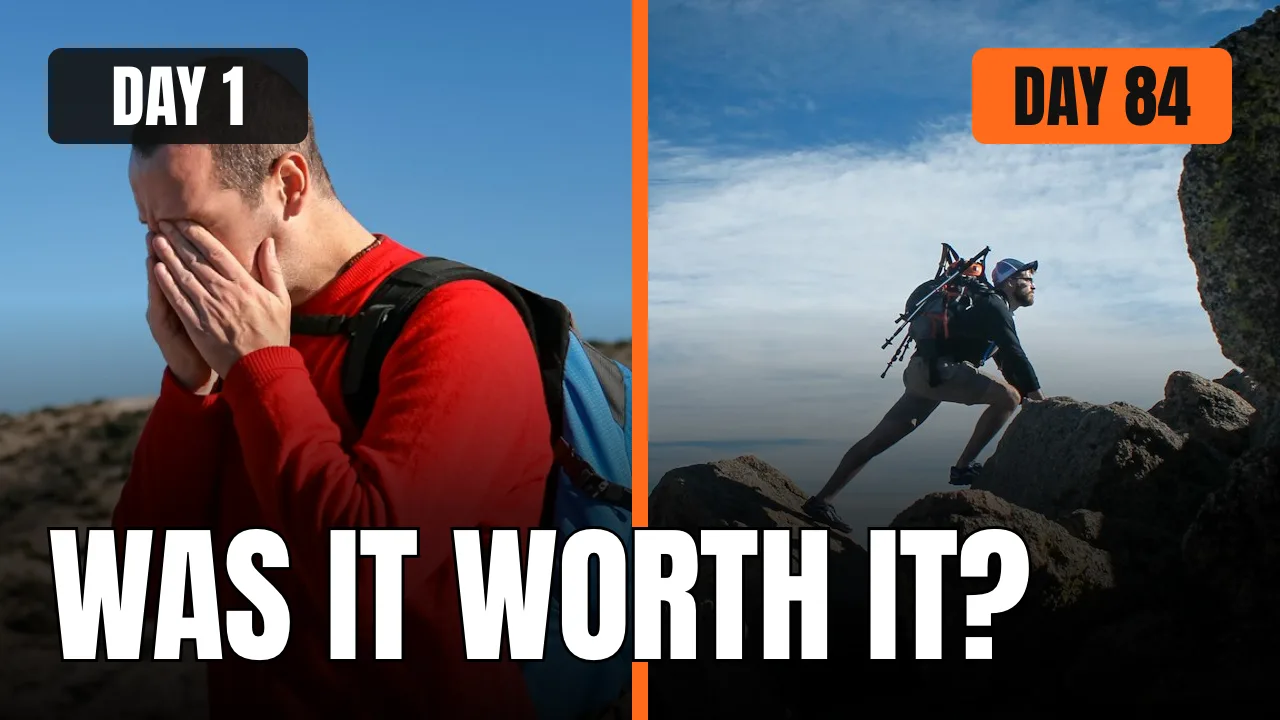
YouTube Thumbnail
YouTube thumbnails in your channel style, with A/B variants
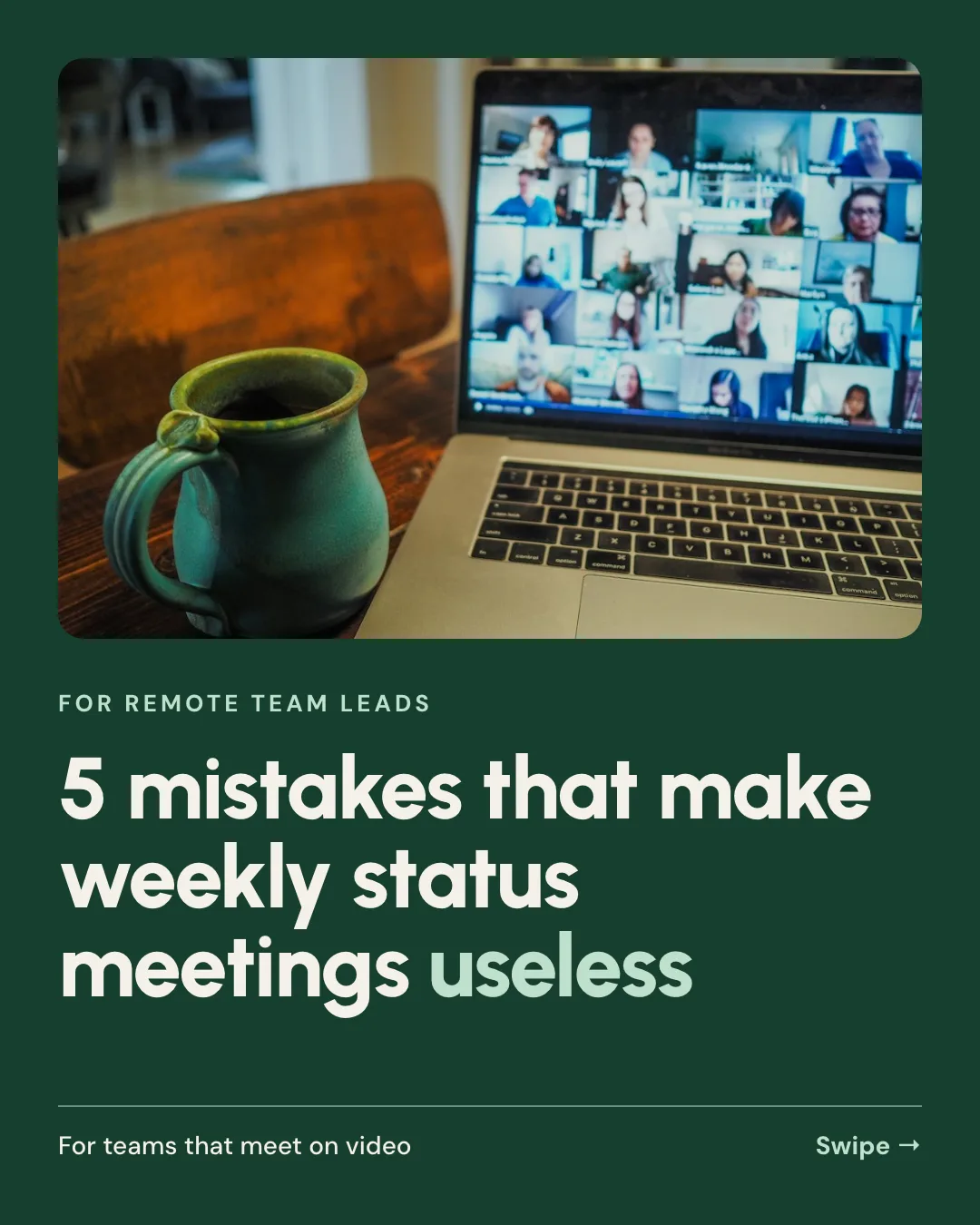


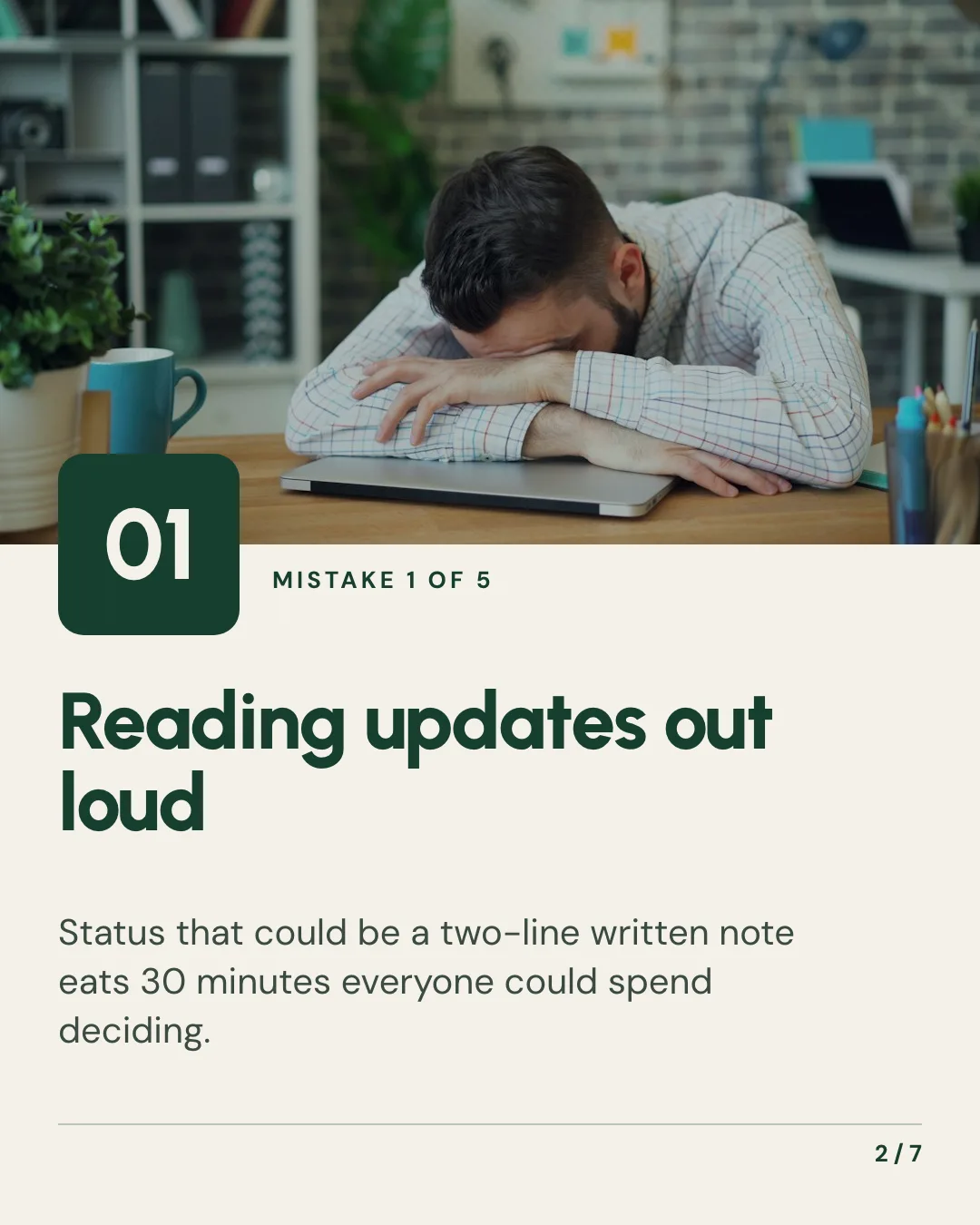
Carousel
Swipeable Instagram and LinkedIn carousels from any idea or post









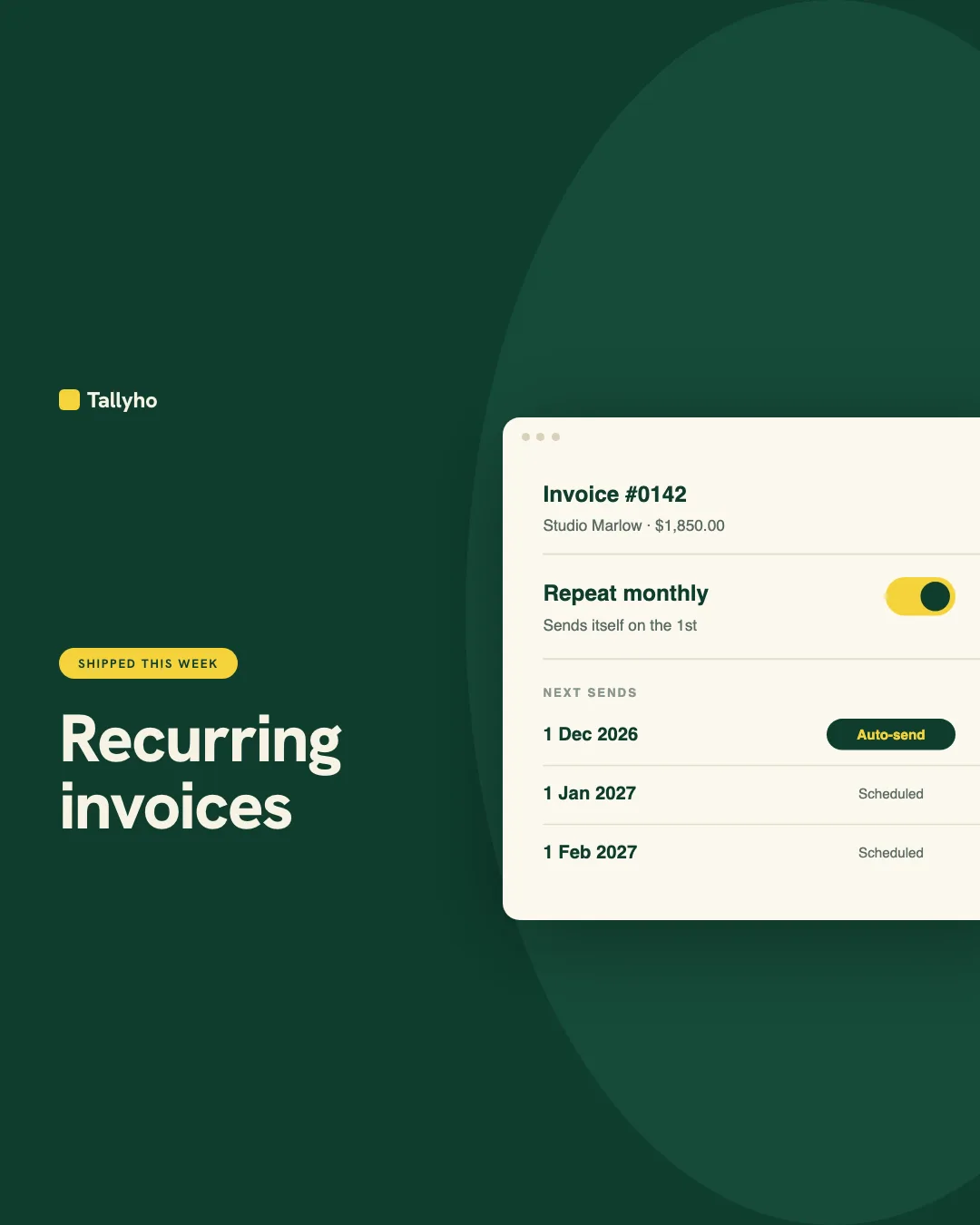
Social Media Scheduler
Social posting and scheduling to Instagram, TikTok, LinkedIn and 12 more from one chat
Give your agent the video generator skill. 100 free credits every month.
No credit card. Paste the link into your agent, sign in to Orshot once, and get your first render in the same chat.





