YouTube Thumbnail Maker for Claude and Any Agent
Your agent picks 3 to 5 words that are not the title, places the face or object large, and renders the thumbnail in your channel's style. Every video gets the same look.
100 free credits a month · no credit card · works in Claude, ChatGPT, Codex, Cursor and more
Use the Orshot youtube thumbnail skill: https://orshot.com/agents/skills/youtube-thumbnail.md. Make a YouTube thumbnail and two variants for this video:
 Claude
 ChatGPT
Your agent reads the skill from /agents/skills/youtube-thumbnail.md and renders through Orshot. First time? It asks you to sign in once.
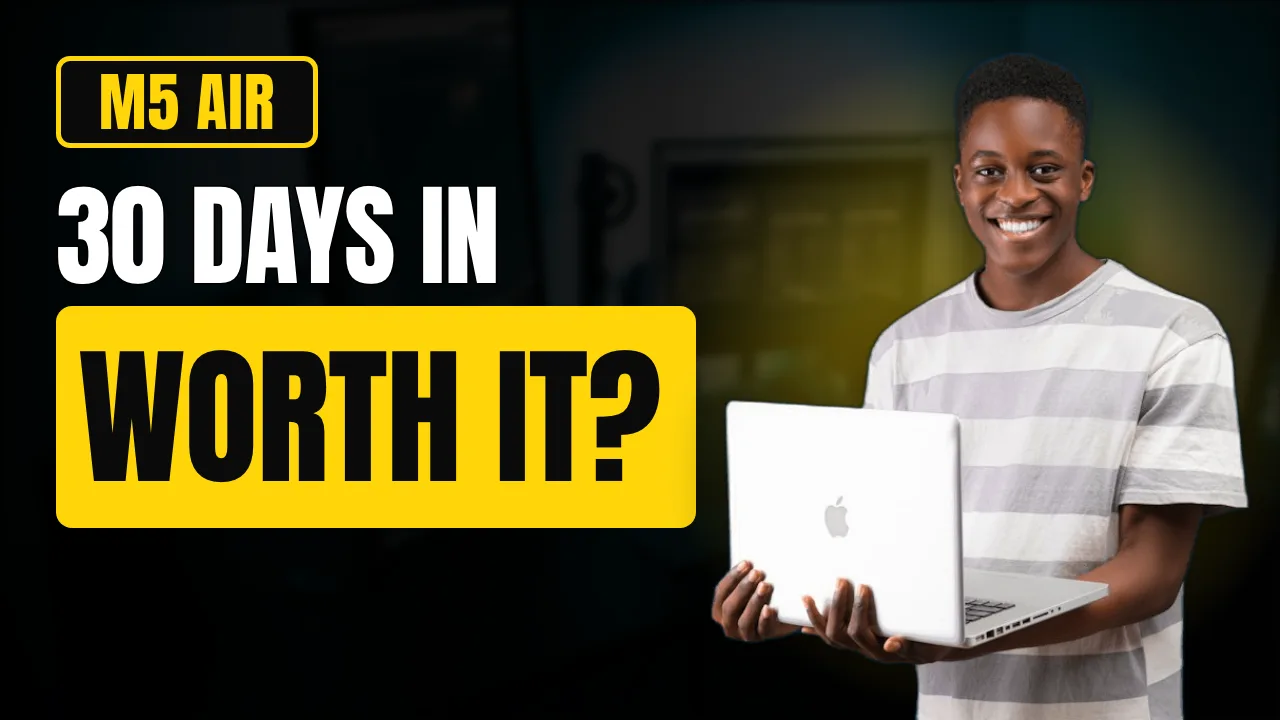
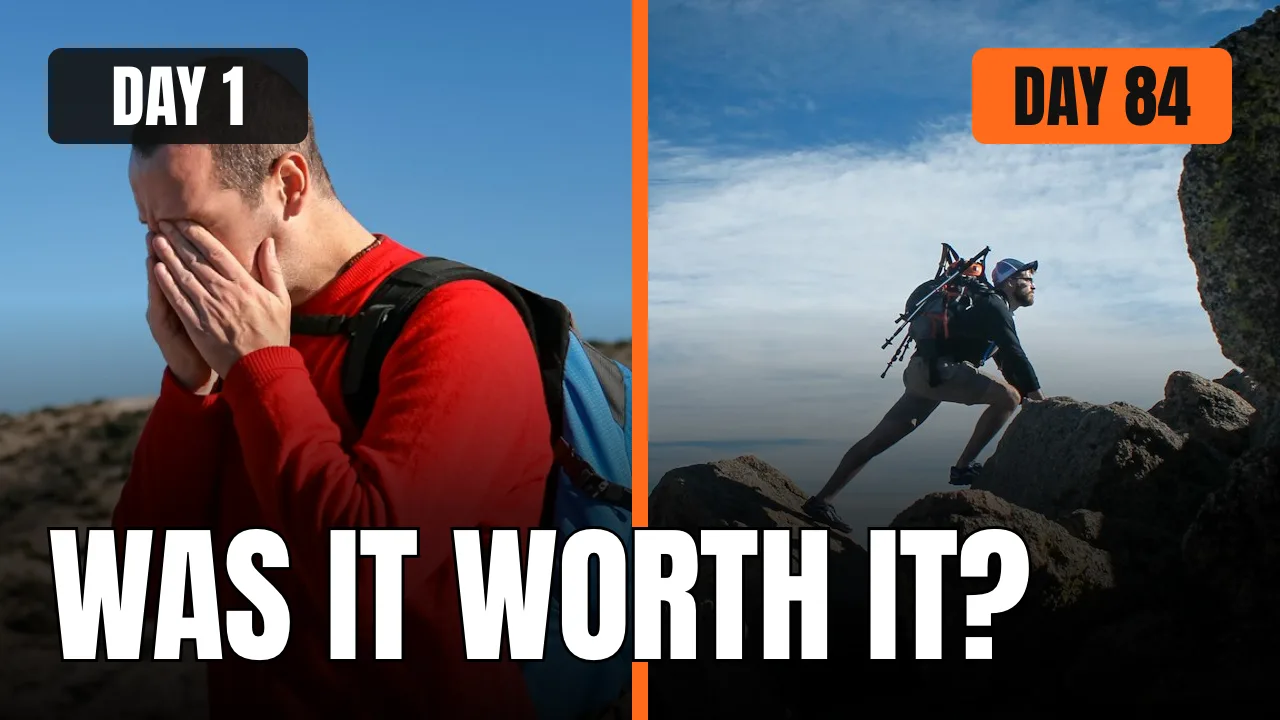
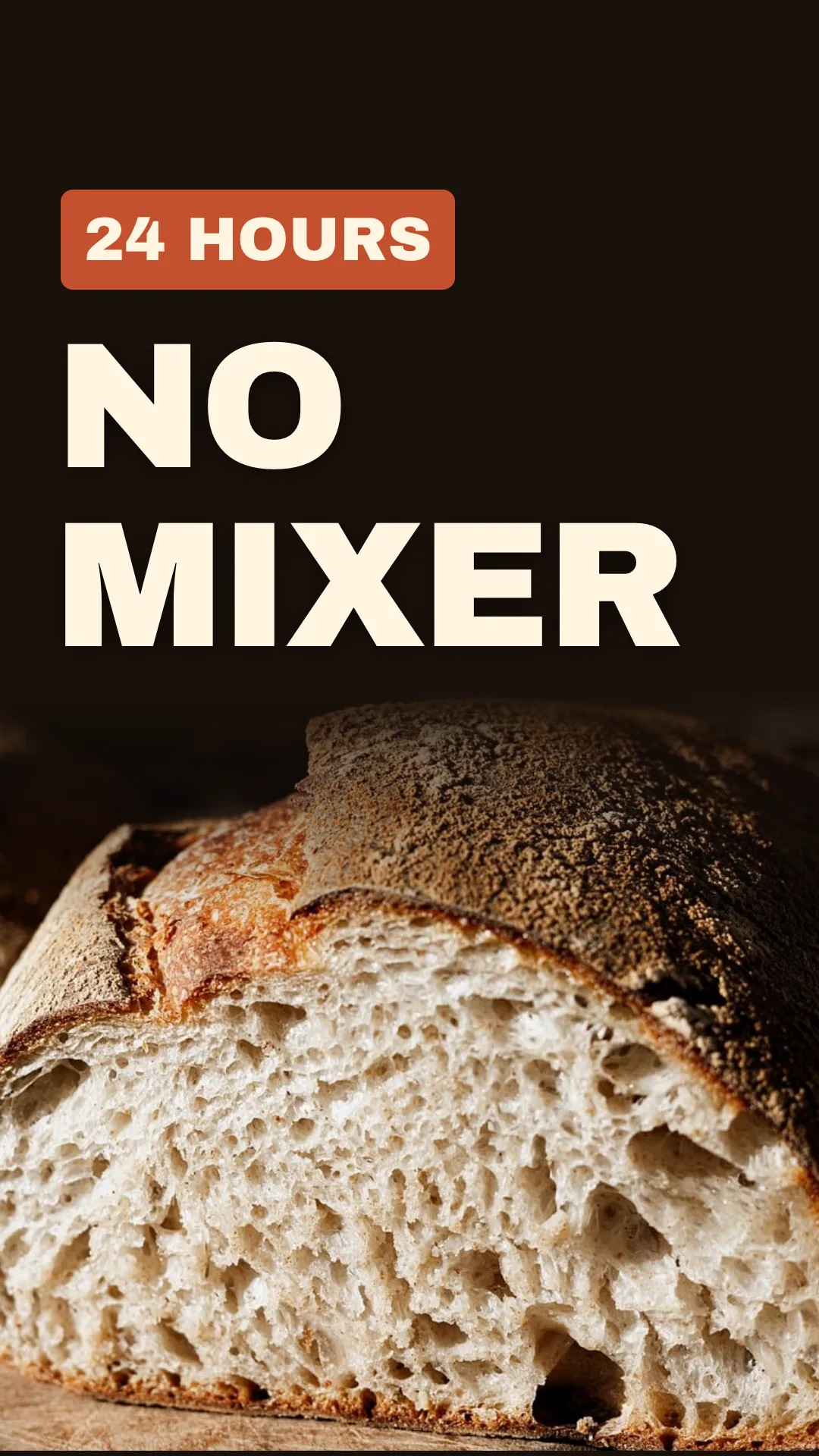
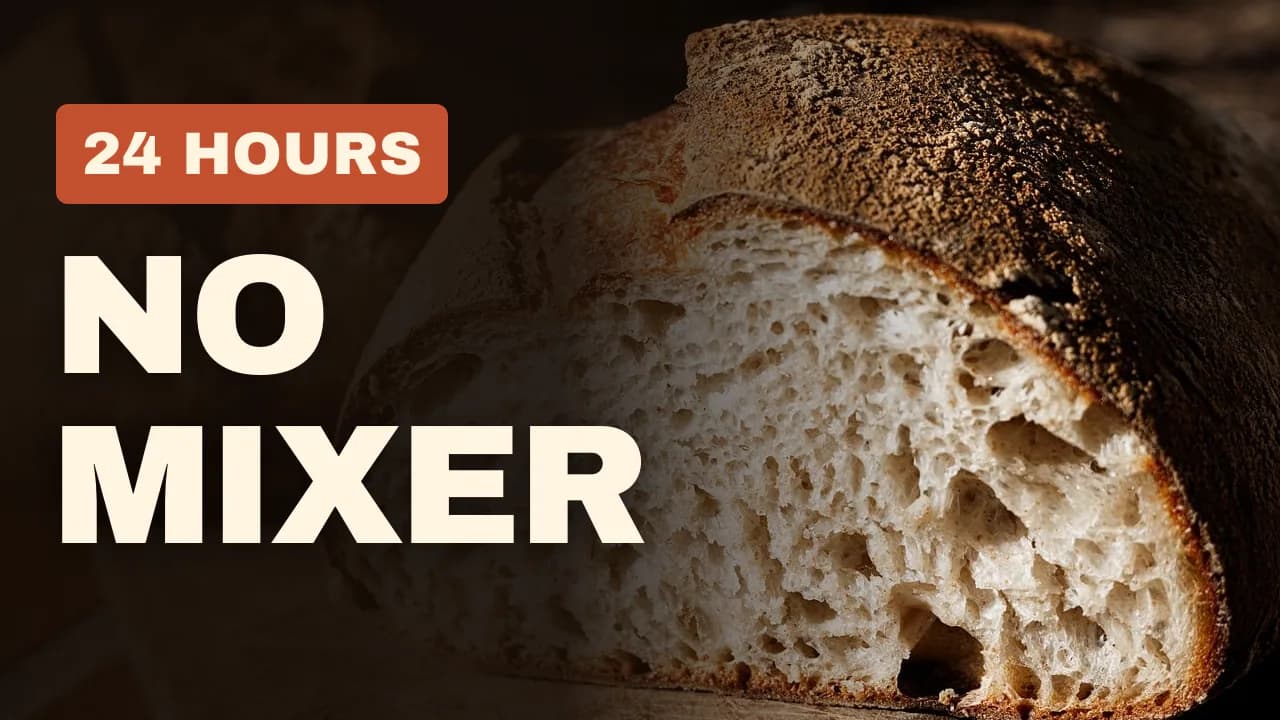
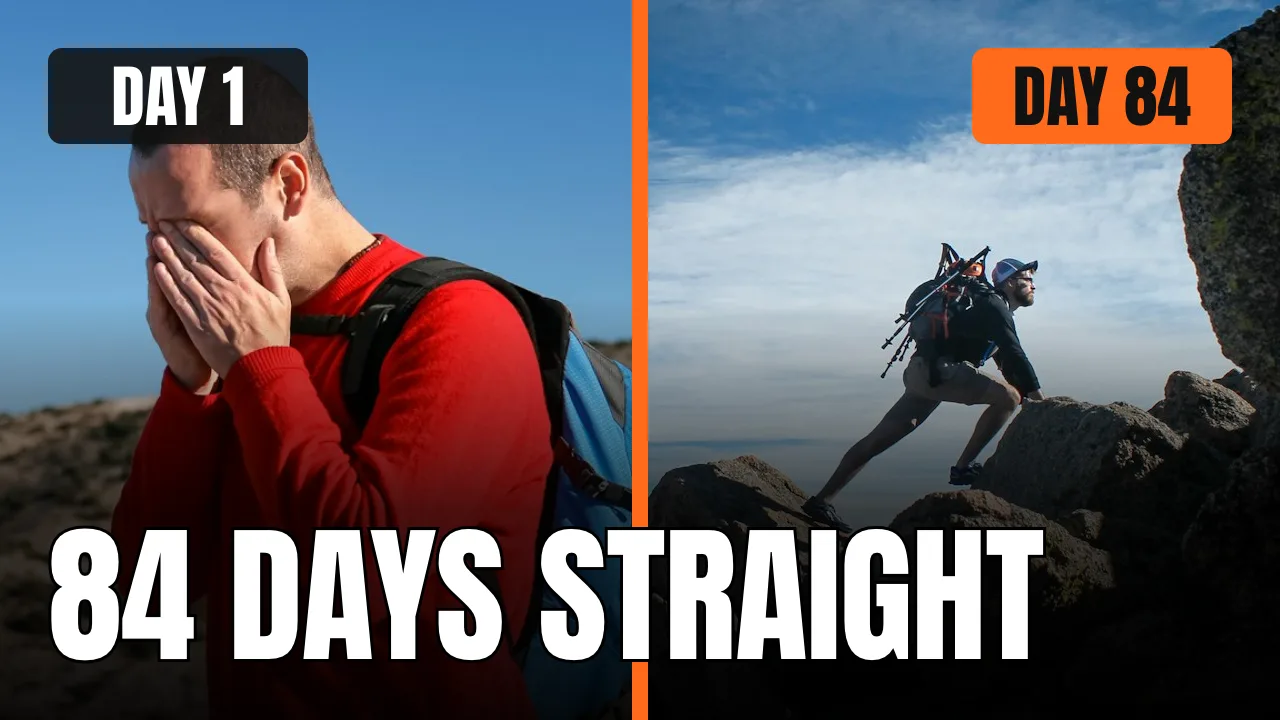
Real outputs, rendered with this skill.
Every image here came from a template and a render call, not from a mockup. Drag or scroll the row, and click one to see it full size.
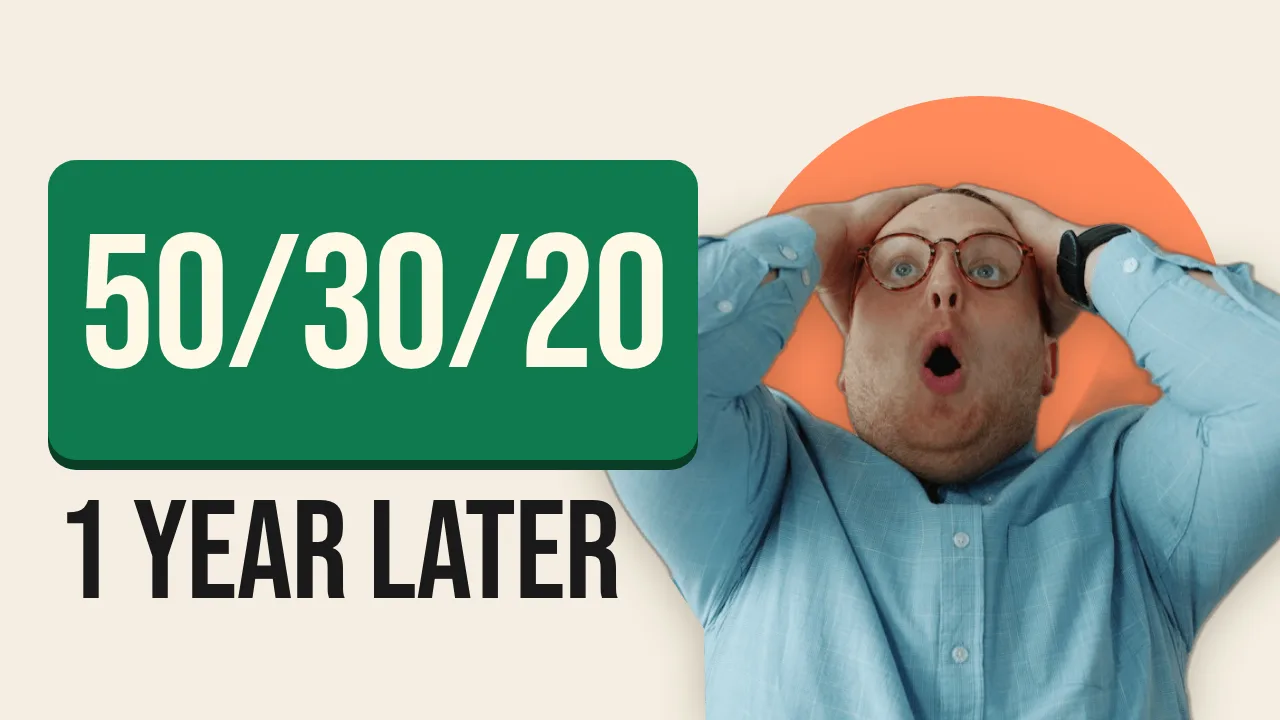

What your agent does, step by step.
The skill tells the agent which Orshot tools to call and in what order. You see each result before the next step.
- Step 1
Reads the video
Title, topic and the promise. Picks 3 to 5 words that add to the title instead of repeating it.
your title or script - Step 2
Uses your channel style
Picks one of five layouts that fit the video, then one 1280x720 template per channel style, with the words, subject image, background and accent as fields.
orshot_plan_designorshot_create_template_design - Step 3
Renders variants
Two or three word or image variants in one batch, plus a 9:16 Shorts cover from its own page in the same template.
orshot_batch_render_template
Say it like this. The skill does the rest.
Not for the video itself (use the video-generator skill), blog covers (use the blog-images skill), ad creatives (use the ad-creative skill) or social posts (use the social-media-content skill).
Thumbnail for a new video
Use the Orshot YouTube thumbnail skill. Make a thumbnail for my video "<title>": three hook words, my face cutout from <image URL>, and my channel colors.
Three variants to test
Make 3 thumbnail variants for this video with different hook words, rendered in one batch, so I can A/B test them.
A channel template
Build a thumbnail template for my channel from my last 5 thumbnails, so every new video only needs a title and a photo.
- YouTube thumbnail · 1280×720 · PNG
YouTube thumbnail
Make a YouTube thumbnail: 'I tried 30 AI tools' in huge type, an 'Only 3 worth it' tag and my face on the right. Yellow and black.
A thumbnail for every upload. No agent in the loop.
Add a row to your content sheet and a job renders the thumbnail through the API, ready before the video goes live.
curl -X POST https://api.orshot.com/v1/studio/render \
  -H "Authorization: Bearer $ORSHOT_API_KEY" \
  -H "Content-Type: application/json" \
  -d '{
    "templateId": 123,
    "modifications": {
      "hook_words": "I QUIT CAFFEINE",
      "subject_image": "https://example.com/frame.jpg"
    },
    "response": {
      "type": "url",
      "format": "png"
    }
}'Read it before you install. It is one file.
This is the SKILL.md your agent loads, word for word. It names every tool call, the layout rules and the gotchas.
Orshot-HQ/orshot-agent-skills---
name: orshot-youtube-thumbnail
description: "YouTube thumbnail maker with Orshot: thumbnails built from a frame of the video, the host's face cutout and the hook words, rendered from one template per channel style so every video in a series matches. No generated faces or scenes, and the words are real text, sharp and spelled right. 2 to 3 A/B variants for YouTube Test & Compare render in one batch, a back catalogue gets new thumbnails from a sheet, and an n8n, Make or Zapier job renders one for every new upload. Use when: \"make a YouTube thumbnail\", \"youtube thumbnail maker\", \"thumbnail template for my channel\", \"match my thumbnail style\", \"A/B test my thumbnails\", \"automate a thumbnail for every upload\", \"redo thumbnails on my old videos\", \"AI thumbnail maker\". NOT for the video itself (use orshot-video-generator), blog covers (use orshot-blog-images), ad creatives (use orshot-ad-creative) or social posts (use orshot-social-media-content)."
homepage: https://orshot.com/agents/skills/youtube-thumbnail
license: MIT
metadata:
author: Orshot
version: "1.1.0"
openclaw:
emoji: "📺"
homepage: https://orshot.com/agents/skills/youtube-thumbnail
primaryEnv: ORSHOT_API_KEY
requires:
env: []
bins: []
envVars:
- name: ORSHOT_API_KEY
required: false
description: Orshot API key. Only for REST and scheduled jobs. Not needed over the hosted MCP server with OAuth.
---
# Orshot YouTube Thumbnail: one template per channel, one render per video
A channel's thumbnails share a look: the same font, the same color box, the face in the same place. Only the words and the picture change. That is a template render. Design the channel's thumbnail template once in Orshot, then render it per video with the hook words, the subject image and the accent color. Video 40 looks like video 1, and the text is real text, so it is sharp and spelled right.
## What people ask for
- "Make a thumbnail for my new video: a frame at 1:23, my face cutout, and the words 'I QUIT MY JOB'. Same style as my last ones."
- "Here are my last 6 thumbnails. Turn the style into a template so I only swap the face and the words each week." (Match the current style first.)
- "Give me 3 variants for Test & Compare: same picture, different words." (A/B variants.)
- "Every time I upload, make the thumbnail from the title and set it on the video automatically. I use n8n." (A thumbnail for every new video.)
- "Redo the thumbnails for my 40 old tutorials from this sheet of titles and timestamps." (Redo thumbnails on old videos.)
- "No AI art. A gameplay screenshot of my Glasswing Rogue build and the build name, big and readable." (Screenshot + name layout.)
The Orshot docs are the reference for every parameter, value and limit. Each docs page has a markdown version at `https://orshot.com/docs/<path>.md`. This skill gives the order of steps, the thumbnail craft and worked examples.
## What you get per video
| Output | How |
|---|---|
| Thumbnail, 1280x720 JPG or PNG | One render of the channel's thumbnail template |
| A/B variants (optional), 2 to 3 thumbnails | One `orshot_batch_render_template` call, one item per variant |
| Shorts cover (optional), 9:16 | A second 1080x1920 page in the same template, with the same field names |
## Setup
1. Connect the Orshot MCP server: https://orshot.com/docs/integrations/mcp-server.md has the steps for each client. Headless or scheduled jobs use REST with an API key: https://orshot.com/docs/quick-start/get-api-key.md
2. Get the brand: `orshot_get_brand_kit` (colors, fonts, logo, and any photos of the host). Empty kit and a website? `orshot_scan_brand_website` with the URL, and ask before importing with `orshot_import_brand_website`. No brand at all? Load the orshot-design skill to pick a palette and a font pair.
3. `orshot_plan_design` with the brief, `job: "youtube thumbnail for <the video>"`, 1280x720 and `on_brand: true` when the channel has a brand kit. It returns the layouts that fit (geometry and a full `pages_data` example each) and the palette and type. Read `orshot_get_design_spec` topic `template-json` once per session; the same content is at https://orshot.com/docs/definitions/template-json.md
## Thumbnail rules
- **Real over generated.** Use the video's own frames and the host's real photos. Many viewers say they skip or block channels whose thumbnails look AI-made, while a plain frame with big words still gets clicks. Never generate the host's face or a pose. No layout guarantees a click-through rate: let Test & Compare decide between variants.
- **3 to 5 words, and not the title.** The title says what the video is. The thumbnail says why to click: the result, the stakes or the surprise. Title "I tried 5 budget mics for a month", thumbnail "$20 BEATS $400?".
- **One subject, big.** One face with a clear expression, or one object. It fills 40 to 60% of the frame. No group shots, no busy scenes.
- **High contrast.** Light words on a dark ground or dark words on a bright box. Add a dark gradient behind words that sit on a photo.
- **Readable at 168x94.** That is about the size in search results and the sidebar. Shrink the render to 168 wide and look. If a word is hard to read, it is too small or too long.
- **No small text.** Headline 120 to 200px on the 1280x720 canvas. Nothing under 60px. No dates, URLs, subtitles or paragraphs.
- **Brand color as the accent.** One color box or one highlighted word in the channel color, the same on every video.
- **Same series style.** Same layout, font, color and face position on every video in a series, so a viewer knows it is your channel before reading.
- **Keep the bottom-right corner clear.** YouTube puts the video length there.
## Match the current style first
If the channel already has thumbnails, the template copies that look. Ask for the last 5 to 10. Note the font, the text box, where the face sits, the background treatment and the accent color, then build the template to match. Show the first render next to two of the originals, and change only what the user asks for. A new channel starts from a layout below.
## Pick a layout per series
| Layout | What it looks like | Use when |
|---|---|---|
| Face + big words | Face cutout on one side, 2 lines of huge words on the other, one line in the accent box | Talking-head, opinion, vlog, reaction, "I tried X" videos (default) |
| Before / after split | Two images side by side, a divider in the accent color, BEFORE and AFTER labels, face optional on the seam | Makeovers, edits, fitness, room or code refactors, "from X to Y" |
| Number / list | One huge number, 2 to 3 words beside it, one object or product | "7 tools", "3 mistakes", rankings, tier lists |
| Screenshot + reaction | A screenshot or product in a tilted card, face cutout breaking over its edge, 2 to 3 words | Software, tutorials, reviews, news about an app or a post |
| Screenshot + name | A real gameplay or app screenshot full bleed, a dark gradient, 2 to 4 huge words, an optional small face | Gaming builds, guides, patch notes, tutorials |
Geometry for each layout and a full `pages_data` example come back from `orshot_plan_design`; all five at once: `orshot_get_design_spec` topic `youtube-thumbnail-layouts`.
## Build the template once per channel style
1. Check first: `orshot_list_studio_templates` with search `Thumbnail`. Reuse what exists.
2. Create: `orshot_create_template_design` with `canvas_width: 1280`, `canvas_height: 720`, a name like `Thumbnail: <channel> (Face + big words)`, tags `["youtube", "thumbnail"]`, and `includeThumbnails: true`.
3. Look at the returned preview. Fix the `designWarnings` that show a real problem in one `orshot_update_template_design` call, and tell the user which ones you left and why.
4. Shorts cover: add it as page 2 (1080x1920) with the same parameterIds, laid out for the tall frame: words in the middle band, the subject large below. Resizing the 16:9 page with `extraSizes` leaves the words too small to use. A two-page template takes `page1@` and `page2@` keys.
Make these layers dynamic:
| parameterId | Layer | Per video |
|---|---|---|
| `headline` | text, first line of words | "$20 BEATS" |
| `headline_accent` | text, the line in the accent box | "$400?" |
| `subject` | image, face cutout or object, `objectFit: "contain"` | cutout PNG URL |
| `background` | image, full canvas, `objectFit: "cover"` | a frame from the video, or a stock photo |
| `accent` | shape behind `headline_accent` | brand color hex |
Give each text layer the Fit text mode with a minimum font size, so a long word shrinks instead of spilling out (https://orshot.com/docs/orshot-studio/text-modes.md). Text color can also change per render with a style key such as `"headline.color"` (https://orshot.com/docs/orshot-studio/style-parameters.md).
## Get the subject image
- **The host's face.** Use a photo the user gives you. Upload it with `orshot_upload_brand_image` (`attachment` for a file in the chat, or `file` for a URL) and tags `["face"]`, then keep its `direct_url`. Ask for 3 to 5 photos with different expressions once and reuse them.
- **Cut it out.** Check the fields with `orshot_get_library_template_modifications` for `image-background-removal-api`, then call `orshot_render_library_template` with `templateId: "image-background-removal-api"`, `modifications: { "inputImage": "<photo URL>" }` and `format: "png"`. Trim the transparent edges before using it (for example `magick cutout.png -trim +repage subject.png`), check for leftover background, and upload the trimmed file: an untrimmed cutout keeps the photo's full canvas and sits small in the `subject` box. It uses an AI credit, not a render credit. Over REST it is `POST https://api.orshot.com/v1/generate/images` with the same `templateId` and `modifications` (https://orshot.com/docs/api-reference/render-from-template.md).
- **A frame from the video.** Grab one locally: `ffmpeg -ss 00:01:23 -i video.mp4 -frames:v 1 frame.jpg`, then upload it the same way. Use it as `background`, or cut out the person in it for `subject`.
- **Stock.** `orshot_search_stock_media` with the topic in 1 to 3 words and `type: "photo"`. Put the result's `stock://` ref in the template, or call `orshot_use_stock_media` with the ref to get a URL for a render.
## Render per video
Over MCP, `orshot_render_template`:
```json
{
"templateId": 123,
"modifications": {
"headline": "$20 BEATS",
"headline_accent": "$400?",
"subject": "https://.../face-shocked-cutout.png",
"background": "https://.../frame-0123.jpg",
"accent": "#FFD400"
},
"format": "jpg",
"quality": 90,
"fileName": "mic-test-thumbnail"
}
```
The thumbnail URL is in `content`. With a Shorts page, prefix every key (`page1@headline`, `page2@headline`) and both pages come back in one render. Costs: https://orshot.com/docs/definitions/credits-usage.md
## A/B variants in one call
YouTube's Test & Compare tests up to 3 thumbnails per video. Render them all at once with `orshot_batch_render_template`:
```json
{
"templateId": 123,
"format": "jpg",
"quality": 90,
"renders": [
{ "headline": "$20 BEATS", "headline_accent": "$400?", "subject": "https://.../shocked.png" },
{ "headline": "CHEAP MIC", "headline_accent": "WINS", "subject": "https://.../shocked.png" },
{ "headline": "$20 BEATS", "headline_accent": "$400?", "subject": "https://.../holding-mic.png" }
]
}
```
Change one thing per variant (the words or the image, not both), so the test tells you which one won. Show the user all three before they upload.
## Redo thumbnails on old videos
1. A sheet with one row per video: video ID, title, hook words and a frame (an image URL, or a timestamp to grab with ffmpeg as above).
2. Write 3 to 5 click words per row, not the title (rules above). Show the list before rendering.
3. Say the cost first: 1 credit per thumbnail, plus 1 per Shorts page ([Credits](https://orshot.com/docs/definitions/credits-usage.md)). Then render in chunks with `orshot_batch_render_template` (the tool schema gives the per-call cap) and write each URL back to its row.
4. The user sets them in YouTube Studio, or an automation calls `thumbnails.set` (next section).
5. Change a few at a time and watch those videos in YouTube Studio before changing the rest.
## Automate it: a thumbnail for every new video
The template has dynamic fields, so any job can render it. A common setup: a sheet with one row per upcoming video (`hook`, `hook_accent`, `face_url`, `frame_url`). Each new row renders a thumbnail:
```bash
curl -s -X POST https://api.orshot.com/v1/studio/render \
-H "Authorization: Bearer $ORSHOT_API_KEY" -H "Content-Type: application/json" \
-d '{
"templateId": 123,
"modifications": {
"headline": "$20 BEATS",
"headline_accent": "$400?",
"subject": "https://.../shocked.png",
"background": "https://.../frame.jpg"
},
"response": { "type": "url", "format": "jpg", "quality": 90 }
}'
```
`data.content` is the thumbnail URL; write it back to the row.
1. Get the exact field keys with `orshot_get_studio_template_modifications` before wiring anything.
2. Add the render step to the tool the user already runs:
- n8n, Make or Zapier: the Orshot node, module or app, or an HTTP request with the body above. Docs: `integrations/n8n`, `integrations/make`, `integrations/zapier` (each opens as `https://orshot.com/docs/<path>.md`).
- No orchestrator yet: an Orshot Workflow can watch a Google Sheet and render. Use the exact node keys from `orshot_list_workflow_nodes` (for example `google_sheets_new_row` and `render`), then `orshot_validate_workflow`, then `orshot_create_workflow` with `status: "draft"`. Docs: `integrations/google-sheets`.
### Per upload in n8n, set on YouTube
Orshot Workflows have no YouTube or RSS trigger, so this one runs in n8n:
1. **RSS Feed Trigger** on the channel feed `https://www.youtube.com/feeds/videos.xml?channel_id=<channel id>`. It fires once per new video.
2. **LLM node:** 3 to 5 click words from the title (rules above), not the title itself.
3. **HTTP Request** to Orshot: the render above, with a face photo from the brand kit and a frame or channel background. For variants, render 2 to 3 and let the user pick one through an n8n form, Slack or email before the next step.
4. **HTTP Request** to the YouTube Data API `thumbnails.set` for that video ID, with the image file as the body and the user's own Google OAuth2 credential in n8n. Orshot never holds the YouTube login.
## Gotchas
1. Orshot does not set the thumbnail on YouTube. Social posting does not send images to YouTube (https://orshot.com/docs/publish/social-posting-guidelines.md). Upload the file in YouTube Studio, or through the YouTube Data API `thumbnails.set` in the same automation.
2. YouTube takes custom thumbnails up to 2 MB. Render `jpg` with `quality` 85 to 90; a photo-heavy PNG can be larger.
3. Plain text breaks lines with `\n`. Inside rich text (a `<span>` or `<b>`), `\n` is not converted, so use `<br>` there. See the Text section of https://orshot.com/docs/definitions/template-json.md
4. An accent word in another color stays in the headline as an inline `<span>`. An accent line in a colored box is the exception: a `<span>` with a background color stops the text from wrapping, so put a separate `headline_accent` layer over the `accent` shape. Make the accent line the biggest text, at least 1.4 times the other line.
5. Template images must be public URLs or `stock://` refs. Never use a stock search `previewUrl`; it is a temporary link.
6. Reuse one template per series. A new template per video spends design effort twice and breaks the series look.
## Safety
- No misleading thumbnails. The words and image must match what the video shows. No fake quotes, fake screenshots or invented numbers. A before and after shows the same person or thing in both halves, from the video.
- Use only photos the user owns or has the rights to: their own face, their own frames, licensed stock. Never cut out another person's face or a creator's frame without permission.
- No generated faces or poses of the host. Cut out a real photo instead.
- Do not promise a click-through rate. Suggest Test & Compare.
- Show the thumbnail to the user before it goes anywhere. Say what a batch costs before rendering more than 10.
- Ask before importing a website into the brand kit or overwriting existing files.
Related skills: `orshot` (API, render options, automation), `orshot-design` (design craft), `orshot-video-generator` (the video itself), `orshot-blog-images` (blog covers), `orshot-social-media-content` (social posts that promote the video).YouTube Thumbnail skill questions
Can Claude make YouTube thumbnails?
What makes a thumbnail get clicked?
Can it make A/B test variants?
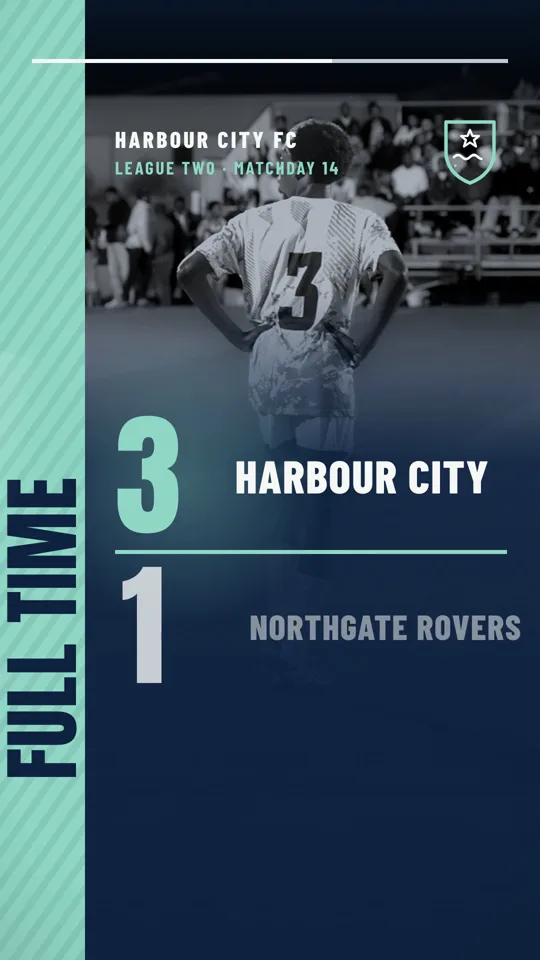
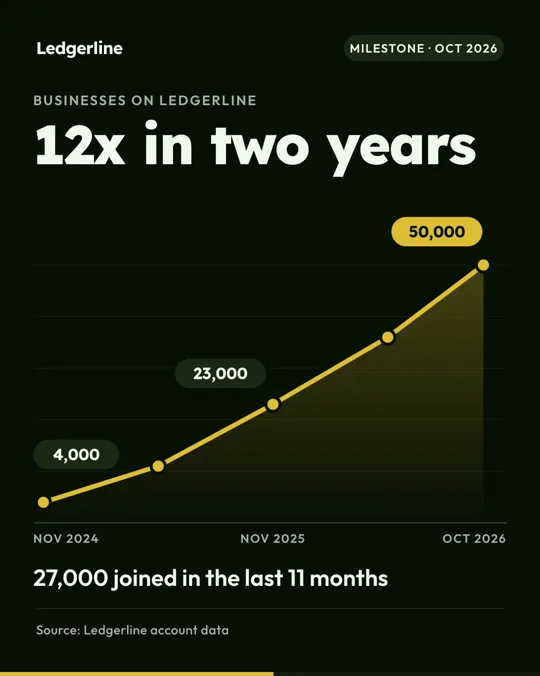
Same templates, other jobs.
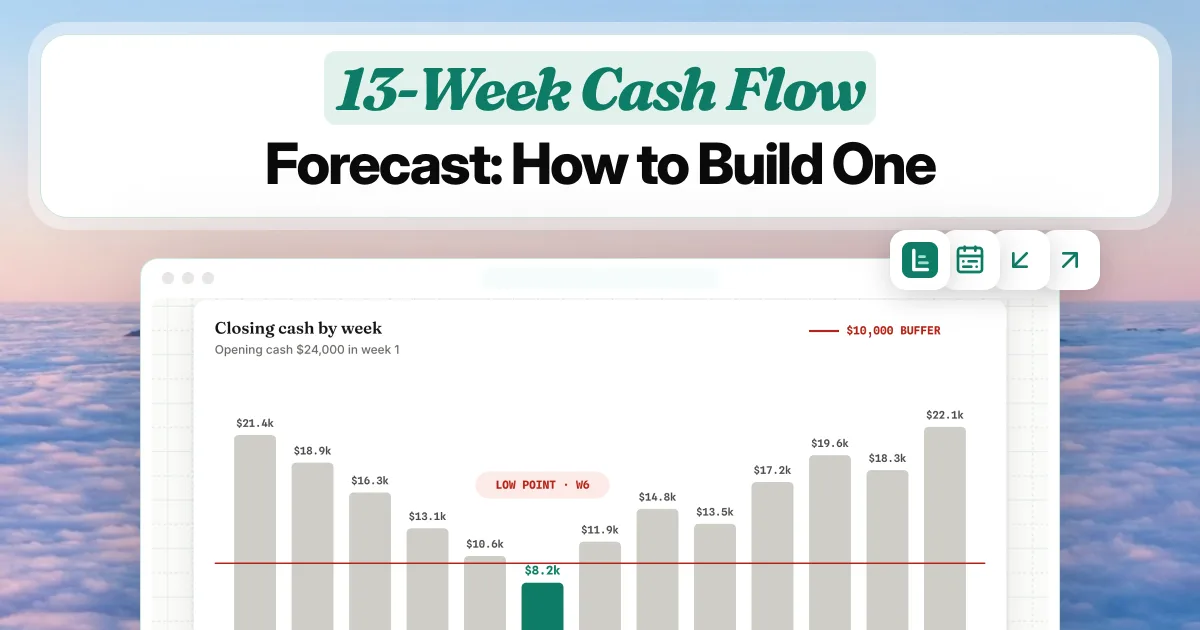
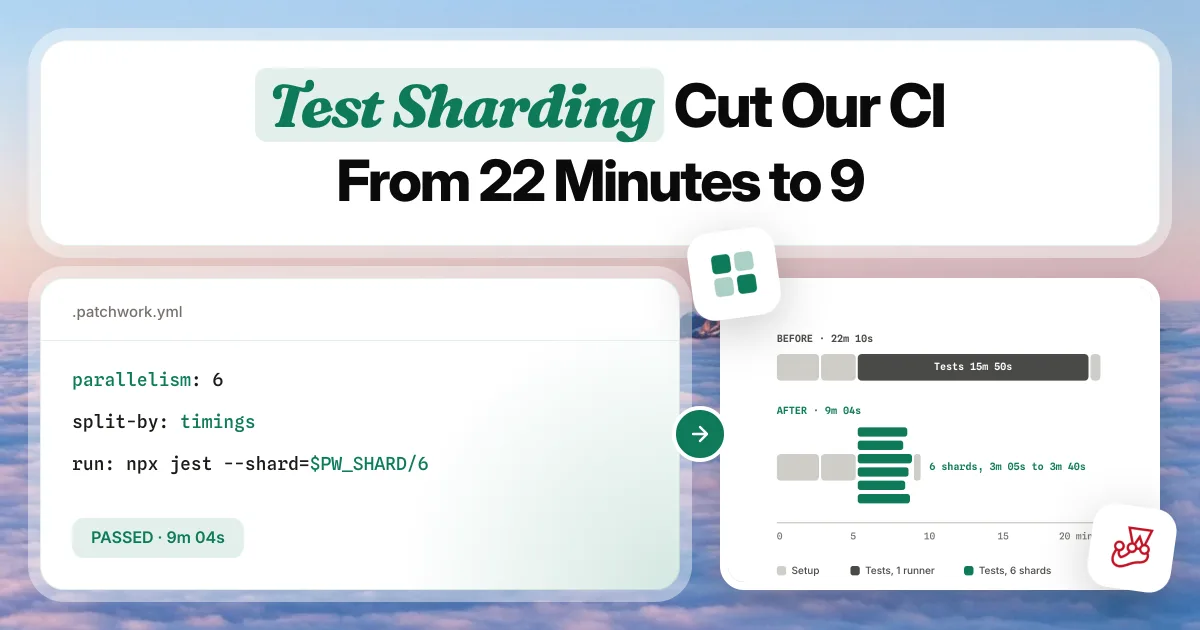
Video Generator
Reels, Shorts, product and listing videos and animated chart films
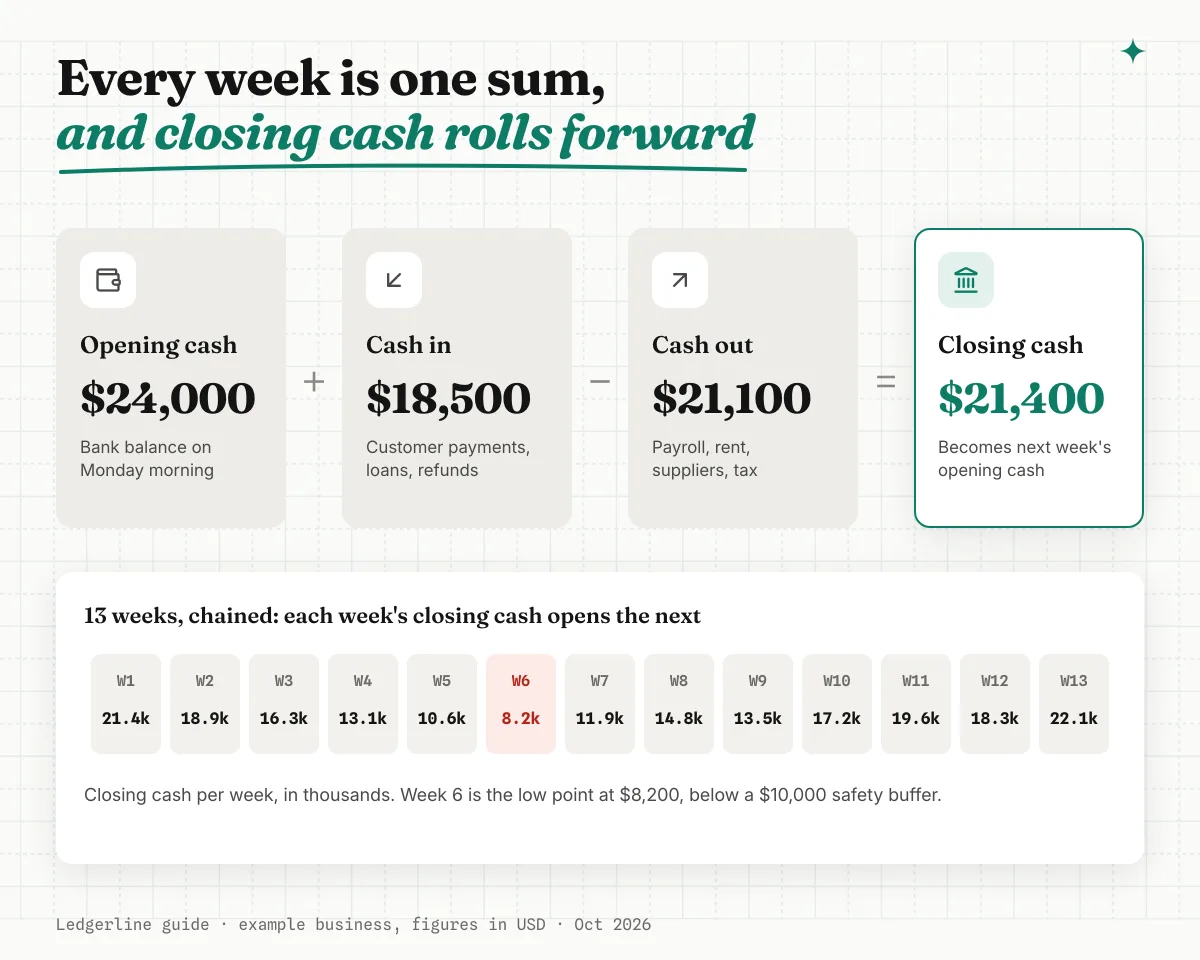
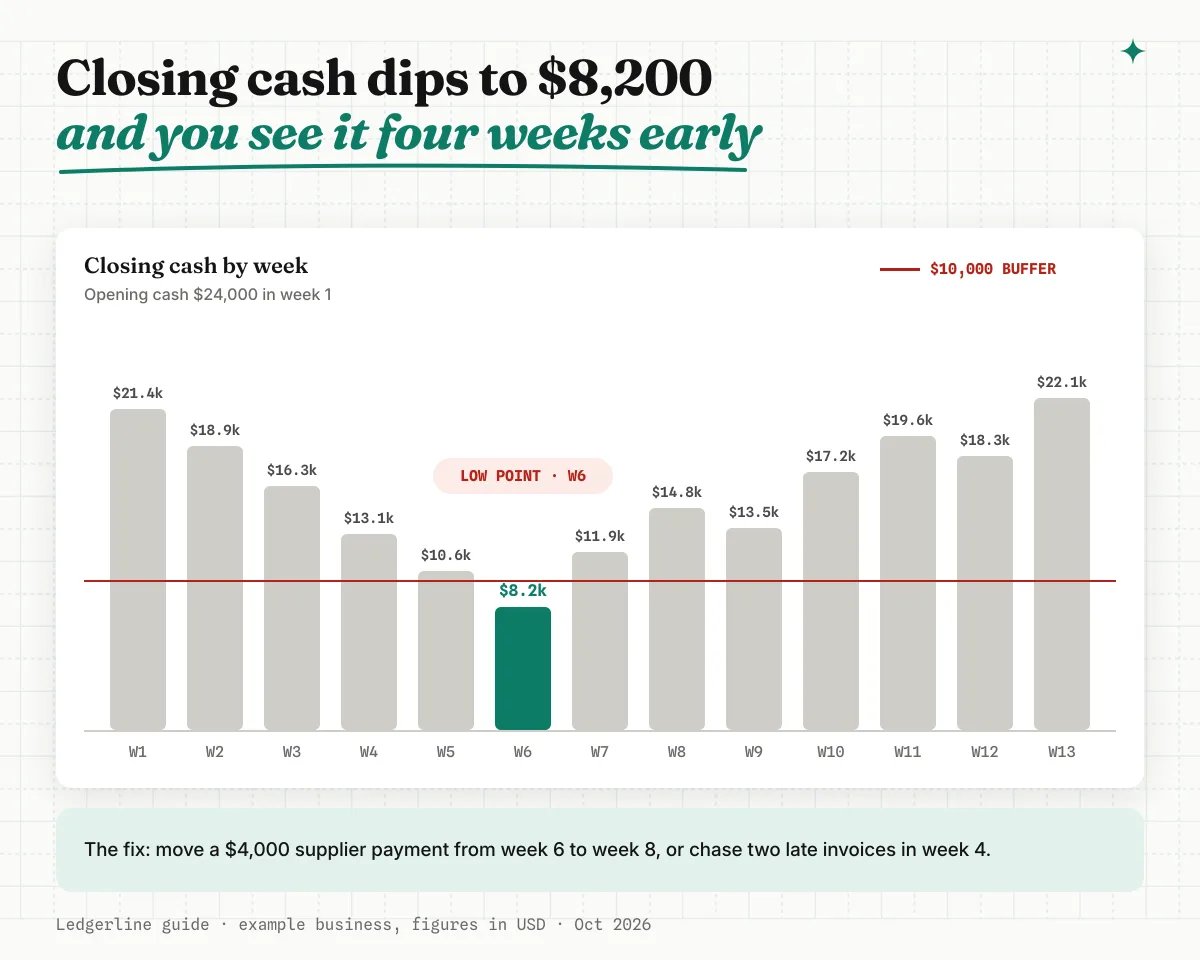
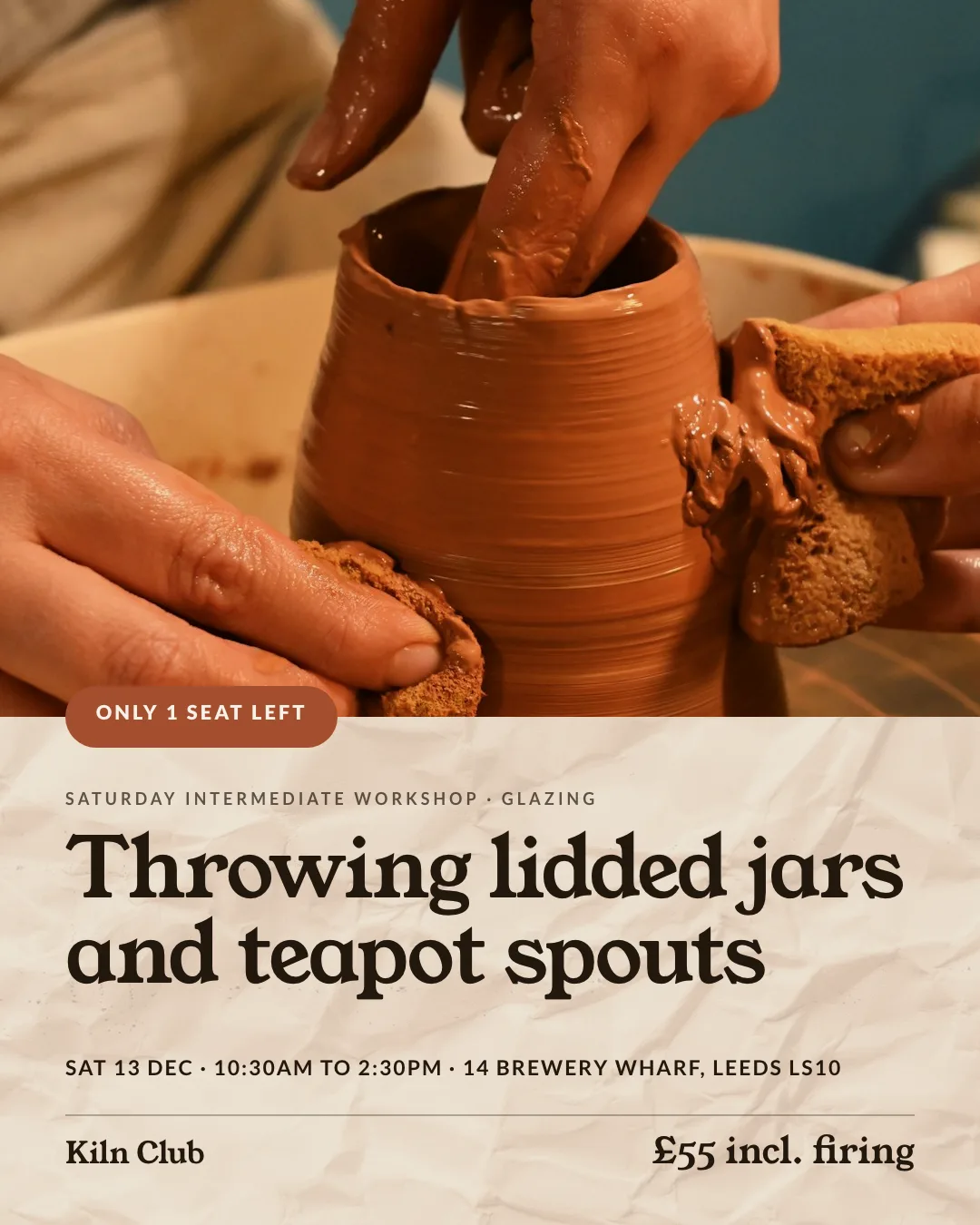
Blog and Marketing Images
Blog covers, OG images and in-article graphics for every post
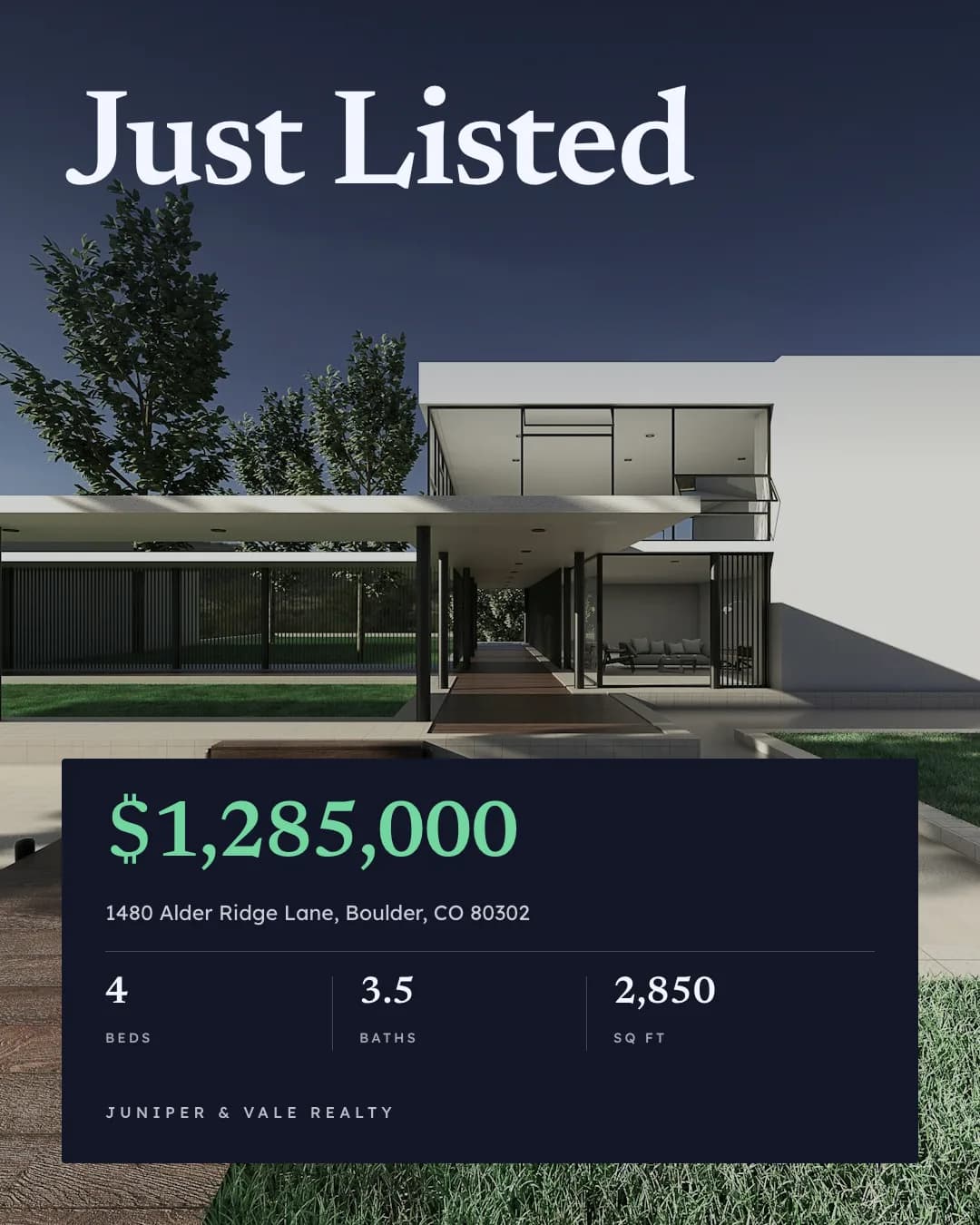
Social Media Content
On-brand Instagram, LinkedIn and Facebook posts from one prompt
Give your agent the youtube thumbnail skill. 100 free credits every month.
No credit card. Paste the link into your agent, sign in to Orshot once, and get your first render in the same chat.







