AI Social Media Post Generator for Your Agent
Tips, checklists, news, quotes and countdowns, designed as templates on your brand. Your agent renders the next one with new copy in seconds.
100 free credits a month · no credit card · works in Claude, ChatGPT, Codex, Cursor and more
Use the Orshot social media content skill: https://orshot.com/agents/skills/social-media-content.md. Make an Instagram post and a story for this announcement:
 Claude
 ChatGPT
Your agent reads the skill from /agents/skills/social-media-content.md and renders through Orshot. First time? It asks you to sign in once.

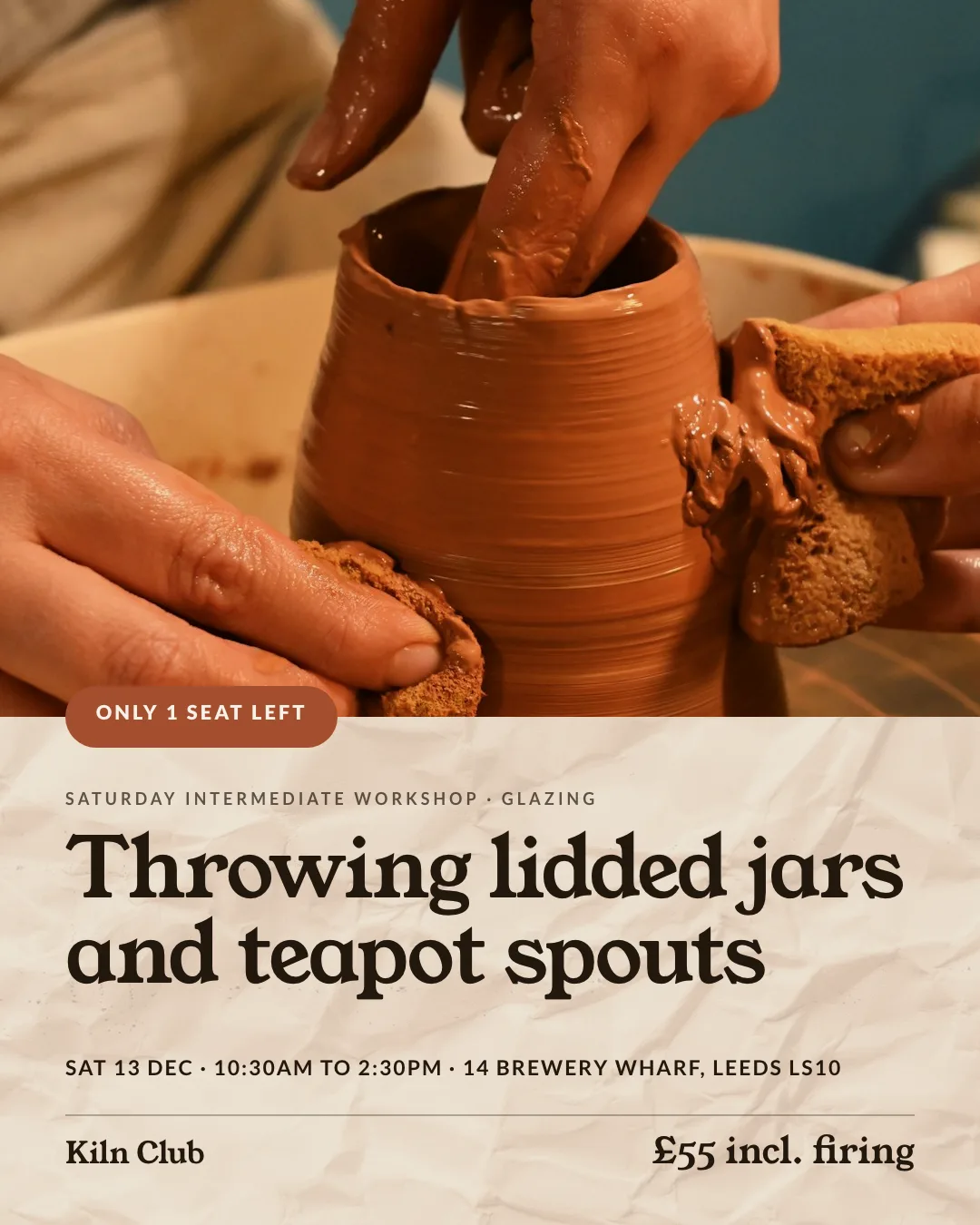
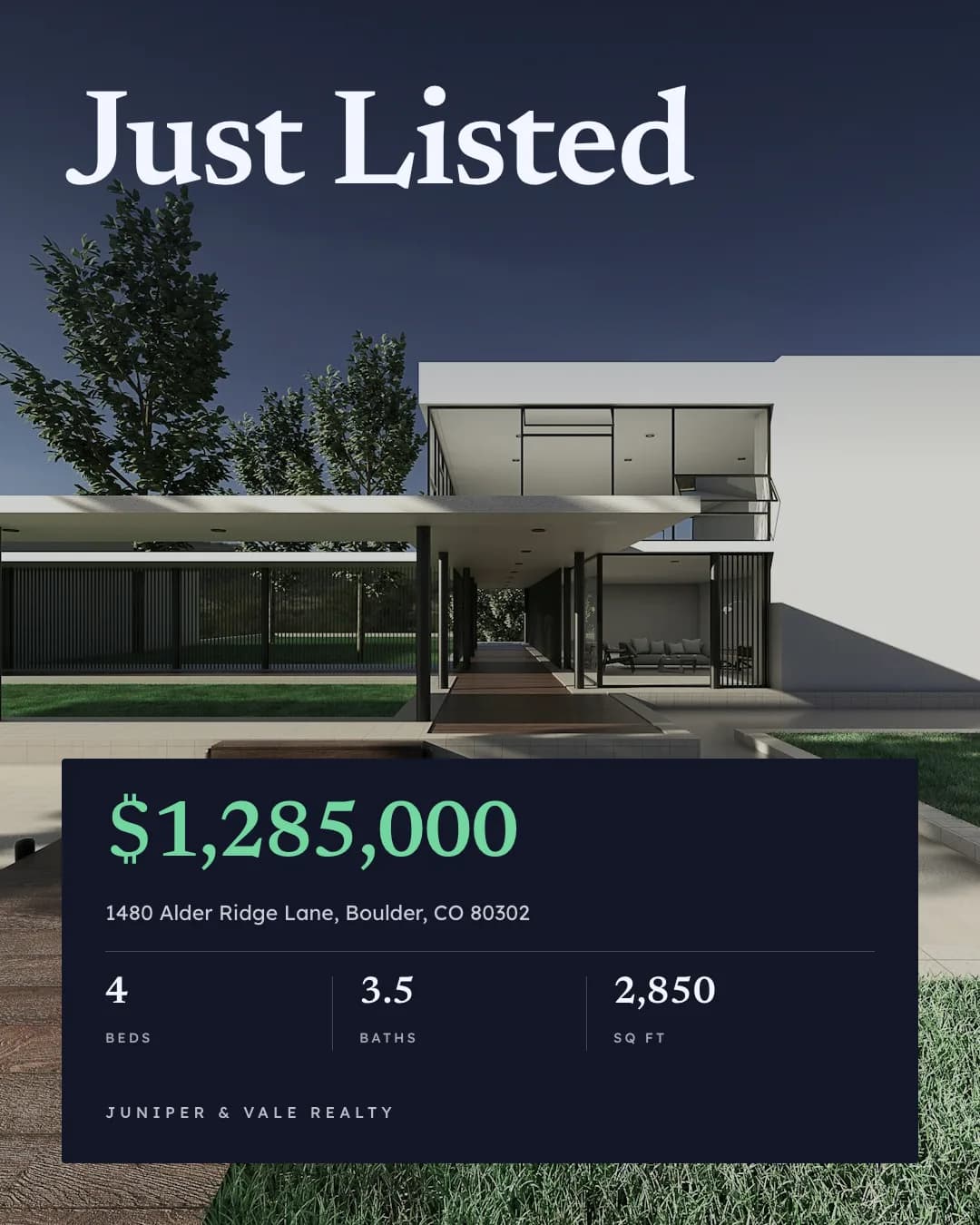
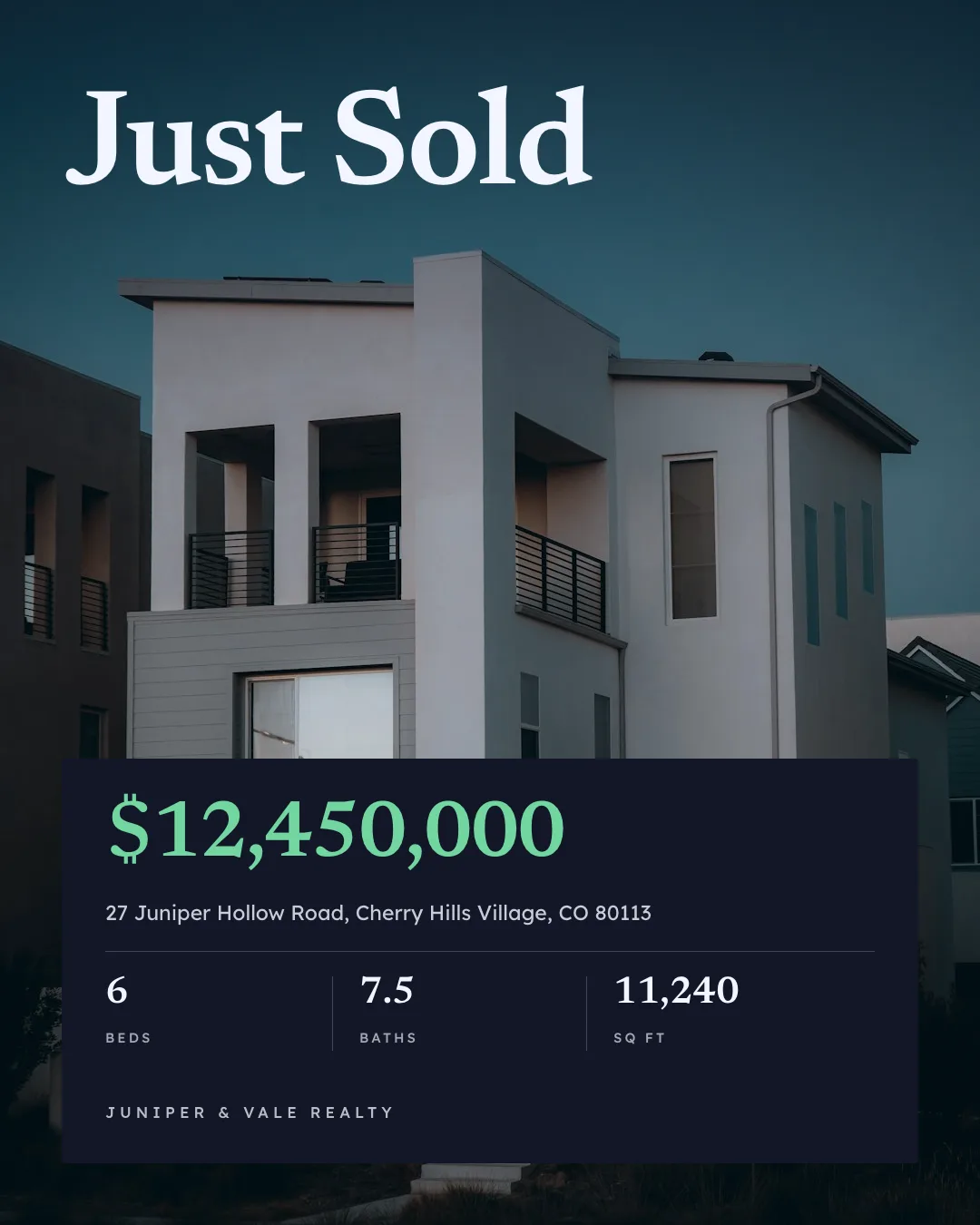
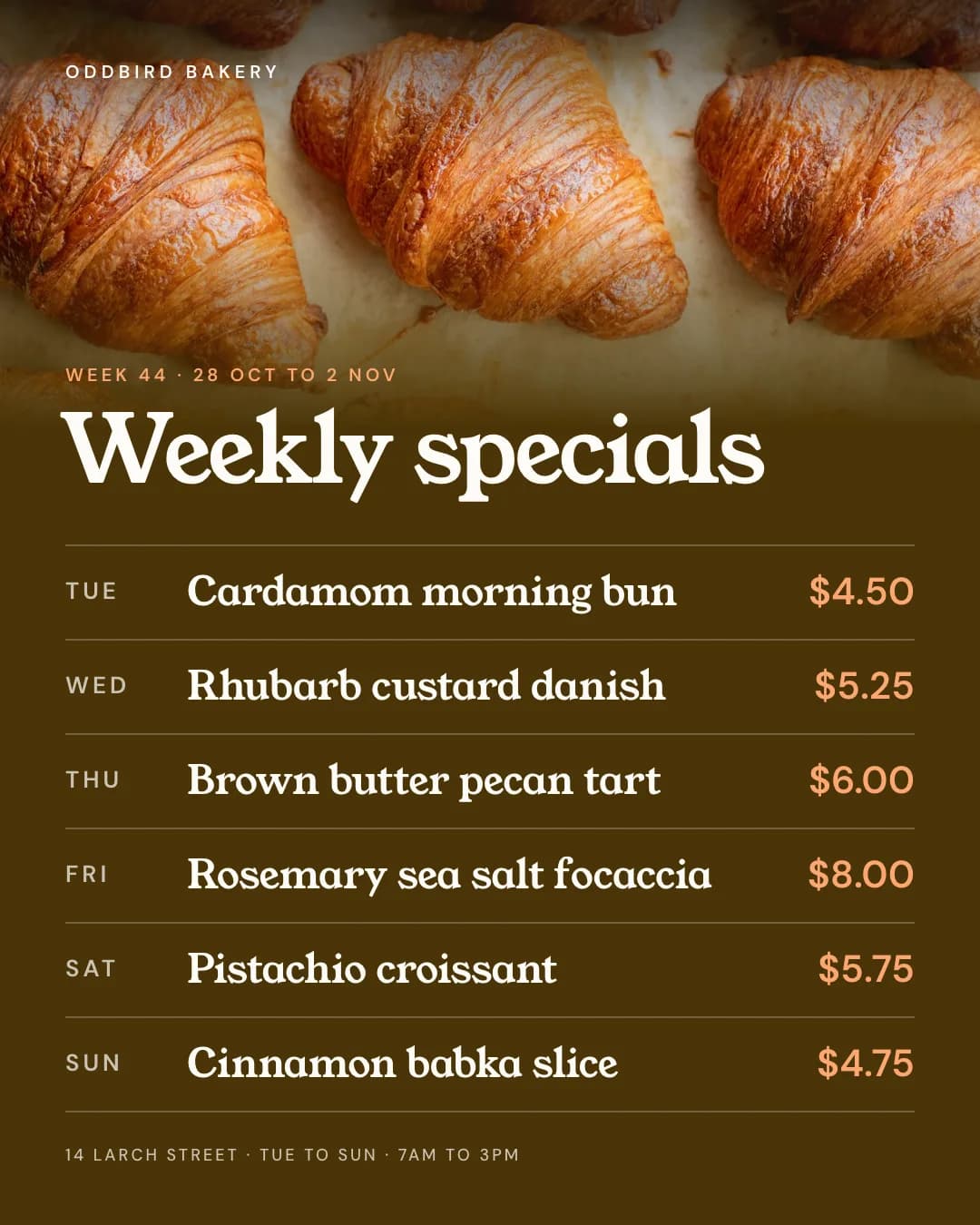
Real outputs, rendered with this skill.
Every image here came from a template and a render call, not from a mockup. Drag or scroll the row, and click one to see it full size.
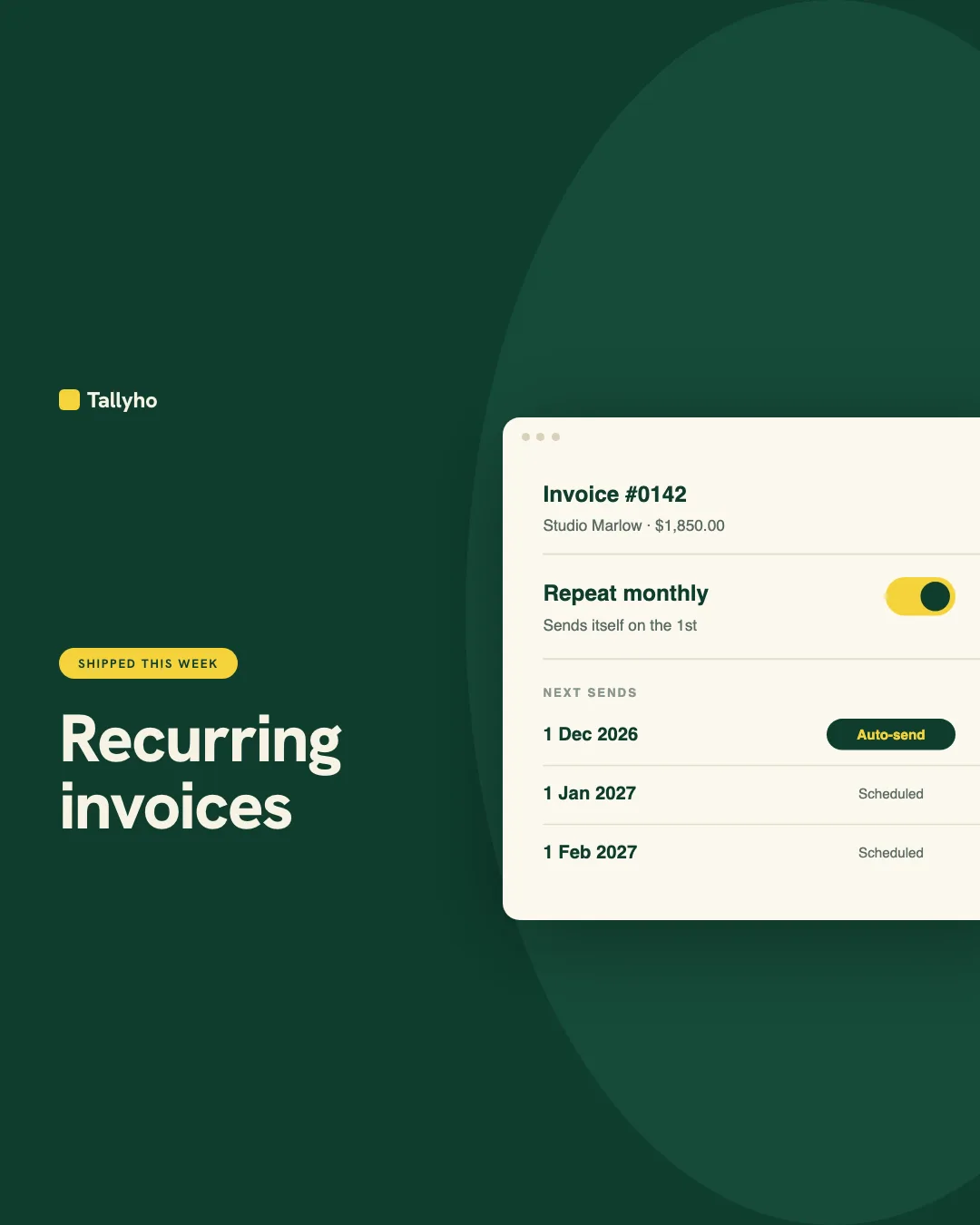
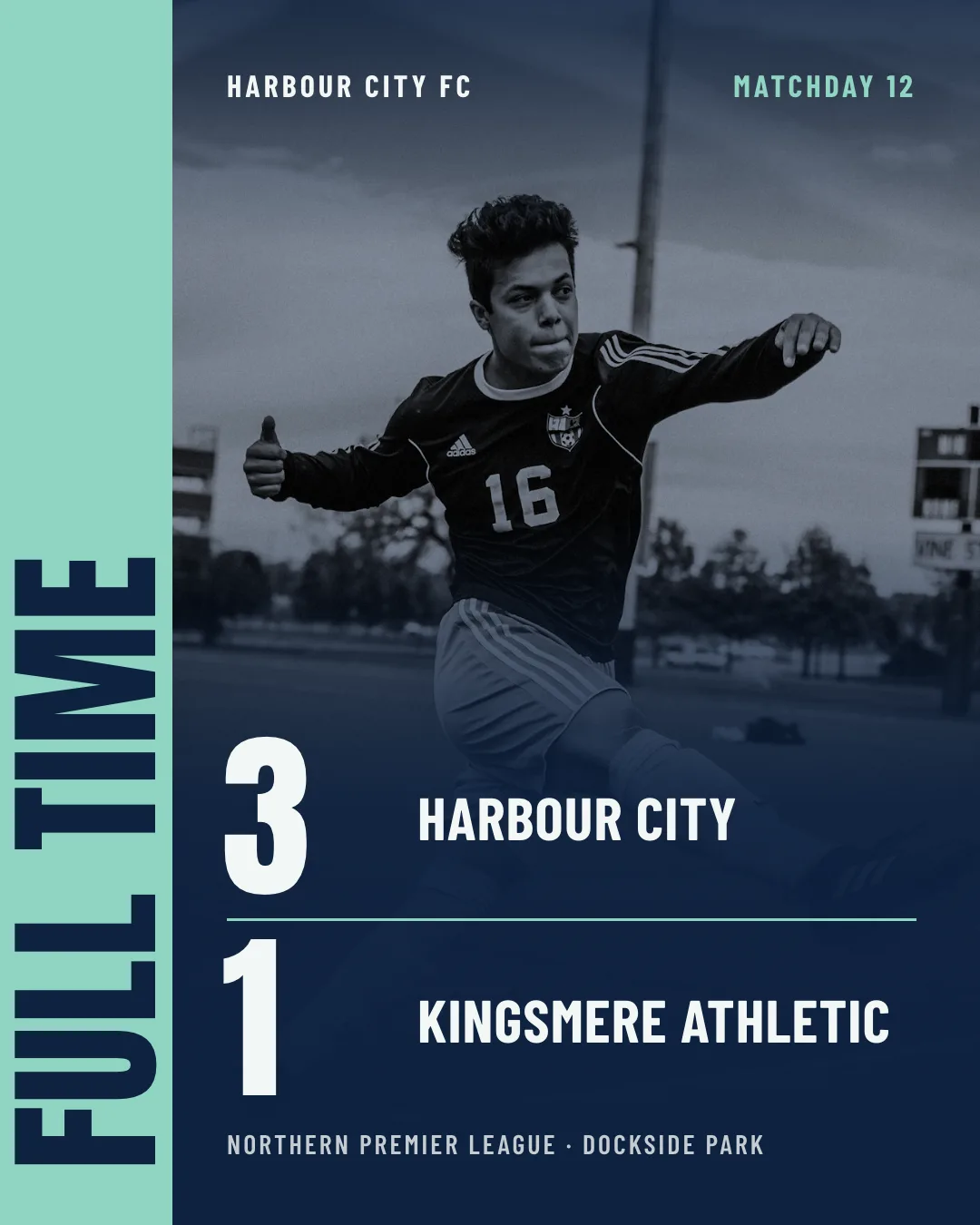
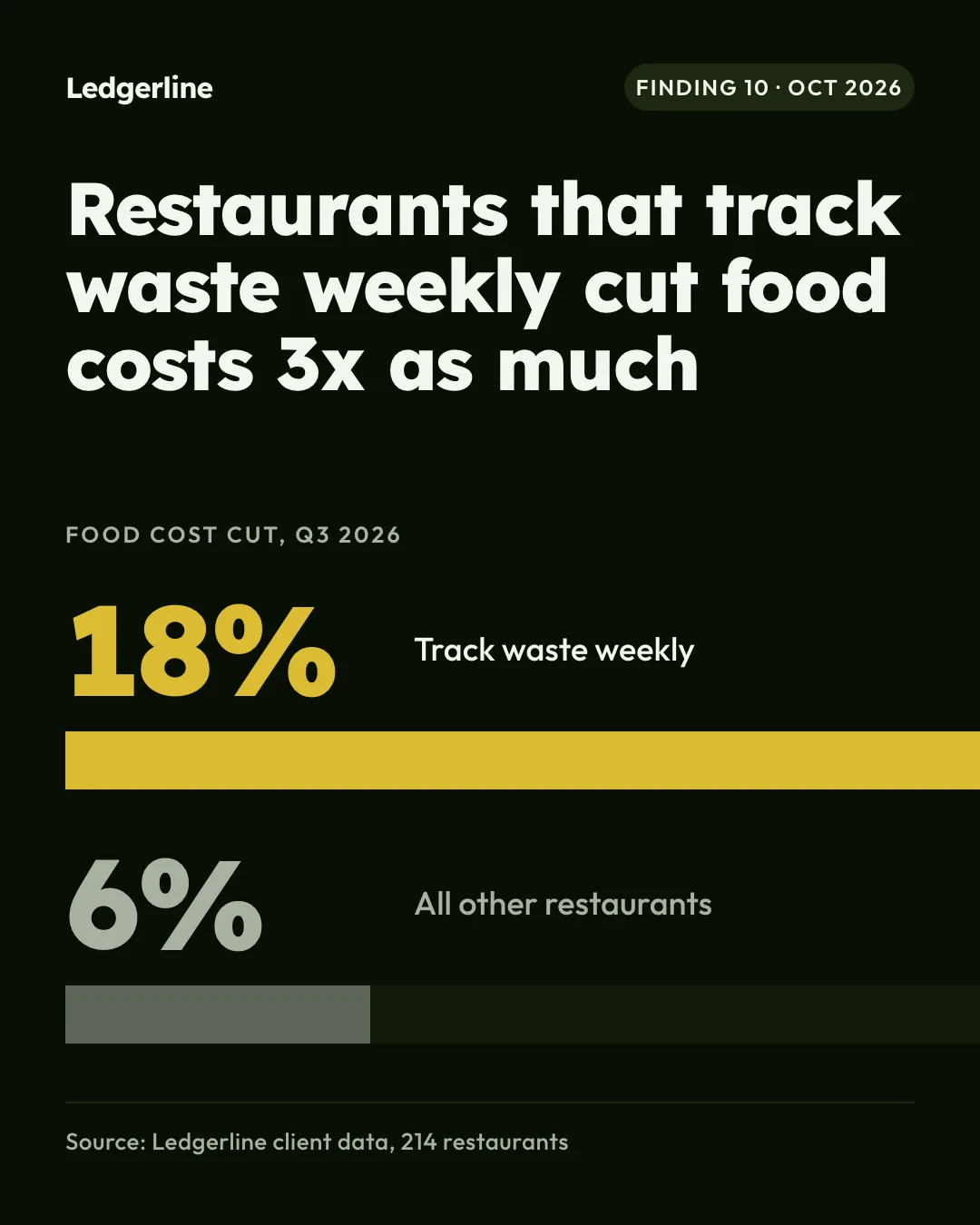
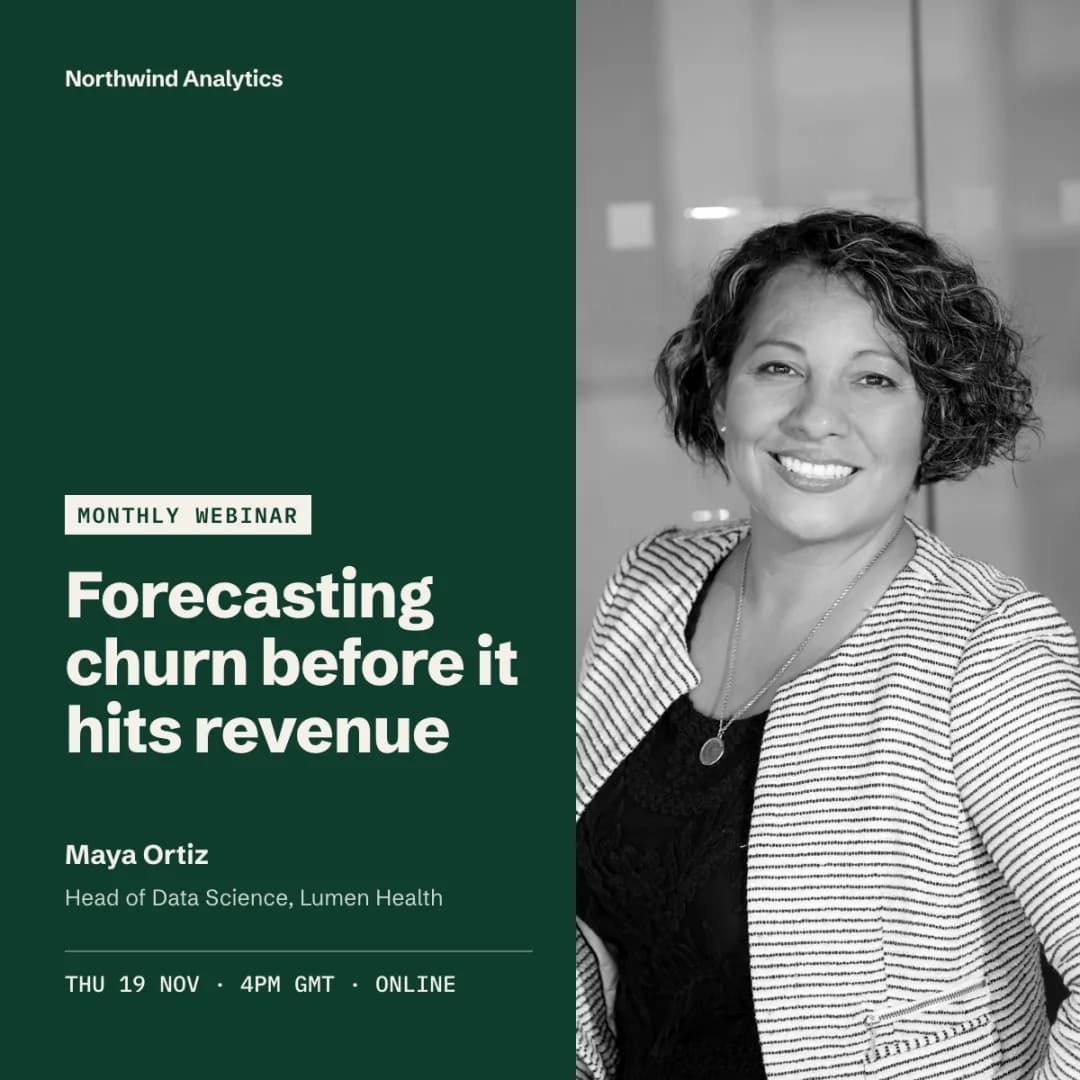
Built from posts brands actually publish.
We collected single-image posts that product teams, clubs, cafes, brokerages and studios publish every week, measured each layout, and kept the ones brands repeat. Your agent picks one of those formats instead of inventing a layout.

 LinkedIn and PinterestCompany image posts from SaaS teams and a brokerage, plus menu, listing and event boards33
 InstagramClubs, cafes, news, realtors and studios, plus hashtag pages like #justlisted and #weeklyspecials20
- posts.designSingle-image launch, event, hiring and milestone posts on X20
- Saved design referencesBookmarked posts on X and design galleries20
- 12post formats, one per type of post
- 1 frameper format, with the fields that change each week
- 4blind tests judged side by side with the real posts
What your agent does, step by step.
The skill tells the agent which Orshot tools to call and in what order. You see each result before the next step.
- Step 1
Plans from real formats
Names the post type and gets the formats brands run for it (event card, speaker card, changelog card, one big number), with the palette and type.
orshot_plan_design - Step 2
Designs on brand
Brand kit first, two fonts, one accent, and a layout that does not repeat the last one.
orshot_get_brand_kitorshot_create_template_design - Step 3
Renders every size
One render for the post, extra sizes for the story and LinkedIn from the same design.
 orshot_render_templateextraSizes
Orshot turned content production from an hour-a-piece design exercise into something that runs off our existing workflow.
Consistent, on-brand, and fast enough that we actually ship daily.

Say it like this. The skill does the rest.
Not for carousels or TikTok slideshows (use the carousel skill), ads (use the ad-creative skill), blog covers (use the blog-images skill), thumbnails (use the youtube-thumbnail skill) or posting and scheduling (use the social-media-scheduler skill).
- Product update · 1080×1350 · PNG
Feature launch post
Design a product update post announcing Recurring invoices: a NEW label, a one-line benefit and a clean UI mock of the invoice schedule.
- Instagram post · 1080×1080 · PNG
Quote card
Make a daily quote card: large italic serif quote, an orange quote mark, the author's name and role on a dark brown background.
- Instagram post · 1080×1080 · PNG
Customer review card
Turn a 5-star review into a square post: the stars, the review text, the customer's photo, name and the product they bought.
- Job post · 1080×1350 · PNG
We're hiring
Create a 'We're hiring' post for a Senior Product Designer: team, remote location, salary range and the apply link.
- LinkedIn post · 1200×1200 · PNG
Results stat card
Make a LinkedIn post that shows +38% net metal production in Q3, with a simple four-quarter bar chart and our company name. Clean white, one blue.
- Real estate post · 1080×1350 · PNG
Just listed
Create a 'Just listed' post with the house photo, price, address, beds, baths and square feet, plus the agent's photo and phone number.
Posts from your content calendar. No agent in the loop.
Each row of your calendar sheet renders a post from the right template and queues it for review.
curl -X POST https://api.orshot.com/v1/studio/render \
  -H "Authorization: Bearer $ORSHOT_API_KEY" \
  -H "Content-Type: application/json" \
  -d '{
    "templateId": 123,
    "modifications": {
      "headline": "We're hiring",
      "role": "Senior Designer",
      "location": "Remote"
    },
    "response": {
      "type": "url",
      "format": "png"
    }
}'Read it before you install. It is one file.
This is the SKILL.md your agent loads, word for word. It names every tool call, the layout rules and the gotchas.
Orshot-HQ/orshot-agent-skills---
name: orshot-social-media-content
description: "Social media post generator with Orshot: on-brand Instagram, LinkedIn, Facebook, X, Pinterest and TikTok posts and stories (events, launches, hiring, stats, quotes, menus, listings, deals, match scores) from a template you design once, then render with new copy for every post. Built on formats brands post every week. A Canva alternative agents drive by API: brand kit fonts, colors and logo, rotating layouts so posts don't all look the same, every platform size from one design. Imports existing Canva designs. Runs over the Orshot MCP server or REST, from a chat or a sheet. Use when: \"make an instagram post for this\", \"social media post generator\", \"turn this sheet into posts\", \"on-brand posts for this week\", \"announcement post\", \"quote post\", \"linkedin post image\". NOT for carousels or TikTok slideshows (use orshot-carousel), ads (use orshot-ad-creative), blog covers (use orshot-blog-images), thumbnails (use orshot-youtube-thumbnail) or posting and scheduling (use orshot-social-media-scheduler)."
homepage: https://orshot.com/agents/skills/social-media-content
license: MIT
metadata:
author: Orshot
version: "1.5.0"
mcp-server: orshot
openclaw:
emoji: "🎨"
homepage: https://orshot.com/agents/skills/social-media-content
primaryEnv: ORSHOT_API_KEY
requires:
env: []
bins: []
envVars:
- name: ORSHOT_API_KEY
required: false
description: Orshot API key. Only for REST. Template design tools run over the hosted MCP server with OAuth, no key needed.
---
# Orshot Social Media Content: design the template once, post from it forever
A social post from Orshot is a designed template plus fresh copy, not a new AI image every time. This skill is the flow for making one post template that a brand can run every week, and rendering it for every post after that.
The layouts come from the post formats `orshot_plan_design` returns for the job, built from 93 real posts brands published in 2026: the formats brands, clubs, shops and studios actually publish again and again (place-and-date event cards, changelog cards, one big number, split speaker cards, edge rails on match day, row tables for menus). Read it before you design. Design craft (hierarchy, type, color) is in the `orshot-design` skill. Field names and rules live in the docs.
## What people ask for
- "Make an Instagram post for the Fernhill Farm Market on Saturday: date, time, entry price and address, in our brand colors."
- "Here's a post that did well last month. Make five more for next week with the same layout and new copy."
- "Every Monday I'll paste five quotes. Turn them into posts that don't all look the same."
- "Build a final-score graphic for the Riverside Otters so I can drop in the score after each game."
- "We post a feature update every Friday. Make the card so I only change the headline and the screenshot."
- "Turn each row of this sheet into a LinkedIn image and a story version."
- "I'll send this week's six specials from a sheet. Make the menu post."
- "Our posts look like generic AI. Redo the template so it looks like us."
## Before you start
- Connect the Orshot MCP server at `https://mcp.orshot.com/mcp` (OAuth, no key). Setup per client: https://orshot.com/docs/integrations/mcp-server.md. The `orshot` skill covers connection and REST.
- Load the `orshot-design` skill. It holds the design rules this flow relies on.
- Template design runs over MCP. The REST create endpoint is Enterprise only: https://orshot.com/docs/api-reference/enterprise-template-create.md.
## Flow
1. **Look for an existing template.** `orshot_list_studio_templates` with a search for the post type. If one fits, skip to step 8.
**Already designed in Canva?** Do not rebuild it. The user imports it in Orshot Studio from a public share link, so no Canva API access is needed: https://orshot.com/docs/importing-templates/import-from-canva.md. Text and image layers come in as parameters. After the import, go to step 7 and rename the keys that change per post.
2. **Pick the size.** 4:5 portrait is the default for Instagram and LinkedIn feed posts; 16:9 for X announcements; 9:16 for stories. One image for both LinkedIn and X: 1:1. When the format and this line disagree, this line wins. Create takes `canvas_width` and `canvas_height` in pixels. Preset names and sizes: https://orshot.com/docs/api-reference/render-from-studio-template.md#smart-resize (or the `orshot://formats` MCP resource).
3. **Plan, and pick the format.** `orshot_plan_design` with the brief, `job` (the user's words: "instagram post for our webinar speaker"), the canvas size, the colors the user names as `subject_colours` (hex) and `on_brand: true` when the post should be on brand. It returns the post formats brands run for that job (skeleton, size, fields, what makes each work, and what every strong post shares) and the plan: palette, font pair, type scale. Pick the format whose fields match what changes per post and say it in one line before you design: "Event post, place-and-date card: venue photo full bleed, market name in the sky, one meta line, sponsor row." The format's skeleton is the layout; the plan's colours and type are the look. If the user shared a post that worked, copy its structure and hierarchy, not its words. To plan for a format you already know, pass `format` with its id.
4. **Get the look.**
- `orshot_get_brand_kit` when the post should be on brand. Brand colors, fonts and logo win over the plan's palette, but only when the kit is the brand the user named: a workspace kit can hold other brands' assets. If it does not match, use the colors the user gave.
- `orshot_get_design_spec` topic `template-json` once per session for the template JSON. Same content as https://orshot.com/docs/definitions/template-json.md.
- Pictures: the user's photos and brand kit images first, then `orshot_search_stock_media`. Pick photos with empty space where the text goes.
5. **Design the frame for a series, not one post.**
- Fix the frame: logo spot, label positions, footer and margins that never move.
- Add the series device the format calls for: an issue or week number, a version chip, a match day number, a page counter. When the post has no number, a fixed recurring label (`SHIPPED THIS WEEK`) or the date chip is the device. Do not add a field the user did not ask to change.
- Give per-post photos one treatment so any photo fits: black and white, a duotone in the brand colors, a cut-out on a plain ground, or a device frame.
- No screenshot or product photo yet? Draw the one UI component or object the post is about as an SVG layer in the brand colors, make it the dynamic `visual` field, and tell the user it is a stand-in for their own image.
- Make every changing part its own dynamic field with a snake_case `parameterId` (`event_name`, `meta_line`, `photo`). Text that never changes (a fixed label, day names on a weekly table) stays static; if the result lists it as a render key anyway, leave it unused. Set text fitting on fields whose length varies, so a 3-line title does not push anything else: https://orshot.com/docs/orshot-studio/text-modes.md.
- A value that changes a shape (a bar's length, a progress fill) is set at render time on that layer, such as `bar_a.width`: https://orshot.com/docs/image-generation/dynamic-styling.md. Tell the user how to work out the value (the bar's full width times the value over the largest value).
- Fill the template with real copy at the length the user will really send, never "Lorem" or "Headline here".
6. **Create** with `orshot_create_template_design`: the complete `pages_data` in one call and `includeThumbnails: true`.
7. **Critique, then check the keys.**
- Look at the thumbnail as a phone would show it, about 400 px wide. Check it against the format: Does the hero read in one second? Is there one accent? Is the meta on one line? Does the picture bleed off an edge? Are there more than 25 words?
- Read the design checks in the result. Fix real problems with one `orshot_update_template_design` call, or `orshot_patch_template_elements` for single layers. Never ship the first pass unseen.
- The checks are tuned for photo posts. On a chart, table, type-only or drawn-UI format, "No imagery" and "Shapes with no job" can be wrong, a rotated edge rail can read as "cut by the edge", "Repeated copy" fires on the day names of a row table, and a fit warning can fire on fixed text. The status can stay `needs_fixes` after every real problem is fixed. Fix what is real and tell the user which checks you judged wrong and why.
- `orshot_get_studio_template_modifications` lists the exact keys a render accepts.
8. **Render** with real copy (`orshot_render_template`) and show the user the output. For a series, render the longest real copy the user will send as well (one more image credit), so the frame is proven before the first busy week. If an extra size from `extraSizes` reads weaker (empty bands, the picture no longer bleeds), add a page laid out for that size instead of relying on the resize.
9. **Hand off.** Posting, scheduling and analytics are in `orshot-social-media-scheduler`. Keep the template: every future post is a render, not a redesign. For posts that should be made with no one in the chat (a new sheet row, every Monday), see the `orshot` skill's [`references/recurring-automation.md`](https://github.com/Orshot-HQ/orshot-agent-skills/blob/main/skills/orshot/references/recurring-automation.md) and https://orshot.com/workflows/images-from-sheet-to-social.
## Example: an event post that runs every week
The user: "Make an Instagram post for the Fernhill Farm Market on Saturday: date, time, entry price and address, in our brand colors."
1. Format: place-and-date card, 1080x1350. A full-bleed photo of market stalls with open sky at the top; "Fernhill Farm Market" in two lines in the sky, left aligned; one meta line under it, `SAT 14 NOV · 8AM TO 1PM · 12 MILL LANE`; the entry price as a small chip; the market's logo top left.
2. `orshot_get_brand_kit`, then `orshot_plan_design` with `job: "instagram post for the farm market"`: it returns the place-and-date card and the palette and type scale. One stock search for "farmers market stalls" with space at the top.
3. Create with fields `event_name`, `meta_line`, `price` and `photo`, then check the thumbnail at phone size.
4. Every week after that is a render:
```json
{
"templateId": 124,
"modifications": {
"event_name": "Fernhill Farm Market",
"meta_line": "SAT 21 NOV · 8AM TO 1PM · 12 MILL LANE",
"price": "Entry $3, kids free",
"photo": "https://.../stalls-week-47.jpg"
},
"format": "png",
"extraSizes": ["instagram-story"]
}
```
These are `orshot_render_template` arguments. Over MCP, `format`, `scale`, `includePages`, `size` and `extraSizes` are flat arguments. Over REST they go inside `response`: https://orshot.com/docs/api-reference/render-from-studio-template.md. `extraSizes` re-lays the same design for each extra size in the same call; look at the story version too, since a 9:16 frame stacks differently.
## Example: one post from a list (weekly menu, timetable)
A row table takes a whole list in one render. Give each row its own fields (`tue_item`, `tue_price` ... `sun_item`, `sun_price`), and keep the day names static when the days never change. From a sheet, the simplest shape is one sheet row per week with columns named like the keys; if the sheet has one row per item, the automation joins the rows into one `modifications` object first. Render the longest item names the user really sells, so you see where a line wraps.
## Example: a score update a club posts after every game
Format: edge rail over the photo. The player or team photo fills the canvas; `FULL TIME` runs up the left edge as a tall rotated word; the two scores sit huge in the empty corner; competition and venue as one small meta line. Fields: `photo`, `rail_word`, `home_team`, `away_team`, `home_score`, `away_score`, `meta_line`. The same page covers the preview, half time and full time: only `rail_word`, the photo and the numbers change. The lineup is a second page with the same rail and photo treatment, rendered with `includePages`.
## Example: a week of quotes that don't all look the same
1. Build two or three templates for the same post type from the quote format's three shapes (`orshot_plan_design` with `job: "quote post"`: a big statement on a flat ground, a review card with a portrait, a borrowed-UI post card), all with the same parameter ids (`quote`, `name`, `role`, `photo`). Vary the ground too (dark, light, a brand colour), so the grid reads as a rotation, not one layout three times.
2. The hero is the strongest 8 to 15 words of the quote, set big. A long quote goes in the caption, or the template gets a second, smaller `quote_more` field. Fill the template with a quote of the length the user really sends and render the longest one too.
3. Rotate by date: template A, B, C in turn, for example week number modulo 3. In a scheduled automation that is one expression that picks the template id; see the `orshot` skill's recurring-automation reference.
4. Quotes come from the brand's own people or real customers, with their permission. A sample quote to show the layout is fine when you label it as a sample; never present a quote you wrote as a real customer's.
## Example: make an existing template less generic
1. `orshot_get_studio_template` to read the current design.
2. `orshot_plan_design` with the post's job to get its format and the notes on what strong posts share. Compare: count the words and the type sizes, find the hero, check the anti-patterns in the notes.
3. `orshot_patch_template_elements` with `layer_operations` for the layers that change, `includeThumbnails: true`, then look at the result.
## The same post as a video
"Make it a reel", "an animated version", "a video for TikTok": load `orshot-video-generator` alongside this skill. They work as a pair:
1. This skill picks the format and designs the static post as usual (or finds the existing image template): copy, fields, palette, fonts.
2. The video skill turns it into a film that builds to that post, re-laid for 9:16: the scenes before it, the motion, the ground footage, the layer that runs start to end. `orshot_plan_design` with the same job and `duration_seconds` returns the film format for each post type.
3. Both templates keep the same base field names, so one sheet row renders the image and the video.
## Rules
- One template per post type, reused. Do not redesign per post.
- The layout comes from a format brands actually run. A centred headline on a gradient, or a photo card with a caption under it, is not a format.
- Vary the format between templates of the same type.
- Render before you call it done. A thumbnail is a preview; the render is what ships.
- Images, in this order: brand kit images, the user's own photos, then stock (`orshot_search_stock_media`). Use AI images only when the user asks for them.
- Images from `orshot_search_stock_media` are referenced as `stock://` in a design, but a render's image fields need a URL: call `orshot_use_stock_media` first.
- Prices, dates, scores, quotes and claims come from the user. A field the user has not filled yet gets a sample value that they replace, and you say which ones are samples.
- For a batch the user files by hand, save renders to their Google Drive folder with a file name per render: https://orshot.com/docs/integrations/google-drive.md.
- A render costs credits: https://orshot.com/docs/definitions/credits-usage.md. Say the cost before a large batch.
Related skills: `orshot` (connection, REST, render options), `orshot-design` (design craft), `orshot-carousel` (multi-slide posts), `orshot-video-generator` (the same post as a video, used as a pair), `orshot-social-media-scheduler` (posting and analytics).Social Media Content skill questions
Can Claude make Instagram posts?
Is this a Canva alternative for agents?
Same templates, other jobs.
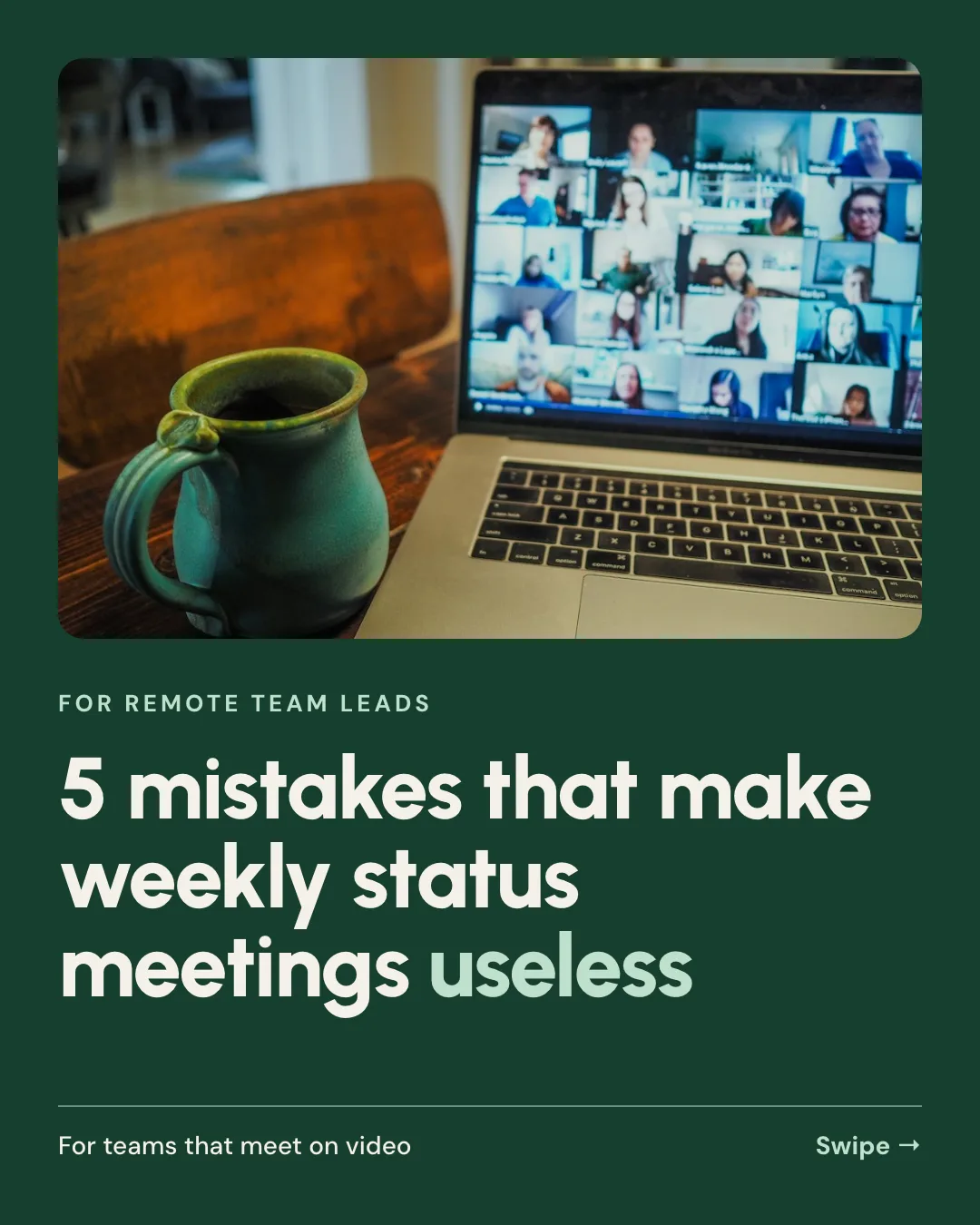
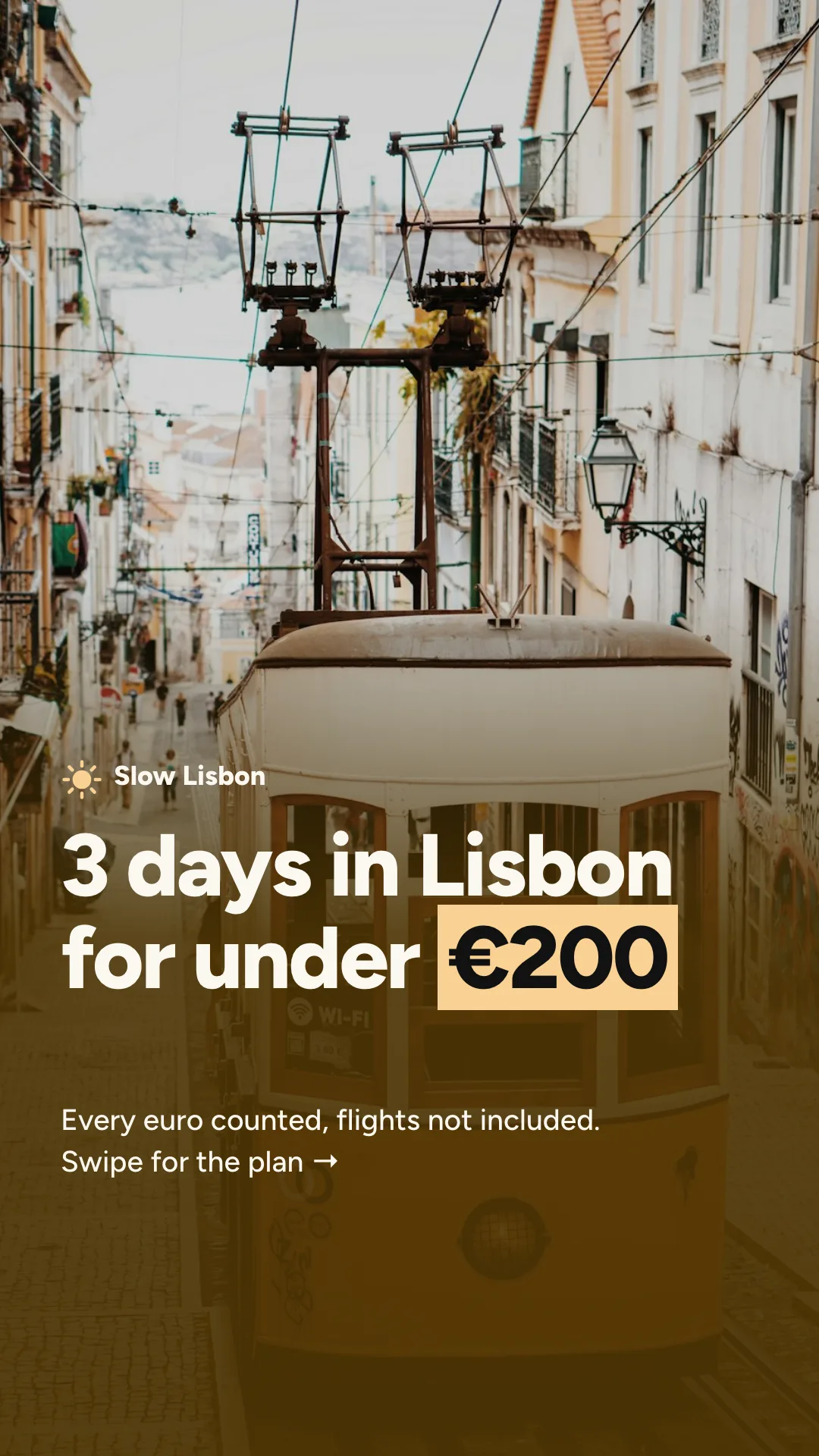
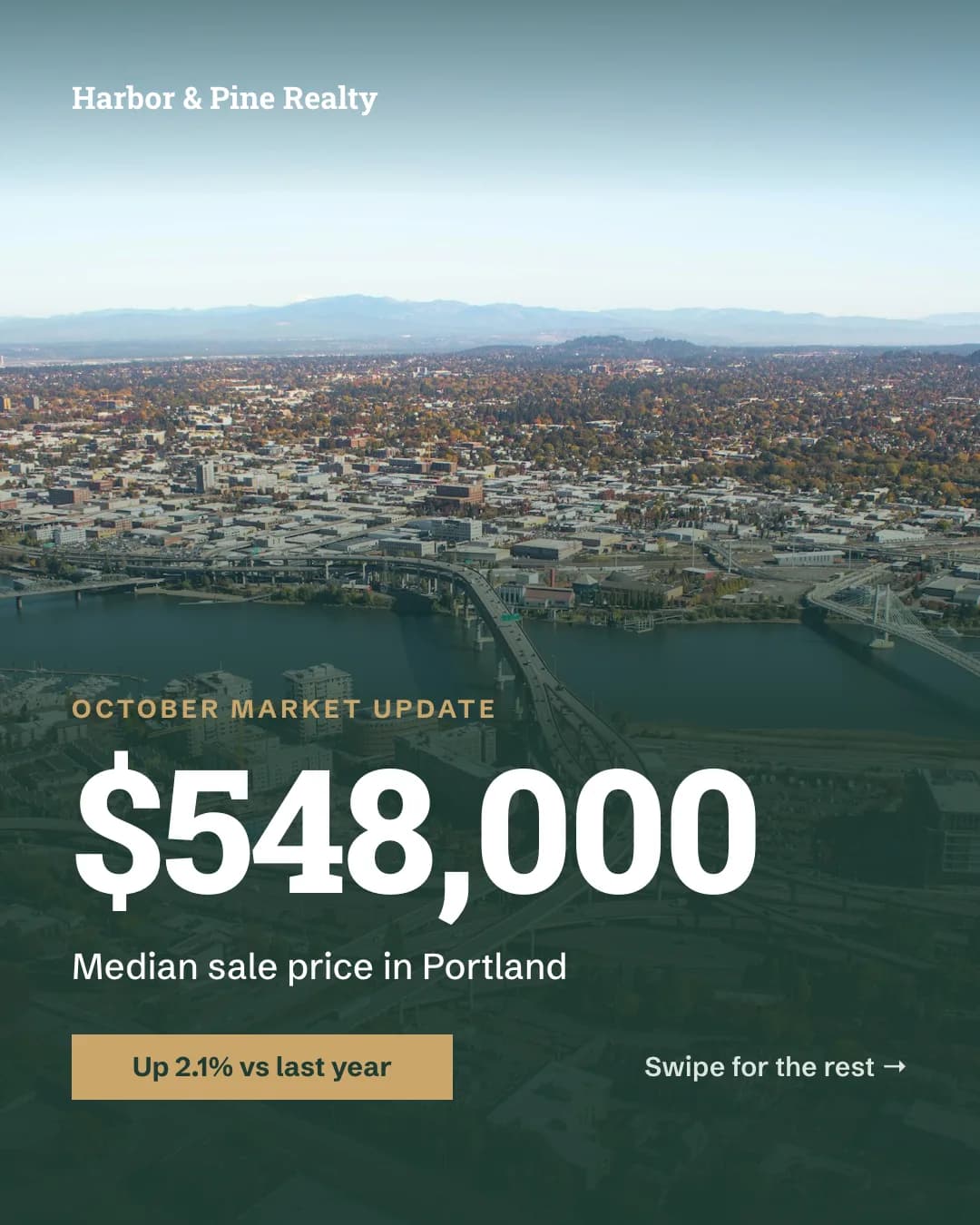
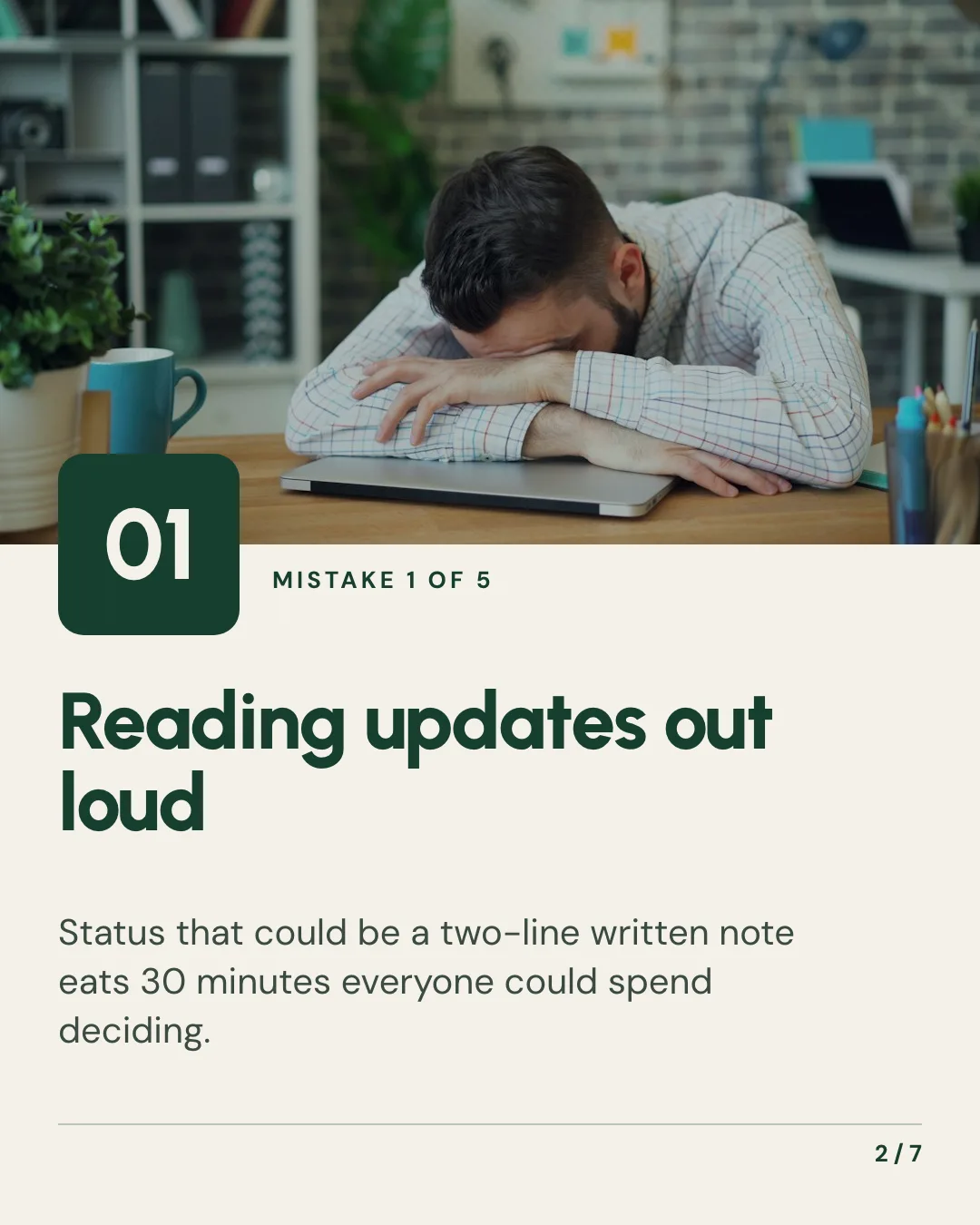
Carousel
Swipeable Instagram and LinkedIn carousels from any idea or post








Social Media Scheduler
Social posting and scheduling to Instagram, TikTok, LinkedIn and 12 more from one chat
Ad Creative
Facebook, Instagram and Google ads in every size, on brand
Give your agent the social media content skill. 100 free credits every month.
No credit card. Paste the link into your agent, sign in to Orshot once, and get your first render in the same chat.





