Instagram Carousel Maker for Your AI Agent
A hook on the cover, one slide per point and a CTA last, every inside slide in the same layout, rendered in one call and posted as a draft for you to check.
100 free credits a month · no credit card · works in Claude, ChatGPT, Codex, Cursor and more
Use the Orshot carousel skill: https://orshot.com/agents/skills/carousel.md. Turn this post into a 6-slide LinkedIn carousel:
 Claude
 ChatGPT
Your agent reads the skill from /agents/skills/carousel.md and renders through Orshot. First time? It asks you to sign in once.
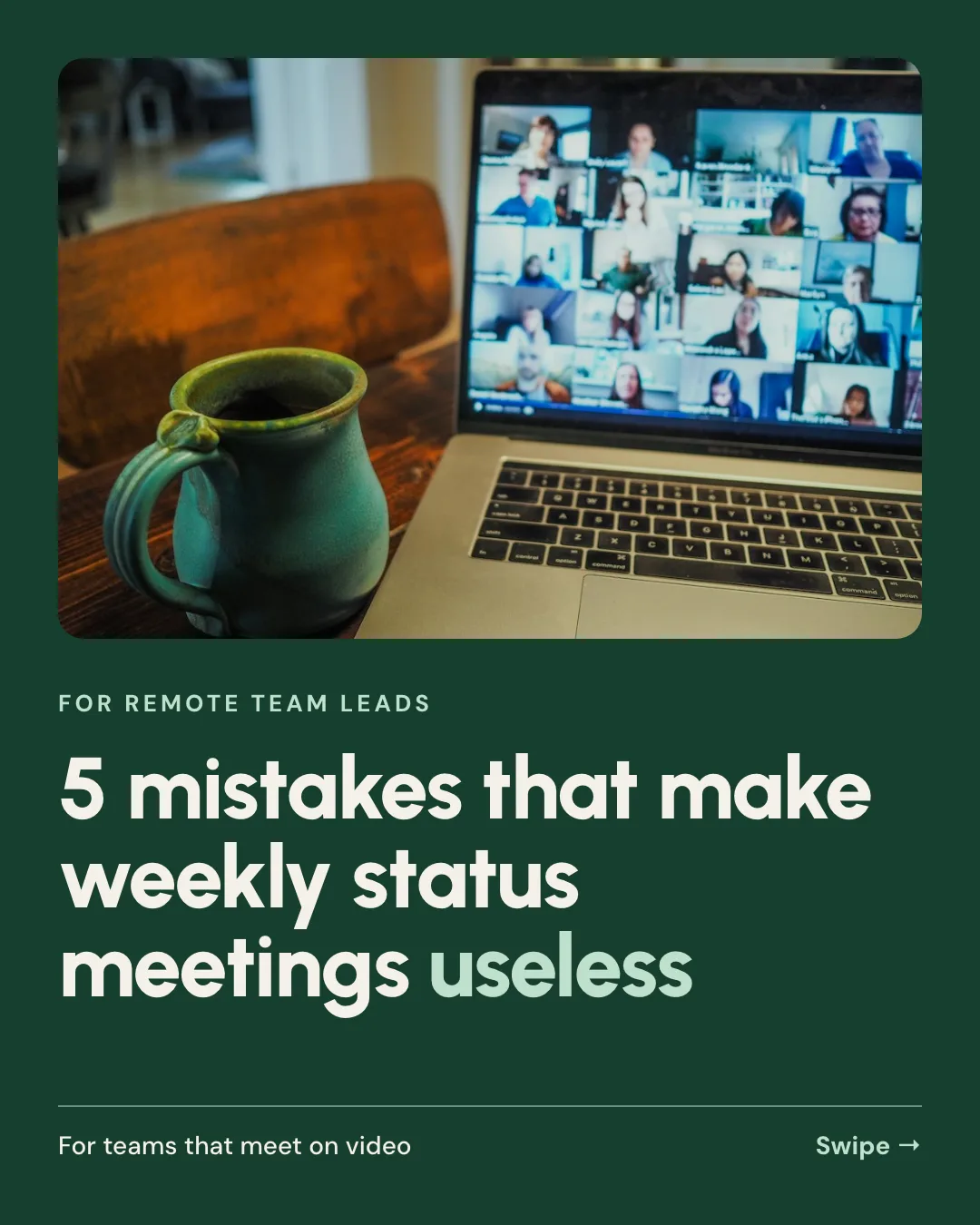
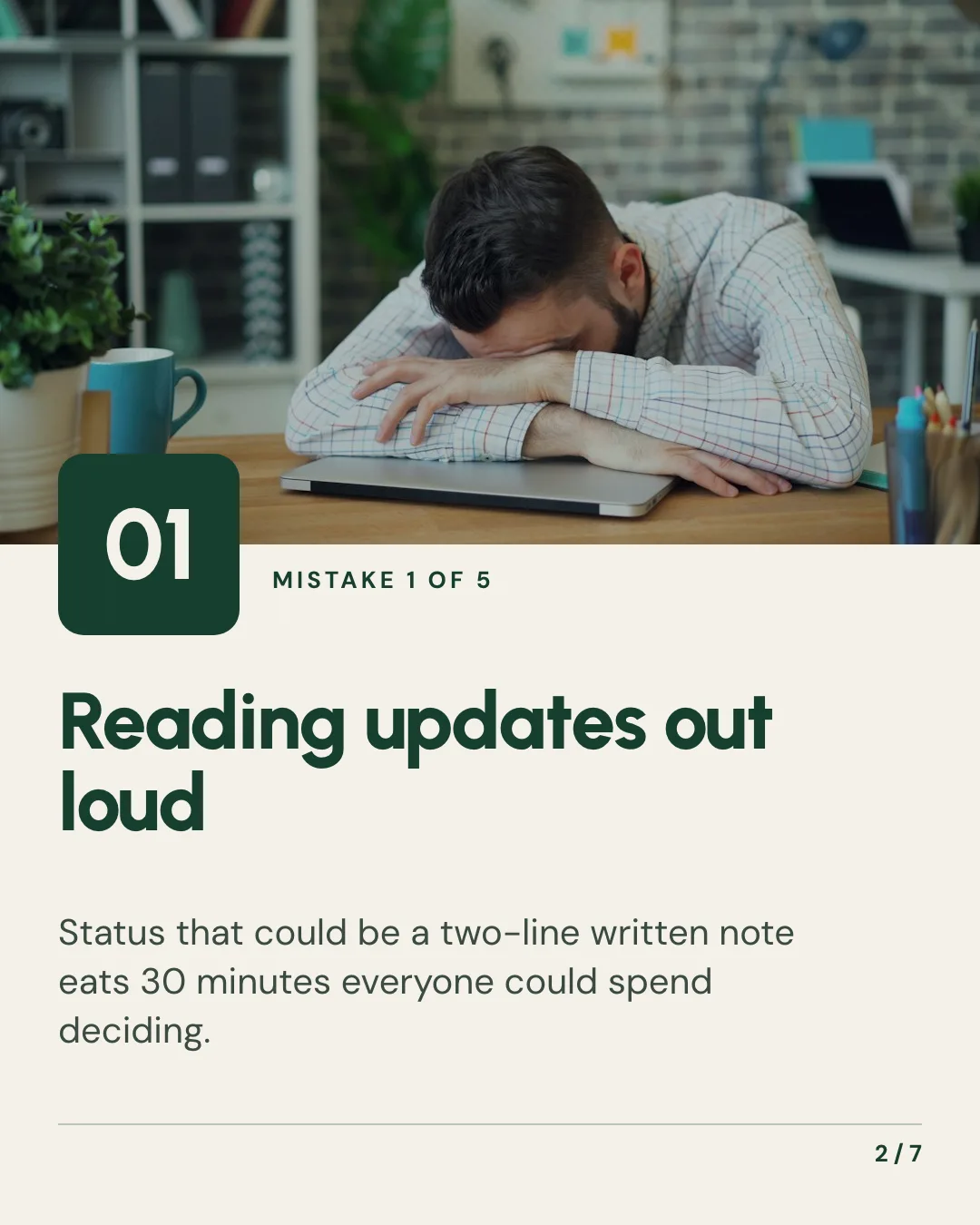
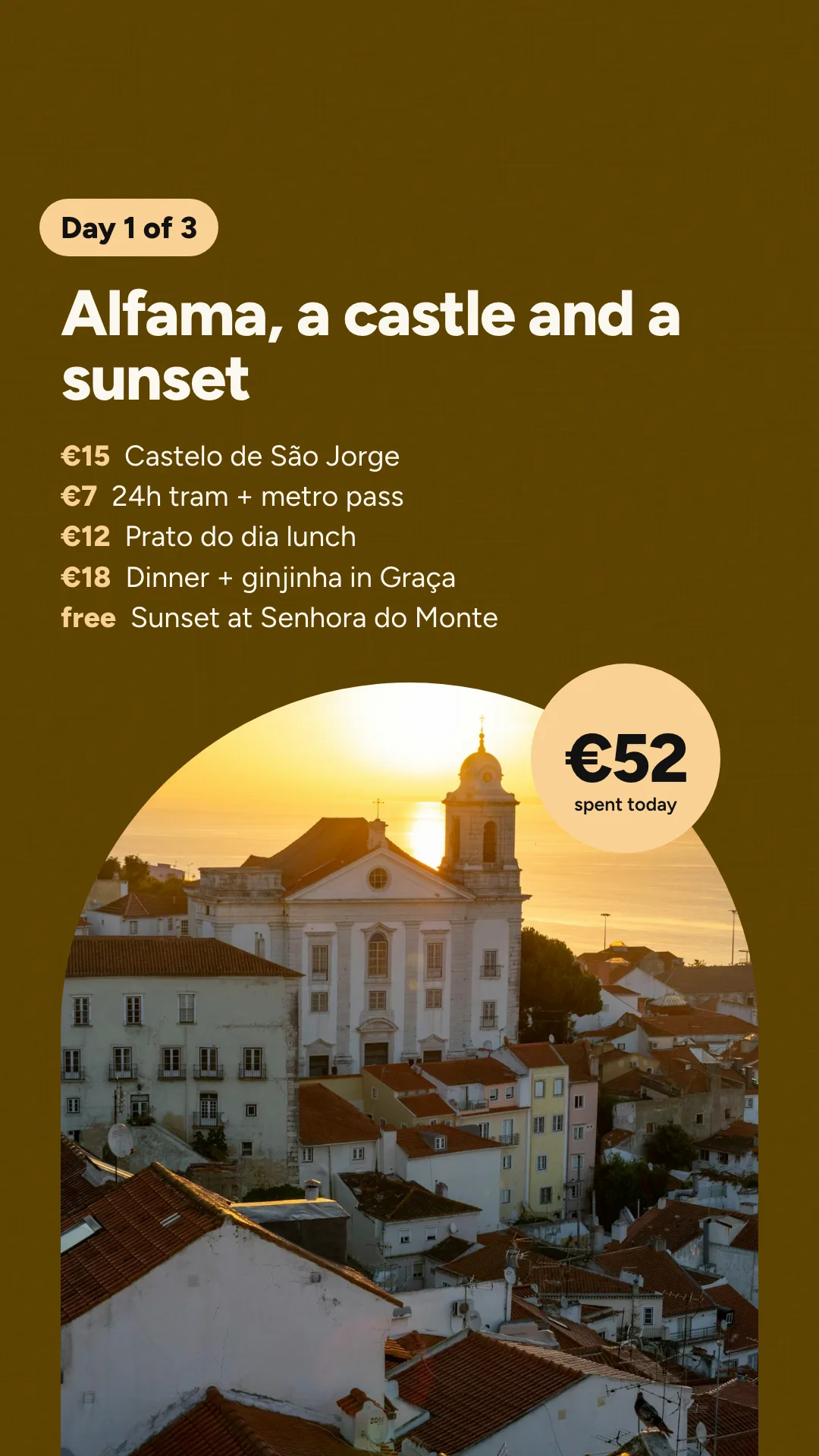
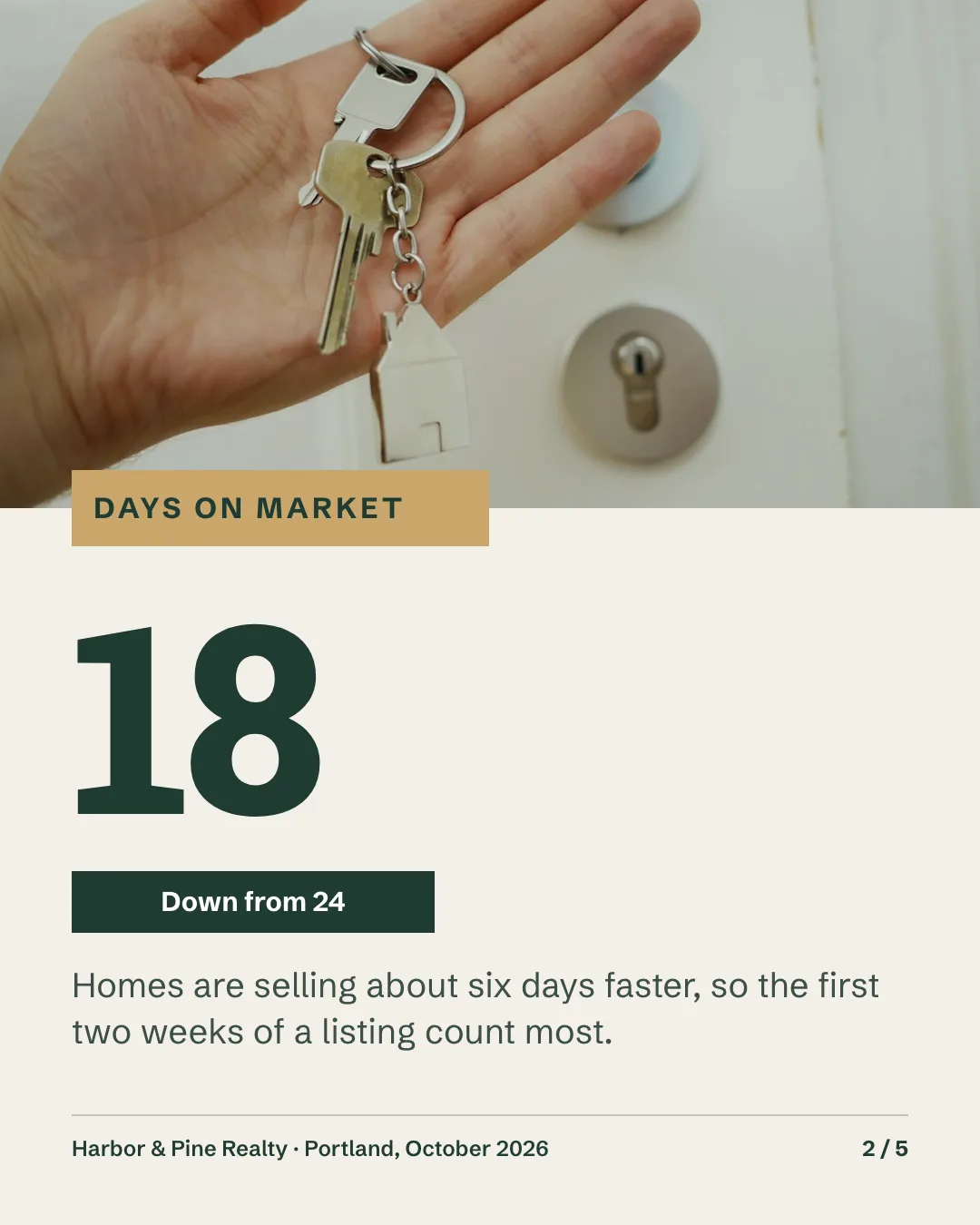
Real outputs, rendered with this skill.
Every image here came from a template and a render call, not from a mockup. Drag or scroll the row, and click one to see it full size.

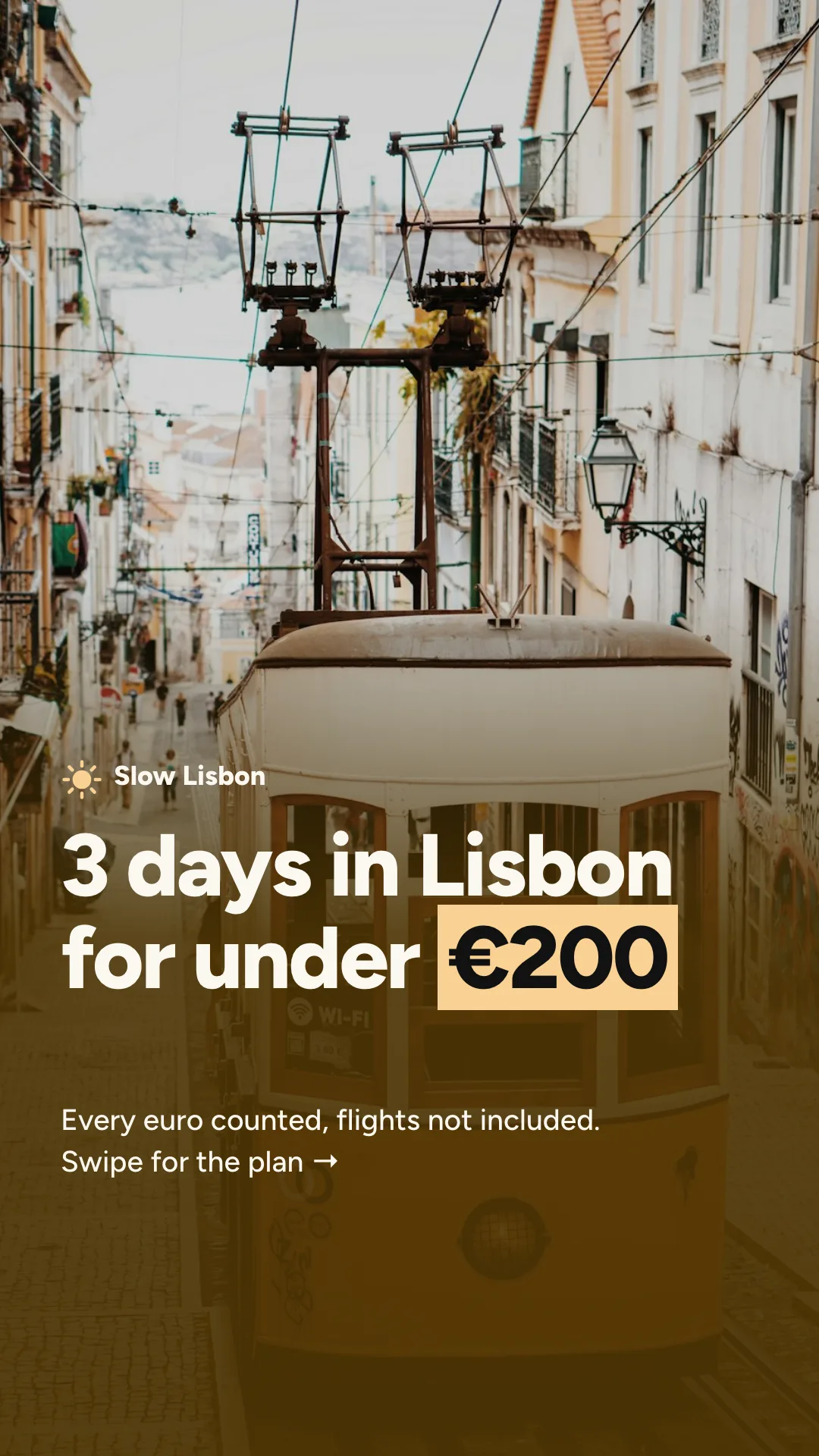
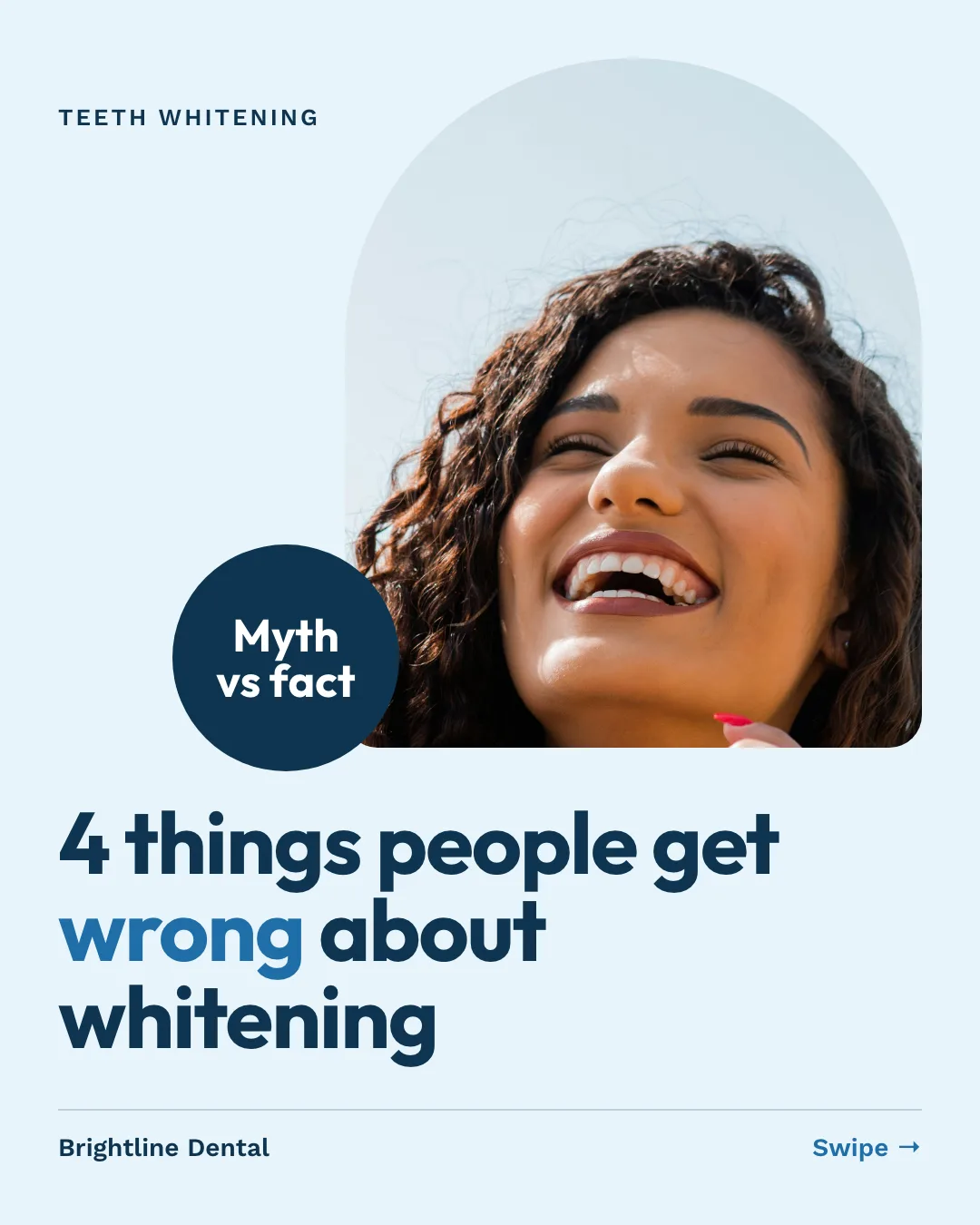
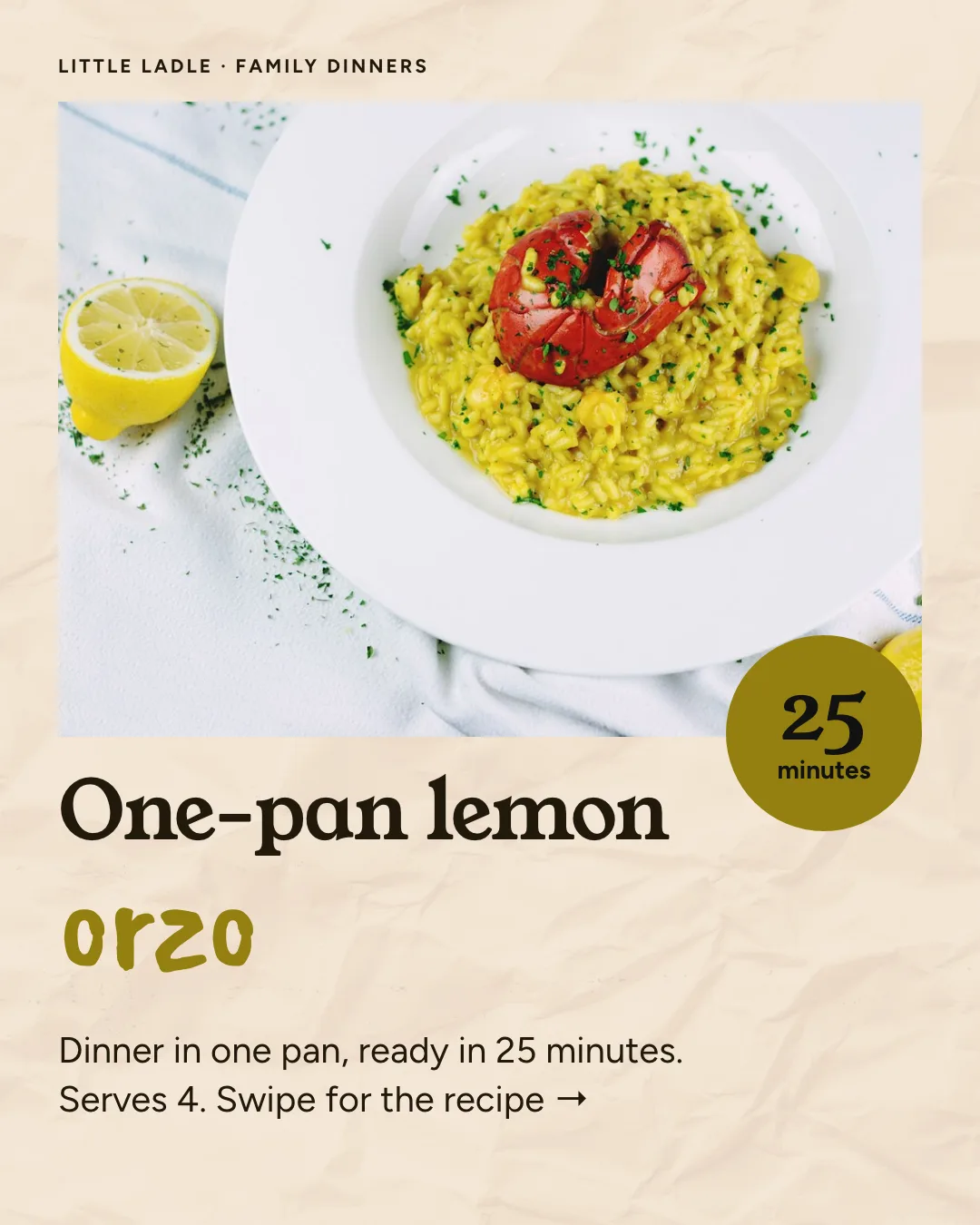
What your agent does, step by step.
The skill tells the agent which Orshot tools to call and in what order. You see each result before the next step.
- Step 1
Writes six slides
Hook, problem, turn, two proofs, CTA. Under 20 words a slide.
your topic or post - Step 2
Uses one carousel template
Six pages with the same layout, safe zones for TikTok and Instagram, brand fonts and colors.
orshot_plan_designorshot_create_template_design - Step 3
Renders and drafts
One render call returns six images, then a draft post you approve before it goes out.
 orshot_render_templatepublish: draft
Orshot turned content production from an hour-a-piece design exercise into something that runs off our existing workflow.
Consistent, on-brand, and fast enough that we actually ship daily.

Say it like this. The skill does the rest.
Not for single posts (use the social-media-content skill) or video reels and MP4 slideshows with a song (use the video-generator skill).
Tips carousel
Use the Orshot carousel skill. Turn this post into a 6-slide Instagram carousel: a hook on slide one, one tip per slide, and a CTA on the last.
LinkedIn carousel
Make a 1080x1350 LinkedIn carousel from this article with my brand fonts and colors, and post it as a draft.
Daily TikTok slideshow
Make a TikTok slideshow template, then every morning render one from a new idea and post it as a draft through Orshot.
- Instagram carousel · 1080×1350 · PNG × 5
Tips carousel
Design a 5-slide Instagram carousel for my newsletter account: a bold cover that says 'Habits that grow a newsletter from zero', three tip slides with big numbers, and a follow slide. Cream, black and one orange accent.
A carousel every week. No agent in the loop.
Every Tuesday, turn the latest newsletter or blog post into the same carousel and queue it as a draft.
curl -X POST https://api.orshot.com/v1/studio/render \
  -H "Authorization: Bearer $ORSHOT_API_KEY" \
  -H "Content-Type: application/json" \
  -d '{
    "templateId": 123,
    "modifications": {
      "page1@text": "Habits that grow a newsletter",
      "page2@text": "Post on the same day every week"
    },
    "response": {
      "type": "url",
      "format": "png"
    }
}'Read it before you install. It is one file.
This is the SKILL.md your agent loads, word for word. It names every tool call, the layout rules and the gotchas.
Orshot-HQ/orshot-agent-skills---
name: orshot-carousel
description: "TikTok slideshow and carousel generator with Orshot: faceless TikTok photo-mode slideshows, Instagram carousels and LinkedIn carousels from a template, hook on slide one and CTA on the last, brand fonts and colors set once and text sized to fit, rendered in one call. Turns a blog post, a sheet row or a list of hooks into slides, posts them as drafts through Orshot (with TikTok's recommended music) or hands them to Postiz, and learns from views. Use when: \"make a tiktok slideshow about this\", \"automate tiktok slideshows\", \"faceless tiktok carousel\", \"instagram carousel from this blog post\", \"turn this post into slides\", \"carousel generator\", \"linkedin carousel\". NOT for single posts (use orshot-social-media-content) or video reels and MP4 slideshows with a song (use orshot-video-generator)."
homepage: https://orshot.com/agents/skills/carousel
license: MIT
metadata:
author: Orshot
version: "1.2.1"
openclaw:
emoji: "🎠"
homepage: https://orshot.com/agents/skills/carousel
primaryEnv: ORSHOT_API_KEY
requires:
env: []
bins: []
envVars:
- name: ORSHOT_API_KEY
required: false
description: Orshot API key. Only for REST. Not needed over the hosted MCP server with OAuth.
---
# Orshot Carousel: six slides, one call
A carousel is six images with the same layout and different words. That is a template render, not an image-editing job. The template holds the fonts, colors and text sizing once. Every post only sends six lines of copy and six background images. No canvas code, no font files.
## What people ask for
- "Make a faceless TikTok slideshow for our habit app Loopday: 6 slides, a hook on the first, the app only on the last."
- "Turn this blog post into an Instagram carousel."
- "Write 30 slideshow hooks for a plant-care account and render the first 10 as drafts."
- "'Layout 1 or layout 2?' Make that slideshow with photos from our brand kit."
- "Which hooks got the most views this week? Write the next five from the winners."
- "Take the photos in my Drive folder and make a slideshow video with our track." This one is a video: see Slideshow as a video.
## Setup
1. Connect the Orshot MCP server at `https://mcp.orshot.com/mcp` (OAuth, no key): https://orshot.com/docs/integrations/mcp-server.md. Headless jobs use `ORSHOT_API_KEY` over REST. The `orshot` skill covers both.
2. Find a carousel template: `orshot_list_studio_templates` with a search for "carousel". None? Create one (below). Already have it in Canva? The user imports it in Orshot Studio from a public share link, and each page comes in with `pageN@` keys: https://orshot.com/docs/importing-templates/import-from-canva.md.
3. Decide where it posts: Orshot social accounts (`orshot_list_social_accounts`) or Postiz.
## Music
- **TikTok:** `tiktokSettings: { autoAddMusic: true }` asks TikTok to add its recommended music to the photo post, so no one has to open the app to add a sound. Over MCP it goes on `orshot_publish_social_post` (see Post it). Field: https://orshot.com/docs/publish/publish-from-api.md.
- **Instagram:** Orshot has no music option for Instagram posts. Tell the user before you post instead of trying. If the post needs sound, make it a video (see Slideshow as a video).
## The 6-slide formula
```
Slide 1 Hook, full sentence, biggest text, never split across slides
Slide 2 The problem the viewer has
Slide 3 The discovery or the turn
Slide 4 Proof 1 (number, screenshot, quote)
Slide 5 Proof 2 or the how
Slide 6 CTA (follow, link in bio, app name)
```
Hook rule: person + doubt or conflict + specific detail beats a feature line. "my trainer asked me to log a week of meals, she wasn't ready" beats "track calories in seconds". Do not name the product on slide 1.
Six is the default. A list gets one slide per point plus the cover and the CTA (5 mistakes is 7 slides), and a data update gets one number per slide. Two other formulas that keep working, each as its own template with its own page count:
- Question hook, 3 to 5 tips, CTA (5 to 7 slides).
- This or that: two options, and the viewer picks ("layout 1 or layout 2?").
## Create the template once
1. Load the `orshot-design` skill for type, color and layout rules. `orshot_plan_design` with the brief, `job` ("tiktok slideshow with 5 tips"), the page size and `pages` (the slide count) returns the plan and the inside-slide system. Read `orshot_get_design_spec` topic `template-json` once per session (same content as https://orshot.com/docs/definitions/template-json.md) and topic `social-pack` for safe areas.
2. Pick the page size from a render preset, for example `instagram-post-portrait` for Instagram and LinkedIn or `tiktok-video` for TikTok. Sizes: https://orshot.com/docs/api-reference/render-from-studio-template.md#smart-resize.
3. Build the pages: slide 1 is a cover, the inside slides share one layout, the last slide is the CTA.
- one text layer per page with `parameterId: "title"`, set to fit its box (https://orshot.com/docs/orshot-studio/text-modes.md);
- one image layer per page with `parameterId: "bg_image"`, full bleed or framed;
- more fields only where the format needs them, named the same on every page: `body`, `number`, `cost`, `time`, `cta`;
- fixed wording (page counters, "Swipe", labels) gets `parameterizable: false`;
- a scrim or a text box so the words read on any photo;
- a button is a shape with the text on top, because a text background only hugs the words;
- brand fonts and colors from `orshot_get_brand_kit`, logo small on the last page only. Colors, fonts or photos the user names win over the kit and over any plan the server suggests.
- TikTok (1080x1920): keep text out of the top 250px, the bottom 320px (caption) and the right 140px (buttons). Let a photo fill the bottom band so it is not empty.
4. `orshot_create_template_design` with all pages and `includeThumbnails: true`. Name it "Carousel 6 (Instagram)" or "Carousel 6 (TikTok)". Fix what the thumbnails show with one `orshot_update_template_design` call. A design warning that the preview does not bear out (a shared texture counted as a repeated picture, a big slide number counted as a second headline) can stay; tell the user which ones you left.
5. `orshot_get_studio_template_modifications` returns the exact render keys. On a multi-page template they carry the page prefix: `page1@title`, `page1@bg_image`, `page2@title`, and so on.
Template design runs over MCP. The REST create endpoint is Enterprise only: https://orshot.com/docs/api-reference/enterprise-template-create.md. Keep the template and reuse it for every post.
## Render the carousel
REST body (https://orshot.com/docs/api-reference/render-from-studio-template.md):
```bash
curl -s -X POST https://api.orshot.com/v1/studio/render \
-H "Authorization: Bearer $ORSHOT_API_KEY" -H "Content-Type: application/json" \
-d '{
"templateId": 123,
"modifications": {
"page1@title": "nobody told me the 3pm slump was my breakfast",
"page1@bg_image": "https://.../1.jpg",
"page2@title": "I was eating 60g of sugar before 9am",
"page2@bg_image": "https://.../2.jpg",
"page3@title": "then I logged one week, every meal",
"page3@bg_image": "https://.../3.jpg",
"page4@title": "swapped the juice, kept the toast",
"page4@bg_image": "https://.../4.jpg",
"page5@title": "two weeks later the slump was gone",
"page5@bg_image": "https://.../5.jpg",
"page6@title": "the app is free, link in bio",
"page6@bg_image": "https://.../6.jpg"
},
"response": { "type": "url", "format": "png" }
}'
```
Over MCP, `orshot_render_template` takes the same `templateId` and `modifications`, with `format` as a flat argument instead of a `response` object. A multi-page render returns one URL per page, in page order.
Background images can come from the brand kit, stock search (`orshot_search_stock_media`), an image model the user already pays for, or the user's own files. Any public URL works. Use only images the user has the rights to: never download Pinterest pins or other accounts' posts to repost. Keep a log of the image URLs already used and skip them in the next batch.
## Post it
**Through Orshot, REST.** Add `publish` to the render body. Each page becomes one image of the post.
```json
"publish": {
"accounts": [7],
"content": "the hook, then hashtags",
"isDraft": true,
"tiktokSettings": { "autoAddMusic": true }
}
```
The render `publish` object reads `isDraft` and `schedule.scheduledFor` for timing; with neither it posts immediately. Full object: https://orshot.com/docs/publish/publish-from-api.md.
**Through Orshot, MCP.** Render with `orshot_render_template`, then `orshot_publish_social_post` with the page URLs as `mediaUrls`, `accounts`, `content` and `status: "draft"` (add `tiktokSettings` for TikTok music). The render only renders; posting is always this second call.
Keep it a draft until the user has seen the slides (`orshot_get_social_post` shows the post as a card). Then `orshot_publish_social_draft`, or schedule with `orshot_update_social_post`, `status: "scheduled"` and `scheduledFor`. No accounts connected yet? The user connects them in the dashboard (https://orshot.com/docs/publish/connect-account.md). It is a paid add-on: https://orshot.com/docs/publish/pricing.md. The `orshot-social-media-scheduler` skill covers the rest.
Before posting, check the image count and caption length for each target platform: https://orshot.com/docs/publish/social-posting-guidelines.md. On TikTok photo posts the caption becomes the title, which has a much lower limit than a video caption.
**Through Postiz.** Download the six URLs and post them with Postiz's own upload and post flow, as a draft.
## A month of slideshows in one session
The user: "Write 30 slideshow hooks for a plant-care account and render the first 10 as drafts."
1. Write 30 hooks. Show them as a numbered list and let the user cut the weak ones.
2. Say the cost first: 10 carousels of 6 slides is 60 credits, because each page is one image.
3. For each of the first 10, write slides 2 to 6 and pick background images that are not in the used-image log. Render, then `orshot_publish_social_post` with the page URLs and `status: "draft"` (and `tiktokSettings` for TikTok music).
4. Show the batch together (`orshot_list_social_posts` with `status: "draft"`) and get one go-ahead for the whole batch, not one per post.
5. Schedule 1 to 3 a day at the best-time slots. The `orshot-social-media-scheduler` skill covers it.
6. Add each hook and image URL to the log.
## Slideshow as a video
"Make a slideshow video from these photos with our track", "turn this carousel into a reel": that is one MP4, not a photo post. Load `orshot-video-generator` alongside this skill and use them as a pair:
1. This skill writes the carousel as usual: the hook slide, the slides, the CTA slide, the fields.
2. The video skill makes it a film: one scene per slide, laid out natively for 9:16, a segmented progress rail across the top, one cut family, the song under the whole thing (the "Carousel as a video" format from `orshot_plan_design`).
3. The film keeps the carousel's field names, prefixed per scene, so the same row renders the slides and the video.
The photos and the song must be public URLs.
## Run it without the agent
Once the user has approved the format and wants it daily, move it out of the chat. The `orshot` skill's [`references/recurring-automation.md`](https://github.com/Orshot-HQ/orshot-agent-skills/blob/main/skills/orshot/references/recurring-automation.md) builds it as an Orshot Workflow or in the user's own n8n, Make or Zapier. Examples: https://orshot.com/workflows/instagram-carousels-from-sheet, https://orshot.com/workflows/linkedin-carousels-from-sheet and, for a Drive folder of photos posted to TikTok, https://orshot.com/workflows/random-drive-photo-to-tiktok.
## Learning loop
Daily, for posts made through Orshot: `orshot_get_social_analytics` with `source: "orshot"`, sorted by impressions or engagement. Compare hooks.
- High views, low saves or clicks: wrong audience or weak CTA. Change slide 6.
- Low views: change the hook style on slide 1 (question, confession, number).
- Same hook style wins three times: make it the default and rotate the proof slides instead.
Judge a hook after several posts, not one. Track saves and link clicks next to views: views alone often do not turn into installs or sales.
Keep a short log the user can read: date, hook, views, change made.
## Safety
- Never publish without the user seeing the slides. A batch can be shown and approved once as a whole.
- Confirm the account (platform and username) and the caption before sending.
- Say how many credits a batch costs before rendering more than ten posts: https://orshot.com/docs/definitions/credits-usage.md.
## Gotchas
1. On a multi-page template, a content key without a `pageN@` prefix changes no page; the response carries a warning. Send one prefixed key per page. A bare style key such as `title.color` does apply to every page that has a `title` layer. Details: https://orshot.com/docs/image-generation/multi-page-images.md.
2. Keep every slide under about 20 words so fit mode does not shrink the text too far. Lists (ingredients, a day plan) go in two short columns or one `body` field with one item per line.
3. PDFs cannot be posted. Render png, jpg or webp.
4. Reuse one template. A new template per post is slow and spends design effort twice.
5. Background photos must be public URLs. Orshot render URLs are.
Related skills: `orshot` (connection, REST, render options), `orshot-design` (design craft), `orshot-social-media-scheduler` (scheduling and analytics), `orshot-social-media-content` (single posts), `orshot-video-generator` (the carousel as a video, used as a pair).Carousel skill questions
Can Claude make Instagram carousels?
Which platforms does it make carousels for?
Same templates, other jobs.
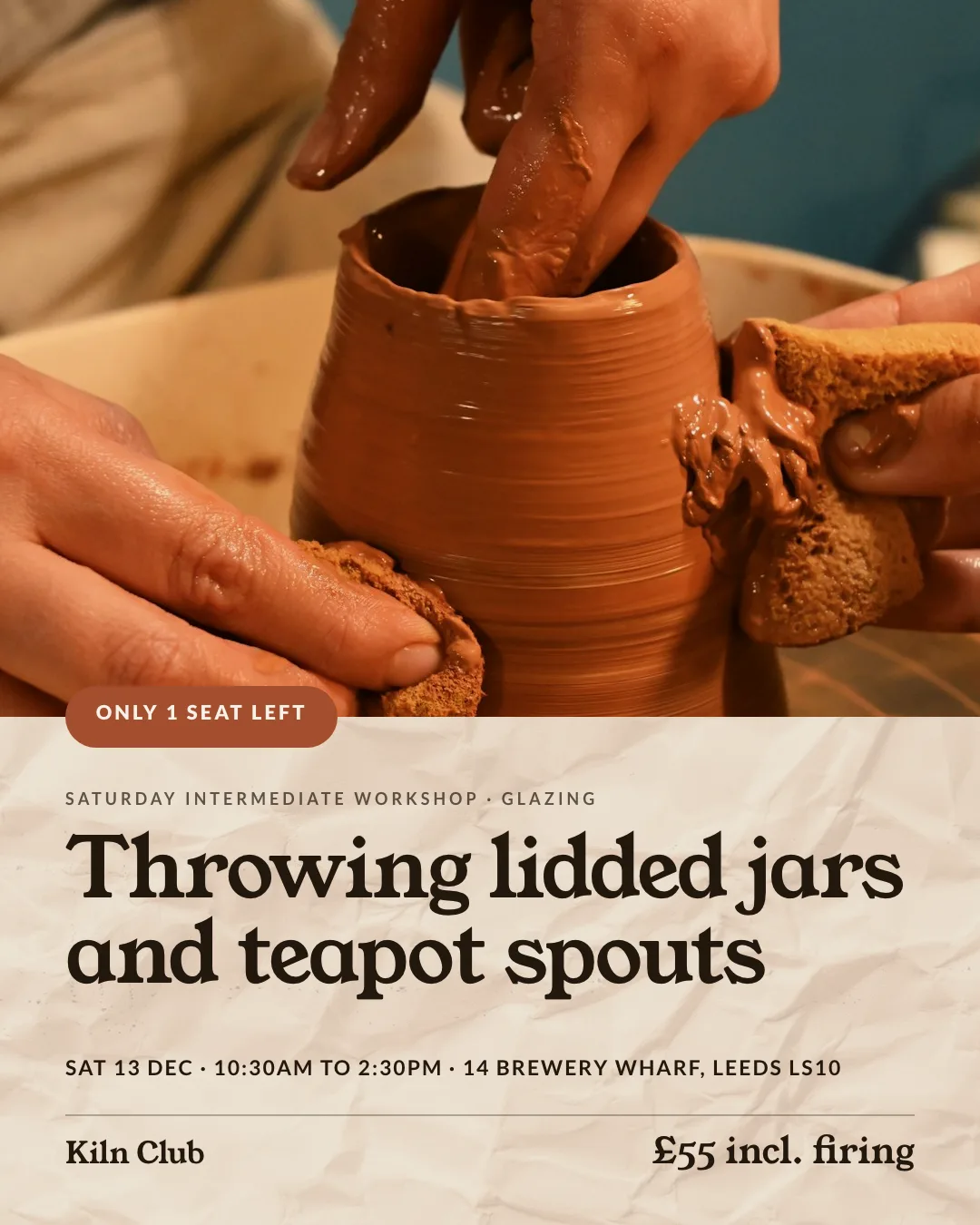
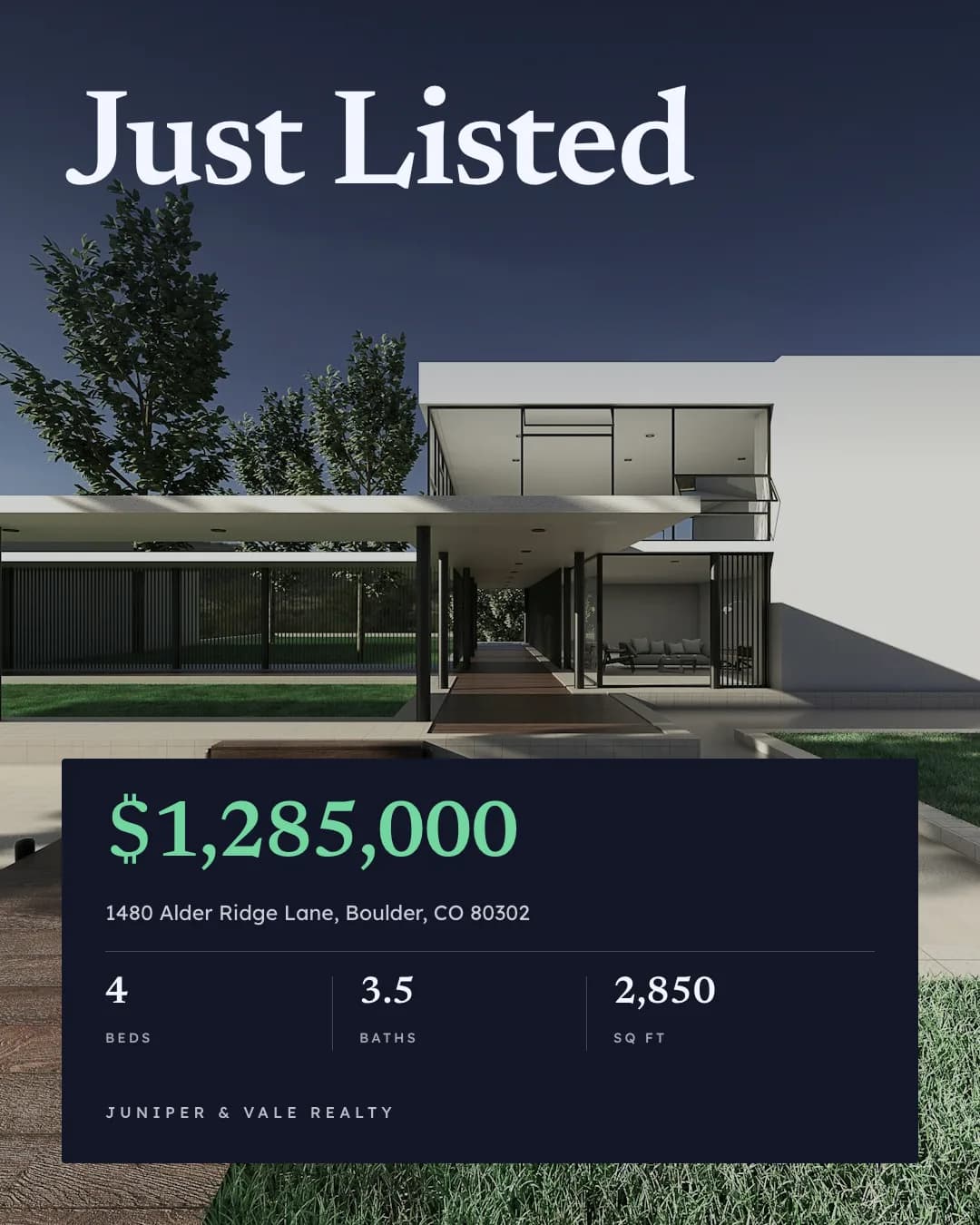
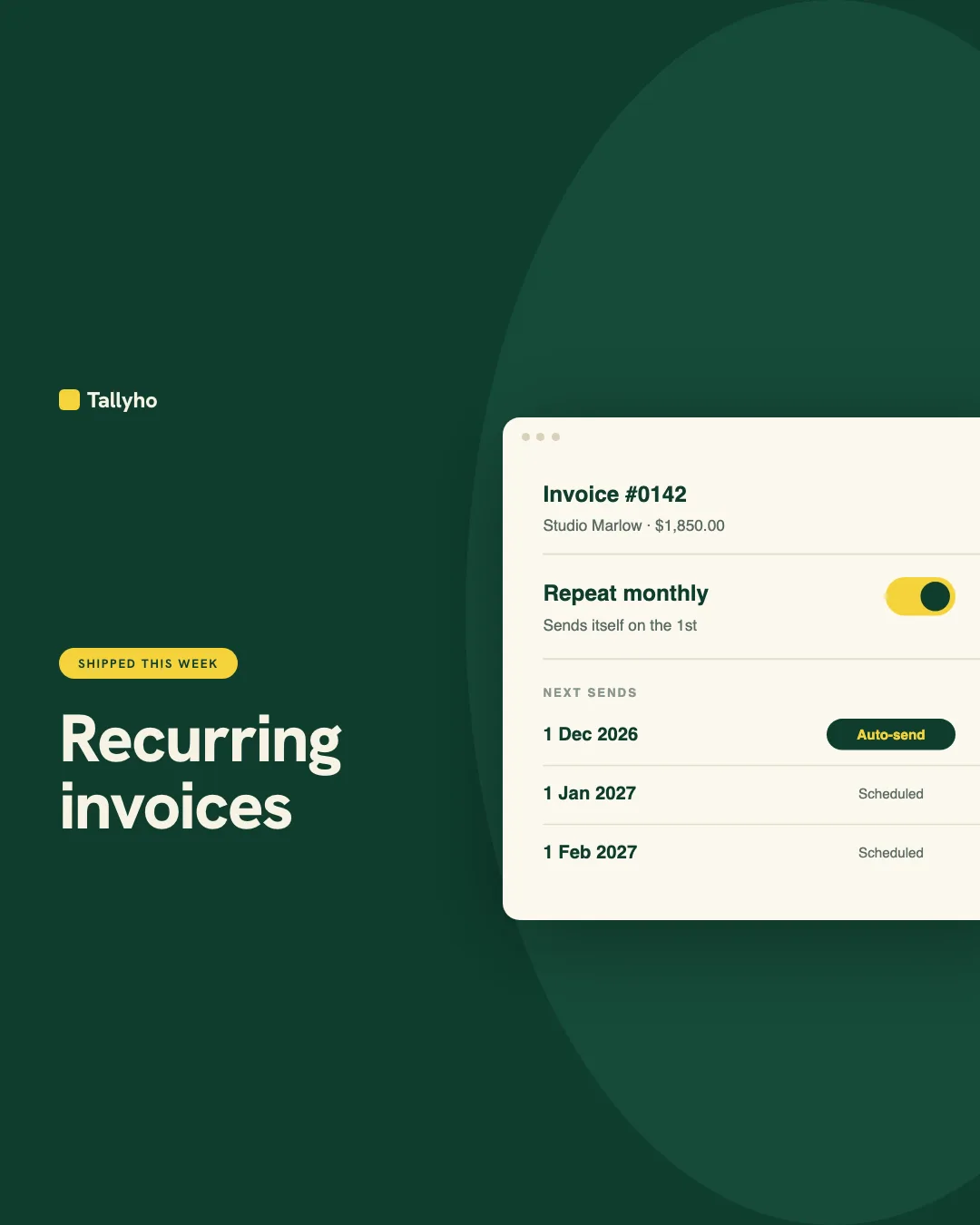
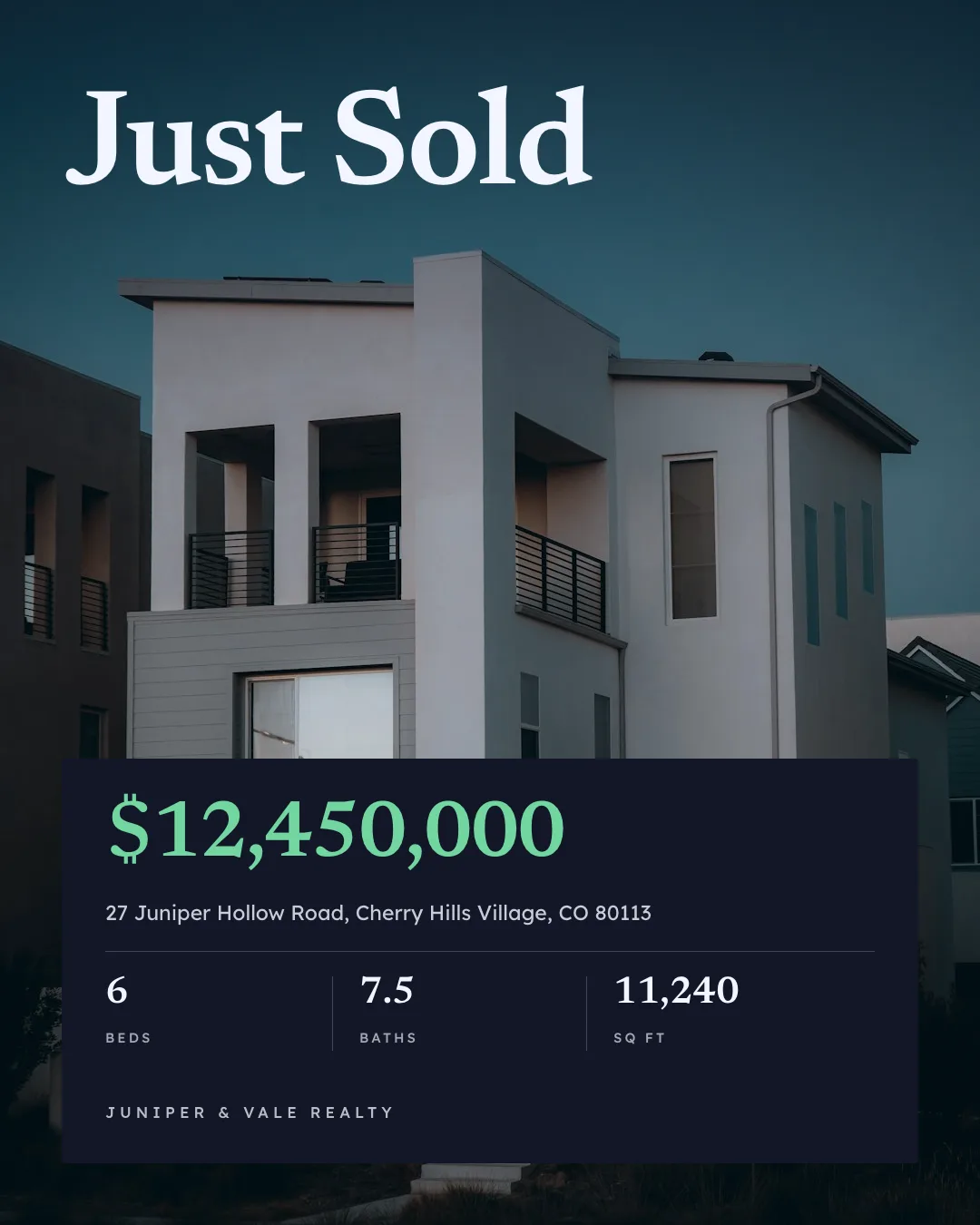
Social Media Content
On-brand Instagram, LinkedIn and Facebook posts from one prompt











Social Media Scheduler
Social posting and scheduling to Instagram, TikTok, LinkedIn and 12 more from one chat
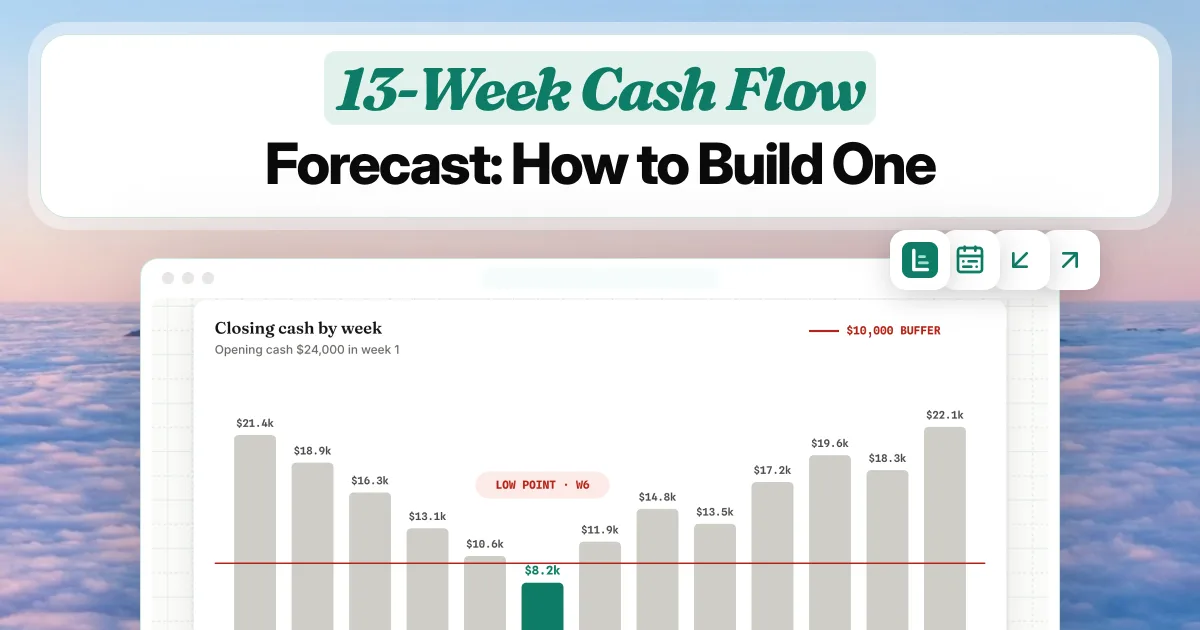
Blog and Marketing Images
Blog covers, OG images and in-article graphics for every post
Give your agent the carousel skill. 100 free credits every month.
No credit card. Paste the link into your agent, sign in to Orshot once, and get your first render in the same chat.





