AI PDF Generator for Invoices, Certificates and Reports
Your agent designs the document once, then fills it from data: a row, a CRM record, a Stripe event. Each PDF comes back as a URL, ready to email or store.
100 free credits a month · no credit card · works in Claude, ChatGPT, Codex, Cursor and more
Use the Orshot pdf generator skill: https://orshot.com/agents/skills/pdf-generator.md. Make a PDF invoice template and fill it from this data:
 Claude
 ChatGPT
Your agent reads the skill from /agents/skills/pdf-generator.md and renders through Orshot. First time? It asks you to sign in once.
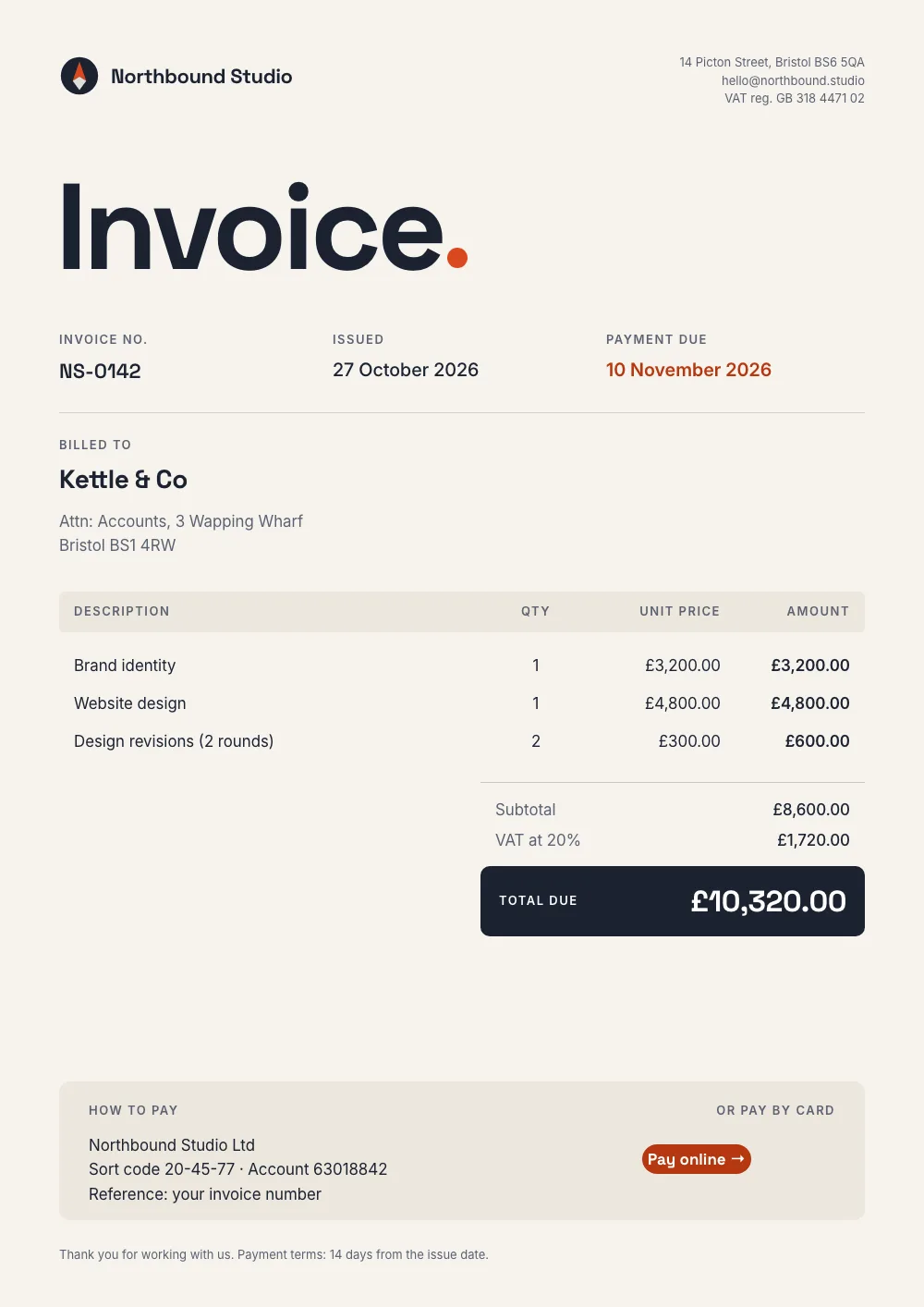
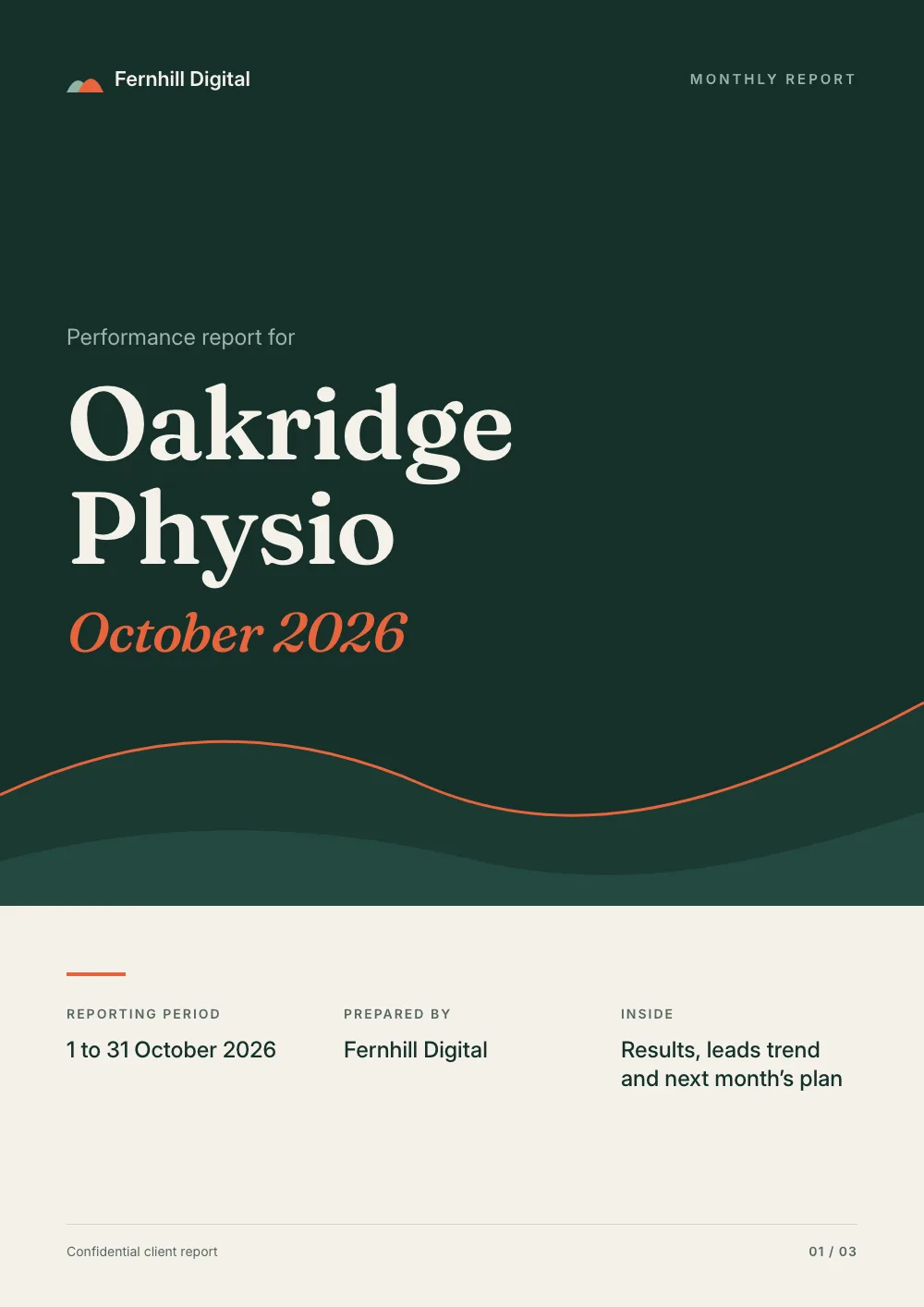
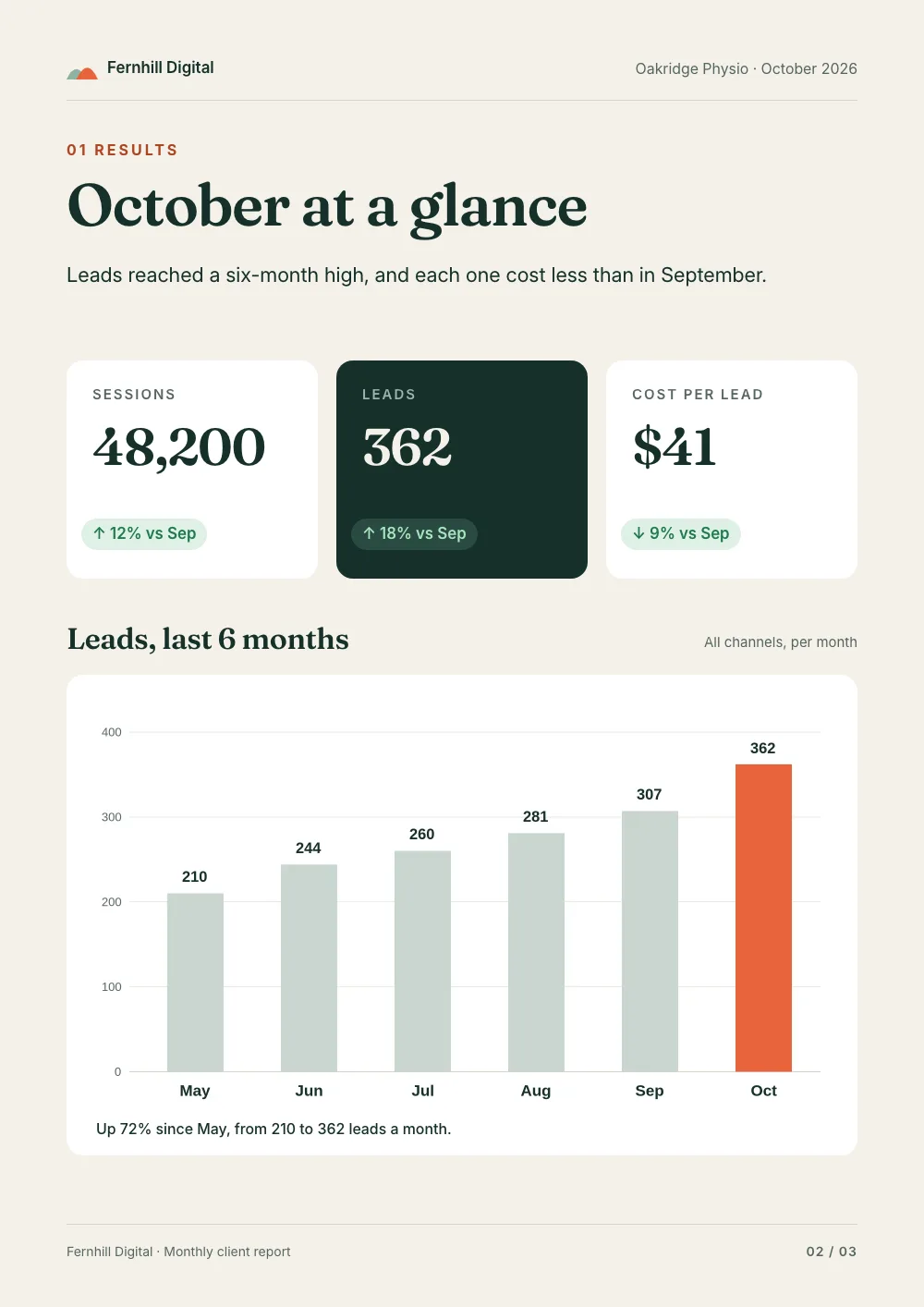
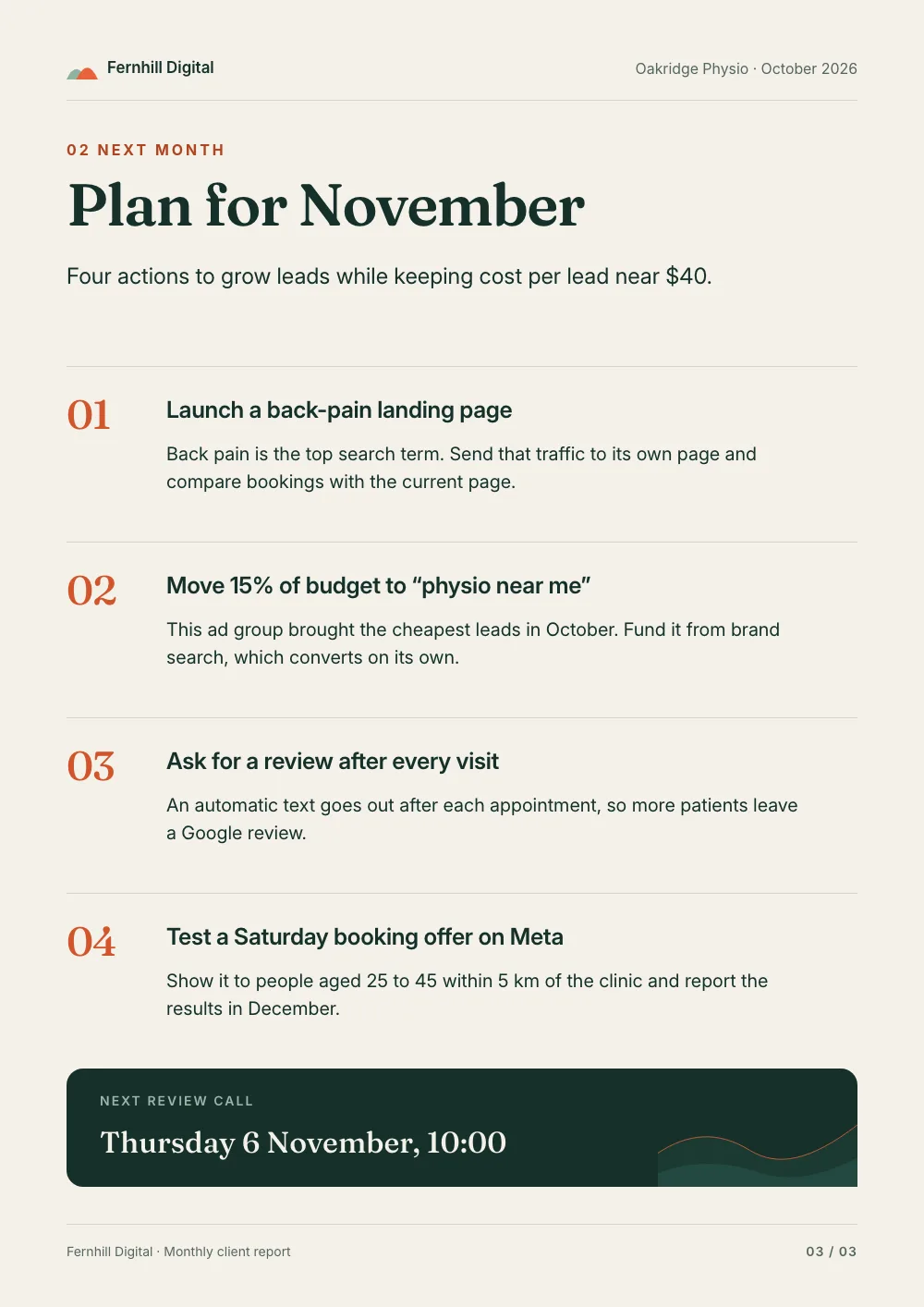
Real outputs, rendered with this skill.
Every image here came from a template and a render call, not from a mockup. Drag or scroll the row, and click one to see it full size.
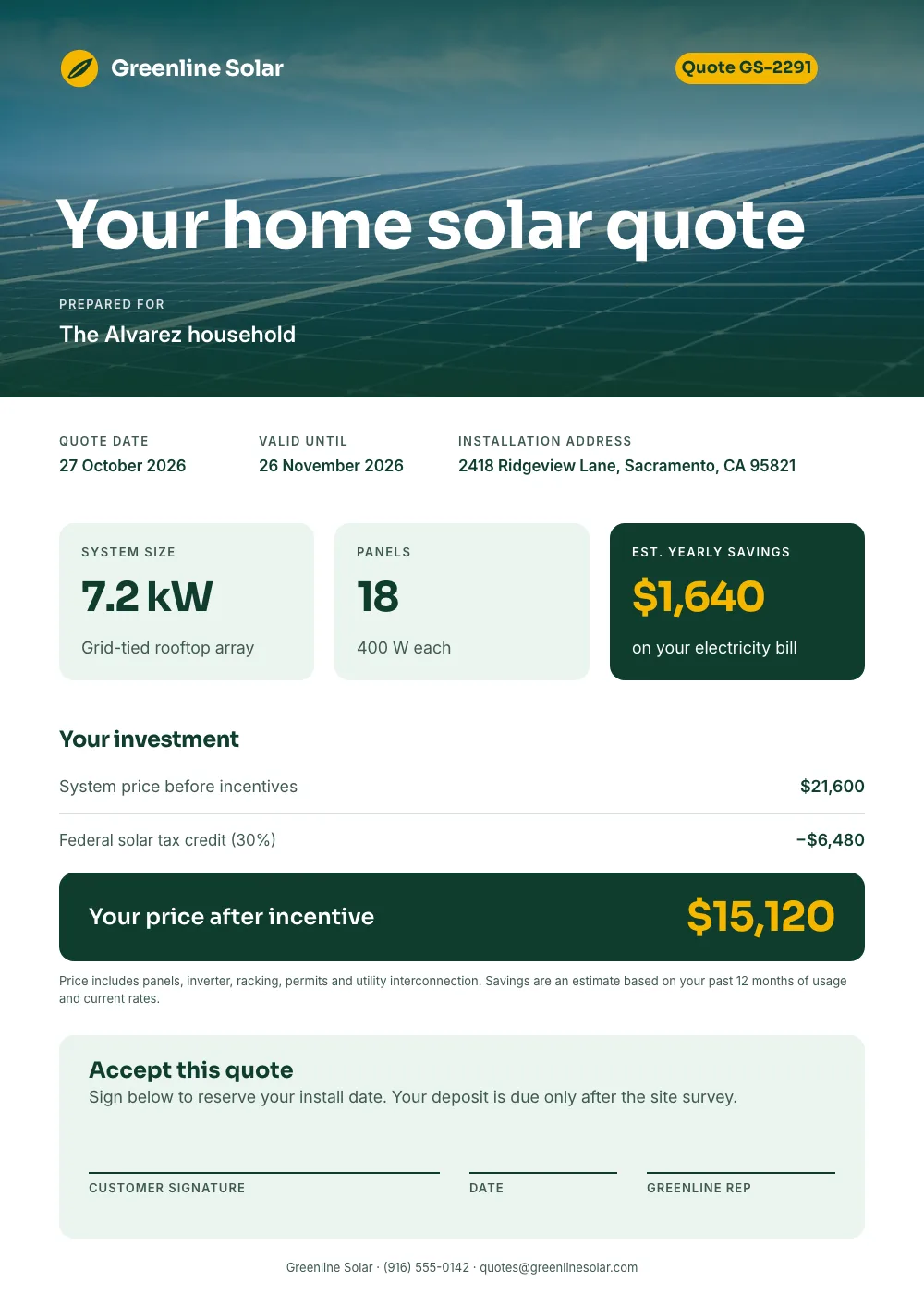

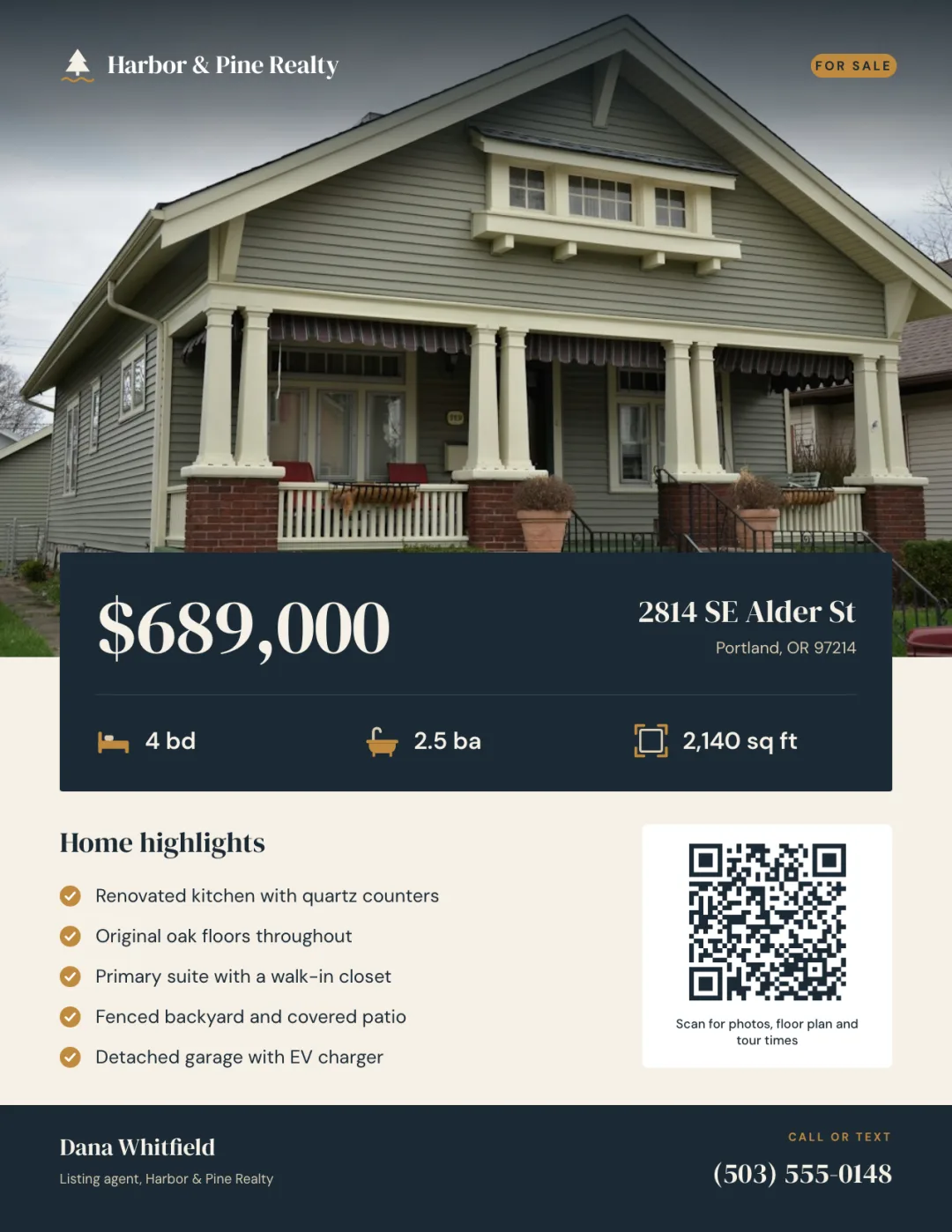
What your agent does, step by step.
The skill tells the agent which Orshot tools to call and in what order. You see each result before the next step.
- Step 1
Designs the document
Invoice, certificate, report or proposal on your brand, with each value as a named field.
orshot_plan_designorshot_create_template_design - Step 2
Maps your data
Matches your columns or record fields to the template's fields, once.
orshot_get_studio_template_modifications - Step 3
Renders the PDF
One call per document. The response holds the PDF URL; the same template also renders a PNG for a share image.
 orshot_render_templateformat: pdf
Say it like this. The skill does the rest.
Not for pulling data out of invoices or PDFs (use an OCR or parsing tool skill), editing, merging or filling a PDF you already have, or a one-off document (use a local pdf or docx skill skill). Blog images, ads and social posts: orshot-blog-images, orshot-ad-creative, orshot-social-media-content.
Certificates from a list
Use the Orshot PDF generator skill. Make a course certificate on A4 landscape, then render one PDF per name in this sheet: <sheet URL>.
Invoice template
Design an invoice PDF with my logo and brand colors: line items, tax, total and payment link, then render it with this order data.
A proposal
Make a proposal PDF template with a cover page, a pricing page and a terms page, then render it for this client.
- Certificate · 1414×1000 · PDF
Course certificate
Design a landscape certificate of completion with the recipient's name, course, date, signature and a certificate ID. Then render a PDF for each attendee in my CSV.
A PDF for every record. No agent in the loop.
A form response, a paid Stripe invoice or a new CRM deal triggers the render. Email the URL or save it to the record.
curl -X POST https://api.orshot.com/v1/studio/render \
  -H "Authorization: Bearer $ORSHOT_API_KEY" \
  -H "Content-Type: application/json" \
  -d '{
    "templateId": 123,
    "modifications": {
      "invoice_number": "INV-1042",
      "client_name": "Dana Reyes",
      "total": "$1,330.00"
    },
    "response": {
      "type": "url",
      "format": "png"
    }
}'Read it before you install. It is one file.
This is the SKILL.md your agent loads, word for word. It names every tool call, the layout rules and the gotchas.
Orshot-HQ/orshot-agent-skills---
name: orshot-pdf-generator
description: "Invoice and certificate PDF generator with the Orshot API: design an invoice, receipt, quote, certificate, report, proposal, ticket or offer letter once, then render one designed PDF per row or event from Google Sheets, Airtable, Notion, HubSpot, Stripe or a webhook, through n8n, Make, Zapier, REST or an Orshot Workflow, and pass the PDF URL to Gmail, Google Drive or the CRM. Selectable text, line items, page numbers on long documents and clickable pay links. Use when: \"generate invoice PDFs automatically\", \"make certificates for this list of names\", \"bulk certificates from a spreadsheet\", \"turn each row into a PDF\", \"send a PDF receipt when someone pays\", \"PDF from a template via API\". NOT for pulling data out of invoices or PDFs (use an OCR or parsing tool), editing, merging or filling a PDF you already have, or a one-off document (use a local pdf or docx skill). Blog images, ads and social posts: orshot-blog-images, orshot-ad-creative, orshot-social-media-content."
homepage: https://orshot.com/agents/skills/pdf-generator
license: MIT
metadata:
author: Orshot
version: "1.1.0"
openclaw:
emoji: "📄"
homepage: https://orshot.com/agents/skills/pdf-generator
primaryEnv: ORSHOT_API_KEY
requires:
env: []
bins: []
envVars:
- name: ORSHOT_API_KEY
required: false
description: Orshot API key. Only for REST and scheduled jobs. Not needed over the hosted MCP server with OAuth.
---
# Orshot PDF Generator: invoices, certificates and documents from a template and data
Give this skill a document type and a source of rows: a sheet, a CRM or a payment webhook. It returns one designed PDF per row, as a URL ready for email, Drive or the CRM.
Orshot is an API for automated image, PDF and video generation from templates. The invoice, certificate or report is designed once. The layout, fonts and logo live in the template. Each render sends only the values that change.
- No API key over the hosted MCP server. It signs in with OAuth. Only recurring jobs need a key, kept in the environment.
- The credit cost comes first. Say it before rendering more than 10 pages.
- Nothing is emailed without a yes. Orshot makes the PDF; the user's email step sends it, after they confirm the recipients.
The Orshot docs are the reference for every parameter, value and limit. Each docs page has a markdown version at `https://orshot.com/docs/<path>.md`. This skill gives the order of steps and worked examples, and links the page to read at each step.
## This skill or a local PDF tool?
| The job | Use |
|---|---|
| Edit, merge, split, fill or read a PDF file you already have | A local PDF or DOCX tool |
| Pull data out of invoices or other PDFs (OCR) | An OCR or PDF parsing tool |
| One-off document you will never make again | A local PDF or DOCX tool |
| Same designed layout, new data each time, often from a sheet, CRM or app | This skill |
| Must run without you: every new order, signup, deal or course completion | This skill |
Pick this skill when the document is designed, repeats, and is filled from data. The output is a PDF URL, so it drops straight into an email step, a CRM field or storage.
## Example prompts
- "Make certificates for everyone in this sheet who finished Data Basics at Brightpath Academy. Name each file after the student."
- "When a Stripe invoice is paid, render our invoice PDF and put the link on the customer's Airtable record."
- "Every row in the Orders sheet with status READY should become a PDF invoice and a Gmail draft to the client. Mark the row SENT after."
- "Design a quote for Halden Joinery with line items, a total and a Pay now link, then show me one filled with test data."
- "Our certificate is designed in Canva. Bring it in and make 180 certificates from this CSV."
- "A monthly report PDF for each client in this Airtable view, with page numbers in the footer."
## Setup
1. Connect the Orshot MCP server: https://orshot.com/docs/integrations/mcp-server.md has the steps for each client.
2. Confirm with `orshot_get_account`. A billing or plan message is not an auth error. Send the user to https://orshot.com/pricing and stop retrying.
3. Recurring jobs (cron, n8n, Make, Zapier, your server) use REST with an API key: https://orshot.com/docs/quick-start/get-api-key.md. Keep the key in an environment variable.
## Document recipes
Name each field after the column or property it comes from. If the sheet column is `client_name`, the parameterId is `client_name`. One field per value that changes. Borders, logo, signature image and fixed wording stay static.
| Document | Pages | Dynamic fields (parameterIds) |
|---|---|---|
| Invoice or quote | 1 | `invoice_number`, `invoice_date`, `client_name`, `items_product`, `items_qty`, `items_total`, `total`, `pay_link` (with `.href`) |
| Certificate | 1, landscape | `recipient_name`, `course_name`, `completion_date`, `certificate_id` |
| Report | several designed pages, or one flowing body | `page1@title`, `page2@chart_image`, `body` |
| Proposal | several | `client_name`, `scope`, `price`, `cover_image` |
| Ticket or badge | 1 | `event_name`, `attendee`, `seat`, `qr_code` (image URL) |
| Contract or offer letter | flows to as many pages as needed | inline fields such as `nda:effective_date`, `nda:counterparty_name` |
Contracts are render only. Orshot makes the PDF; signing happens in the user's e-signature tool.
Ready templates to copy (Copy This Template saves one to the workspace): [invoice](https://orshot.com/templates/shared/frnnpg3o/preview?view=play), [certificate](https://orshot.com/templates/shared/qjz6s040/preview?view=play), [offer letter](https://orshot.com/templates/shared/vhhcg50o/preview?view=play), [mutual NDA](https://orshot.com/templates/shared/utvzb1ug/preview?view=play).
## Step 1. Build the template once
**Start from the design they already have.** If the invoice or certificate is already designed in Canva or Figma, the user imports it in the Orshot dashboard (New Template dialog). Importers do not run over MCP or REST. Then make every value that changes a parameter. Guides: https://orshot.com/docs/importing-templates/index.md, and the `orshot` skill's [`references/migration.md`](https://github.com/Orshot-HQ/orshot-agent-skills/blob/main/skills/orshot/references/migration.md).
1. Look first: `orshot_list_studio_templates` with a search like "invoice" or "certificate". Reuse what exists.
2. Pick the canvas size. The PDF page is the canvas size at 96 px per inch: 794x1123 is A4 and 816x1056 is US Letter. Leave `pdfDpi` unset for paper sizes, because it scales the page itself. The image size presets are not paper sizes. Details: "Page Size" in https://orshot.com/docs/pdf-generation/pdf-options.md
3. Create: `orshot_create_template_design` with the complete `pages_data` and `includeThumbnails: true`. Plan first: `orshot_plan_design` with the brief, `job` ("invoice PDF", "course certificate"), the page size and `on_brand: true` returns the palette, fonts, type scale and a slot layout with a ready skeleton (documents have no format catalogue, so the plan's layout is the layout). Read `orshot_get_design_spec` topic `template-json` once per session (the same content is at https://orshot.com/docs/definitions/template-json.md). For layout and type, load the orshot-design skill. Look at the returned preview and `designWarnings`, and fix real problems with one `orshot_update_template_design` call. Some checks are tuned for social posts (repeated labels such as "Invoice no.", the number of type sizes, text on a button pill): fix what the preview shows is wrong and tell the user which warnings you left and why.
- Fixed wording (labels, headings, footer) gets `parameterizable: false`, so the modifications list holds only the values that change.
- Over REST, template create is Enterprise-only: https://orshot.com/docs/api-reference/enterprise-template-create.md. On other plans, build the template over MCP or in the Studio editor.
4. Blanks inside a paragraph: write `{{effective_date}}` inside the text, make the layer a parameter (say `nda`), and send `nda:effective_date`. The wording around it never travels in the request. Docs: https://orshot.com/docs/orshot-studio/inline-parameters.md
5. Get the exact keys before any automation: `orshot_get_studio_template_modifications`, or over REST `GET https://api.orshot.com/v1/studio/<templateId>/modifications`. Never guess them.
### Multi-page documents
Designed pages (cover, summary, details) need a page prefix on every content key: `page1@title`, `page2@title`. On a template with two or more pages a bare content key reaches no page. Bare style keys (`footer_text.color`) and inline keys apply on every page that has the layer. Docs: https://orshot.com/docs/pdf-generation/multi-page-pdfs.md
### Variable-length content
- **Long text (contracts, reports, letters): Flow.** In the Studio editor, select the body text and set Styles > Text Autofit > Flow. Text that does not fit moves onto new pages. Turn on Repeat on extra pages for the header and footer, and write `Page {{_page_number}} of {{_total_pages}}` in the footer. Docs: https://orshot.com/docs/orshot-studio/flowing-content.md
- In template JSON, Flow is `textMode: "flow"` inside the text layer's `style`. The flow settings (`repeatOnOverflow`, `flowZones`, `flowBreakBehavior`, `flowMinLinesBeforeBreak`, `flowMinLinesAfterBreak`) are fields on the element itself, not in `style`. See https://orshot.com/docs/definitions/template-json.md
- The MCP create and update tools accept only `fit`, `truncate` and `overflow` for `textMode`. Set Flow in the editor.
- **Line items (invoices, quotes): columns plus Smart Stacking.** There is no table element and no math. Use one text layer per column, one line per item joined with `\n`, and compute totals in the step that calls the API. Flatten the items in that step first: Airtable linked records, Notion relations or Stripe invoice lines become one newline-joined value per column. Stack the total under the items layer so it moves down as rows are added: in template JSON, the total layer gets `stacking: { enabled: true, targetElementId: "<items layer id>", position: "bottom", padding: 16 }`. Render the most line items the template must hold and look before relying on it. Docs: https://orshot.com/docs/orshot-studio/smart-stacking.md
- **Charts and QR codes:** there is no chart or QR element. Make an image field (`chart_image`, `qr_code`) and build its URL in the step that calls the API, from the row's numbers or link, with a chart or QR image service the user is happy to use. The URL must be public.
- **Optional block:** hide a layer for one render with `"<parameterId>.opacity": "0"`. Docs: https://orshot.com/docs/image-generation/dynamic-styling.md
## Step 2. Render a PDF
Over MCP: `orshot_render_template` with `format: "pdf"`. Over REST: `POST https://api.orshot.com/v1/studio/render`.
```bash
curl -s -X POST https://api.orshot.com/v1/studio/render \
-H "Authorization: Bearer $ORSHOT_API_KEY" -H "Content-Type: application/json" \
-d '{
"templateId": 123,
"modifications": {
"invoice_number": "INV-2026-0142",
"invoice_date": "October 19, 2026",
"client_name": "Northwind Traders",
"items_product": "Brand kit setup\nSocial templates\nMonthly report design",
"items_qty": "1\n12\n1",
"items_total": "$450.00\n$420.00\n$300.00",
"total": "$1,170.00",
"pay_link": "Pay now",
"pay_link.href": "https://pay.example.com/inv-0142"
},
"response": { "type": "url", "format": "pdf", "fileName": "INV-2026-0142" },
"pdfOptions": { "title": "Invoice INV-2026-0142" }
}'
```
`data.content` is the URL of one PDF with every page. The text stays real, selectable text.
Name each file after its row with `fileName`: the invoice number or the recipient's name. `orshot_render_template` takes `fileName` over MCP too.
Read these before setting options:
- Response, page selection and use cases: https://orshot.com/docs/pdf-generation.md
- `pdfOptions` (title, margins, dpi, CMYK, image compression, page range): https://orshot.com/docs/pdf-generation/pdf-options.md
- Clickable links with `.href`: https://orshot.com/docs/pdf-generation/interactive-links.md
- Which render options the MCP tool takes: the Rendering section of https://orshot.com/docs/integrations/mcp-server.md. Anything in `pdfOptions` that is not there (title, margins, CMYK, compression, ranges) needs REST.
**Same template as a share image.** Render it again with `format: "png"` for LinkedIn or a confirmation page. `extraSizes` adds resized copies, for image formats only and not on Flow templates. Docs: the Smart Resize section of https://orshot.com/docs/api-reference/render-from-studio-template.md
## Step 3. From data: one PDF per row, every time
Check what the user already runs: `orshot_list_workspace_logs` shows a `source` per render (for example `n8n-integration`, `zapier-integration`, `orshot-make`, `api`). Add to that tool. Do not pitch a second one.
| Data lives in | Trigger | Orshot step | Docs |
|---|---|---|---|
| Google Sheets | new or updated row | n8n, Make or Zapier Orshot step, or an Orshot Workflow | `integrations/google-sheets` |
| Airtable | a record or a view | Orshot Airtable extension, which writes to an attachment field | `integrations/airtable` |
| Notion | a page added or edited in a database | Orshot Workflow with the Notion trigger, which can write the URL back to the page | `integrations/notion` |
| HubSpot | a workflow trigger, such as a deal stage | Orshot workflow action in HubSpot | `integrations/hubspot` |
| Stripe | `invoice.paid` or `invoice.finalized` webhook | n8n, Make, Zapier or your server calls `POST /v1/studio/render` | `api-reference/render-from-studio-template` |
| Your app or a form | your event, or a form post | `POST /v1/studio/render` from your code, or an Orshot template webhook URL | `integrations/webhooks` |
Each docs path opens as `https://orshot.com/docs/<path>.md`. No-code tools: `integrations/n8n`, `integrations/make`, `integrations/zapier`.
**Run once per row or event.** Gate on a status column (`READY`, then `SENT` or `FAILED`). Dedupe on the invoice number or the payment event id before rendering, so a retried webhook does not make a second invoice. Write the PDF URL and a timestamp back to the row. If a render fails, mark the row `FAILED`, tell the user and send no email. The pattern: "Run once per item" in the `orshot` skill's [`references/recurring-automation.md`](https://github.com/Orshot-HQ/orshot-agent-skills/blob/main/skills/orshot/references/recurring-automation.md).
**When a Zapier or Make step times out** on a long or many-page PDF, send the render from an HTTP step with `mode: "async"` and a `webhook_url` (a Zapier Catch Hook or a Make custom webhook), and continue the flow when the finished job arrives. Docs: https://orshot.com/docs/api-reference/async-render-start.md
No orchestrator yet? An Orshot Workflow runs the loop: trigger, render, deliver. Over MCP: `orshot_list_workflow_nodes` for the exact node keys, `orshot_validate_workflow`, then `orshot_create_workflow` with `status: "draft"`. Show the user the draft before turning it on.
**Where the PDF goes.** The render URL is a plain public link, not a signed link that times out, so the next step can use it as is:
- Email it: a Gmail or Outlook step in n8n, Make or Zapier attaches the file from the URL or links it. Orshot does not send the email.
- Write it back: the URL into the row, the Airtable attachment field or the CRM record.
- Store it: Orshot can save every render to the user's Google Drive, Dropbox or S3 / R2 bucket (`integrations/google-drive`, `integrations/dropbox`, `integrations/s3-storage`).
**Batches.**
- Test the longest row first. Render the row with the longest name, the longest address and the most line items, and look at the PDF before any batch. Fix overflow in the template, not in the data.
- Up to 20 now, over MCP: `orshot_batch_render_template` with `format: "pdf"` and one modifications object per row in `renders`. It takes no `fileName`, so loop `orshot_render_template` when each file needs its own name.
- Hundreds, over REST: one async request per row with a `webhook_url`, and the row id in `metadata`, so each PDF lands on the right row. Docs: https://orshot.com/docs/api-reference/async-render-start.md
- A one-time list, such as a CSV of names: the user can upload it to the Spreadsheets tool in the dashboard and render every row there. Docs: https://orshot.com/docs/integrations/spreadsheets.md
**Prove it runs.** Trigger one real run, find it in `orshot_list_workspace_logs` under the source that fired it, and show the user the PDF URL.
## Worked example: certificates from a sheet
1. Template: landscape certificate, fields `recipient_name`, `course_name`, `completion_date`, `certificate_id`. Border, logo and signature are static.
2. Test with real rows over MCP (`orshot_batch_render_template`), then show the PDFs:
```json
{
"templateId": 123,
"format": "pdf",
"renders": [
{ "recipient_name": "Priya Sharma", "course_name": "Data Analysis", "completion_date": "October 19, 2026", "certificate_id": "CERT-2026-0412" },
{ "recipient_name": "Alex Johnson", "course_name": "Data Analysis", "completion_date": "October 19, 2026", "certificate_id": "CERT-2026-0413" }
]
}
```
3. Automate: Google Sheets trigger, Orshot step (PDF, `fileName` set to `certificate-` plus the row's `certificate_id`), then write the URL to a new column. Add an email step only after the Safety check below.
4. Share image: the same template as PNG for the recipient to post on LinkedIn.
## Cost
PDFs are billed per page, and Flow templates bill every page they produce. Rates: https://orshot.com/docs/definitions/credits-usage.md. Test with the longest real content first, and say what a run costs before rendering more than 10 pages.
## Gotchas
1. Multi-page templates need `pageN@` on content keys. A bare content key reaches no page.
2. No table element, no formulas, no if/else. Send totals and chosen clauses as finished text.
3. Keep each line item to one line. A wrapped name pushes its qty and price out of line.
4. Image fields (logos, QR codes, photos) must be public URLs.
5. Documents come out as PDF. There is no Word or DOCX output.
6. No e-signatures. Pass the PDF URL to the signing tool in the next step.
7. Reuse one template per document type. Do not create a template per customer.
## Safety
- Documents carry personal data: names, addresses, amounts, IDs. Send only the fields the document shows. Keep personal details out of the `user_request` field.
- A render URL opens for anyone who has it. For sensitive documents, save renders to the user's own storage and share from there.
- Confirm recipients before any email goes out: show the list (name, address, file) and get a yes. Send the first run to the user only.
- Render the amounts and wording the source gives. Never round, recompute or edit legal text without asking.
Related skills: `orshot` (API, render options, automation), `orshot-design` (template design craft), `orshot-blog-images` (blog covers), `orshot-ad-creative` (ad creatives), `orshot-social-media-content` (social posts).PDF Generator skill questions
Can Claude generate a PDF?
How is this different from editing a PDF?
Can it make certificates in bulk?
Same templates, other jobs.
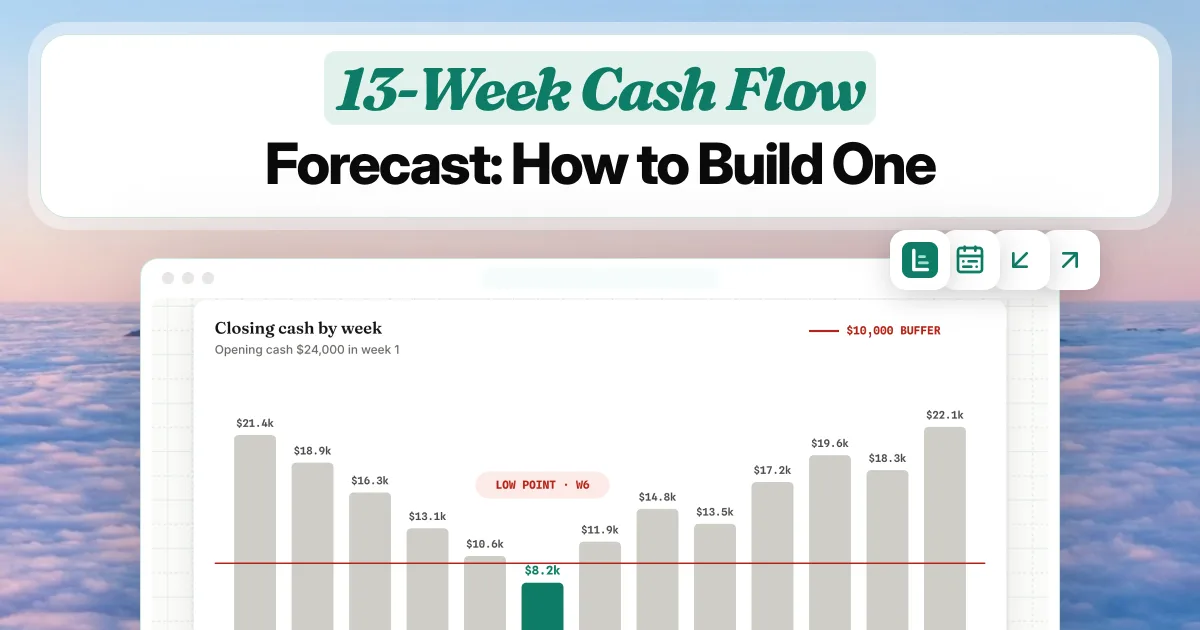
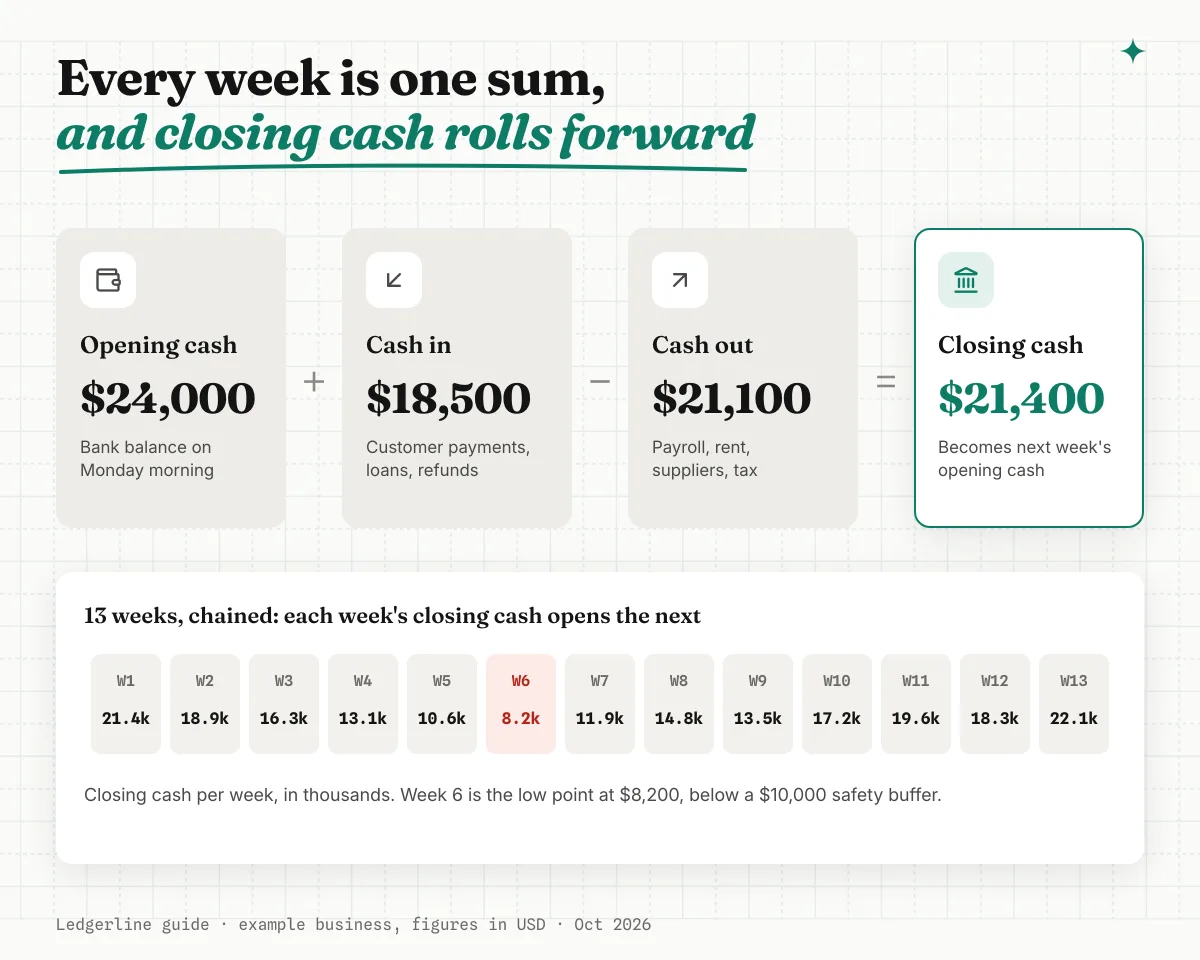
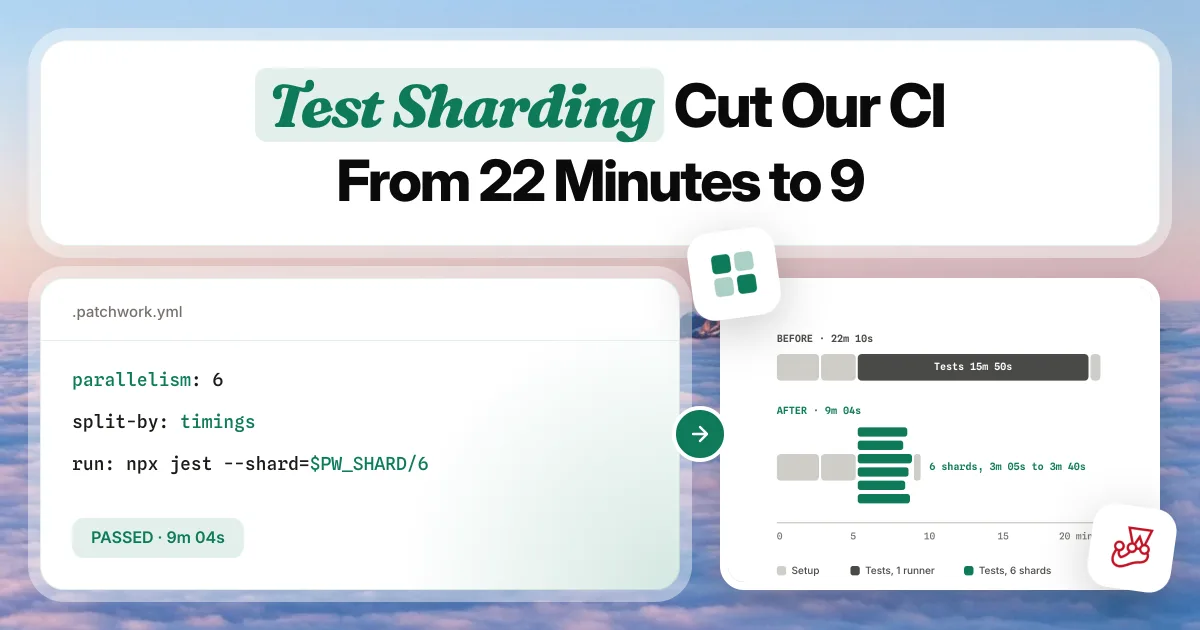
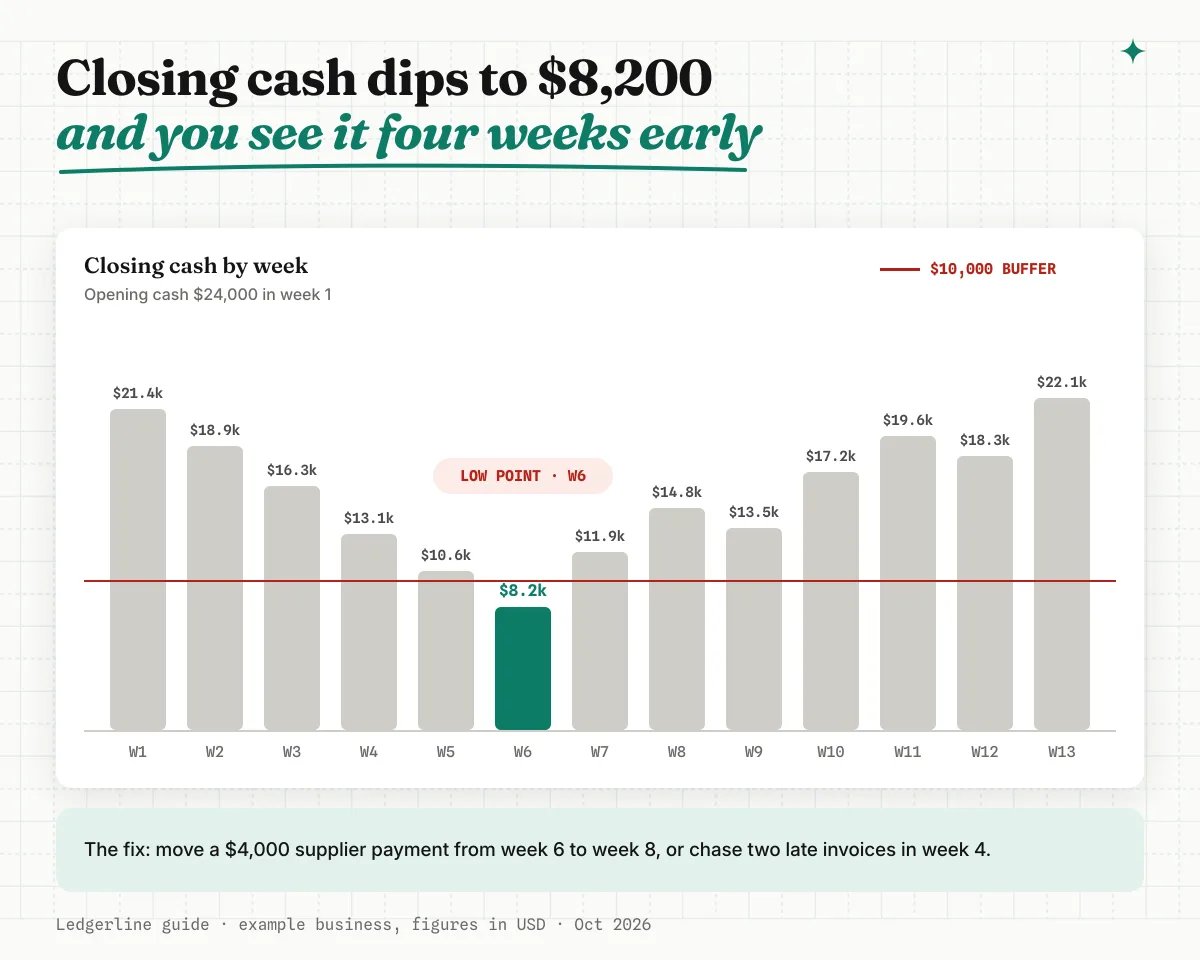
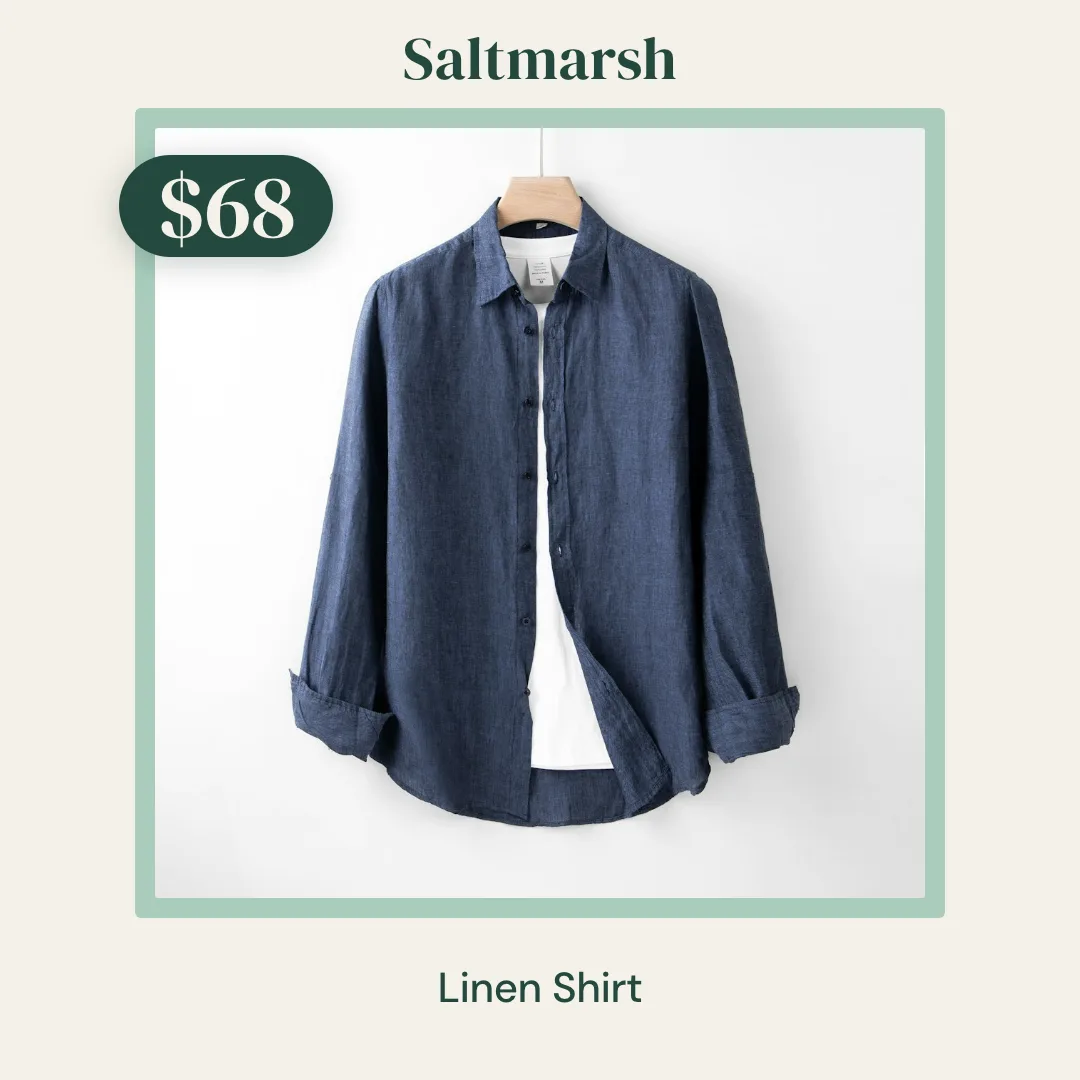
Blog and Marketing Images
Blog covers, OG images and in-article graphics for every post
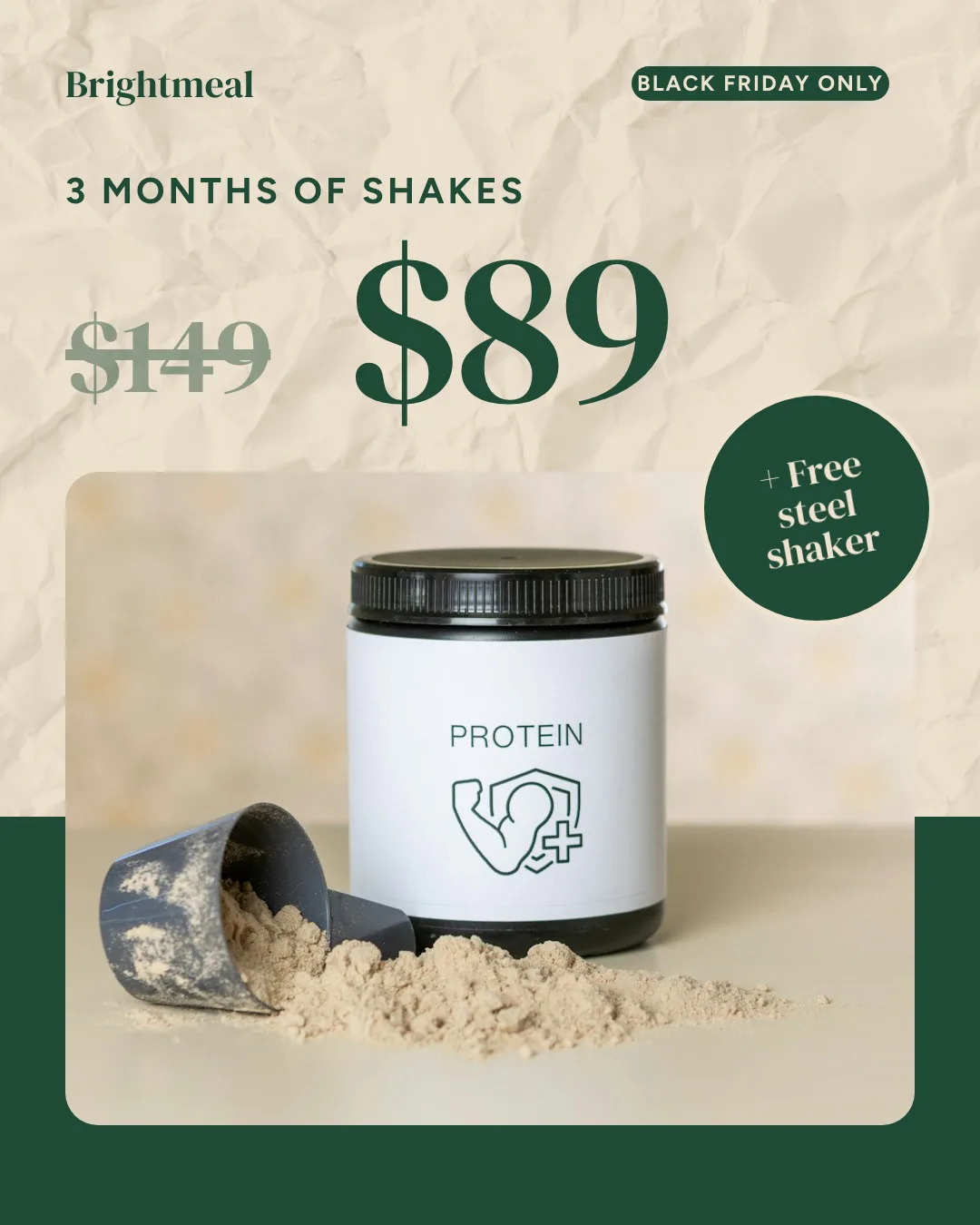
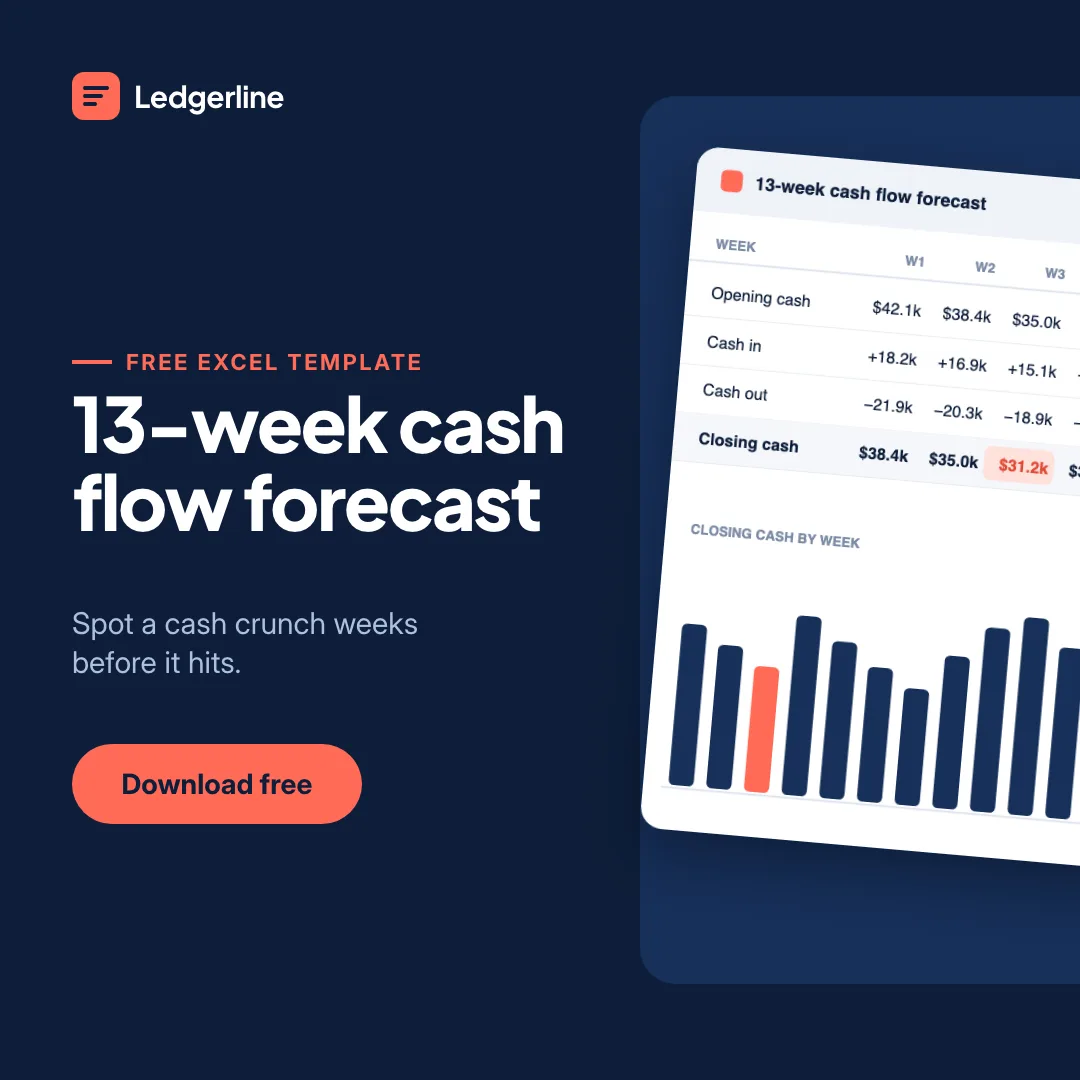
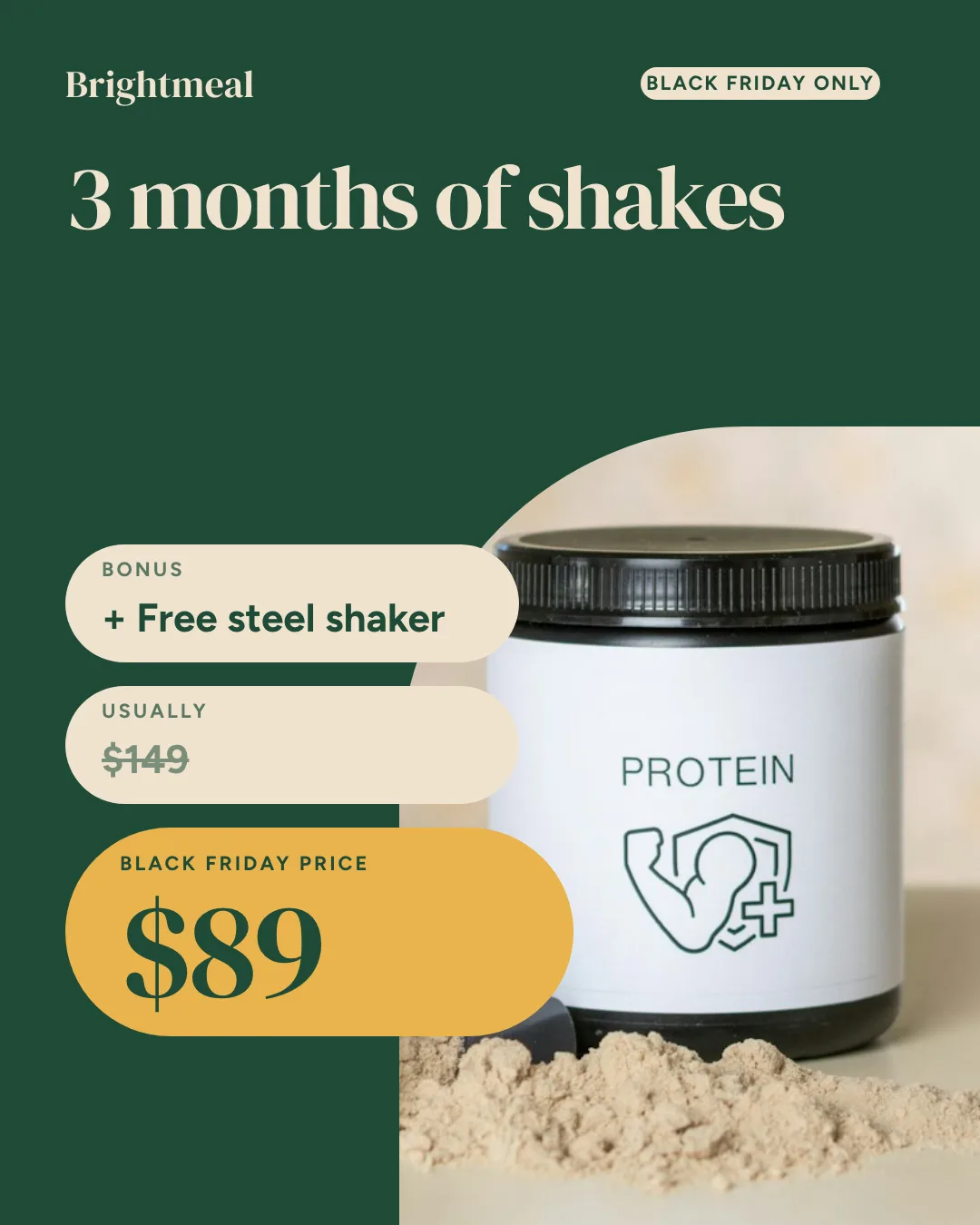
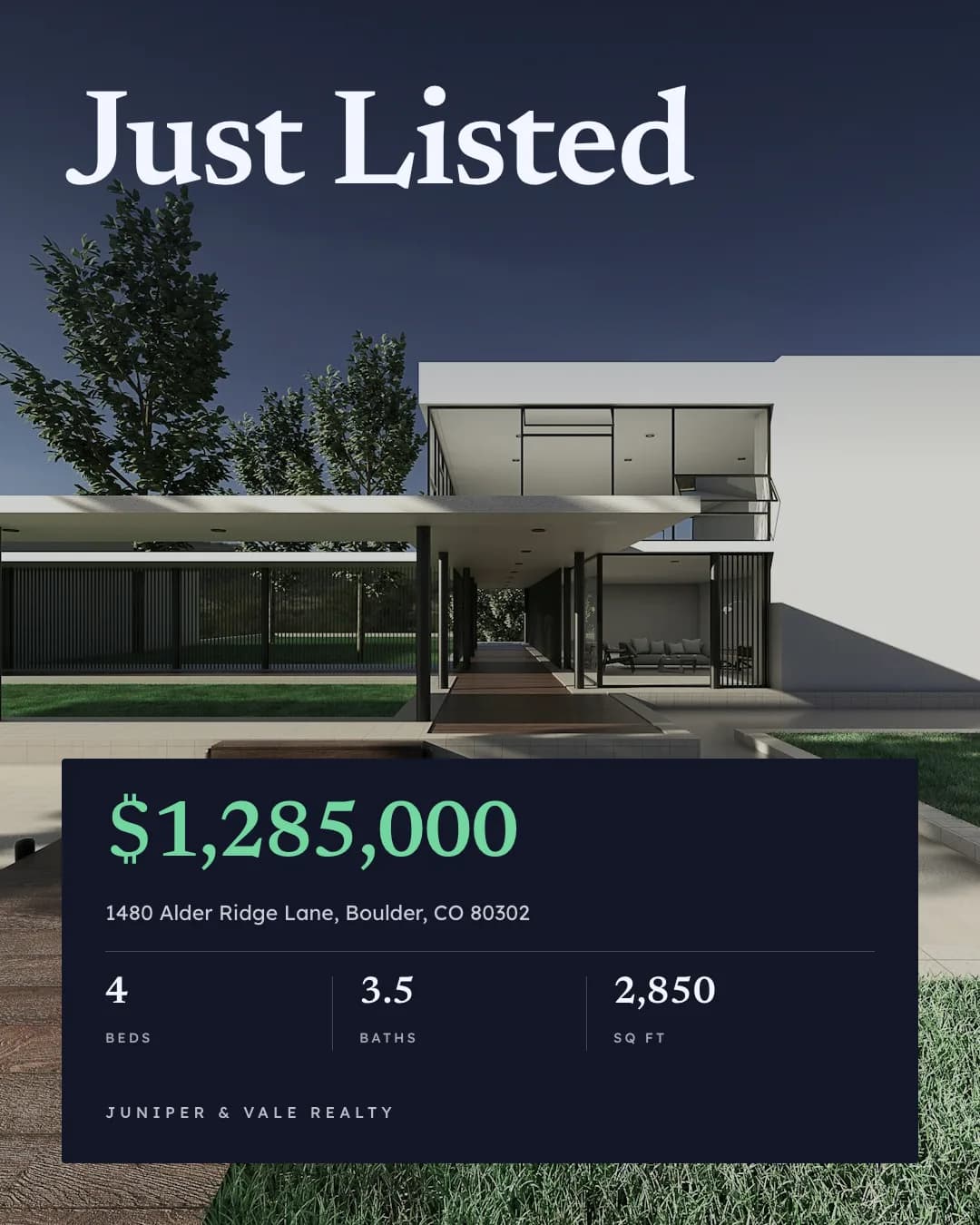
Ad Creative
Facebook, Instagram and Google ads in every size, on brand

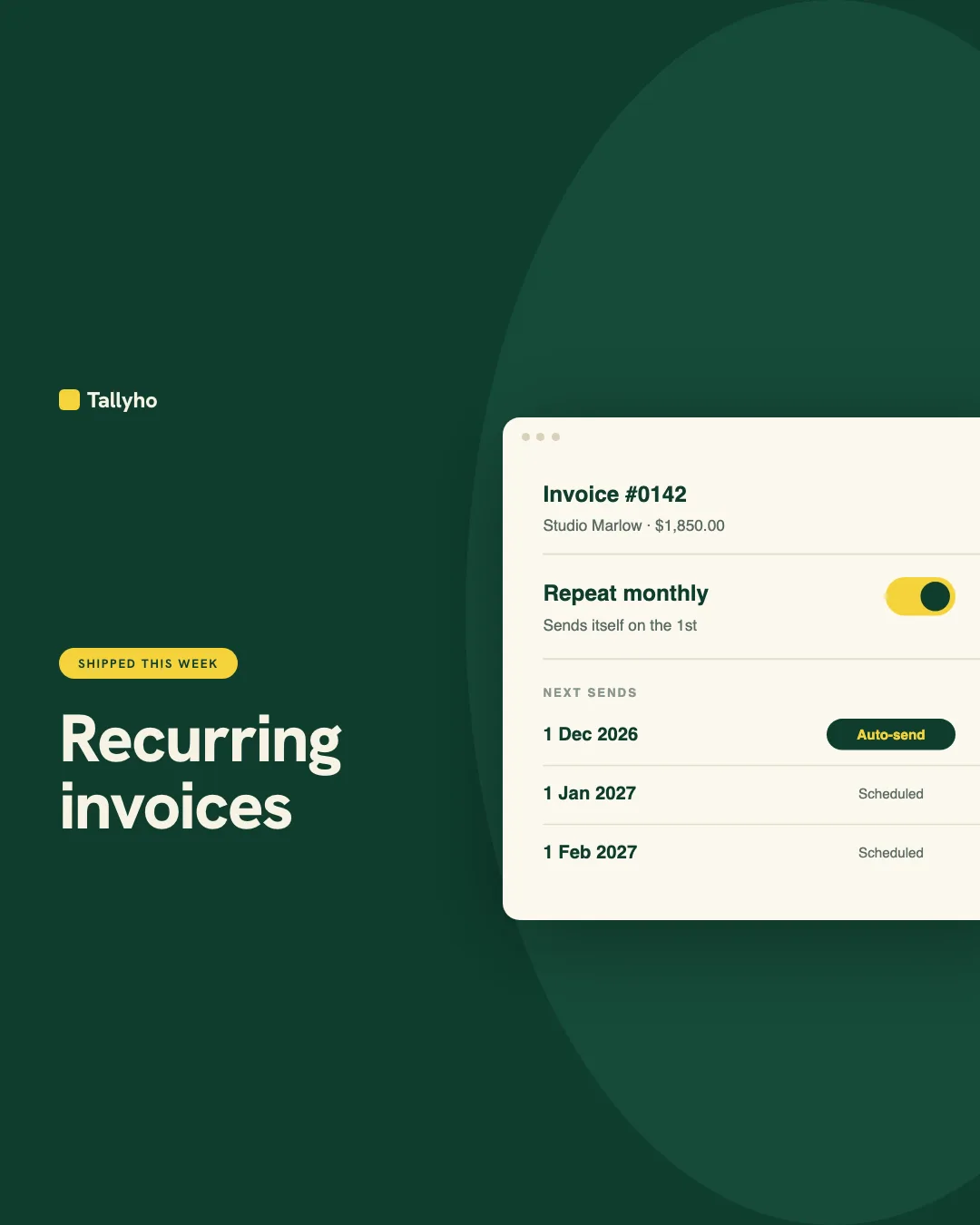
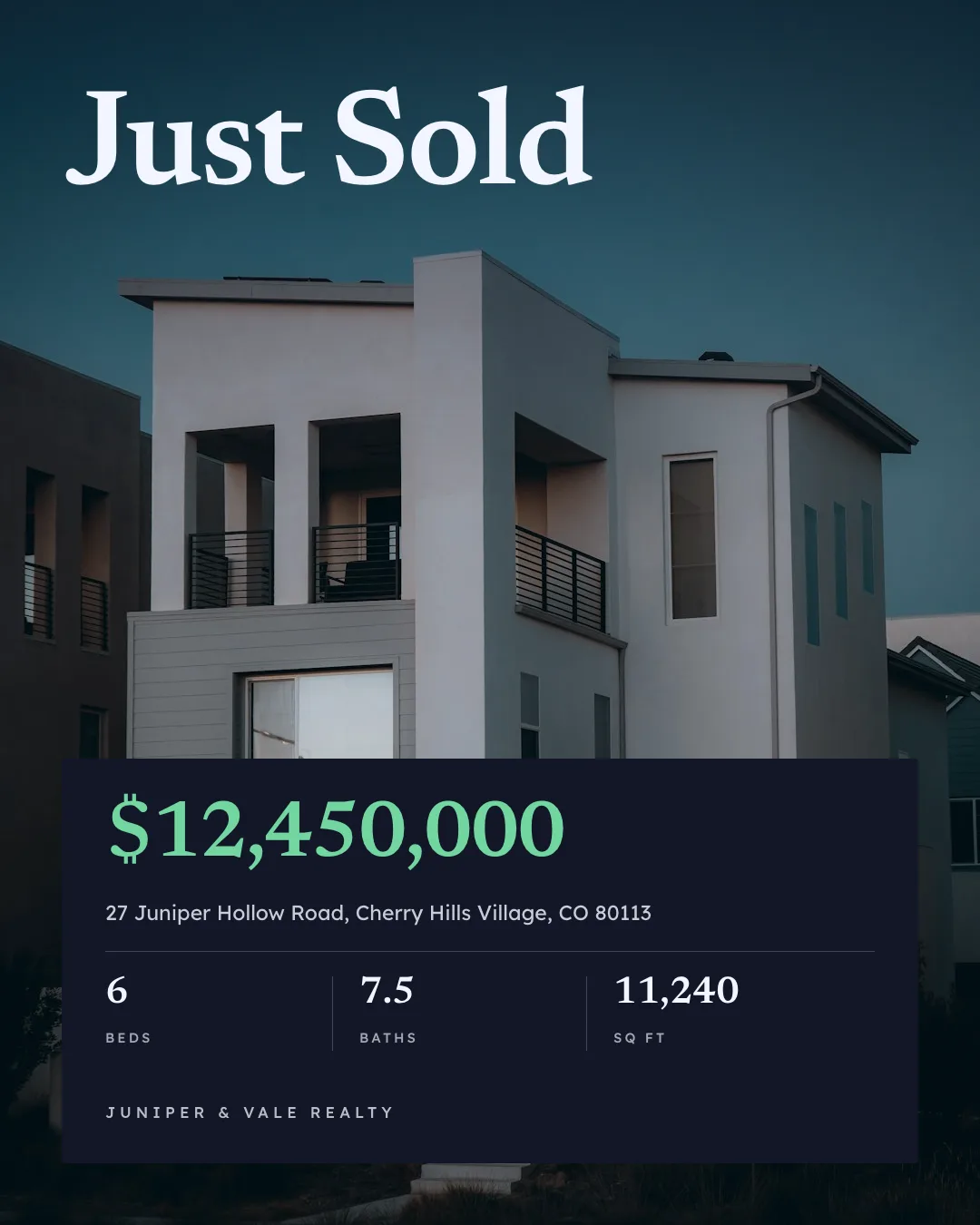
Social Media Content
On-brand Instagram, LinkedIn and Facebook posts from one prompt
Give your agent the pdf generator skill. 100 free credits every month.
No credit card. Paste the link into your agent, sign in to Orshot once, and get your first render in the same chat.







