Automate Quote Graphics
Design a template once, then auto-generate personalized quote graphics at scale — via API, no-code tools, or dynamic URLs.
100 free credits a month · No credit card required
138 templates
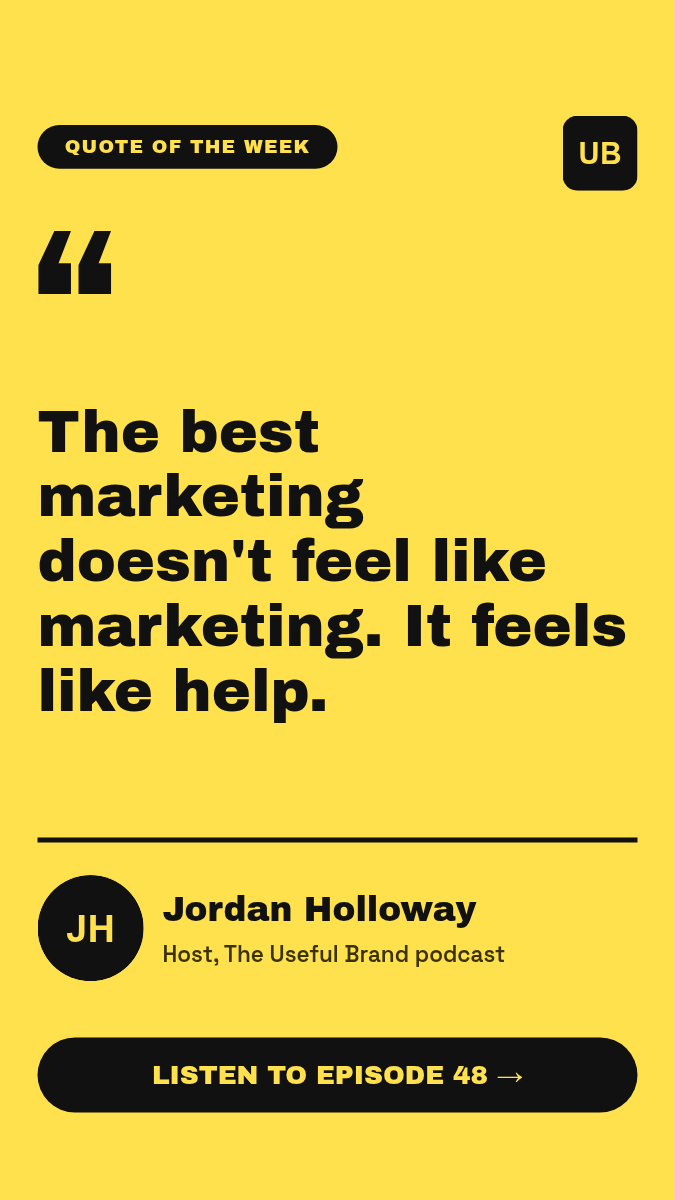
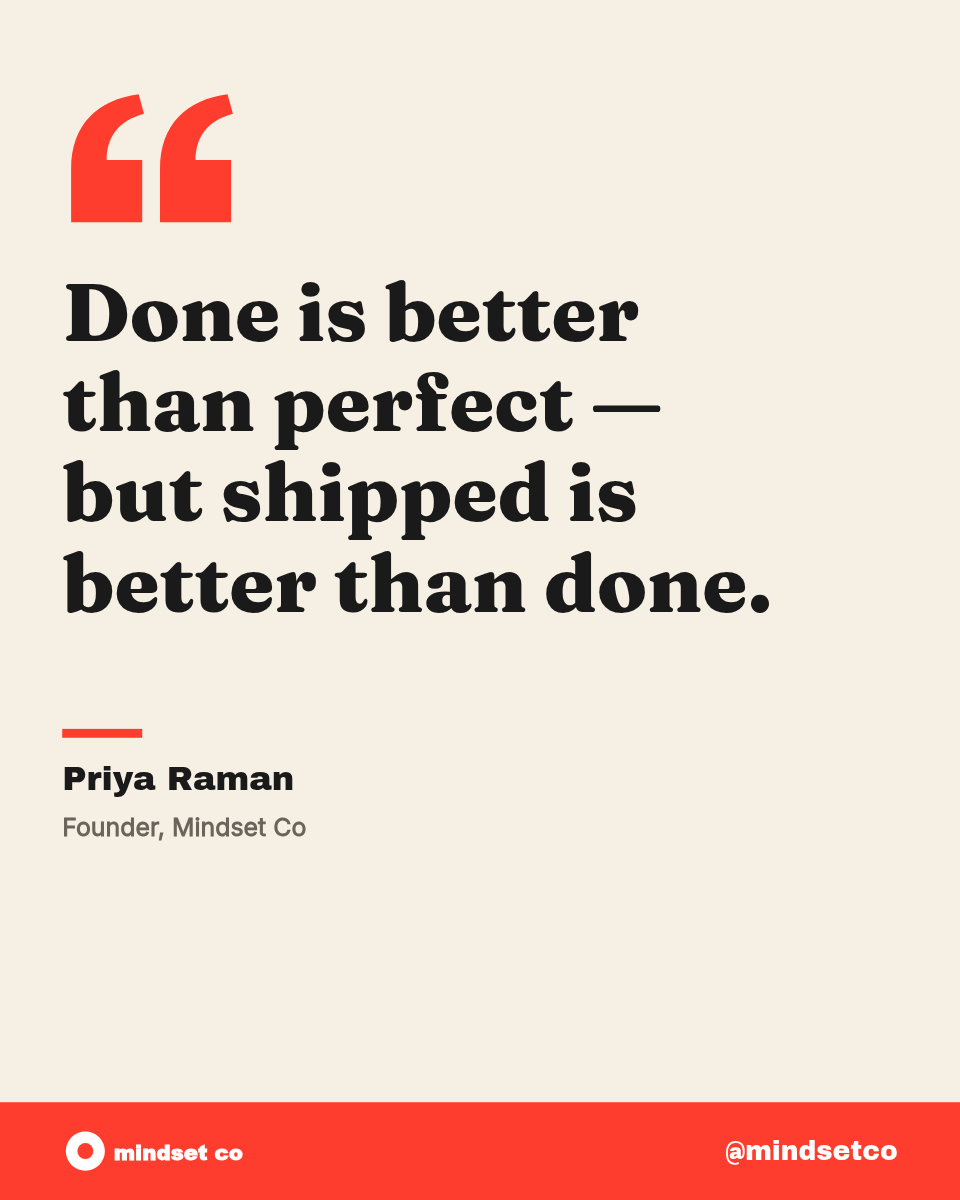
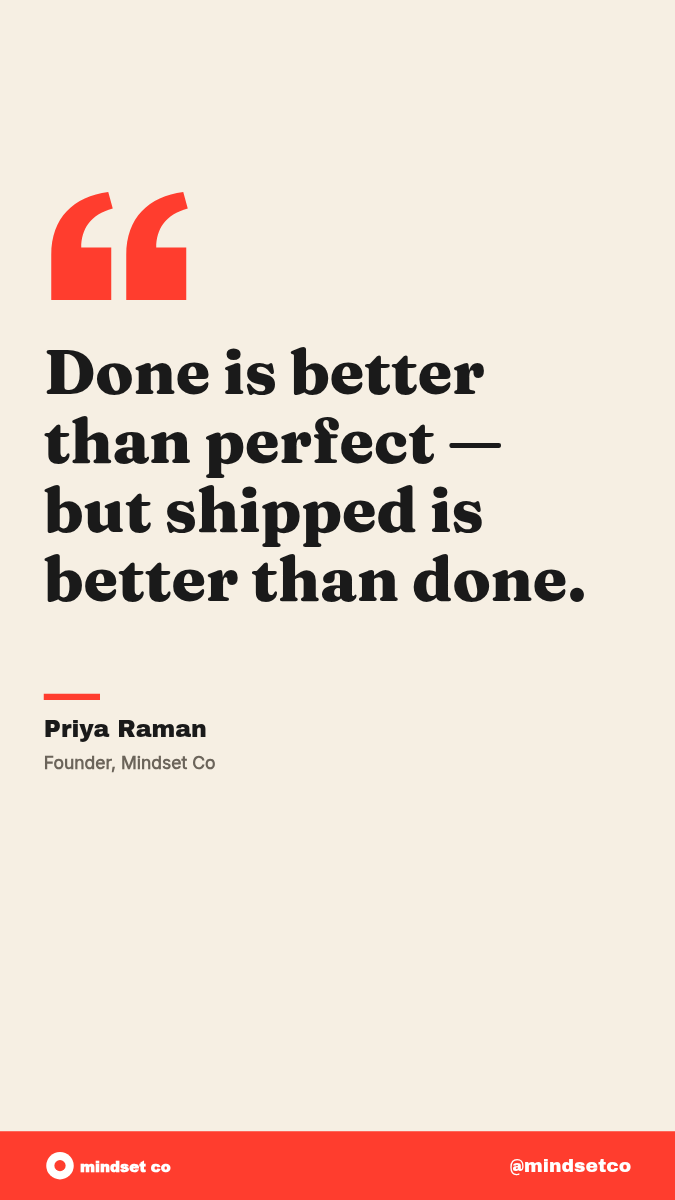
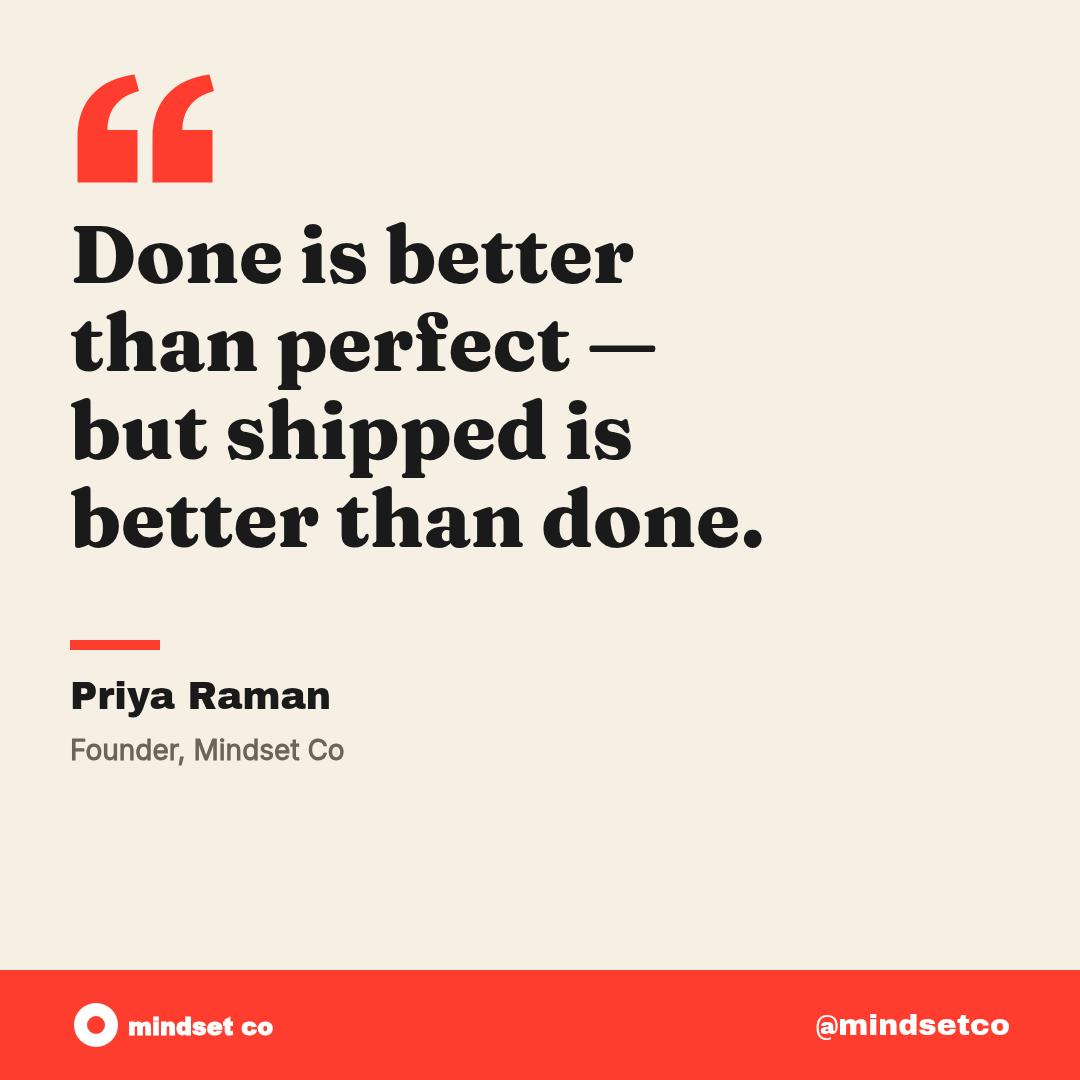
Pick a quote template or design your own in the visual editor.
Parameterize everything
Mark text, images, colors as dynamic. Every render is unique.
Any workflow
REST API, Zapier, Make, n8n, dynamic URLs, spreadsheets, CLI.
Generate at scale
Auto-generate quote graphics on every trigger.
Start from a quote template.
Pick a ready-made template, customize it in the visual editor, and start generating. Or create your own from scratch.
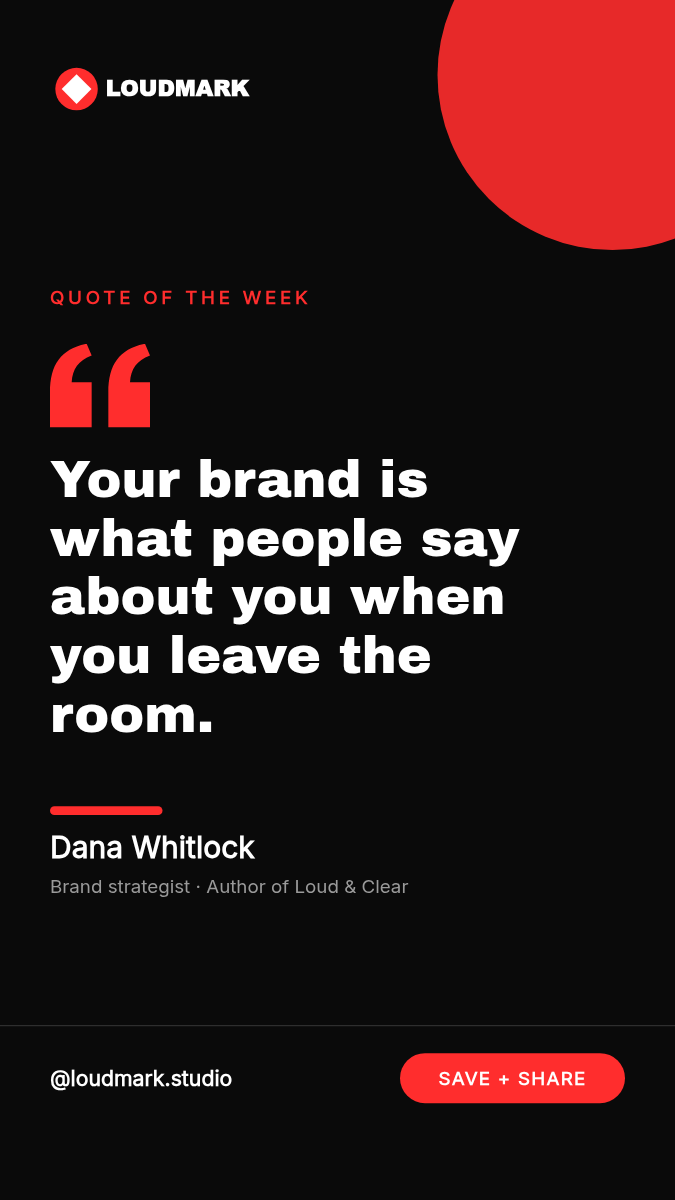

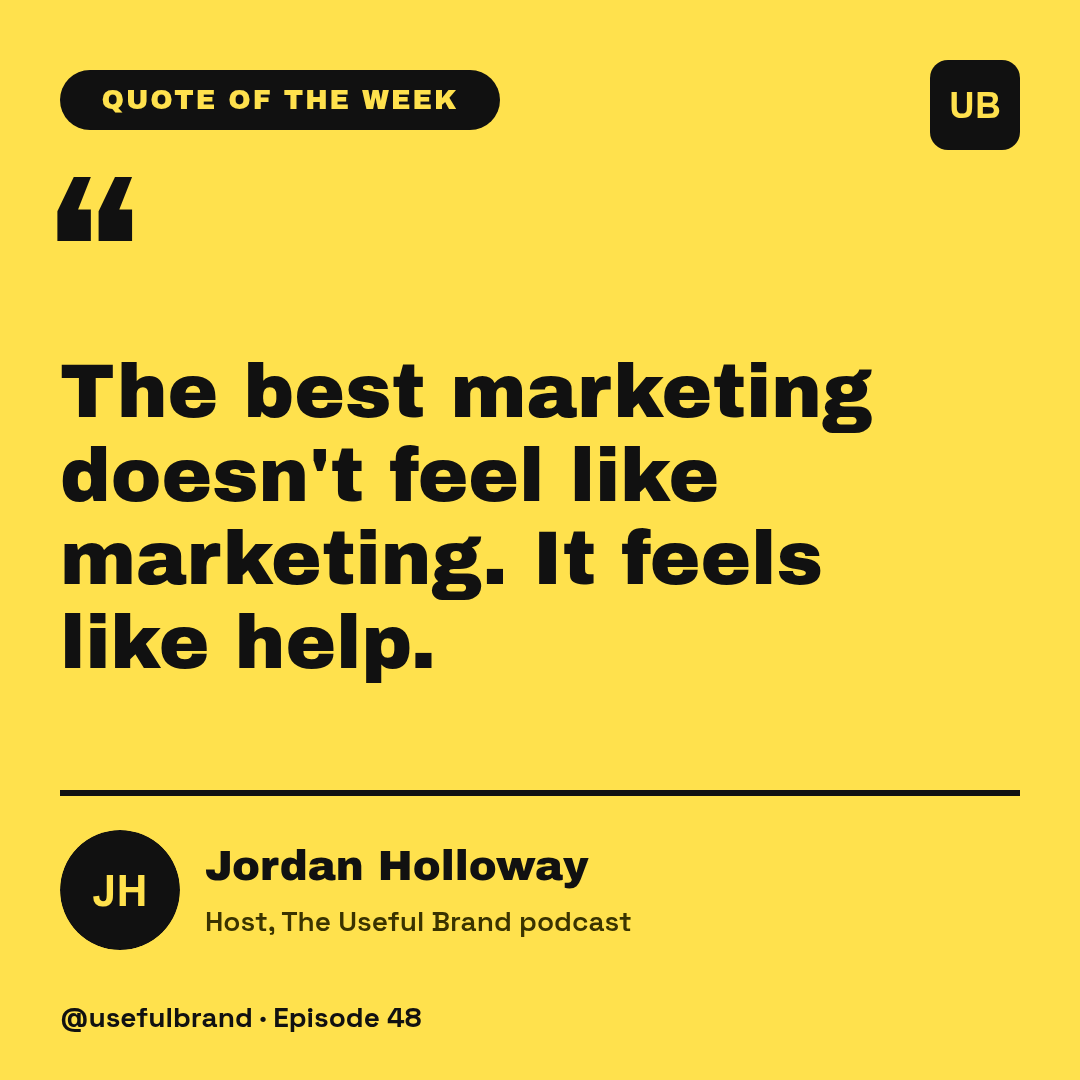
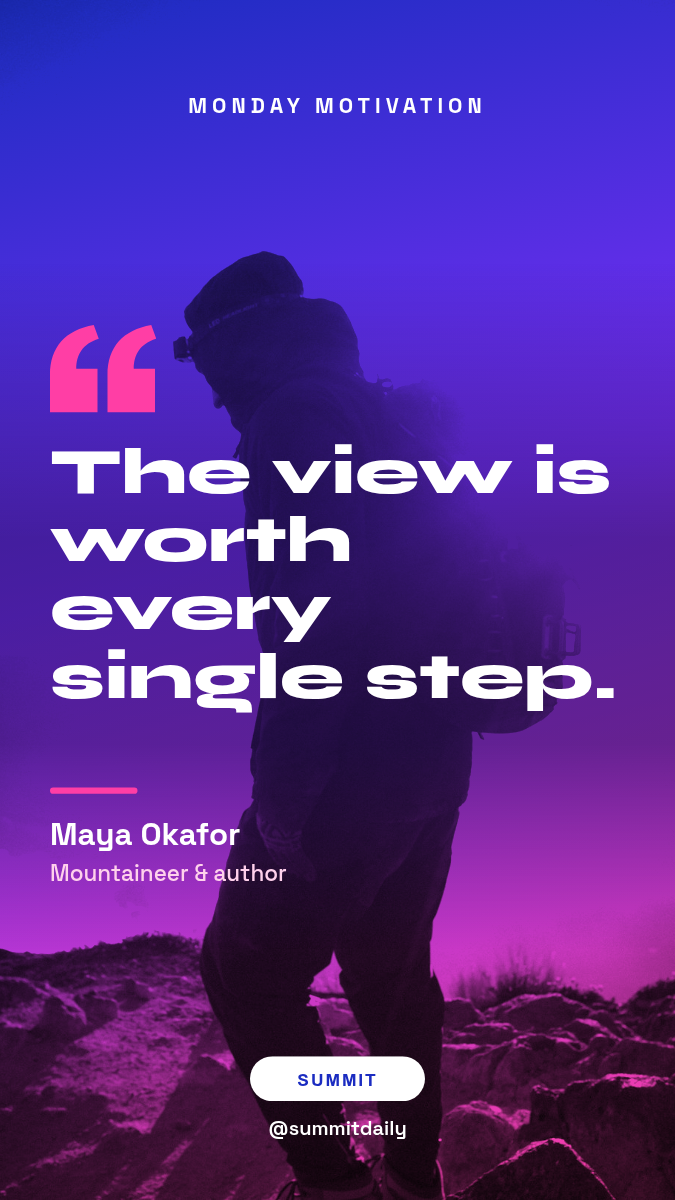
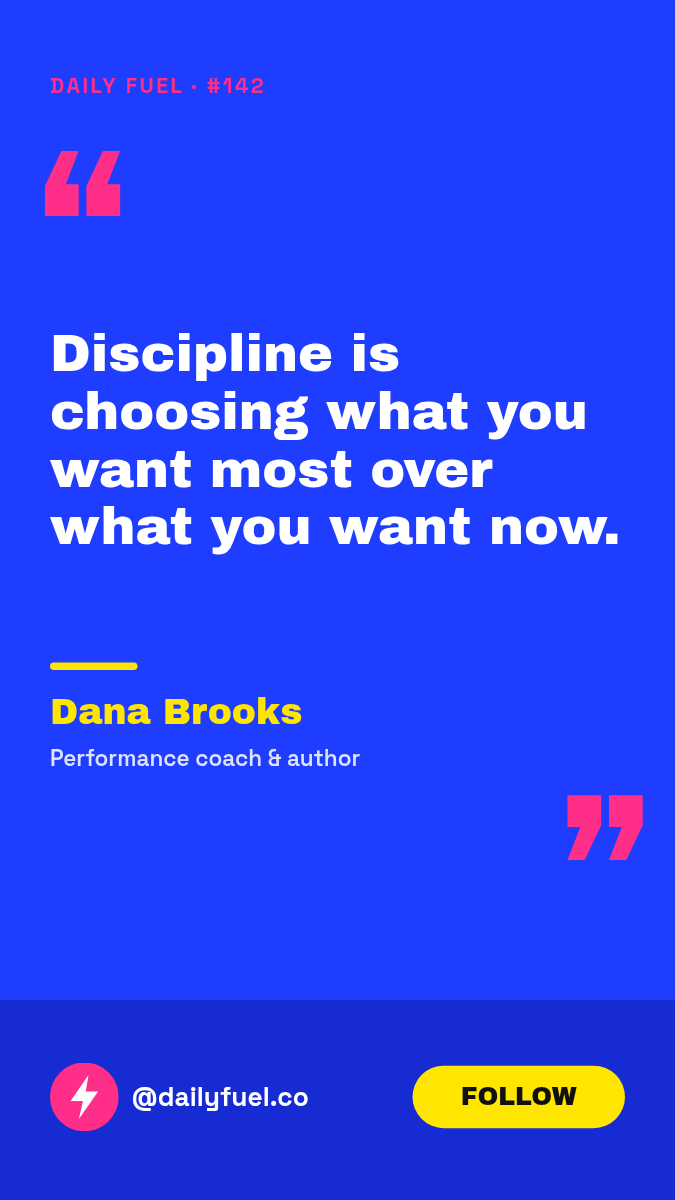
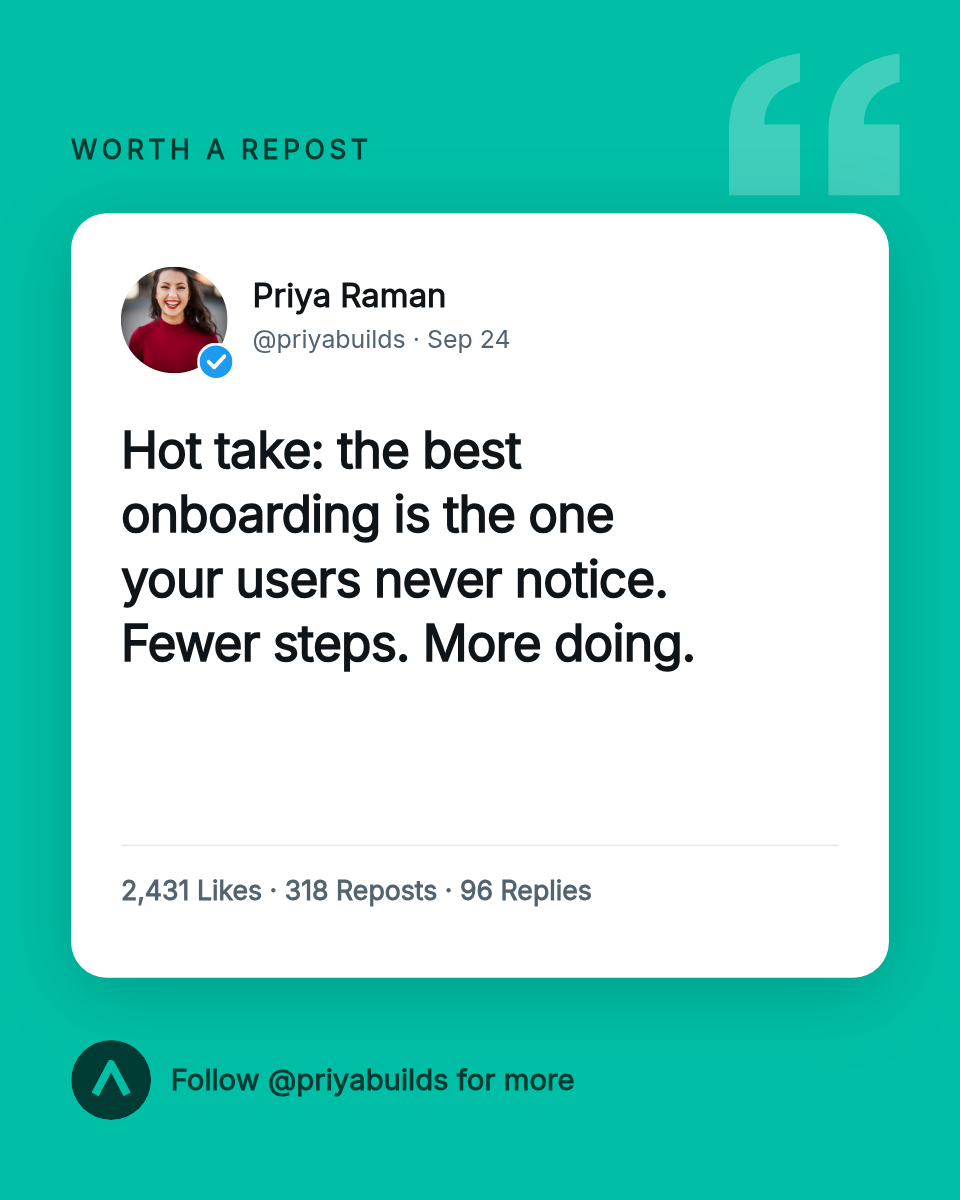
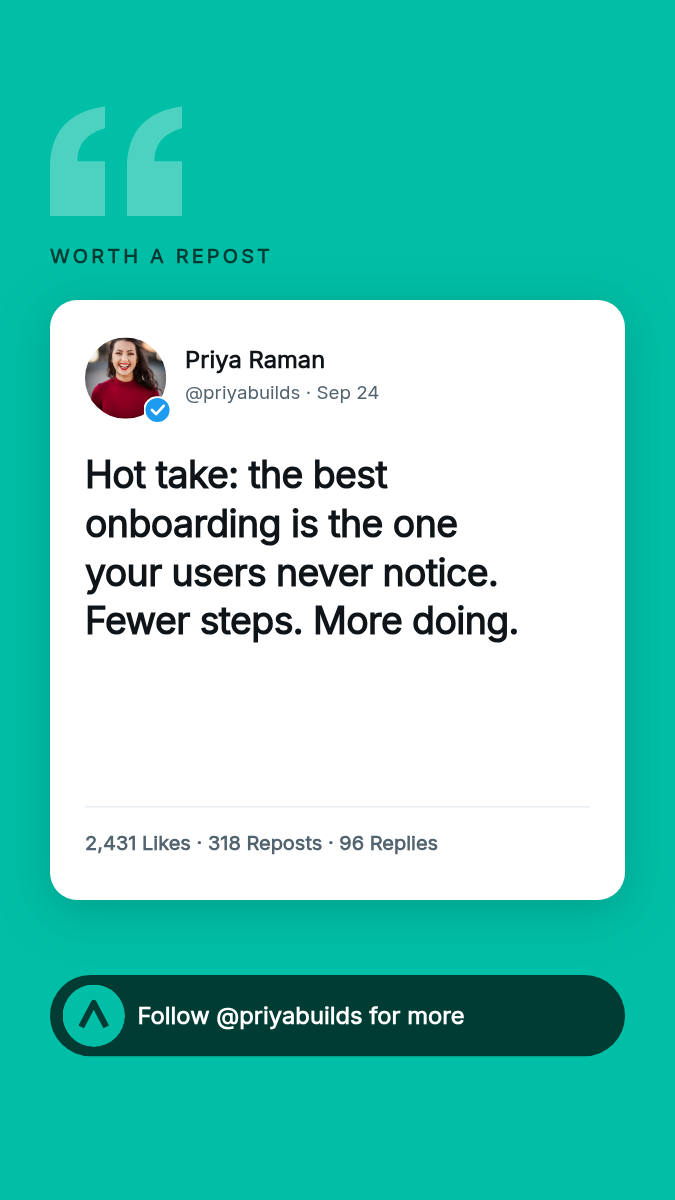
Customize in a visual editor.
Open any quote template in Orshot Studio. Add your brand logos, colors, and fonts — then mark any element as a dynamic parameter that can be swapped at render time.
- Upload logos, fonts, and brand colors
- Mark any text, image, or color as a dynamic parameter
- Multi-page carousel support for social media
- Export as PNG, JPG, WebP, PDF, or MP4 video

Connect to your workflow.
Generate quote graphics automatically from any trigger — a form submission, a spreadsheet row, a webhook, or a cron job. No manual design work.
- REST API with Node.js, Python, Ruby, PHP SDKs
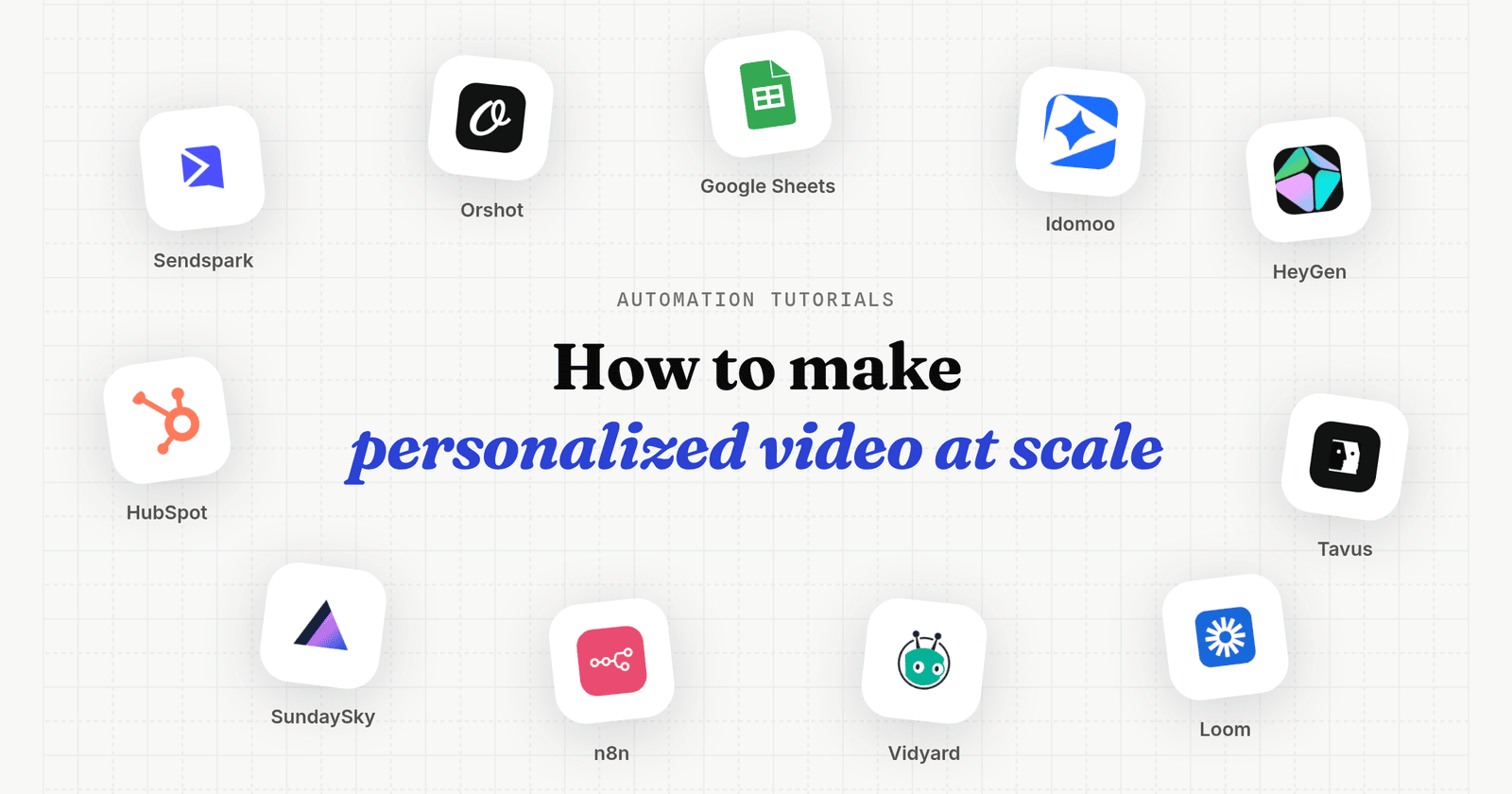
- No-code via Zapier, Make, n8n, Airtable
- Bulk generation from spreadsheet imports
- Dynamic URLs for embedding renders in emails and HTML
import { Orshot } from 'orshot';

const orshot = new Orshot(process.env.ORSHOT_API_KEY);

const { data } = await orshot.renderFromStudioTemplate({
  templateId: 1234,
  modifications: {
    title: 'Your Quote Title',
    subtitle: 'Your Quote Subtitle',
  },
  response: { type: 'url', format: 'png' },
});

// data.content → the rendered image URL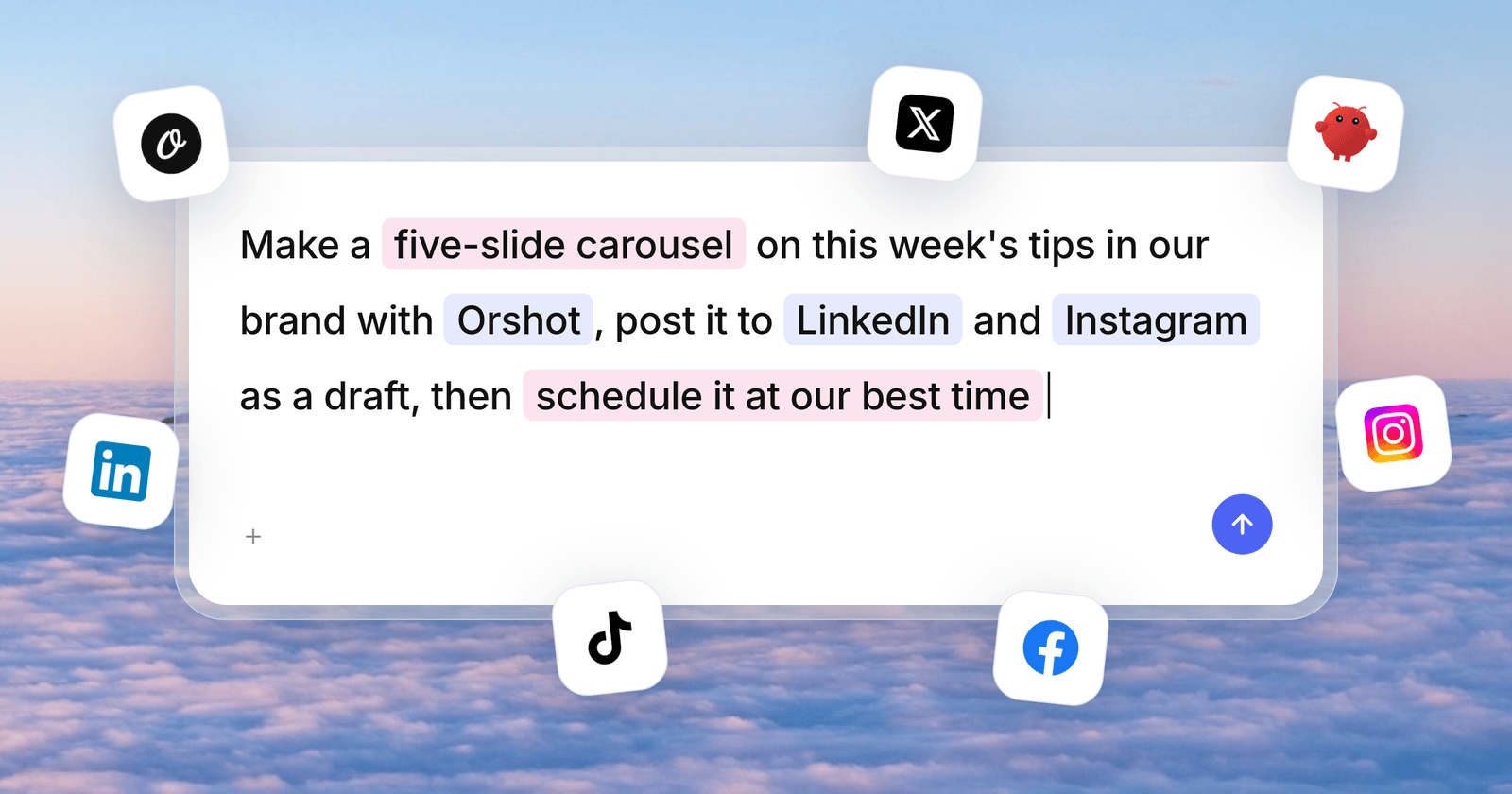
What is Orshot?
Is Orshot free to use?
How do I automate quote graphics generation?
Which output formats are supported?
Can I use my own branding?
Can I generate in bulk?
Start automating quote graphics.
100 free credits a month. No credit card required. Upgrade only when your volume grows.