
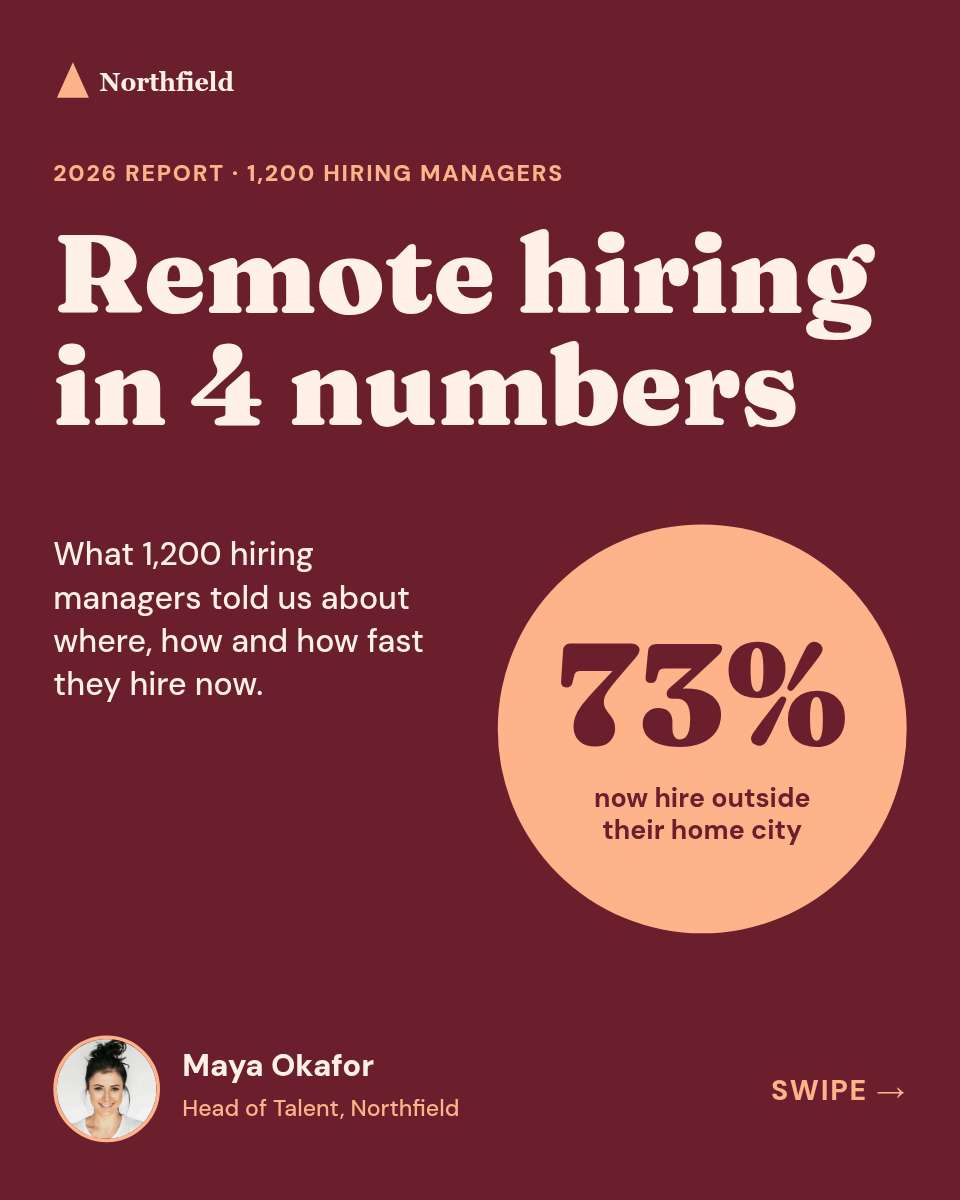


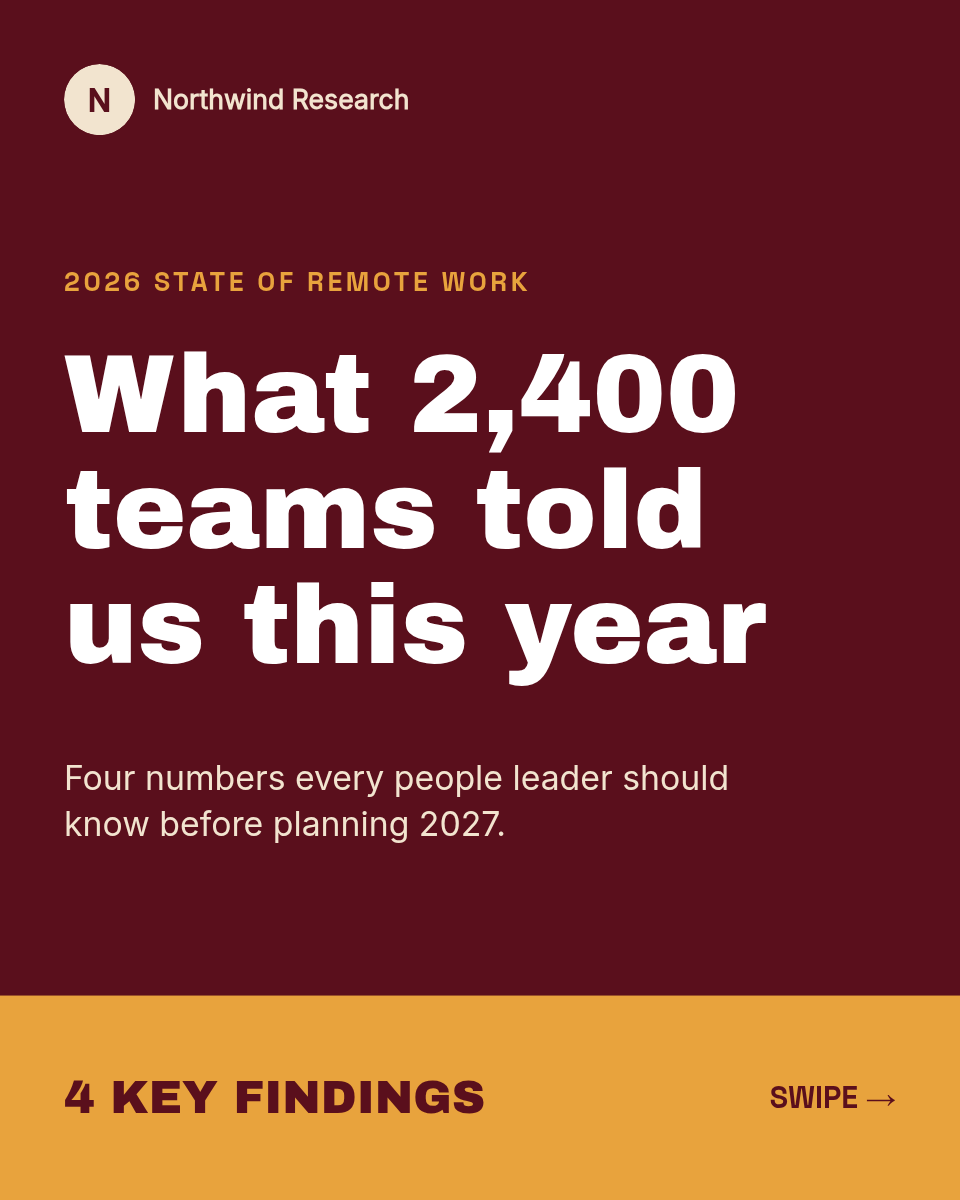

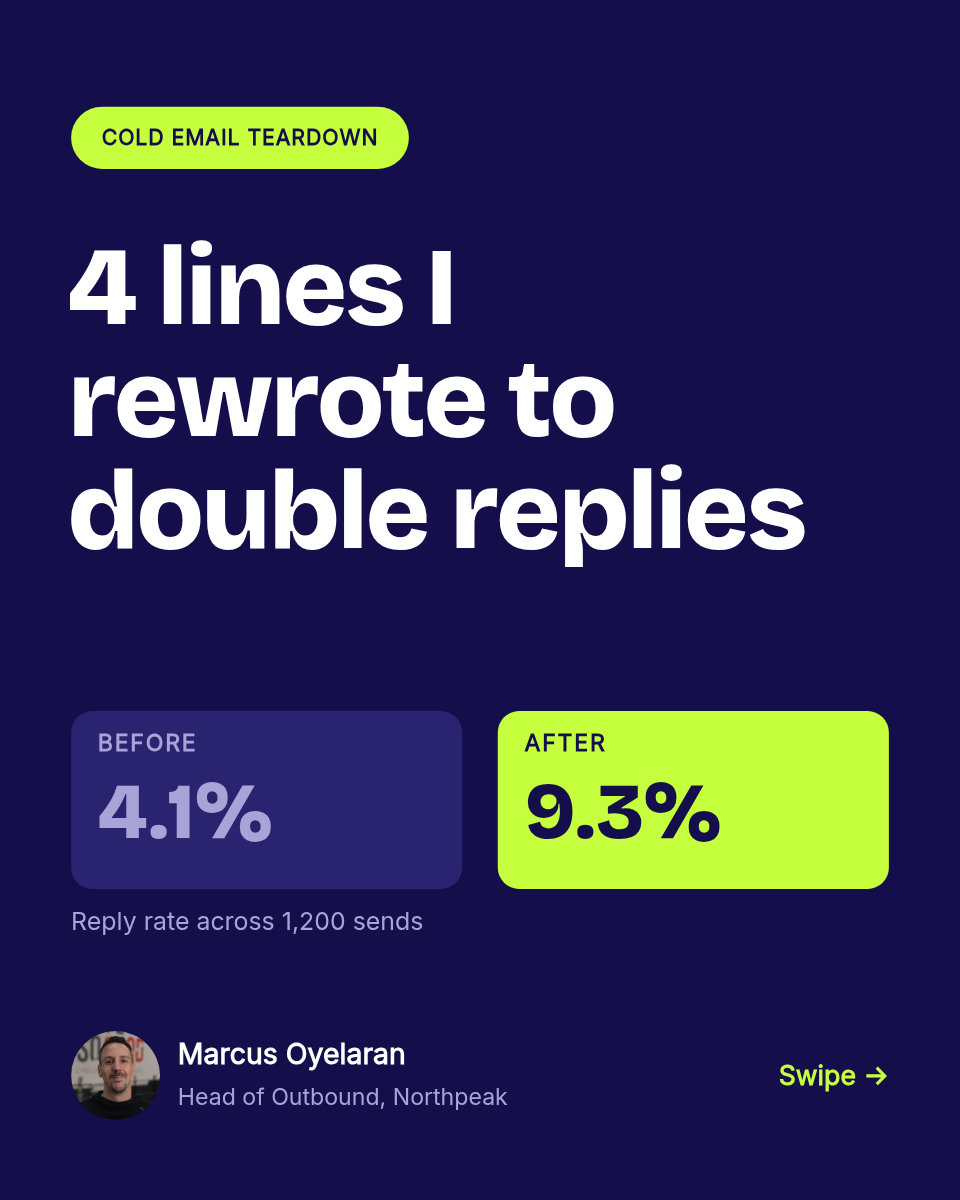

Carousels get some of the best reach on LinkedIn, and they are also the format people abandon first, because every post is a small design project. This workflow splits the writing from the designing. You write slides as columns in a Google Sheet, and Orshot turns each row into a native PDF carousel and posts it.
How a row becomes a carousel
Every run walks through the same four steps:
- The schedule fires at the time you set, once a day.
- The next row is read from your Google Sheet, one row per carousel.
- Orshot renders a PDF, filling each slide's text into the matching page of your template.
- LinkedIn publishes it as a native document, so followers swipe through the slides in the feed.
| AHeadline | BPoint | CCTA | |
|---|---|---|---|
| 1 | 3 pricing mistakes to avoid | Anchoring your lowest tier first | Follow for weekly breakdowns |
| 2 | What 100 cold emails taught me | Specific beats clever, every time | Save this for your next send |
| 3 | The hiring funnel we actually use | Screen for judgment, not resumes | DM me for the template |
Rendered from row 1, one per row
Why post carousels as a PDF
LinkedIn renders an uploaded PDF as a swipeable document, and that is what a carousel really is under the hood. Rendering to PDF means every slide keeps its exact fonts, colors, and spacing, and the page count matches your template every time. There is no export from a design tool, no manual upload, and no drift between one week's post and the next. Each carousel comes out looking like the last one, because they all come from the same layout.