
Volume is the whole game for certain TikTok accounts: theme pages, fan pages, product feeds, and local content accounts that post many times a day. Doing that by hand means living inside the app. This workflow runs the account from a Google Drive folder instead. You keep the folder stocked with photos and the workflow does the posting.
How the daily post works
Every run repeats the same four steps, on a schedule you set:
- The schedule fires on a random window, for example every 1 to 2 hours, so posts land at 9:14, 11:02, 12:41 instead of on the robotic top of every second hour.
- A random photo is picked from your connected Google Drive folder, so the sequence never looks scripted.
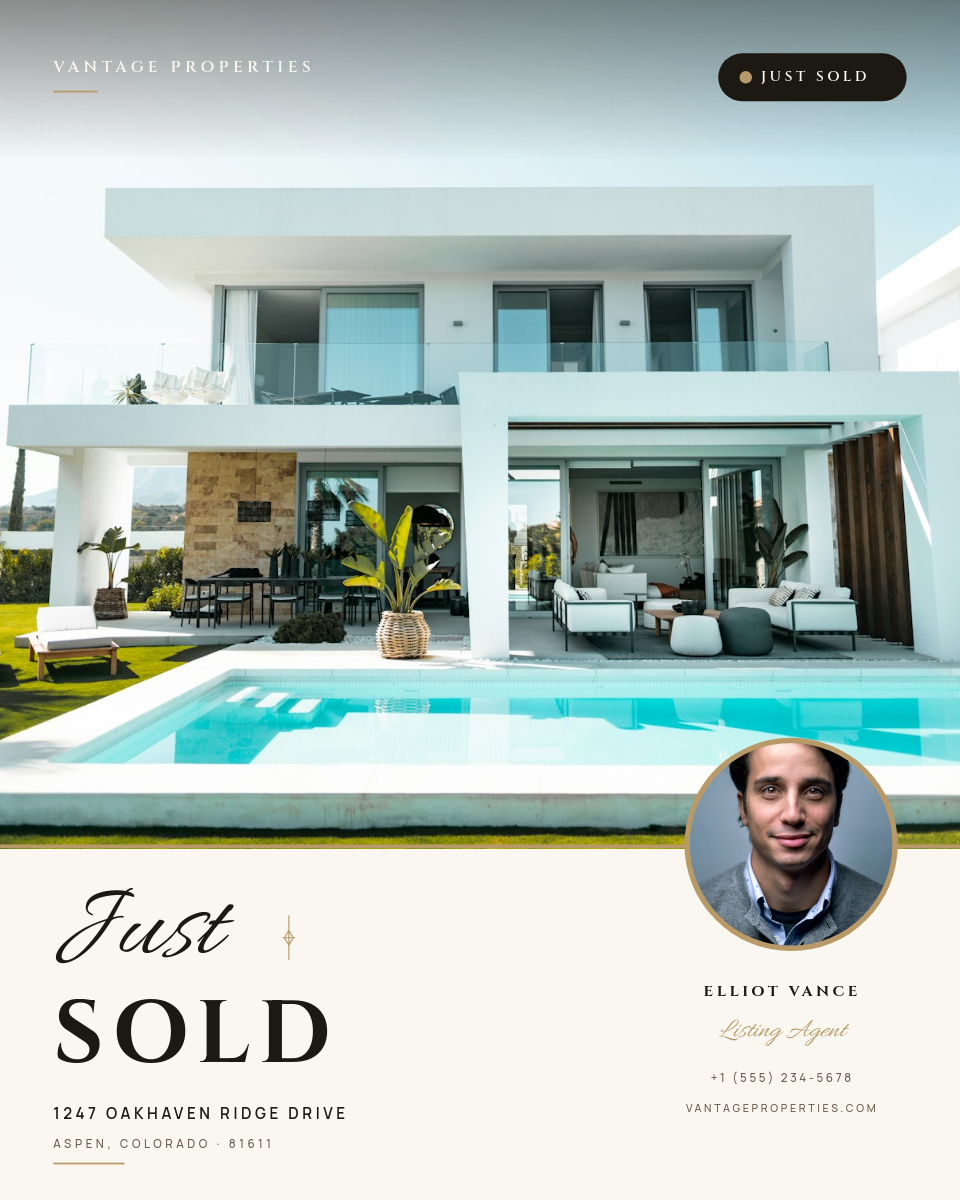
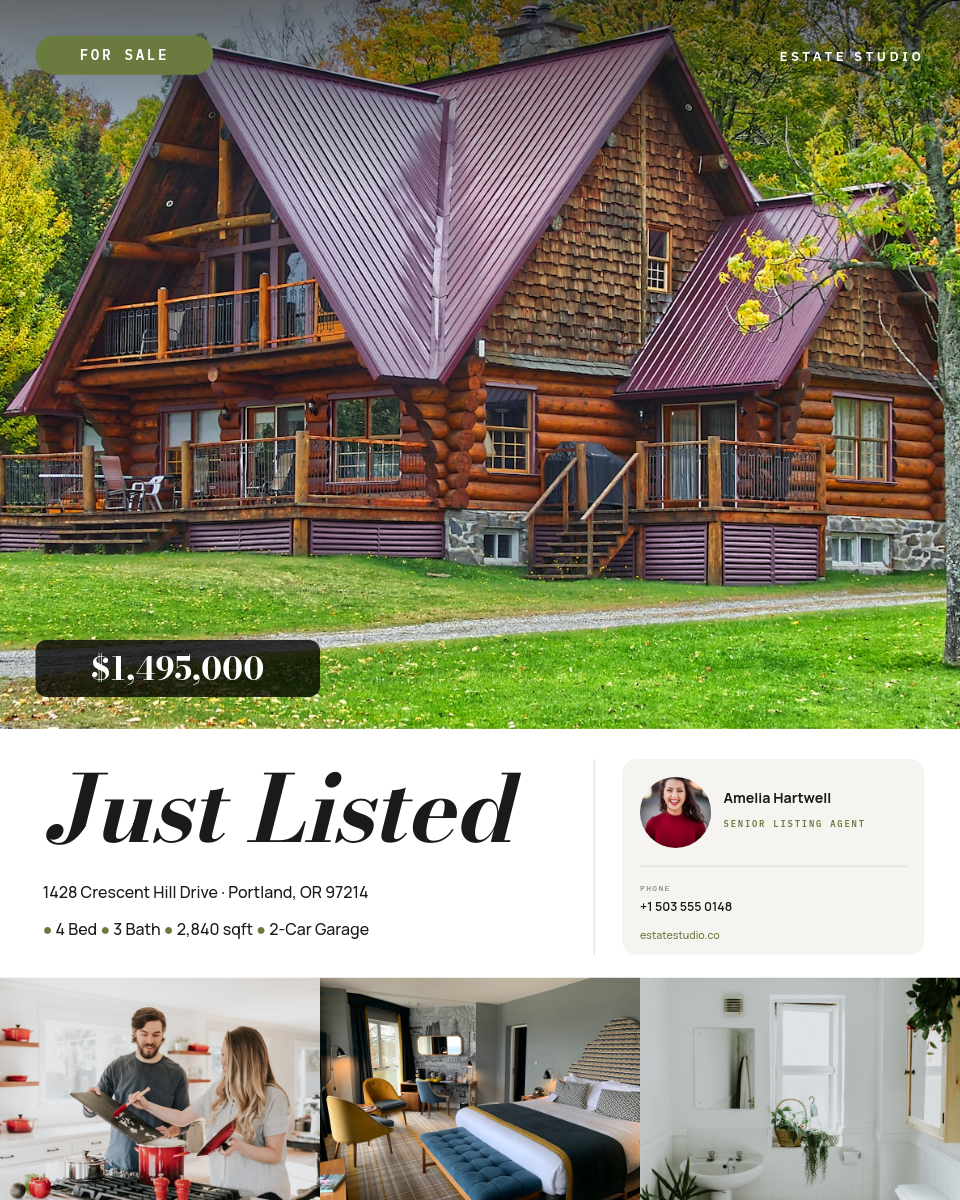
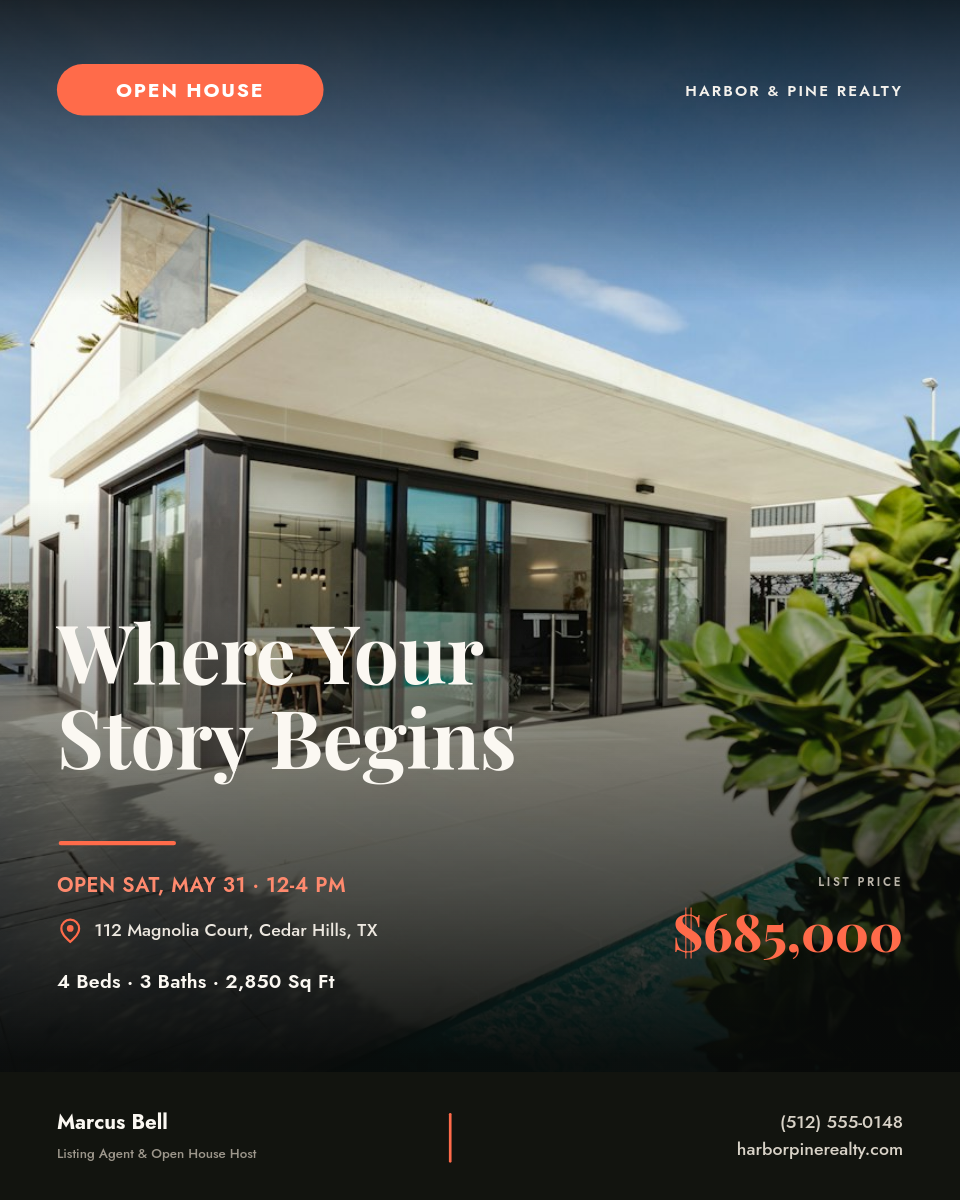
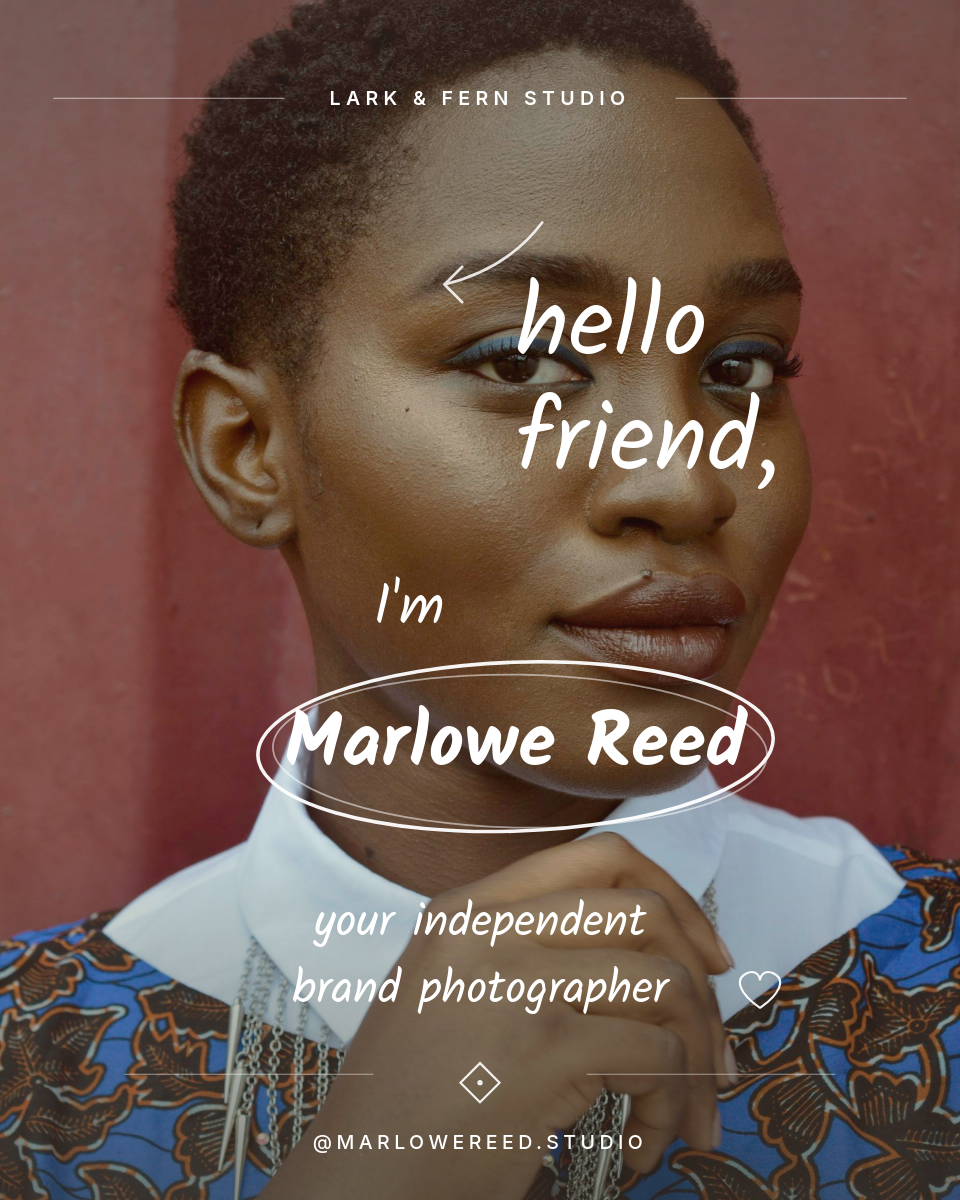
- Orshot renders it through your template, adding a logo, frame, or caption bar consistently without you opening an editor.
- The post publishes to TikTok straight to your connected account, with no manual upload.
Accounts posting at metronome intervals read as bots. The random photo and the random window are what keep this feeling like a person.
Keep the folder stocked
There's no content calendar to maintain. Add photos to the Drive folder from your phone, a shoot, or a batch export, and they enter the rotation. Remove the ones you are done with. The folder is the whole content operation, so keep it fresh and the feed stays varied.