





Consistent pinning works, but it is the kind of task that quietly falls off. The pins themselves are easy; making a new one by hand in a design tool every few days is what stops. This workflow keeps the cadence and drops the manual part. You list your pins in a sheet, and a branded pin posts on the schedule you set.
Who keeps their boards active with it
Bloggers
A pin for every post, rendered from the post title and link so each article keeps driving traffic.
Shops and makers
Product and collection pins generated from a catalog sheet instead of one at a time.
Marketers
Recurring campaign pins kept on brand and on schedule without a designer per pin.
Creators
Recipe, tutorial, and idea pins produced in batches from a running list of topics.
One row, one pin
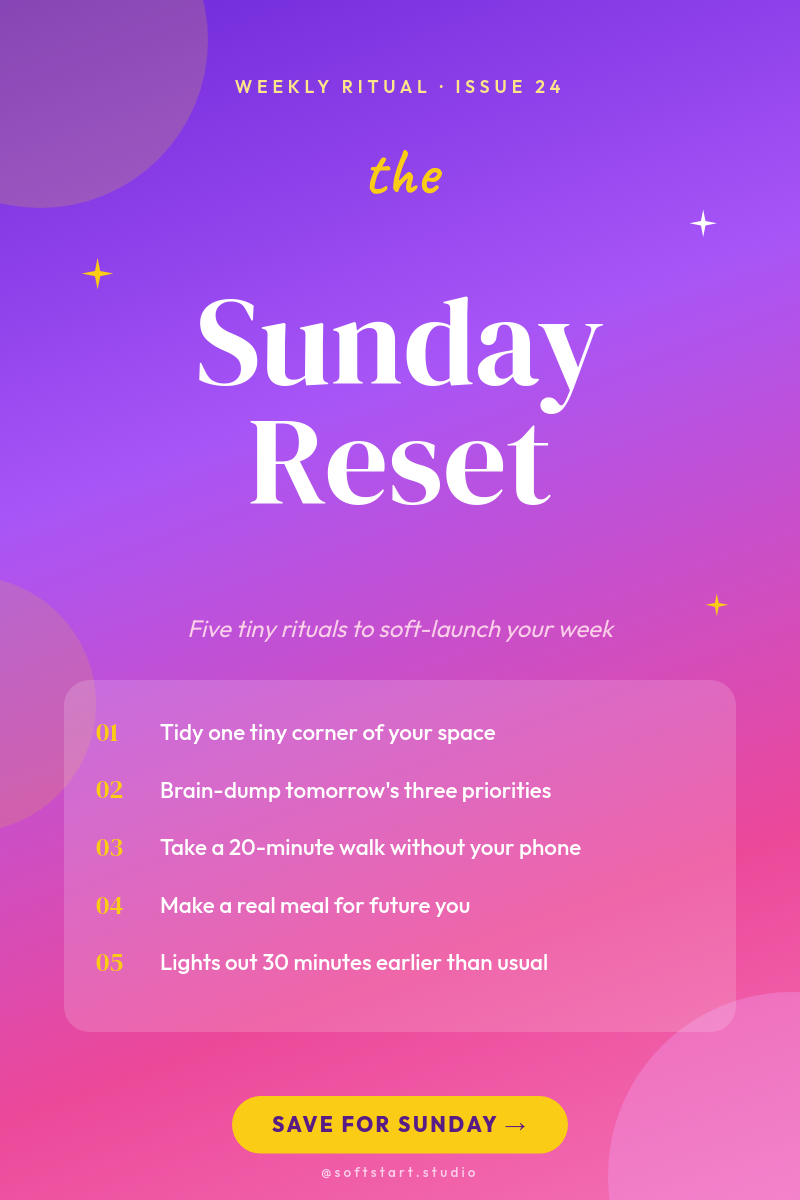
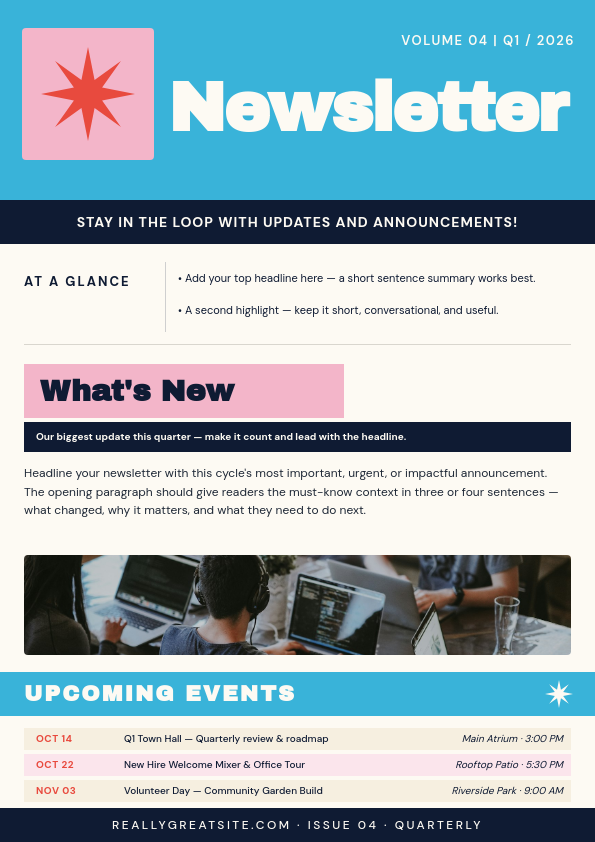
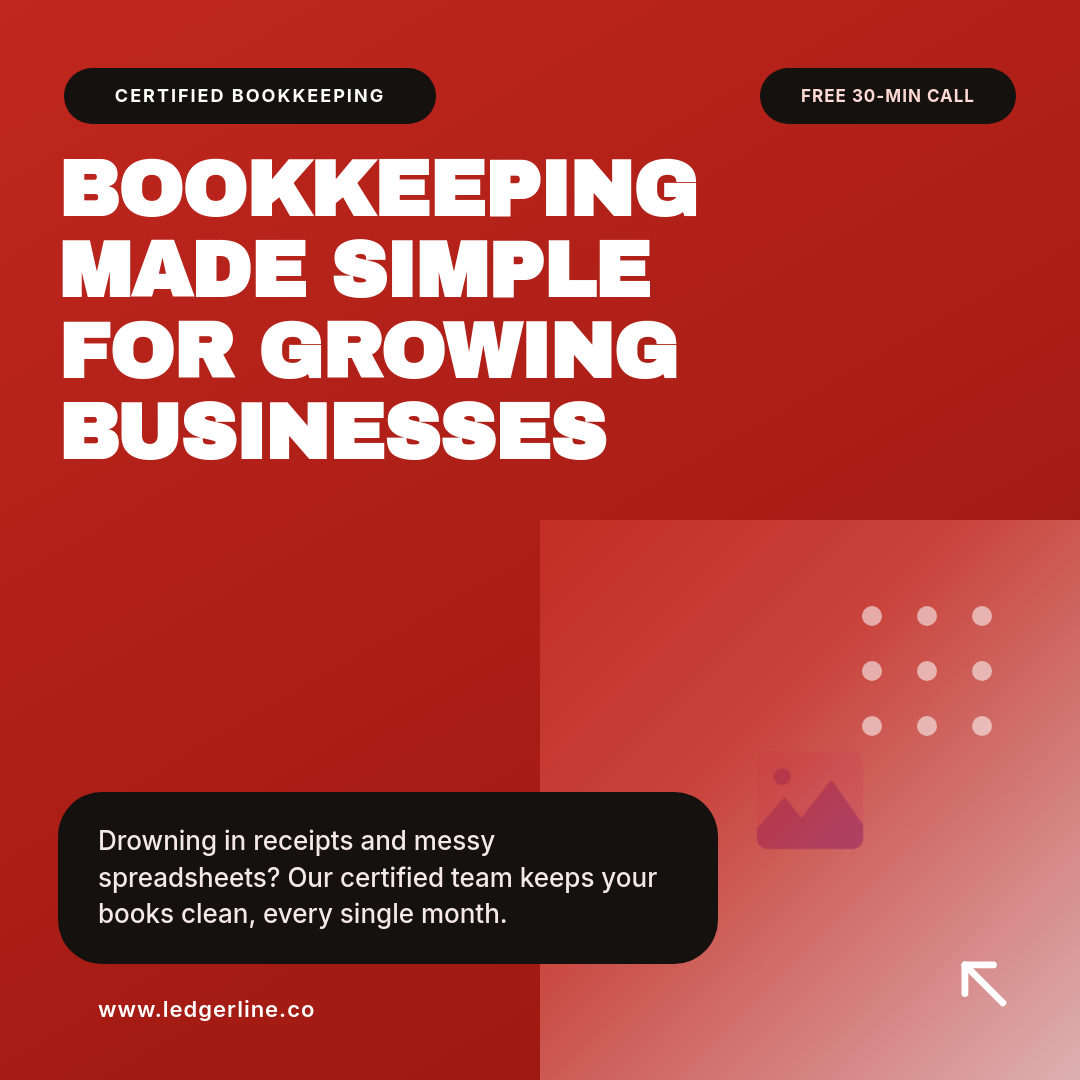
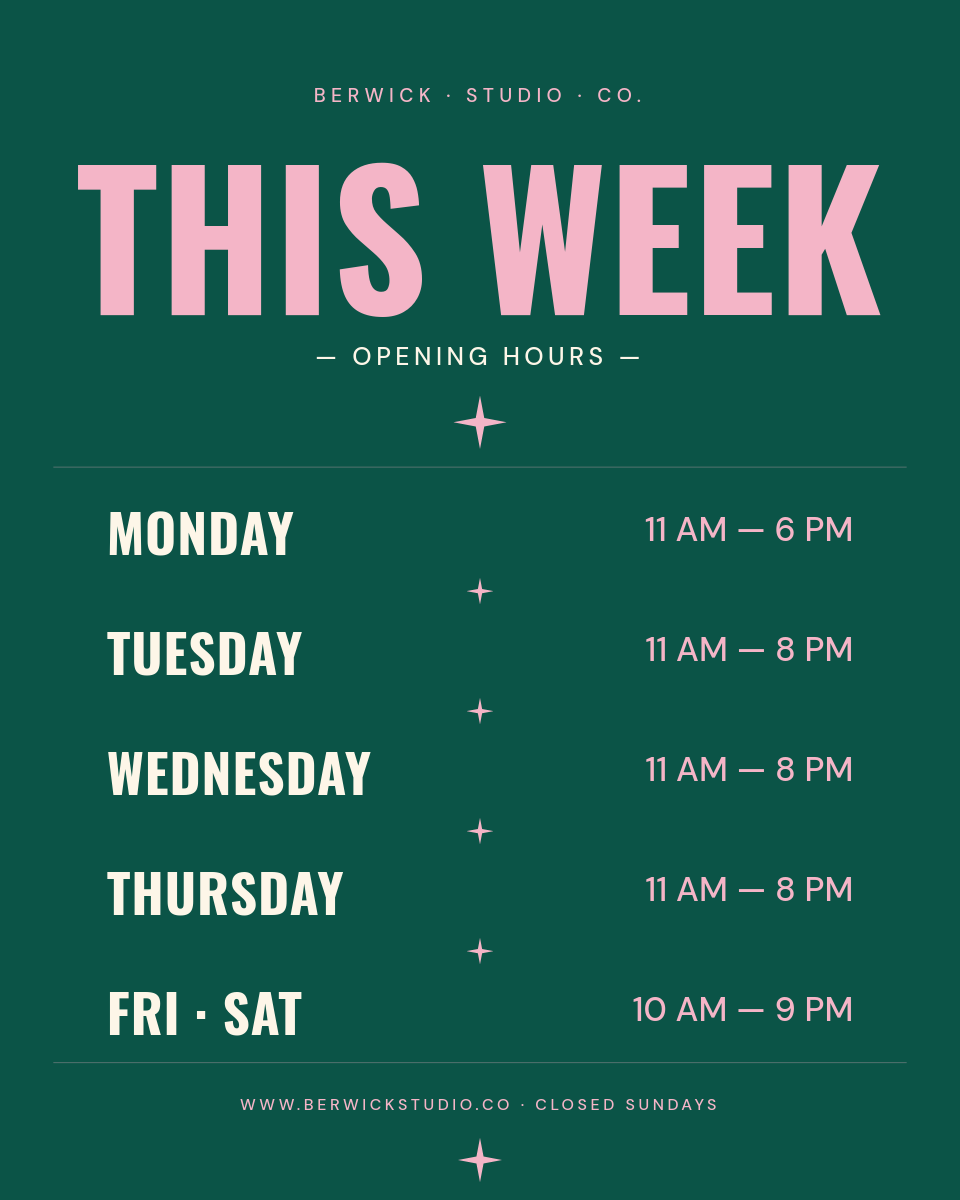
Each row in your sheet is a pin waiting to go out. Click through to see the title and link land on the design:
One row becomes one pinClick a row
| ATitle | BLink | CTopic | |
|---|---|---|---|
| 1 | 7 quick weeknight dinners | /blog/weeknight-dinners | recipes |
| 2 | Small kitchen storage ideas | /blog/kitchen-storage | home |
| 3 | Beginner watercolor guide | /blog/watercolor-basics | art |
Orshot renders
Pin
PNG
Rendered from row 1, one per row
Set the cadence once
Setup is a one-time job:
- Connect the sheet and Pinterest, then pick how often a pin posts.
- Add a link column so every pin points to the right blog post or product.
- Switch to a Pinterest business account if you are not on one, which is free and required to publish.
After that, keeping your account active is a two-minute job of adding rows, and the pins stay consistent because they all come off the same template.



