


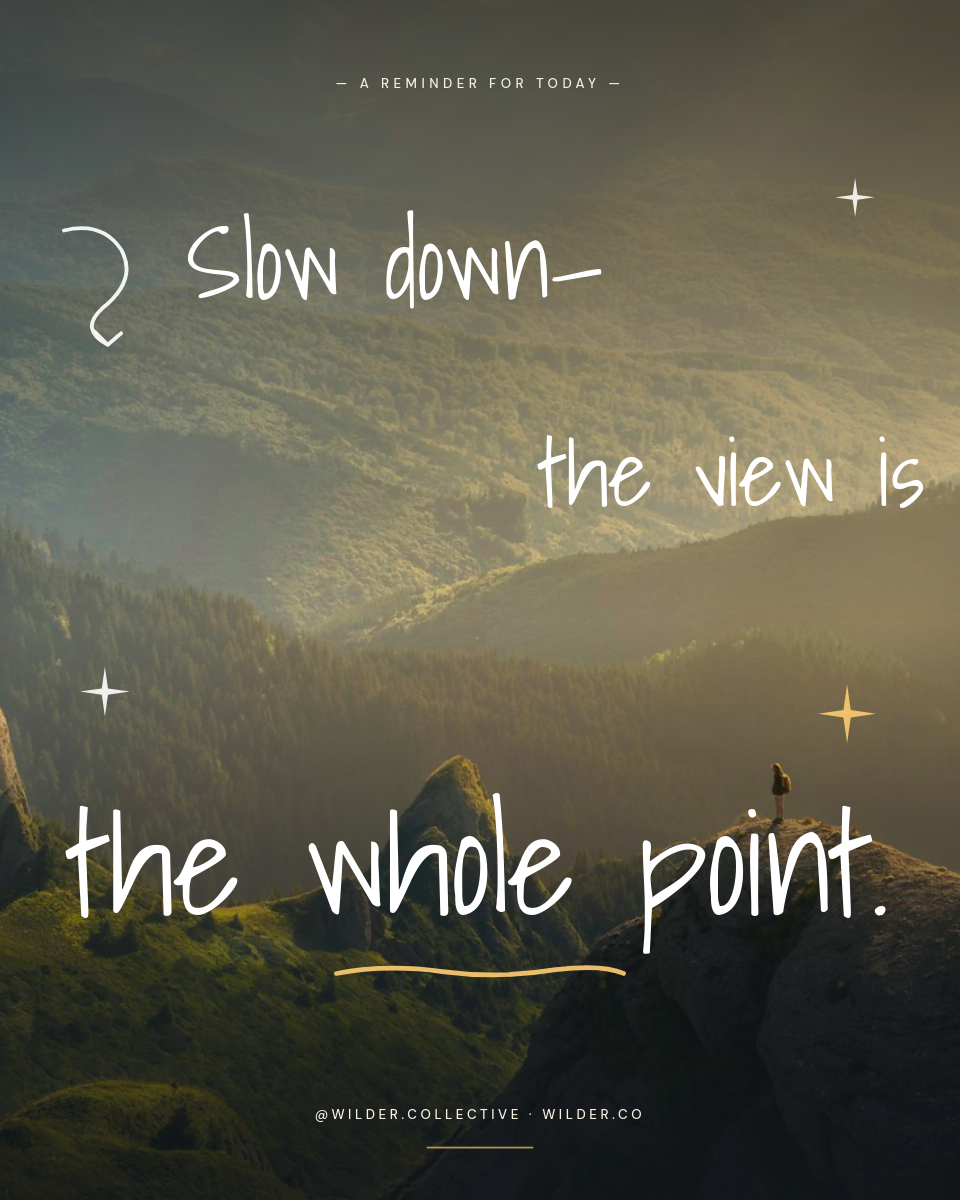
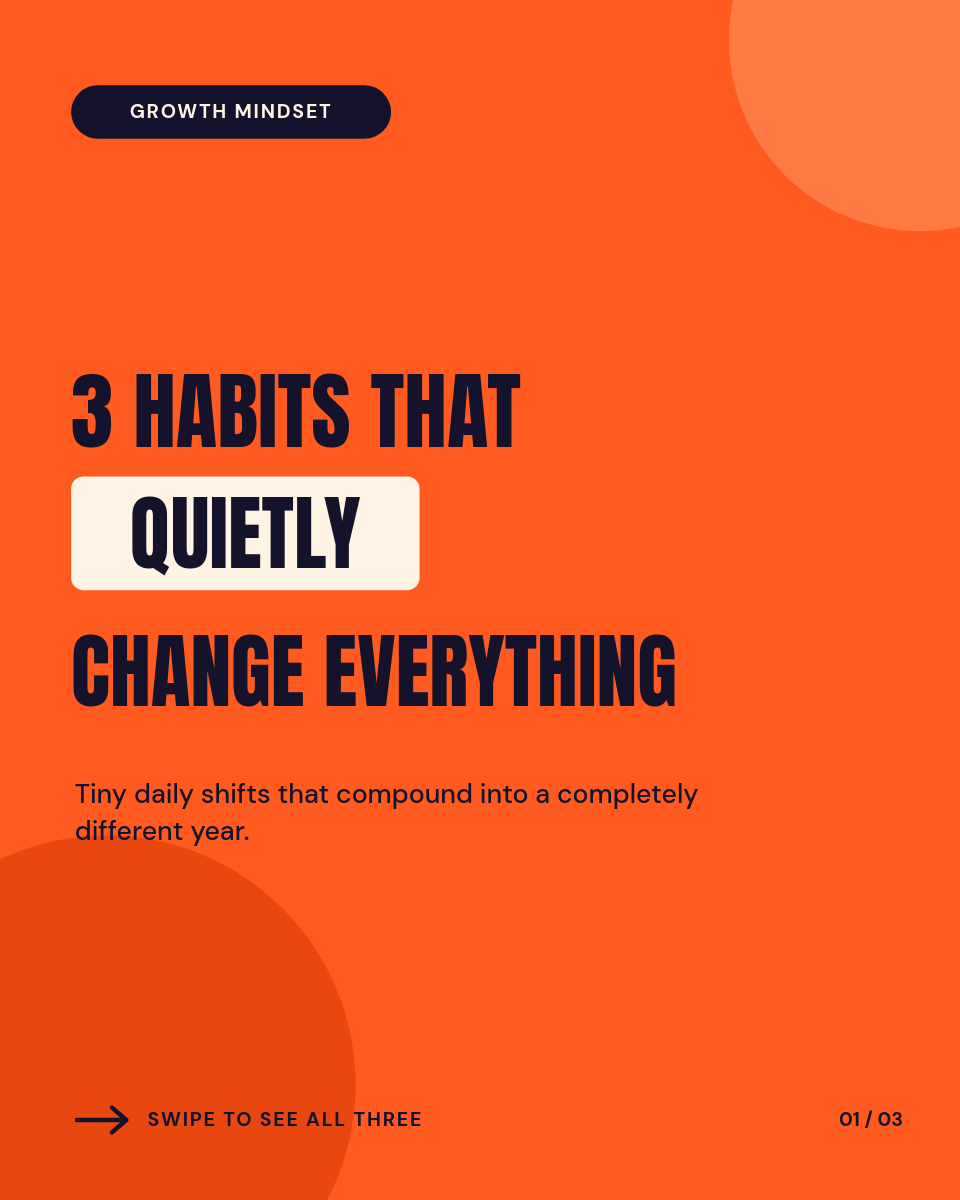



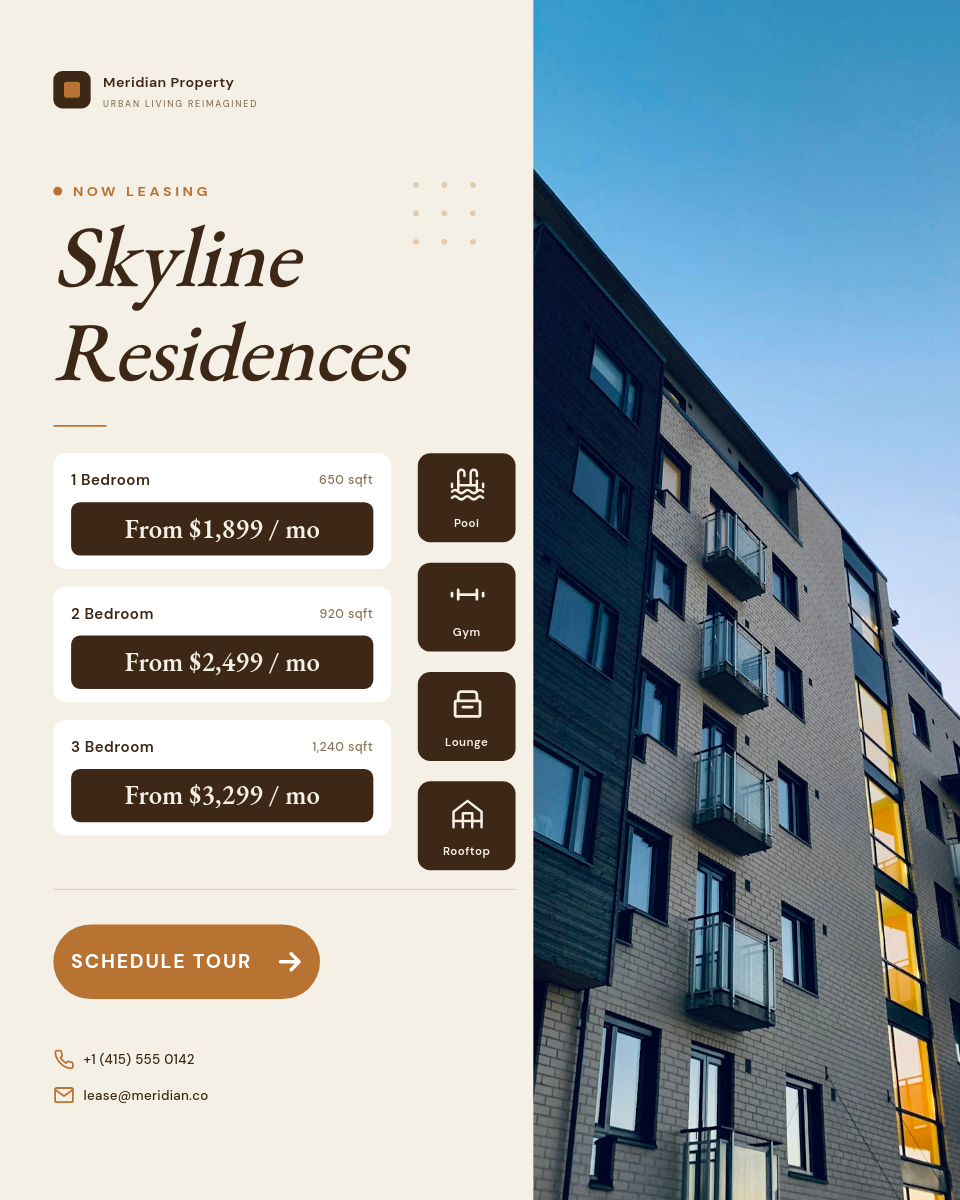

A daily quote account lives or dies on consistency, and posting one graphic by hand every morning is exactly the chore people quit after a week. This workflow keeps the habit for you. Keep a Google Sheet of quotes, design the graphic once, and Orshot renders and posts the next one to Instagram on the schedule you pick.
Click a row to see the graphic it becomes:
One row becomes one postClick a row
| AQuote | BAuthor | |
|---|---|---|
| 1 | Done is better than perfect. | Sheryl Sandberg |
| 2 | The obstacle is the way. | Marcus Aurelius |
| 3 | You miss every shot you don't take. | Wayne Gretzky |
Orshot renders
Post
PNG
Rendered from row 1, one per row
Where a quote queue helps
The same setup runs a lot of different accounts. A sheet full of lines is the whole content plan:
Motivation and niche pages
Theme accounts that live on a steady drip of quotes, where showing up daily matters more than any single post.
Brand and community managers
A week of on-brand posts queued in one sitting, so the feed never goes quiet during a busy stretch.
Set the schedule
- Pick the time the daily post should go out, like 8am in your audience's timezone.
- Choose the account or accounts to publish to.
- Queue your quotes as rows, then let it run and refill when the list gets short.


