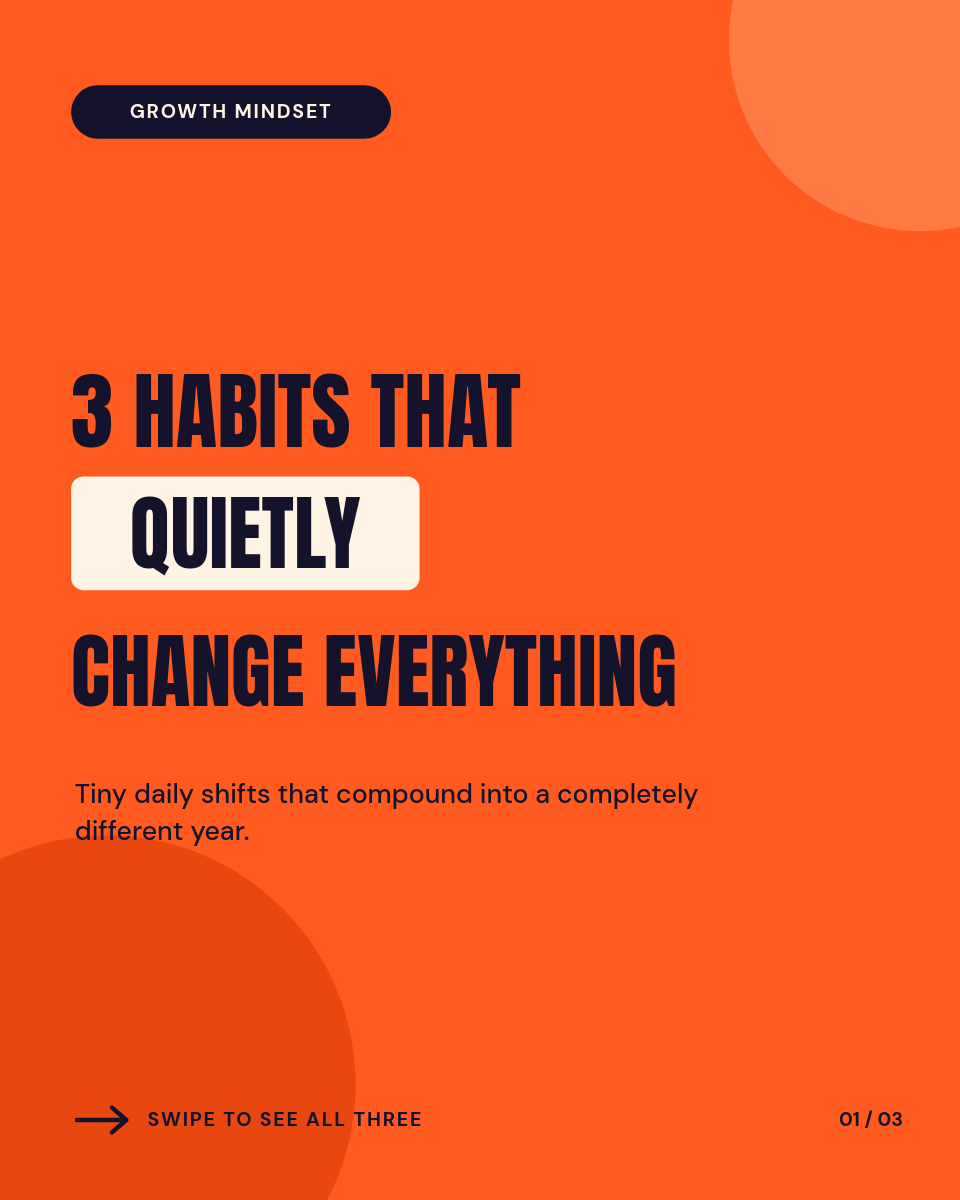






Carousels earn some of the best reach and saves on Instagram, and they're also the most tedious format to produce: every post is five to ten designed slides. This workflow separates the two jobs. Design the slide layouts once, then create each new carousel by typing its content into a spreadsheet row. Orshot renders the slides and publishes the post.
Each row is one carousel, with a column per slide:
| AHook | BSlide 2 | CSlide 3 | DCTA | |
|---|---|---|---|---|
| 1 | 5 pricing mistakes to avoid | Mistake 1: anchoring low | Mistake 2: one plan | Follow for more |
| 2 | What 100 landing pages taught us | Lesson 1: one CTA | Lesson 2: social proof up top | Save this post |
| 3 | 3 cold email openers that work | Opener 1: the specific compliment | Opener 2: the mutual | Try them this week |
Rendered from row 1, one per row
What each slide can hold
The columns map straight onto the layouts you designed:
- A hook on slide 1 that stops the scroll, pulled from your first column.
- One point per middle slide, so a dense row still reads clearly across the set.
- Image URLs for slides that need a photo or screenshot instead of text.
- A CTA on the last slide, like follow, save, or a link reminder.
One sheet, a month of carousels
Fill a row per carousel and let the schedule work through them. A Monday writing session turns into daily posts all week, each rendered with your fonts, colors, and layout. Long headlines auto-fit inside their boxes, so a wordy slide 3 never breaks the design. The same run can publish to Instagram and LinkedIn together, or you can point the destination at Google Drive or Slack and post by hand after a review.