Until today, using Orshot in Claude meant pasting a server URL into a settings screen. That step is gone: Orshot is live in the Claude connectors directory.
Open the listing, click Connect, sign in with your Orshot account. Claude can then design templates and render them with your data, straight from your workspace.
What you can do
- Design studio templates from a brief, with previews right in the chat
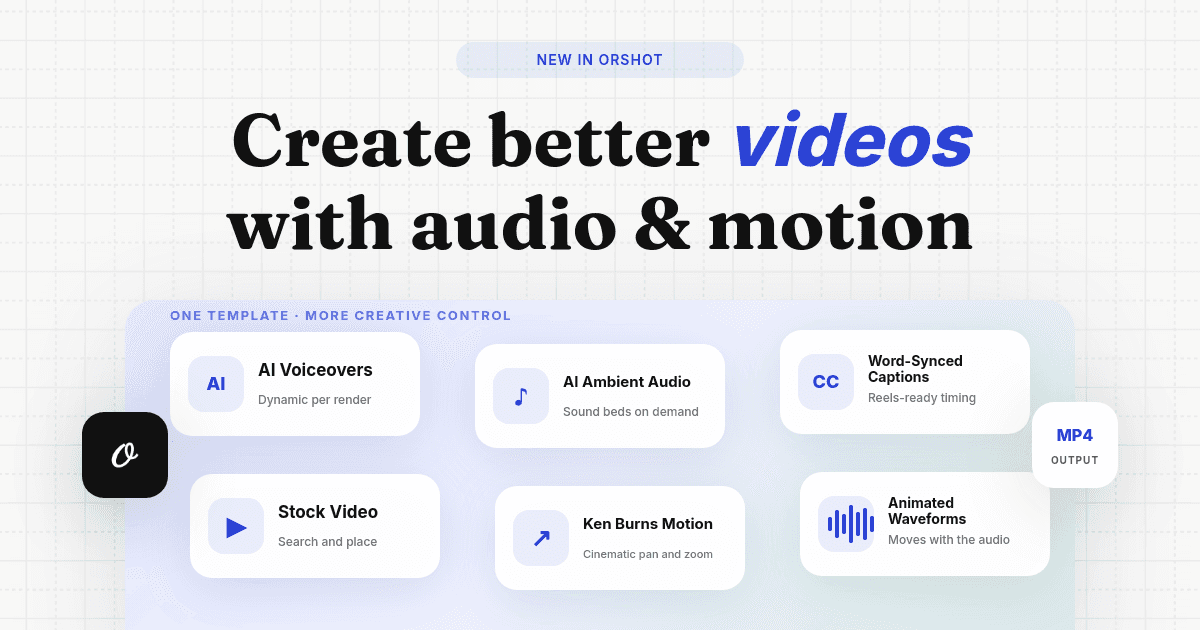
- Render images, PDFs and video from your templates with new data
- Resize one design to every social format with Smart Resize
- Batch render personalized variations, like certificates for a list of names
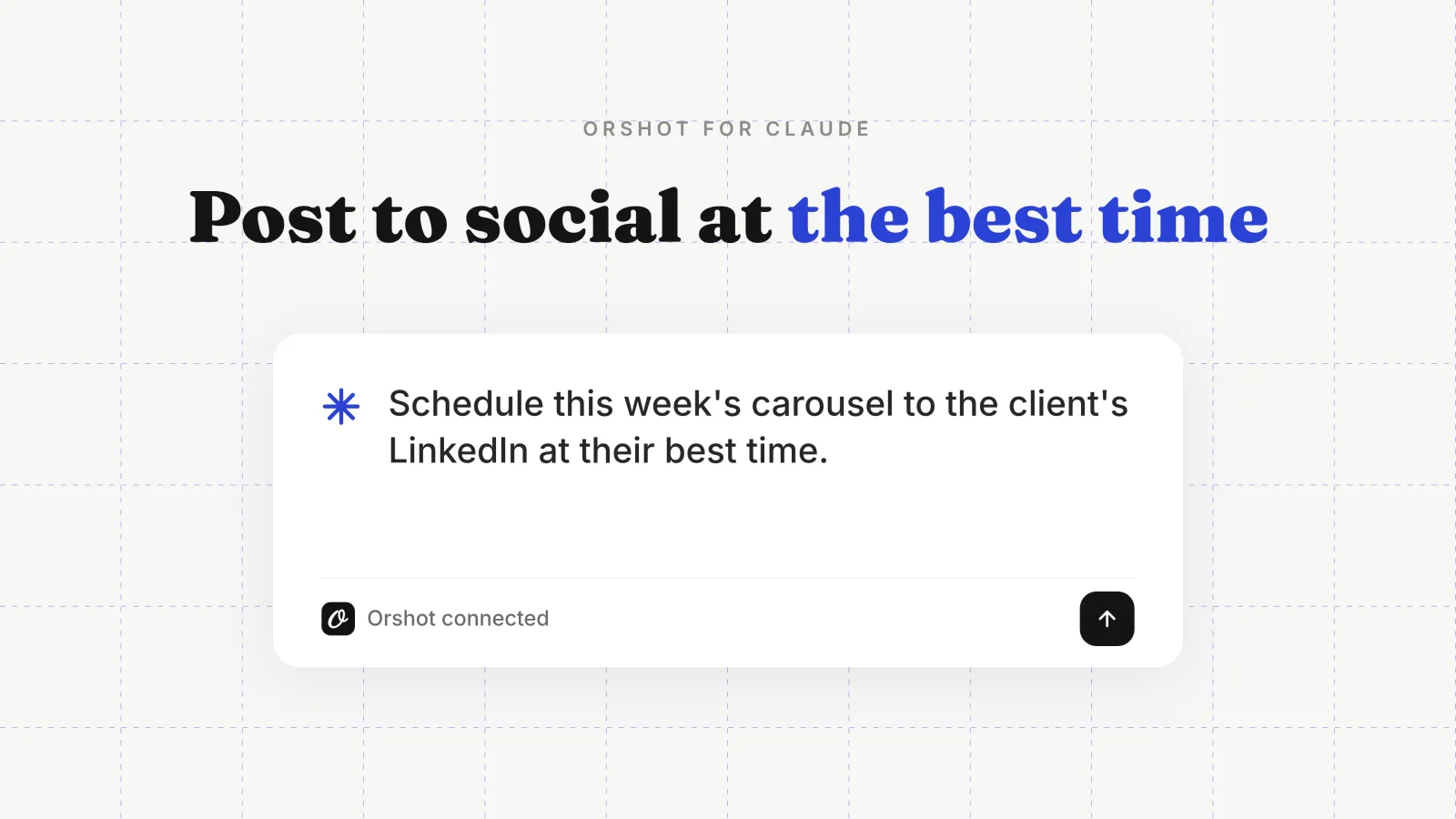
- Draft, schedule and publish social posts, then read back the numbers
- Build automation workflows that keep rendering on a schedule
It's the same hosted Orshot workspace behind the chat, so every render uses your templates, brand kit and credits. Rendering is deterministic: your template plus your data gives the same output every time.
Add it to Claude
It works on every Claude plan, including free. The directory is shared by claude.ai and Claude Desktop, so one connect covers both:
Using Claude Code? Run this in a terminal:
claude mcp add orshot --transport http https://mcp.orshot.com/mcpPrefer to add it by hand? In Claude, go to Settings → Connectors → Add custom connector and paste https://mcp.orshot.com/mcp, then authorize.
Then just ask
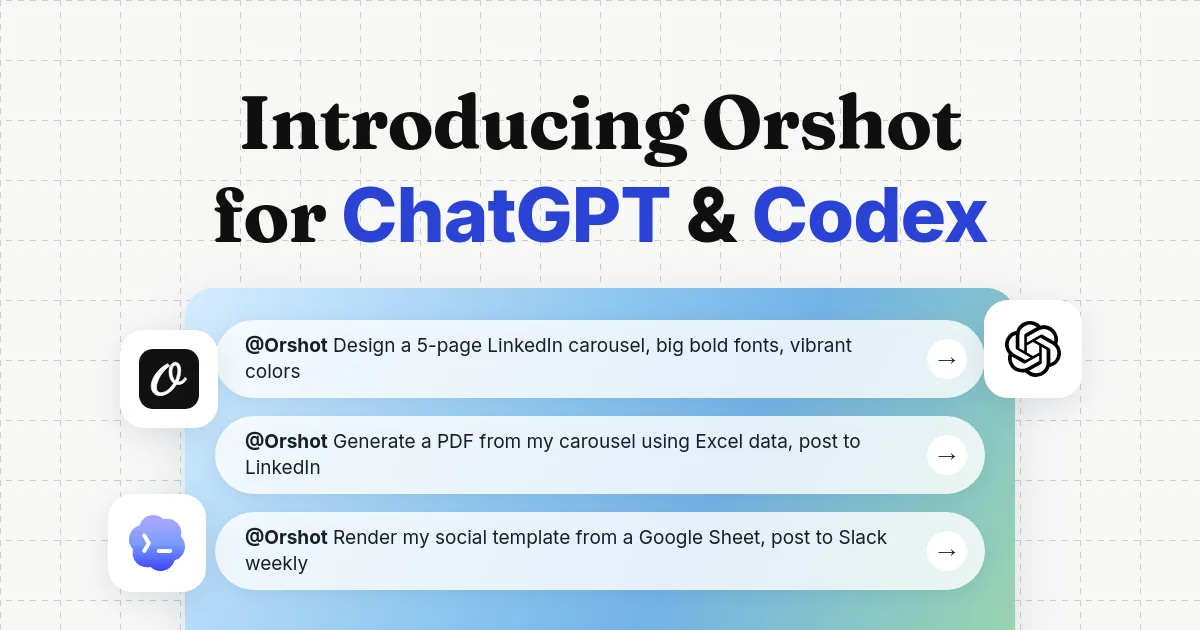
Once it's connected, describe what you want and Claude calls Orshot to make it:
- "Create an Instagram post template with a headline, subtitle and product image."
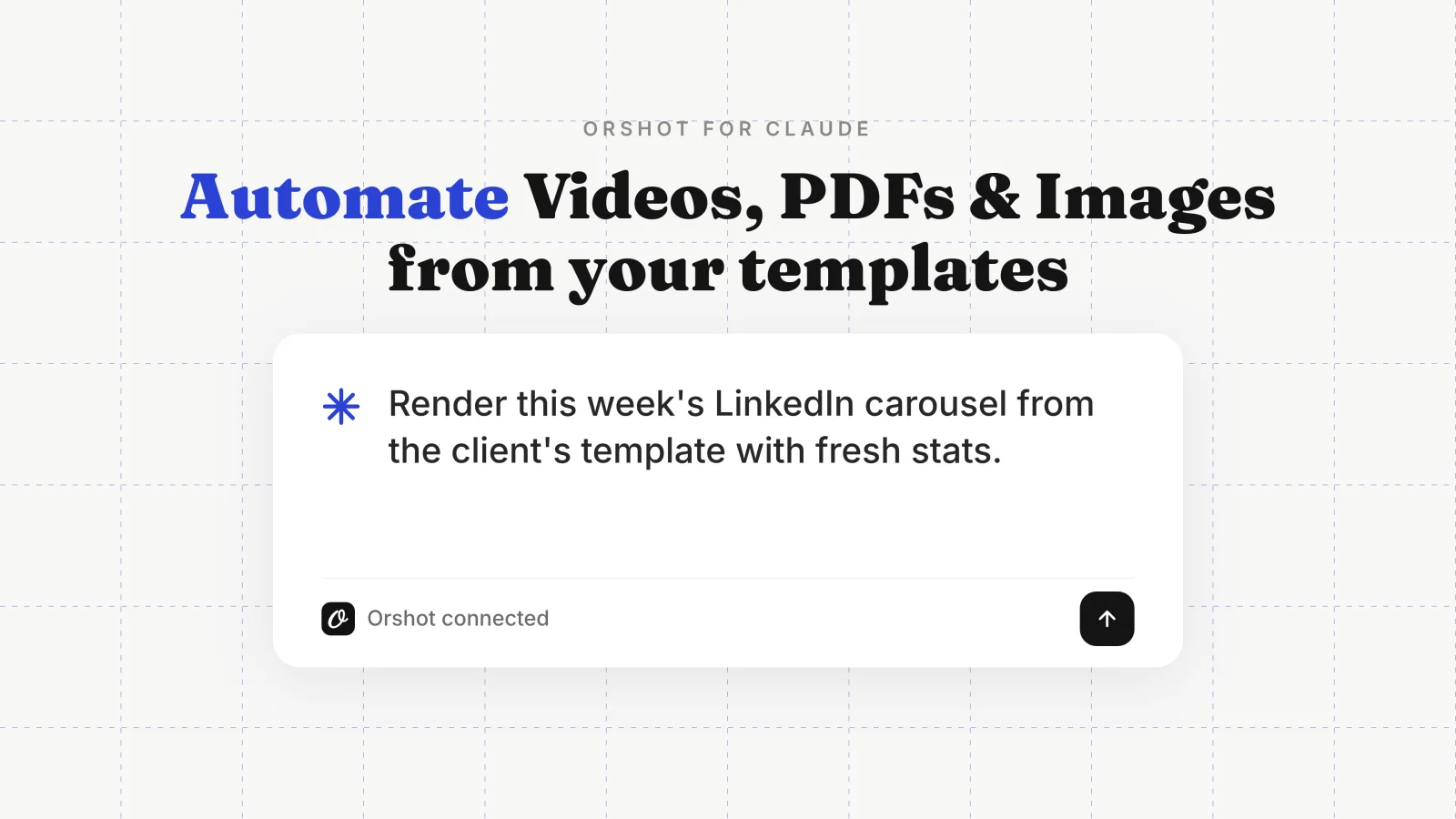
- "Render this week's LinkedIn carousel from the client's template with fresh stats."
- "Resize the client's design for Instagram story, square post and LinkedIn banner in one call."
- "Turn every new row in my Sheet into a certificate PDF, delivered to Drive."
Results come back as interactive cards in the chat. Flip through pages and variants, or open the result in Orshot with one click.
The free plan includes 100 credits every month with no credit card, so you can connect and try it today.
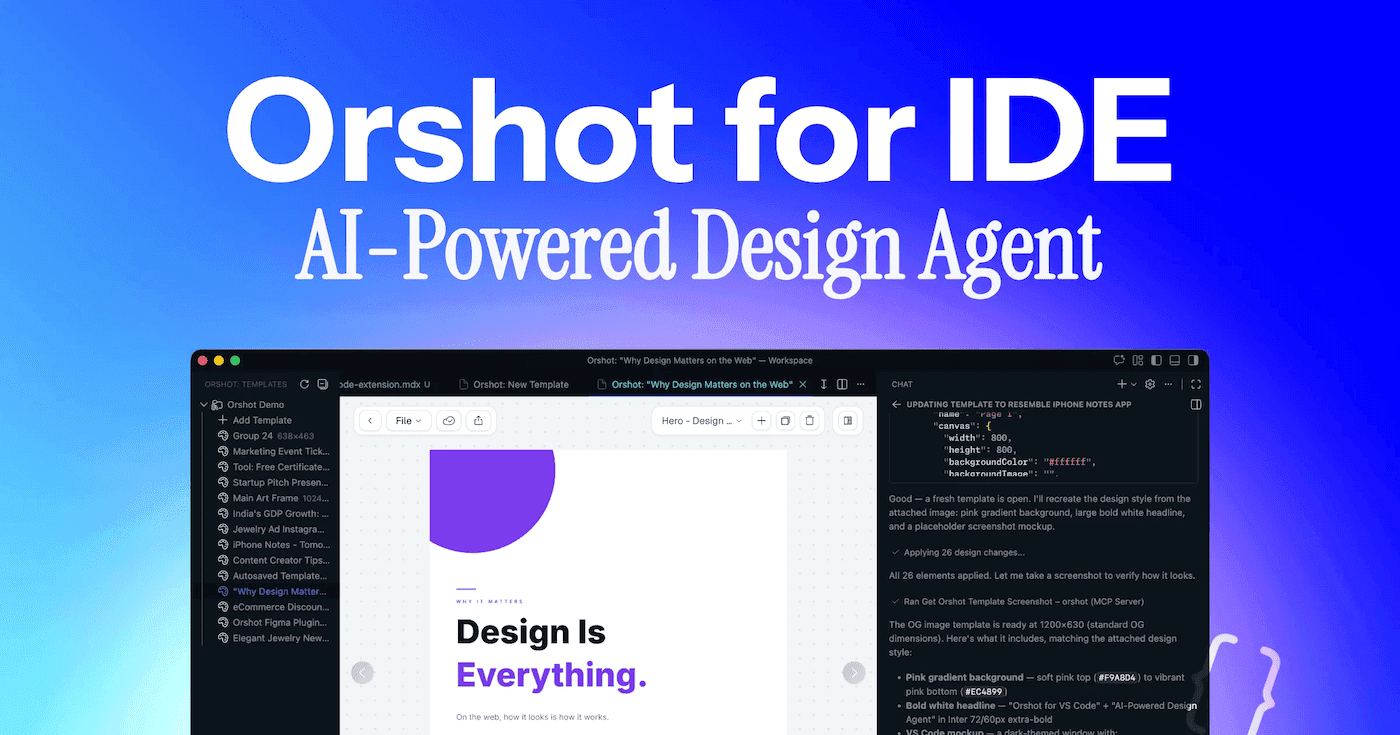
Using another agent? ChatGPT, Cursor, Codex and VS Code each have a setup guide under Orshot for agents.