You can already design templates in Orshot, render them via API, and connect them to agents over MCP. Today it gets one step simpler: the Orshot plugin is live in ChatGPT.
Because ChatGPT and Codex share one plugin directory, the same plugin installs in Codex too. Add it once, then just ask, and it renders on-brand visuals straight from your workspace.
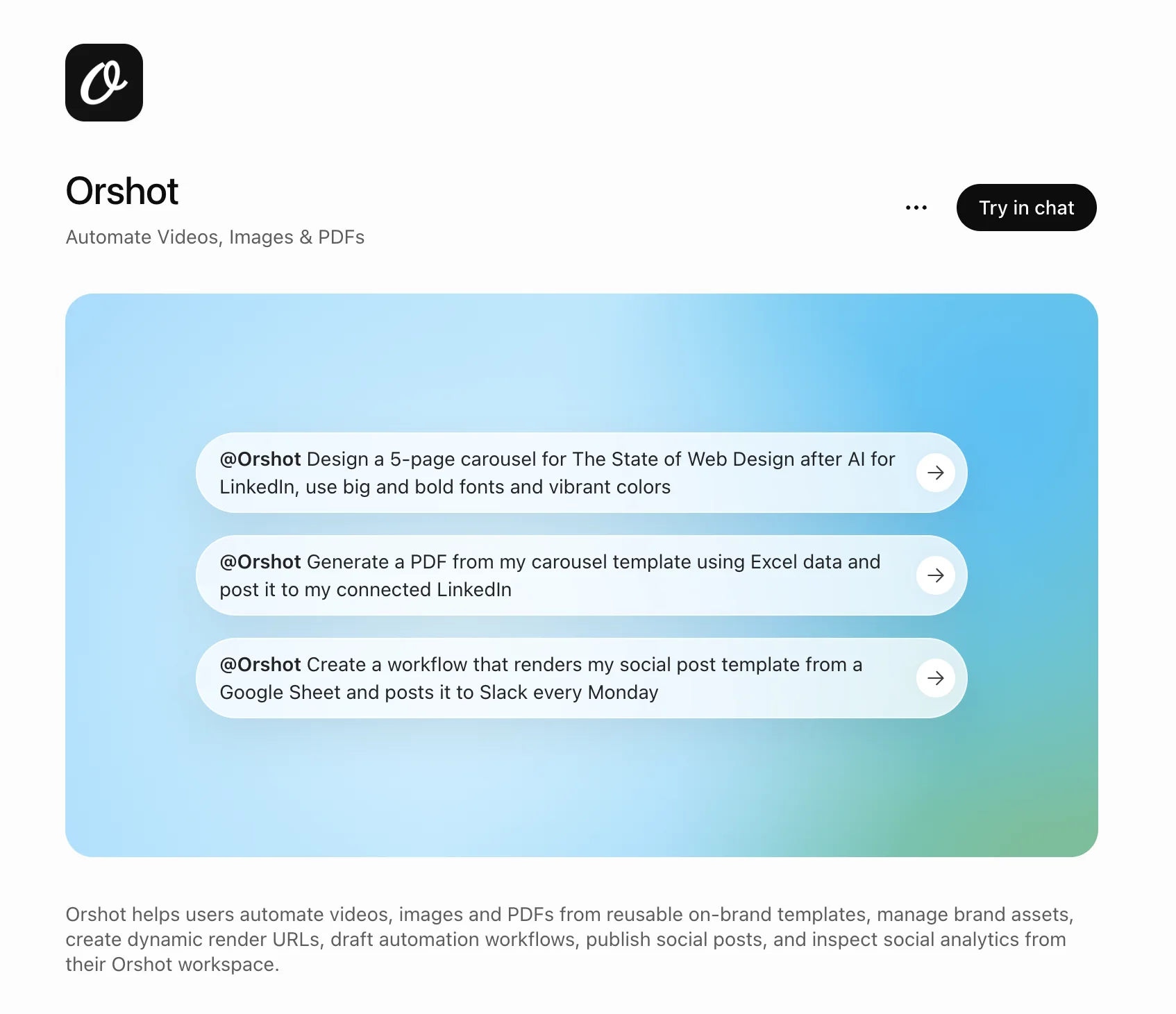
What you can do
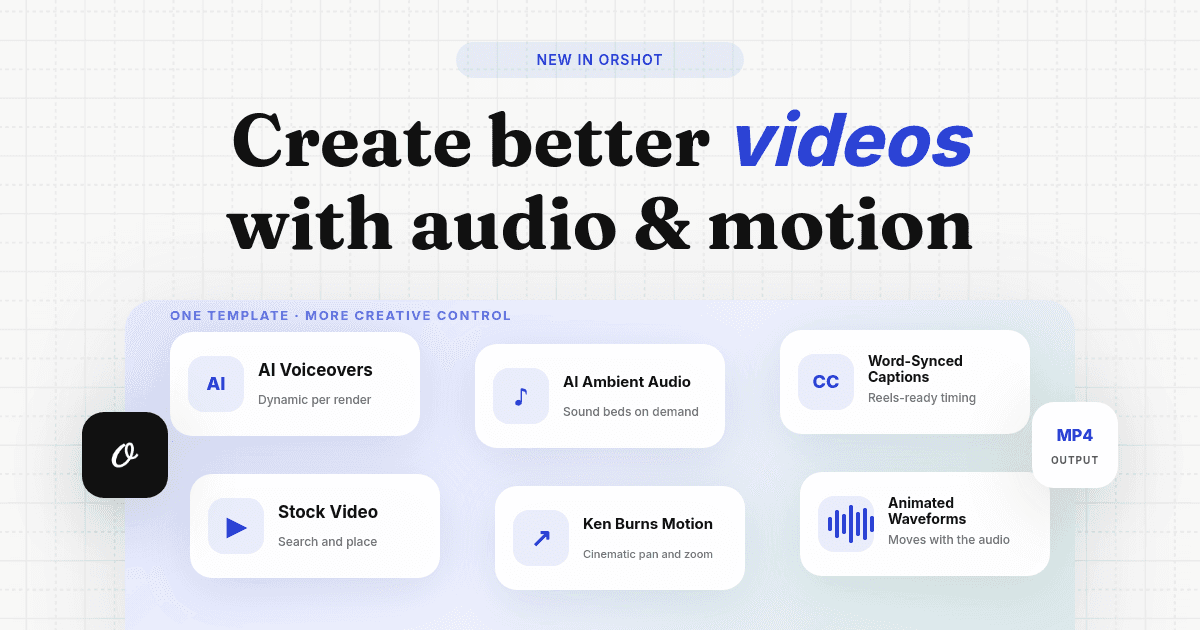
- Generate on-brand templates and render carousels, images, PDFs and video from your data
- Manage your brand assets, colors and fonts
- Plug into your API and automation workflows
- Post, draft and schedule social content, and see what gets engagement
- Check your best time to post and pull the numbers you need to grow
It's the same hosted Orshot workspace behind the chat, so every render uses your templates, brand kit and credits.
Add it to ChatGPT or Codex
It's live in the shared ChatGPT and Codex app directory, so you can install it in one click:
Using Codex? Install it in Codex in one click, or run /plugins in Codex, search for Orshot, and select Install plugin.
Prefer to add it by hand in ChatGPT? Go to Settings → Connectors → Add custom connector and paste https://mcp.orshot.com/mcp, then authorize. Custom connectors need a plan with connectors / developer mode enabled.
Then just ask
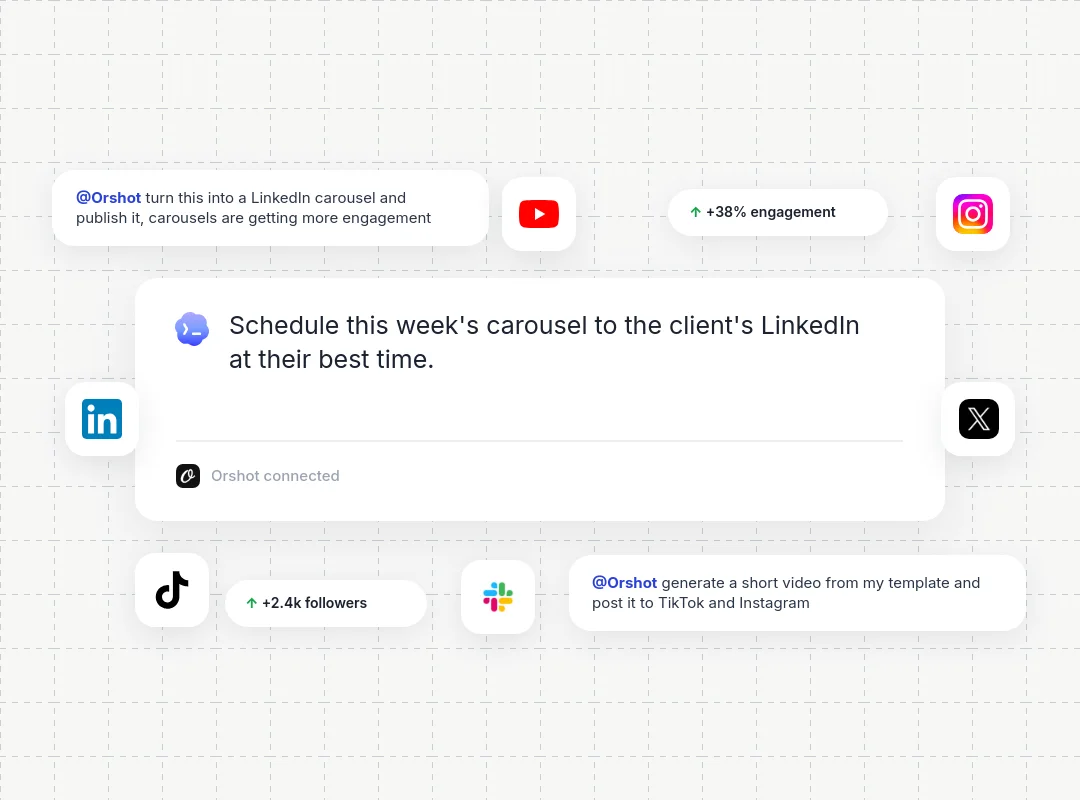
Once it's connected, describe the visual you want and ChatGPT calls Orshot to render it:
- "Design a 5-page carousel for The State of Web Design after AI for LinkedIn, use big and bold fonts and vibrant colors."
- "Generate a PDF from my carousel template using this Excel data and post it to my connected LinkedIn."
- "Create a workflow that renders my social post template from a Google Sheet and posts it to Slack every Monday."
Want the full setup, including Claude, Cursor, Codex and VS Code? See the Orshot for agents guides.