The best OpenClaw skills give the agent a job it can't do alone, such as reading your Gmail, driving a browser or searching the web. Below are 12 skills and plugins, one per job.
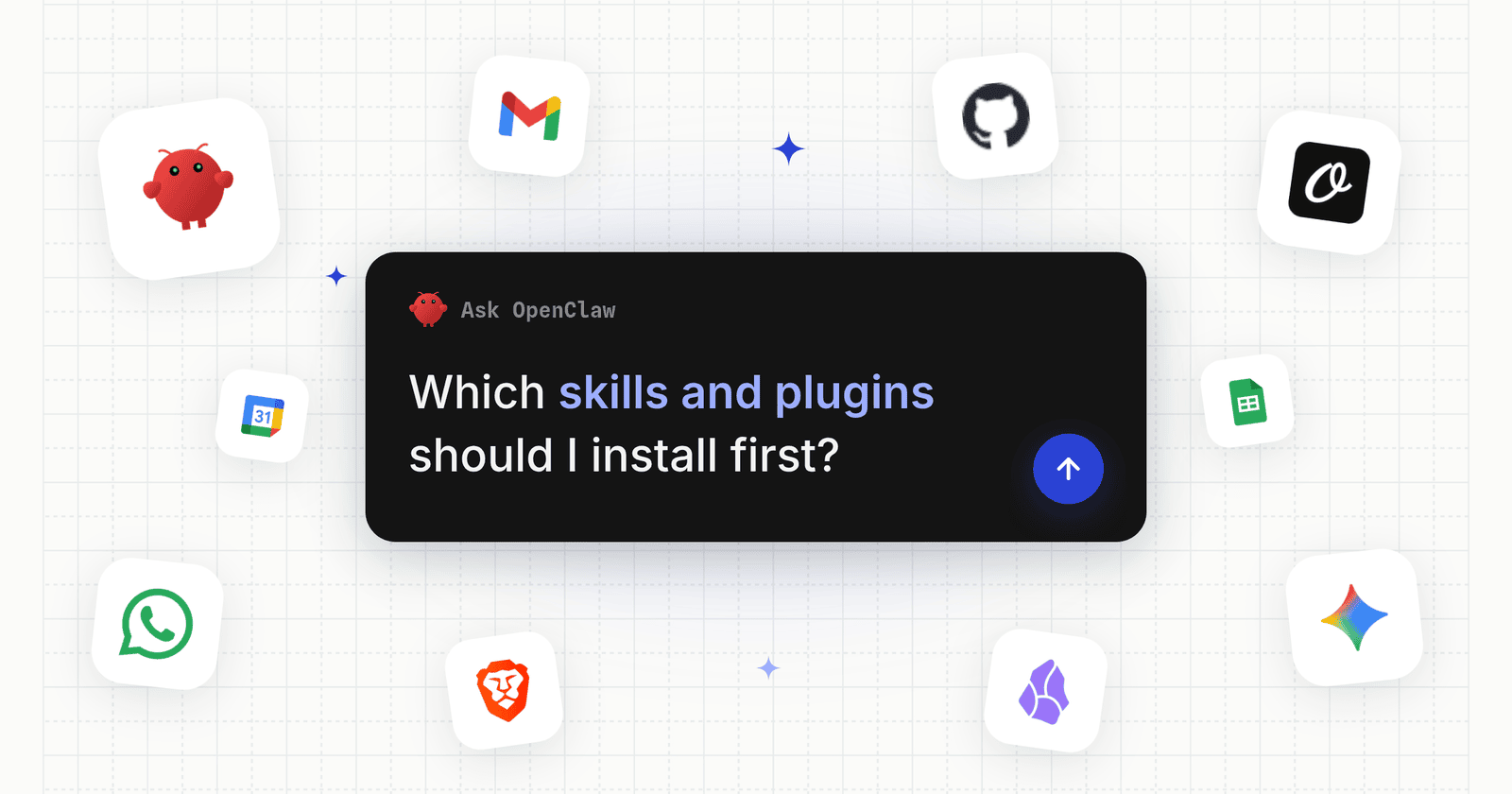
The short list: gog from OpenClaw's creator for Gmail, Calendar and Sheets, Orshot for social content and posting, github for issues and PRs, Brave for web search, WhatsApp to chat from your phone, and Skill Vetter to check skills first.
Each pick has its exact install line and its ClawHub download count on November 1, 2026.
Install every one by its owner and slug, such as @steipete/github, never by the bare name. On November 1, seven different ClawHub skills were called "github" and eight were called "weather". Only one of each came from OpenClaw's creator.
| Job | Pick | Type | Downloads |
|---|---|---|---|
| 1. Google Workspace | @steipete/gog | skill | 198,535 |
| 2. Social content & posting | orshot | plugin | new |
| 3. GitHub | @steipete/github | skill | 203,532 |
| 4. Browser automation | @matrixy/agent-browser-clawdbot | skill | 158,991 |
| 5. Web search | @openclaw/brave-plugin | plugin | 21,847 |
| 6. Memory | @pskoett/self-improving-agent | skill | 490,040 |
| 7. Skill security | @spclaudehome/skill-vetter | skill | 280,680 |
| 8. Notes | @steipete/obsidian | skill | 112,542 |
| 9. PDF editing | @steipete/nano-pdf | skill | 123,317 |
| 10. AI images | @steipete/nano-banana-pro | skill | 108,173 |
| 11. Voice notes | @steipete/openai-whisper | skill | 90,041 |
| 12. Chat channel | @openclaw/whatsapp | plugin | 205,553 |
Downloads are lifetime ClawHub counts from the ClawHub API on November 1, 2026.
How I Picked These
I pulled the 40 most downloaded ClawHub packages and searched ClawHub for each job on November 1, 2026.
For each job I kept the copy with the most downloads, a clean scan and a known publisher. Where an official @openclaw plugin exists, I preferred it.
Then I read each SKILL.md and checked the commands against the OpenClaw docs. I left out skills that only do one narrow trick, crypto trading skills, and anything that asks you to paste a shell command from a third-party site.
What Is the Difference Between an OpenClaw Skill and a Plugin?
An OpenClaw skill is a folder with a SKILL.md file: plain instructions the agent reads, often telling it how to use a CLI you install separately.
An OpenClaw plugin is an installable package that adds whole features, such as a chat channel, a model provider, web search, an MCP server or a set of skills.
The install lines differ too:
# a skill, always with the owner
openclaw skills install @steipete/gog

# a plugin, then restart the gateway
openclaw plugins install @openclaw/whatsapp
openclaw gateway restart
OpenClaw's docs split plugins in two. Native code plugins run inside OpenClaw and can register anything. Bundle plugins are content packs (skills plus MCP server settings) with a narrower trust boundary, which is the shape the Orshot plugin uses.
Rule of thumb: a skill teaches OpenClaw to use a tool you already have; a plugin gives OpenClaw the tool itself.
1. Run Gmail, Calendar and Sheets with gog
The gog skill lets OpenClaw read and send Gmail, book Calendar events, and edit Drive files, Contacts, Sheets and Docs through the gog CLI. It had 198,535 downloads on November 1, 2026, and ClawHub highlights it.
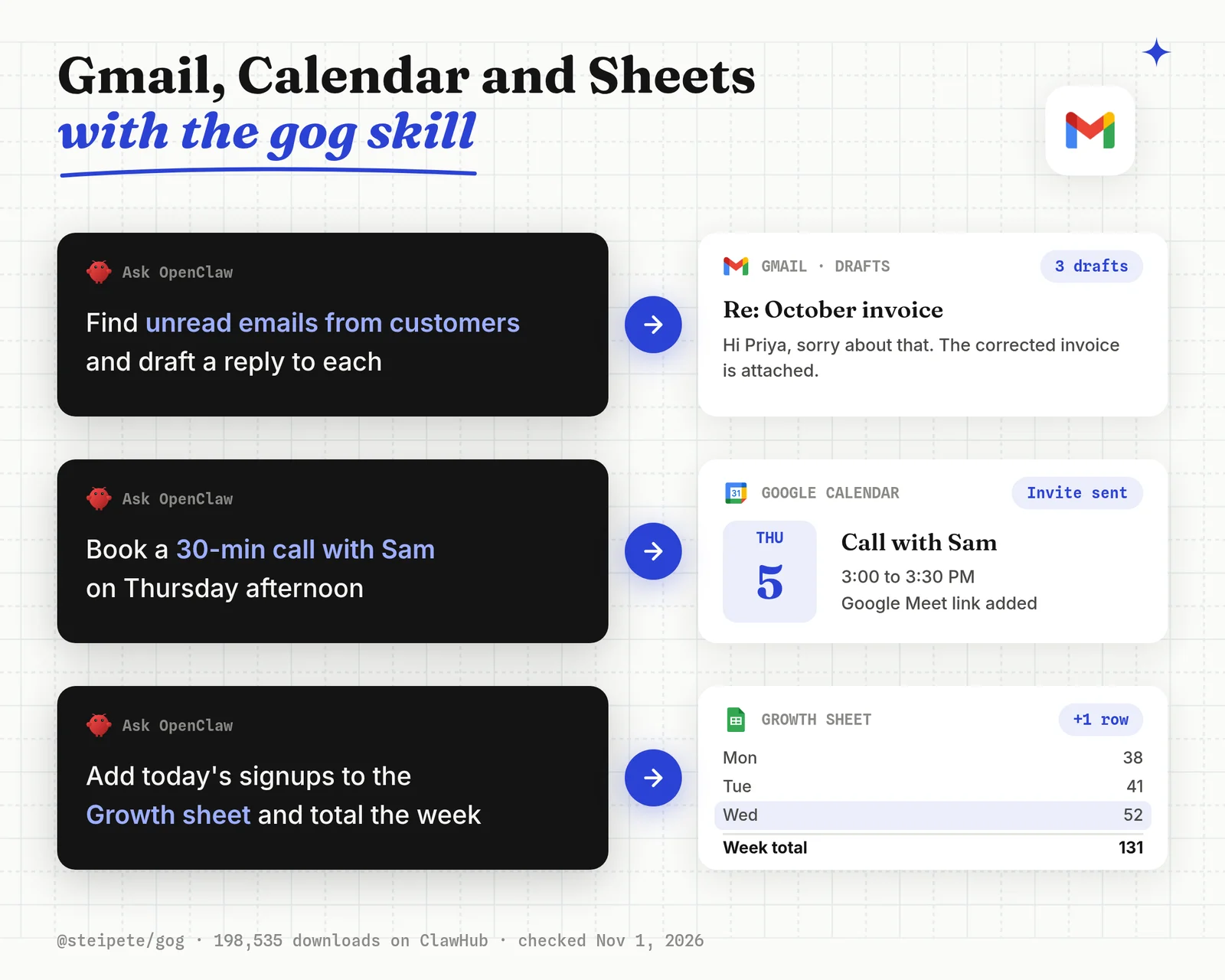
Pick this if you want OpenClaw to triage your inbox, draft replies or update a sheet without you opening a tab.
openclaw skills install @steipete/gog
gog auth credentials /path/to/client_secret.json
Things that bit me:
- You need your own Google Cloud OAuth client first; the skill doesn't create one.
- Five skills on ClawHub use the slug "gog". Only
@steipete/gogis by Peter Steinberger, who created OpenClaw.
Best for: Gmail, Google Calendar and Sheets work from chat, using your own Google OAuth app.
2. Social Content & Posting with Orshot
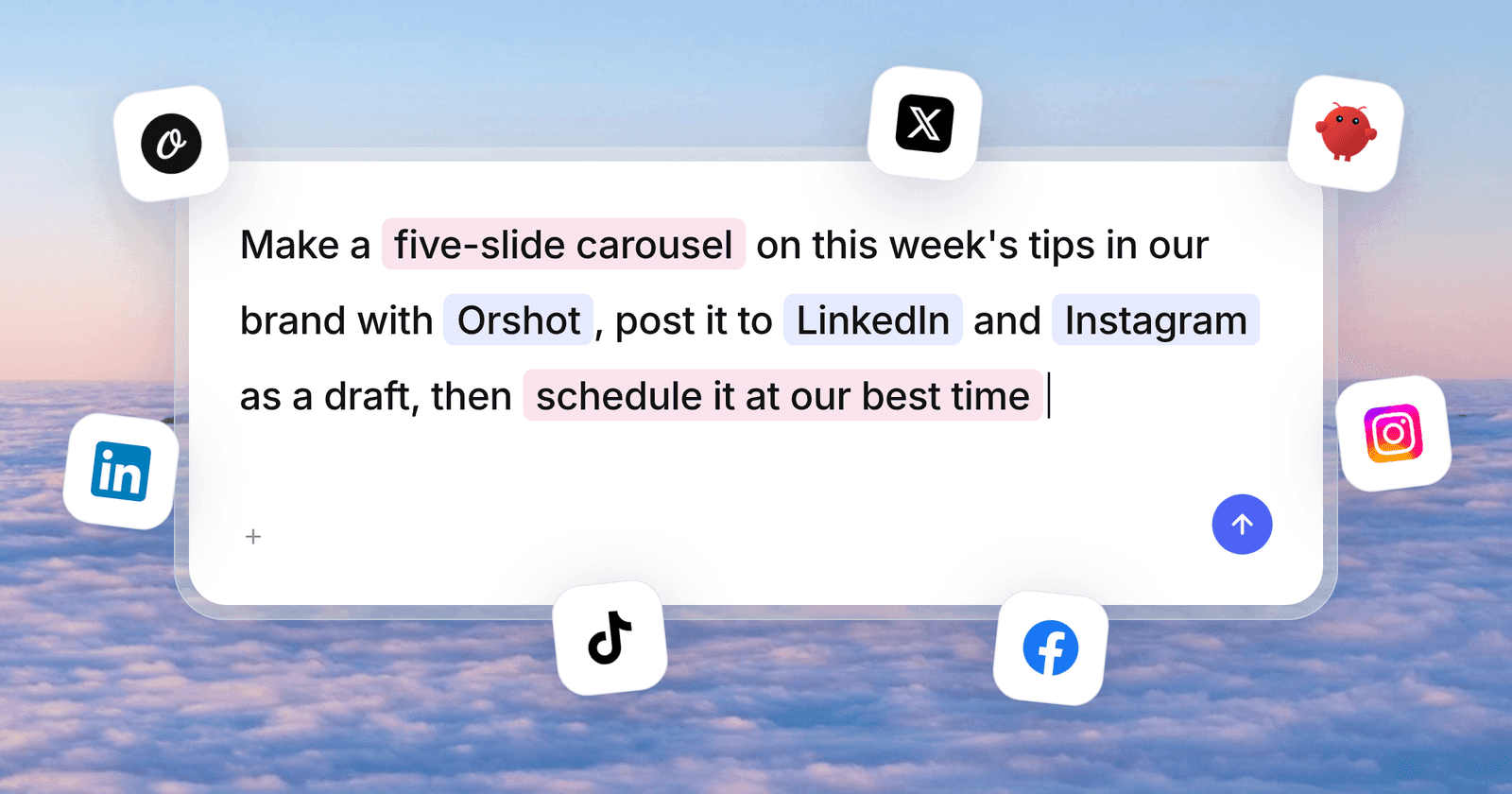
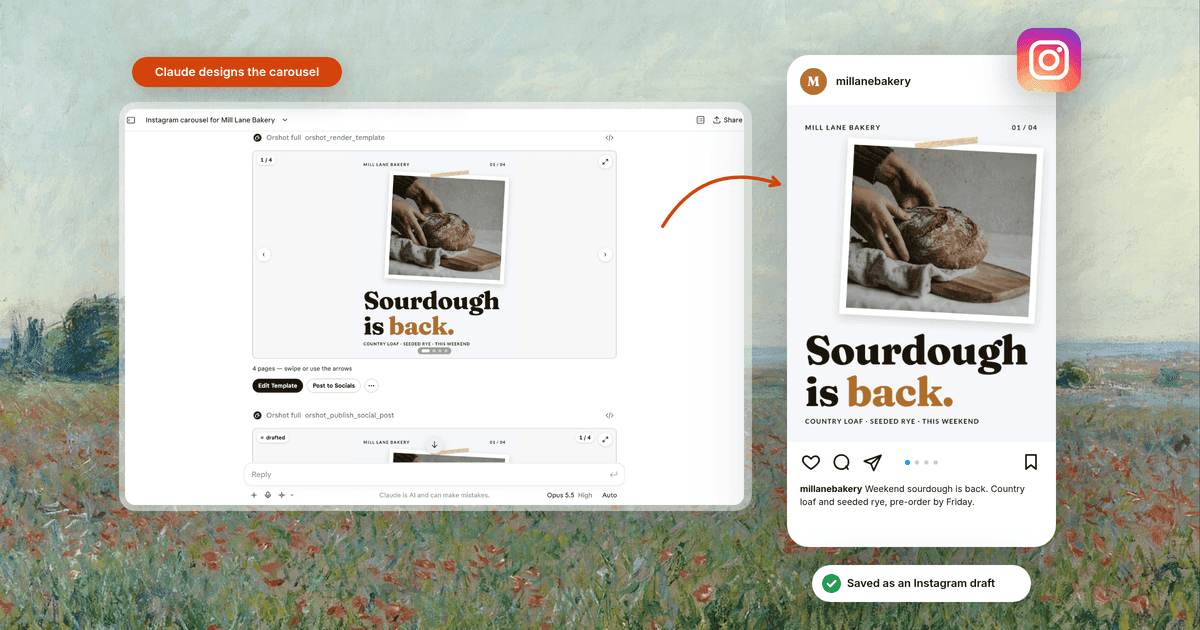
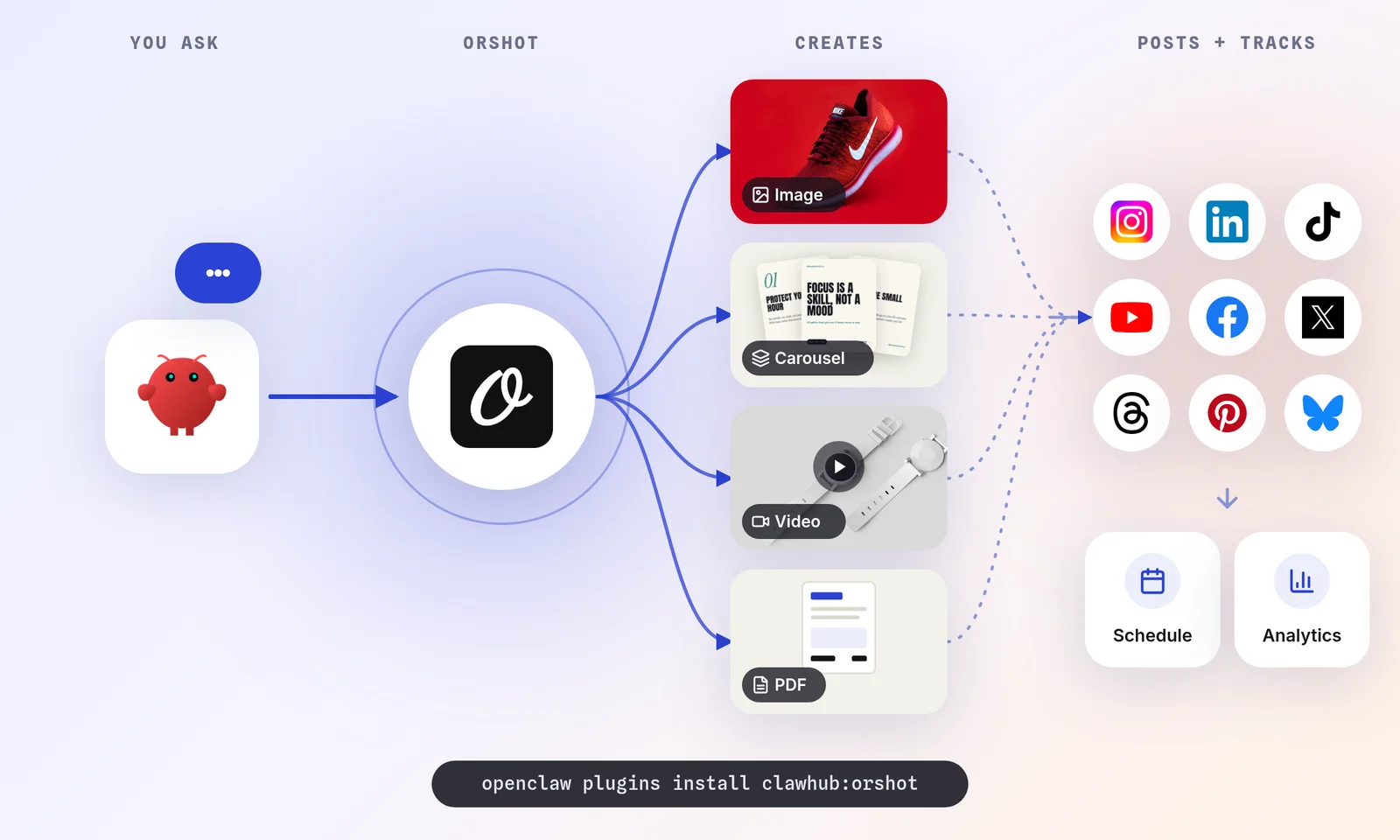
The Orshot plugin lets OpenClaw generate social media images, carousels and videos from templates, then post or schedule them to 15 platforms, including Instagram, LinkedIn, TikTok and X.
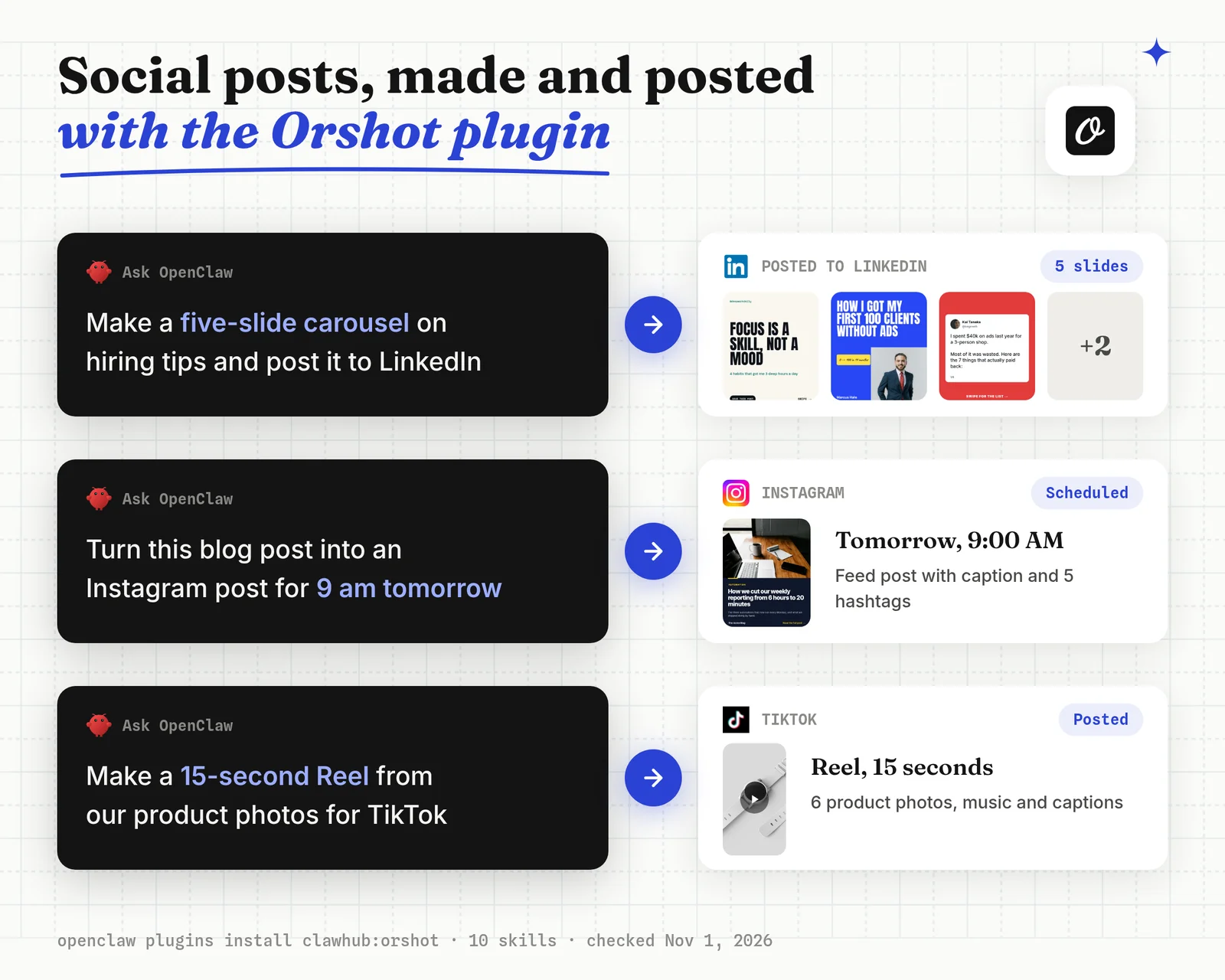
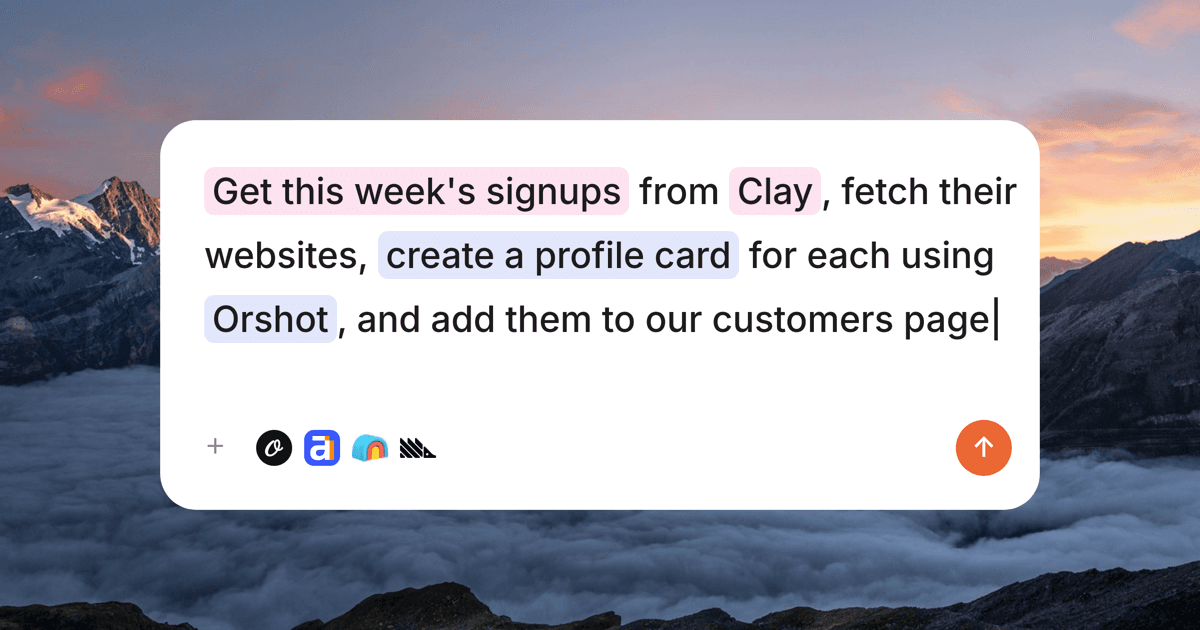
Orshot is an API for automated image, PDF and video generation from templates. A template is a reusable design whose text and images change per post.
Disclosure: I built Orshot.
Pick this if you want weekly posts that look like your brand every time, made and posted from one chat message.
openclaw plugins install clawhub:orshot
openclaw mcp login orshot
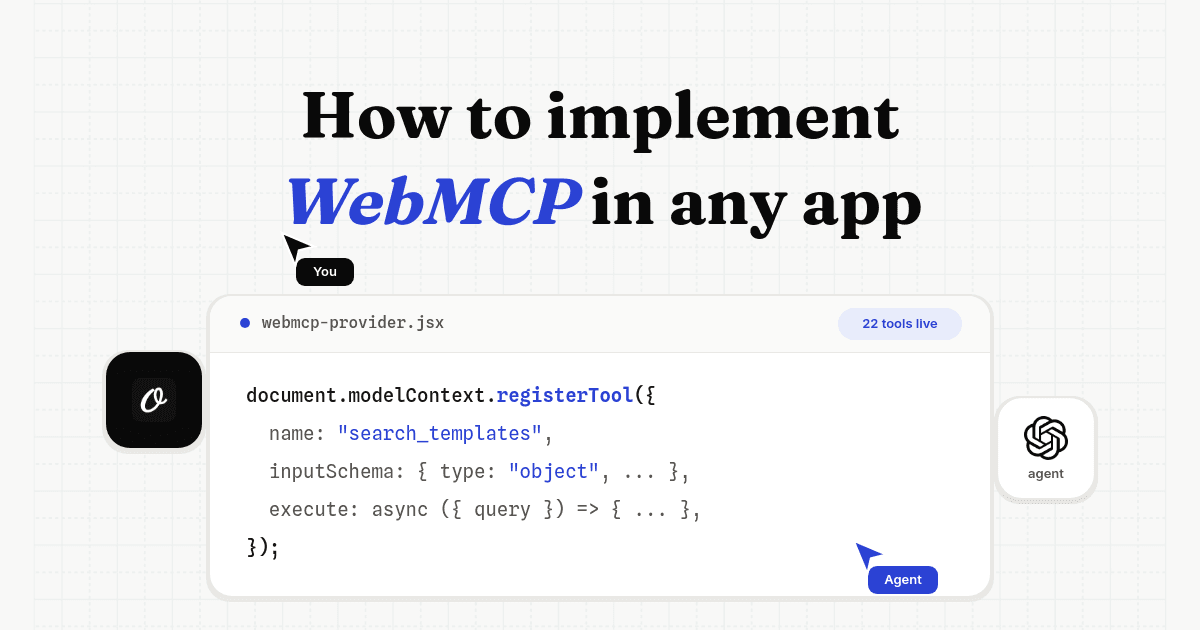
The Orshot plugin is a bundle: it registers Orshot's hosted MCP server and ten skills, including the social media scheduler, carousel and video generator skills.
The login opens your browser once, so no API key sits on the OpenClaw machine. Prompts you can copy are on the Orshot for OpenClaw page.
- Generates the post from a template and posts it in the same chat, so there's no second tool
- Posts are held as drafts until you approve them
- OAuth login, no API key stored on the OpenClaw machine
- You design or import the template once before posting at volume
- Publishing to social accounts needs a paid plan; drafts and previews work on the free plan
- New on ClawHub (October 22, 2026), with 33 downloads on November 1 next to the six-figure counts above

The full setup, with real prompts and outputs, is in the guide on how to automate social media posting with OpenClaw.
Best for: branded social posts, carousels and videos made from templates and posted from OpenClaw.
3. Work on GitHub Issues and PRs with the github Skill
The github skill teaches OpenClaw to use the official gh CLI for issues, pull requests, CI runs and gh api queries. With 203,532 downloads, it is the most downloaded skill from OpenClaw's own creator.
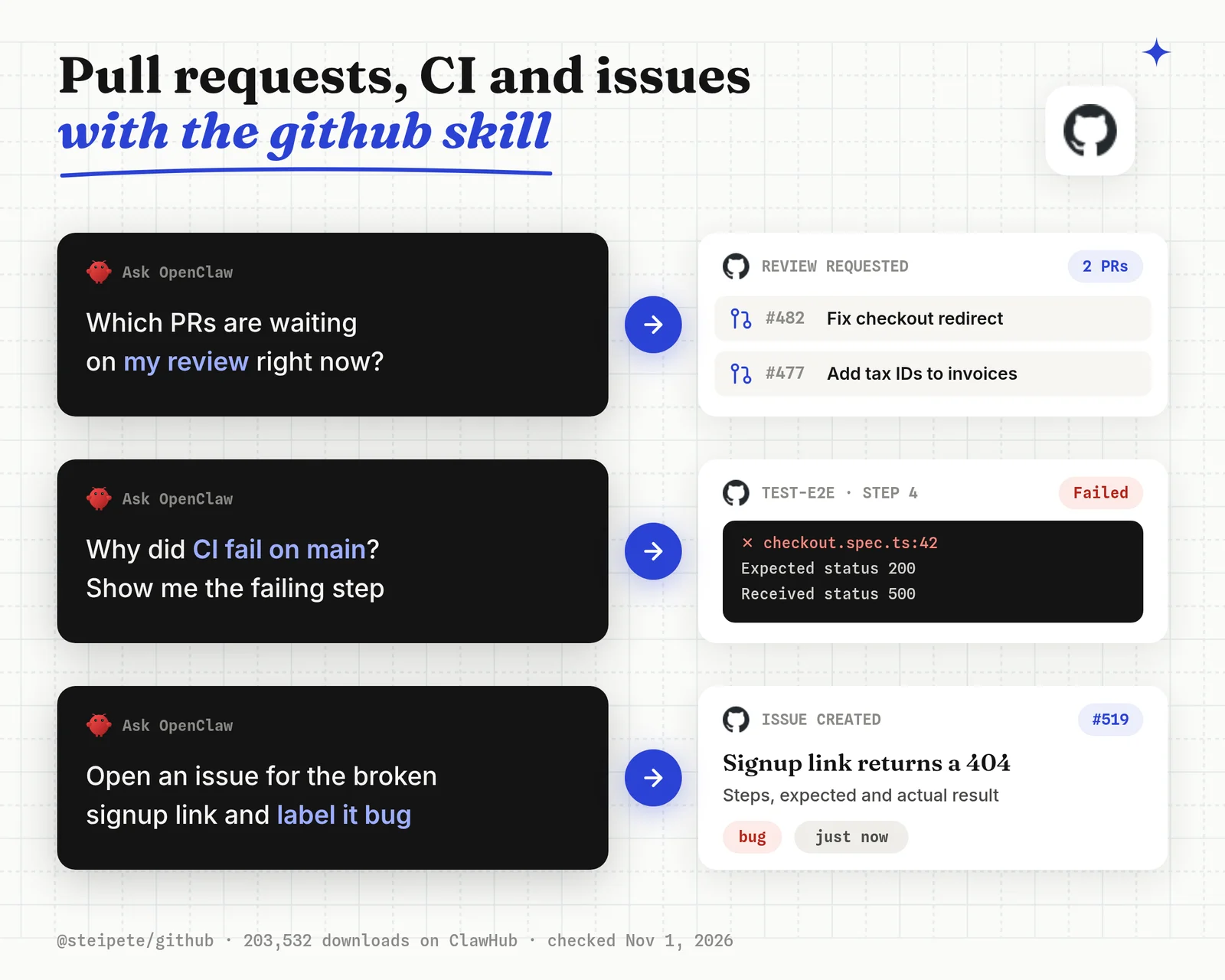
Pick this if you want to ask "which PRs are waiting on me?" or "why did CI fail on main?" and get an answer from the real repo.
openclaw skills install @steipete/github
gh auth login
Things that bit me:
- The skill uses whatever account
ghis logged in as, with that account's full access. Use a token with only the repos OpenClaw needs. - Seven skills share the slug "github". Check the owner before you install.
Best for: GitHub triage and CI checks from chat, through the gh CLI you already trust.
4. Browse and Fill Web Pages with Agent Browser
The agent-browser skill lets OpenClaw drive a headless browser: open pages, read them as an accessibility tree, click, type and fill forms by element reference. The @matrixy/agent-browser-clawdbot copy had 158,991 downloads on November 1, 2026.
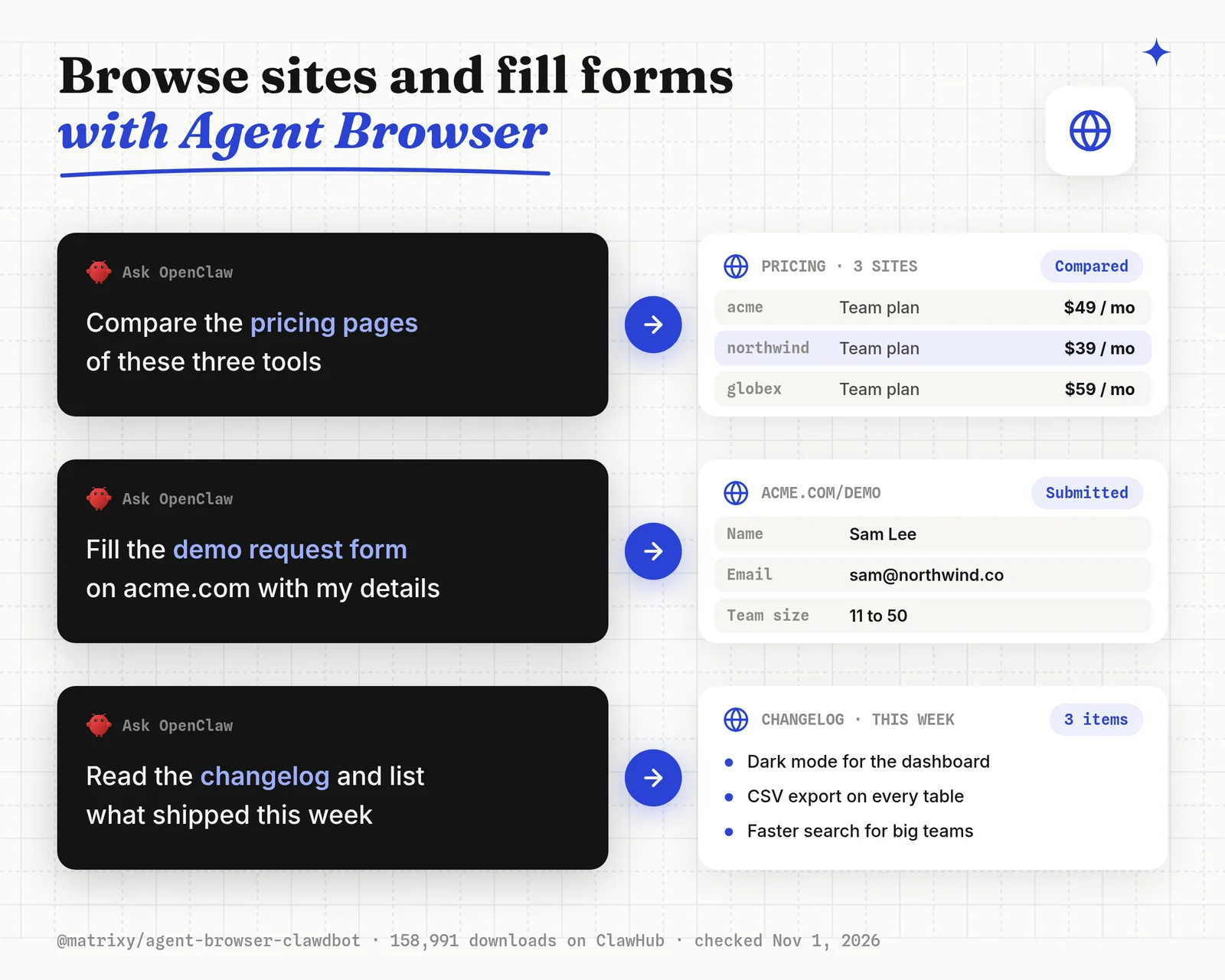
Pick this if a job needs a site with no API, such as a supplier portal, a dashboard export or a form.
openclaw skills install @matrixy/agent-browser-clawdbot
npm install -g agent-browser
Things that bit me:
- The skill is a wrapper around the open-source
agent-browserCLI. Install the CLI from npm yourself, and read what the skill tells OpenClaw to run. - A headless browser has no logins. Sites that need a session work better in your own browser with an extension.
- The second most popular option,
@shawnpana/browser-use(76,227 downloads), uses Browser Use instead.
Best for: scraping and form filling on sites with no API.
5. Search the Web with the Brave or Tavily Plugin
The official Brave Search plugin adds web search to OpenClaw as a built-in provider, with 21,847 downloads. The official Tavily plugin (13,133 downloads) does the same with Tavily's AI-tuned results. Both need an API key from the search provider.
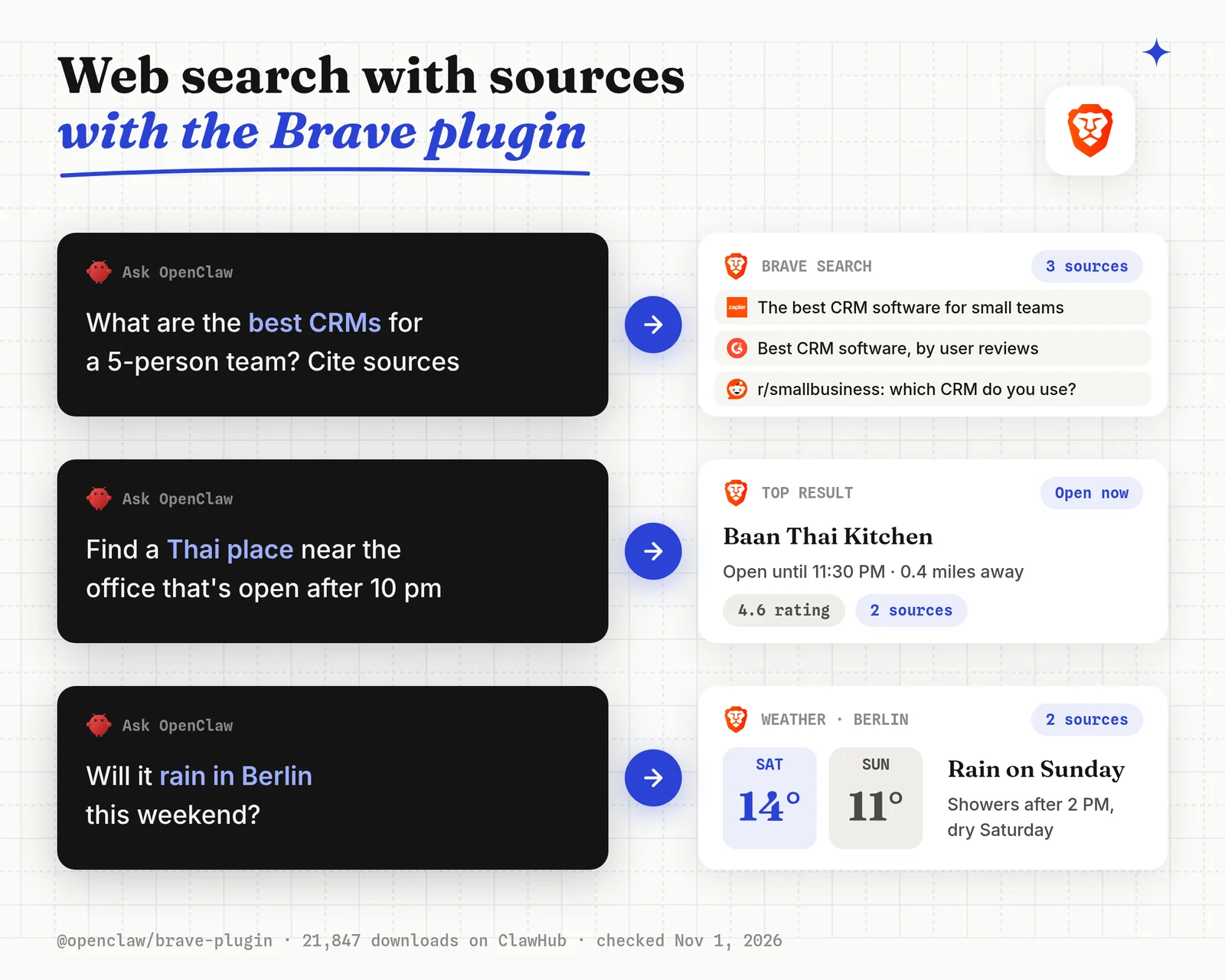
Pick this if you want OpenClaw to look things up and cite sources instead of answering from memory.
openclaw plugins install @openclaw/brave-plugin
openclaw gateway restart
Things that bit me:
- A third-party Tavily skill,
@jacky1n7/openclaw-tavily-search, has more downloads (109,690) than the official plugin. I'd still take the plugin: it is published by the OpenClaw team and plugs into the built-in search tool. - No API key? The official DuckDuckGo and SearXNG plugins work without one.
Best for: web search with sources, on a provider whose terms you already accept.
6. Remember Past Mistakes with self-improving-agent
The self-improving-agent skill makes OpenClaw write down failed commands, your corrections and better approaches, then read that log before similar tasks. It had 490,040 downloads on November 1, 2026, the most of any package on ClawHub.
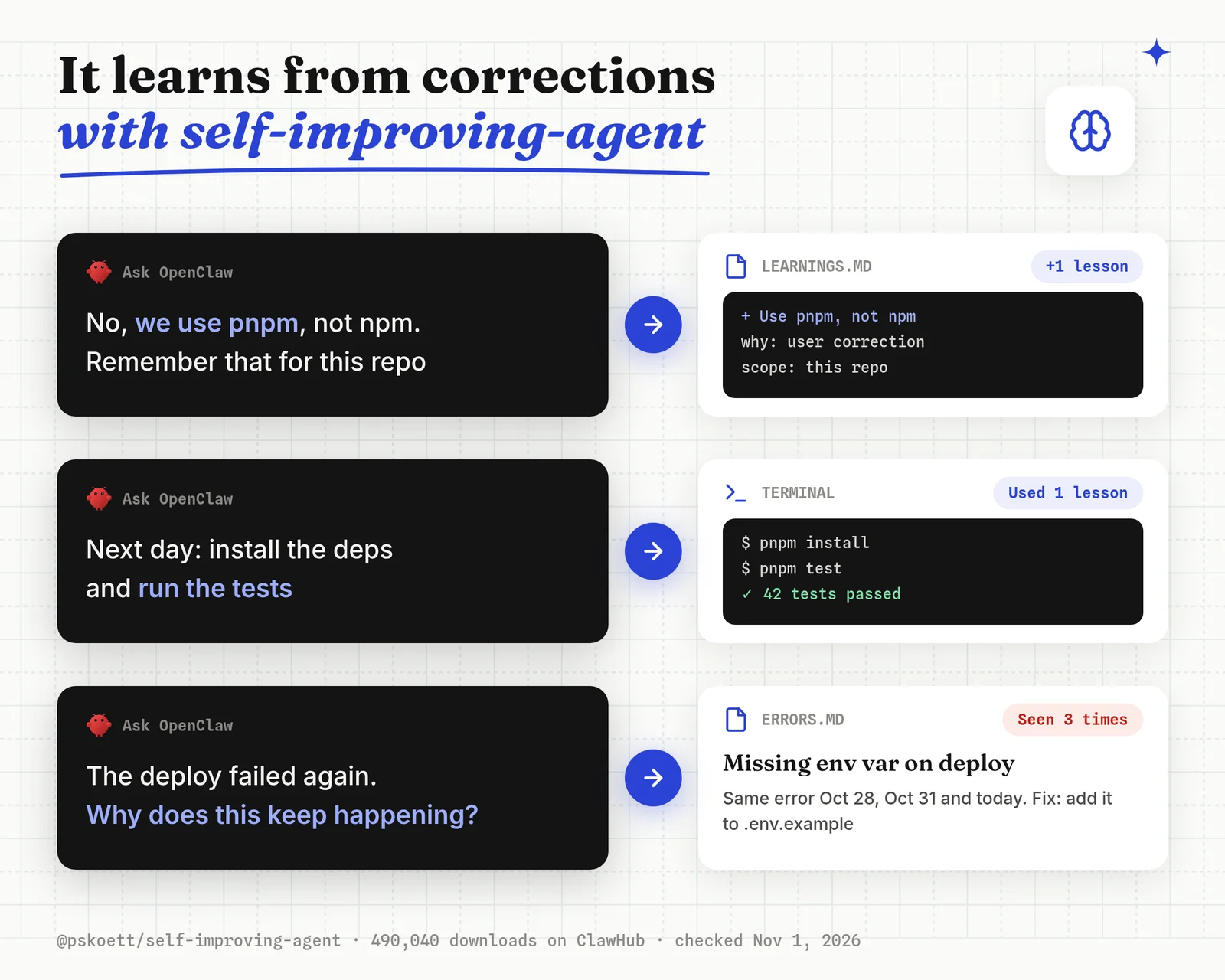
Pick this if you keep correcting OpenClaw on the same thing ("we use pnpm, not npm").
openclaw skills install @pskoett/self-improving-agentThings that bit me:
- The skill stores what it learns as plain files in your workspace. Read them now and then, because a wrong lesson gets reused too.
- For memory that searches by meaning across months of chats, the official
@openclaw/memory-lancedbplugin (20,206 downloads) adds a vector store with auto-recall.
Best for: stopping repeat mistakes with no database to run.
7. Check Every Skill Before Install with Skill Vetter
The Skill Vetter skill makes OpenClaw read a new skill for red flags, risky permissions and suspicious patterns before you turn it on. It had 280,680 downloads on November 1, 2026, the second most on ClawHub.
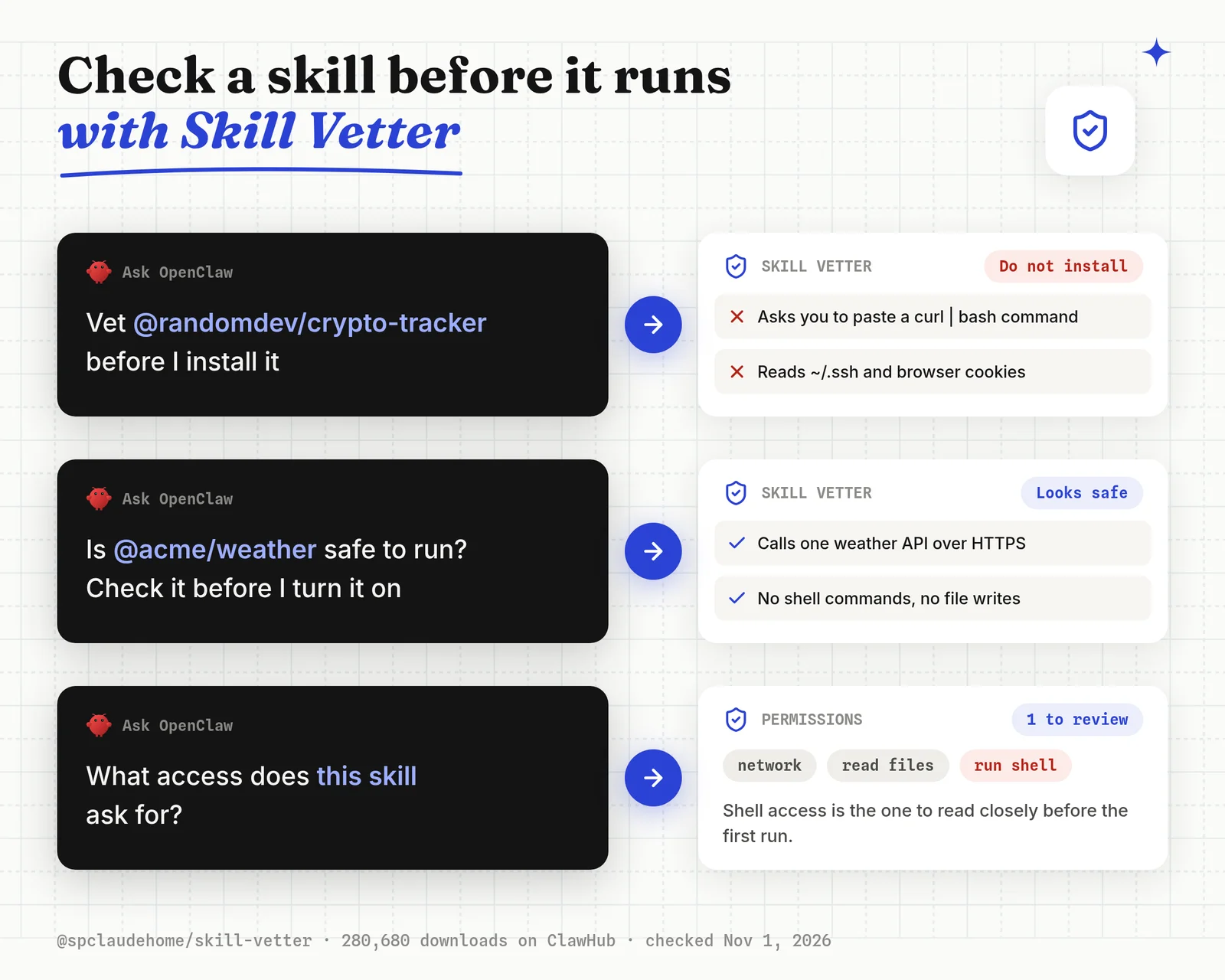
Pick this if you install skills from people you don't know, which is most of ClawHub.
openclaw skills install @spclaudehome/skill-vetterThings that bit me:
- A vetting skill is still a skill that reads instructions written by an attacker. Treat its verdict as a second opinion next to ClawHub's own scan, not a guarantee.
- SkillScan (
@tokauthai/skillscan, 183,108 downloads) is the other popular checker. Running both on a skill you're unsure about costs nothing.
Best for: a quick red-flag pass on any skill before its first run.
8. Write to Your Obsidian Notes
The obsidian skill lets OpenClaw read, search and write the plain Markdown notes in your Obsidian vault through obsidian-cli. It had 112,542 downloads on November 1, 2026.
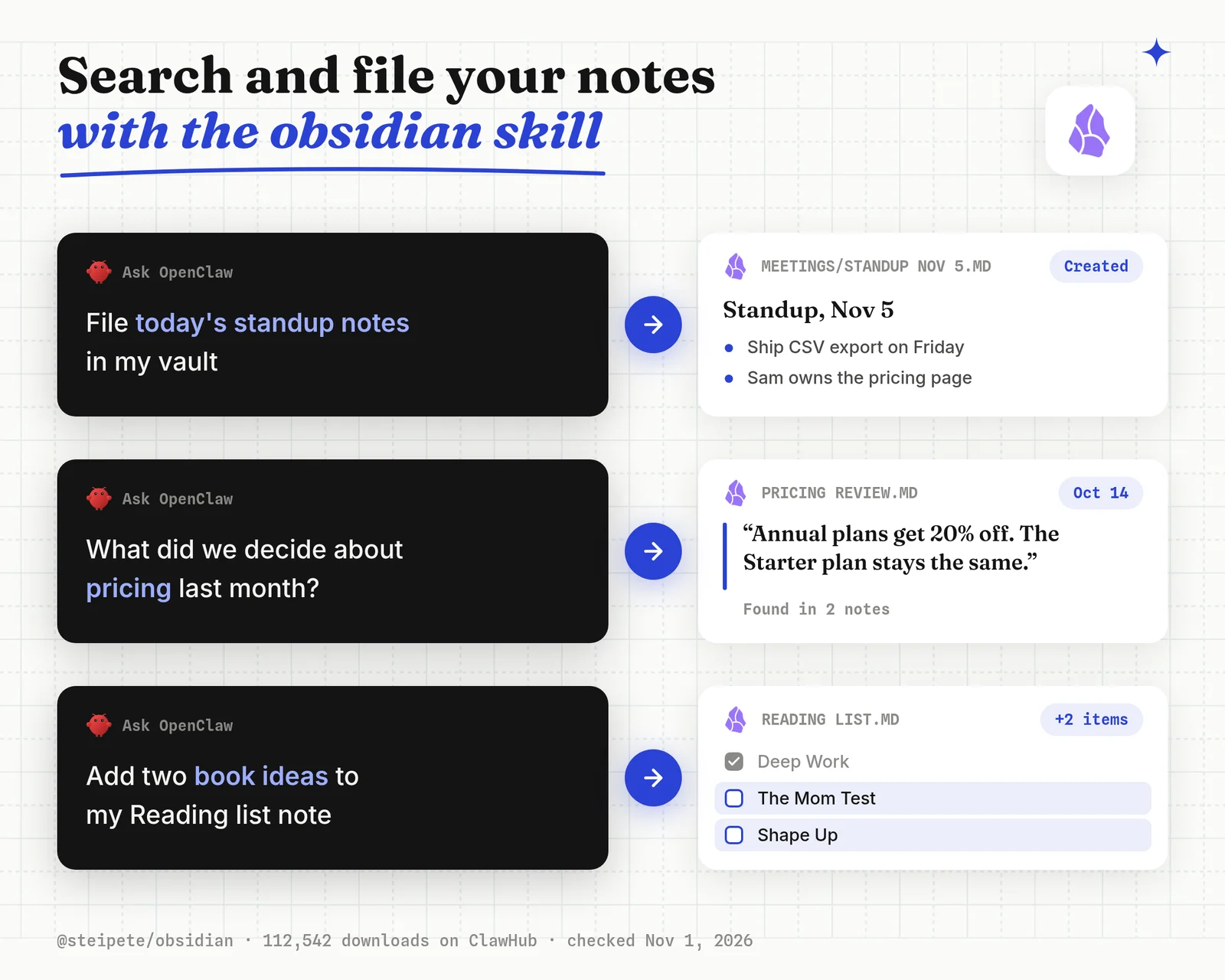
Pick this if your notes live in Obsidian and you want OpenClaw to file meeting notes or pull up last month's decisions.
openclaw skills install @steipete/obsidianThings that bit me: point it at the vault path and nothing wider. Your notes folder is the one place an agent's mistake costs the most.
Notes in Notion instead? @steipete/notion (105,114 downloads) does the same through the Notion API.
Best for: an Obsidian vault the agent can search and add to.
9. Edit PDFs in Plain Words with nano-pdf
The nano-pdf skill lets OpenClaw edit an existing PDF from a plain instruction ("change the date on page 2", "fix the typo in the title") through the nano-pdf CLI. It had 123,317 downloads on November 1, 2026.
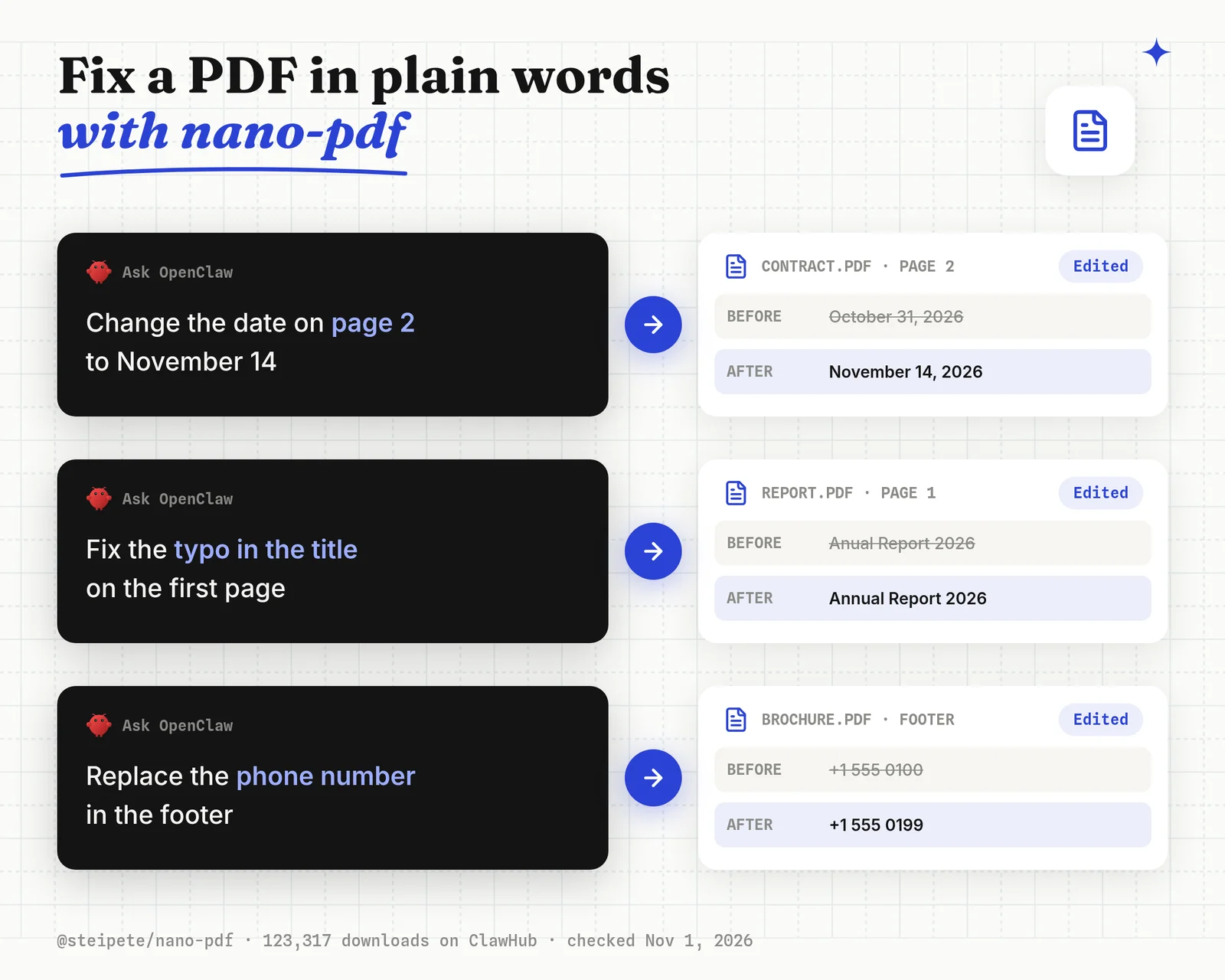
Pick this if you fix one PDF at a time and don't want to open an editor.
openclaw skills install @steipete/nano-pdfThings that bit me: nano-pdf edits a PDF you already have. It doesn't produce a new branded PDF from data, such as an invoice or a certificate per row. That job needs a template, which the Orshot plugin in pick 2 covers.
Best for: quick fixes to single PDFs.
10. Generate AI Images with nano-banana-pro
The nano-banana-pro skill lets OpenClaw create and edit images with Google's Gemini 3 Pro Image model, from text or from an input image, at 1K, 2K or 4K. It had 108,173 downloads on November 1, 2026.
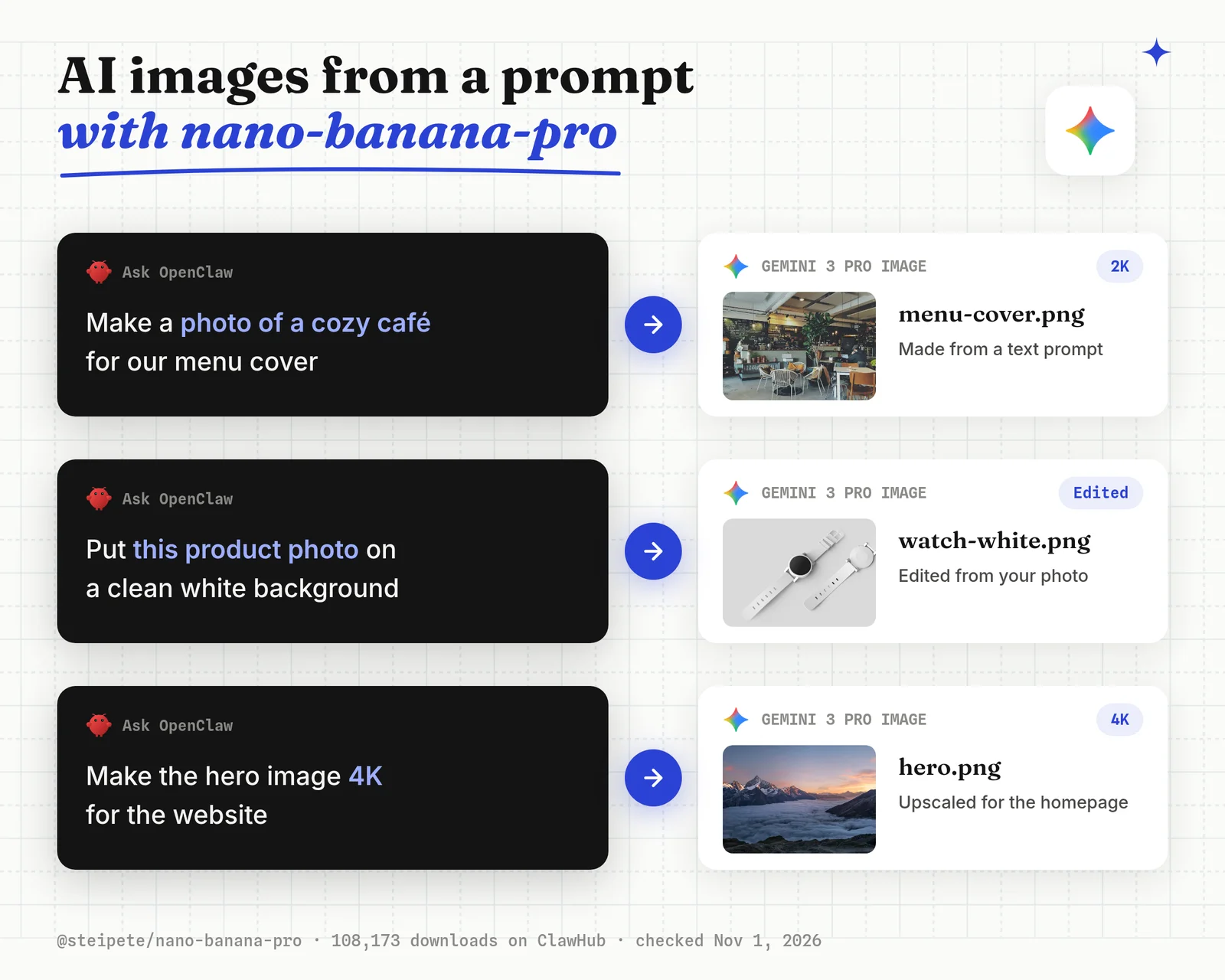
Pick this if you want a one-off illustration, a photo edit or a concept image from a prompt.
openclaw skills install @steipete/nano-banana-proThings that bit me:
- You pay Google per image with your own Gemini API key.
- Every image is a new roll. For posts that must look the same each week, with your fonts, logo and exact text, a template works better than a prompt. That is what the Orshot plugin does.
Best for: one-off AI images and photo edits.
11. Transcribe Voice Notes with openai-whisper
The openai-whisper skill lets OpenClaw turn audio files into text with the Whisper CLI running on your machine, so there's no API key and no audio leaves the computer. It had 90,041 downloads on November 1, 2026.
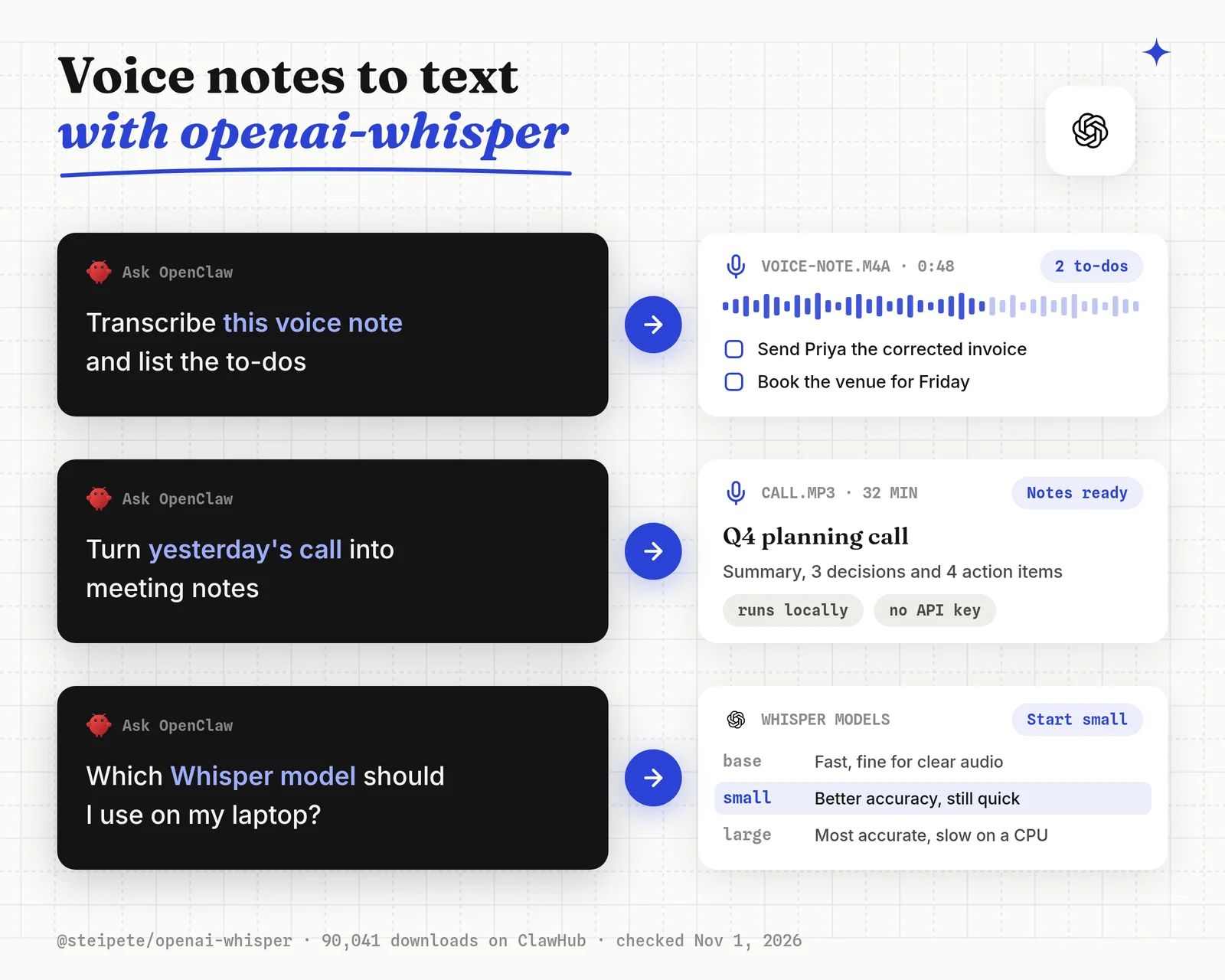
Pick this if you send OpenClaw voice notes or want meeting recordings turned into notes.
openclaw skills install @steipete/openai-whisper
pip install -U openai-whisper
Things that bit me: the larger Whisper models are slow on a laptop CPU. Start with the base or small model and move up only if the transcript is wrong.
Best for: private transcription with no per-minute cost.
12. Chat with OpenClaw on WhatsApp
The official WhatsApp plugin connects OpenClaw to WhatsApp Web, so you can message your agent from your phone like any other contact. It had 205,553 downloads on November 1, 2026, the most of any OpenClaw plugin.
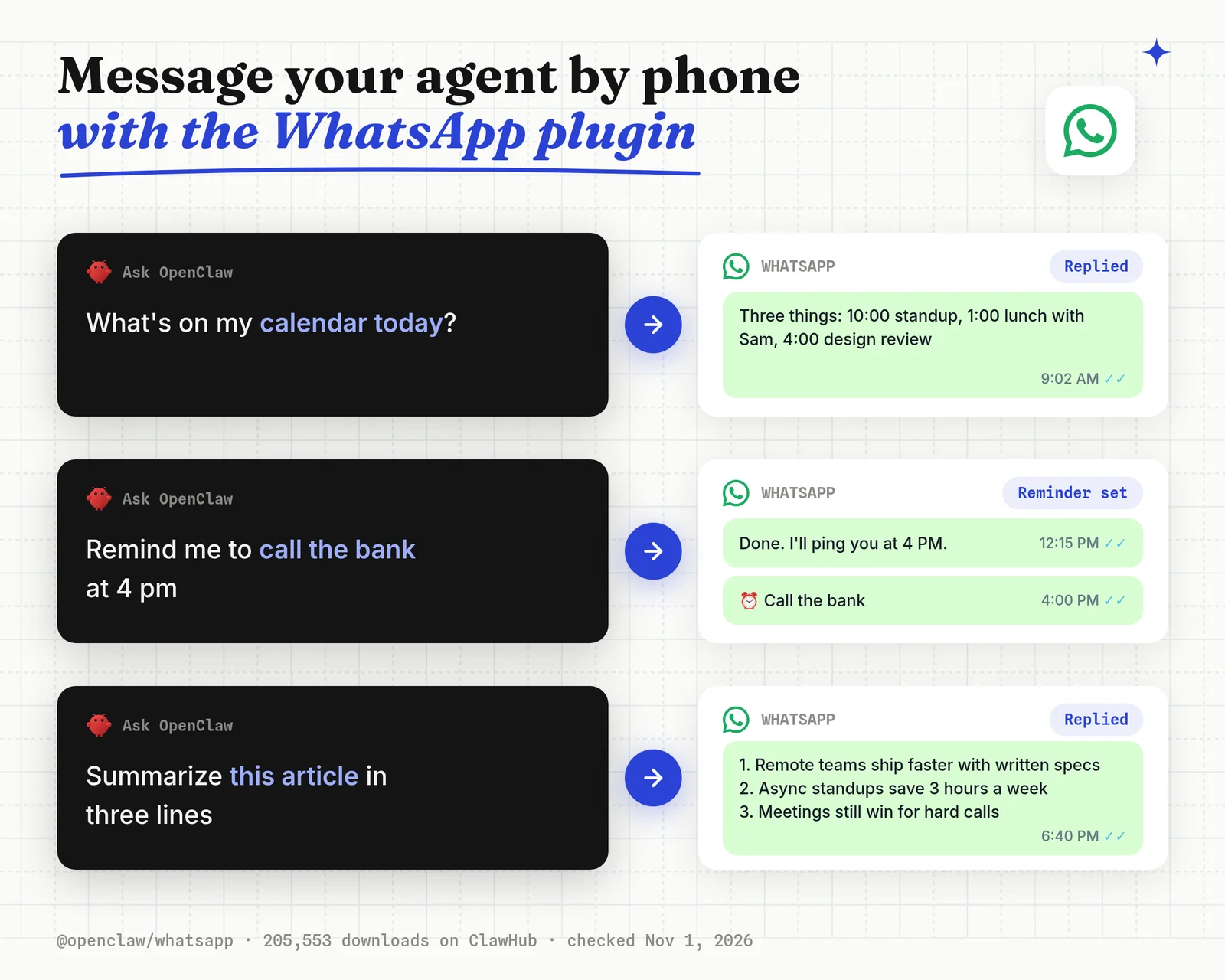
Pick this if you want to send OpenClaw a task while you're away from the computer.
openclaw plugins install @openclaw/whatsapp
openclaw gateway restart
Things that bit me:
- WhatsApp Web links to your own number. Anyone who can message that number can reach your agent, so set an allowlist in the channel config.
- Prefer Discord, Slack or Matrix? Each has an official channel plugin too (
@openclaw/discordhad 20,422 downloads).
Best for: giving OpenClaw a phone-friendly front door.
How to Install an OpenClaw Skill Safely
To install an OpenClaw skill safely, check the ClawHub scan, install it by owner and slug at a pinned version, and read the SKILL.md before the first run. OpenClaw's own docs say to treat third-party skills as untrusted code.
In February 2026, Koi Security audited 2,857 ClawHub skills and found 341 malicious ones, most from one campaign called ClawHavoc, according to The Hacker News. Many asked users to paste a "setup" command that installed a password stealer.
The same week, Snyk found that 283 of 3,984 skills (7.1%) told the agent to handle API keys in ways that leak them. Those weren't malware, just careless instructions.
Step 1: Check the scan on ClawHub
Open the skill's page on ClawHub and look at its security audit. ClawHub rates each release Pass, Review, Warn or Malicious. Install only on Pass, and read the details on anything else.
Step 2: Install by owner, at a pinned version
openclaw skills install @steipete/gog --version <version>
openclaw skills verify @steipete/gog
Replace <version> with the release shown on the skill's page. verify exits with an error if ClawHub has marked the release as failed. Plugins pin with a version suffix instead, such as clawhub:orshot@1.2.3.
Step 3: Read the SKILL.md before the first run
Open the skill folder and read SKILL.md. Stop if it asks you to paste a command from a pastebin, download a password-protected ZIP, or send keys anywhere other than the service it's for.
Step 4: Give it the narrowest access
Use OAuth logins and scoped tokens where the service offers them, and keep one agent per trust level. A skill that only needs one GitHub repo shouldn't get a token for all of them.
Verdict: the scan, the owner check and a two-minute read of SKILL.md catch the failure modes behind both February reports.
OpenClaw Skills FAQ
What are OpenClaw skills?
What can I do with OpenClaw?
Where can I find OpenClaw skills?
How do I install skills in OpenClaw?
How do I update OpenClaw skills?
How do I create a custom OpenClaw skill?
Can OpenClaw create its own skills?
Where are OpenClaw skills stored?
What is the difference between OpenClaw skills and plugins?
What does plugins.allow do in OpenClaw?
Are OpenClaw skills safe?
What is the most downloaded OpenClaw skill?
How many skills can OpenClaw use at once?
What is the best OpenClaw skill for social media?
What is Orshot?
Install Your First Three
Start with Skill Vetter, then the job you do most often (gog for mail, github for code), then a chat channel so you can reach OpenClaw from your phone.
Add the rest one at a time, checking each scan as you go.
If social posts are on that list, start on Orshot's free plan and run openclaw plugins install clawhub:orshot.