
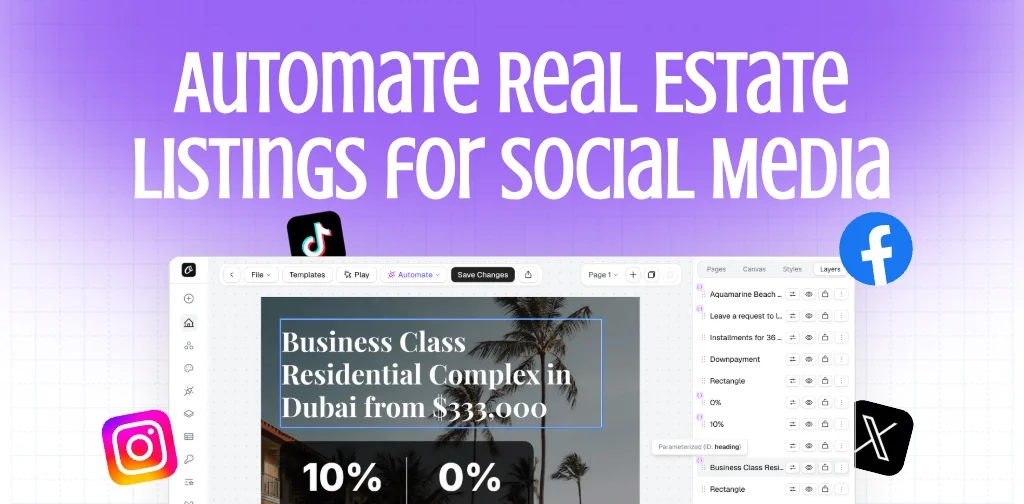


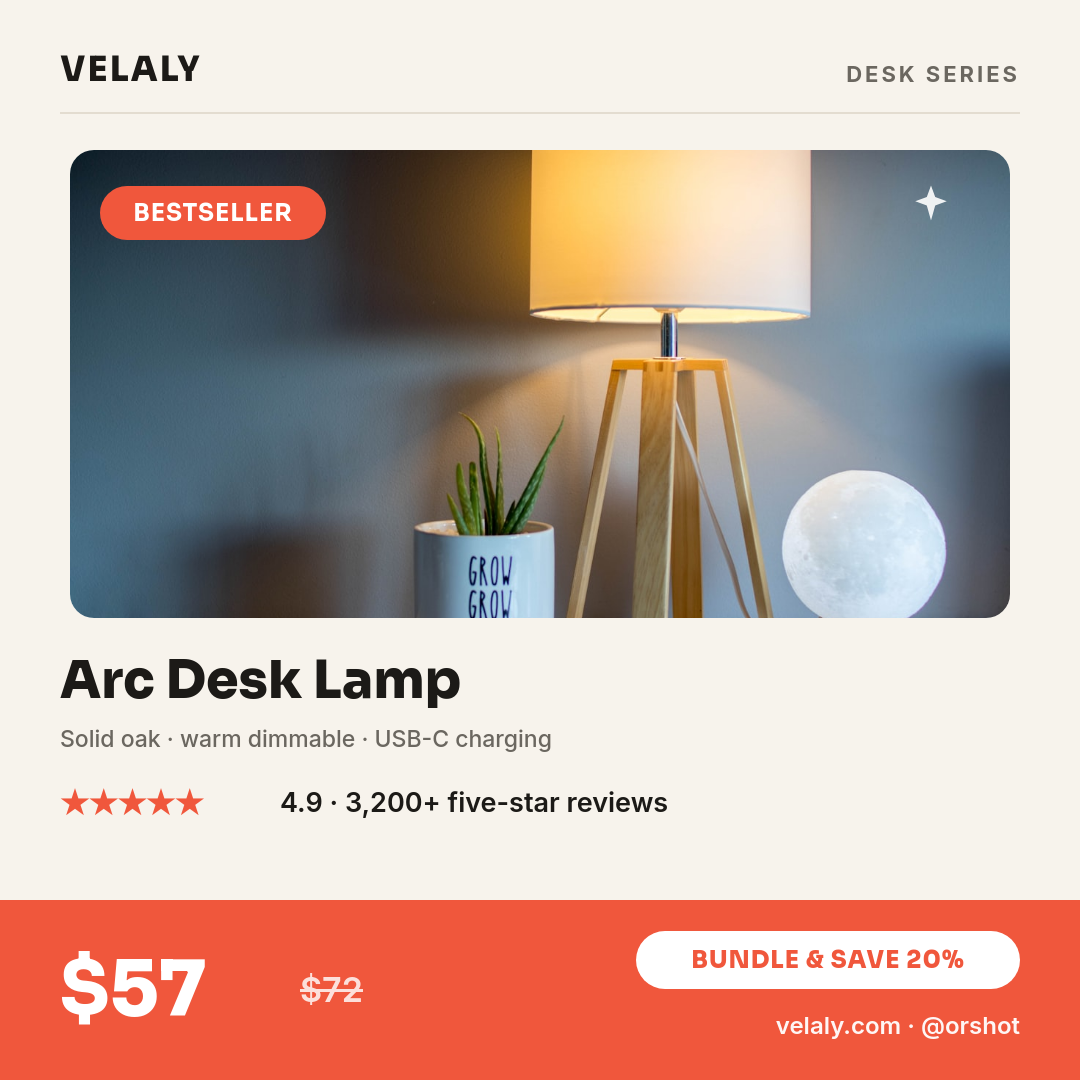
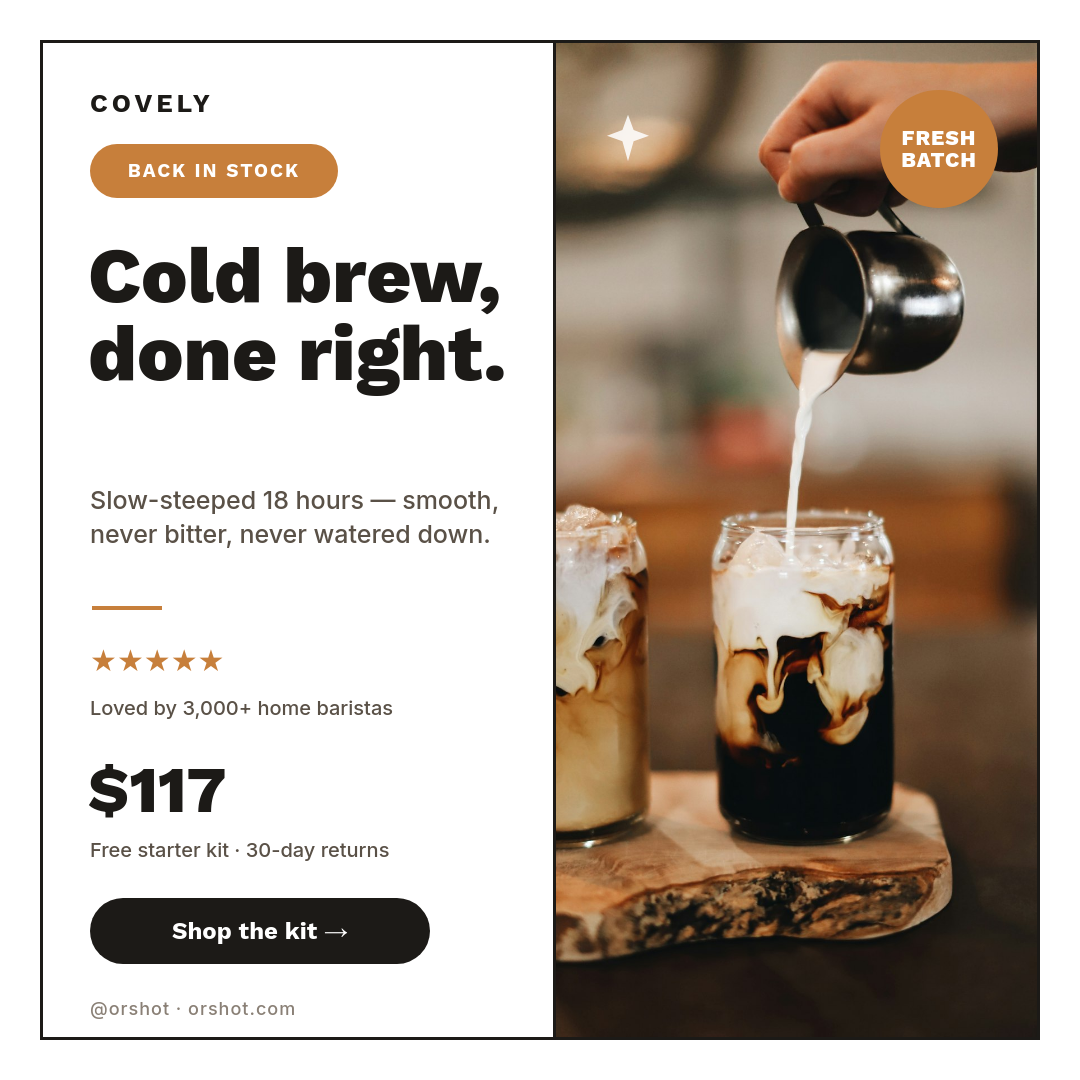


Most social tools schedule posts you still have to design somewhere else first. This one makes the post. Keep your posts as rows in a Google Sheet, design the image template once, and Orshot renders a branded graphic for every row and publishes it to the channels you choose.
Click a row to see the post it renders:
| AHeadline | BCaption | CTag | |
|---|---|---|---|
| 1 | We just shipped dark mode | Live for everyone today. | product |
| 2 | Meet the team: Priya | Six years of design, now leading it. | team |
| 3 | Weekend sale, 20% off | Ends Sunday night. | promo |
Rendered from row 1, one per row
What goes in the sheet
A row holds everything one post needs, so the sheet doubles as your plan. In practice people keep columns for the parts that change and let the template handle the rest:
- Headlines and announcements for a content calendar
- Product names and prices for offer posts
- Article titles and links for link cards
- Names and roles for team or member spotlights
Add a caption column too, and the workflow uses it as the post text for that row.
One image, every account
Add each account you want as a destination and the same rendered image publishes to all of them in one run, so Instagram, LinkedIn, and X get the post without three separate uploads. Posts can go out the moment a row is added, or on a schedule if you would rather space them out. Every post stays on brand because they all come from the same template.