





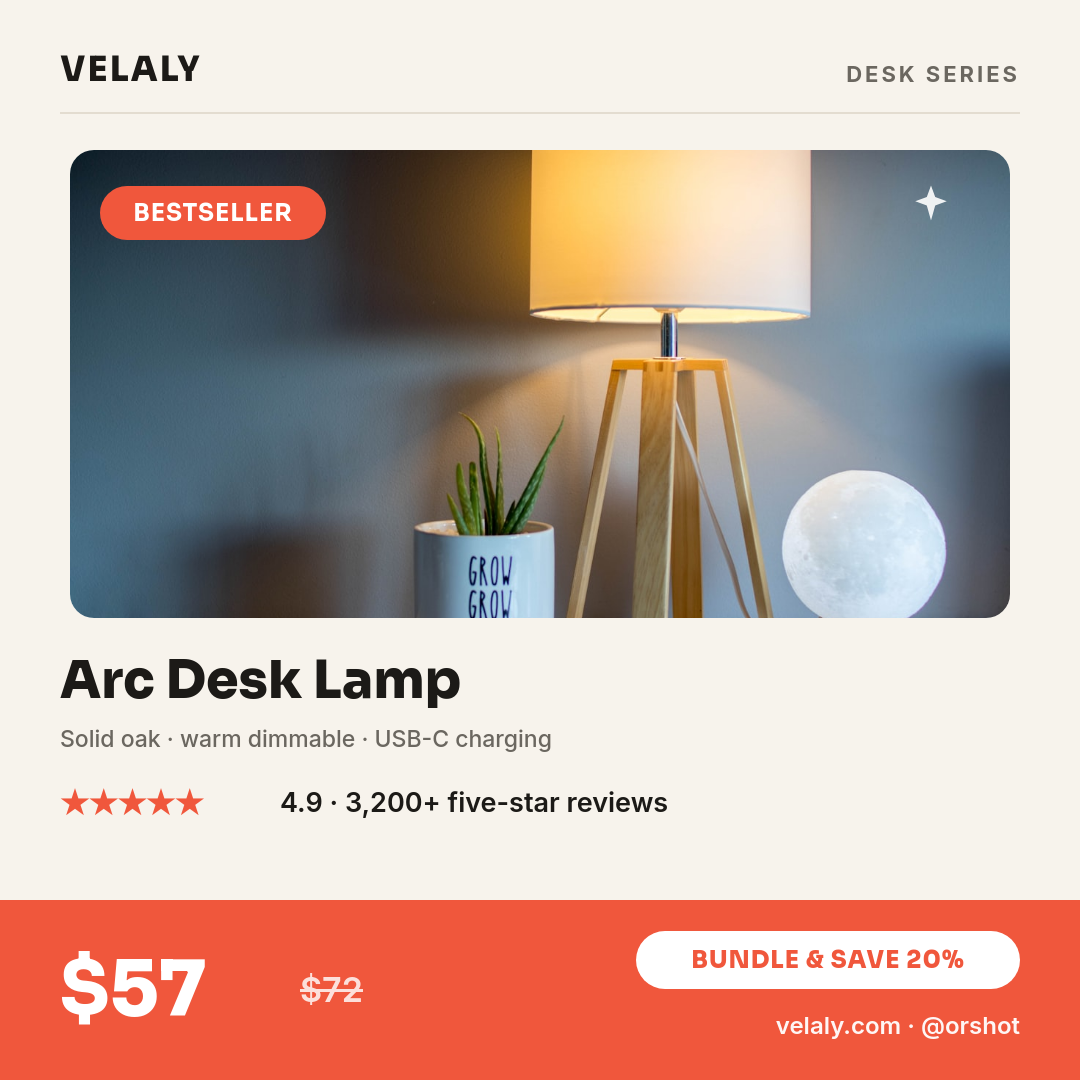
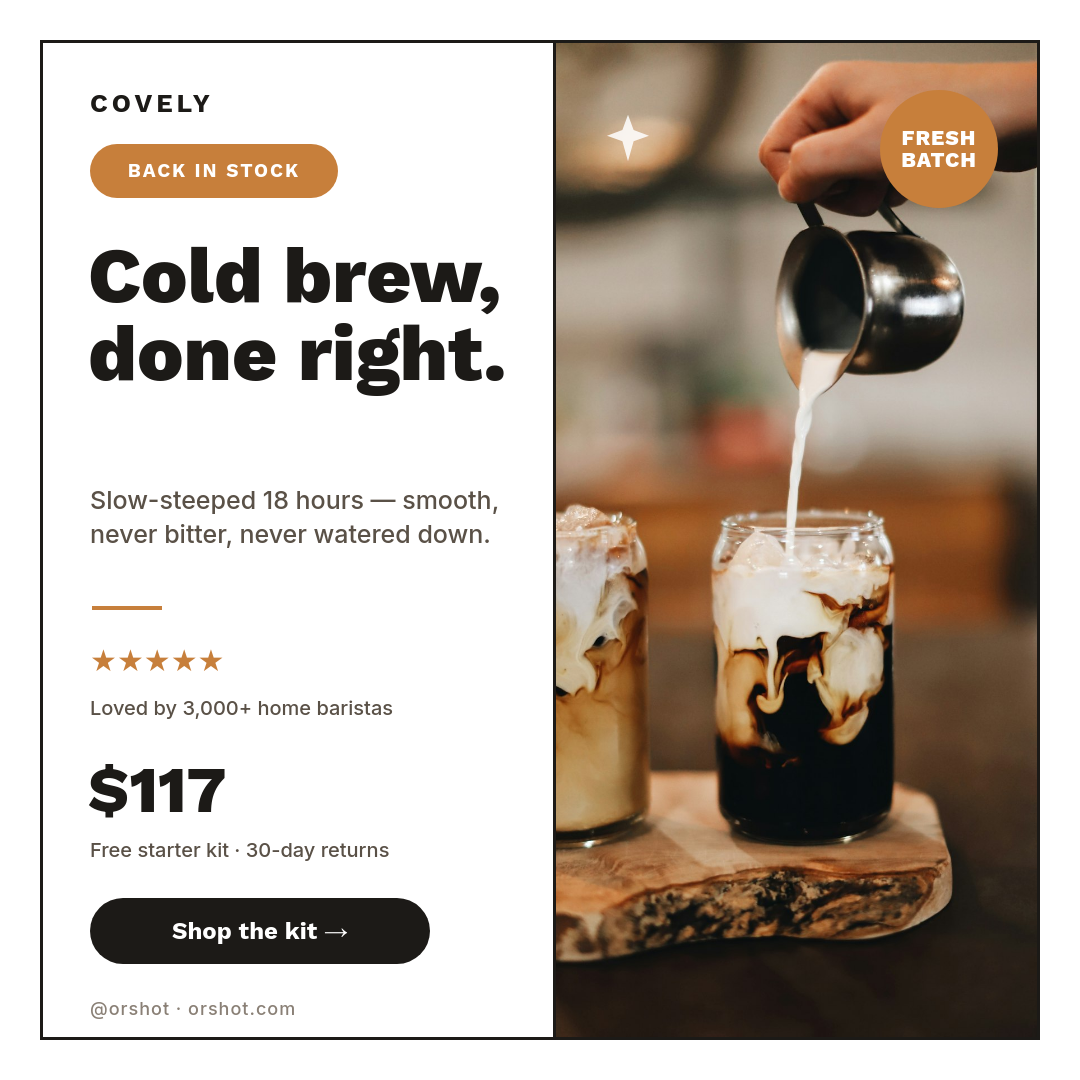


Your content calendar already lives in Notion, so the graphic should come from it too. Plan your posts as pages in a Notion database, design the image once, and Orshot renders a branded graphic for each page, posts it to Instagram, and writes the post link back onto the page it came from.
From a calendar page to a finished post
- You add a page to your content calendar database, the same page you would create to plan any post.
- Its fields are read the moment it appears. The workflow pulls the title, caption, tag, or cover image straight off the page.
- A graphic is rendered from your template, with each property dropped into its placeholder so the post is on brand every time.
- It posts to Instagram and the post link gets written back onto the Notion page, so your calendar records what went out and where.
Who runs it this way
Solo creators
One place to plan and post, so a filled-in Notion page becomes a live graphic without opening a design tool.
Social and brand teams
A week of posts planned as pages, each publishing on brand while the calendar stays the single source of truth.
Content managers
Editorial rows that turn into finished graphics, with the post link written back for anyone reviewing the plan.
Community and niche pages
A steady feed fed by a Notion queue, where showing up daily matters more than any single post.
What comes back on the page
- The finished graphic, rendered from your template for that calendar page.
- The caption and fields used, pulled straight from the page's own properties.
- The Instagram post link, written back onto the same Notion page so the calendar records what shipped.