




← All Workflows

Turn new listings into listing reels

Each new Airtable listing becomes a vertical video tour, posted to Instagram and TikTok with the link saved back to the record.

See all workflows
Trigger1New/updated record in AirtableRun when a record is added or edited in a base.
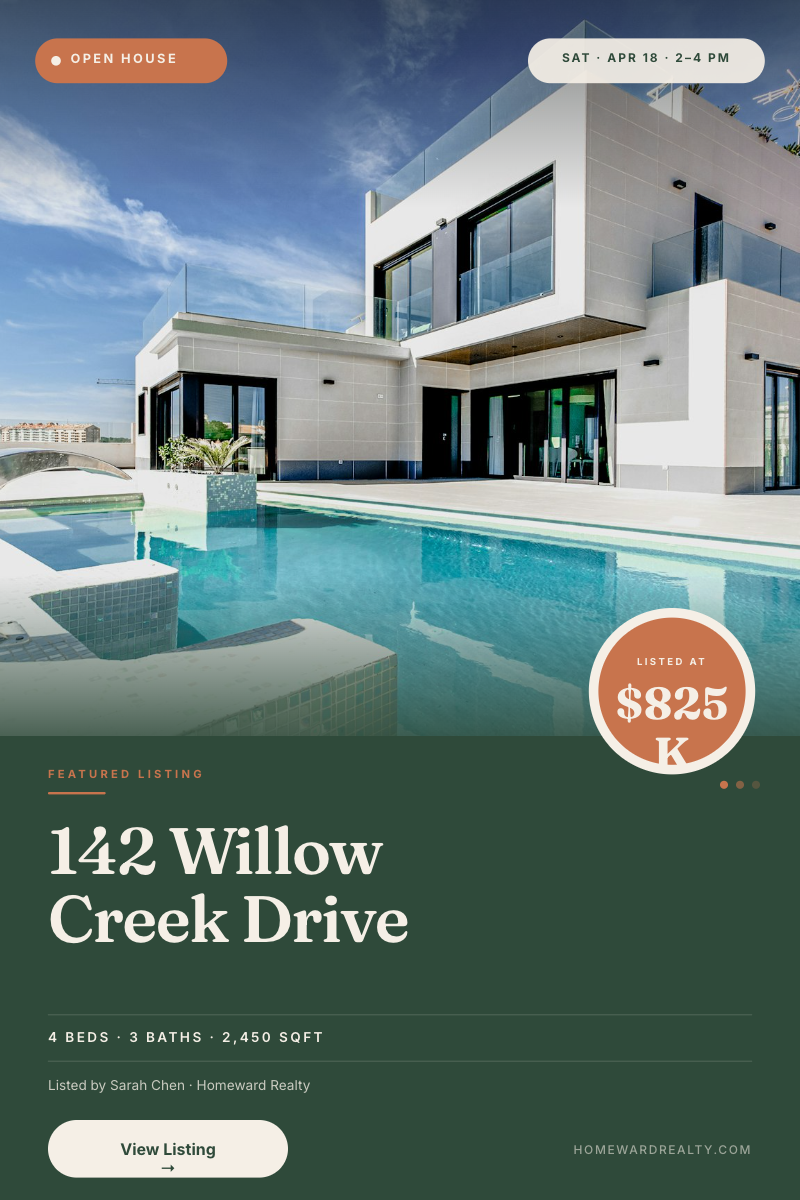
Render2Open House Listing — Real Estate Pinterest PinExample template. Swap in your own design.
Destination3Post to InstagramPublish each render to Instagram.
Destination4Post to TikTokPublish each render to TikTok.
Destination5Write to AirtableWrite results (like the render URL) back to the source record.

A listing reel for every property, without editing

Most listings go live with a photo post because a video means an afternoon in an editor. This workflow makes the reel a side effect of adding the listing. Add the property to Airtable and a branded vertical video renders and posts on its own.

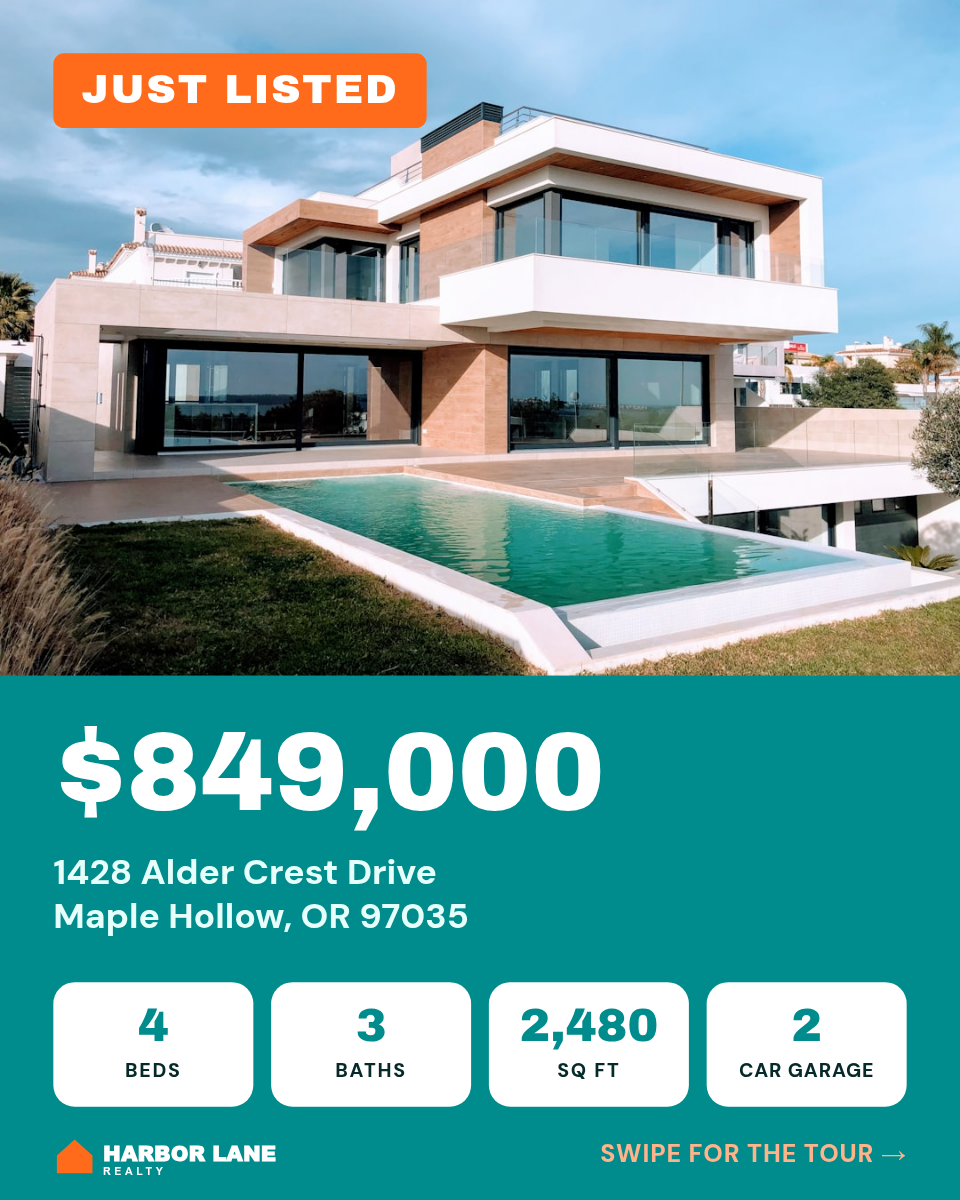
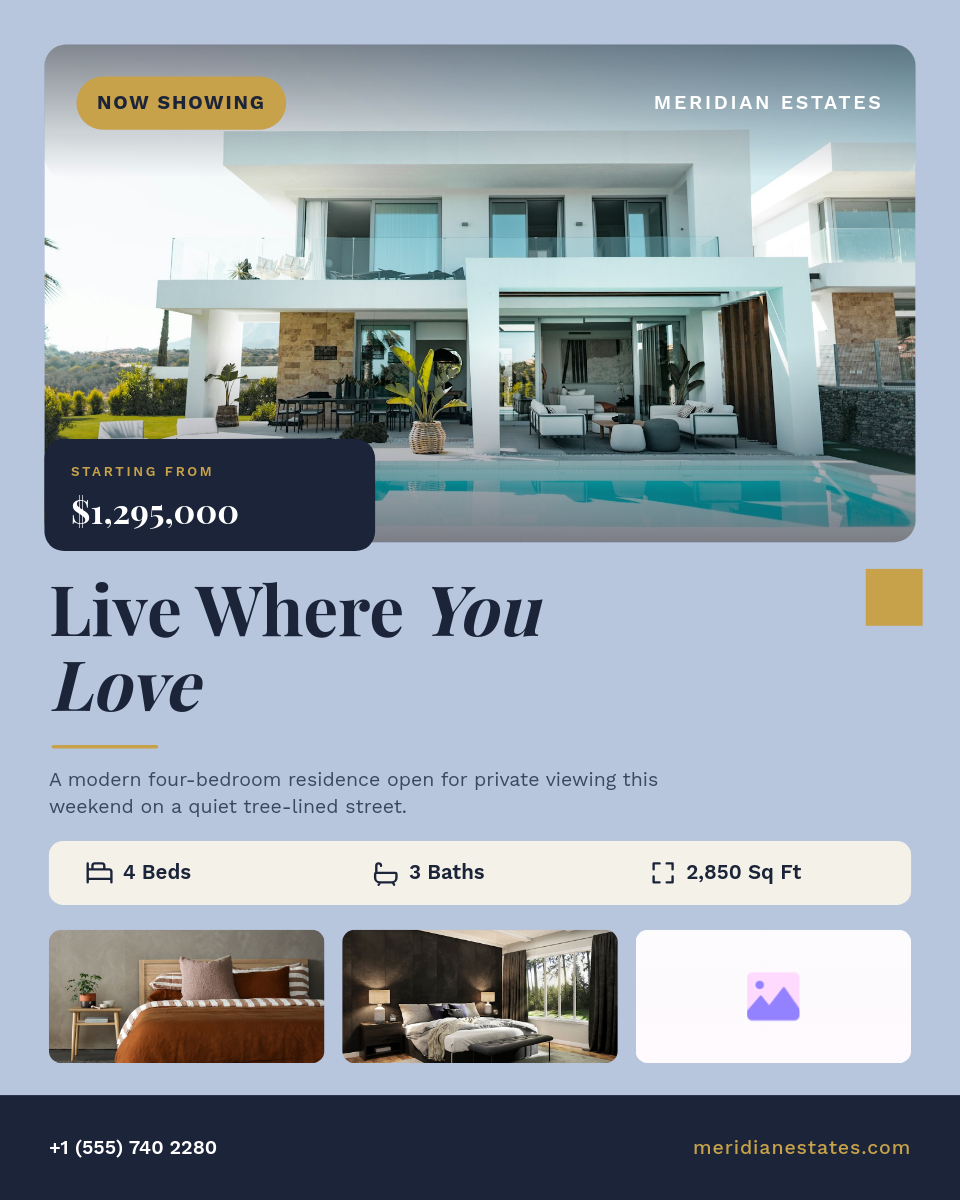
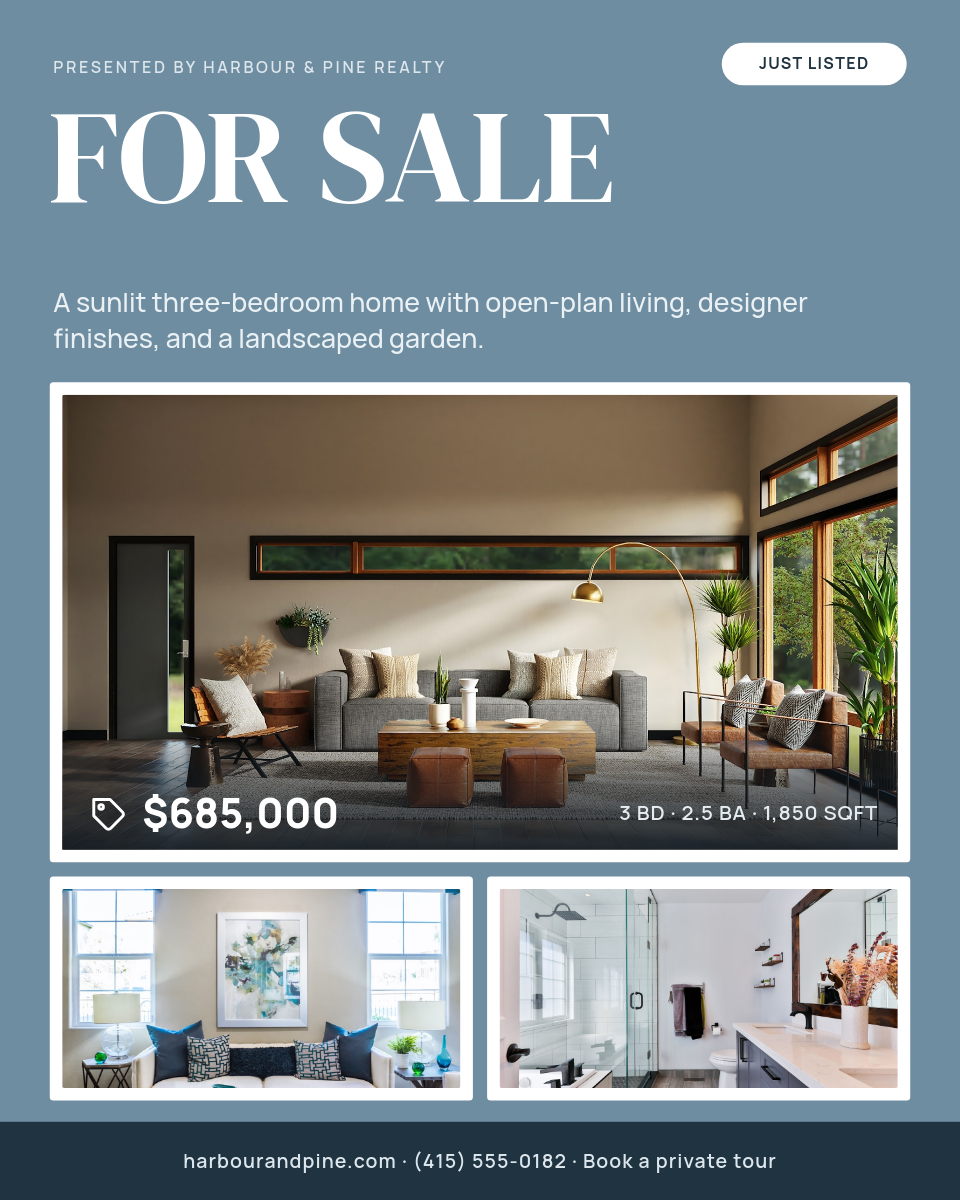
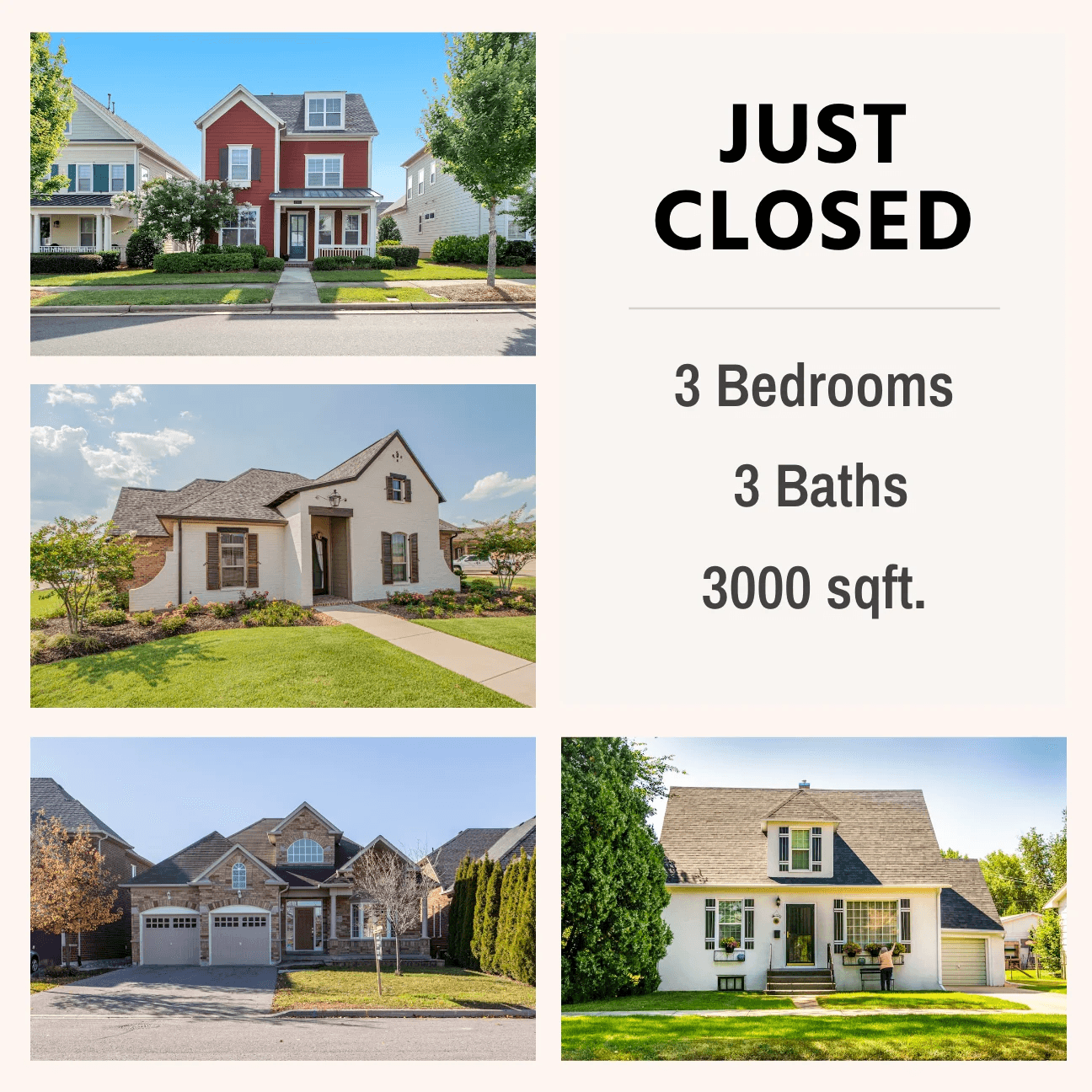
This is the listing reel template the workflow renders. Pair it with the Just Sold template for closed deals.

What happens when a listing is added

  1. You add a property to your Listings table the way you already do.
  2. The workflow picks up the new record with its price, details and photo links.
  3. Those values fill your listing reel template, one scene per photo.
  4. Orshot renders a vertical MP4 with your brand fonts, colors and transitions.
  5. The reel posts to Instagram and TikTok, and the video link is saved back to the record.

What each reel shows

The template turns a row of listing data into a short tour:

  • Hero scene with a Just Listed badge and the address over the main photo.
  • Price card with the list price and four stats: beds, baths, square feet and lot size.
  • Features and open house scenes that move through the room photos on the record.
  • Closing card with the agent's headshot, name, phone, email and a showing button.

Long addresses resize to fit, so a long street name lands in the same frame as a short one.

Who runs this

Individual agents
Every listing gets a reel the day it goes live, without hiring an editor.
Brokerages and teams
The template carries the brokerage look across every agent. Agents just add records.
Property managers
Available rentals across a portfolio get a video tour as they come on the market.
Real estate marketers
Reels for several agents at once, with one base and one template per client.

Prefer still graphics? The listing cards workflow posts an image per listing instead, and the real estate automation guide covers the API route.


How it works, step by step

  1. Pick a listing reel template

    Start from a vertical listing video template or design your brokerage's own: one scene per photo, plus price, address and agent details.

  2. Connect your listings base

    Link Airtable and pick the Listings table. One record per property with fields for the details your reel shows.

  3. Map listing fields

    Point the template's placeholders at your fields: address, price, beds, baths, photo URLs, agent name and phone.

  4. Connect Instagram and TikTok

    Link the accounts you post to. Each new listing renders as an MP4, posts, and the video link is saved back to the record.

Frequently asked

How do I make a video for every real estate listing?

Design one listing reel template with placeholders for photos, price and details, then connect your listings table. Orshot renders a vertical MP4 for each new record and posts it to Instagram and TikTok, so every listing gets a video without opening an editor.

How many photos can a listing reel show?

As many scenes as your template has. A common setup is five scenes: a hero shot, three room photos and a closing card with the agent's details. Each scene pulls its photo from a URL field on the record.

Can I make Just Sold or Open House videos too?

Yes. Keep a status field on the record and send it to a badge on the template, or point the workflow at a second template for sold listings.

Where is the finished video saved?

The video URL is written back to a field on the listing record, so the reel sits next to the listing data. You can also send it to Google Drive or Dropbox.

Can I use Google Sheets instead of Airtable?

Yes. Swap the trigger for a new Google Sheets row and write the video link back to the sheet instead.

Can I run this from n8n, Make or Zapier?

Yes. The same template renders through the Orshot API, so you can trigger it from n8n, Make, Zapier or your CRM instead of an Orshot workflow.