I've lost whole afternoons to the question every marketer eventually asks: which AI marketing platform is actually worth it?
On Reddit it shows up the same way every time. Someone lists Ocoya, SocialBee, Hootsuite, Bannerbear, AdCreative, then asks, "they all do parts, but not all, am I wrong?" Another marketer posts: "I have 35 social media post topics and I want to create 220 designs from those in different formats."
Two real problems hide in those threads:
- Tool fragmentation. Every tool does a slice, and nothing does the whole job.
- The volume bottleneck. Turning ideas into on-brand assets at scale is still mostly manual.
Most "best AI marketing tools" lists don't help here, because they all name the same ten tools (ChatGPT, Jasper, Surfer, Canva) and skip the part that actually moves the needle: connecting those tools so they run without you.
So I built this list differently.
How I picked these
Four rules:
- Useful right now in 2026. No dead tools, no "AI" sticker on a 2019 product.
- Has an API or an MCP server, so it can be automated and wired into an AI agent, not just clicked.
- Lesser-known where it earns it. Fewer ChatGPT clones, more tools you'll be glad someone told you about.
- A real credibility signal: funding, usage, or ratings. No vaporware.
One disclosure up front: Orshot is my product, and I build it. That's exactly why it sits at #2 and not #1, and why I'll be straight about where it fits and where it doesn't. Honest framing matters more than the ranking.
The thread running through the whole list is MCP, the Model Context Protocol. It's the open standard that lets Claude connect to a tool, read its data, and act on it. Nine of these twelve expose an MCP server, which is what turns a pile of point tools into something that behaves like one platform.
The 12 at a glance
| Tool | What it does | MCP | Free tier |
|---|---|---|---|
| Claude | Orchestrator / reasoning | ||
| Orshot | Visual & creative automation | ||
| Peec AI | AI-search (GEO) visibility | ||
| Clay | Lead data enrichment | ||
| AirOps | AI content & SEO workflows | ||
| Firecrawl | Web data for AI | ||
| Blotato | Social & video automation | ||
| Autosend | Email + lifecycle automation | ||
| PostHog | Product & marketing analytics | ||
| Creatify | AI video ad creative | Community | |
| Common Room | Buyer-signal intelligence | ||
| Gumloop | No-code AI workflows |
1. Claude: the orchestrator that runs the rest
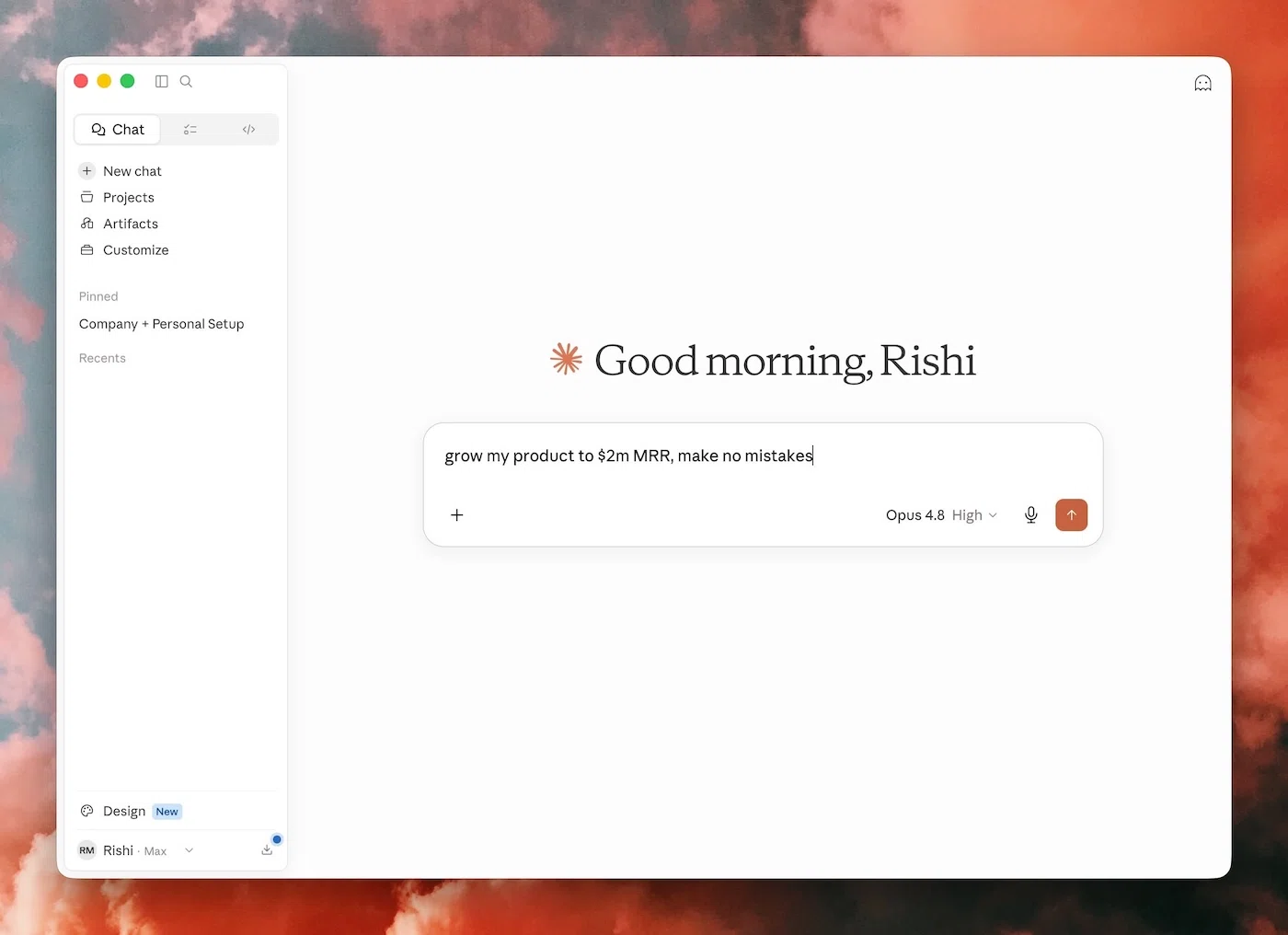
Most lists treat Claude as "an AI writing assistant." That undersells it badly.
The reason Claude is #1 is MCP. Connect it to your tools and it stops being a chatbot and starts being the brain of your stack. It reads your real data and acts on it.
A few things I actually do with it:
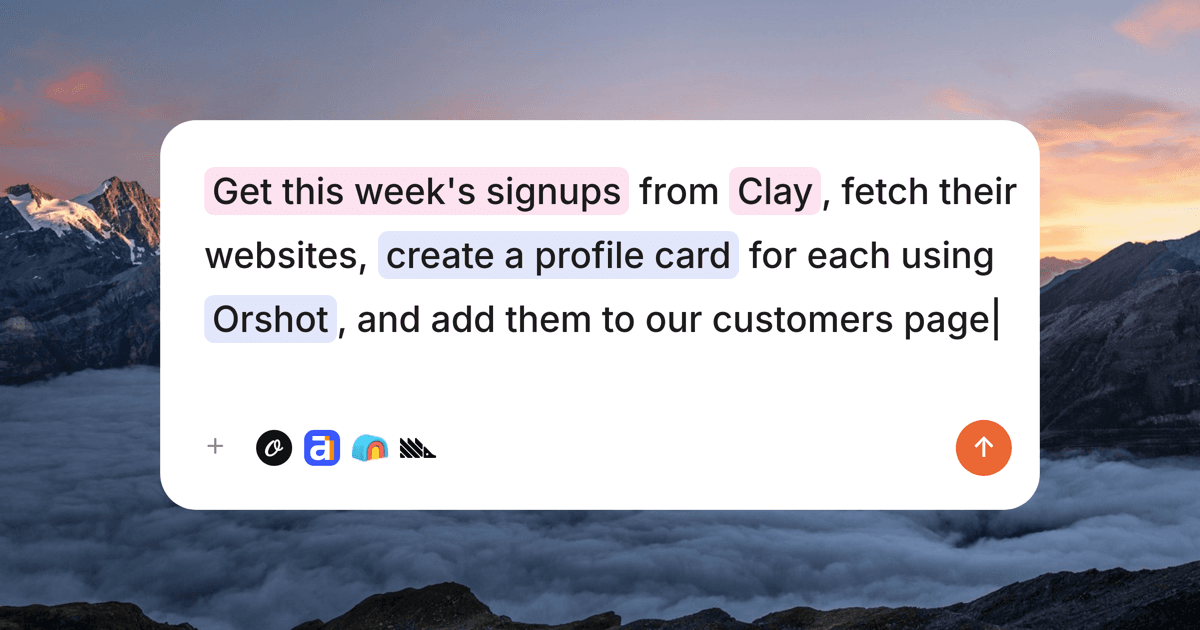
- "Why did signups dip last week?" → it queries my PostHog analytics over MCP, pulls the keywords that lost rank in Ahrefs, and writes the brief.
- "Draft the launch announcement and the three ad headlines" → done, in my voice.
- "Render the launch creative in five sizes" → it hands that job to Orshot (more on that next).
Not just that, you can use it via the Claude Desktop app, as well as Claude Code in the CLI, which is my favourite.
That's the shift: one tool that decides, plugged into many tools that do.
- MCP client that connects to almost every tool on this list
- Genuinely strong reasoning and long-form writing
- Claude Code automates multi-step marketing workflows
- Reads live data (analytics, SEO, CRM) and acts on it
- It's the brain, not the hands, so it needs other tools to ship assets
- Wiring up MCP servers has a small learning curve
- Best results come from clear, well-specified prompts
AI features
- 01Agentic reasoningExtended thinking for multi-step tasks and research
- 02MCP clientConnects out to PostHog, Ahrefs, Orshot, and hundreds more
- 03Claude CodeAgentic, automatable workflows from the terminal
- 04Web search + memoryPulls current data and remembers context across chats
- 05Code execution & filesRuns code and creates documents inline
MCP role: Claude is the MCP client. It connects out to other tools' servers, so there's no URL to plug in; you add connectors inside Claude or Claude Code.
Best for: Anyone who wants one AI to plan, analyze, and trigger the rest of their stack instead of bouncing between ten dashboards.
Entry price: Free; Pro $20/mo.
2. Orshot: the visual layer most lists skip
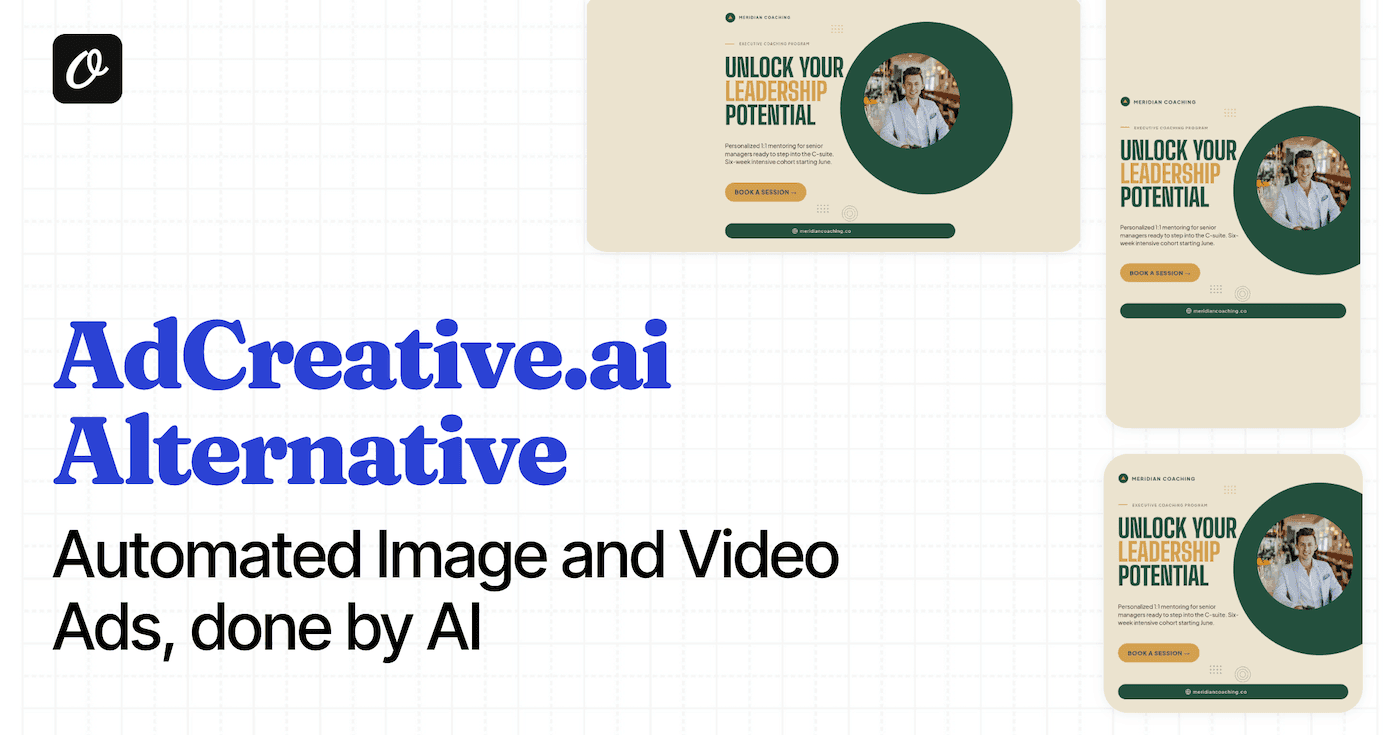
Almost every "AI + visuals" pick out there means generating a picture (Midjourney, DALL·E, Canva). None of them solve the "35 topics → 220 designs" problem from that Reddit thread: turning content into hundreds of on-brand, format-correct assets, automatically.
That's exactly what Orshot does. You design once, then render every variation through an API, or let Claude do it for you over MCP.
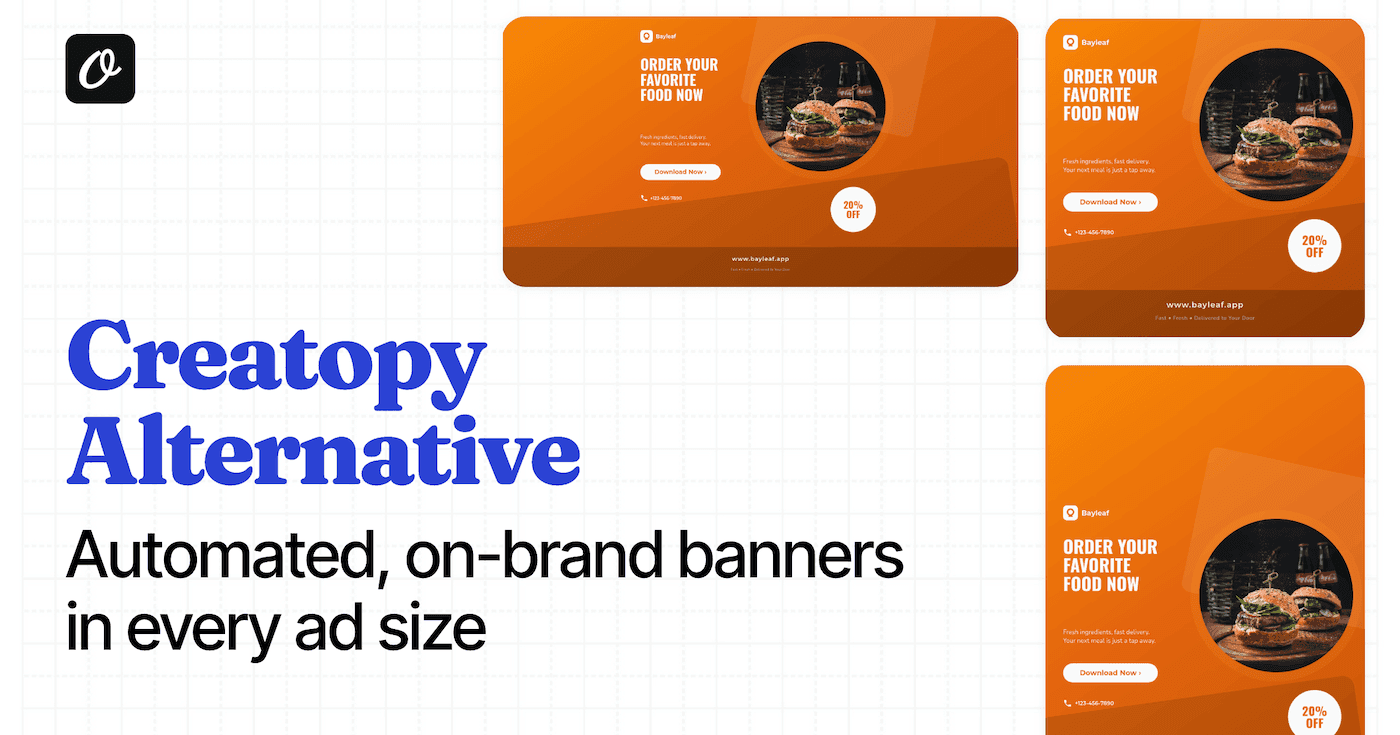
This is one ad template, rendered into three sizes in a single call. No redesign, no re-spend:



Swap the headline and product, and that's your next campaign: image, PDF, or video, from the same design. The AI Template Generator even builds the starting template from a prompt, and you can turn a Figma file into an API endpoint if you've already designed it. Built it in Canva instead? You can bring a Canva template in via API too.
The Claude connection is the fun part: connect Orshot's MCP server and you can tell Claude "render the spring sale ad in five sizes and drop them in our bucket", and it does, on a webhook or a schedule, no clicks.
- Design once, render thousands of on-brand variants via API
- One design → every size automatically (Smart Resize)
- Image, PDF, and video from a single template
- Connects to Claude (MCP), Zapier, Make, and n8n
- Free tier with no credit card
- Not a generative idea tool; you bring the design direction
- Built for teams who value brand control over one-click magic
- Most powerful once you're automating, not for a single one-off graphic
AI features
- 01AI Template GeneratorDescribe a design and get an editable, on-brand template
- 02Design AgentAI builds and edits designs for you in Studio
- 03Smart ResizeOne design deterministically re-laid-out to any canvas
- 04Multi-format outputPNG, PDF, MP4, WebM, GIF from the same template
- 05MCP + API + automation nodesWire it into Claude, Zapier, Make, or n8n
MCP server: https://mcp.orshot.com/mcp
Best for: Marketing and content teams who already know their look and need on-brand creative produced at scale, automatically. It's the design layer Claude can drive, the graphic design tool to scale your marketing on autopilot.
Workflow: A row lands in Airtable → Claude (or n8n) calls Orshot → the on-brand ad renders in every size → it's posted. No designer in the loop.
See Orshot pricing →. Free tier, no card.
3. Peec AI: get your brand cited inside ChatGPT and Perplexity
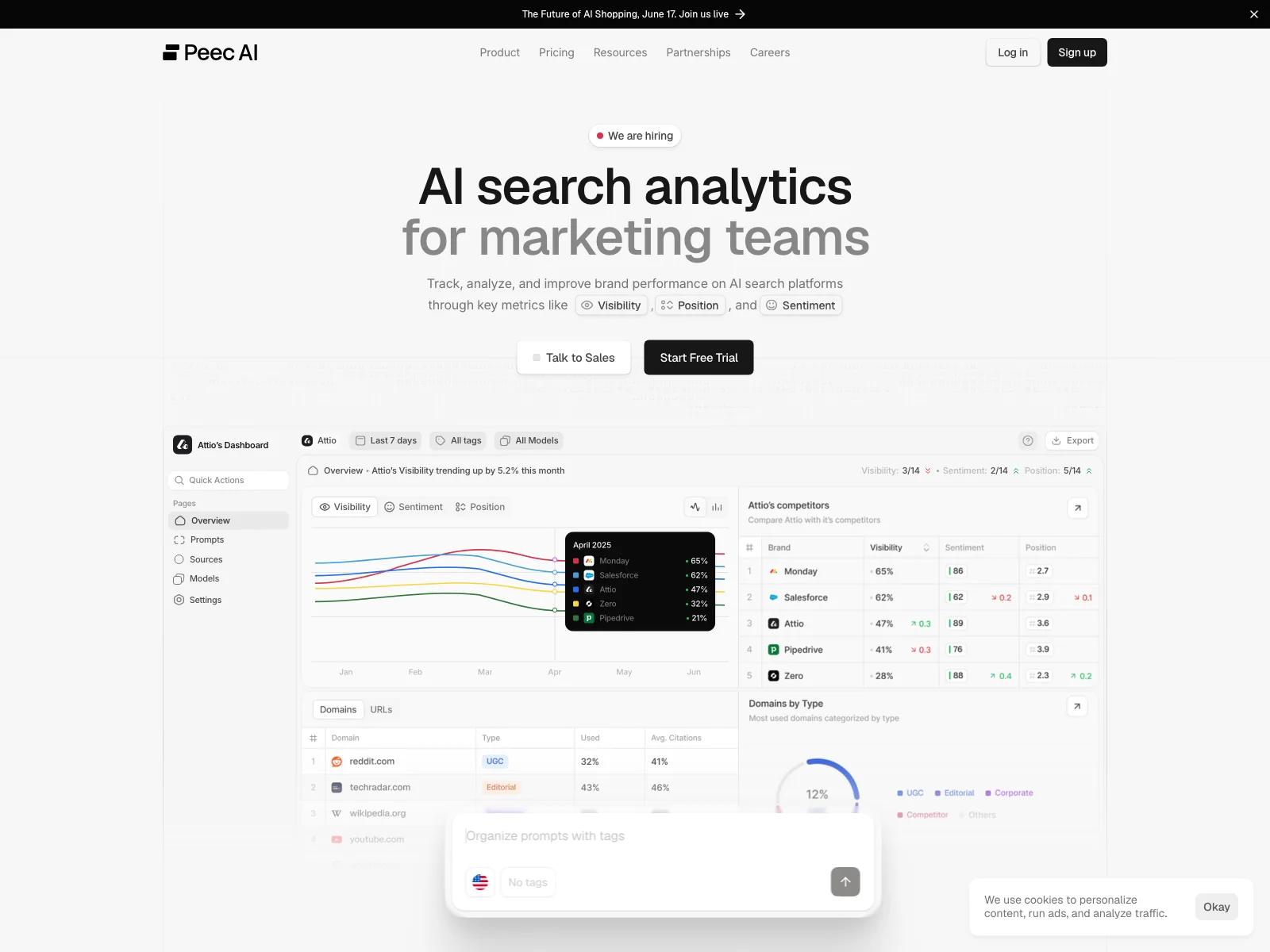
This is the "oh, I hadn't heard of that" pick, and the category (GEO, generative engine optimization) is the fastest-moving one in marketing right now.
Your buyers increasingly ask ChatGPT, Perplexity, and Gemini for recommendations. Peec AI tracks whether your brand shows up in those answers, who's beating you, and which sources the models cite.
- Tracks brand share-of-voice across ChatGPT, Perplexity, Gemini
- Shows which sources LLMs cite so you can earn placements
- The affordable alternative to enterprise GEO tools
- No public free tier; it's a paid product
- GEO is new; you're measuring a moving target
AI features
- 01Brand visibility tracking across major AI engines
- 02Competitor share-of-voice and sentiment comparison
- 03Cited-source analysis (which URLs the models quote)
- 04Trends by model, topic, and country
MCP server: https://api.peec.ai/mcp
Best for: Teams who want to start ranking in AI answers before their competitors notice the channel exists.
Workflow: Have Claude pull your weekly Peec share-of-voice over MCP and draft the content brief to close the biggest citation gap.
Entry price: Paid plans only (no public free tier).
4. Clay: the enrichment brain for outbound
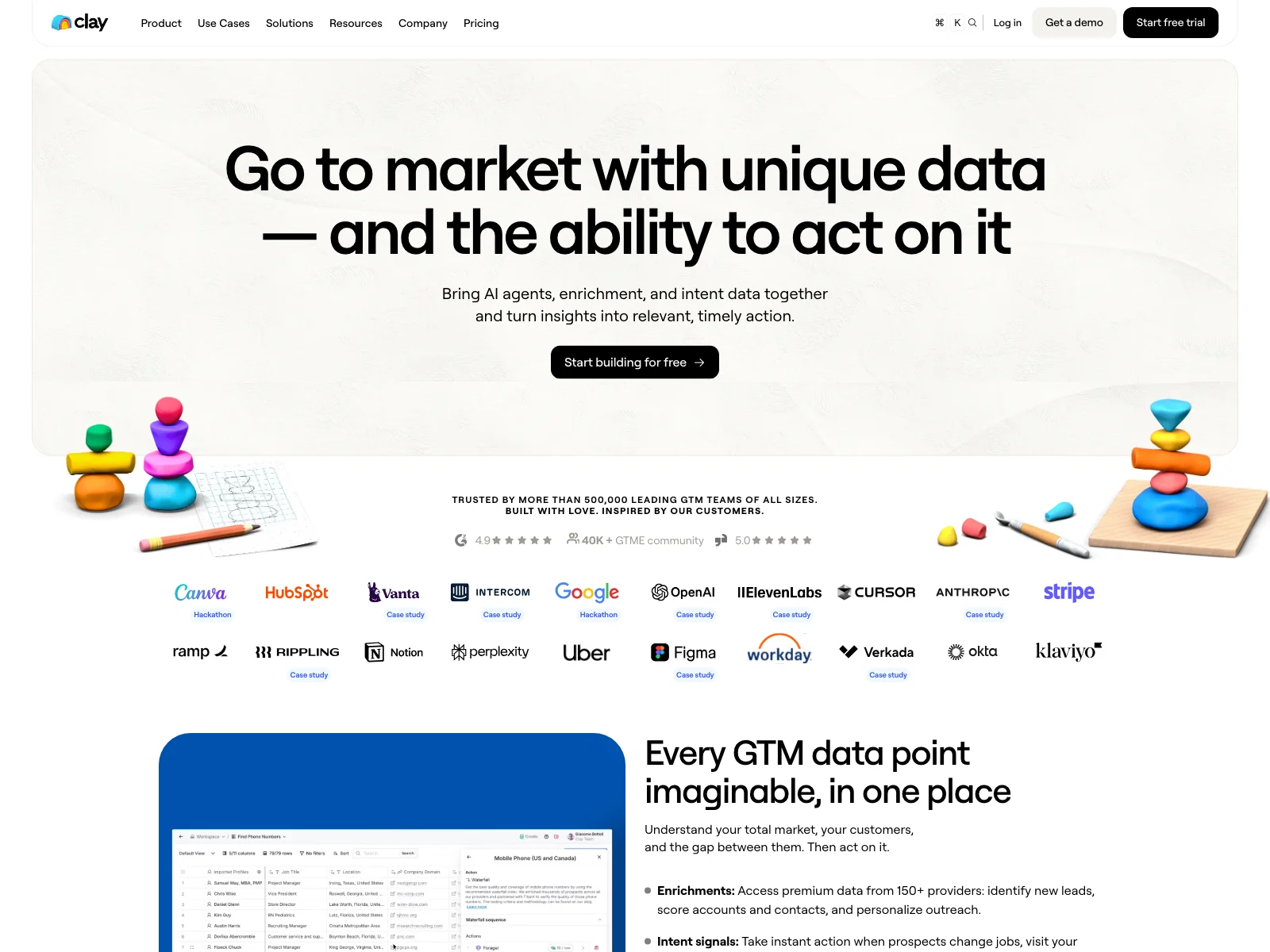
Clay is getting well-known now ($3.1B valuation will do that), but the way it pairs with Claude still feels like a secret.
It takes a thin list of leads and enriches it through 150+ data providers, then runs AI research agents ("Claygent") to answer questions a human SDR would have to dig for.
- Waterfall enrichment across 150+ providers in one row
- Claygent AI agents research accounts automatically
- Natural-language search across 50M+ companies
- Genuinely powerful means a real learning curve
- Costs add up fast once you scale enrichment credits
AI features
- 01Claygent AI research agents
- 02AI enrichment waterfalls (150+ providers)
- 03Natural-language company and people search
- 04AI-drafted outbound copy
MCP server: Official, via the Claude connector directory (note: mcp.clay.earth is a different company, so don't use it).
Best for: B2B teams whose outbound lives or dies on data quality.
Workflow: Claude reads an enriched Clay table over MCP and writes a personalized first line per account, with no copy-paste between tools.
Entry price: Free plan (500 actions/mo); paid from $167/mo.
5. AirOps: AI content and SEO workflows that actually ship
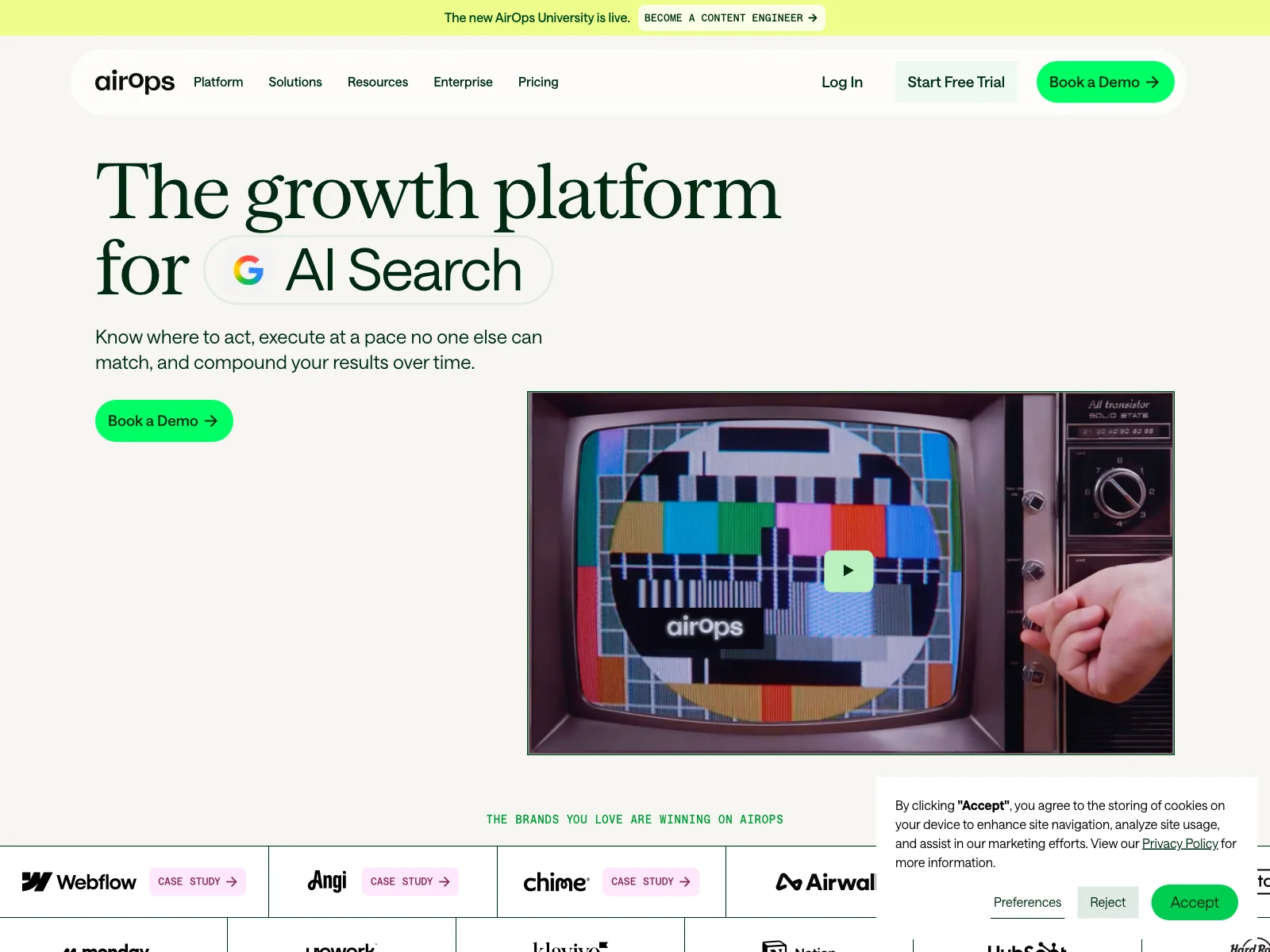
AirOps is the one content-ops tool I found with a real, native MCP server, which is why it's here over the usual Surfer/Jasper picks.
It chains LLMs, your data, and SEO steps into repeatable workflows: think "research → outline → draft → optimize → publish," running as a grid instead of a chat.
- Multi-step AI content + SEO workflows, not one-off prompts
- Tracks visibility across ChatGPT, Perplexity, Gemini (AEO)
- RAG over your own knowledge base for on-brand output
- Overkill if you just need a single blog draft
- Most valuable for teams publishing at volume
AI features
- 01AI content + SEO workflow automation
- 02Answer-engine visibility tracking (AEO)
- 03Competitor and citation-loss analysis
- 04Knowledge-base RAG over your docs
MCP server: https://app.airops.com/mcp
Best for: Content and SEO teams scaling automated content creation without losing brand voice.
Workflow: Trigger an AirOps content workflow from Claude, then route the finished post's social cards to Orshot for the visuals.
Entry price: Free "Insights" tier (1,000 tasks).
6. Firecrawl: clean web data your AI can actually read
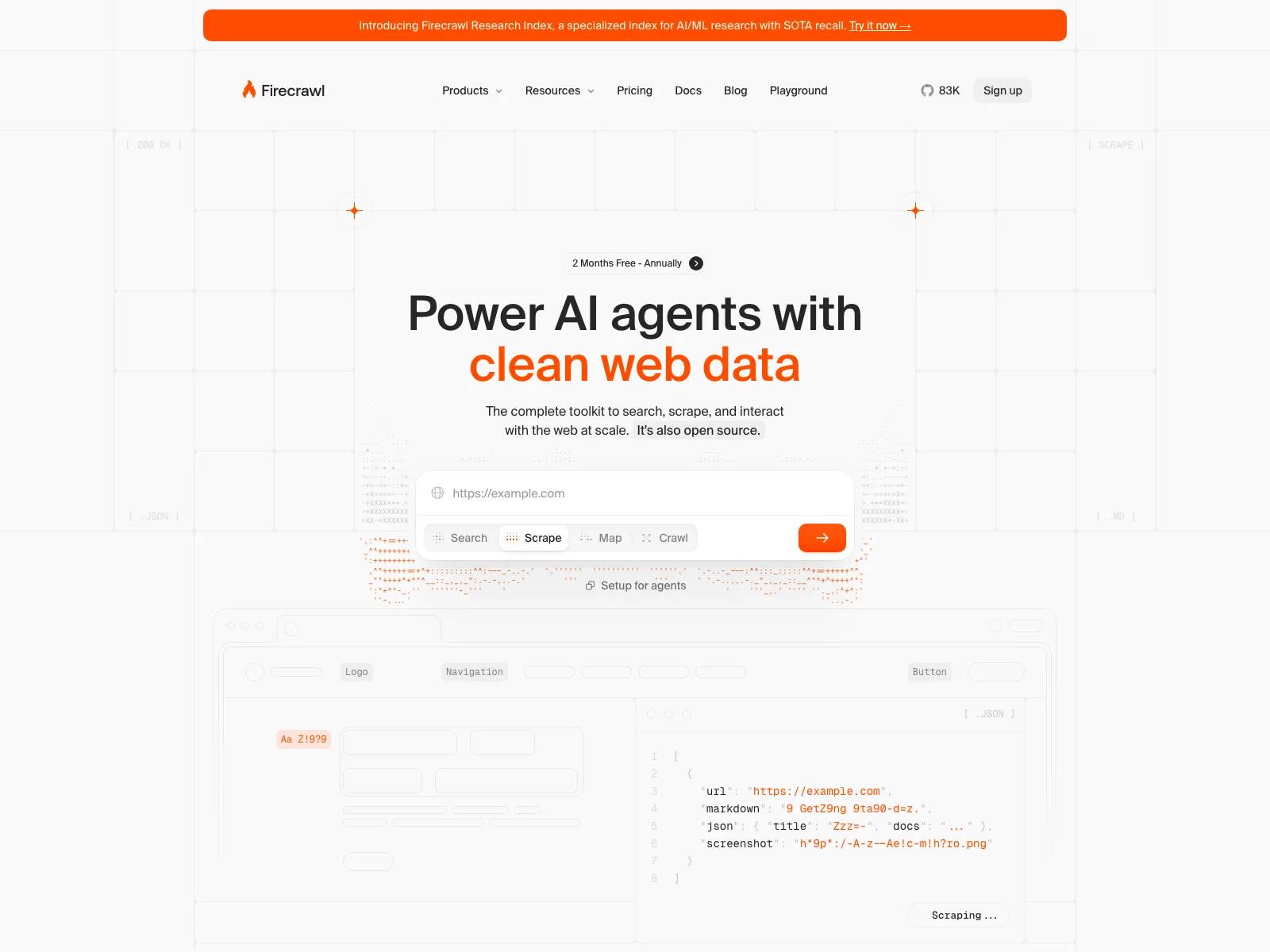
Firecrawl is infrastructure, but it sits under a huge amount of marketing AI. It turns any URL or whole site into clean, LLM-ready markdown.
Why a marketer cares: it's how you feed Claude real competitor pages, pricing tables, or research, without copy-pasting messy HTML.
- Any site → clean markdown or structured JSON
- Full-site crawl with depth and filters
- 43k+ GitHub stars; powers tools you already use
- It's a building block, not a finished marketing app
- Credit tiers shift, so check current pricing
AI features
- 01LLM-ready scrape (markdown / JSON / screenshot)
- 02Full-site crawl with filtering
- 03Web search returning full page content
- 04Schema-based structured extraction
MCP server: https://mcp.firecrawl.dev/v2/mcp
Best for: Anyone using Claude for competitor research, content repurposing, or programmatic SEO.
Workflow: Ask "Scrape these 10 competitor pricing pages and summarize how we compare." Claude calls Firecrawl over MCP, and you read the answer instead of the HTML.
Entry price: Free (1,000 credits/mo).
7. Blotato: the auto-publish layer for short-form
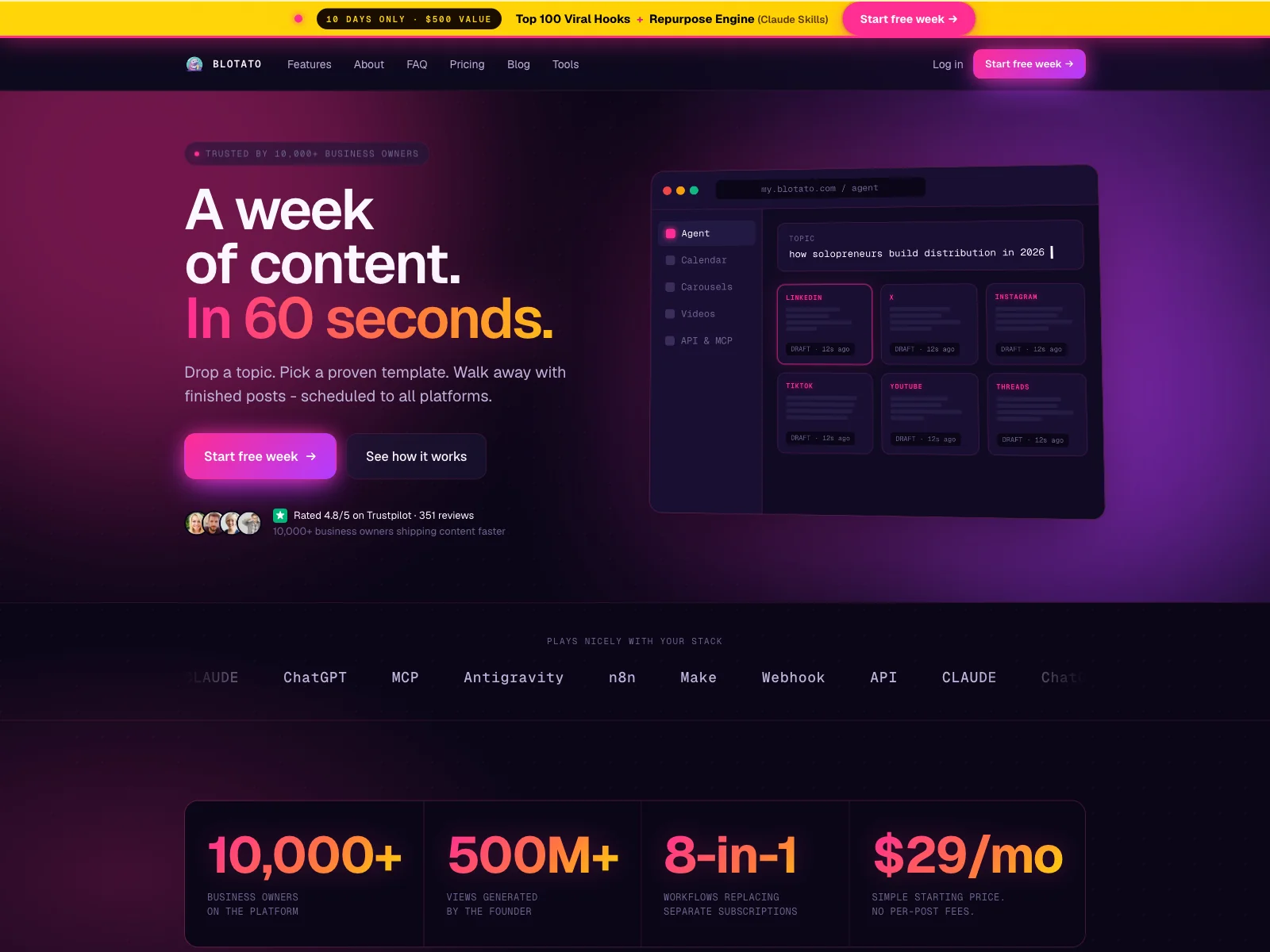
Blotato is the hidden "publish" endpoint of the faceless-video and short-form scene. It generates posts and pushes them to 9+ platforms.
It pairs naturally with Orshot: render the creative in Orshot, publish it through Blotato. That combination solves the fragmentation complaint by wiring design and distribution together.
- Auto-publish to 9+ social platforms
- AI post generation trained on 1M+ viral posts
- Repurposes one video into tweets, carousels, blogs
- Newer and smaller than the big schedulers
- AI-generated copy still needs a human pass
AI features
- 01AI post generation from a viral-post model
- 02Cross-format repurposing (video → text/carousel)
- 03AI faceless-video generation
- 04Scheduling + multi-platform publishing
MCP server: https://mcp.blotato.com/mcp
Best for: Solo marketers and creators running high-volume social without a full social team.
Workflow: Orshot renders the carousel → Blotato schedules it across tweet-to-Instagram style cross-posting → Claude writes the captions.
Entry price: $29/mo (7-day trial).
8. Autosend: email marketing an AI agent can run
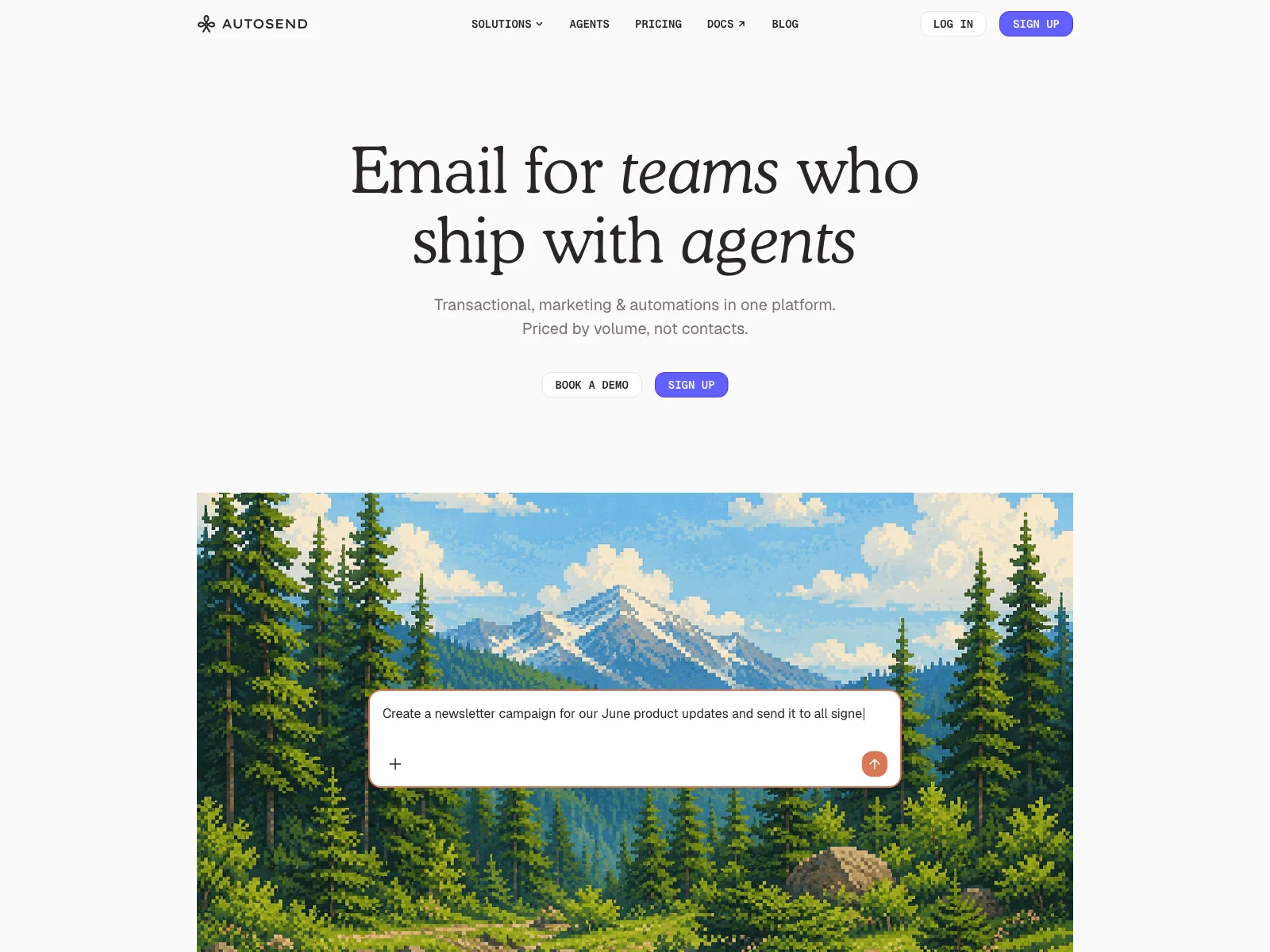
This is the one I actually use for Orshot's email, so call my bias upfront. It still belongs here. Autosend handles transactional and marketing email, and it's built to be driven by an AI agent.
Here's the part that makes it click in a Claude-centred stack: its MCP server lets you create email templates and even send test emails straight from a prompt. You draft, preview, and QA a whole campaign in plain language before a single real send goes out, which makes it genuinely good for handling email marketing end to end.
- MCP lets Claude create templates and send test emails
- Transactional + marketing email in one tool
- Markdown templates with variables and conditional logic
- Indie-friendly, volume-based pricing
- Newer and leaner than the big ESPs
- Lighter on drag-and-drop visual campaign building
AI features
- 01Create email templates via MCP
- 02Send test emails from a prompt
- 03Agent-driven contacts, campaigns, and sends
- 04Automated workflows (property + time-delay triggers)
- 05Suppression and validation engine
MCP server: https://mcp.autosend.com
Best for: Teams who want email marketing (templates, test sends, and campaigns) handled end-to-end by an AI agent.
Workflow: Claude drafts a re-engagement campaign, generates the header in Orshot, then builds the template and fires a test email in Autosend, and only sends for real once I approve it.
Entry price: Hobby from $1/mo (3,000 transactional emails); $5/mo adds marketing + 1,000 contacts.
9. PostHog: the analytics Claude reads to make decisions
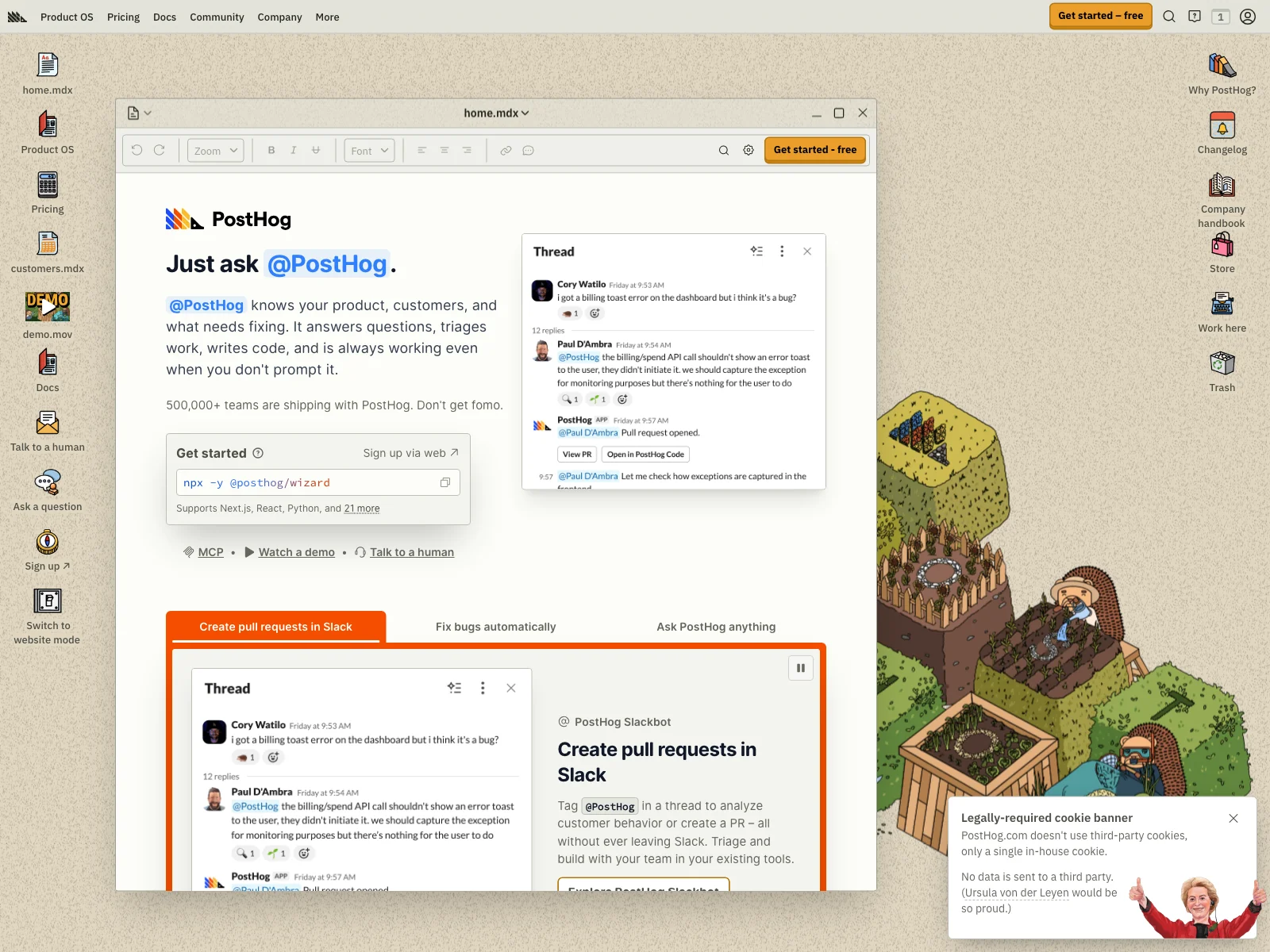
I'll be transparent: we use PostHog ourselves. It belongs here anyway, because of the MCP server. Claude can query your product and marketing data in plain English.
This is what closes the loop with #1: Claude doesn't guess what's working, it asks your data.
- Natural-language analytics over your real data (MCP)
- Product analytics, session replay, and flags in one
- Genuinely generous free tier
- Broad surface area can feel like a lot at first
- Marketing attribution isn't its primary focus
AI features
- 01Natural-language analytics (auto-generated queries)
- 02Error tracking with proposed fixes
- 03Feature flags and experiments from prompts
MCP server: https://mcp.posthog.com/mcp
Best for: Builder-led teams who want analytics an AI can actually interrogate.
Workflow: Ask "Which landing page converts best this month, and why?" Claude queries PostHog over MCP and writes the takeaway.
Entry price: Free tier (1M events/mo, no card).
10. Creatify: AI video ads from a product URL
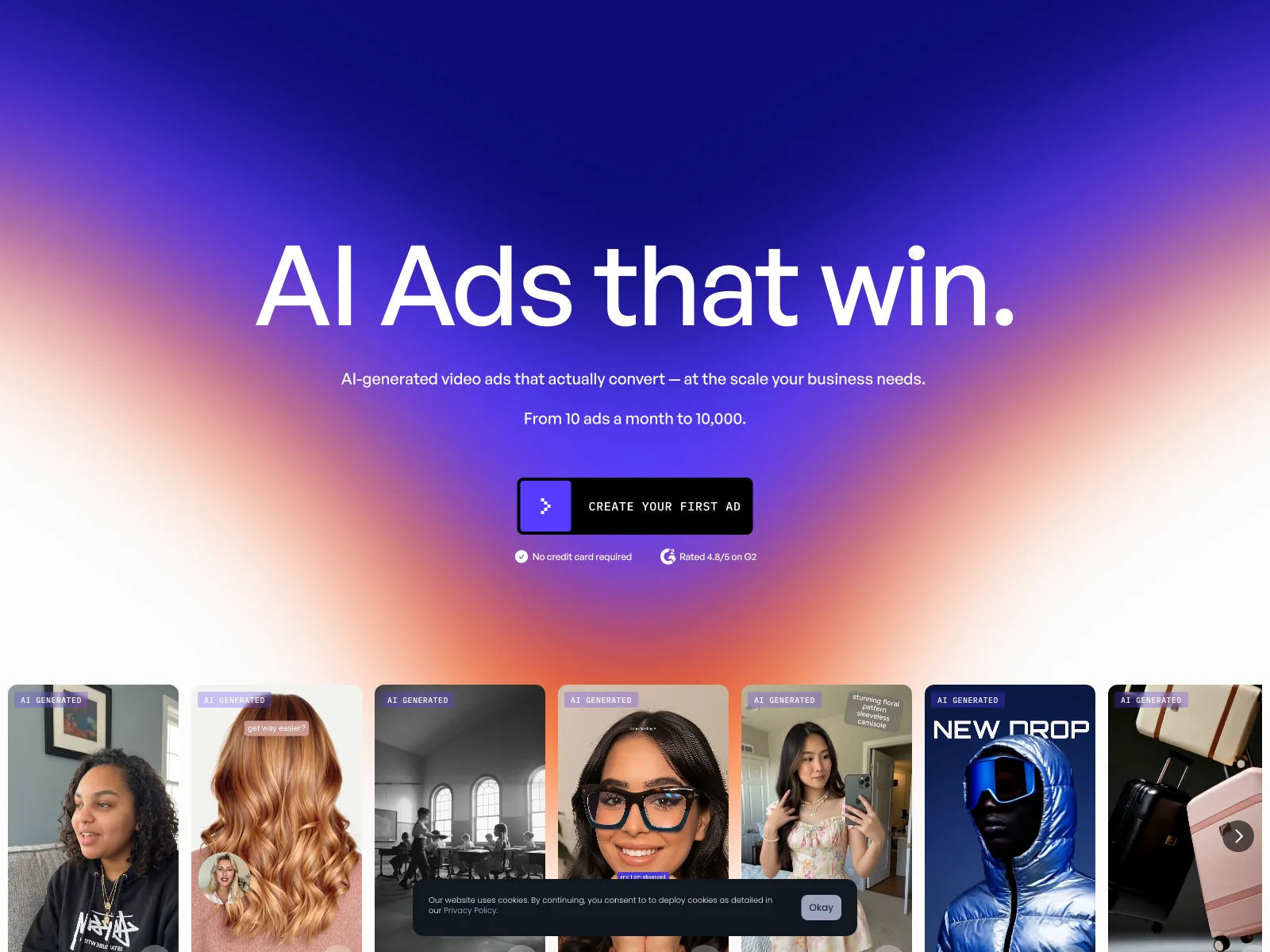
The ad-creative category is wide open for automation, and Creatify is the strongest pick in it. Drop in a product link and it returns a ready UGC-style video ad.
This is also where I keep my promise to be honest about MCP: Creatify's is community-built, not official. Useful, but don't treat it as first-party.
- URL → finished video ad
- 800+ AI avatars, plus cloning
- Batch up to 50 ad variations
- MCP is community-built, not official
- AI avatars still read as AI to some audiences
AI features
- 01URL-to-video ad generation
- 02AI avatars with gestures and expressions
- 03AI scriptwriting + text-to-speech
- 04Batch ad-variation generation
MCP server: npx -y creatify-mcp (community-built)
Best for: Performance marketers who need a constant stream of video ad variations to test.
Workflow: Creatify generates the video hooks; Orshot renders the matching static and Story versions so every format is covered.
Entry price: Free (10 watermarked credits/mo); paid from ~$33/mo.
11. Common Room: know who's ready to buy
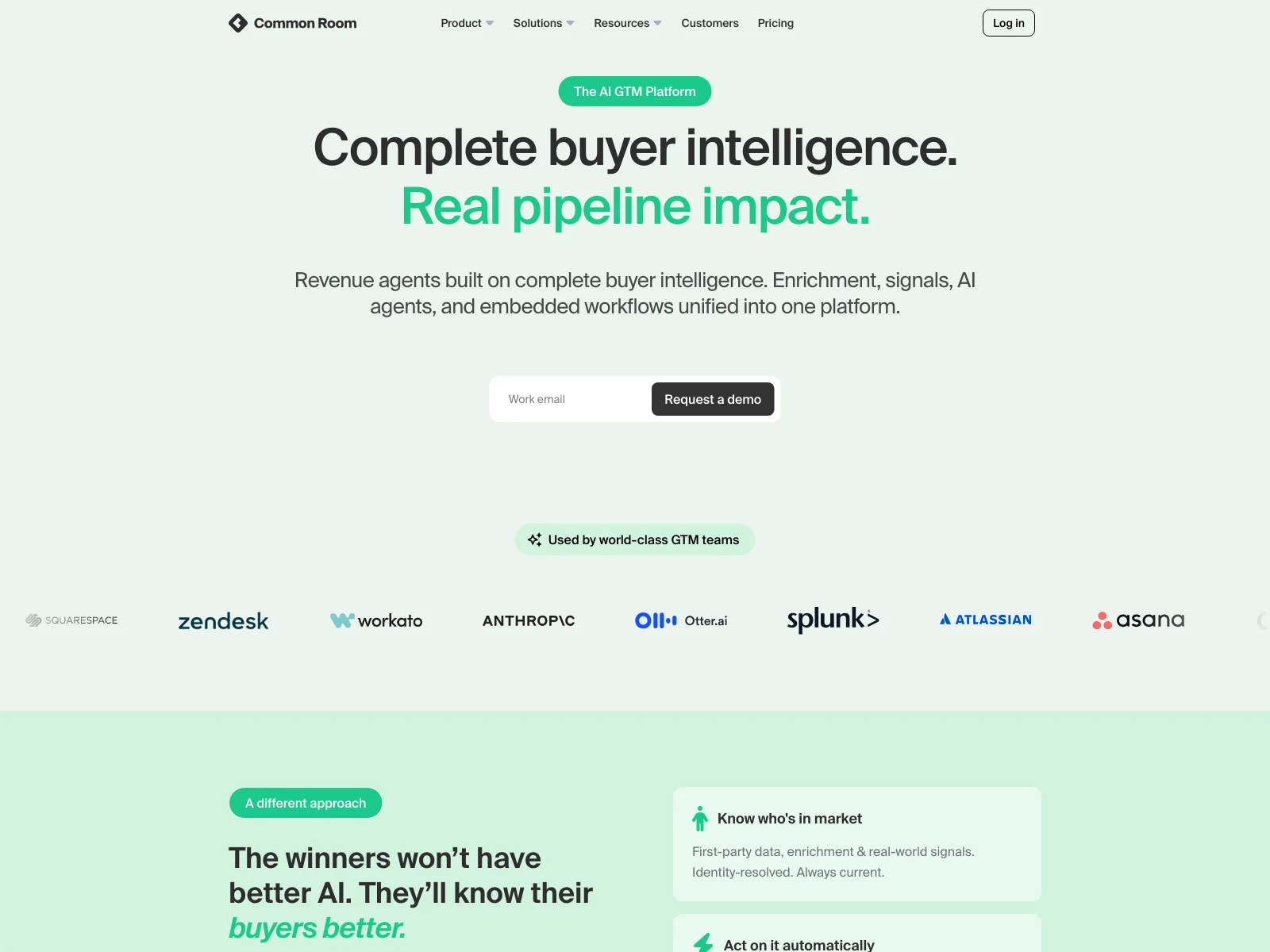
Common Room is the lesser-known pick for the "signals" category. It captures buying signals from 50+ sources and enriches them, so you act on intent instead of cold lists.
- Buyer-signal intelligence across 50+ sources
- Query your buyer data via AI assistants (MCP)
- Differentiated 'signals + enrichment' angle
- Enterprise-priced, with no free tier
- Overkill for very small teams
AI features
- 01Intent, account, and person signal capture
- 02Query buyer intelligence via MCP
- 03Read/write contacts, orgs, and segments
- 04Headless pipelines for custom agents
MCP server: https://mcp.commonroom.io/mcp
Best for: Revenue teams who want to reach accounts at the moment they show intent.
Workflow: Claude pulls fresh buying signals from Common Room and drafts the right outreach for each account.
Entry price: Enterprise (no free tier).
12. Gumloop: the no-code glue for the whole stack
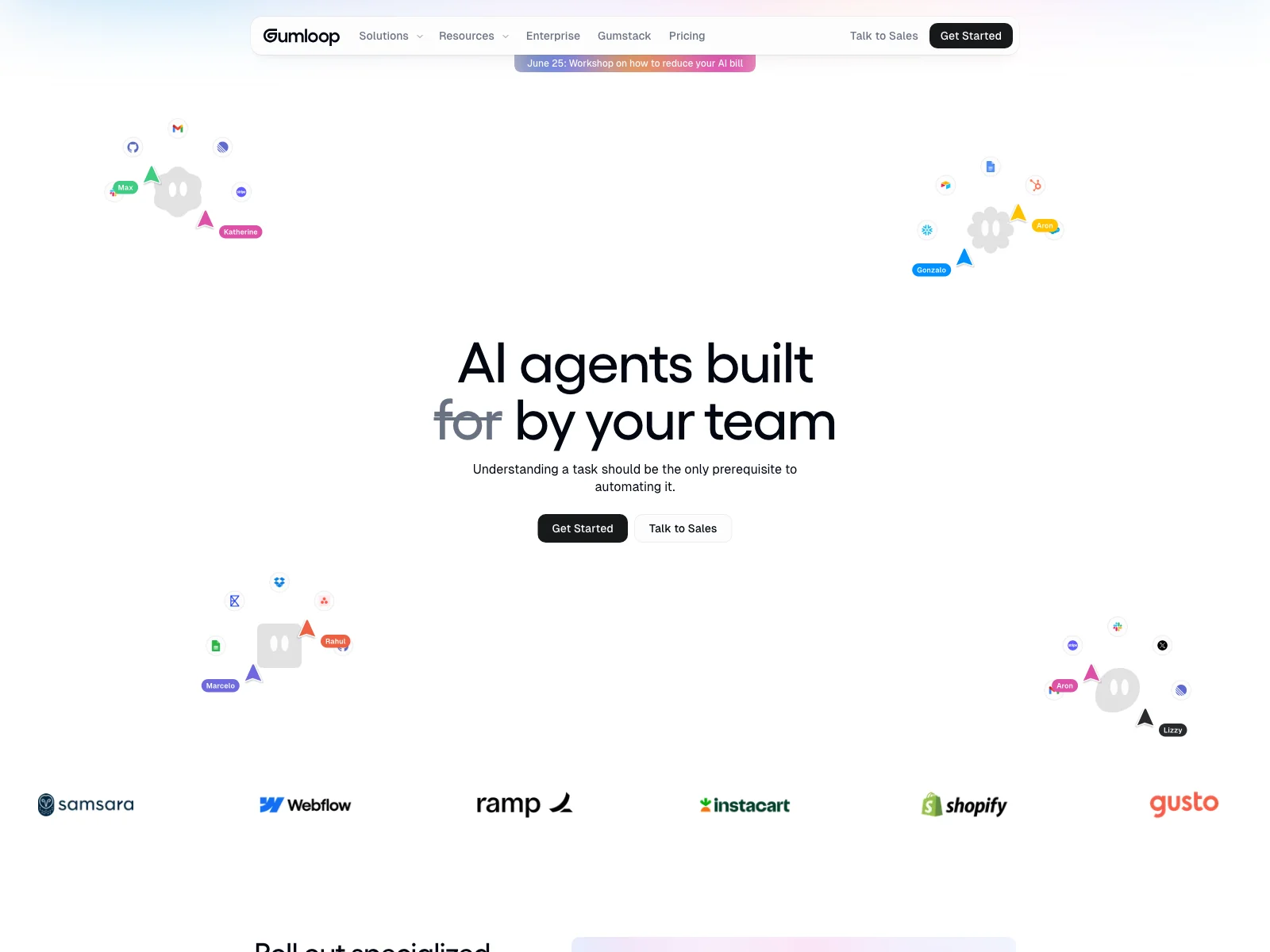
Gumloop is where you wire the rest together without writing code. It's a node-based canvas to chain LLMs, scrapers, and tools, with a meta-agent ("Gummie") that builds the workflow from a prompt.
If Claude is the brain and the others are the hands, Gumloop is the nervous system for the no-code crowd.
- No-code canvas to chain AI, data, and tools
- Pick the model per node (Claude, GPT, Gemini)
- 'Gummie' builds workflows from a description
- Its MCP URL is per-account (not a public endpoint)
- Power-user features take time to master
AI features
- 01Node-based AI workflow builder
- 02Per-node model choice
- 03Gummie meta-agent (prompt → workflow)
- 04100+ hosted MCP integrations
MCP server: Per-account URL from your dashboard (not public).
Best for: Teams who want automation power without living in code.
Workflow: A Gumloop flow watches a form, enriches the lead in Clay, generates the welcome graphic in Orshot, and emails it via Autosend.
Entry price: Free (5,000 credits); Pro from $37/mo.
How they fit together
Notice the pattern: this isn't twelve separate subscriptions you babysit. It's a stack with a brain.
- Claude decides and orchestrates.
- Orshot produces the visuals.
- The other ten feed it data, content, distribution, and signals, most over the same MCP standard.
That's the answer to the Reddit complaint that started this post. You don't find one tool that "does it all." You wire best-of-breed tools together so they behave like one, and Claude is what makes that practical in 2026. If you run this for clients, it's the backbone of AI marketing automation, with one operator driving many accounts. With the right tools, and a brain that connects them and automates the busywork, you can scale in pretty much any marketing vertical.
Common questions
What is an AI marketing platform, really?
What is MCP and why does it matter here?
Why is Orshot ranked #2 and not #1?
Do I need all twelve?
How does Orshot fit a Claude-centred stack?
Bottom line
The best AI marketing platform in 2026 isn't a single app. It's Claude orchestrating a handful of sharp, MCP-connectable tools.
Pick your brain (Claude), wire in the tools that fix your worst bottleneck, and let them run. If that bottleneck is visual creative, the one almost every list ignores, that's the exact job Orshot was built for.
Get started with Orshot →. Free tier, no credit card.