I researched the creative automation tools marketing teams actually compare, from enterprise ad suites to small template APIs. Most roundups name the same five enterprise tools, and most of those say "custom" where the price should be.
Reddit is blunter. One commenter in r/PPC wrote that Smartly "starts around $5k/month on their lower tier."
So I built a different list of creative automation platforms. I opened every pricing page in October 2026 and gave most of the slots to newer tools the usual roundups skip. I also checked what no other list covers: whether an AI agent like Claude or ChatGPT can actually drive each platform over MCP.
One disclosure up front: Orshot is my product. It sits at #2, and I'll say plainly what it doesn't do (HTML5 display ads, for one).
What is a creative automation platform?
A creative automation platform turns a master design plus data into many finished assets. The design is a template with locked brand elements and a few fields that change. The data is a product feed, a spreadsheet row, an API call or a prompt.
You change the data, and the platform produces every size, language and product variant. Designers build the system once, and the volume comes from software instead of from redoing the same layout 200 times.
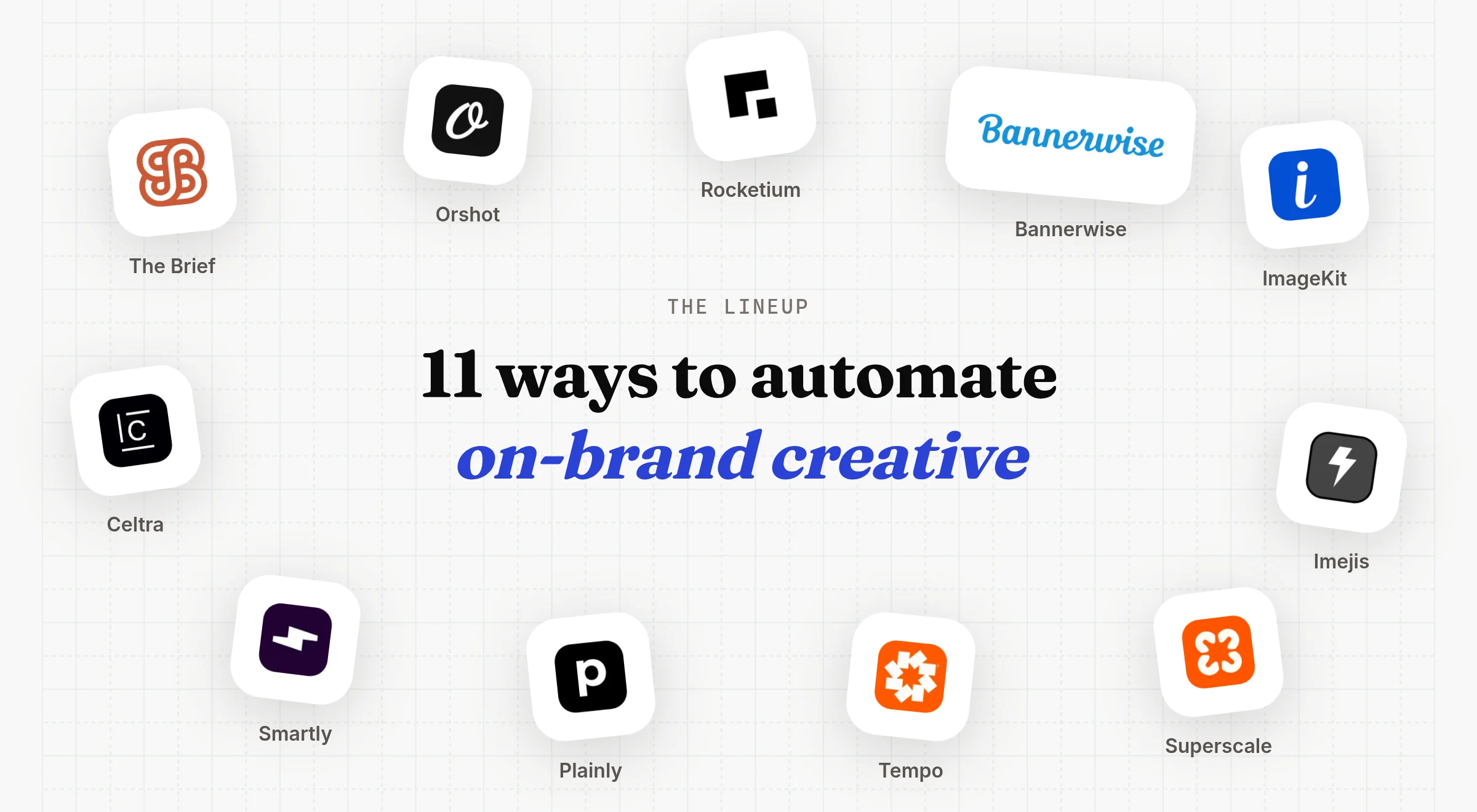
The 11 at a glance
| Platform | Best for | Starting price | API | MCP |
|---|---|---|---|---|
| The Brief | Hand-built HTML5 and display ads | $29/mo yearly | Enterprise only | |
| Orshot | Images, PDFs and video from templates via API | Free, then $39/mo | ||
| Rocketium | Managed AI production for consumer brands | Quote only | Legacy | |
| Bannerwise | HTML5 and dynamic display ads | €275/mo yearly | Enterprise only | |
| ImageKit | Banner variants inside a DAM | Free, then $9/mo | ||
| Imejis | A low-cost image API | Free, then $14.99/mo | ||
| Superscale | An AI agent for Meta, Google and TikTok ads | $99/mo | ||
| Tempo | Weekly Meta ads for Shopify stores | $99/mo | ||
| Plainly | After Effects video at scale | $69/mo | ||
| Smartly | Paid social plus media buying | Quote only | ||
| Celtra | Enterprise HTML5 and rich media | Quote only | Add-on |
Prices are the lowest paid plan on each vendor's own pricing page, checked October 1, 2026.
1. The Brief: ad design for teams that build by hand
Best for: marketing teams and agencies that design display ads in a browser and need HTML5
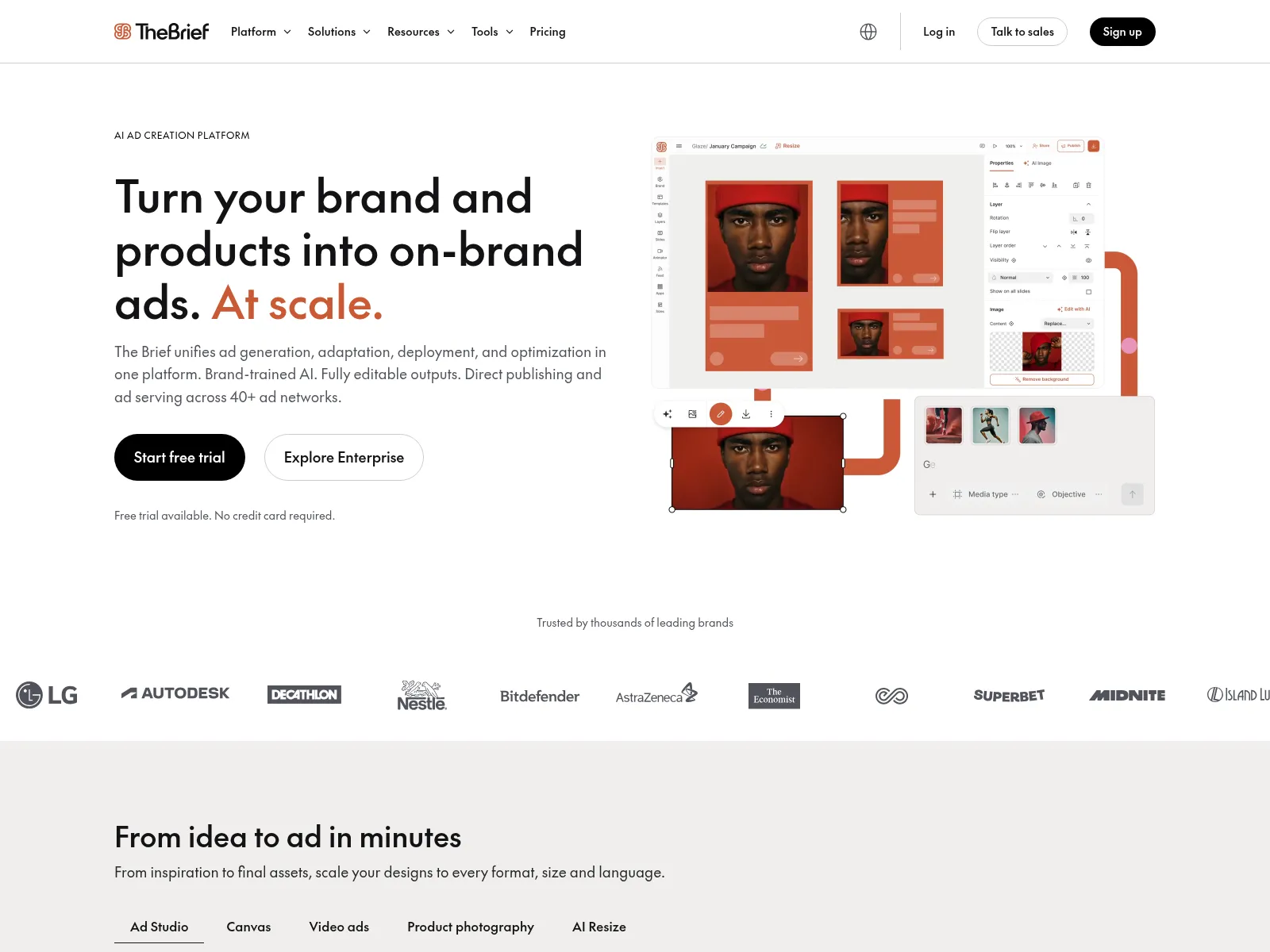
The Brief is the tool many people still know as Creatopy, and before that as Bannersnack. It rebranded in October 2025, and creatopy.com now redirects there. It covers ad generation, resizing, an ad server and publishing to 40+ ad networks.
It's the cheapest self-serve entry on this list for HTML5 work. A designer builds the master ad, then sizes and feed-driven variants come out of the editor. I wrote up how it compares to an API workflow in the Creatopy alternative post.
What it does
- Exports JPG, PNG, WebP, GIF, HTML5, MP4 and PDF on every plan
- Publishes to Meta and Google Ads from the Ultra plan up, with CM360 and DV360 on Enterprise
- Reads product data from Shopify, Google Sheets and CSV or XML feeds
- Imports PSD and Figma files on every plan
- Connects to DAMs like Bynder, Frontify and Orange Logic on Enterprise
AI agent readiness
- MCP server: no. The "Connect with MCP" button on its docs site only searches the documentation.
- API: REST and GraphQL on the Enterprise plan, plus a Zapier app from the Ultra plan up.
- What an agent can do: nothing directly yet. An agent would have to go through Zapier or the Enterprise API.
Where it falls short
Self-serve plans cap product feeds at 1 to 2 MB, and the API gate makes it hard to plug into n8n or your own backend. The product has also shifted a lot since the rename toward an "AI agency" pitch.
Pricing: $29/mo for one seat, $79/mo for the larger single-seat plan and $49 per seat for teams of 2 to 10, all billed annually. Monthly billing is $39, $99 and $59. Seven-day trial, no card.
2. Orshot: creative automation via API and agents
Best for: teams who want on-brand images, PDFs and video generated from their own workflows
I built Orshot for the second group: teams who want on-brand creative generated by a workflow, not booked through an account manager. You design a template once, mark the fields that change, then generate images, PDFs and video from it through the API, n8n, Make, Zapier or an AI agent.
Here's what that looks like with a product feed. Three rows of data, three ads, no designer in the loop:



Each one is a single request. The modifications object carries the row, and the response is a hosted file URL:
curl -X POST https://api.orshot.com/v1/studio/render \
  -H "Authorization: Bearer $ORSHOT_API_KEY" \
  -H "Content-Type: application/json" \
  -d '{
    "templateId": "<PRODUCT_AD_TEMPLATE_ID>",
    "modifications": {
      "product_name": "Citrus Body Wash",
      "price": "$18",
      "product_image": "https://example.com/feed/body-wash.jpg"
    },
    "response": {
      "type": "url",
      "format": "png",
      "extraSizes": ["instagram-story", "1080x1080"]
    }
  }'
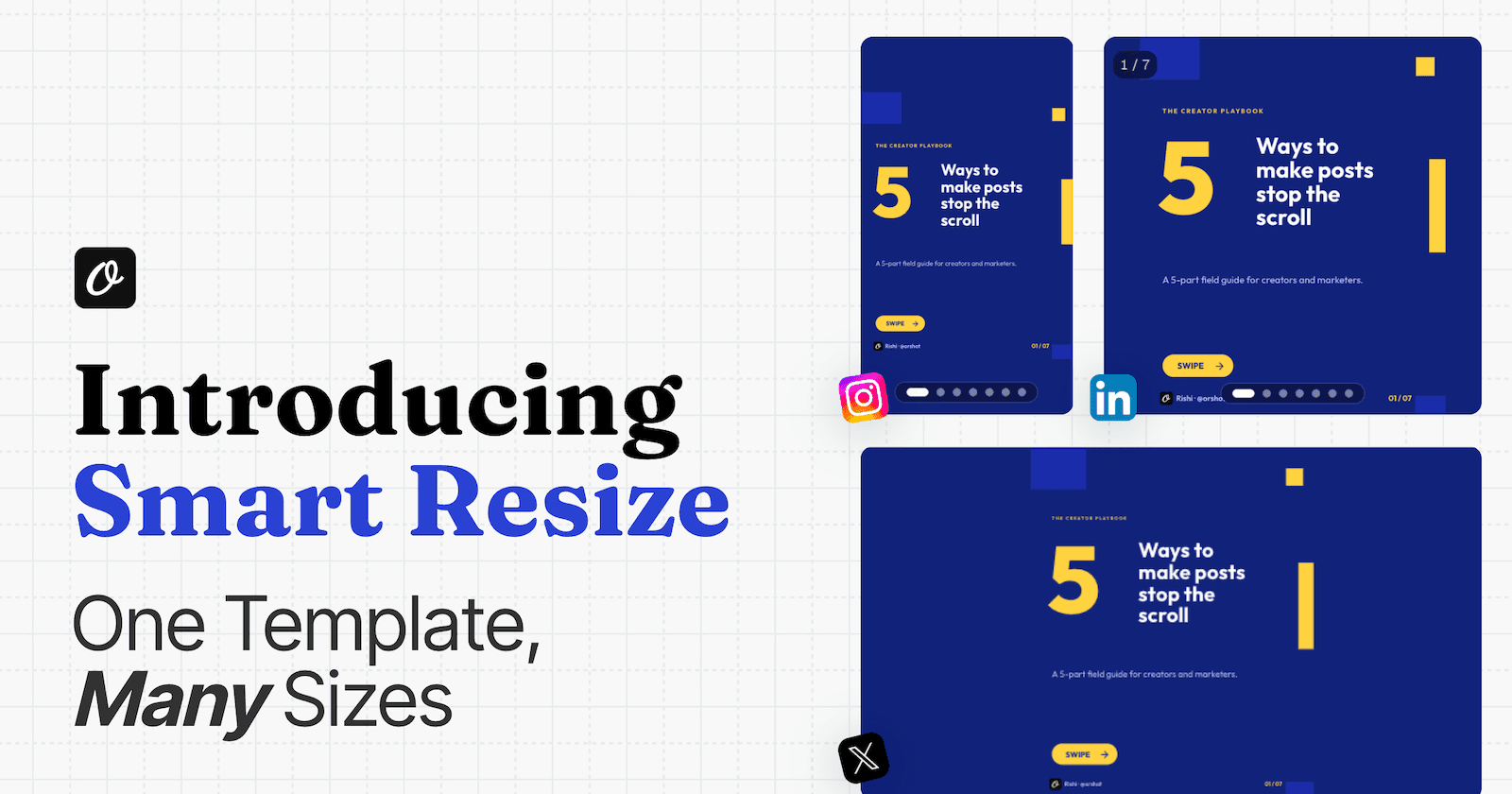
That extraSizes line is Smart Resize. The same design is re-laid-out for each canvas in that call, so the 4:5 feed ad also comes back as a story and a square:



Change "format" to "mp4" and the same template comes back as a video. I added entrance timing as render-time parameters for this one, without touching the saved design:
Templates can start in Orshot Studio, from a prompt, or from a design you already have: import a Canva template or turn a Figma frame into an API. PDFs support CMYK for print.
If a brand team or an agency has to sign off before anything goes out, Scale plans add approval flows. Each template moves through stages like brand review and legal review, and the API, n8n, Make, Zapier and AI agents can't render it until it's approved. Designers can still preview and download in the studio the whole time.
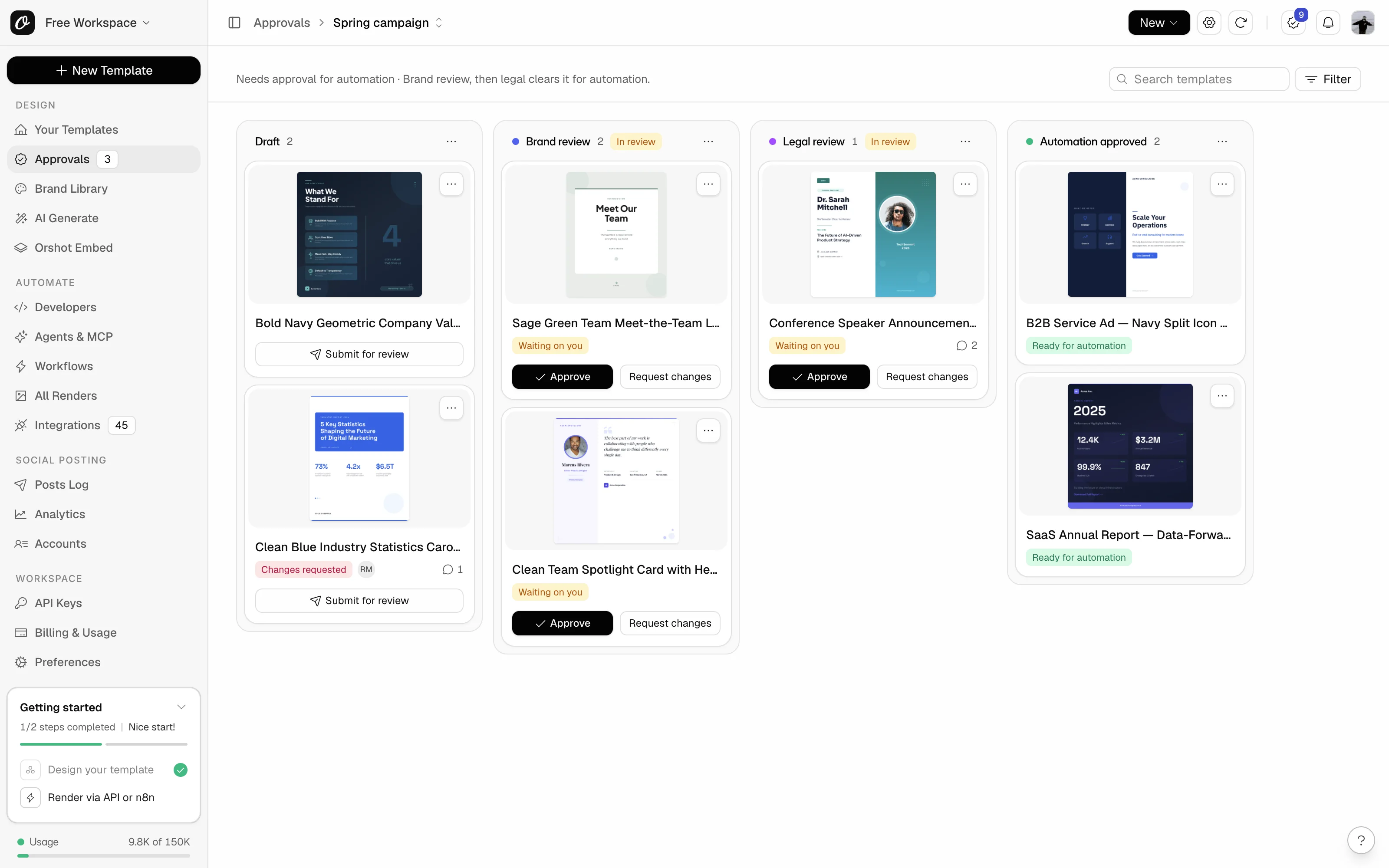
- Price: free plan with 100 credits a month. Launch is $39/mo for 1,500 credits (about 1,500 images or PDFs, or 25 minutes of video). Grow is $160/mo, Scale $349/mo.
- Output: PNG, JPG, WebP, AVIF, multi-page PDF (with CMYK), MP4, WebM, MOV and GIF.
- Integrations: REST API and SDKs on every plan, plus n8n, Make, Zapier, Airtable and Google Sheets.
- What it doesn't do: HTML5 display ads, media buying or ad serving. You push the files into your ad manager, or post them with the social publishing add-on.
AI agent readiness
- MCP server: yes, official and hosted at
https://mcp.orshot.com/mcp - Tools: 103, covering templates, rendering, brand assets, workflows and social publishing
- What an agent can do: design a template from a brief, edit it, render images, PDFs and video, resize to any format, pull your brand kit, publish to 15+ social platforms and read post analytics
- Sign-in: OAuth, so there's no API key to paste
- Works in: Claude, ChatGPT, Cursor, VS Code, Codex, Windsurf and other MCP clients. See Orshot for agents.
# Claude Code
claude mcp add orshot --transport http https://mcp.orshot.com/mcp
Every visual in this post came out of that MCP server. While I wrote it, Claude took the 10 homepage screenshots, built the cover and the two graphics, and rendered the product ad above as a PNG and an MP4. No design tool was opened for any of it.
3. Rocketium: AI production with human review
Best for: consumer brands that want to hand off production and review the results
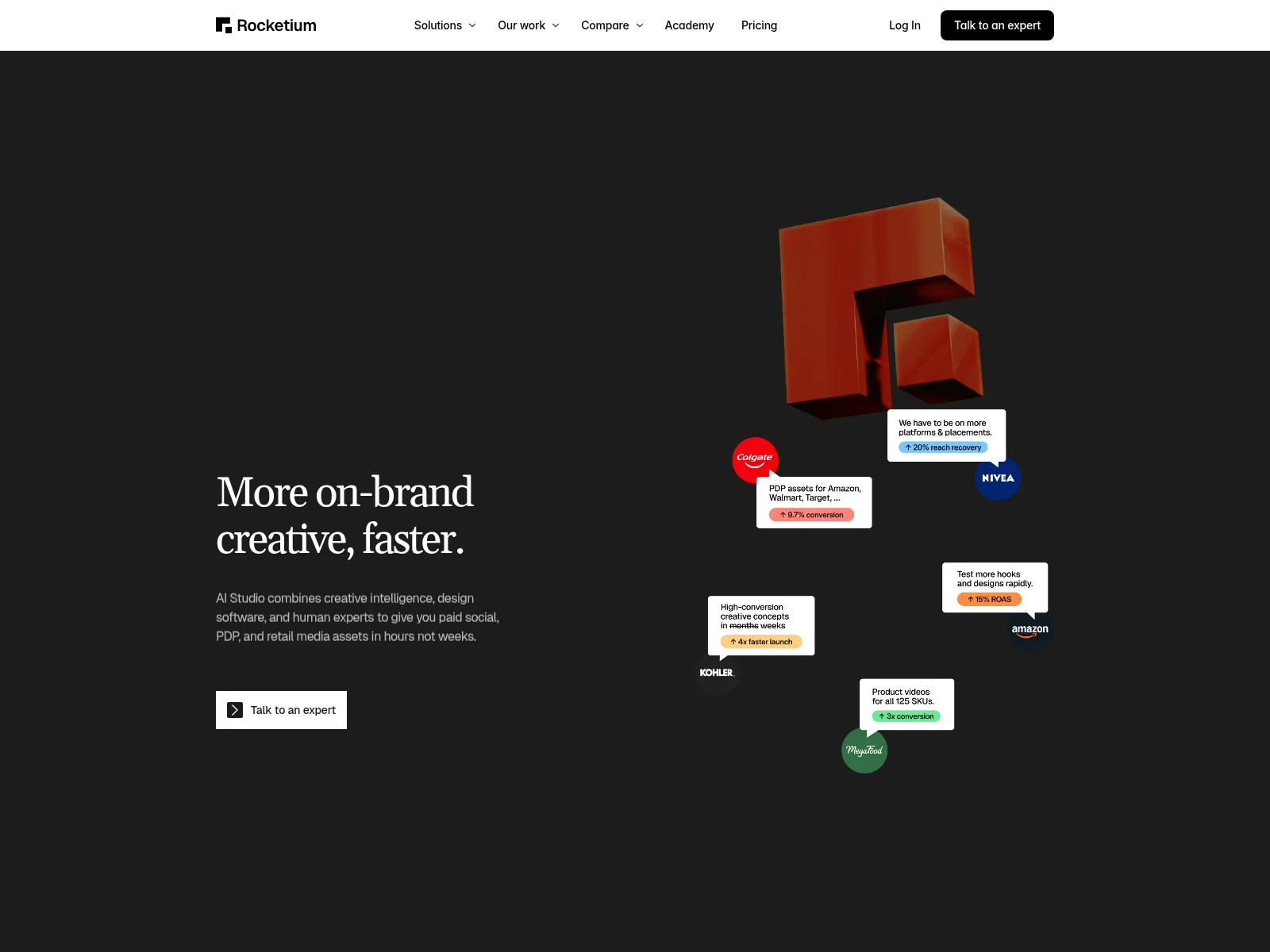
Rocketium sells "AI Studio" to e-commerce and consumer brands. AI agents produce the assets, human designers check them, and the stated turnaround is under 24 hours for paid social, product page and retail media assets.
It's closer to a managed service than to software you run yourself. You send a brief, and finished files come back with brand-compliance checks already done.
What it does
- Outputs PNG, JPEG, WebP, PDF and PSD
- Checks assets against brand and retailer rules before delivery
- Figma plugin and Photoshop support for source files
- Connects to Bynder, Box, Google Drive, Workfront, Monday and Asana
AI agent readiness
- MCP server: no.
- API: a legacy REST API from its earlier product, not documented for AI Studio.
- What an agent can do: nothing directly. Work runs through briefs and the review queue.
Where it falls short
There are no public prices. Rocketium's own comparison article puts AI Studio at $50K+ a year, which rules out small teams. You also don't own a template you can call yourself.
Pricing: request a quote on rocketium.ai.
4. Bannerwise: HTML5 and dynamic ads without code
Best for: brands and agencies running display and social ads across many networks
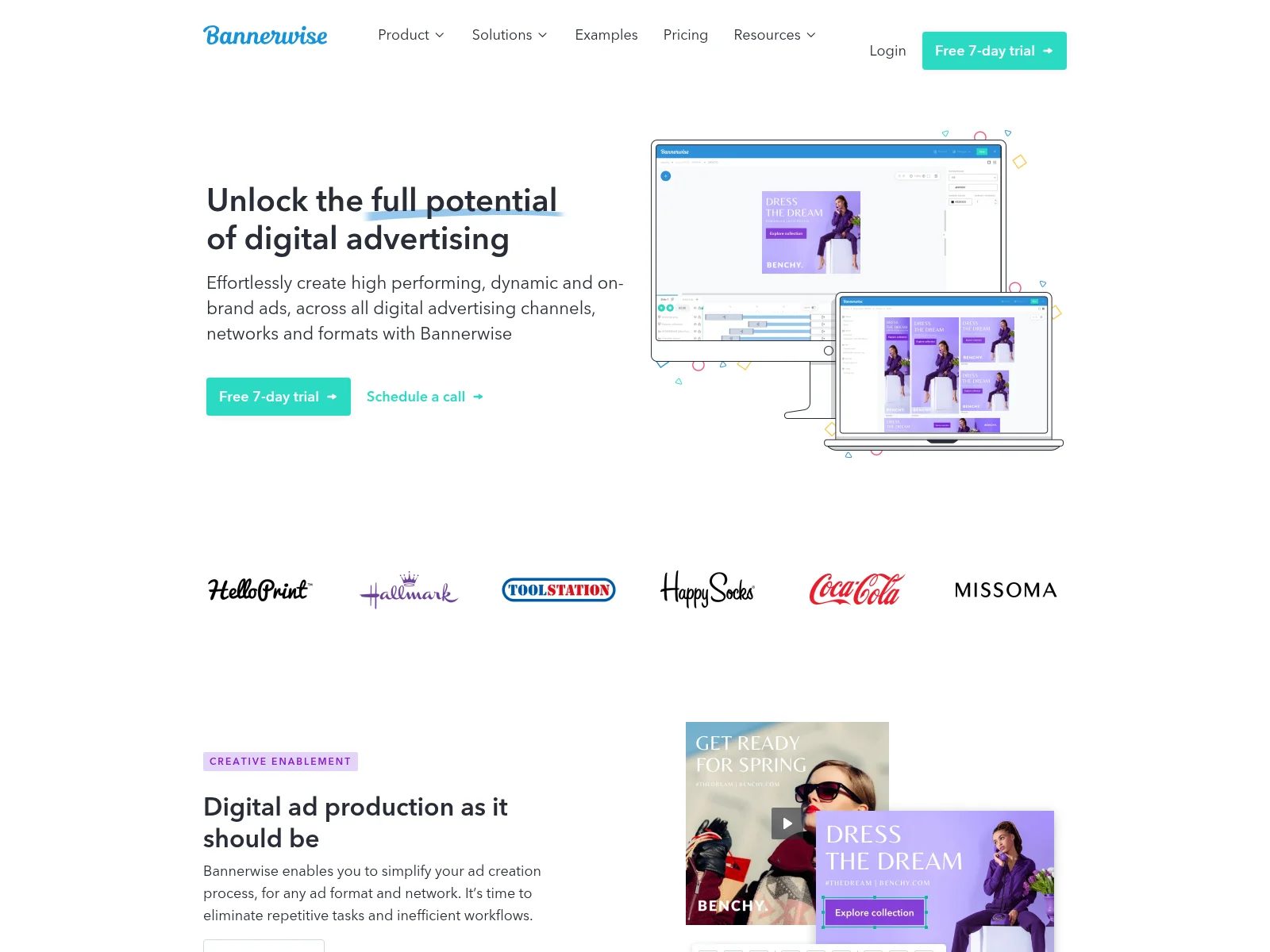
Bannerwise was started by a marketer and a developer from a digital agency who were tired of spending days on a single HTML5 ad set. It's a creative management platform: you build an ad once in the browser and export it to every network and format.
It covers similar ground to the enterprise suites at the bottom of this list, but it's a much smaller name, with public prices and a free trial.
What it does
- Exports HTML5, AMP, GIF, MP4, JPG and PNG, downloadable as a ZIP
- Publishes to Google Ads, Campaign Manager, Facebook, Instagram, Pinterest, AdRoll and premium DSPs
- Feed-based dynamic ads for social and display on the Professional plan
- Unlimited creatives on every plan
AI agent readiness
- MCP server: no.
- API: full API access on Enterprise, plus ad-network API connections as a €49/mo add-on.
- What an agent can do: nothing directly. Work happens in the browser editor.
Where it falls short
Every plan is a yearly commitment, and Standard includes one user (extra users are €49/mo). Feed-based dynamic ads start on Professional and allow only one published feed-based ad.
Pricing: Standard €299/mo, or €275/mo paid yearly. Professional €499/mo, or €459/mo paid yearly. Both need a yearly commitment. Seven-day free trial.
5. ImageKit Creative Automation: templates inside your DAM
Best for: teams that already store and deliver their images with ImageKit
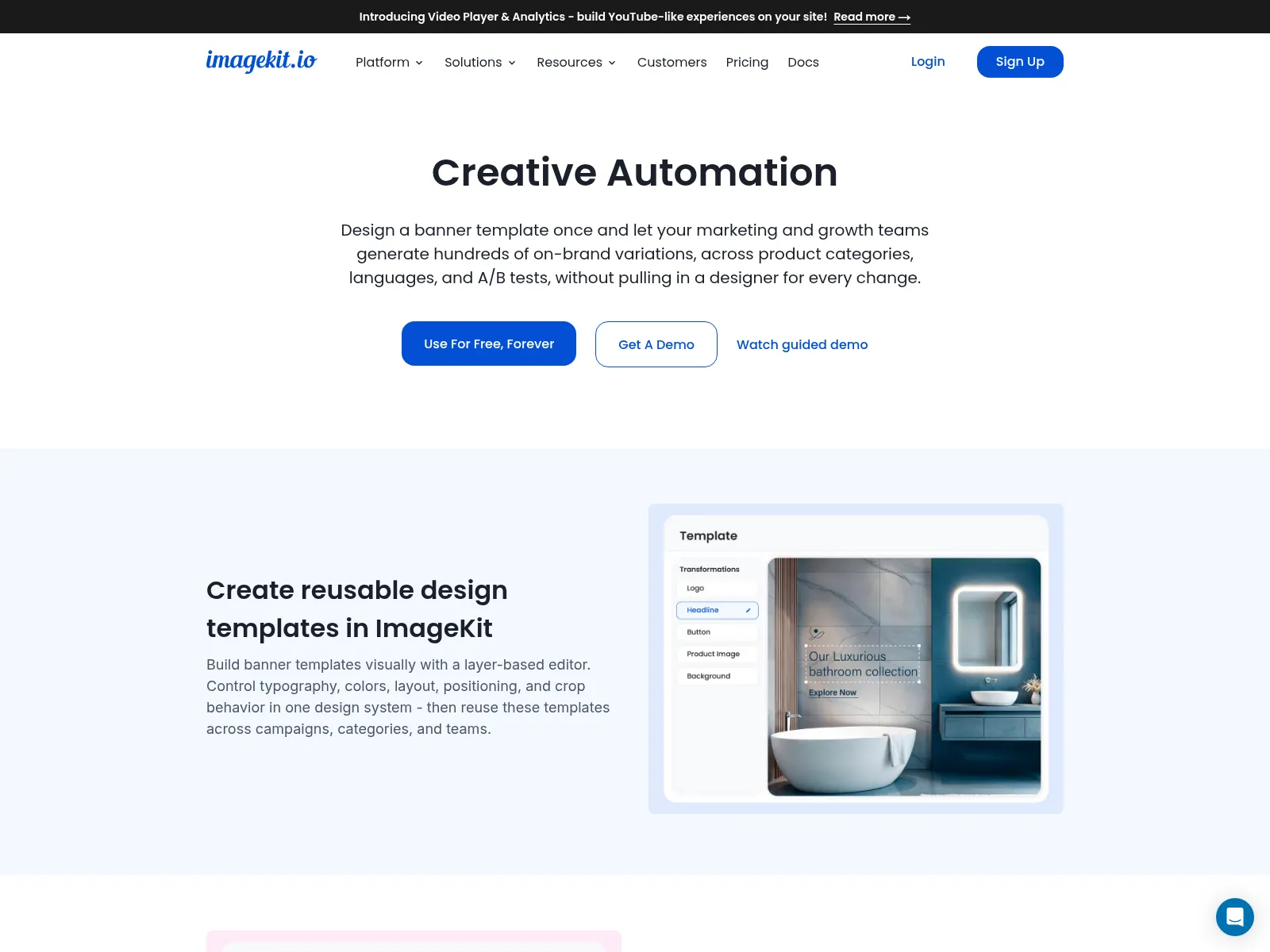
ImageKit is an image CDN and DAM that added Creative Automation in late June 2026. You build a layered banner template inside the asset library, lock the brand layers, and let marketers change the rest.
Each row of a CSV becomes a finished creative, and the output lands back in the same library with a CDN URL. For teams already on ImageKit, it removes a whole export-upload step.
What it does
- Locks chosen layers so only approved fields can change
- Turns CSV rows into banner, social, catalog and promo variants
- AI Assist translates copy and writes CTA and A/B variants
- Stores every output in the DAM with delivery URLs
AI agent readiness
- MCP server: yes, three official servers (DAM, Admin and DevTools)
- What an agent can do: search and manage the media library and build resize and crop URLs. None of the tools touch Creative Automation templates yet.
- Sign-in: OAuth
- Works in: Claude, Cursor, VS Code, Windsurf and Codex
- API: no documented API for generating creatives
Where it falls short
Template layers are limited to canvas, image and text. There's no video or PDF output, and the docs note the feature "may not be enabled on every account."
Pricing: included on all ImageKit plans. Free and Lite ($9/mo) have limited exports; Pro is $89/mo with unlimited exports.
6. Imejis: a small, cheap image API
Best for: developers who need template images from an API on a small budget
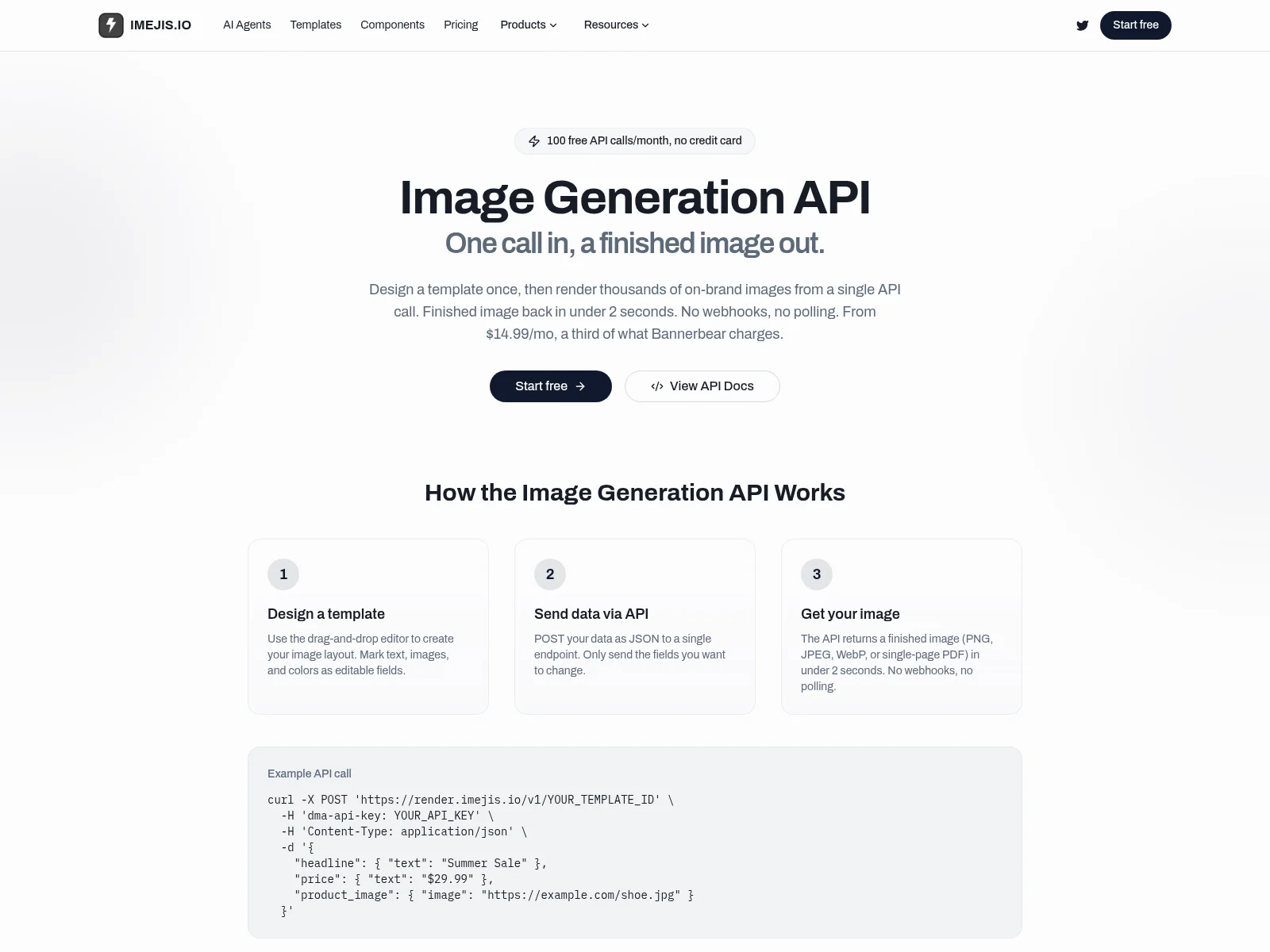
Imejis is a small template image API, credited on its site to a solo maker. You design in a drag-and-drop editor, mark fields as editable, then POST JSON and get the image back in the same response.
It's one of the cheapest paid plans on this list, and it adds specialty endpoints for charts, KPI cards and tables that most template tools don't have.
What it does
- Returns PNG, JPEG, WebP or a single-page PDF synchronously, no webhooks needed
- Chart, KPI card, table and heatmap endpoints for data visuals
- Endpoints in the US, EU, Singapore and Australia
- Zapier, Make, n8n, Airtable, Google Sheets, Webflow and WordPress
AI agent readiness
- MCP server: yes, official, at
https://api.imejis.io/api/mcp, on every plan including free - What an agent can do: create and edit designs, start from a template, preview, and export a PNG, JPEG, WebP or single-page PDF. It can't resize, publish or read results.
- Sign-in: OAuth
- Works in: Claude, ChatGPT and Cursor
- API:
POST render.imejis.io/v1/{templateId}on every plan
Where it falls short
Images only: no video, and PDFs are single-page. It's a very small company, which matters if you're building something that needs a long support runway.
Pricing: free for 100 renders a month. Basic is $14.99/mo for 1,000, Pro $24.99/mo for 10,000, Unlimited $69.99/mo for 100,000.
7. Superscale: an AI agent that runs your paid ads
Best for: performance marketers who want research, creative and launch handled by an agent
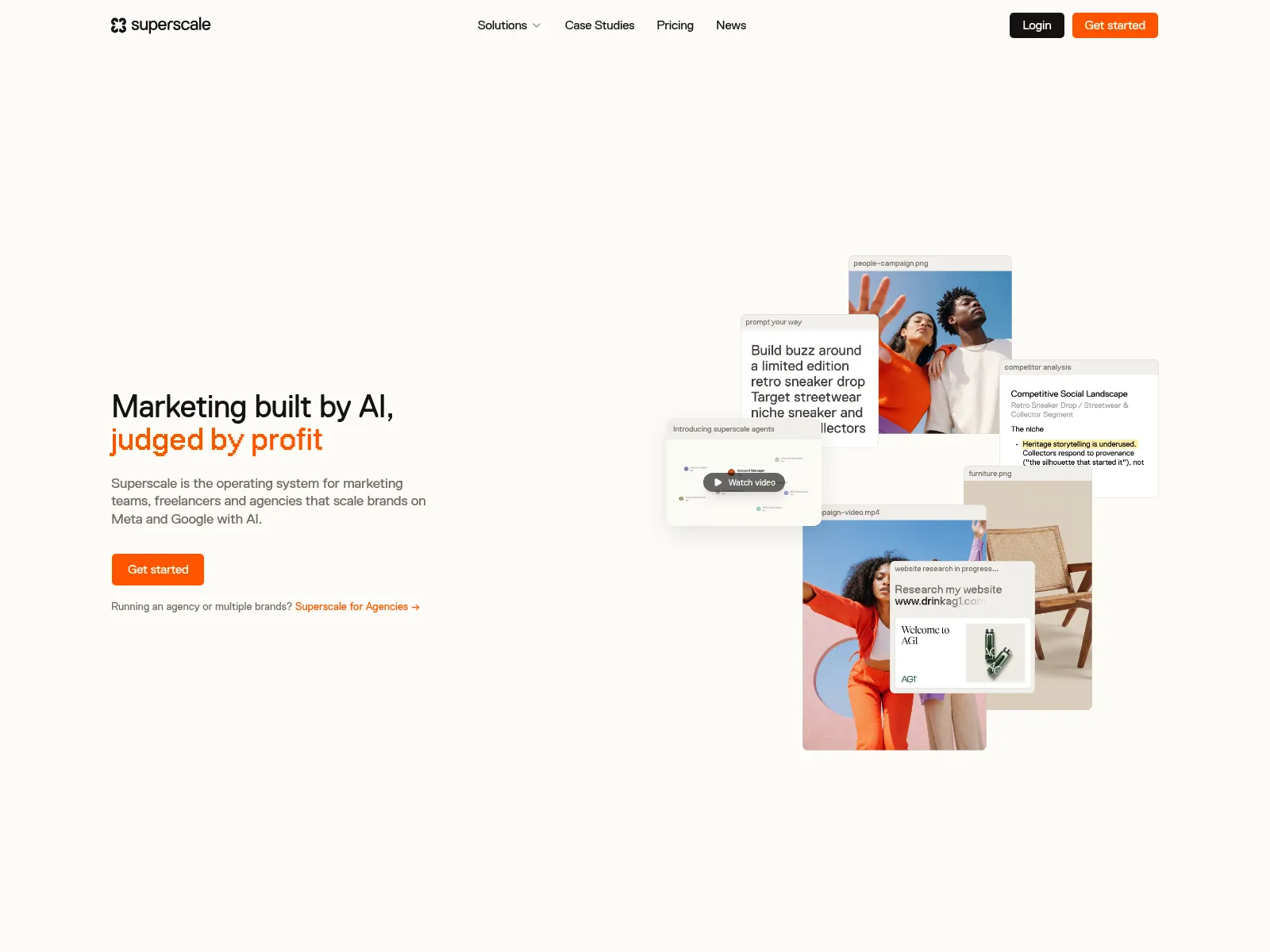
Superscale is a Berlin startup that raised a $5M pre-seed in June 2025. Give it a product URL and it researches competitors, writes copy, generates static ads and AI UGC videos, then publishes and iterates on Meta, Google and TikTok.
It sits at the "agent" end of creative automation: you approve direction, and it handles production and testing.
What it does
- Builds a whole campaign from a product URL
- Benchmarks competitor ads before generating
- Static ads, AI UGC video, product demos and voiceover in 20+ languages
- Flags weak creatives and pauses them through the Meta connection once you approve
AI agent readiness
- MCP server: yes, added as a Claude connector. The pricing page lists it on Advanced ($99/mo), while the docs say it starts on Pro ($199/mo), and one docs page still calls it "coming soon."
- What an agent can do: generate copy, static ads and UGC video, resize to 9:16, 1:1 and 16:9, launch to Meta, TikTok, Instagram and Google Ads after approval, and read performance back. It can't edit a template you designed.
- Works in: Claude
- API: no public REST API found
Where it falls short
Ad-account connections start on the $199 Pro plan. Video uses credits quickly, every regeneration spends credits, and most video formats default to 15 seconds.
Pricing: Advanced is $99/mo (8,000 credits, up to 250 generations), Pro $199/mo, Scale $399/mo, Enterprise from $799. Free credits and a 5-day trial.
8. Tempo: weekly Meta ads for Shopify stores
Best for: Shopify brands that advertise on Meta and want new ads every week
Tempo plugs into your Shopify store and Meta ad account. It learns from your catalog, reviews, competitors and ad performance, then puts a fresh batch of ads in an approval queue every week.
You approve or reject, and it launches the approved ones. Its Shopify app went live in October 2024, so it's one of the newer names here.
What it does
- Plans and creates static ads, light-motion video and email hero images
- Publishes approved ads straight to Meta
- Pulls catalog and sales data from Shopify and connects to Klaviyo
- Weekly review queue instead of one-off generation
AI agent readiness
- MCP server: no.
- API: none.
- What an agent can do: nothing directly. Tempo is itself the agent, working inside its own app.
Where it falls short
It only works for Shopify stores, and Meta is the only ad platform. The Shopify App Store listing has 3.6 stars from 6 reviews, including one about a charge after cancelling (later refunded) and another saying there was no way to cancel.
Pricing: Starter $99/mo for 10 ads a week, Growth $250/mo for 30 ads plus 10 video ads a week, Scale on request. Seven-day trial.
9. Plainly: After Effects templates rendered from data
Best for: video teams that already design in After Effects
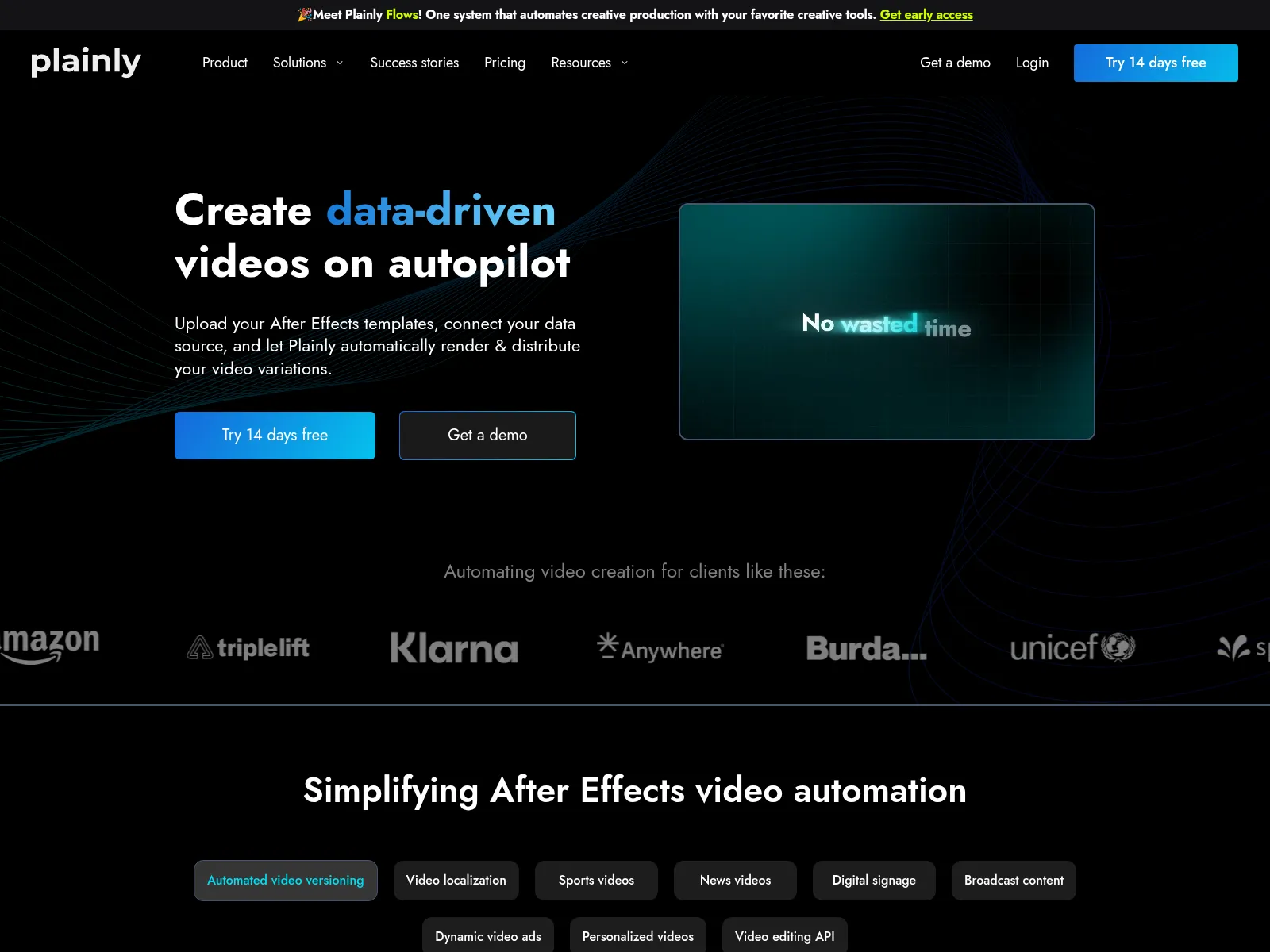
Plainly renders After Effects projects in the cloud. You upload a template, it detects the editable layers, and every row of data becomes a new video. It's an official Adobe Video Technology Partner.
In September 2026 it launched Plainly Flows, a request-form workflow so non-designers can order variants without touching the template. If you'd rather skip After Effects entirely, Orshot's video templates are built in the browser instead.
What it does
- MP4 by default, plus MOV with alpha, ProRes and GIF
- Scans projects and finds editable parameters automatically
- Zapier, Airtable, Google Sheets, Excel, Typeform, Jotform and RSS triggers
- Open-source After Effects plugin
AI agent readiness
- MCP server: yes, an official open-source package (
@plainly-videos/mcp-server), free on every plan - Tools: 4, for listing templates, reading their parameters, rendering and checking render status
- What an agent can do: render After Effects templates with new data. It can't edit templates, resize or publish.
- Sign-in: API key, running locally on Node 18+
- Works in: Claude, Cursor, VS Code and other MCP clients that run local servers
- API: REST on every plan
Where it falls short
Someone on the team needs After Effects skills, and reviewers mention a steep learning curve. Finished videos are kept only 24 hours on Starter.
Pricing: Starter $69/mo ($48 annually) for 50 render minutes, Explorer $134/mo, Team $259/mo, Pro $649/mo. 14-day trial.
10. Smartly: creative automation tied to paid media
Best for: brands with large paid social budgets that want creative and buying in one tool
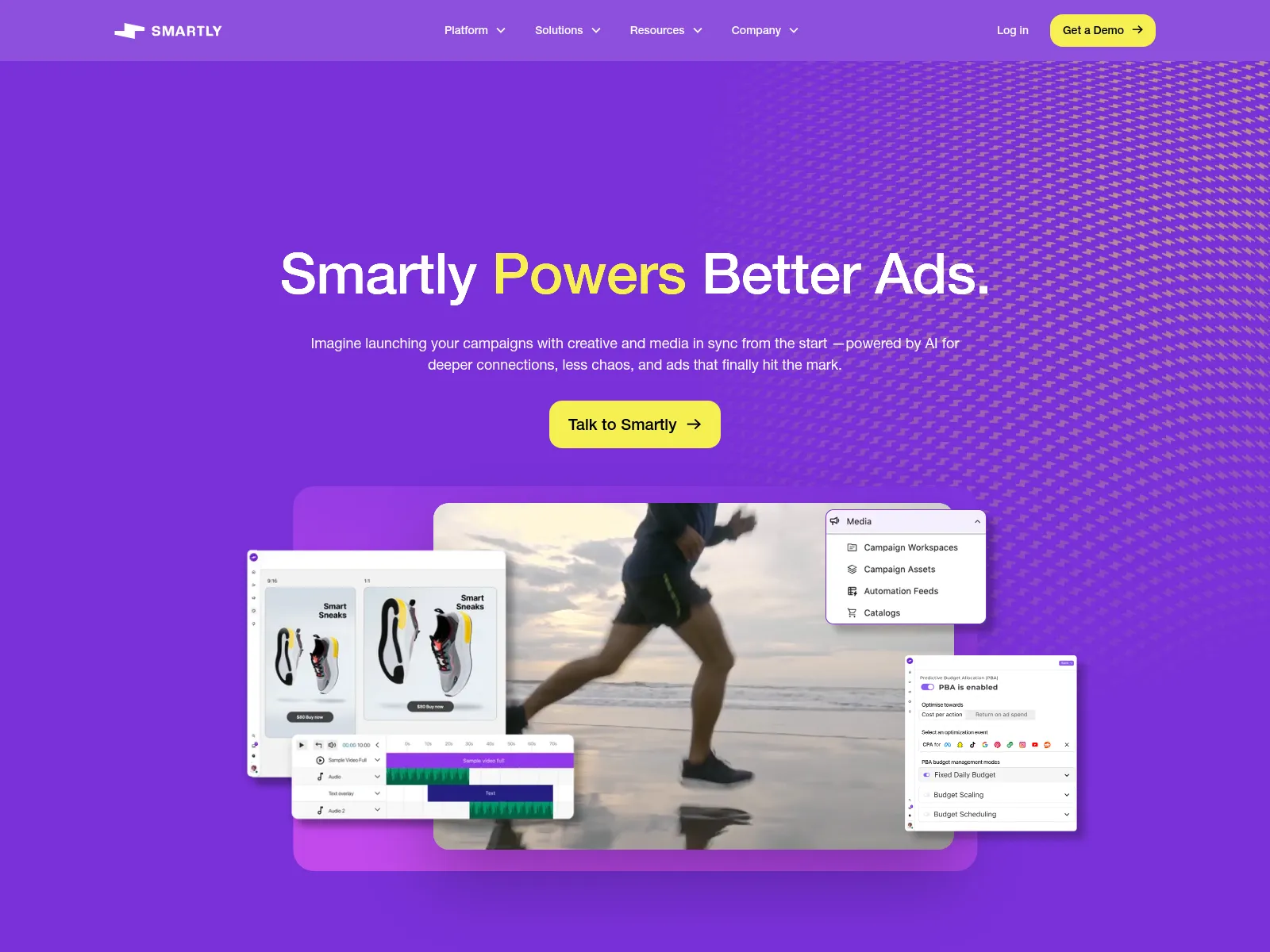
Smartly is one of the two names on almost every creative automation list. It combines creative templates, media buying and measurement, and runs feed-driven variants across Meta, TikTok, Snap, Pinterest, Google Ads and DSPs like DV360 and The Trade Desk.
In May 2026 it closed its acquisition of INCRMNTAL, an incrementality measurement company.
What it does
- Feed-driven image and video templates for catalog and social ads
- Media buying and creative in the same platform
- Programmatic through DV360, The Trade Desk and Yahoo
AI agent readiness
- MCP server: no. Search results for "Smartly MCP" point to Smartly.ai, a different company.
- API: no public render API found.
- What an agent can do: nothing directly. Its AI layer works inside the platform.
Where it falls short
There's no pricing page (smartly.io/pricing returns a 404). Third-party comparisons describe a fee tied to ad spend plus a monthly minimum, which rules out smaller budgets.
Pricing: quote only. Vendr lists a median contract of $90,000 a year.
11. Celtra: enterprise HTML5 and rich media
Best for: large brands and media owners running rich media across many ad networks
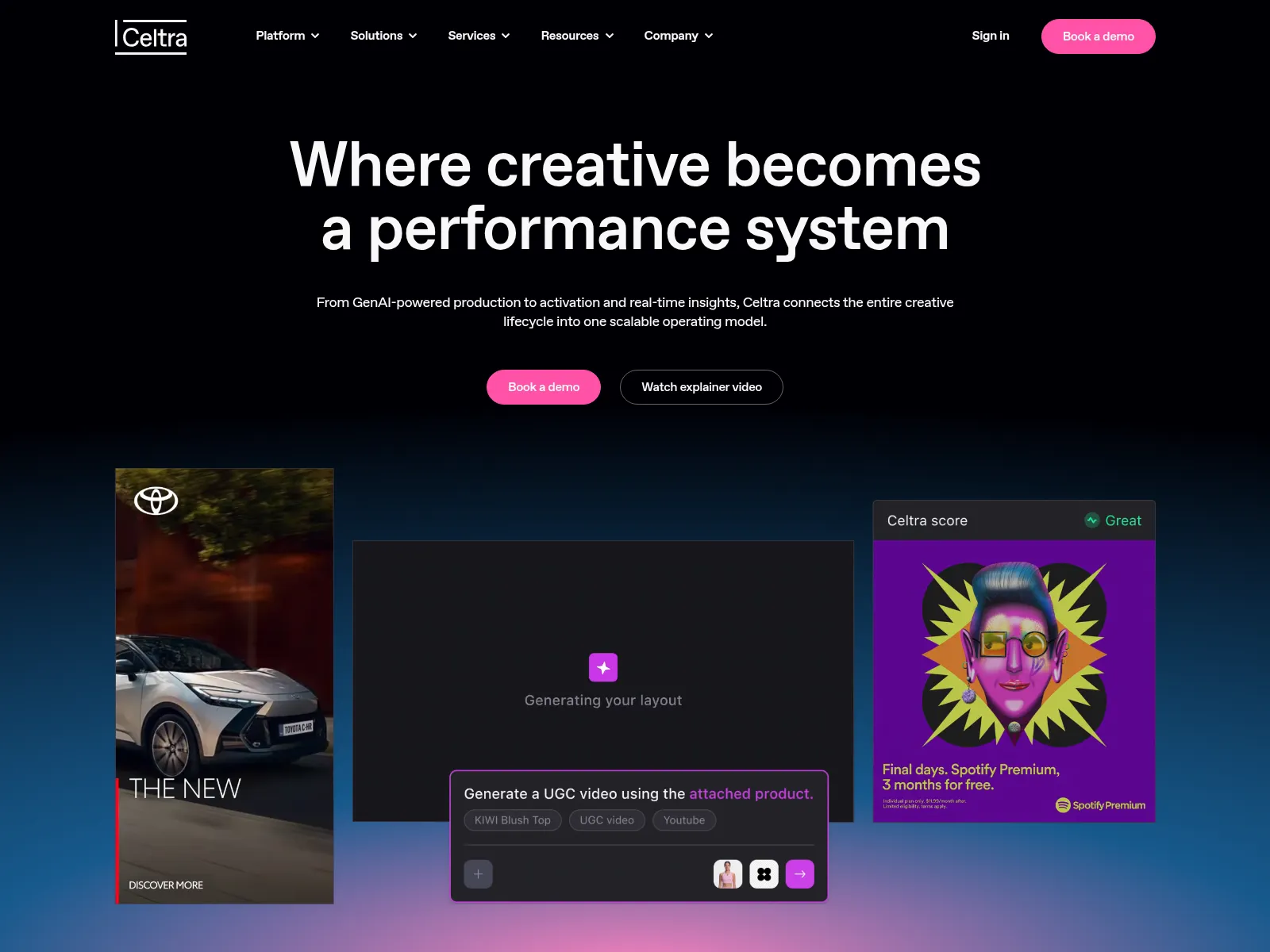
Celtra is the other name every list includes. It covers ad production, rich media, dynamic product ads and ad serving across 100+ media platforms. Private equity firm STG has held a majority stake since 2021.
What it does
- Static, video and HTML5 output
- Live banners that update from market data
- Integrations with Figma, Adobe, DAMs and ad platforms
AI agent readiness
- MCP server: only an AdCP creative agent at
adcp-mcp.celtra.com/mcp. Celtra co-develops AdCP, an ad-industry protocol built on MCP for agent-to-agent ad buying. - API: yes, with custom API integrations sold as an add-on.
- What an agent can do: list creative formats and previews. It's built for ad-tech agents and can't use or render your own templates.
Where it falls short
No tiers and no trial. Reviewers mention cost for small teams and slow loading, and there's no native PDF output.
Pricing: a "bespoke package" priced on team size, volume and ad impressions. Vendr lists a median contract of $54,500 a year.
Which creative automation platforms work with AI agents?
As of October 1, 2026, 5 of these 11 creative automation platforms run an official MCP server you can connect to Claude, ChatGPT or Cursor: Orshot, ImageKit, Imejis, Superscale and Plainly. Only Orshot covers all six jobs an agent needs for creative work.
| Tool | MCP | Create | Design | Resize | Publish | Results | Brand |
|---|---|---|---|---|---|---|---|
| Orshot | Social | ||||||
| Superscale | Ads | ||||||
| Imejis | |||||||
| Plainly | |||||||
| ImageKit | DAM | ||||||
| The Brief | |||||||
| Bannerwise | |||||||
| Rocketium | |||||||
| Tempo | |||||||
| Smartly | |||||||
| Celtra | AdCP |
"Create" means the agent can render or generate a finished asset. "Design" means it can build or change the template itself, not just fill in fields. "Results" means post or ad performance comes back to the agent, and "Brand" means it can use your saved brand assets. Each entry above has the details and the MCP URL.
Pair it with an ads MCP
Creative tools make the asset, and the ad platforms now have their own MCP servers to launch it.
- Meta Ads MCP: official, run by Meta at
https://mcp.facebook.com/ads. It can create campaigns, ad sets, creatives and ads, and new entities start paused so a person reviews them first. Access is still a gated beta on many ad accounts. - Google Ads MCP: official and open source (googleads/google-ads-mcp), but read-only. It's for reporting, not launching.
Connect Orshot and the Meta Ads MCP to the same agent, and it can render the ad set from your template, then build the campaign and paused ads around it. Check how your setup handles image uploads first; the community Pipeboard server for Meta has an upload tool that takes an image URL.
How to choose a creative automation platform
The tools above fall into two groups, and most buying mistakes come from shopping in the wrong one.
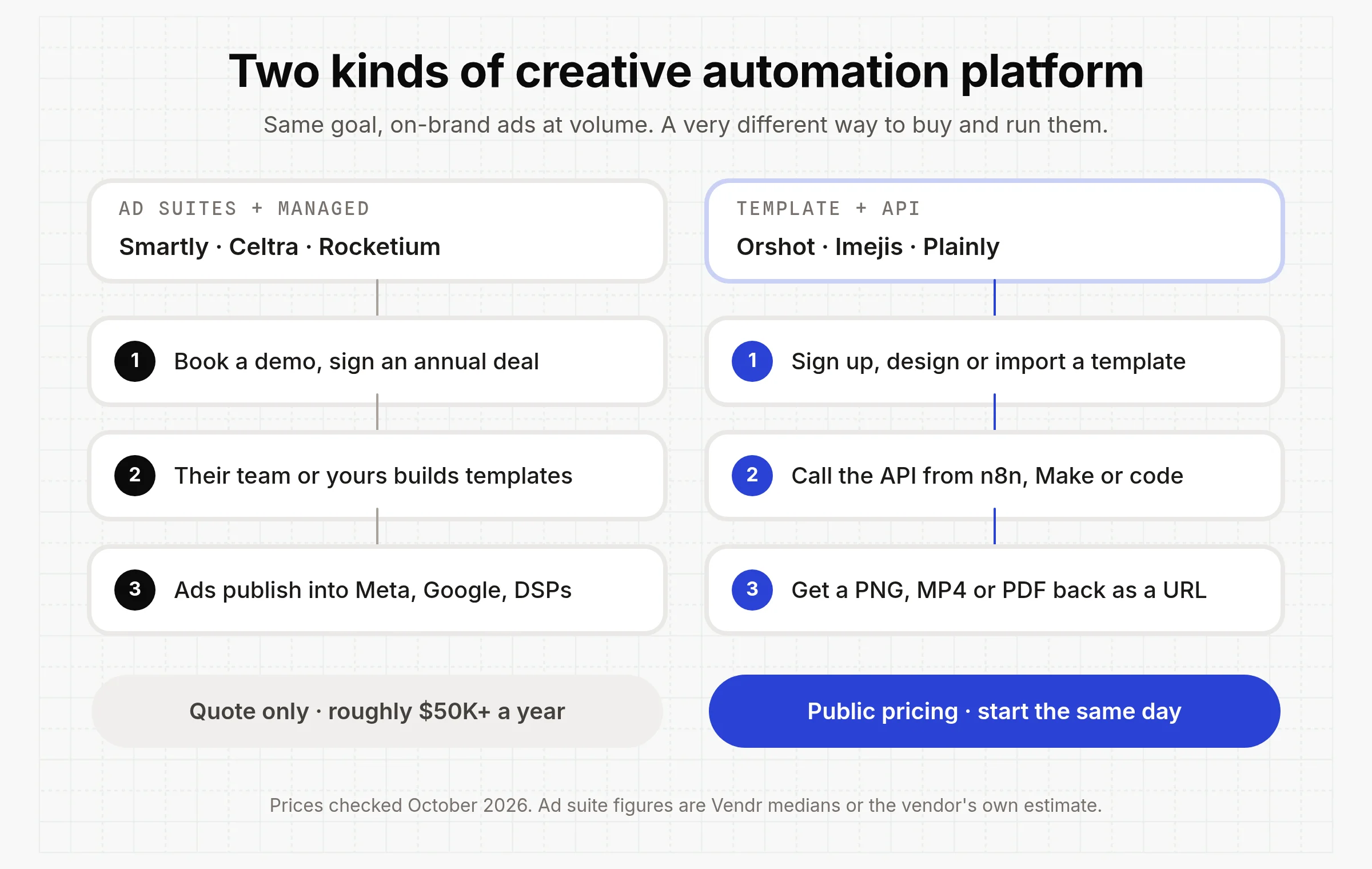
Ad suites and managed services (Smartly, Celtra, Rocketium) start with a demo and an annual contract, and publish straight into ad platforms. Template, design and agent tools (Orshot, Imejis, Plainly, Bannerwise, Superscale, Tempo) have a signup button and a public price.
Then work through these:
- Where does the output go? If it's only Meta and Google, Superscale or Smartly publish there for you, and Tempo covers Meta. If it's also emails, PDFs, product pages, social posts or your own app, you want files back from an API.
- Template or generation? Templates (Orshot, Imejis, Plainly, ImageKit, Bannerwise) keep layouts exact. AI generation (Superscale, Tempo) gives more variety but less control over the final layout.
- What starts a render? A product feed, a spreadsheet row, a CMS publish, an order. Check the tool can be triggered by it through an API, a webhook, or n8n, Make and Zapier.
- Which formats? HTML5 points to The Brief, Bannerwise or Celtra. Most tools here make video, but only Orshot and Plainly offer a self-serve API that renders video from a template. Print PDF with CMYK points to Orshot.
- What does one asset cost? Divide the plan price by what it includes. Superscale's Advanced plan is $99 for up to 250 AI generations, about 40 cents each. Plainly's Starter plan is $69 for 50 render minutes.
- Can an AI agent drive it? If your team works in Claude, ChatGPT or Cursor, check for an official MCP server and what it actually exposes. Rendering alone is common; editing templates, publishing and reading results back are rare.
- Can you leave? Annual contracts and ad-spend fees make switching hard. Monthly billing and templates you control keep your options open.
Quality control belongs here too. If brand rules live in the template (locked fonts, colors, safe areas, text that shrinks to fit), each new asset doesn't need a full design review. If they don't, the platform just moves the bottleneck.
Common questions
What is a creative automation platform?
Which creative automation platforms have an MCP server?
Can Claude or ChatGPT create ads with a creative automation platform?
How much does a creative automation platform cost?
What's the difference between AI ad generators and template-based creative automation?
What's the difference between creative automation and DCO?
Can I use a creative automation platform with n8n, Make or Zapier?
Do I need designers if I use creative automation?
What is Orshot?
The bottom line
If you spend heavily on paid media and want someone else to run production, Smartly, Celtra and Rocketium are built for that, at enterprise prices. If you want an agent to make and launch Meta ads for a store, Superscale and Tempo are the newer, cheaper route.
If you want creative generated inside the workflows you already run, start with a template API. You can have a template rendering from n8n or a curl command on the day you sign up, and you'll know what each asset costs before you commit to anything.