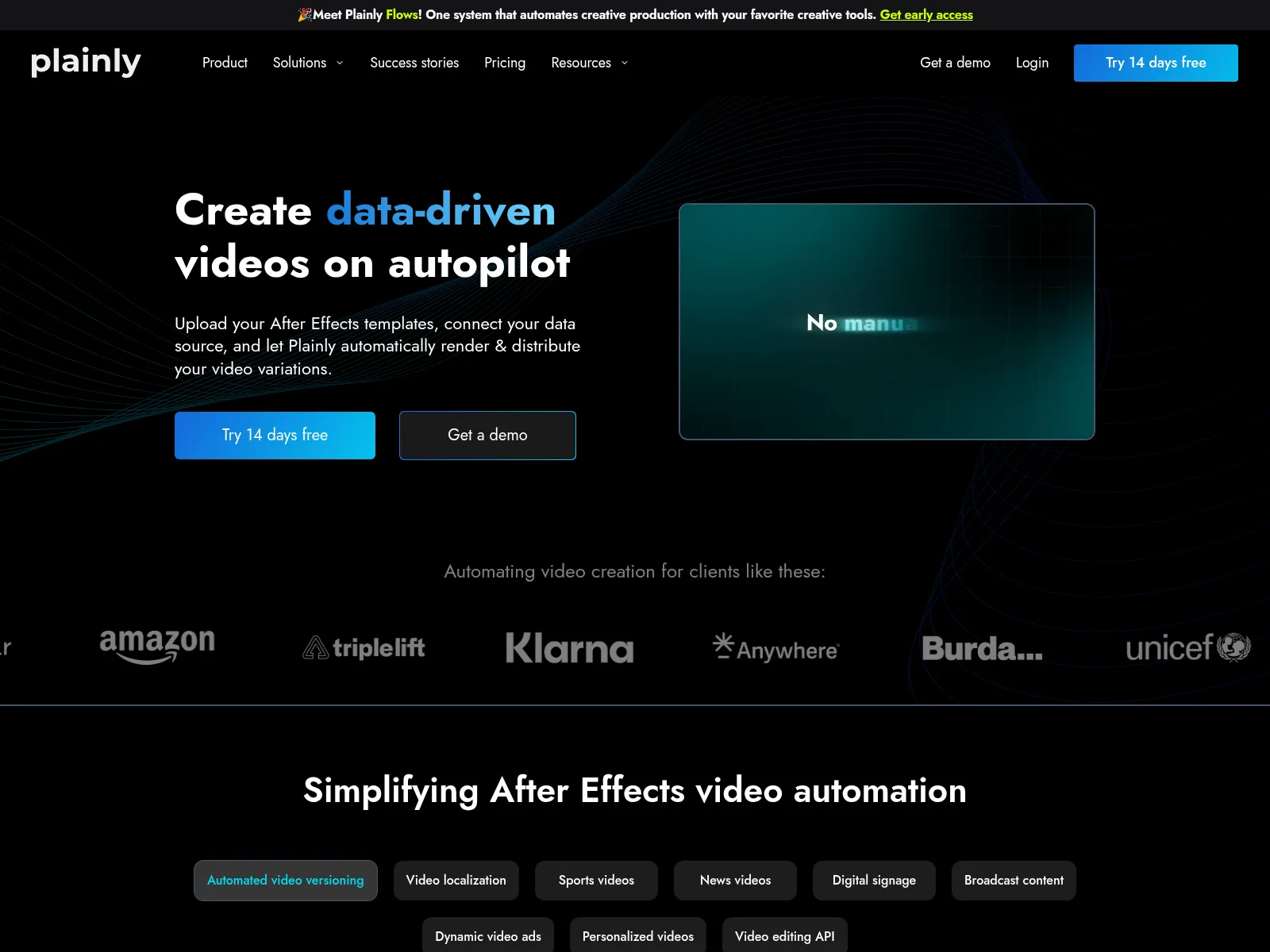
Plainly does one thing and says so on its homepage. You upload an After Effects template, connect a data source, and it renders the variations.
That works when your team already has an After Effects designer. A lot of teams looking for a Plainly alternative don't. They have:
- a marketer with a Google Sheet
- a developer with an n8n account
- a brand kit, and nobody who knows After Effects
I built Orshot for that team. You design the video template in Orshot Studio, a Figma-like editor in the browser, with your brand fonts and colors loaded. Every layer you mark as dynamic becomes a parameter.
Then a spreadsheet, n8n, Make, Zapier, an AI agent or your own code renders it. Orshot can post the result to social for you too.
Plainly vs Orshot: What's Different
| Feature | Orshot | Plainly |
|---|---|---|
| Where templates are made | In the browser, in Orshot Studio | In After Effects, then uploaded with a plugin |
| Skills needed | Anyone who can use Figma or Canva | After Effects |
| Output formats | MP4, WebM, MOV, MKV, GIF, PNG, JPG, WebP, AVIF and PDF from the same template | Video only (MP4, MOV/ProRes, GIF, MXF), plus thumbnails |
| Brand kit | Fonts, colors, logos and videos shared across every template | Fonts and colors set in each .aep file |
| Sizes | Smart Resize renders 9:16, 1:1 and 16:9 from one template | Ready-made Designs come in 3 sizes. Custom templates get each size built in After Effects |
| Automation | Native n8n, Make and Zapier, plus built-in workflows | Native Sheets, Airtable and form triggers, plus Zapier. No n8n node or Make app |
| Social publishing | Post to 15 platforms from the render call | Deliver to YouTube, Vimeo or storage |
| Rendered files | A file URL kept for at least a year, or pushed to your own storage | Kept 24 hours to 7 days depending on plan, or delivered elsewhere |
Plainly details checked against plainlyvideos.com in September 2026.
Orshot vs Plainly in Numbers
Three numbers you can check yourself on their public pricing page and docs.
- Video stays available for
- Orshot1 yr+Plainly24 h
- Social platforms to post to
- Orshot15Plainly1
- Cost per video minute
- Orshot$0.48Plainly$1.30
Why Teams Look for a Plainly Alternative
What comes up is everything before the render:
- You need After Effects. Reviews on G2 describe a steep learning curve for anyone who doesn't already know it. Plainly has a small gallery of ready-made Designs that need no After Effects, where you can change colors and content. To change a layout or build your own template, you need After Effects.
- The plugin is another moving part. Templates go from After Effects to Plainly through a plugin, and upload issues tied to specific After Effects versions show up in Plainly's own GitHub issues this year, like uploads timing out on After Effects 25.5, since fixed.
- Template edits wait for the motion designer. A new headline style or a logo swap means reopening the .aep file. If that person is busy or freelance, the whole automation waits.
- New sizes mean new After Effects work. Most ready-made Designs come in 16:9, 1:1 and 9:16. A custom template renders the composition you built, so a vertical, a square and a landscape version each get built and kept in sync in After Effects.
- Files expire. Rendered videos are kept for 24 hours on Starter and up to 7 days on Pro, so most workflows need a delivery step to keep them.
- Video only. The same campaign usually needs a static post, a carousel or a PDF too, which means a second tool and a second template.
Design the Video Template in the Browser
This is the whole pitch, so here's what it looks like in practice.
You open Orshot Studio and design the template the way you would in Figma: text, images, shapes, video clips, a timeline and per-layer animations. Your brand fonts, colors and logos come from the brand kit.
Then you mark the layers that change per video, like first_name, city or product_image. Each one becomes a parameter.
This product ad is a video template in Orshot Studio, running in your browser. Press play.
Things that usually live inside an After Effects project are part of the template too:
- Voiceover. Write the script in Studio, pick a voice and generate it. Turn on Set per render and the script becomes a parameter, so each video says each person's name without an outside voice service.
- Captions. Generate them from the voiceover or any audio track, including word-by-word styles, with your own font, color and position.
- Audio. Music beds with volume, fade, trim and loop, swappable per render.
- Clips. Replace any video layer's source per render and trim it with
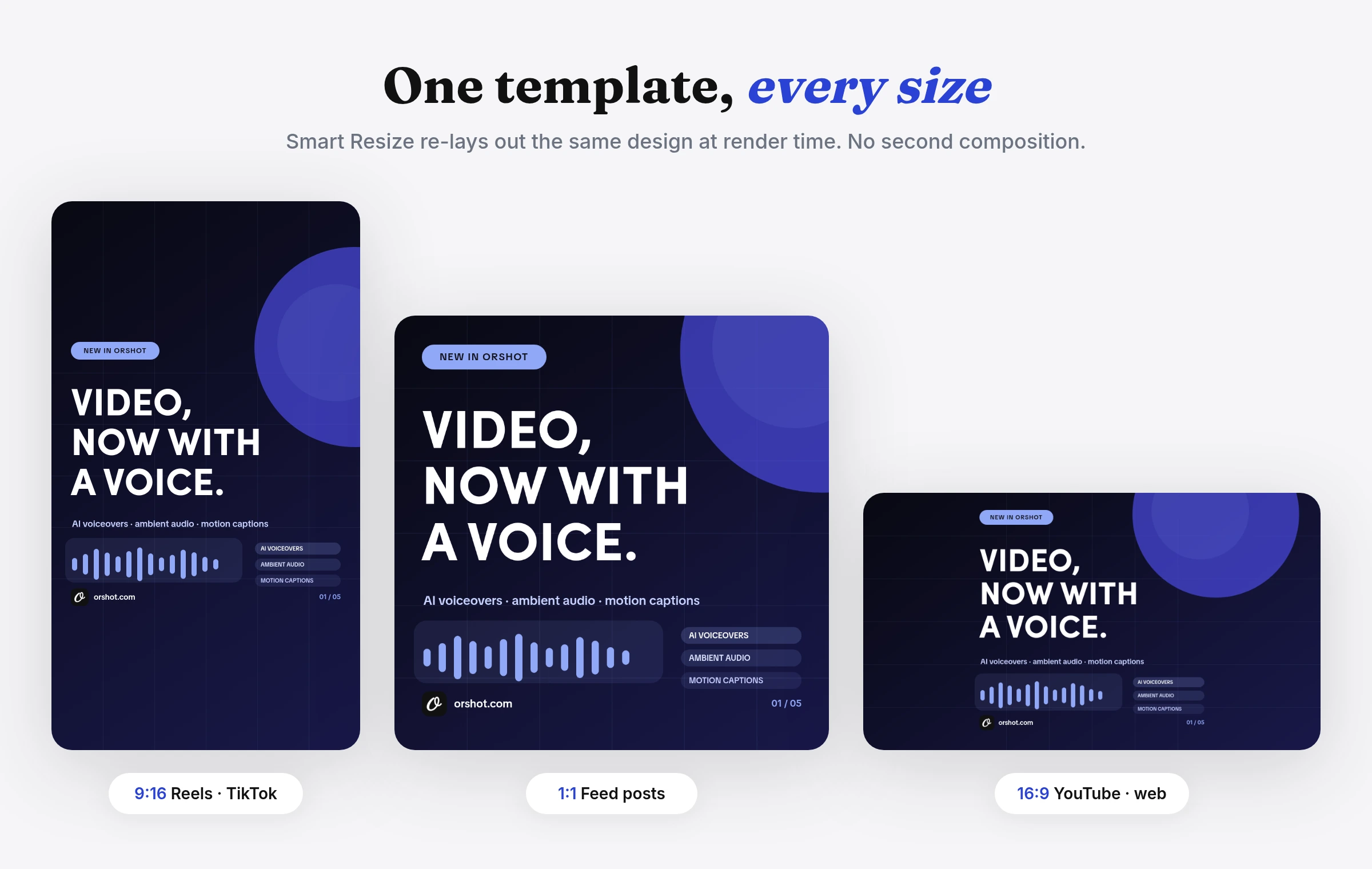
trimStartandtrimEnd. - Every size. Smart Resize renders the same template as 9:16, 1:1 or 16:9 by changing
response.sizein the render call, so there's one template to maintain instead of three. - No upload step. There's no plugin between the editor and the renderer. Save in Studio and the next render uses it, and version history lets you roll a change back.
No design to start from? A few ways in:
- Open one of the 2,000+ library templates in Studio
- Describe the video to the AI template generator and edit the draft
- Import static designs from Canva or Figma, then add the motion in Studio
Personalized Video From a Spreadsheet
The most common Plainly job is one video per row: a name, a city, a score, a product. On Orshot, a row becomes a render. The tabs show the same flow from a few angles, plus the Plainly call it replaces.
Each column maps to a parameter in the template. The response is a file URL.
const row = {
  first_name: "Maya",
  city: "Lisbon",
  plan_name: "Annual",
  product_image: "https://cdn.example.com/products/serum.png",
};

const res = await fetch("https://api.orshot.com/v1/studio/render", {
  method: "POST",
  headers: {
    Authorization: "Bearer YOUR_ORSHOT_API_KEY",
    "Content-Type": "application/json",
  },
  body: JSON.stringify({
    templateId: "YOUR_TEMPLATE_ID",
    modifications: row,
    response: { type: "url", format: "mp4" },
  }),
});
Add a publish object and Orshot posts the finished video to your connected accounts, or saves it as a draft.
body: JSON.stringify({
  templateId: "YOUR_TEMPLATE_ID",
  modifications: { first_name: "Maya", city: "Lisbon" },
  response: { type: "url", format: "mp4" },
  publish: {
    accounts: [1, 2], // connected TikTok and Instagram
    content: "Your year in review is ready",
  },
}),
For batches, run renders in the background. metadata comes back in the webhook, so you can match each video to its row.
body: JSON.stringify({
  templateId: "YOUR_TEMPLATE_ID",
  modifications: { first_name: "Maya", city: "Lisbon" },
  response: { mode: "async", format: "mp4" },
  webhook_url: "https://acme.com/hooks/orshot",
  metadata: "sheet-row-42",
}),

// Your webhook receives:
// {
//   "event": "render_job.finished",
//   "job": { "id": 1204, "status": "succeeded", "result": { ... }, "metadata": "sheet-row-42" }
// }
The same template and the same row, rendered as a still for email or a static post. Only the format changes.
body: JSON.stringify({
  templateId: "YOUR_TEMPLATE_ID",
  modifications: { first_name: "Maya", city: "Lisbon" },
  response: { type: "url", format: "png" },
}),
For comparison, starting a render of an uploaded After Effects template on Plainly.
curl -X POST https://api.plainlyvideos.com/api/v2/renders \
  -u "$PLAINLY_API_KEY:" \
  -H "Content-Type: application/json" \
  -d '{
    "projectId": "YOUR_PROJECT_ID",
    "templateId": "YOUR_TEMPLATE_ID",
    "parameters": { "firstName": "Maya", "city": "Lisbon" },
    "webhook": { "url": "https://acme.com/hooks/plainly", "passthrough": "sheet-row-42" }
  }'
Full references: video generation, async renders, publishing and dynamic parameters.
No Code at All? Use a Workflow
If the data lives in Google Sheets and nobody wants to write a script, Orshot Workflows handle the trigger, the render and the delivery inside Orshot. This one turns spreadsheet rows into videos:
A couple more in the same vein: quote videos posted to TikTok and Shopify product videos.
Already running your automations in n8n or Make?
- Plainly connects through Zapier, so n8n users call its API with hand-built HTTP nodes.
- Orshot has a first-party n8n node plus Make and Zapier apps.
For a full build, How to Automate Faceless Videos with n8n walks through a lip-synced AI presenter, voiceover and captions from two API calls, posted to Instagram and TikTok. No avatar tool on the side.
With Orshot for agents, Claude, ChatGPT or Cursor can design a template, render it and post the result from a plain prompt.

One Template for Video, Posts and PDFs
Personalized campaigns rarely stop at the video:
- A year-in-review campaign also needs a share image for each person
- An event needs a video invite, a social card and a PDF ticket
- A real estate listing needs a video tour and a printable flyer
On Orshot those come from the same template and the same row. Change format from mp4 to png or pdf, and the design, fonts and data stay the same. On Plainly, the static and PDF versions need a separate tool.
Sizes work the same way. Smart Resize re-lays out one template for every placement:
Plainly Pricing, and How Orshot Bills
Plainly bills by render minutes, and every exported second counts.
| Plainly plan | Per month (billed annually) | Render minutes | Per video minute | Files kept |
|---|---|---|---|---|
| Starter | $69 ($48) | 50 | $1.38 | 24 hours |
| Explorer | $134 ($94) | 100 | $1.34 | 48 hours |
| Team | $259 ($182) | 200 | $1.30 | 72 hours |
| Pro | $649 ($455) | 600 | $1.08 | 7 days |
| Unlimited | $1,500 ($1,350) | Unlimited | - | 7 days |
Every plan renders up to 4K, and there's a 14-day free trial instead of a free plan. You also need an After Effects license to build the templates. Prices checked against plainlyvideos.com/pricing in September 2026.
Orshot uses one credit for everything: 1 second of video, 1 image or 1 PDF page. Annual billing gives 2 months free.
| Orshot plan | Per month | Credits | Video minutes | Per video minute | Files kept |
|---|---|---|---|---|---|
| Free | $0 | 100 | Images and PDFs only | - | At least a year |
| Launch | $39 | 1,500 | 25 | $1.56 | At least a year |
| Grow | $160 | 20,000 | 333 | $0.48 | At least a year |
| Scale | $349 | 75,000 | 1,250 | $0.28 | At least a year |
At 50 minutes a month, Plainly Starter costs a little less per minute. On Orshot every second within your plan is 1 credit on every plan, so the bill is easy to predict as volume grows, and the same credits also cover images and PDFs. Social publishing is $12 a month per connected account. Orshot prices from orshot.com/pricing in October 2026.
When Plainly Fits Better
If your team already has motion designers working in After Effects, Plainly lets you keep that work as it is. Motion graphics, 3D layers and effects that only After Effects does stay the way your designer built them. Every Plainly plan outputs up to 4K.
Plainly is also working on the After Effects requirement. Plainly Flows, in early access since September 2026, takes templates from After Effects or Figma and adds AI-generated layers like product shots, voiceover and copy. Plainly's core product still renders After Effects projects.
Orshot fits when:
- the people who own the template aren't After Effects specialists
- video is one format among several
- you want the render, the workflow and the social posting in one place
Other Plainly Alternatives
Orshot isn't the only way to automate video without After Effects. Five other tools teams compare when they leave Plainly, and where each one fits:
Shotstack
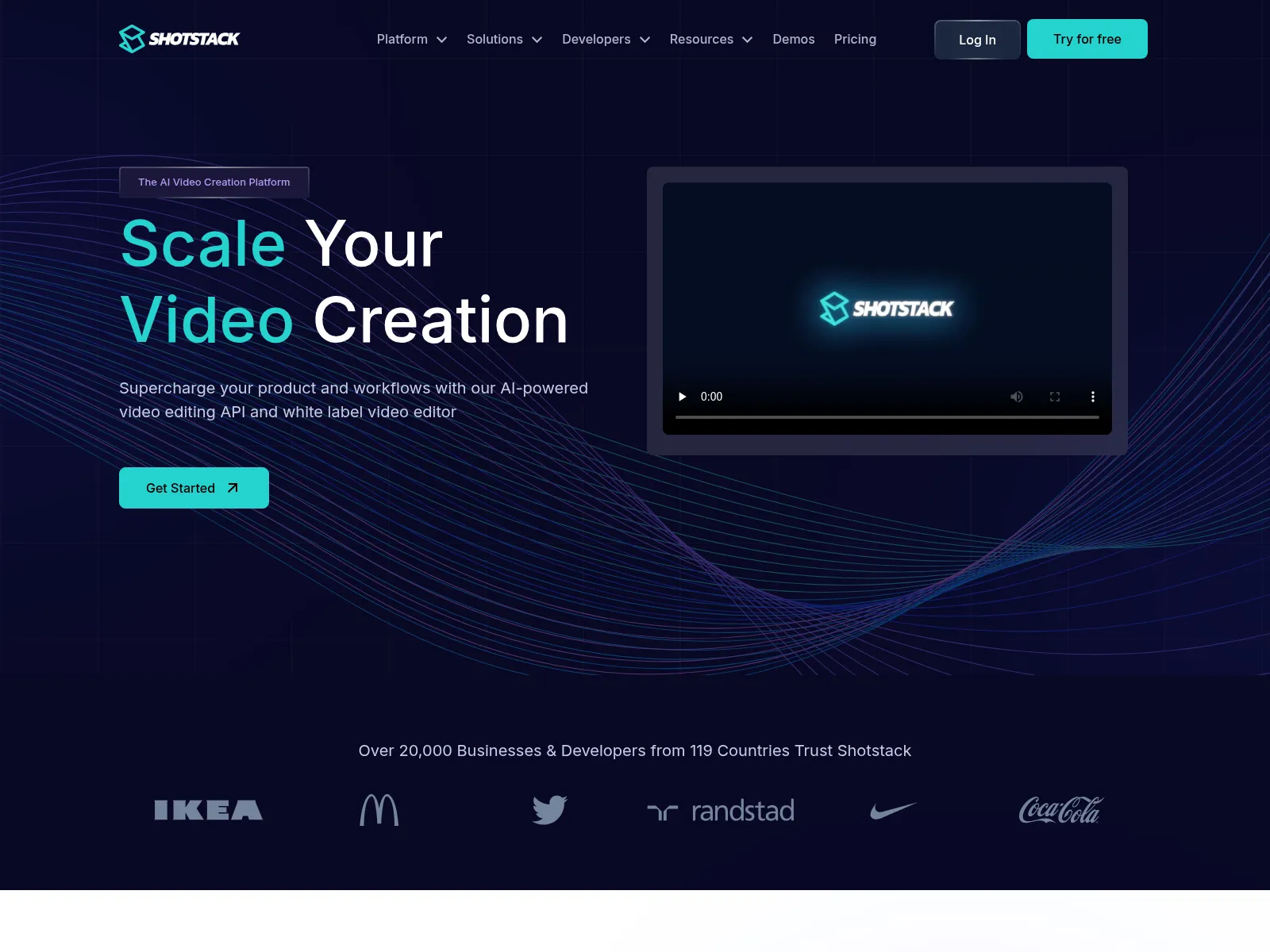
Shotstack is a video editing API where each template is a JSON timeline of tracks and clips with merge fields. Its Studio editor sits on top of that JSON, so it suits developer teams who already think in timelines. I wrote up how it compares in this Shotstack alternative post.
Creatomate
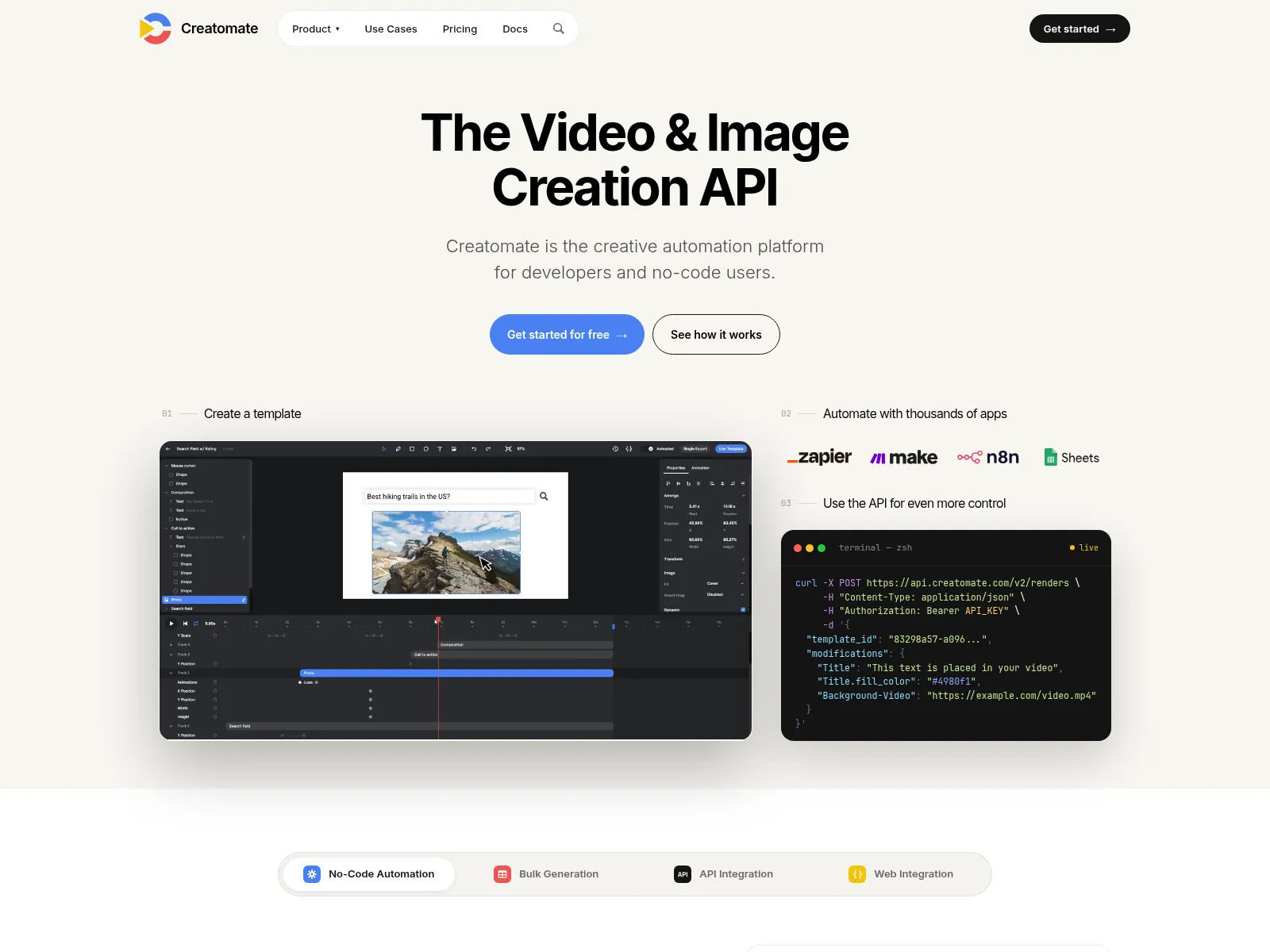
Creatomate generates video and images from templates built in a timeline editor, with a JSON format underneath and credits that change with resolution and length. It fits developer-heavy teams doing deep multi-track compositing, and there's more detail in the Creatomate alternative breakdown.
JSON2Video
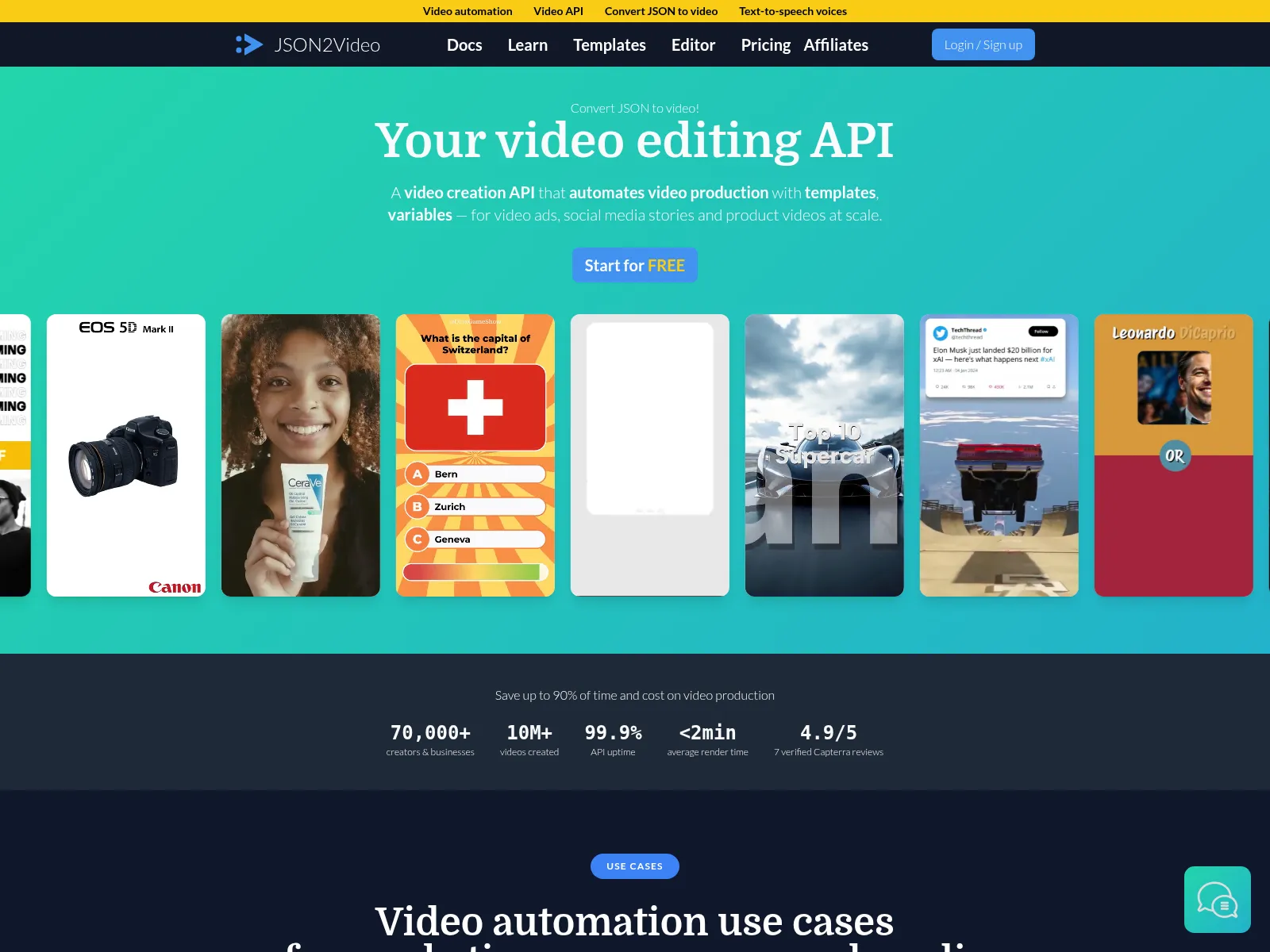
JSON2Video builds each video from a JSON movie of scenes and elements, and it's popular for faceless videos in n8n and Make. Posting the result to social takes extra nodes per platform, which is the gap the JSON2Video alternative post covers.
Templated.io
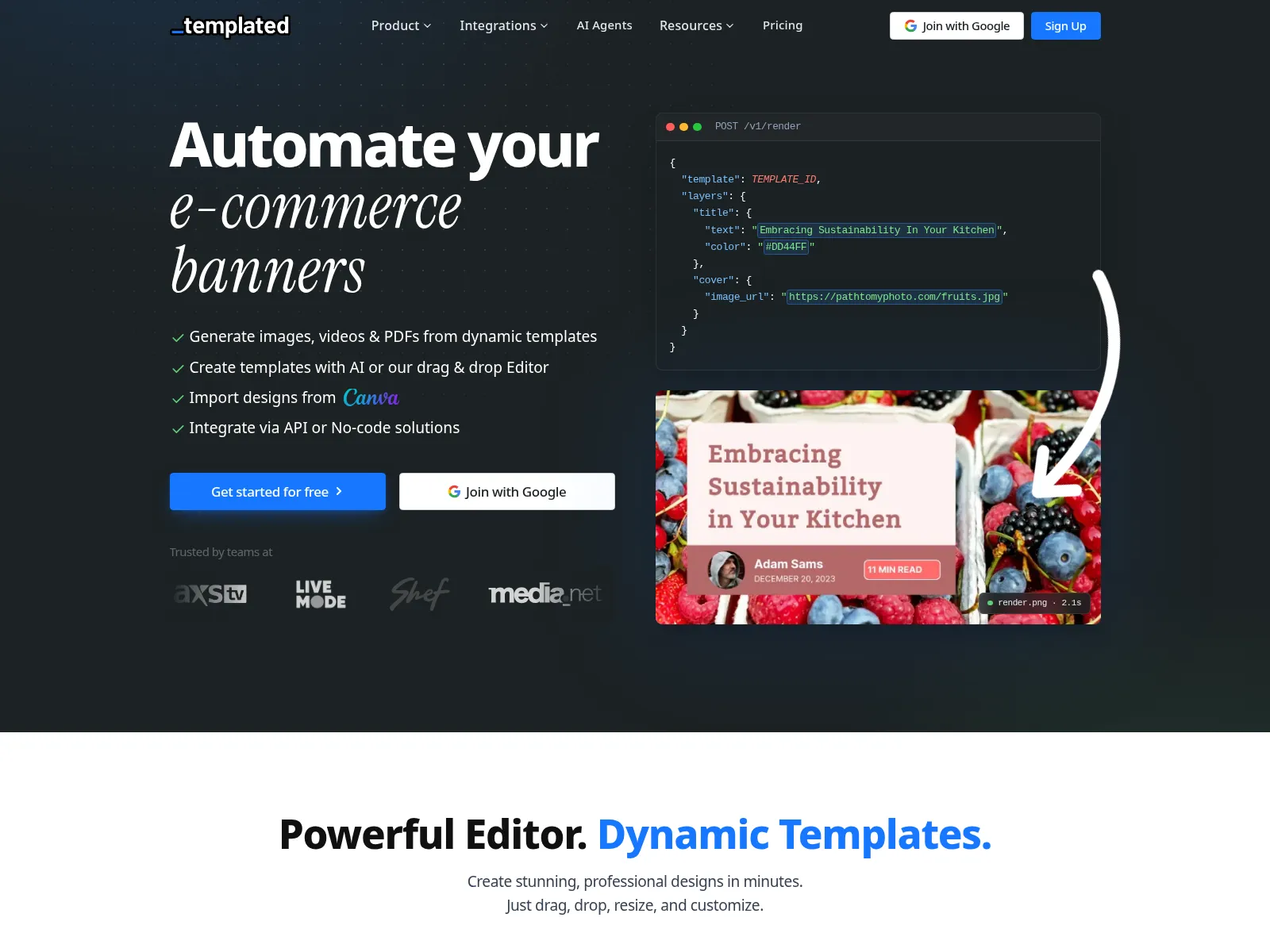
Templated started with images and added video, with entrance, loop and exit animations you can set per render. It's a good fit for simple animated posts, and the Templated.io alternative post looks at where it stops scaling.
Bannerbear
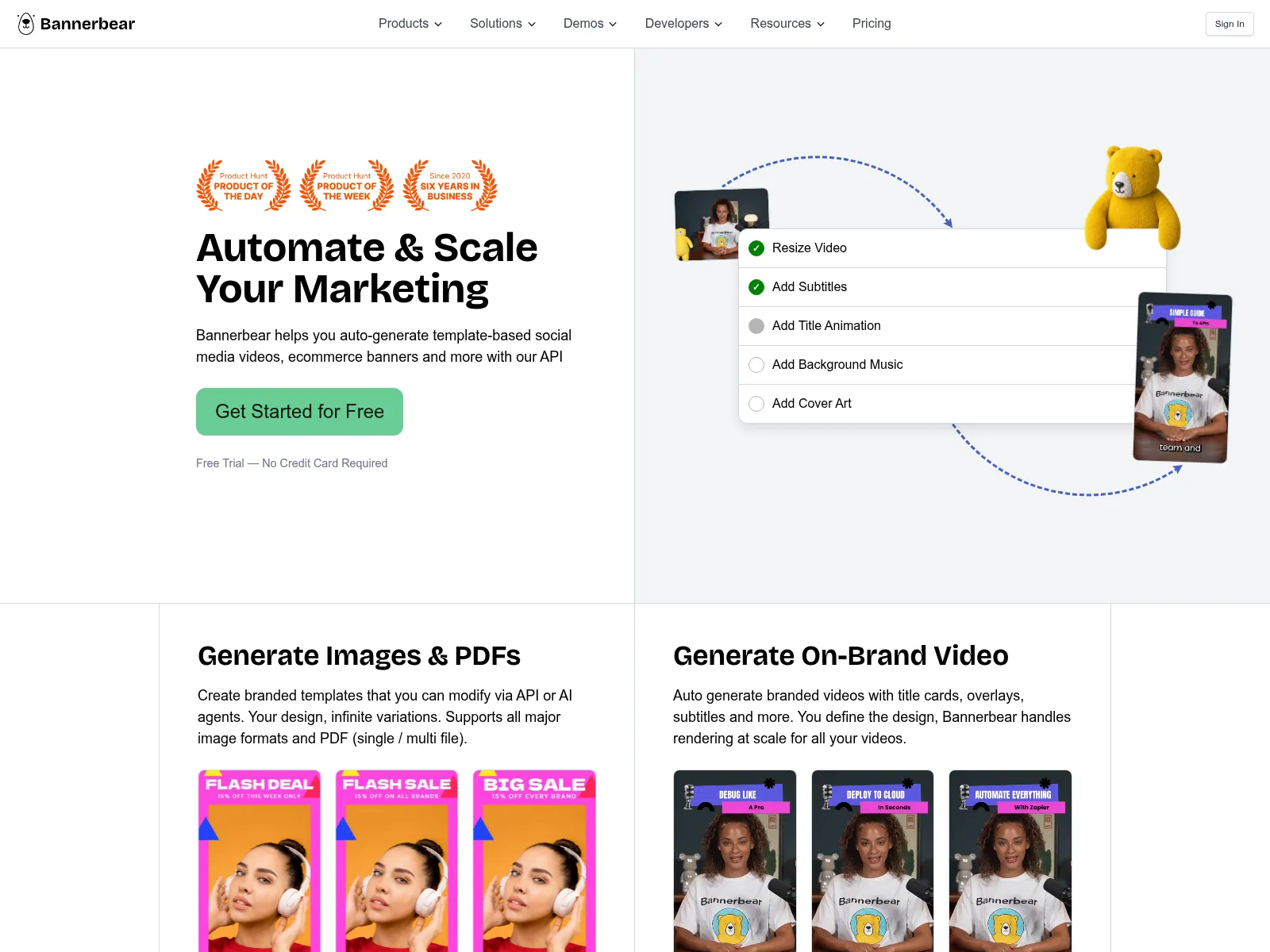
Bannerbear started template-to-API image generation. Its video renders lay a regular template over a video you supply, with auto subtitles, rather than a timeline you design in. If images are most of your volume, the Bannerbear alternative comparison goes deeper.
Switching From Plainly
Orshot can't open .aep files, so switching means rebuilding the template. In my experience most personalized video templates are a handful of text, image and clip layers. They rebuild quickly.
- Rebuild the template in Studio. Recreate the layout, add the animations on the timeline, and load your brand kit. Name each dynamic layer after your Plainly parameter (
firstNamestaysfirstName) so your data mapping doesn't change. - Point your data at Orshot. Swap the Plainly step in Zapier for the Orshot one, or use the n8n node, Make or a built-in workflow. The request shape is in the code tabs above.
- Compare a few renders side by side, then cut over.
Have a template you want rebuilt? Hit the chat button and send it over. I'll help you move it.
Common Questions
What is Plainly?
How much does Plainly cost?
Do I need After Effects to use Orshot?
Can I use Orshot with n8n or Make?
Can Orshot make personalized videos from Google Sheets?
Can Orshot post the videos to social media?
Can I import my After Effects templates into Orshot?
Can each personalized video have its own voiceover?
Can one video template render for Reels, feed and YouTube?
How long does Plainly keep rendered videos?
Try It
Sign up, rebuild one Plainly template in Studio, and render it from a few rows of your sheet. The free plan's 100 credits a month cover images and PDFs, and video renders start on paid plans from $39.
If something doesn't work the way you expect, hit the chat button. I'm usually the one on the other end.