Search for a video generation API and you get two different products wearing the same name.
One invents footage from a text prompt. The other renders a design you already made, filled with your data. Only one will do the job you have.
Almost every roundup covers the first kind and stops. Google's own AI Overview defines the category as text-to-video models, the most-linked listicle explicitly excludes template renderers, and searching the comparison directly returns a "Missing: template" warning from Google itself.
So if you came here to turn 200 spreadsheet rows into 200 branded vertical videos, page one sent you to the wrong aisle. This maps both lanes.
Quick comparison
| Platform | Type | Design UI | Deterministic | Pricing model | Best for |
|---|---|---|---|---|---|
| Google Veo | Generative | Per second | Footage from a text prompt | ||
| Orshot | Template + AI clips | Subscription + AI credits | Bulk video from any data source | ||
| Creatomate | Template | Subscription | No-code video automation | ||
| Shotstack | Timeline JSON | Per minute | Programmatic editing | ||
| Runway | Generative | Credits | Creative and editorial work | ||
| JSON2Video | Timeline JSON | Per minute | Lightweight scripted edits | ||
| Remotion | Code (React) | Open source | React codebases | ||
| Plainly | Template | Subscription | After Effects at scale | ||
| fal.ai | Model host | Per second | Many models, one key |
Do you need a generative or a template video API?
Answer this before you compare a single price. Three lanes:
- Generative — a model invents pixels from your prompt, differently every run. Right for an establishing shot of a city at dusk; wrong when your logo has to land in the same corner of 500 videos.
- Template — a renderer fills a design you built. Identical every run except the values you passed, which is why it works for anything with a brand attached.
- Avatar — HeyGen, Synthesia. A script becomes a talking presenter. Different problem, out of scope here.
Cost follows from the mechanism:
- Generative bills per second: roughly $0.05 to $0.40 at 1080p. A 15-second vertical is $0.75 to $6, so 500 of them is $375 to $3,000 every time you run the batch.
- Template renderers bill per render, duration-independent. At one-off volumes the gap is noise; at campaign volumes it decides the project.
The test: if the output has to look the same every time, you want a template API. If it has to look new every time, a generative one. Need both? Run both. Most serious setups do.
1. Google Veo (Gemini API) — made for generating footage from a prompt
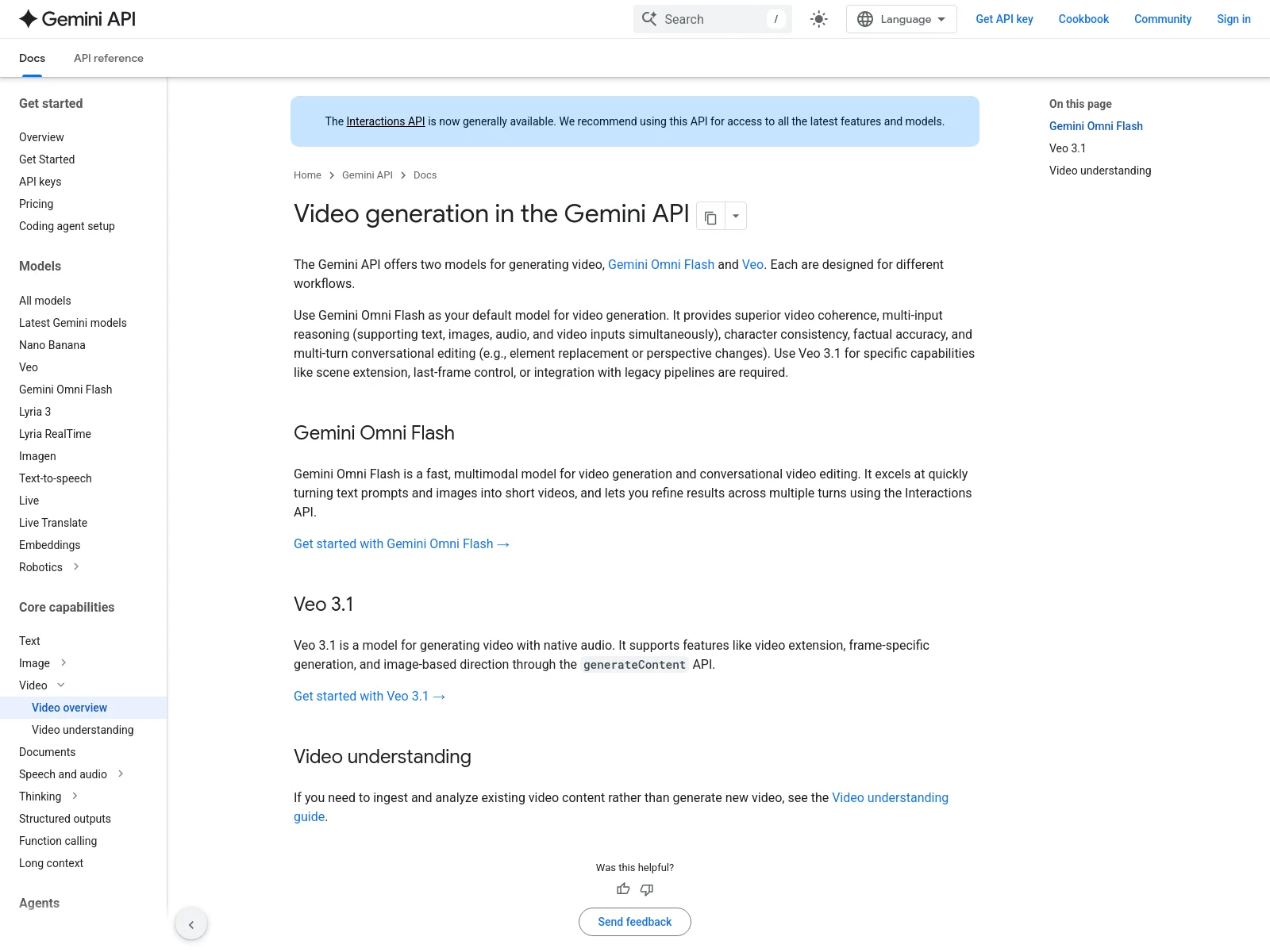
Link to the Gemini API video docs ↗
Google's video models, served through the Gemini API, are what many people mean by "AI video API". The docs now put Gemini Omni Flash forward as the default model, with Veo 3.1 for scene extension, last-frame control and legacy pipelines.
What makes it stand out
- Sits inside the wider Gemini API, so one key covers text, image and video
- Image-to-video from a starting frame
API setup
Standard Gemini API request with a video model, returning an operation you poll. It fits teams already using Google's SDKs.
Agentic capabilities
- No first-party Veo MCP server. Agents reach the models through the Gemini API's function calling, Google Cloud's Agent Platform, or third-party Gemini/Veo MCP servers
- Google's own agent tooling — Gemini CLI, Antigravity — can call the video models directly
- Generation is asynchronous, so an agent gets an operation ID and has to poll for the file
Where it falls short
The same structural limits as every generative model: non-deterministic output, per-second cost, no layout control, no editor. Availability and quota also vary by region and tier more than the docs let on.
2. Orshot — made for bulk video generation from any data source
Full disclosure: this is ours, which is why it's at number two and not number one.
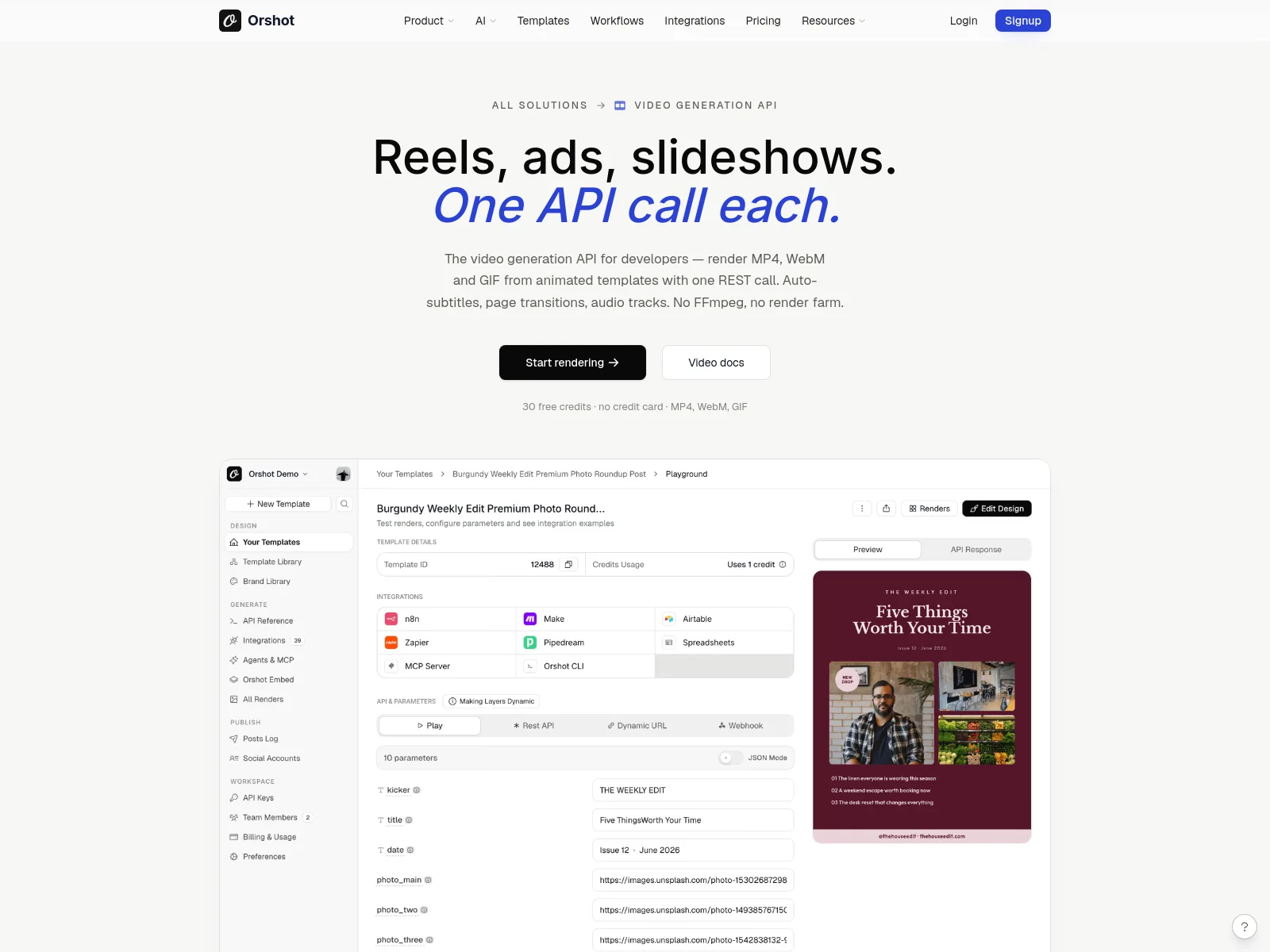
Orshot is a template renderer that, as of September 2026, generates footage as well. Design once in a Canva-like editor, mark any layer as a dynamic parameter, then render it as video through one REST endpoint, an n8n or Make step, or an AI agent. When a video layer needs a shot that doesn't exist, you describe it and Orshot generates the clip inside the same render.
It belongs in a list next to Veo because it used to answer only the other half of the question, and now covers both. Veo invents footage. Orshot renders the video you already designed, the same way, a thousand times, and invents the footage for the layers you tell it to.
What makes it stand out
- A visual editor, not just JSON. Non-developers can change the template without touching the API, which is usually where template-in-code tools stall.
- AI clips from a prompt, a photo, or two frames. Send
promptfor footage from text,prompt+imageRefto animate a still,imageRef+lastImageReffor a transition, orimageRef+scriptto make the person in a photo speak. Clips are 3 to 15 seconds, any aspect from 1:1 to 9:16, and land in your Brand Library like any other video. - Generate at render time. Any video element with a parameter id accepts the same inputs as dotted keys on a normal render (
clip.prompt,clip.imageRef,clip.preset). One call generates the clip, caches it, and renders it into the template. Identical inputs return the cached clip for free, so a nightly batch of 500 product videos doesn't re-generate 500 shots. - Voiceovers, ambient beds and word-synced captions in the same template: text to speech from a script, ambient audio from a prompt, captions burned in and timed to the words, plus stock footage and Ken Burns motion on stills. Details in the audio and motion update.
- Priced per second, billed on delivery. HD footage or speech is 3 AI credits a second, Full HD is 6, 2K is 12, a voiceover is 1 credit per started 10 seconds. Failed generations and cache hits cost nothing, and
POST /v1/ai/video/estimateprices a request before you spend. - Per-layer video control via modifications:
bgVideo.trimStart,bgVideo.trimEnd,bgVideo.mutedandbgVideo.loop, plus swapping the source clip by URL. - Automatic subtitles. Attach page audio and Orshot transcribes it with Whisper, or upload an
.srt/.vttand skip transcription when the wording has to be exact. There is a word-by-word mode for lyric-style captions. - Five output formats from the same design: MP4, WebM, MOV, MKV and GIF, with
videoOptionsfor fps, quality and duration. - Multi-page templates become slideshows with transitions, so a carousel design and a reel come from one file.
- It publishes. Render and post to Instagram, TikTok, LinkedIn and 15+ platforms in the same call — which removes the separate publishing API most people bolt onto the end of this pipeline.
- One REST call to ship it.
POST /v1/studio/renderwith a template ID, the values you want swapped and a format. No queue to babysit, no render farm to run.
What the API calls look like
These are the video renders people send most, all to the same endpoint:
A 1080x1920 reel for TikTok, Reels or Shorts. videoOptions sets the frame rate, quality and length.
curl -X POST https://api.orshot.com/v1/studio/render \
  -H "Authorization: Bearer $ORSHOT_API_KEY" \
  -H "Content-Type: application/json" \
  -d '{
    "templateId": "<REEL_TEMPLATE_ID>",
    "modifications": {
      "headline": "3 ways to cut your weekly reporting time",
      "cta": "Link in bio"
    },
    "response": { "type": "url", "format": "mp4", "size": "1080x1920" },
    "videoOptions": { "fps": 30, "quality": 80, "duration": 8 }
  }'
A multi-page template becomes one video. combinePages joins the pages and pageTransition fades between them.
const res = await fetch("https://api.orshot.com/v1/studio/render", {
  method: "POST",
  headers: {
    "Content-Type": "application/json",
    Authorization: `Bearer ${process.env.ORSHOT_API_KEY}`,
  },
  body: JSON.stringify({
    templateId: "<CAROUSEL_TEMPLATE_ID>",
    modifications: {
      "page1@title": "This week's top 3 listings",
      "page2@image": "https://example.com/listings/harbor-view.jpg",
      "page3@image": "https://example.com/listings/maple-court.jpg",
      "page4@image": "https://example.com/listings/cedar-lane.jpg",
    },
    response: { type: "url", format: "mp4" },
    videoOptions: {
      combinePages: true,
      pageTransition: "fade",
      pageTransitionDuration: 0.4,
      fps: 30,
    },
  }),
});
const { data } = await res.json();
console.log(data.content); // one MP4 with every page
Swap the background clip on every render, and trim, loop or mute it per layer.
body: JSON.stringify({
  templateId: "<PROMO_TEMPLATE_ID>",
  modifications: {
    headline: "Weekend flash sale",
    video: "https://example.com/clips/beach-drone.mp4",
    "video.trimStart": 2,
    "video.trimEnd": 10,
    "video.loop": true,
    "video.muted": true,
  },
  response: { type: "url", format: "mp4", size: "1080x1920" },
}),
Generate a short AI clip at render time and place it in the template in the same call. Here a product photo is animated from a prompt.
body: JSON.stringify({
  templateId: "<PRODUCT_AD_TEMPLATE_ID>",
  modifications: {
    headline: "Meet the new trail runner",
    "hero_clip.prompt": "the shoe rotates slowly on a wet rock, morning light",
    "hero_clip.imageRef": "https://example.com/products/trail-runner.jpg",
    "hero_clip.preset": "cinematic-scene",
  },
  response: { type: "url", format: "mp4" },
}),
Long renders run in the background with mode: "async", and publish posts the finished video to your connected TikTok and Instagram accounts.
import os, requests

job = requests.post(
    "https://api.orshot.com/v1/studio/render",
    headers={"Authorization": f"Bearer {os.environ['ORSHOT_API_KEY']}"},
    json={
        "templateId": "<REEL_TEMPLATE_ID>",
        "modifications": {"headline": "New drop this Friday"},
        "response": {"mode": "async", "type": "url", "format": "mp4"},
        "publish": {
            "accounts": [201, 202],  # your TikTok and Instagram account IDs
            "content": "New drop this Friday. Set a reminder.",
        },
    },
).json()
print(job["self"])  # poll this URL, or get the result by webhook
See the full options on the video generation API page.

Agentic capabilities
- Ask for the video in words. "Make a reel from this week's top five products" — your agent picks the template, fills it from your data and hands back the file, on brand.
- The agent can build the template too. Describe the design you want and you get an API-ready one back, with the changing fields already set up as parameters.
- Point it at your data and walk away. A spreadsheet, a CRM view, a webhook — one video per row, with no loop to write and no per-row cost surprise.
- It finishes the job. The same agent posts the render to Instagram, TikTok or LinkedIn, so nothing waits in a bucket for a human.
- Works where you already are — Claude, Cursor, ChatGPT, Codex, VS Code and five more. Connecting is free, and each agent is scoped to one workspace, so a client's brand assets never leak into another's renders.
Where it falls short
- Clips are short by design. 3 to 15 seconds, on paid plans only. It's built for the shot inside a branded video, not for a minute of continuous footage.
- You don't pick the model. fal.ai lets you A/B five models behind one key. Orshot picks for you and optimises for consistency with the template around the clip. Orshot is built for clips that sit inside a branded template, not for comparing models side by side.
- Not built for long-form. Short social video, ads, product clips. Not a twenty-minute edit.
- Two meters. Renders draw render credits and AI clips draw AI credits, so size your plan for both.
3. Creatomate — made for no-code automation builders
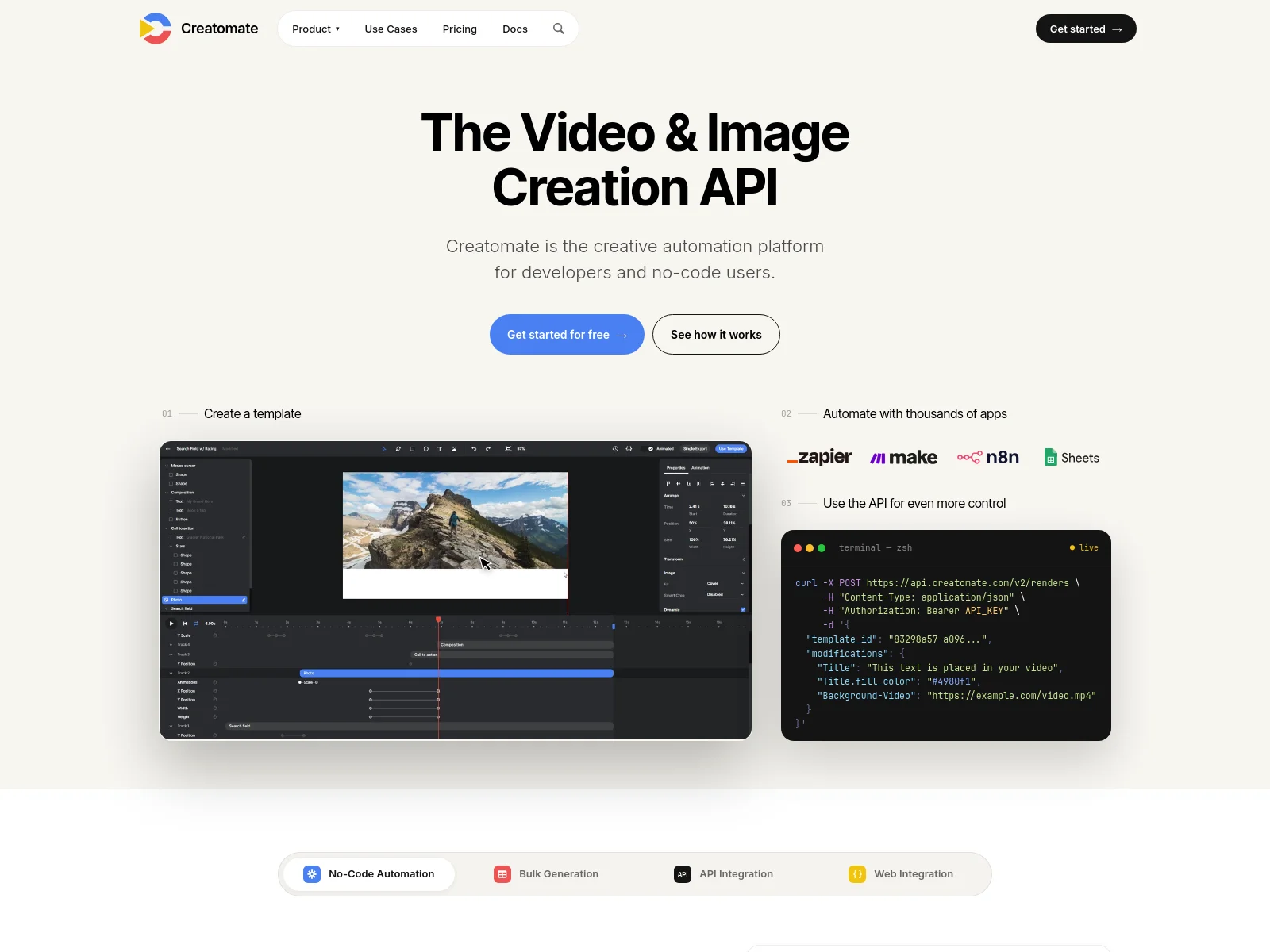
If you live in n8n or Make, this is probably the one you'll hit first.
What makes it stand out
- n8n, Make and Zapier integrations that work first try
- A visual template editor with a timeline
- Good docs, and a large library of starting templates
API setup
Template ID plus a modifications object, same shape as most of this category. Renders are asynchronous with webhook delivery.
Agentic capabilities
- No native MCP server. Nothing in Creatomate's own docs exposes it to agents directly
- Agents reach it second-hand through generic wrappers — Zapier MCP, viaSocket or Pipedream
- That works, but you inherit another vendor in the path and their auth model rather than Creatomate's
Where it falls short
Cost, once you're running daily.
There's a salon owner in that r/automation thread generating Instagram reels through Creatomate and n8n. He liked it. He also watched the bill climb, and ended up asking the thread whether anything cheaper was just as good. That question comes up a lot.
We compete here, so read this with that in mind — we wrote a Creatomate alternative comparison rather than pretend the products don't overlap.
4. Shotstack — made for engineering-owned video pipelines
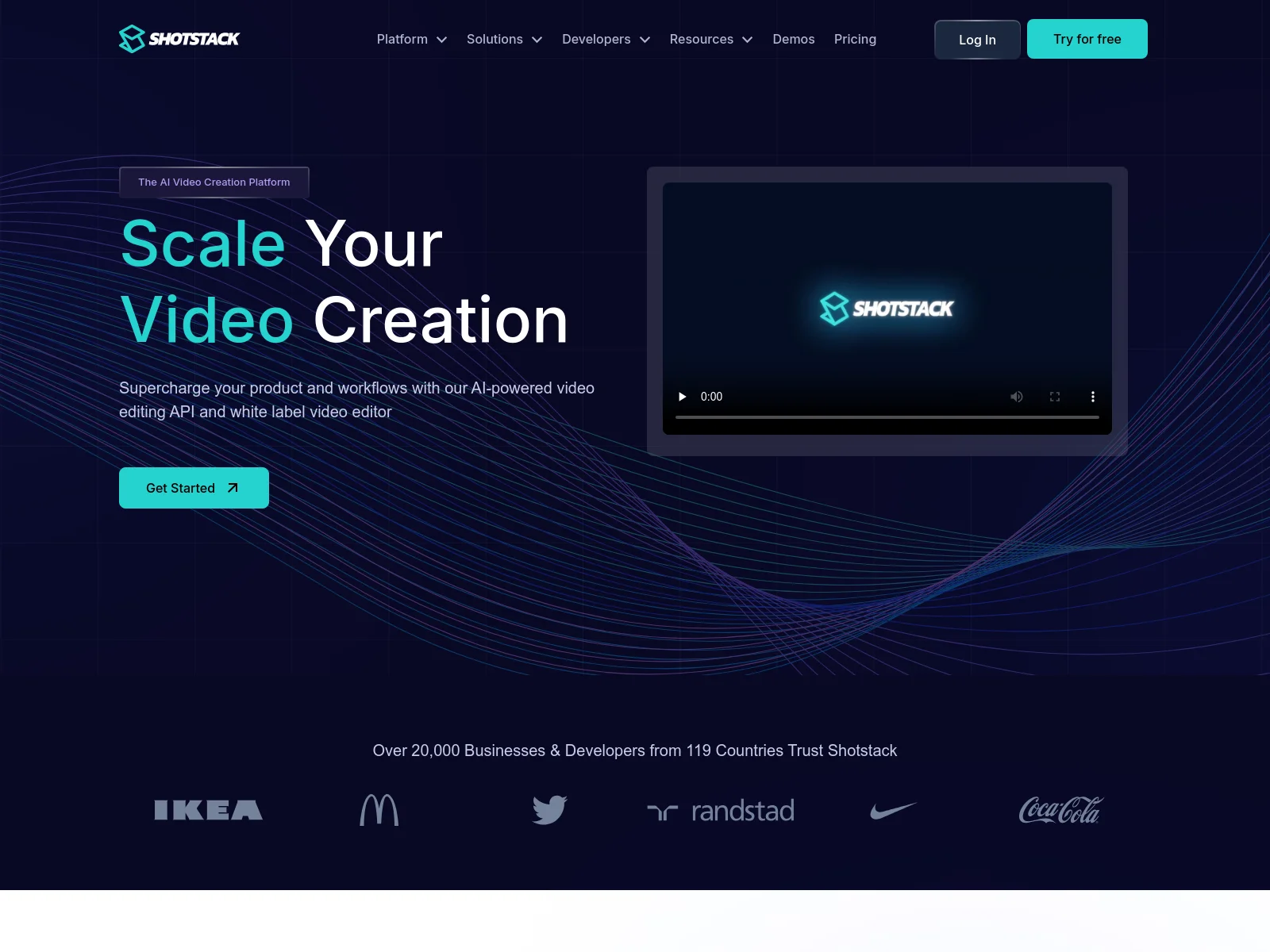
A programmatic editing API: you describe a timeline in JSON (tracks, clips, transitions, filters) and it renders.
What makes it stand out
- Real edit-decision-list power: layered tracks, transitions, audio mixing
- Ingest, transform and serve in one platform
- Predictable per-minute pricing
API setup
You POST a timeline object. It's expressive, and it's verbose. Expect to write a helper that generates the JSON rather than hand-rolling it.
Agentic capabilities
- Native MCP server, installed with
npx @shotstack/shotstack-mcp-serverand an API key - Roughly a dozen tools covering render, asset management and status
- Documented for Claude, Cursor, Windsurf and ChatGPT
- The agent gains awareness of the JSON schema, so it can scaffold a whole pipeline rather than one call
Where it falls short
No design surface a marketer can use. Every change is a code change — fine when engineering owns the pipeline, painful when the brief comes from the brand team. If your templates change weekly, that round trip is your bottleneck.
We compete here too, and we wrote a Shotstack alternative comparison if you want the side-by-side.
5. Runway — made for people who edit for a living
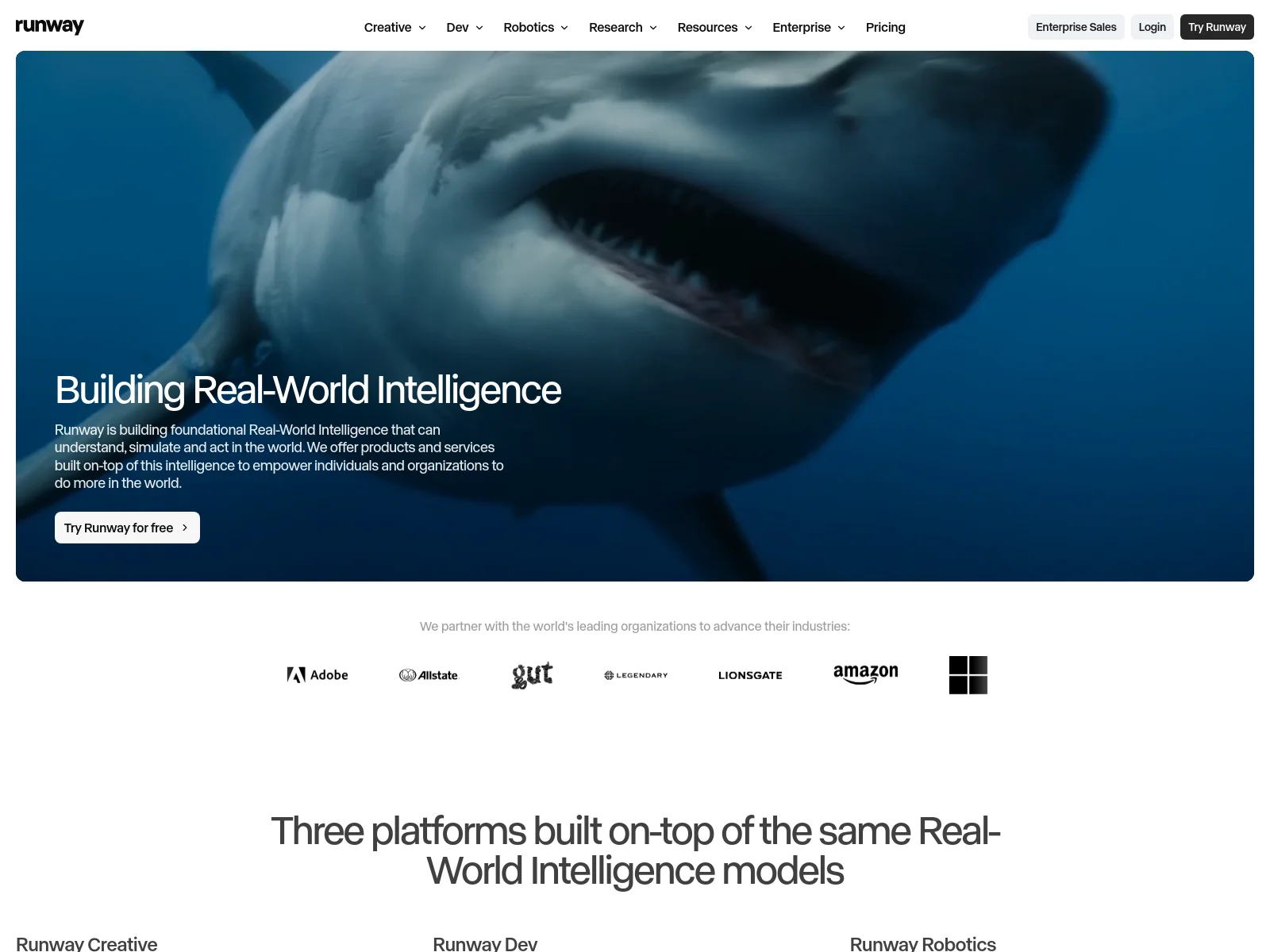
Runway is the one artists actually use. The API is a thin layer over a product built for craft, not for pipelines.
What makes it stand out
- Gen-4 quality with unusually good motion control
- Real editing tools around the model, not just generation
- Video-to-video and style transfer worth having
API setup
Credit-based API access to the same models as the app. Fine for moderate volume; less obviously built for a firehose.
Agentic capabilities
- Official hosted MCP server, launched May 2026
- Added as a custom connector by URL; you sign in with your Runway account, so no separate API key
- One connection routes to Gen-4.5, Seedance 2.0, Kling 3.0, Veo 3.1 and more, depending on plan
- Works in Claude, ChatGPT, Cursor and any MCP-compatible agent
Where it falls short
Priced and shaped for creative work, not for rendering 500 variants overnight. If the job is "one video per row of a database", it's the wrong tool.
6. JSON2Video — made for small scripted jobs
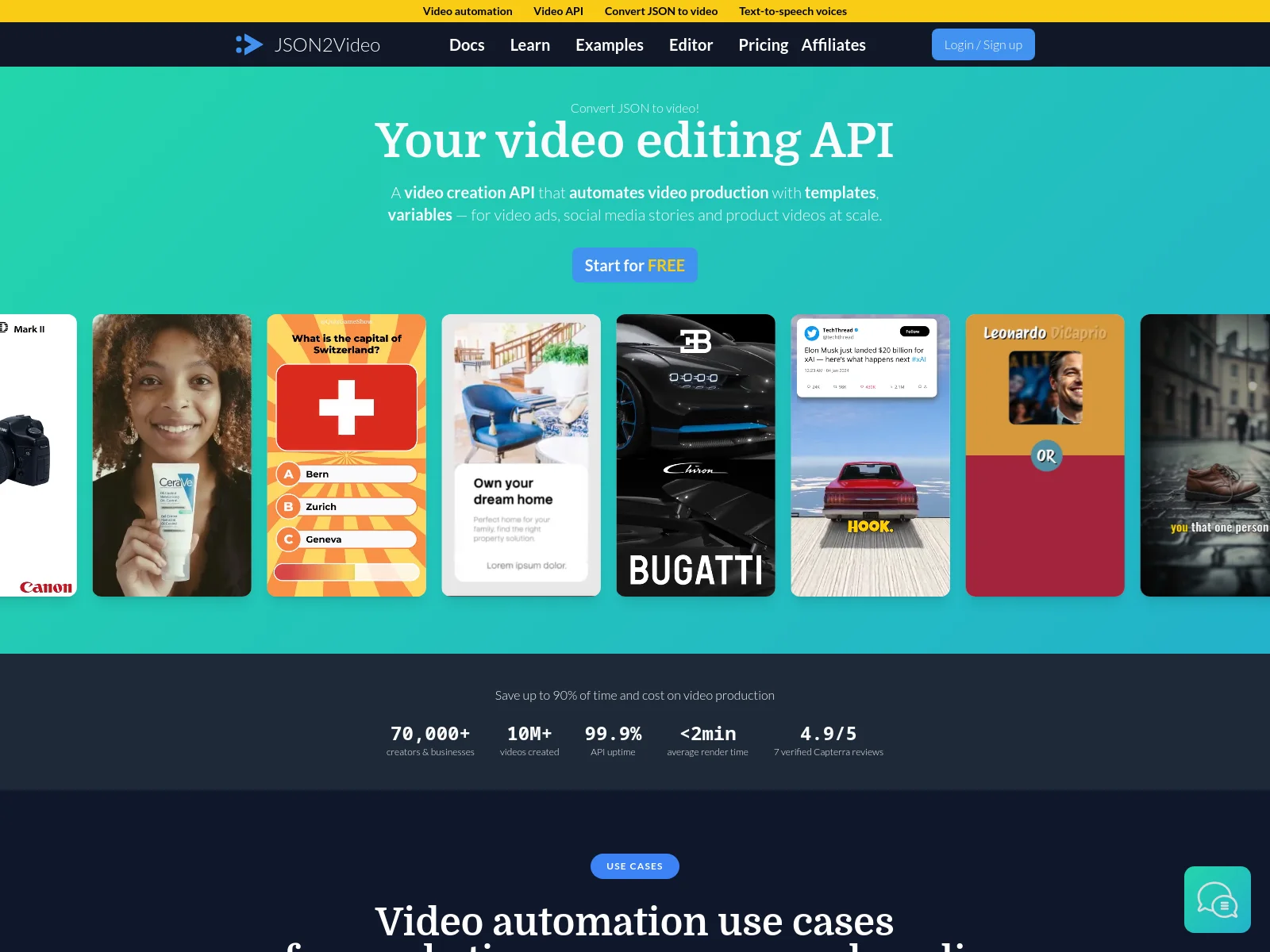
A lighter, cheaper take on the Shotstack idea. Describe scenes and elements in JSON, get a video back.
What makes it stand out
- Simple, readable schema you can learn in an afternoon
- Built-in subtitles, text animation and stock media
- Cheap enough for hobby and side-project volume
API setup
A single JSON movie object with scenes and elements. The fastest of the timeline-JSON tools to get a first render out of.
Agentic capabilities
- Official MCP server shipped inside
@json2video/cli, run vianpx - Around a dozen tools — render, status polling, movie validation, template listing and media management
- Configured for Claude Code, Cursor and Windsurf; stdio transport, API key required
validate_movieis the useful one: the agent can check its JSON before spending a render
Where it falls short
Less depth than Shotstack once edits get complicated, and no visual editor either, so the same marketer-can't-touch-it problem applies. Smaller team behind it, which matters if you're betting a product on it.
7. Remotion — made for teams who'd rather write React than JSON
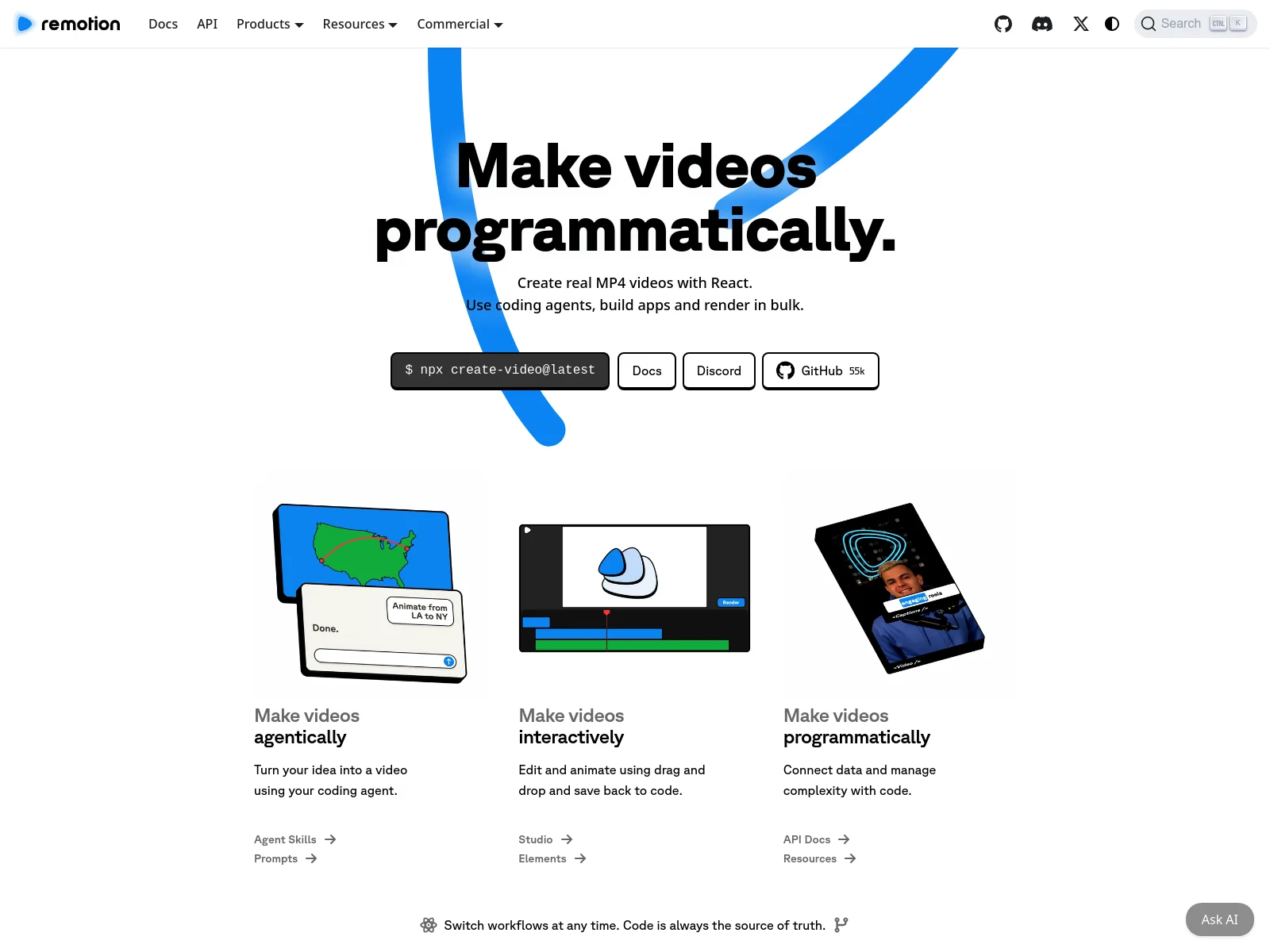
Remotion is the one that treats video as code properly. You build compositions as React components and it renders real MP4s. 55k GitHub stars, and the only genuinely open-source option on this list.
What makes it stand out
- Video as React components, using the component library and state you already have
- Open source and self-hostable, so no per-render fee if you run it yourself
- Remotion Studio adds a visual timeline that saves back to code
- Bulk rendering on your own infrastructure or on Remotion Lambda
API setup
npx create-video@latest, then render locally, on Lambda, or through Cloud Run. There's no hosted "template ID plus modifications" endpoint. You own the pipeline, which is rather the point.
Agentic capabilities
- Agent Skills, not MCP. Remotion deprecated its MCP server and shipped Agent Skills instead; the hosted MCP is due to shut down no earlier than 31 August 2026
- "Make videos agentically" here means your agent writes the React composition and Remotion renders it — generating code, not calling a render tool
- The docs MCP that remains is a knowledge server for grounding agents in the framework, not a renderer
- Fits teams whose agent already writes TypeScript; a marketer can't change it.
Where it falls short
You're adopting a framework, not calling an API. Someone has to own the React code, the render infrastructure and the upgrades. If your team already ships React that's a fair trade. If you wanted a URL to POST to, this is the heaviest option here.
8. Plainly — made for a motion designer's output
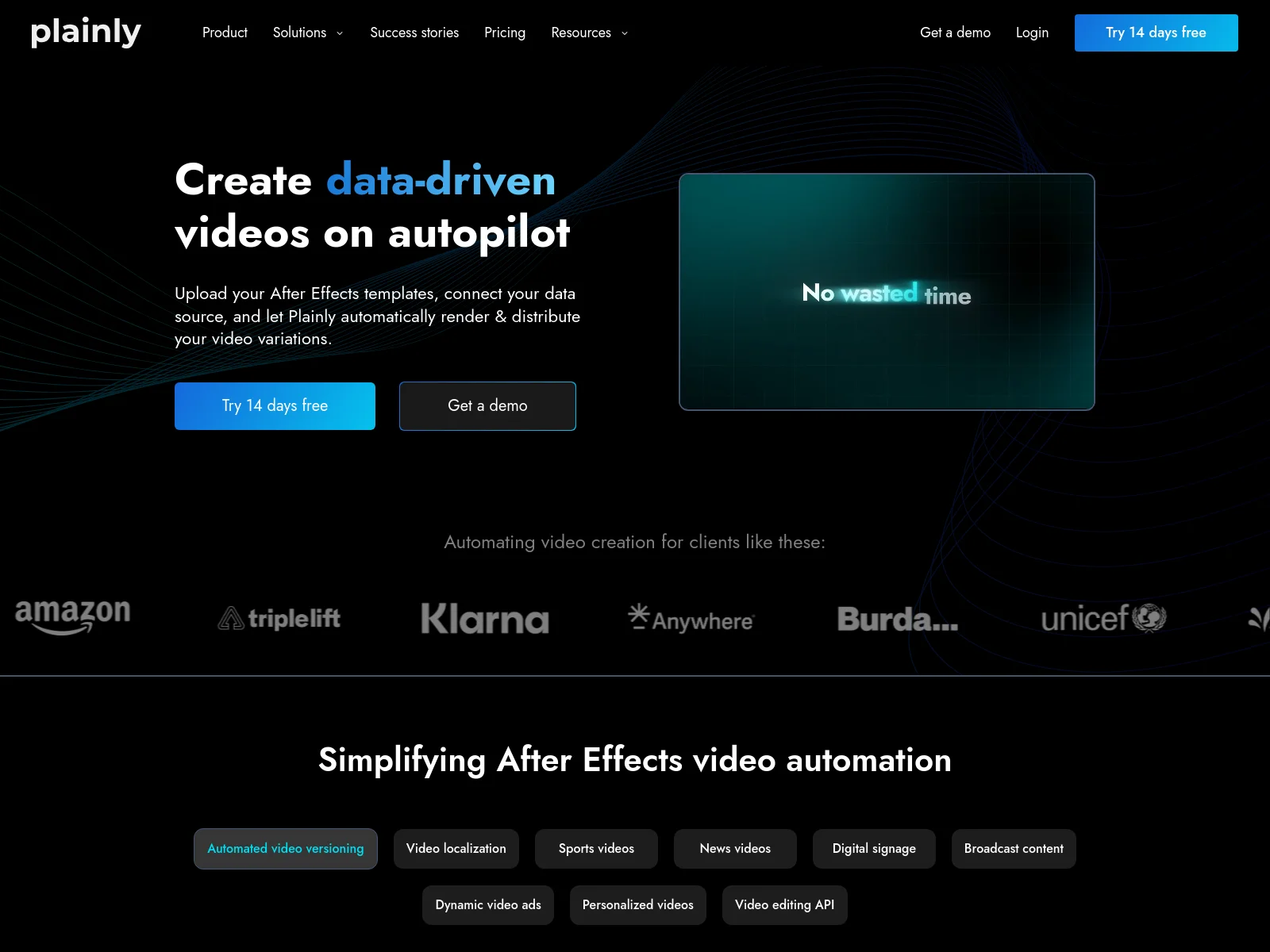
Plainly renders real After Effects projects through an API. Narrow trick, done well.
What makes it stand out
- Your motion designer's
.aepfile becomes the template, effects intact - Nothing else here matches its animation ceiling
- Straightforward parameter mapping onto AE layers
API setup
Upload the project, map the dynamic layers, then POST data per render. Setup is heavier than the rest of this list, but it is a one-time cost per template.
Agentic capabilities
- Official MCP server, open source at
plainly-videos/mcp-server - Four focused tools: list renderable items, get item details, submit a render, check render status
- Enough for an agent to pick an After Effects template and render it, but not to build one
Where it falls short
You need After Effects, and someone who knows it. Renders take longer, and the pricing assumes a business is paying. If nobody on the team opens AE, this lane is closed.
9. fal.ai — made for trying models before you commit
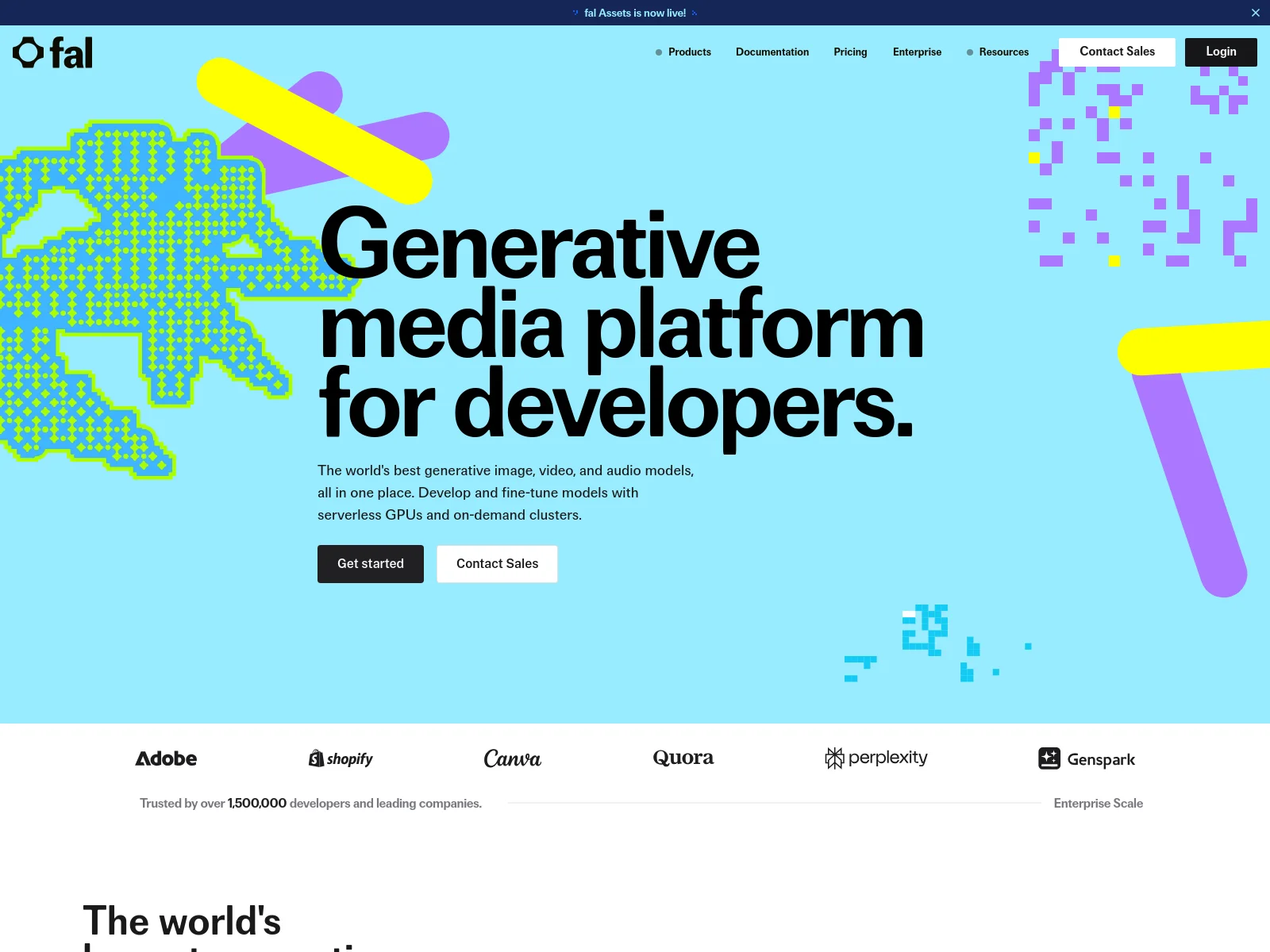
Not a video product but a fast inference host that gives you many video models behind one API key.
What makes it stand out
- Model choice without a separate integration each time
- Fast cold starts and sensible developer ergonomics
- Good for benchmarking models against each other before committing
API setup
One key, model name in the request, webhook back. The easiest way to try several generative models without nine accounts.
Agentic capabilities
- No official first-party MCP server — the ones in circulation are community or aggregator builds
- Those cover model discovery, schema retrieval and execution across the catalogue
- Reasonable for letting an agent explore and benchmark models; less so as production plumbing you depend on
Where it falls short
It inherits every limitation of the models it serves, and adds a dependency. There is no editor, no templating and no brand layer — it is infrastructure, not a solution.
Which video generation API should you pick?
- You need footage that doesn't exist — Google Veo or Runway, with fal.ai if you want to compare models before committing.
- You need the same branded video with different data, at volume — Orshot, or Creatomate if its pricing works for you.
- Your team writes edits in code and no marketer will ever touch the template — Shotstack, or JSON2Video for something lighter.
- You already ship React and want video in the same codebase — Remotion.
- A motion designer already built the asset in After Effects — Plainly.
- You need a person on screen reading a script — an avatar API like HeyGen or Synthesia. None of them are on this list.
- You're doing both — generate B-roll with a model, then put the branded layer on top with a template renderer. That's the most common serious setup. Orshot now does the two steps in one render call, which is worth knowing before you wire two vendors together.
Frequently asked questions
What is a video generation API?
What is the best AI video API for developers?
How do I generate AI videos in bulk?
How do I turn a spreadsheet or document into videos automatically?
Which video API works best inside an LLM product or AI agent?
Do video generation APIs support async rendering and webhooks?
Is there a video API for social media apps?
Can generative AI generate videos I can use for a brand?
Do these APIs add subtitles automatically?
How much does a video generation API cost?
The bottom line
There is no best video generation API, because two different products share the name. Decide first whether you need footage invented or a design rendered — that single question eliminates most of this list for you.
If your videos need to look the same every time, carry your brand, and come from data you already have — that is the template lane. It is what Orshot's video generation API is built for.
Design the template once. Render MP4, WebM or GIF from an API call, a no-code step or an AI agent, and let it generate the footage, the voiceover and the captions for the layers that need them. Publish it without a second tool.
Try the editor free with 100 credits a month, which renders videos up to 30 seconds; longer videos are on paid plans from $39/mo.