Most teams that go looking for a CraftMyPDF alternative hit the same wall, and the PDFs themselves are fine. The problem is the template count.
CraftMyPDF plans cap how many templates you can keep:
- Free: 3
- Lite: 6
- Plus: 15
- Professional: 50
That's fine for one invoice and one certificate. It gets tight when every client, event or language needs its own design. You end up deleting old templates, or moving up a plan you don't need for volume.
The other gap shows up later. The PDF is rarely the only file. The certificate needs a LinkedIn share image, the property listing needs an Instagram post, and the report needs a cover graphic. That's a second tool with a second template.
I built Orshot so one template covers all of it:
- Design in a Figma-like editor with your brand fonts and colors
- Every layer becomes an API parameter
- The same template renders as a PDF, an image or a video
- Every plan includes unlimited templates
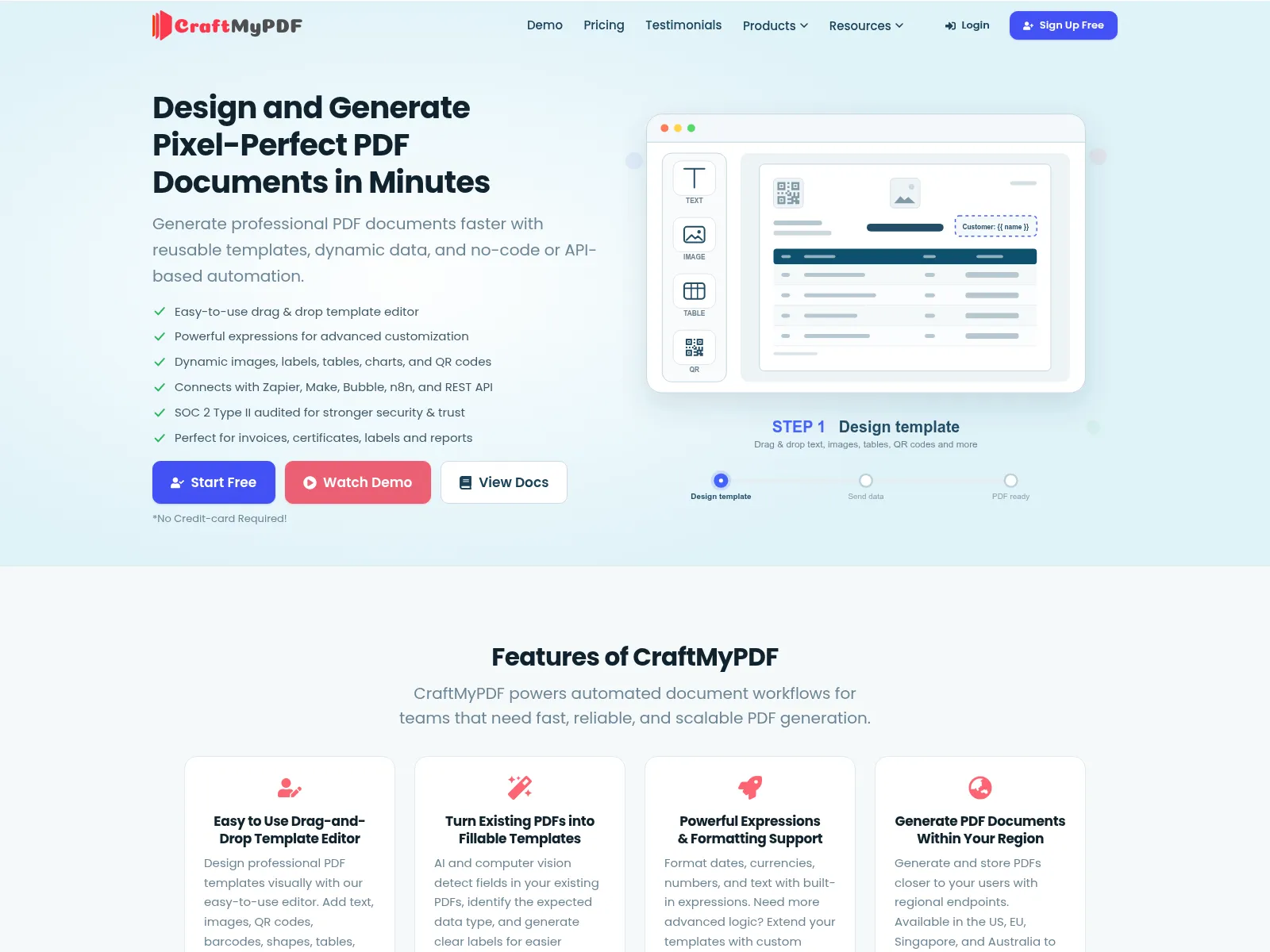
CraftMyPDF vs Orshot: What's Different
| Feature | Orshot | CraftMyPDF |
|---|---|---|
| Template limit | Unlimited on every plan | 3 (Free), 6 (Lite), 15 (Plus), 50 (Professional), then 1,000+ |
| Output formats | PDF, PNG, JPG, WebP, AVIF, MP4, WebM, MOV, MKV and GIF from the same template | PDF, plus PNG and JPEG from an image endpoint. No video |
| Editor | Orshot Studio, a Figma-like design editor with your brand kit | Drag and drop document editor, plus HTML |
| Long content | Flowing text that adds pages as it needs them, with repeating headers and footers | Page breaks and arrays |
| Rendered files | A file URL kept for at least a year, or pushed to your Drive, Dropbox, S3 or R2 on every paid plan | Links expire after 1 minute to 7 days (5 minutes by default). Your own S3 from $99 |
| Team members | 2 included from $39 | Teams from $99 |
| AI agents | Orshot for agents, a first-party MCP server that lists, renders and even creates templates | Only through third-party MCP servers (Zapier, Composio, Pipedream) |
| Built-in workflows | Trigger from Sheets or Airtable, render, then send | Via Zapier, Make, n8n or Bubble |
| Template import | Canva, Figma and Polotno | Their editor or HTML |
CraftMyPDF details checked against craftmypdf.com in September 2026.
Orshot vs CraftMyPDF in Numbers
Three numbers you can check yourself on their public pricing page and docs.
- File link stays live for
- Orshot1 yr+CraftMyPDF7 days
- Output formats
- Orshot10CraftMyPDF3
- Own storage and teams
- Orshot$39CraftMyPDF$99
Where CraftMyPDF Setups Get Stuck
The friction people describe in the Make and n8n communities is in the edges around the PDF:
- The template cap. Agencies and multi-brand teams run out of template slots long before they run out of PDF credits.
- Type errors from spreadsheets. A number that arrives from Google Sheets as text breaks the render with "Invalid number in parameter", which shows up in the Make community.
- Timeouts on longer documents. Make modules time out after 40 seconds, so longer PDFs have to be rebuilt around CraftMyPDF's async endpoint and a second webhook scenario.
- Links that expire fast. Generated file links last 5 minutes by default, so every workflow needs a step that downloads the file and uploads it somewhere else. Sending it straight to your own storage starts on the $99 plan.
- PDF only. When the certificate also needs a share image, or the listing needs a social post, that's a second product.
Design the Template Once, Render It Everywhere
You design in Orshot Studio, a Figma-like editor. Drop in text, images and shapes, apply your brand kit, and mark any layer as dynamic.
Each dynamic layer becomes an API parameter with the name you give it, like recipient_name or course_title. The API tab writes the request for you.
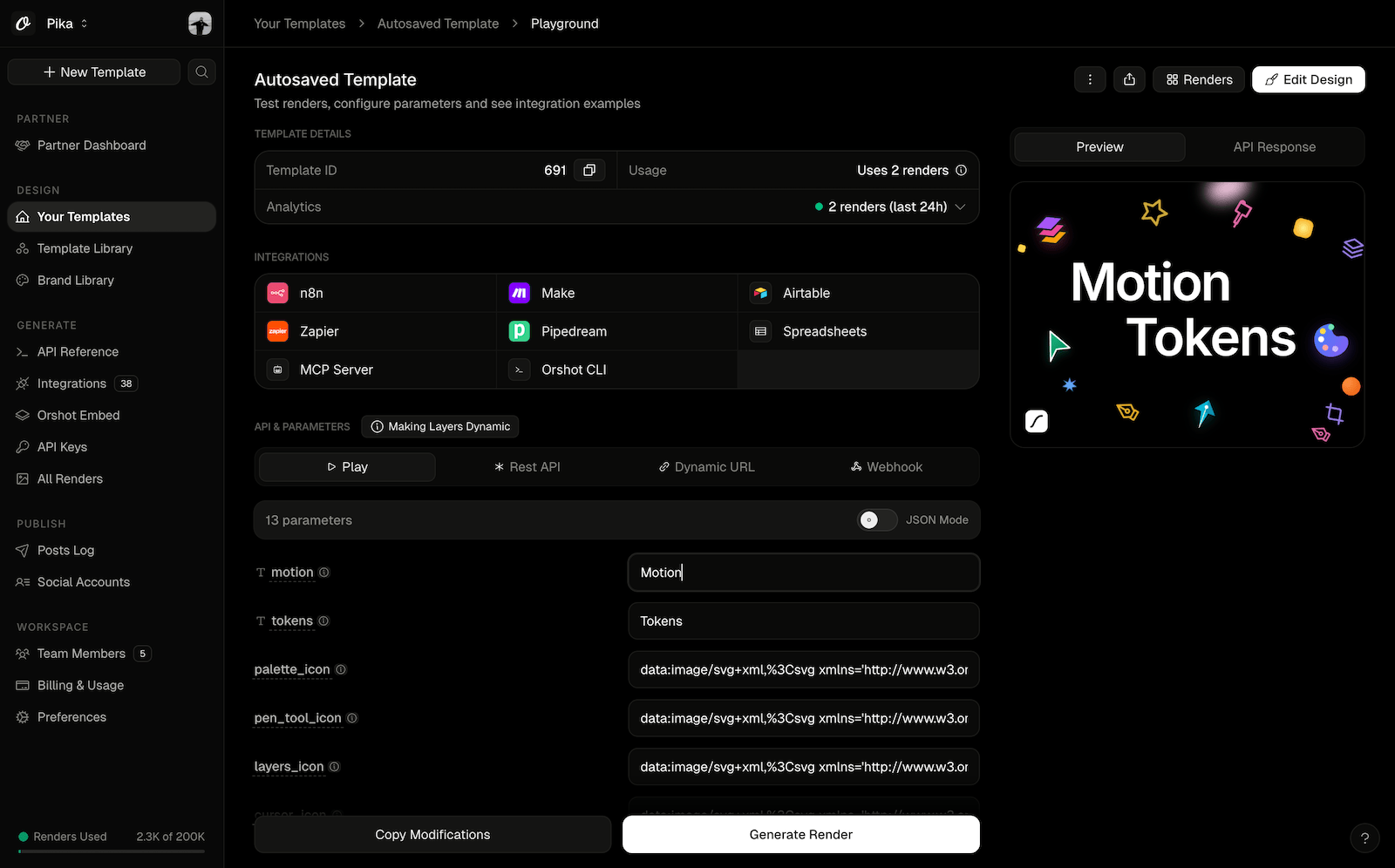
The things that make PDF templates work in production are built in:
- Multi-page. Design each page, and fill every page from one call with
page2@headlinestyle parameters. See multi-page PDFs. - Flowing content. Set a text layer to Flow and long content spills onto as many pages as it needs, with headers, footers and page numbers repeating on each one.
- Print ready. PDFs are print ready at the default settings, and you can set margins, CMYK color mode, image compression and page range per render with
pdfOptions. - Clickable links. Give any text or image an
hrefand it's a live link in the PDF. - Brand kit. Fonts, colors and logos come from your brand kit, so every template stays on brand.
Already have a design in Canva or Figma? Import it instead of rebuilding from scratch.
What People Make With It
The templates that fit Orshot best are designed documents, where the layout matters as much as the data:
- Certificates for courses, events and awards. The Google Sheets certificate tutorial walks through the whole flow.
- Reports and one-pagers with charts, KPIs and a branded cover.
- Brochures and real estate listing PDFs with photos, price, address and agent details.
- Event badges, tickets and name cards with each attendee's name, photo and role.
- Menus, flyers and product sheets that also go out as social posts.
The same template also renders as an image. So the certificate gets a matching LinkedIn share card, and the listing gets an Instagram post, from the same data.
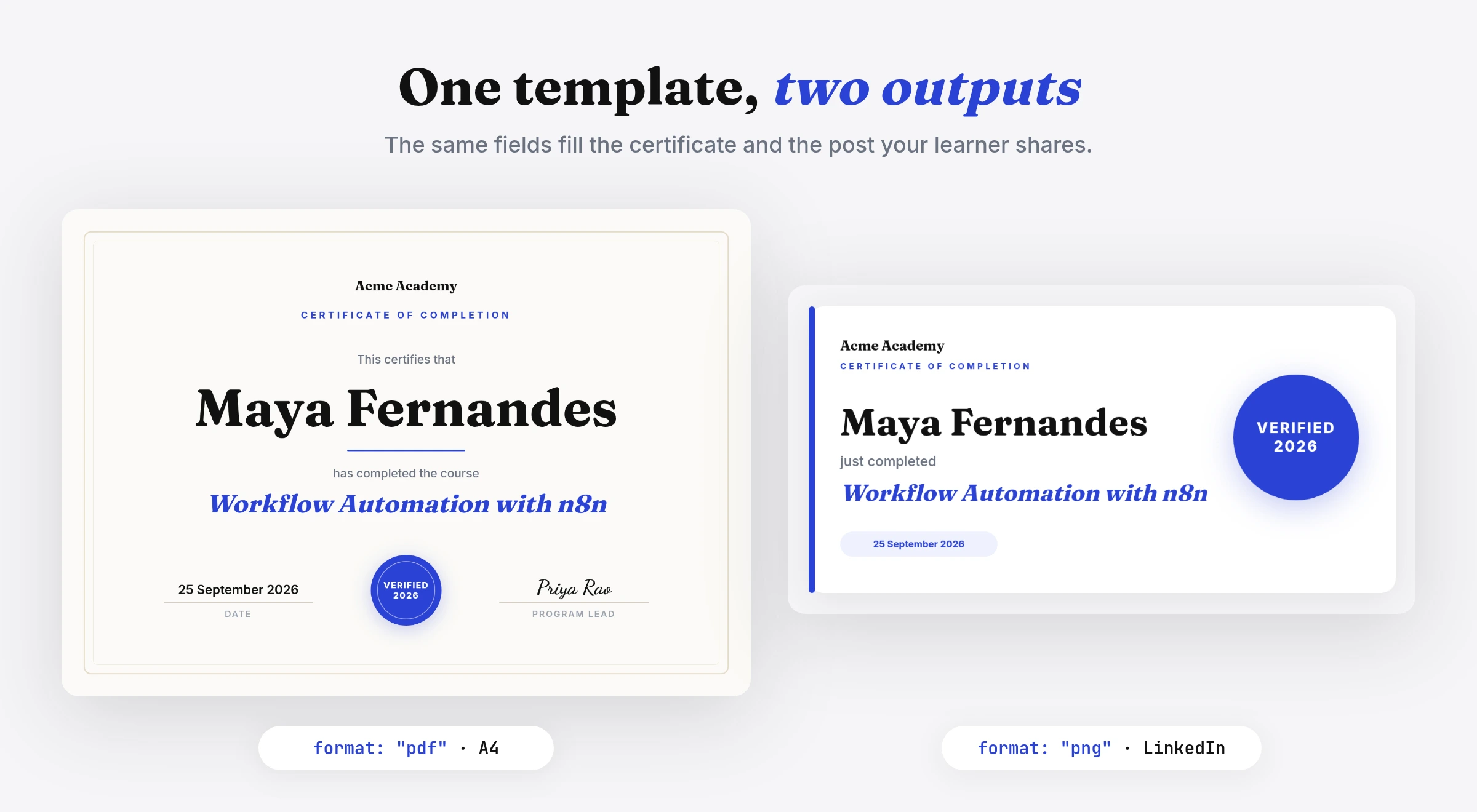
- Smart Resize re-fits the A4 layout to a square or a story size
- Social publishing ($12 a month per connected account) can post it for you
One API Call for PDFs and Images
Here's the render. The tabs show a certificate PDF, the same template as a share image, a multi-page report, an async render for longer documents, and the CraftMyPDF call it replaces.
Fill the name, course and date, set CMYK for print, and get a PDF link back.
const res = await fetch("https://api.orshot.com/v1/studio/render", {
  method: "POST",
  headers: {
    Authorization: "Bearer YOUR_ORSHOT_API_KEY",
    "Content-Type": "application/json",
  },
  body: JSON.stringify({
    templateId: "YOUR_TEMPLATE_ID",
    modifications: {
      recipient_name: "Priya Sharma",
      course_title: "Advanced Data Analysis",
      completion_date: "25 September 2026",
    },
    response: { type: "url", format: "pdf" },
    pdfOptions: { colorMode: "cmyk", margin: "20px" },
  }),
});
The same template and data, rendered as a PNG the recipient can post on LinkedIn. Only the format changes.
body: JSON.stringify({
  templateId: "YOUR_TEMPLATE_ID",
  modifications: {
    recipient_name: "Priya Sharma",
    course_title: "Advanced Data Analysis",
  },
  response: { type: "url", format: "png" },
}),
Every page in one call. Prefix a parameter with the page number to fill each one.
body: JSON.stringify({
  templateId: "YOUR_TEMPLATE_ID",
  modifications: {
    "page1@client_name": "Northwind Traders",
    "page1@period": "Q3 2026",
    "page2@revenue_chart": "https://cdn.example.com/q3-revenue.png",
    "page3@summary": "Revenue grew 18% on the back of repeat orders.",
  },
  response: { type: "url", format: "pdf" },
}),
Long documents can run in the background on the same endpoint, so there's no 40 second Make timeout to design around. Pass your own record ID as metadata and it comes back in the webhook, so the PDF lands on the right row.
body: JSON.stringify({
  templateId: "YOUR_TEMPLATE_ID",
  modifications: { client_name: "Northwind Traders" },
  response: { mode: "async", format: "pdf" },
  webhook_url: "https://acme.com/hooks/orshot",
  metadata: "airtable-rec8412",
}),

// Your webhook receives:
// {
//   "event": "render_job.finished",
//   "job": { "id": 1204, "status": "succeeded", "result": { ... }, "metadata": "airtable-rec8412" }
// }
For comparison, the same certificate on CraftMyPDF.
const res = await fetch("https://api.craftmypdf.com/v1/create", {
  method: "POST",
  headers: {
    "X-API-KEY": "YOUR_CRAFTMYPDF_API_KEY",
    "Content-Type": "application/json",
  },
  body: JSON.stringify({
    template_id: "YOUR_CRAFTMYPDF_TEMPLATE_ID",
    data: {
      recipient_name: "Priya Sharma",
      course_title: "Advanced Data Analysis",
      completion_date: "25 September 2026",
    },
    export_type: "json",
  }),
});
// The file link is temporary (5 minutes by default), so save it right away
Full references: PDF generation, PDF options, async renders and dynamic parameters.
Google Sheets, Airtable, n8n and Zapier
CraftMyPDF connects to Zapier, Make, n8n and Bubble, and so does Orshot. There's a first-party n8n node plus Make and Zapier apps. Swapping the PDF step in an existing scenario takes a few minutes.
Rather not run a separate automation tool? Orshot Workflows do the whole loop:
- Trigger from Google Sheets, Airtable, Google Forms or a webhook
- Render the template
- Send the file to email, Drive, your own endpoint or a social account
Here's one that turns every row of a Google Sheet into a certificate PDF and saves it to Google Drive, with no download and upload step in between:
Need people outside your team to generate their own PDFs? Template Forms share any template as a public form. They fill it in and download the file, with no account and no automation to build.
With Orshot for agents, Claude, ChatGPT or Cursor can list your templates, render a certificate or a report, and design a new template from a prompt. It's a first-party MCP server. CraftMyPDF is only reachable through third-party MCP servers.
CraftMyPDF Pricing, and How Orshot Bills
CraftMyPDF charges per document, whatever the page count, with a template cap on each plan:
- Free: 50 PDFs a month, 3 templates
- Lite: $29 a month, 1,200 PDFs, 6 templates
- Plus: $49 a month, 3,000 PDFs, 15 templates
- Professional: $99 a month, 12,000 PDFs, 50 templates
- Premium: $299 a month, 40,000 PDFs, 1,000 templates
- Business: $499 a month, 150,000 PDFs, 10,000 templates
Annual billing is 10 months' price, and unused credits don't roll over. Teams and sending files to your own S3 bucket start on Professional. Prices checked against craftmypdf.com/pricing in September 2026.
Orshot uses one credit for 1 PDF page, 1 image or 1 second of video. Every plan includes unlimited templates, and every paid plan includes your own storage (Drive, Dropbox, S3 or R2) and 2 team members.
Other CraftMyPDF Alternatives
If you're weighing CraftMyPDF, these are the other tools that usually come up.
PDFMonkey
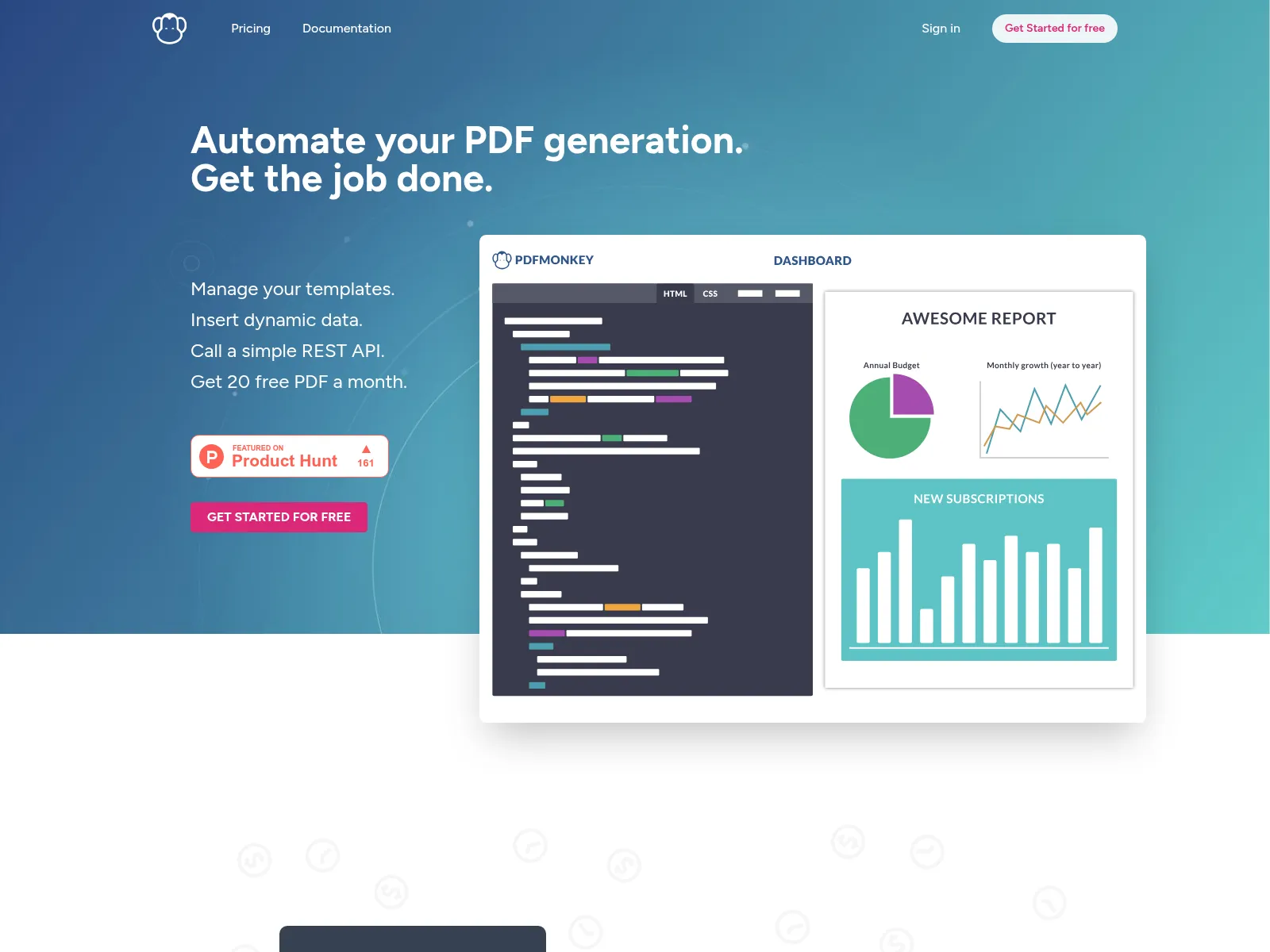
PDFMonkey builds templates in HTML and CSS, then fills them with data through a REST API. It suits developers who want to write the document as code.
APITemplate.io
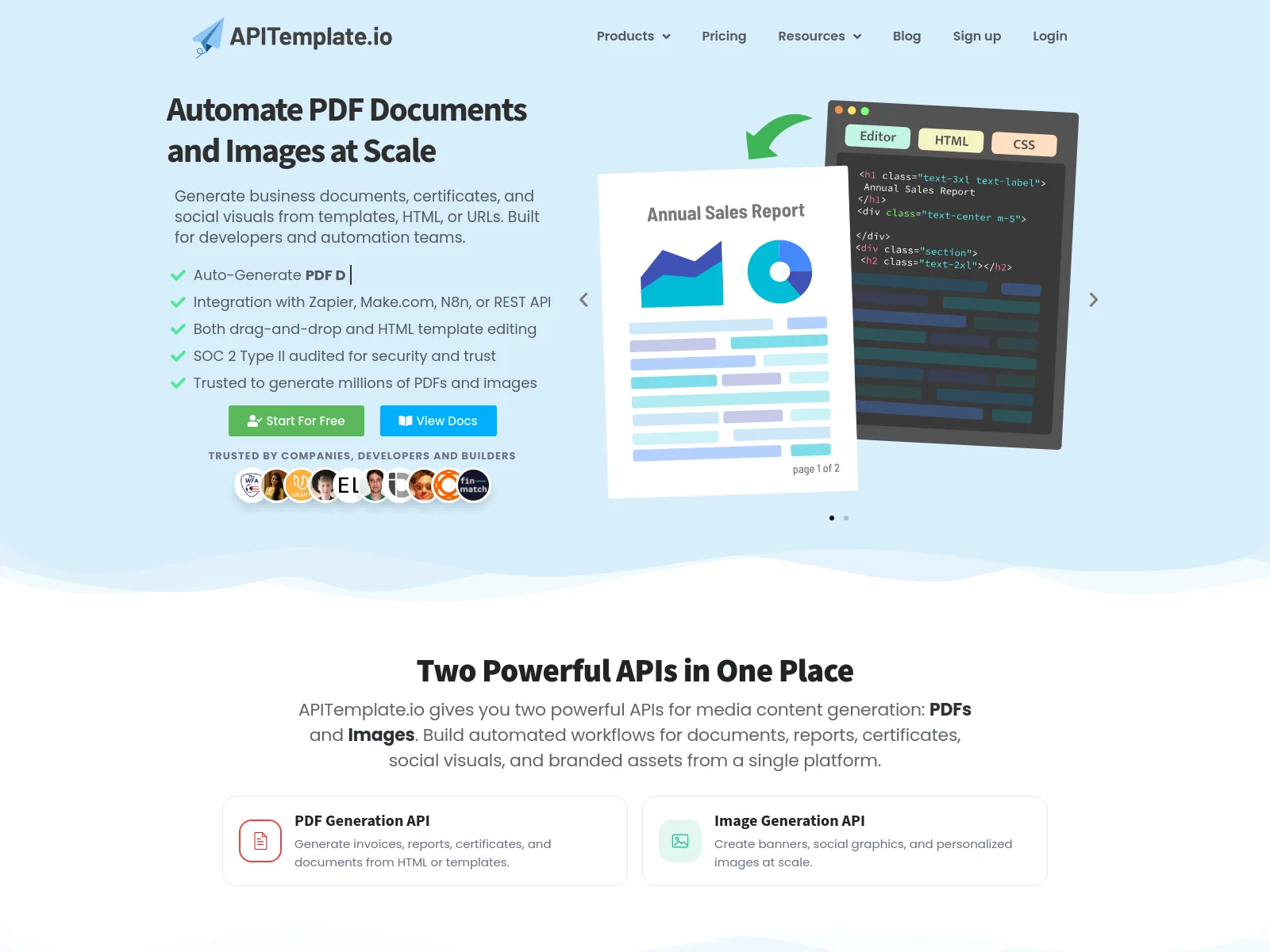
APITemplate.io renders both images and PDFs from templates, with a visual editor for images and HTML templates for PDFs.
Read the full APITemplate.io comparison →
Verified pricing for more PDF tools, at 1,000, 10,000 and 100,000 documents a month, is in our PDF generation API comparison.
When CraftMyPDF Fits Better
CraftMyPDF is built as a document tool. It has tools Orshot doesn't for:
- Invoices or statements with line-item tables that grow with the data
- Filling existing PDF forms
- Merging and splitting files, adding passwords and collecting e-signatures
It also bills per document, so long PDFs cost less there.
Orshot fits when the PDF is designed, when you need many templates, or when the same design also has to go out as an image or a video. See the PDF generation API page for the full picture.
Switching From CraftMyPDF
Most switches take an afternoon.
- Rebuild the template. Recreate it in Studio, import it from Canva or Figma, or describe it to the AI Design Agent. Name each dynamic layer after your old data key and your mapping stays the same.
- Swap the API call. Replace
template_idanddatawithtemplateIdandmodifications, and setresponse.formattopdf, as in the code tabs above. In n8n, Make or Zapier, swap the CraftMyPDF step for the Orshot one. - Run both side by side. Compare a few real documents, tweak spacing in Studio, and cut over when they match.
Stuck on a template? Hit the chat button and I'll help you move it over.
Common Questions
What is CraftMyPDF?
How much does CraftMyPDF cost?
How many templates can I have on CraftMyPDF?
Does Orshot work with n8n, Zapier and Make like CraftMyPDF?
Can I generate certificates from Google Sheets?
Can one template make both a PDF and an image?
response.format in the same API call and the same design comes back in the new format.Can AI agents generate PDFs with Orshot?
Is there a free CraftMyPDF alternative?
How do I migrate from CraftMyPDF to Orshot?
Can I save generated PDFs to my own S3 or Google Drive?
How long do generated PDF links last?
Can Orshot make multi-page PDFs like reports and brochures?
Try It
Sign up, rebuild one CraftMyPDF template in Studio, and render it as a PDF and a PNG from the same call. You start with 100 free credits a month, unlimited templates, and no card.
If something doesn't work the way you expect, hit the chat button. I'm usually the one on the other end.