If you've used Predis.ai for a few months, you know the loop.
You type a prompt, it returns a carousel and a caption, you regenerate twice because the layout put your headline over the product, you fix the copy by hand, then you schedule it. It's genuinely faster than opening Canva. But somewhere around month three, you scroll your own feed and every post looks like it came out of the same machine.
That's not a Predis bug. It's what prompt-to-post tools are for.
What Predis is actually good at

I want to be fair here, because a lot of "alternative" pages aren't.
- Cold start. You describe your business, you get posts. Nothing beats it for that.
- Ecommerce content. Point it at a product URL, get ads and UGC-style clips without a shoot.
- Captions and hashtags. Fine first drafts, and it saves real time.
- One tool, whole loop. Generate, schedule, publish. Reasonable thing to want.
If you're a solo founder filling an empty calendar, Predis is a good buy. I'd still recommend it for that.
Where it stops
Read enough Predis.ai reviews and the complaint is never "it's bad". It's that the output stops being yours.
A commenter in r/ContentCreators put it better than I would — tools like this work best as "a speed layer" rather than "a creation layer" (r/ContentCreators). Another in r/FacebookAds said he uses it because he can't be bothered starting from scratch, but then likes to "make my own modifications after" (r/FacebookAds).
Same gap, described twice. The AI gets you 80% there and you finish the last 20% by hand — every post, forever.
Where it bites:
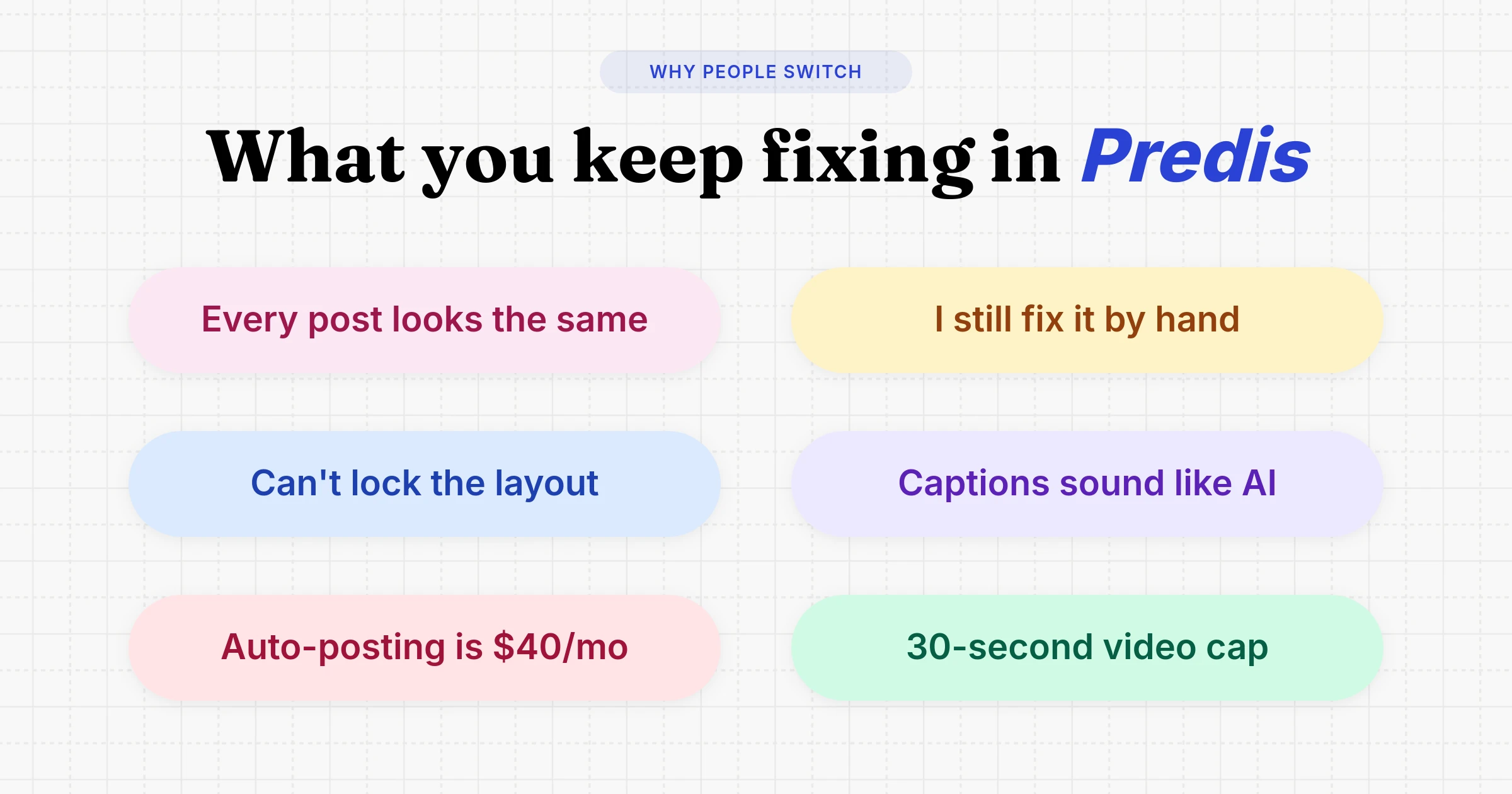
- You can't lock the design. Each generation re-decides your layout. Brand settings nudge it; they don't pin it.
- Auto-posting isn't on the entry plan. Core ($19/mo) has the API and 10 accounts, but auto-posting starts on Rise at $40/mo.
- Video is capped by tier. 30 seconds on Core, and 1,300 credits is roughly 9 clips.
- It can't run off your data. No "render this from the row that just landed in Airtable". You're always the one prompting.
- Batches drift. Generate a week at a time and the posts start rhyming.
The editor, not a prompt box
This is a real Orshot template. Hit play, then change anything in it:
You design the post once, mark the bits that change as parameters, and that design becomes an API endpoint. Every render after that is pixel-identical, because it's your file — not a fresh guess.
You don't have to start blank either. Import a Canva or Figma design, describe it to the AI Design Agent, or pick from the template library.
Side by side
| Orshot | Predis.ai | |
|---|---|---|
| Generates post ideas from a prompt | Via AI agent / MCP | |
| Writes captions and hashtags | Via AI agent / MCP | |
| Pixel-identical output every render | ||
| You own and edit the underlying design | ||
| Render from Sheets, Airtable, webhooks | ||
| REST API as the core product | Available, secondary | |
| Zapier / Make / n8n / MCP | ||
| One design auto-resized to every format | ||
| Video length | No cap (1 credit = 1 second) | 30s on Core, 5 min on Rise |
| Bulk render from a spreadsheet | ||
| Publish to socials | 15+ platforms | Rise plan and up |
| Entry price | $39/mo, 1,500 credits | $19/mo, 1,300 credits |
Predis.ai pricing, honestly compared
Predis is cheaper on paper, and I'm not going to pretend otherwise.
| Predis.ai | Orshot | |
|---|---|---|
| Entry plan | $19/mo Core | $39/mo |
| Credits | 1,300 (~86 images or ~9 videos) | 1,500 (1 credit = 1 image, PDF page, or video-second) |
| Social accounts | 10 included | $12/mo each, unlimited posts, includes API usage |
| Auto-posting | Rise ($40/mo) and up | Any paid plan |
| Free tier | Trial with watermark | 100 credits a month, no card |
Read that account row carefully. If you post to eight brands' accounts, Predis is clearly cheaper — Orshot would be $39 + 8 × $12 = $135/mo. Better you know now than after signing up.
It flips when you count what else is in the box. The $39 includes the studio, video, workflows and the API — usually a Canva subscription plus a Zapier plan.
And the credit math differs in kind: 1,500 credits is 1,500 seconds of video, about 25 minutes, versus roughly 9 clips.
Point it at your data
The Predis.ai API exists on every plan, but it drives their generator — you send a prompt and take what comes back. Orshot's takes your template and your row, and returns the exact design you approved:
await fetch("https://api.orshot.com/v1/studio/render", {
  method: "POST",
  headers: {
    Authorization: "Bearer YOUR_ORSHOT_API_KEY",
    "Content-Type": "application/json",
  },
  body: JSON.stringify({
    templateId: "your_template_id",
    modifications: {
      product_name: "Merino Runner",
      price: "$128",
      product_image: "https://cdn.yourstore.com/merino.jpg",
    },
    response: { type: "url", format: "png" },
    publish: {
      accounts: [1, 2],
      content: "New drop: the Merino Runner 🏃",
      schedule: { scheduledFor: "2026-08-14T14:00:00Z" },
    },
  }),
});
Swap "png" for "mp4" and the same template returns a reel. Multi-page templates post as carousels on their own.
Or describe it and skip the code
Workflows run the same loop with no code: a trigger, your data, a template, your accounts. Copy a ready-made one and switch it on:
Came to Predis for ecommerce? The closest swaps are Shopify product videos and product marketing images.
Publishing is included
Anything Orshot renders, it can post to 15+ platforms — instantly, as a draft, or scheduled. No separate scheduler, and publishing costs no extra credits.
Accounts are $12/mo each with unlimited posts, on any paid plan.
Stay on Predis if
- You want the machine to decide what to post. Orshot won't write your content calendar.
- You want captions and hashtags written for you inside the dashboard, without wiring up an agent to do it.
- You run many accounts on a tight budget. Ten accounts at $19 is hard to beat.
- Your posts are one-off. Templates only pay off when something recurs.
Plenty of people run both: ideate in Predis, then rebuild the winner as an Orshot template and let it run on your data.
Other Predis.ai alternatives worth a look
Orshot only makes sense if the design is what you keep redoing. If that isn't your bottleneck, one of these is the better swap.
AdCreative.ai
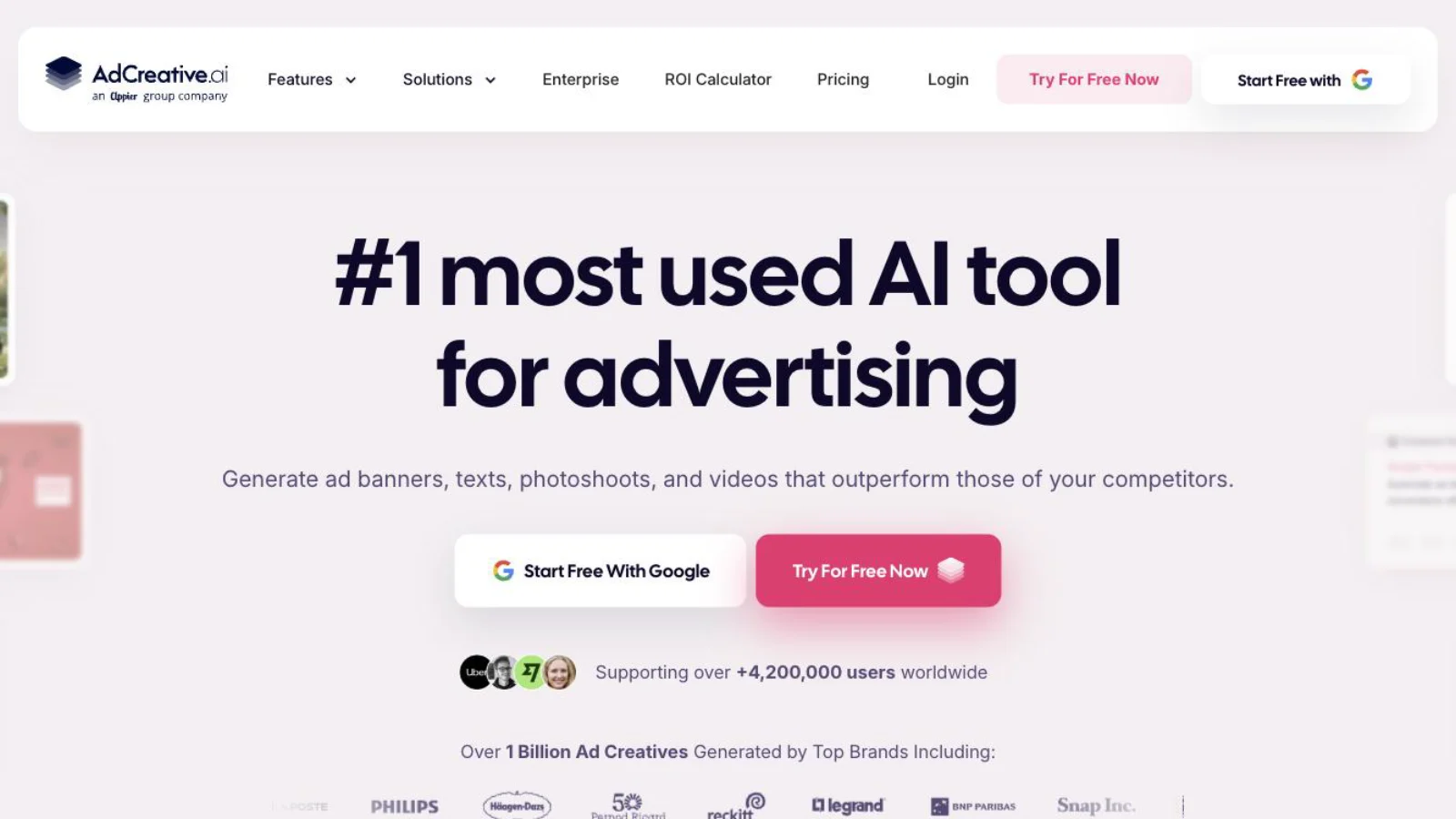
The closest match if ads are the job rather than organic posts. It generates concepts and ranks them by predicted conversion, which Predis doesn't do, and pushes winners straight to Google and Meta ad accounts. The catch is billing: the trial needs a card and auto-converts, and scoring, video and batch only start on the $249 tier.
Read the full AdCreative.ai breakdown →
Contentdrips

The carousel specialist, and better than Predis at branded LinkedIn carousels specifically — you get a real template editor with brand kits. The limit is scope: it publishes to LinkedIn and Instagram only, and its API returns PNG and PDF, so no reels, audio or subtitles.
Read the full Contentdrips breakdown →
Buffer
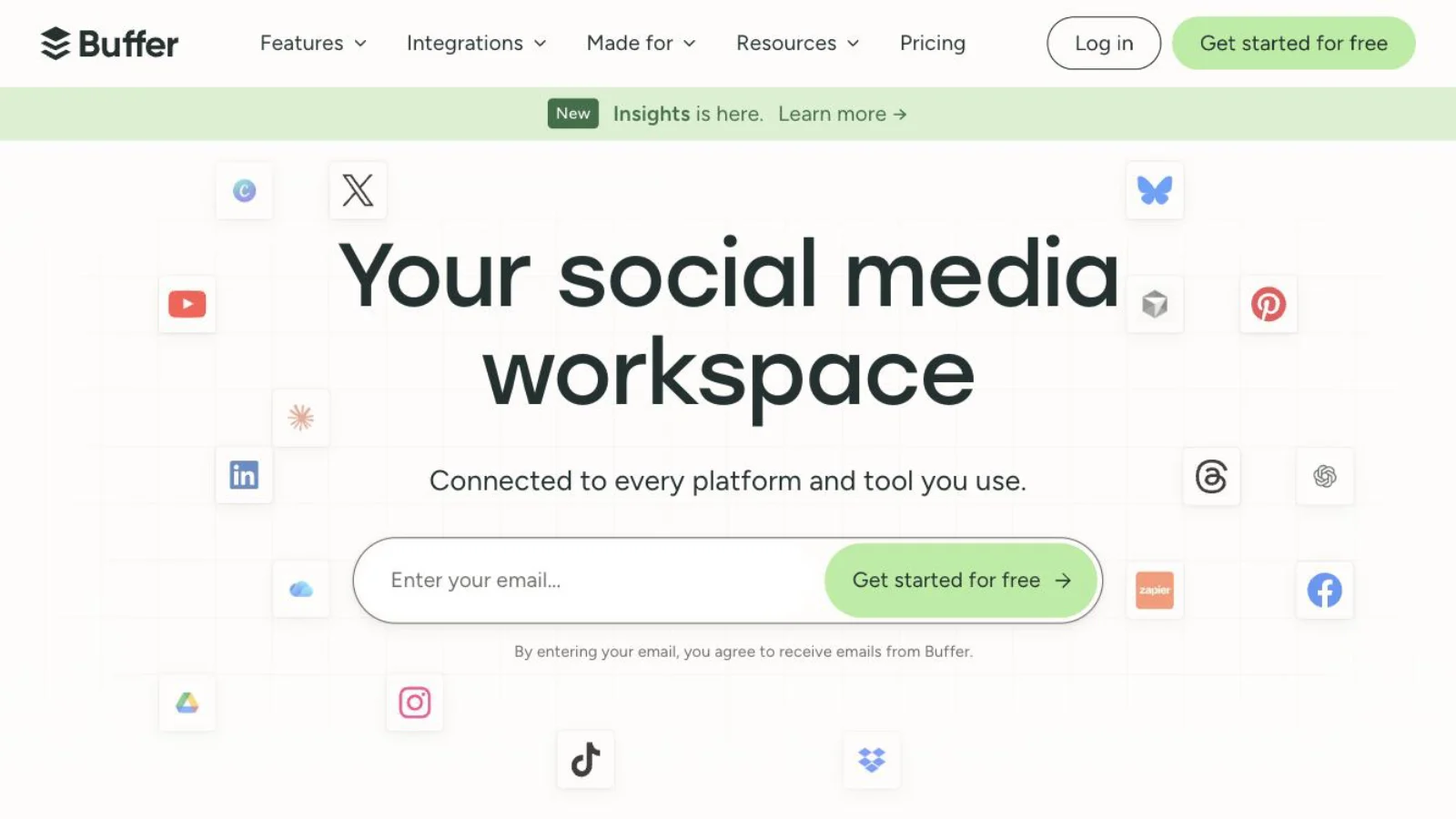
If you only kept Predis for the scheduling, drop to a proper scheduler and save the money. Buffer is cheaper per channel and gives you the social inbox and engagement analytics that neither Predis nor Orshot offers. You'll still be making the graphics somewhere else.
Read the full Buffer breakdown →
Canva
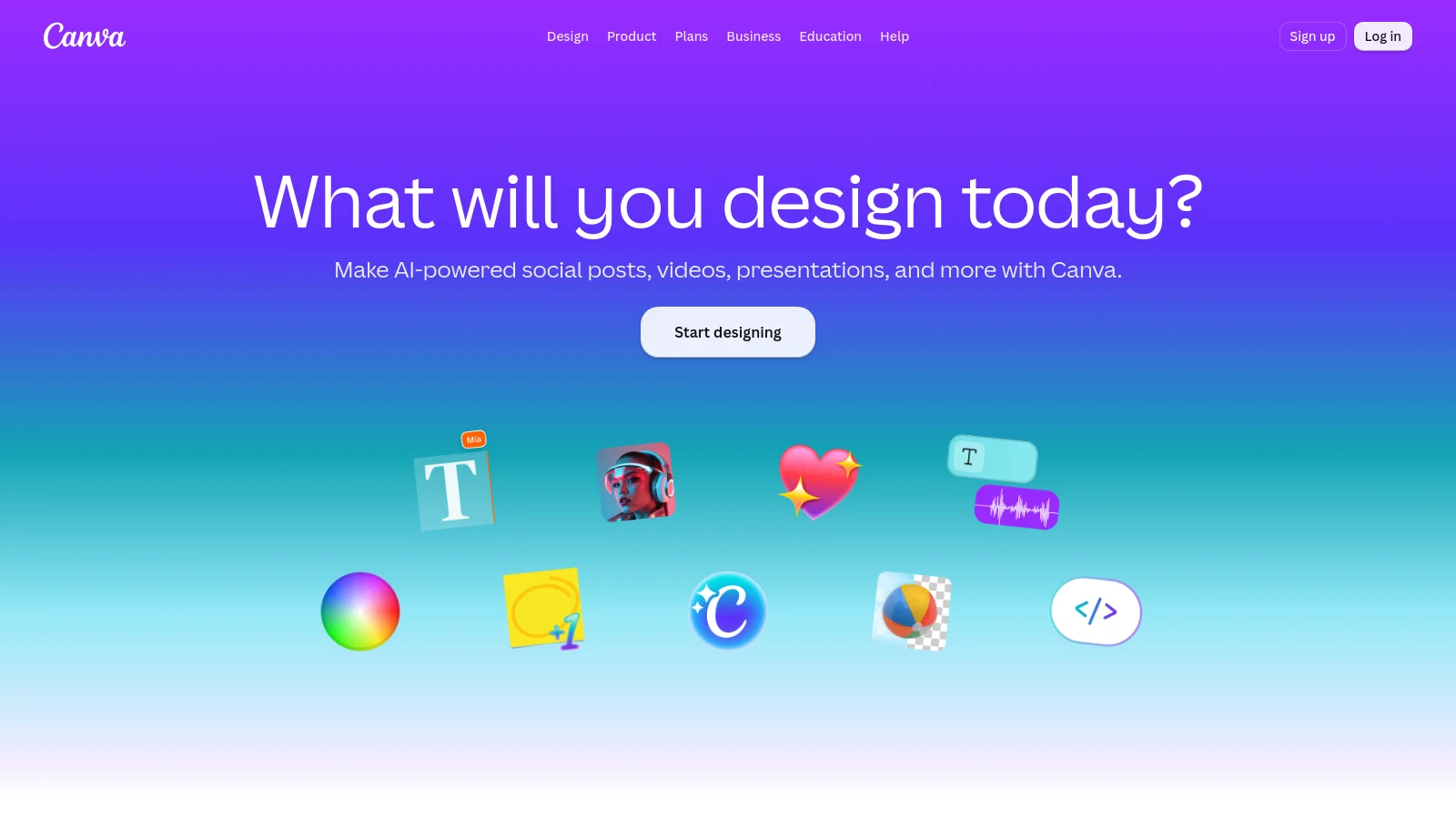
The honest DIY answer. If you post a few times a week, Canva plus a scheduler beats paying for AI generation you keep correcting, and Bulk Create handles spreadsheet-driven batches. It stops working when you need a render to fire on a trigger rather than a person clicking export.
Read the full Canva breakdown →
Verified pricing and free-tier details for these and eight more are in our social media automation tools comparison.
Common questions
Is Orshot a drop-in replacement for Predis.ai?
Does Orshot write captions like Predis?
Is Orshot cheaper than Predis.ai?
Does Predis.ai have a free plan, and does Orshot?
Can Orshot make videos and reels?
What if my designs are already in Canva or Figma?
Which platforms can Orshot publish to?
Bottom line
Predis.ai is a good answer to "I don't know what to post." Orshot is the answer to "I know exactly what to post, and I need it made 400 times without drifting."
If you've been finishing every Predis post by hand, that's the signal. Rebuild one recurring post as a template, connect the sheet it should read from, and let it run.
If you're mid-migration and want a hand, hit the chat button. It's usually me on the other end.