How to connect Zapier, Make, n8n and other tools
Automate renders from your existing workflows — no code required
Published Jun 7, 2026
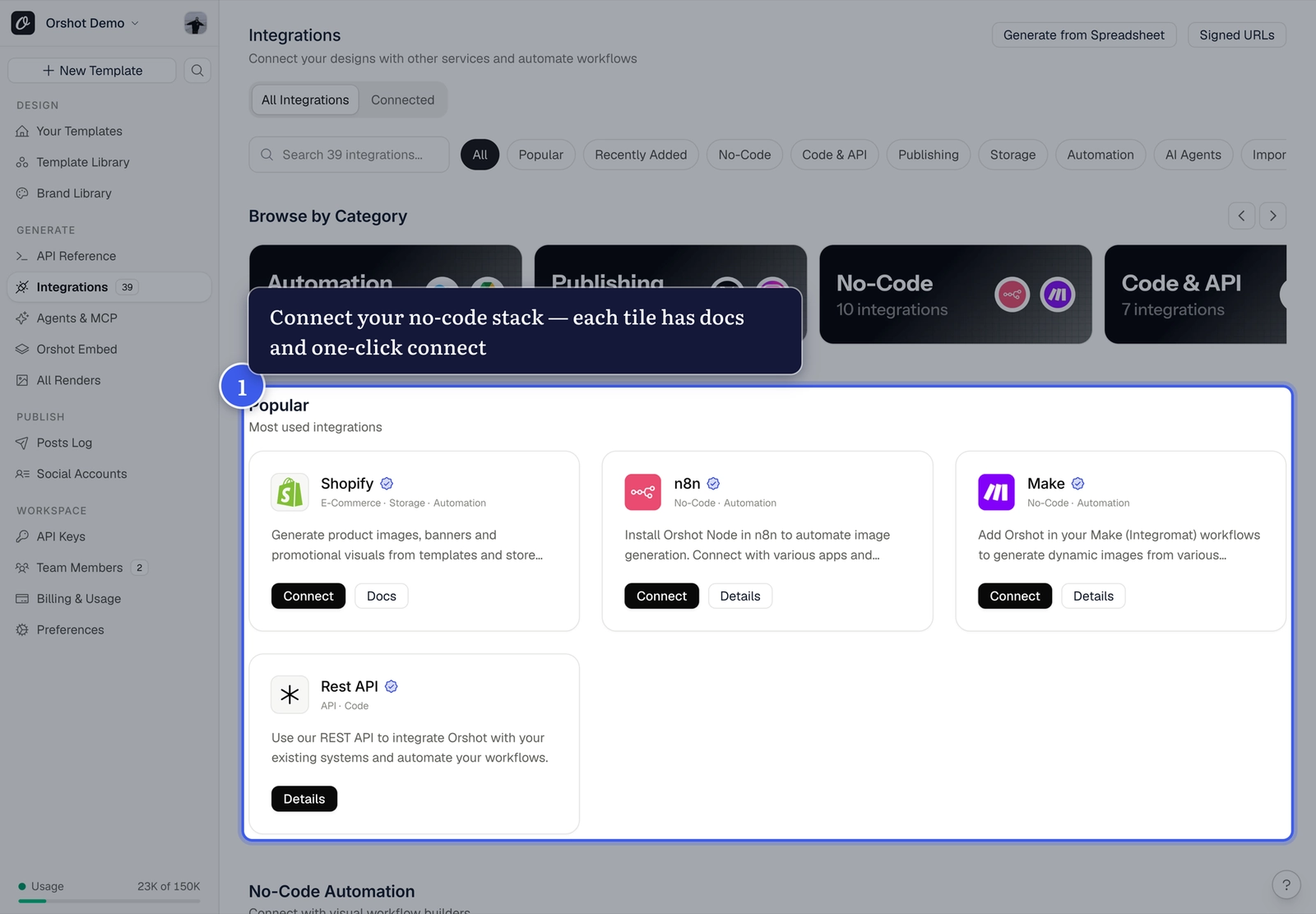
Open Integrations from your workspace sidebar — each tile has a setup guide and one-click connect:
The fastest setup: Quick Connect#
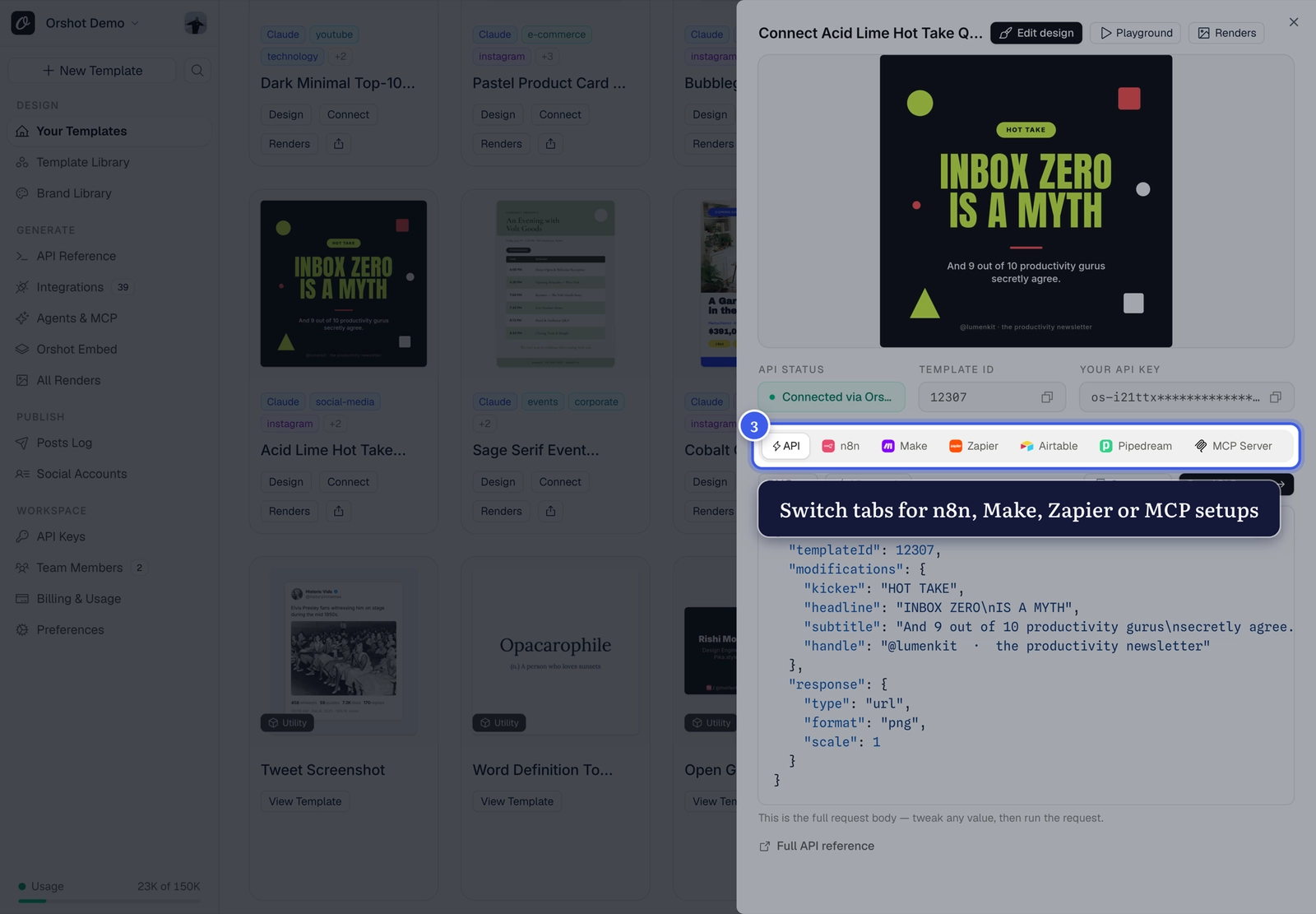
Click Connect on any template card — the integration tabs give you a ready-made setup for that exact template (n8n workflows are downloadable, Zapier and Make come pre-mapped):
How it fits together#
- Parameterize your template
- Connect the integration — each dynamic parameter becomes a mappable field
- Map your data (sheet rows, form answers, CMS entries) to the dynamic parameters
- Every trigger renders a fresh image automatically
Popular recipes
Sheet row → personalized certificate · New blog post → OG image · Form submission → branded social card
Related#
More in Generating Visuals
Was this page helpful?
Ready to automate?
Start rendering images, PDFs and videos from your templates in under 2 minutes. Free plan, no credit card.
Get your API key- Image, PDF and video generation via API
- Visual editor with AI and smart layouts
- Zapier, Make, MCP and 40+ integrations
- White-label embed for your own app
- 100 free credits a month, no credit card required