Why does my template look different after import?
Imports translate designs between tools — here's what can shift and how to fix it fast
Published Jun 7, 2026
Imports from Canva, Figma and Polotno translate designs automatically. Most come through clean — when something shifts, it's usually one of these:
Fonts#
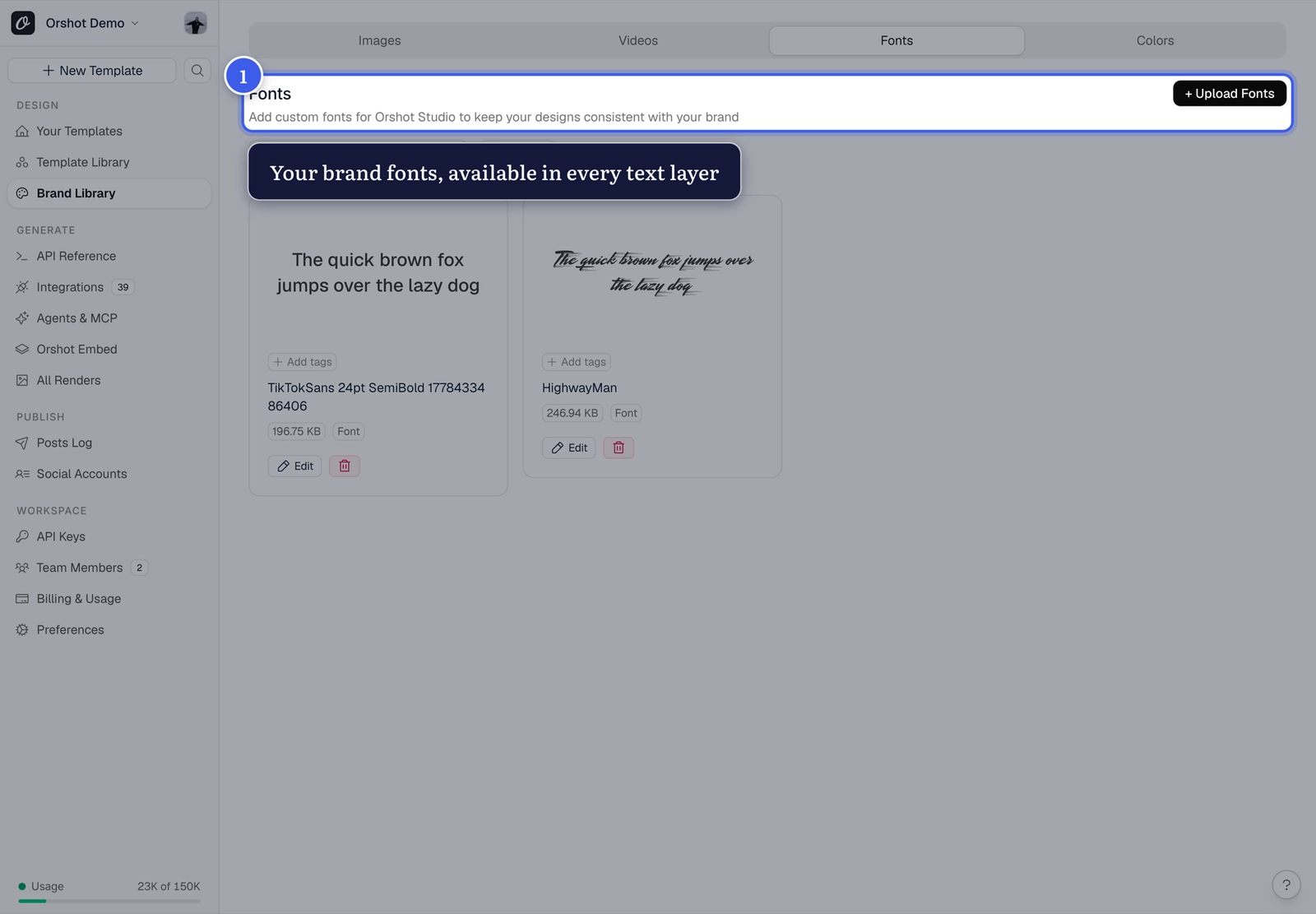
If the original font isn't available, a fallback is substituted. Fix: upload the font to your Brand Library, then set it on the affected text layers:
Effects and filters#
Tool-specific effects (complex shadows, blend modes, filters) don't always have an exact equivalent. Fix: select the layer and rebuild the effect with Orshot's style controls — shadows, strokes and blurs are all there.
Text sizing#
Edited or dynamic text can outgrow the box it was imported with. Fix: check that dynamic text layers use Text Autofit: Fit so long values shrink instead of overflowing.
Spacing and alignment#
Auto-layout from the source tool becomes fixed positions. Fix: drag elements or use exact values in Position & Size.
Still off?
Reach out via the in-app support with your template ID and the original file — import fidelity reports help us improve the importers.
Related#
More in Troubleshooting
Ready to automate?
Start rendering images, PDFs and videos from your templates in under 2 minutes. Free plan, no credit card.
Get your API key- Image, PDF and video generation via API
- Visual editor with AI and smart layouts
- Zapier, Make, MCP and 40+ integrations
- White-label embed for your own app
- 100 free credits a month, no credit card required