How to check your render history
Every render, its status and output — find, inspect and reuse past renders
Published Jun 7, 2026
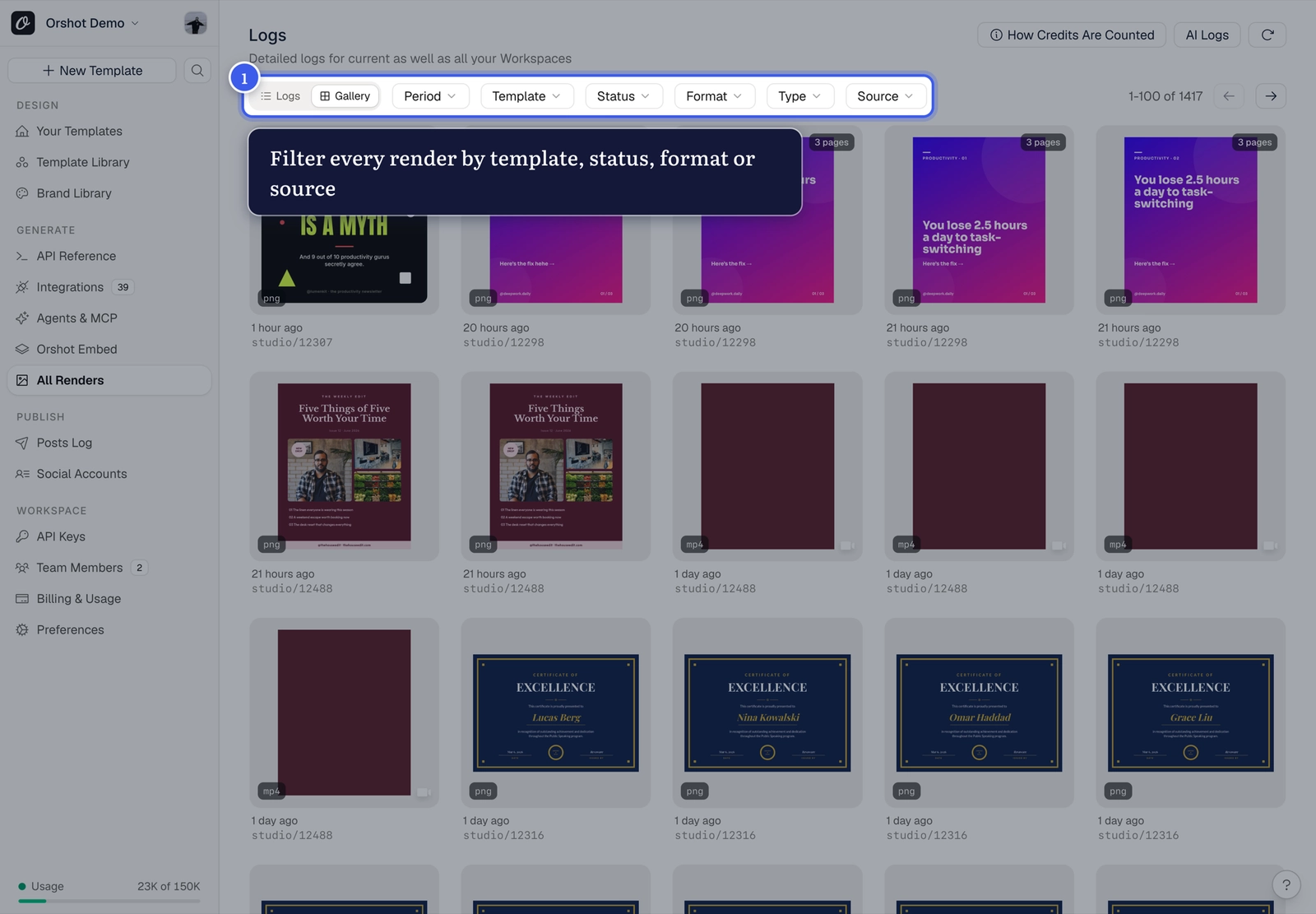
Open All Renders from your workspace sidebar — every render across templates, with status and output:
What you can do here#
- Inspect a render — the exact parameters used, the output file, timing
- Copy the output URL — the output is a hosted file; embedding or sharing that URL never triggers a new render
- Debug API calls — failed or odd-looking renders show what was actually received
- Per-template history — each template also has its own Renders tab
Render looks outdated?
Repeat requests serve from cache. If you changed the template and the log shows old output, clear the render cache.
Related#
More in Generating Visuals
Was this page helpful?
Ready to automate?
Start rendering images, PDFs and videos from your templates in under 2 minutes. Free plan, no credit card.
Get your API key- Image, PDF and video generation via API
- Visual editor with AI and smart layouts
- Zapier, Make, MCP and 40+ integrations
- White-label embed for your own app
- 100 free credits a month, no credit card required