How saving works in Orshot Studio
The save indicator, ⌘S, and what the unsaved-changes prompt means
Published Jun 7, 2026
Open any template in Studio — the cloud icon in the top bar always shows where you stand:
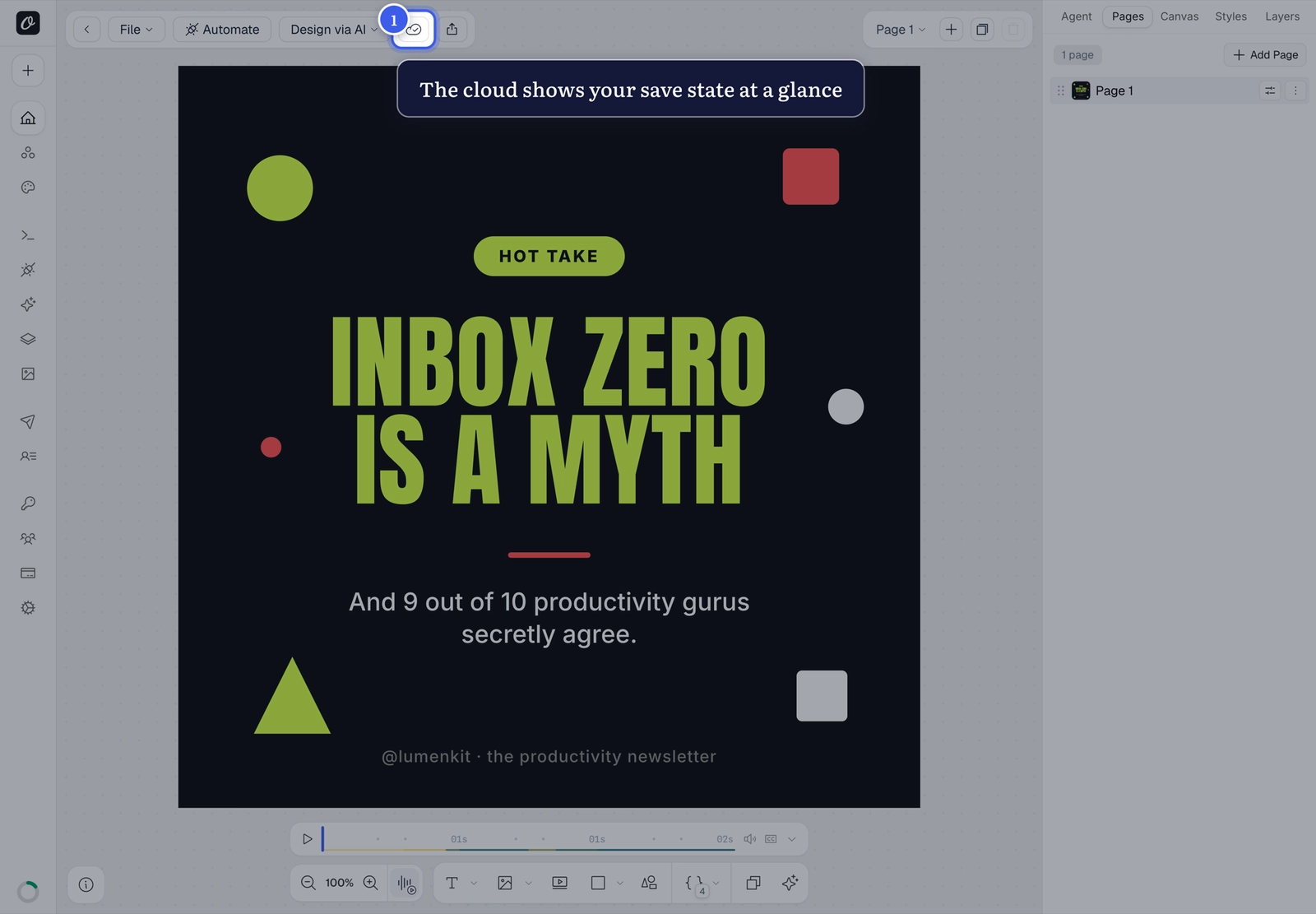
Saving#
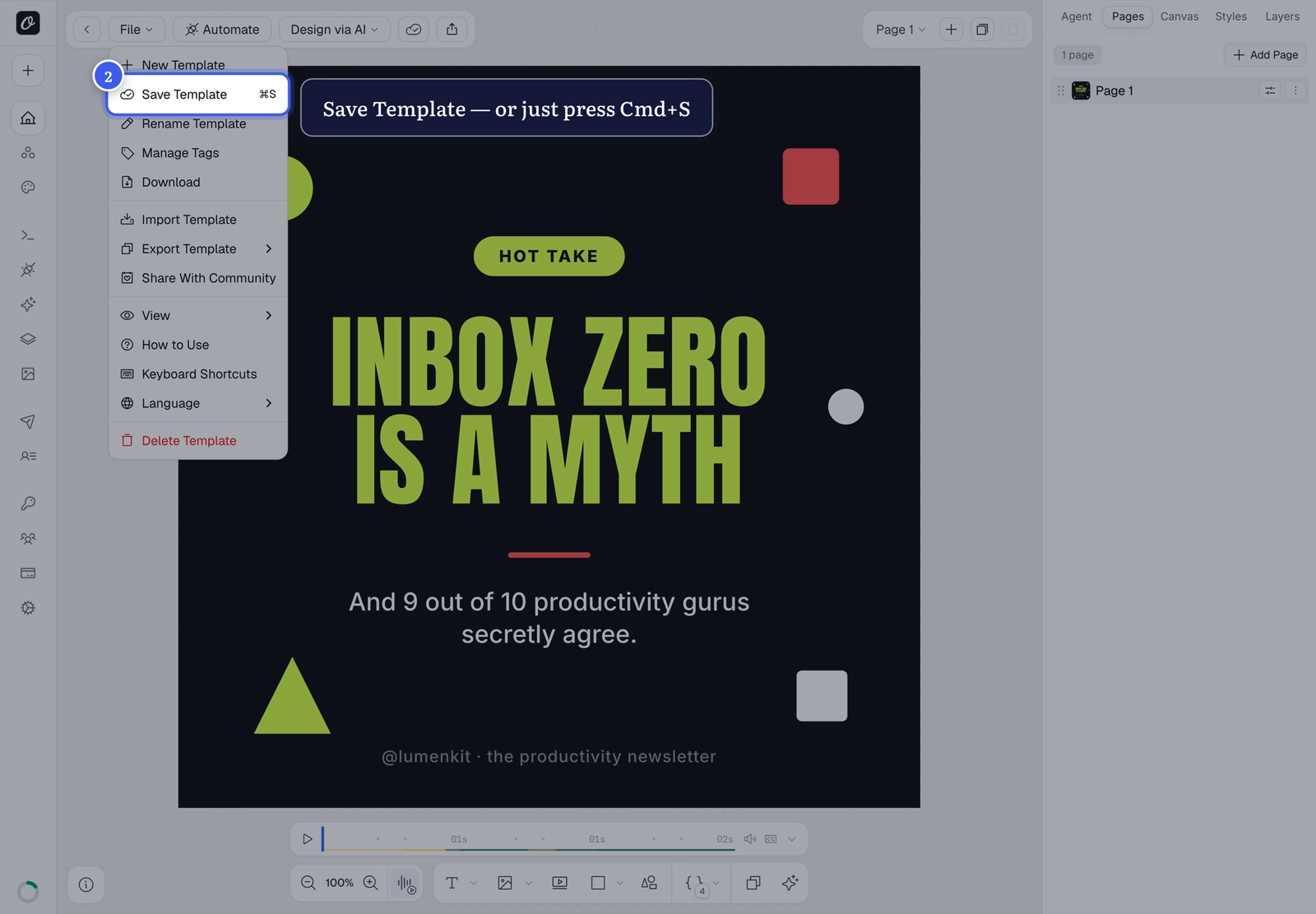
- Press
⌘Sanytime, or - File → Save Template:
The unsaved-changes prompt#
If you navigate away with unsaved edits, Studio asks before letting you go:
- Save — keeps your changes (renders will use the new design)
- Continue without saving — discards everything since your last save
Renders use the saved version
The API and Playground always render your last save. If a render looks outdated, save first — then check why renders aren't updating if it persists.
Related#
More in Orshot Studio
←→
Previous
How to style an element in Orshot Studio
Next
How to keep text from overflowing (Text Autofit)
Was this page helpful?
Ready to automate?
Start rendering images, PDFs and videos from your templates in under 2 minutes. Free plan, no credit card.
Get your API key- Image, PDF and video generation via API
- Visual editor with AI and smart layouts
- Zapier, Make, MCP and 40+ integrations
- White-label embed for your own app
- 100 free credits a month, no credit card required