How to fix a resized layout that looks wrong
When an auto-fit needs a creative pass: adjust a size's layout by hand, or let AI recompose it.
Published Jun 14, 2026
Smart Resize adapts your layout automatically, but a big aspect-ratio change (say, square → tall story) sometimes needs a human touch. You have two ways to fix it.
Adjust Variant — edit a size by hand#
On any size card, click Adjust Variant:
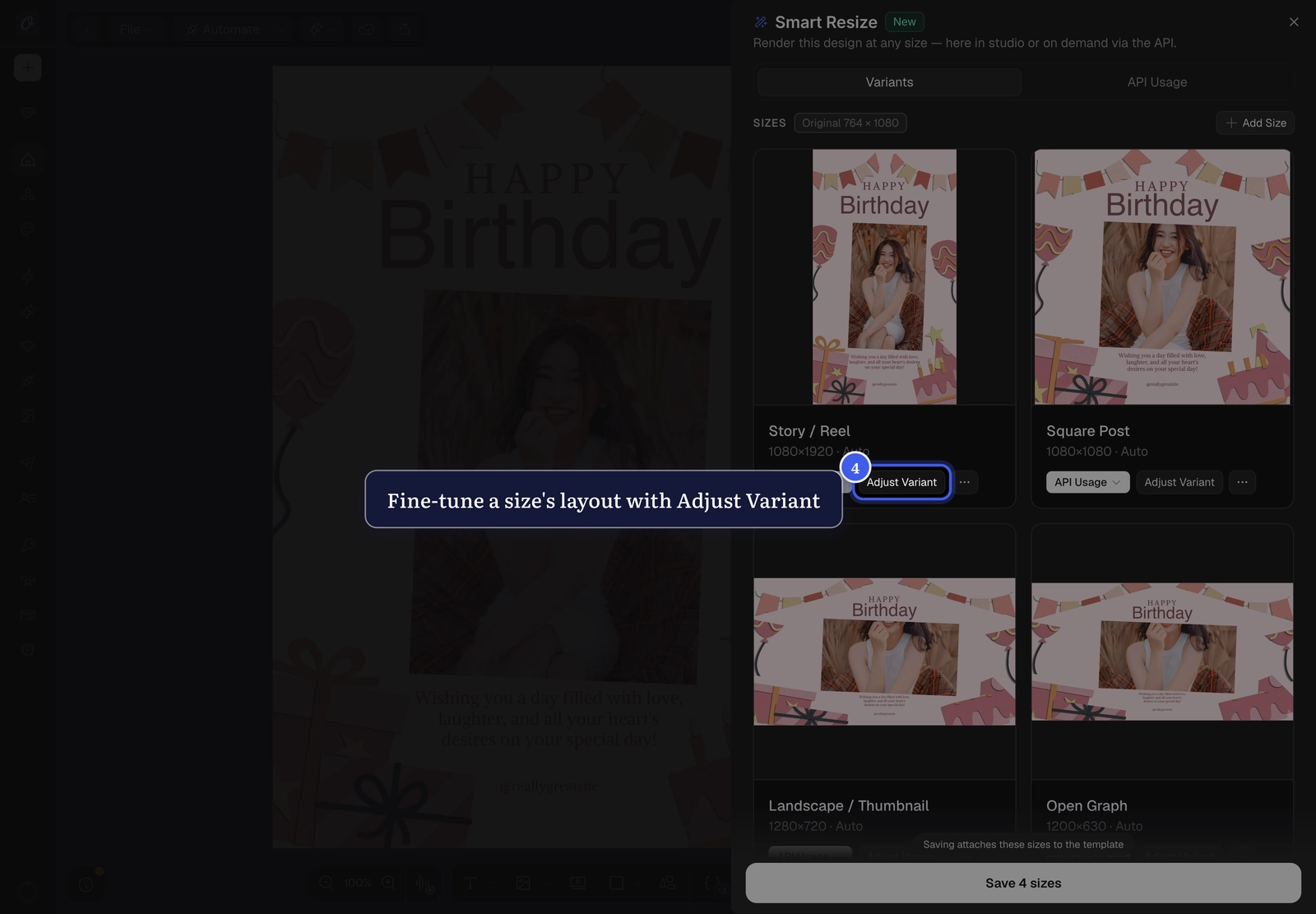
Your canvas switches to that size's pages, and you move between them with the same page arrows you use normally. Reposition elements, resize them, tweak font sizes — your text, images, and colors stay shared with the base design; only the layout changes here.
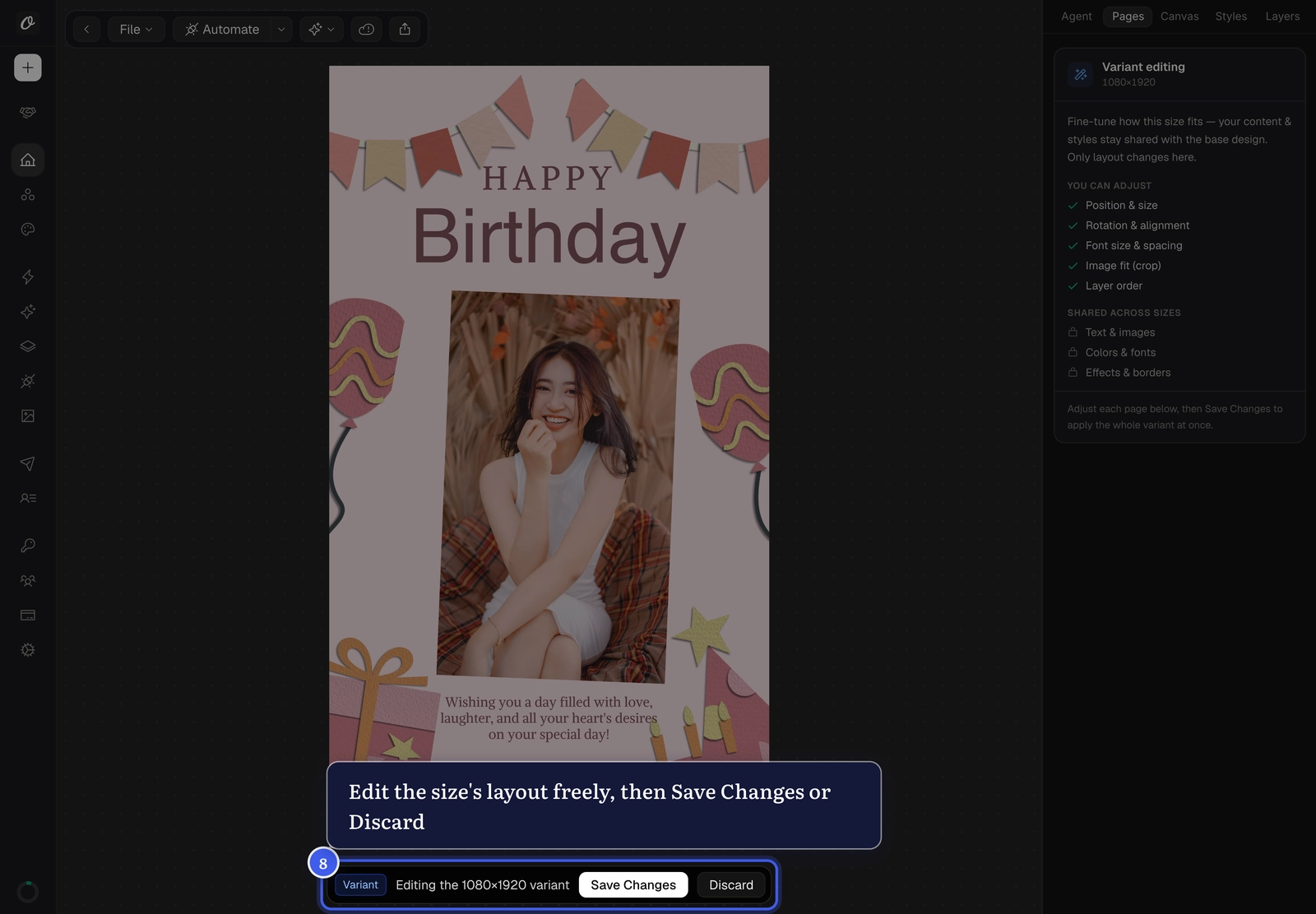
When you're happy, click Save Changes (or Discard). Saved adjustments render exactly the way you arranged them, every time.
Recompose with AI#
For a one-click creative re-layout, open the size's ⋯ menu and choose Recompose with AI:
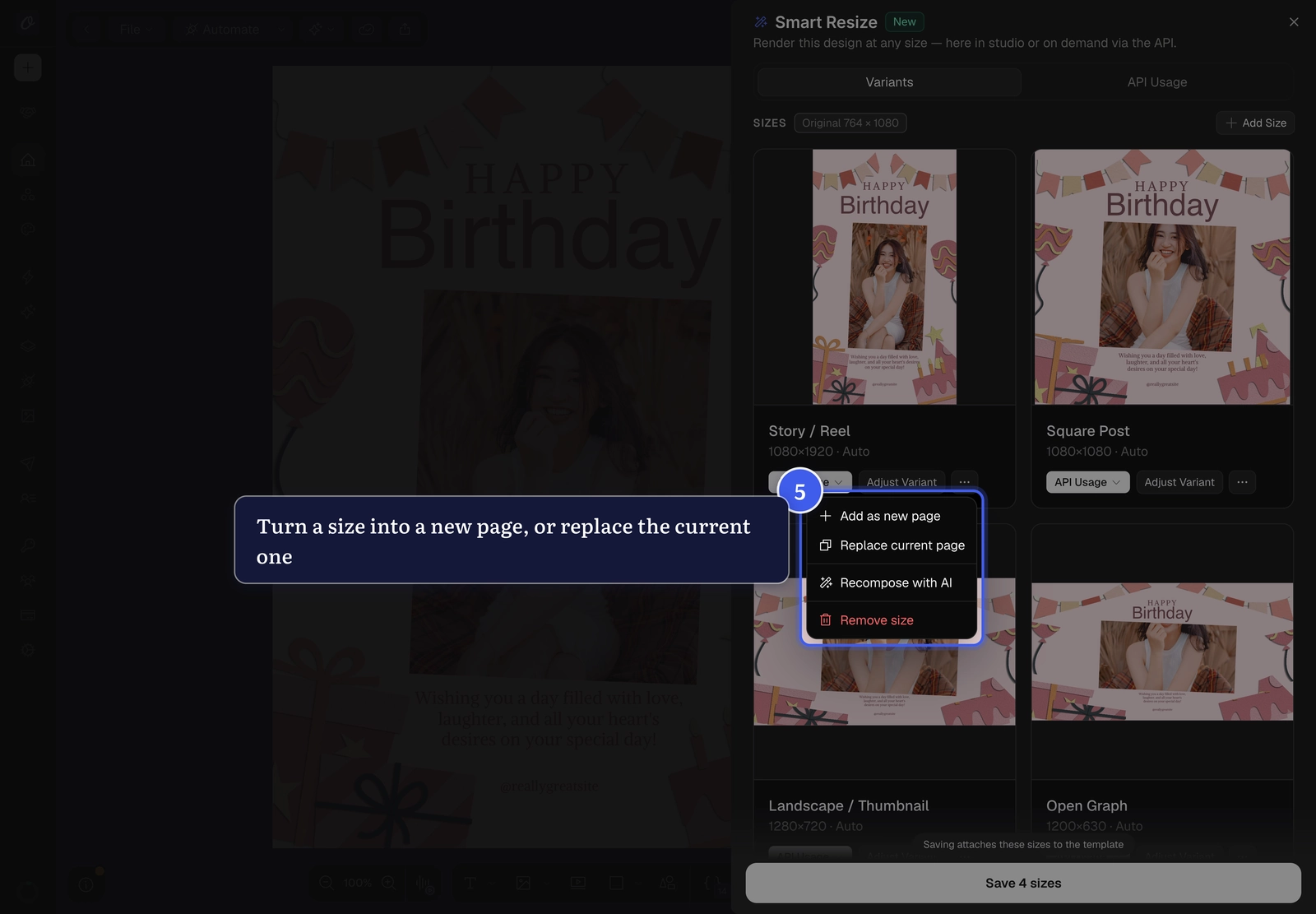
The card's status badge updates to AI so you can tell at a glance how each size was laid out.
Related#
More in Orshot Studio
Ready to automate?
Start rendering images, PDFs and videos from your templates in under 2 minutes. Free plan, no credit card.
Get your API key- Image, PDF and video generation via API
- Visual editor with AI and smart layouts
- Zapier, Make, MCP and 50+ integrations
- White-label embed for your own app
- 30 free credits — no credit card required