What the editor panels do
Agent, Pages, Canvas, Styles, Layers — and the Design, Animate, API tabs inside them
Published Jun 7, 2026
Everything in Orshot Studio happens in the right panel. Open any template and you'll see five tabs:
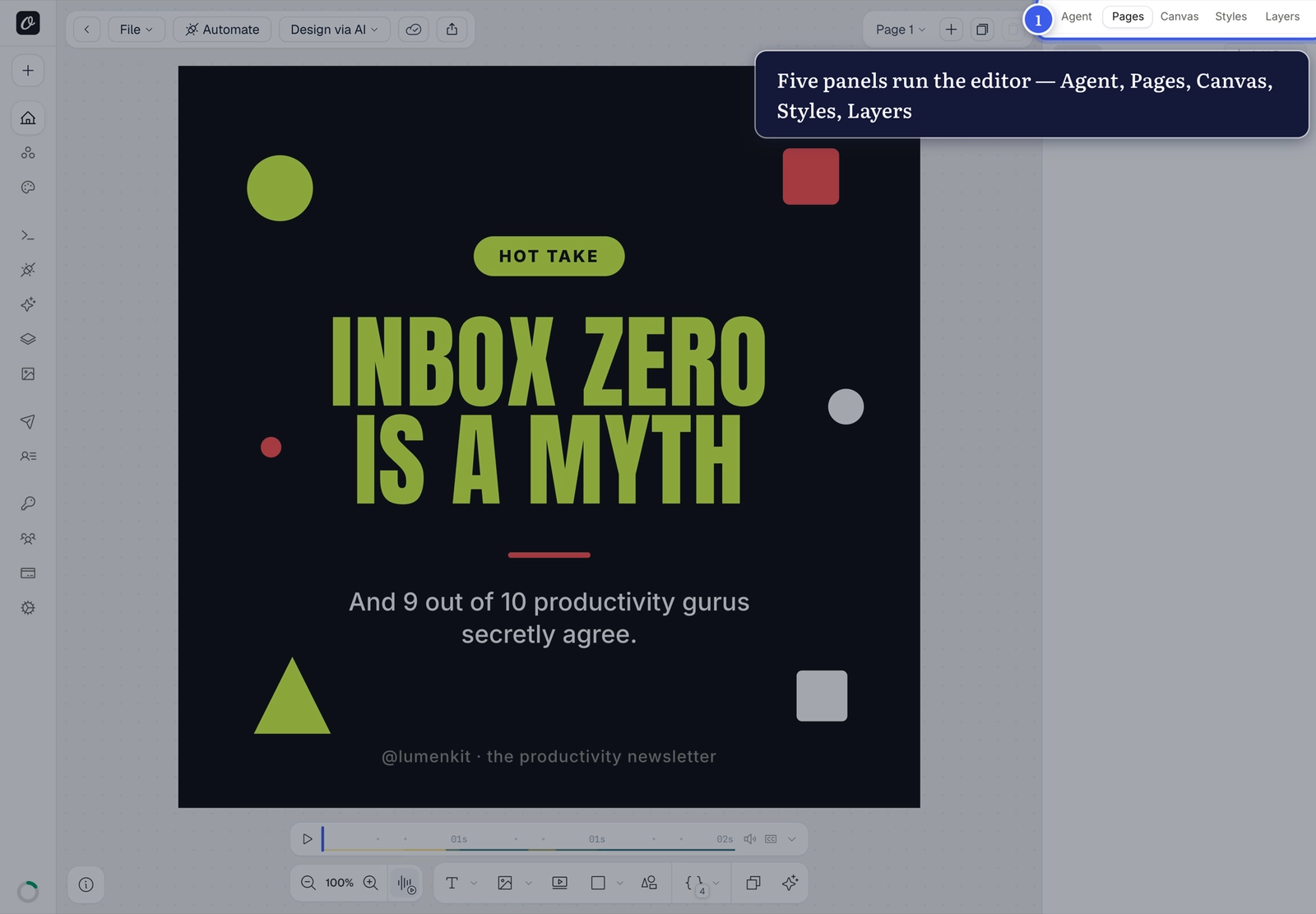
- Agent — describe changes in plain language, AI applies them
- Pages — your slides/pages, for multi-page templates
- Canvas — the artboard itself: size, background, borders
- Styles — everything about the selected layer (it opens automatically when you select one)
- Layers — the full stack, for selecting, hiding or locking layers
Inside Styles: Design, Animate, API#
Select a layer and three sub-tabs appear:
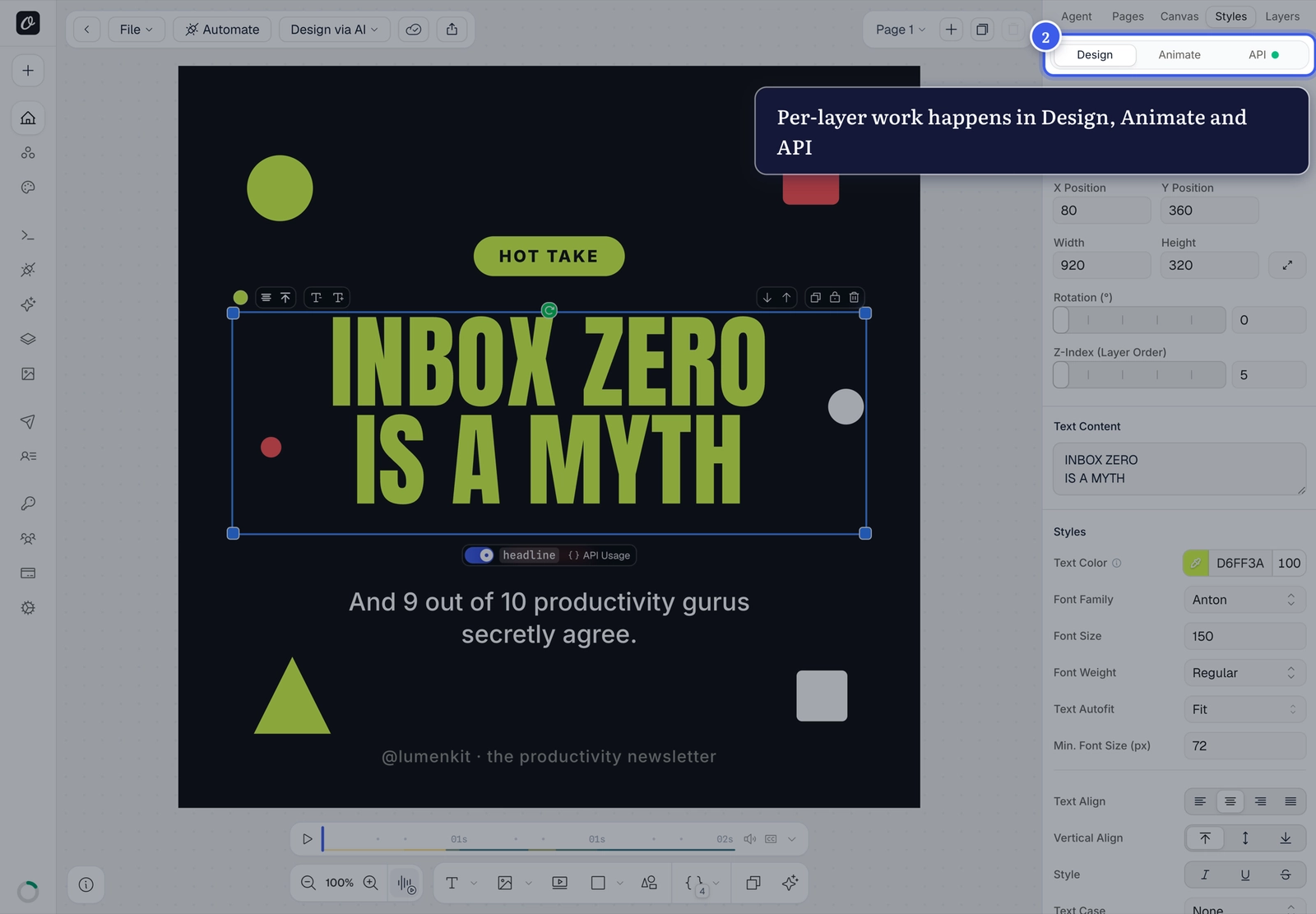
- Design — position, size, fonts and styling
- Animate — entrance animations for video/MP4 output
- API — parameterize the layer for dynamic renders
Panel looks empty?
Styles needs a selection — click a layer on the canvas, or pick one from the list it shows you.
Related#
More in Orshot Studio
Was this page helpful?
Ready to automate?
Start rendering images, PDFs and videos from your templates in under 2 minutes. Free plan, no credit card.
Get your API key- Image, PDF and video generation via API
- Visual editor with AI and smart layouts
- Zapier, Make, MCP and 40+ integrations
- White-label embed for your own app
- 100 free credits a month, no credit card required