How to start from a library template
Skip the blank canvas — pick a professionally designed template and make it yours
Published Jun 7, 2026
Open Template Library from your workspace sidebar — every template there is a complete, editable starting point:
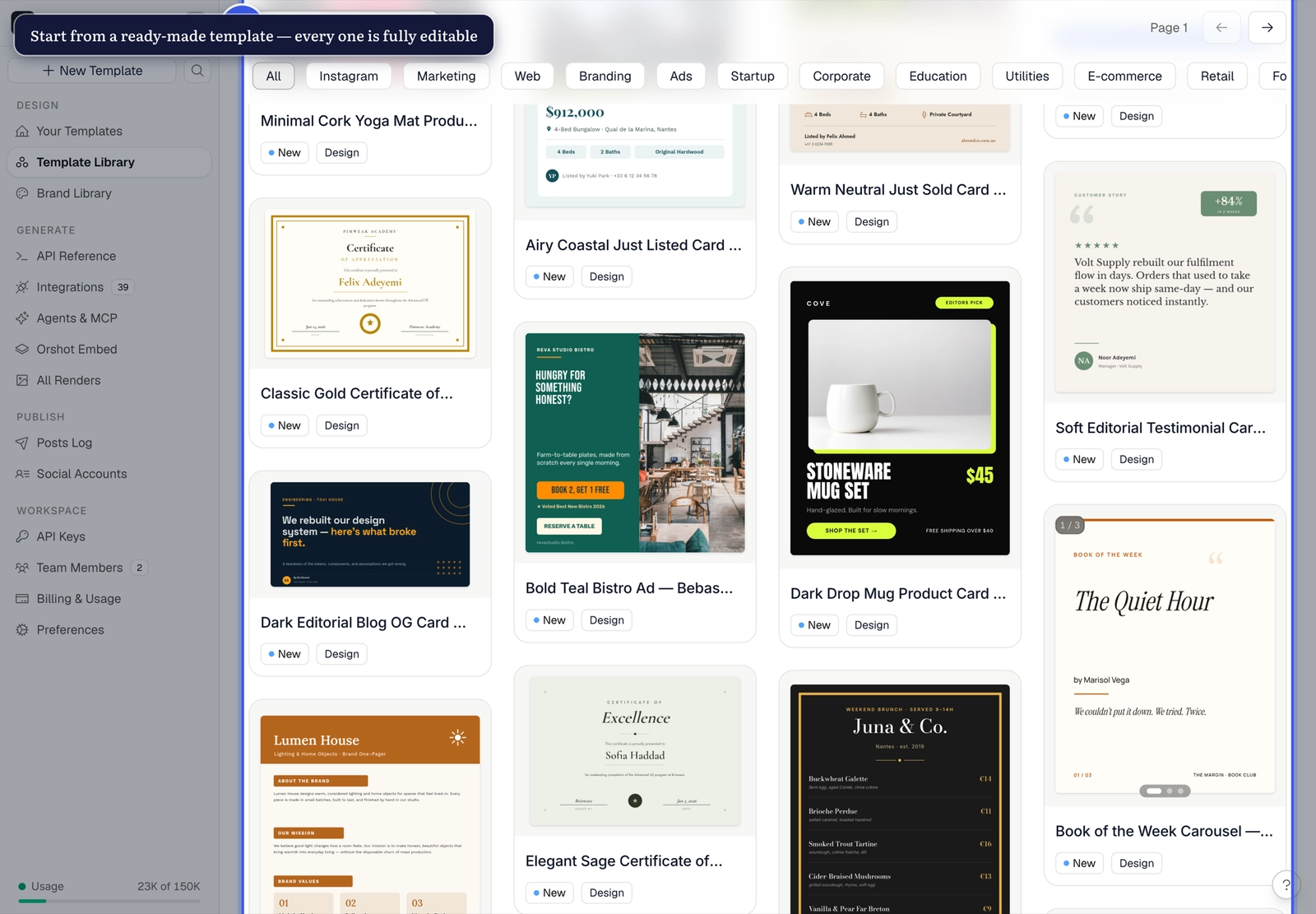
Make it yours#
- Click a template to preview it, then add it to your workspace
- It opens in Studio like any of your own templates
- Swap the images, adjust the styles, keep the layout
- The dynamic parameters usually come pre-configured — check the pills under each layer
Community templates too
Templates shared by other users (File → Share With Community publishes yours) work the same way — import, edit, render.
Related#
More in Templates
Was this page helpful?
Ready to automate?
Start rendering images, PDFs and videos from your templates in under 2 minutes. Free plan, no credit card.
Get your API key- Image, PDF and video generation via API
- Visual editor with AI and smart layouts
- Zapier, Make, MCP and 40+ integrations
- White-label embed for your own app
- 100 free credits a month, no credit card required