How to upload custom fonts
Bring your brand typography into Orshot — your fonts appear in every Font Family picker
Published Jun 7, 2026
Open Brand Library from your workspace sidebar and switch to the Fonts tab:
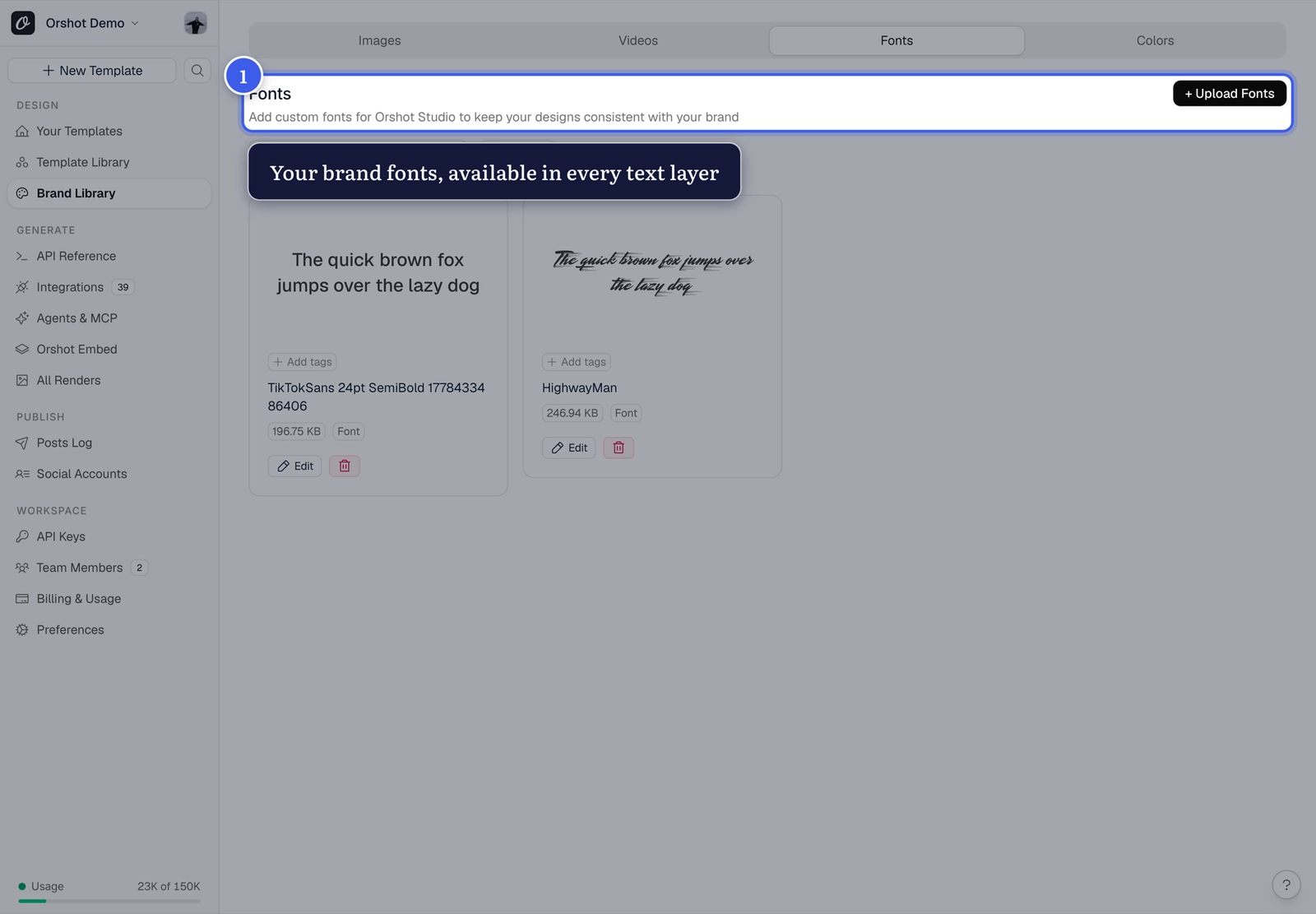
Upload and use#
- Upload your font files (per weight/style you need)
- They appear in the Font Family dropdown of every text layer, alongside the built-in fonts
- Renders use them automatically — API output matches Orshot Studio exactly
Check your font license
Make sure your license covers server-side rendering — most brand and open-source licenses do.
Related#
More in Templates
Was this page helpful?
Ready to automate?
Start rendering images, PDFs and videos from your templates in under 2 minutes. Free plan, no credit card.
Get your API key- Image, PDF and video generation via API
- Visual editor with AI and smart layouts
- Zapier, Make, MCP and 40+ integrations
- White-label embed for your own app
- 100 free credits a month, no credit card required