How to save a resized design as a page
Reuse a resized design as a new page, or save the size so every API render reproduces it exactly.
Published Jun 14, 2026
A size you add in Smart Resize can become part of your template in two ways. On any size card, open the ⋯ menu:
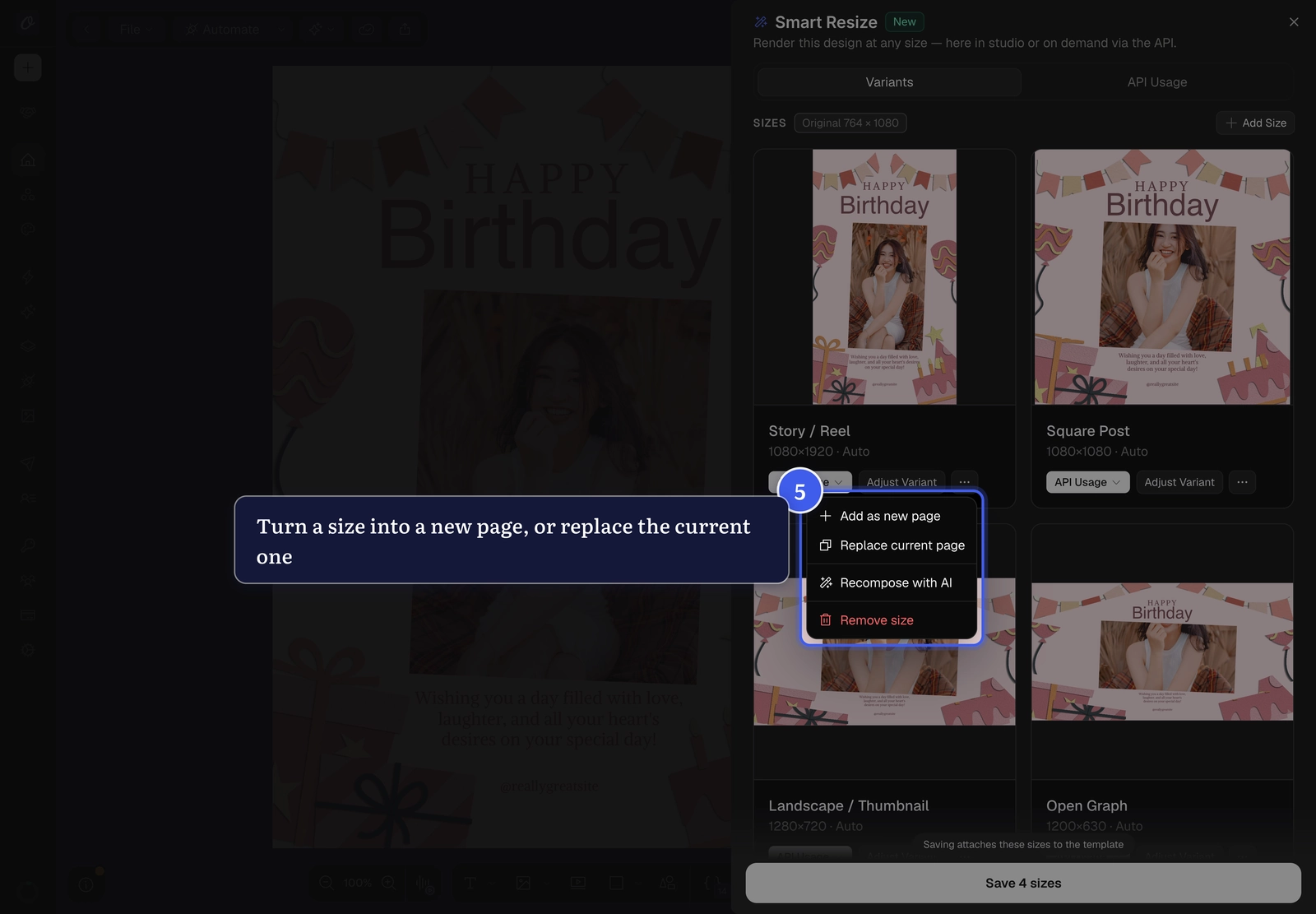
- Add as new page — append that size to your template as a brand-new page.
- Replace current page — swap the current page's canvas to that size in place.
Save the size set#
To keep all your sizes with the template, click Save N sizes at the bottom of the panel:
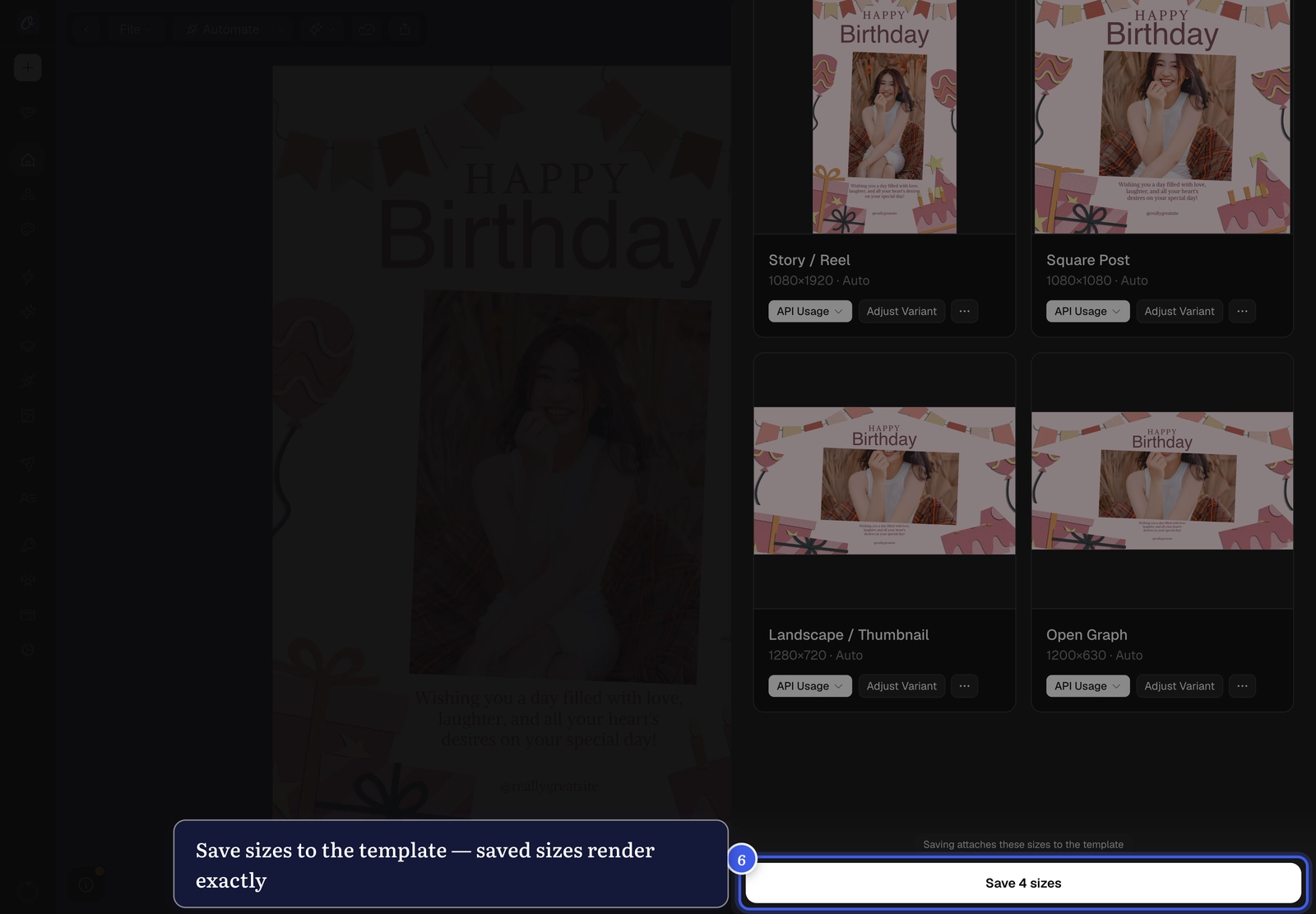
Saving matters: a render that requests a saved size reproduces your approved preview exactly — automatic adaptation is only used for sizes you haven't saved yet. Saved sizes are available to your whole workflow — your own backend, your no-code automations, and your embed customers.
Related#
More in Orshot Studio
Was this page helpful?
Ready to automate?
Start rendering images, PDFs and videos from your templates in under 2 minutes. Free plan, no credit card.
Get your API key- Image, PDF and video generation via API
- Visual editor with AI and smart layouts
- Zapier, Make, MCP and 50+ integrations
- White-label embed for your own app
- 30 free credits — no credit card required