How to use brand colors
Save your palette once — it shows up in every color picker across Orshot Studio
Published Jun 7, 2026
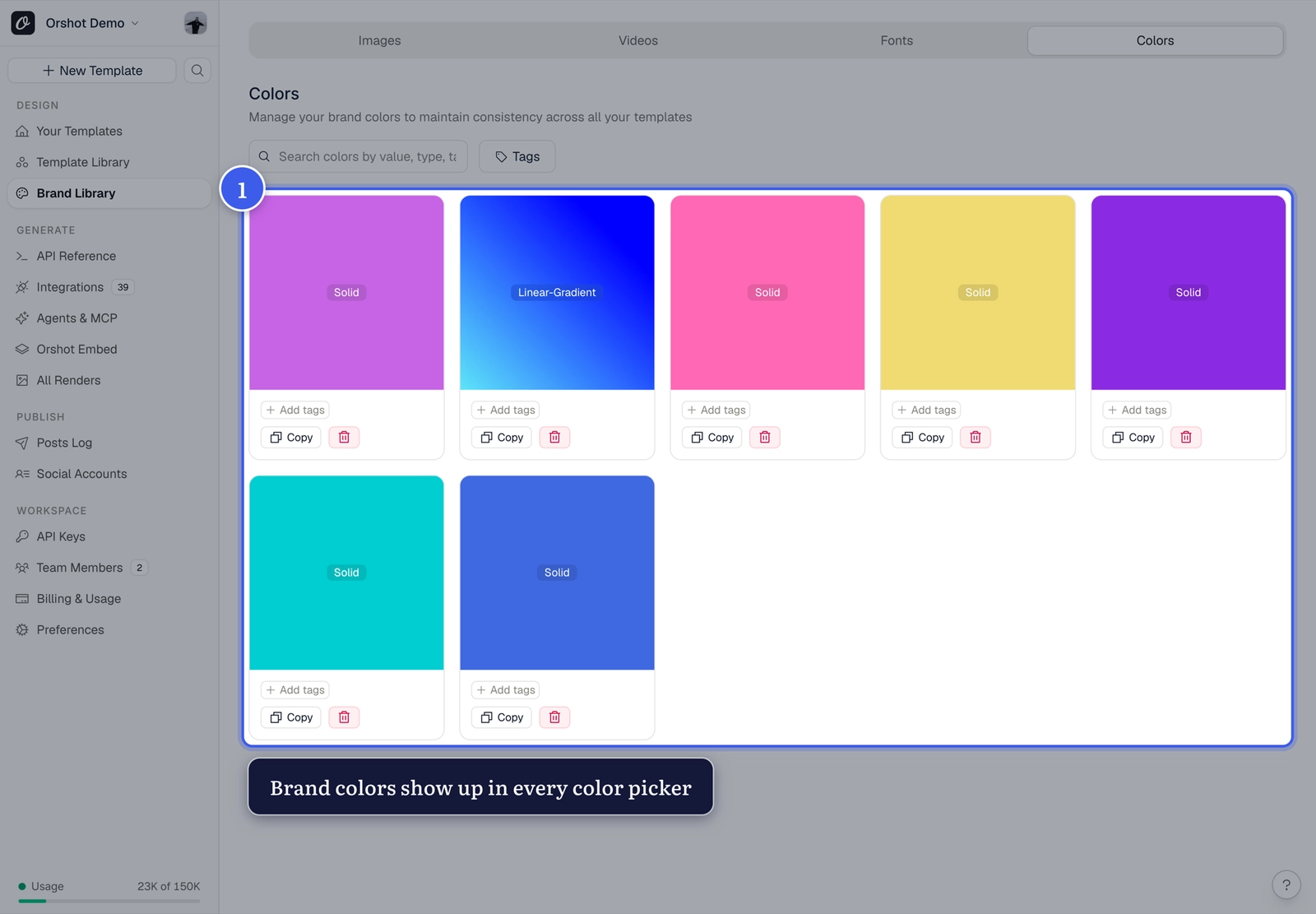
Open Brand Library from your workspace sidebar and switch to the Colors tab:
Save and use#
- Add your brand colors (hex values), with names and tags
- They appear in every color picker — text color, backgrounds, borders
- In API calls, pass them as values:
"headline.color": "#3E5CEB"
Consistency for free
Teammates pick from the same palette instead of eyeballing hex codes — every template stays on brand.
Related#
More in Templates
Was this page helpful?
Ready to automate?
Start rendering images, PDFs and videos from your templates in under 2 minutes. Free plan, no credit card.
Get your API key- Image, PDF and video generation via API
- Visual editor with AI and smart layouts
- Zapier, Make, MCP and 40+ integrations
- White-label embed for your own app
- 100 free credits a month, no credit card required