How to generate your first image
Render an image from your template with Quick Connect or the Playground — no code needed
Published Jun 7, 2026
Once you have a template, the fastest way to render it is Quick Connect — right from your dashboard.
The quick way: Quick Connect#
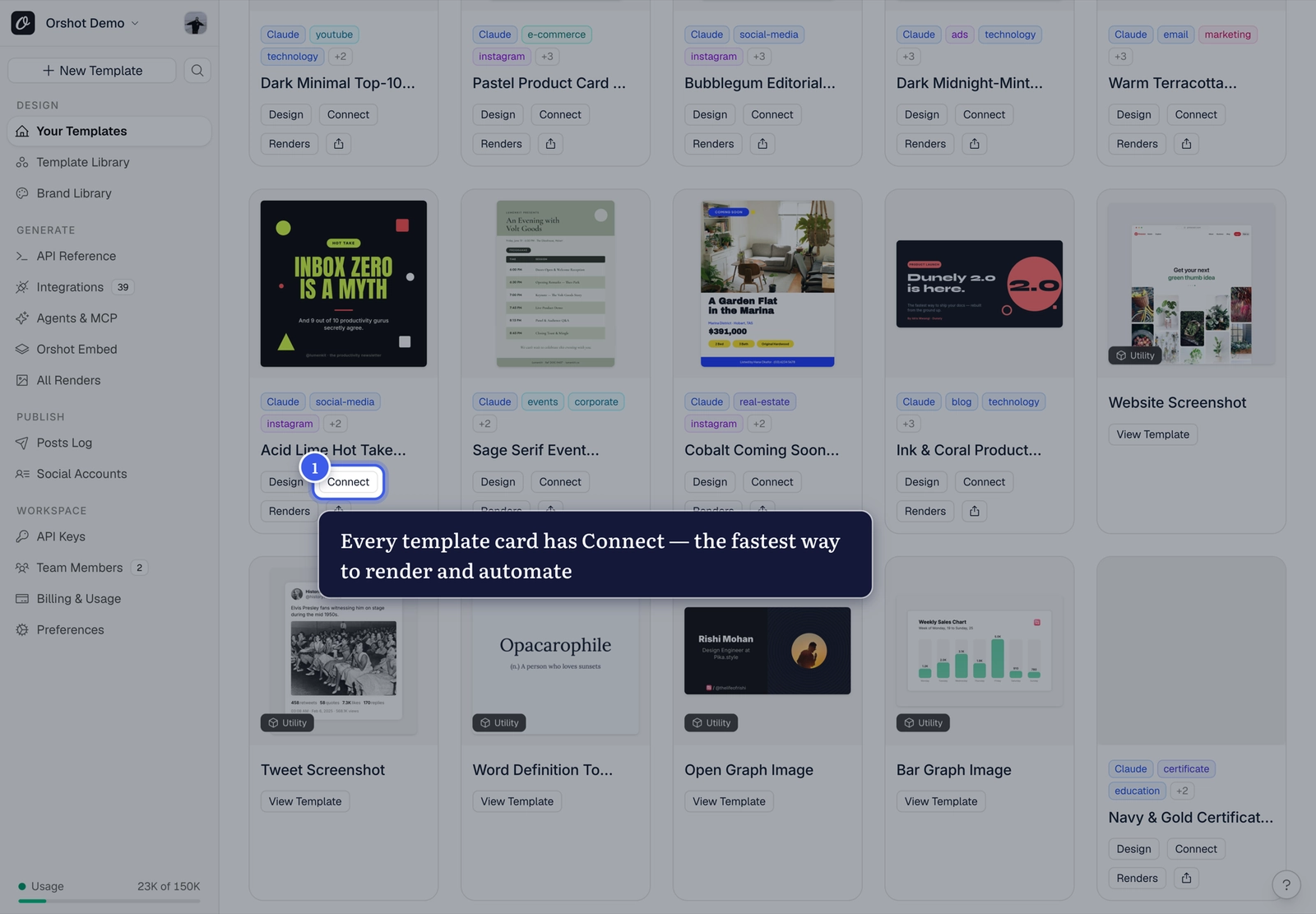
From Your Templates, click Connect on any template card:
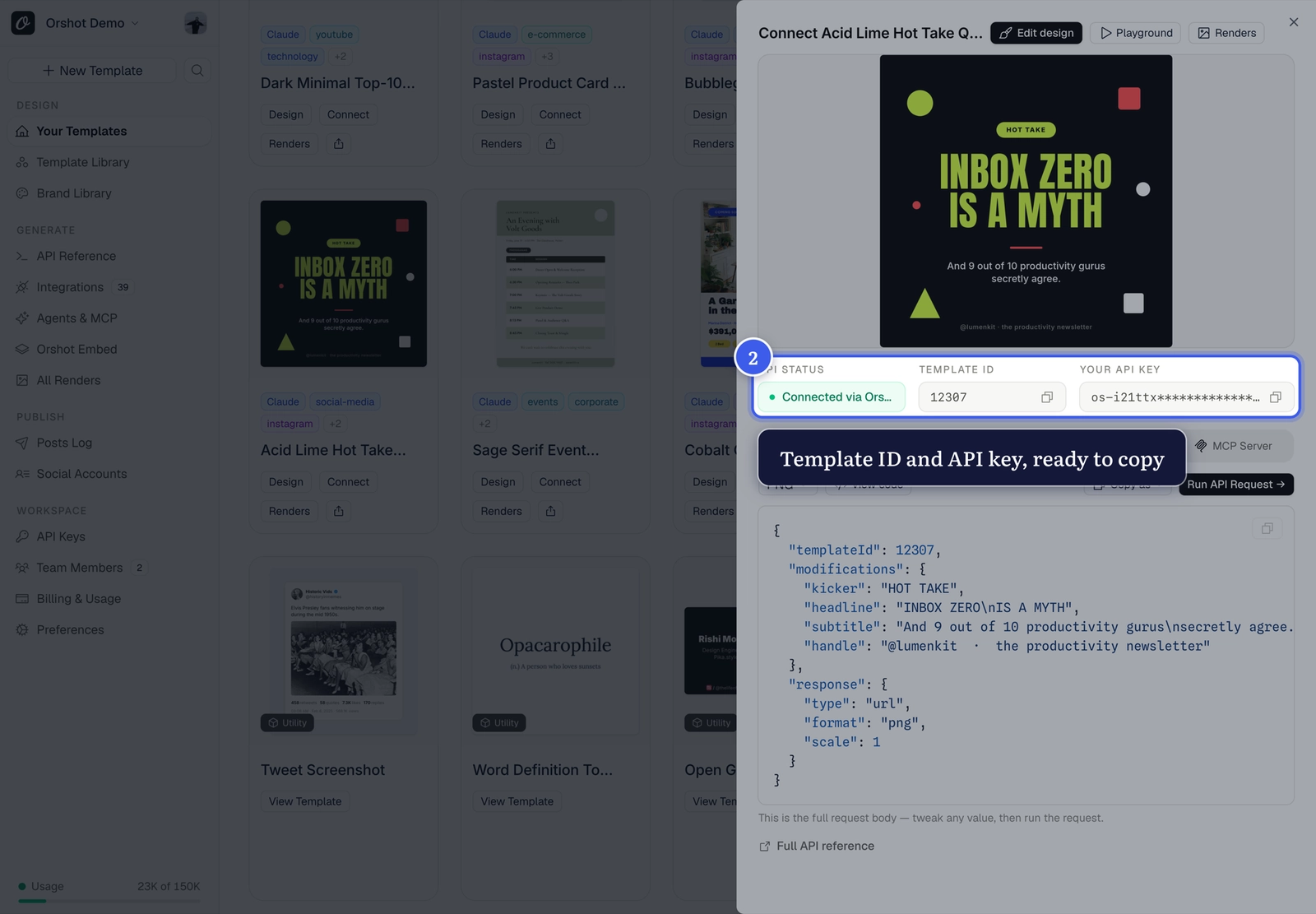
The Quick Connect sheet has everything in one place — your Template ID and API key, ready to copy:
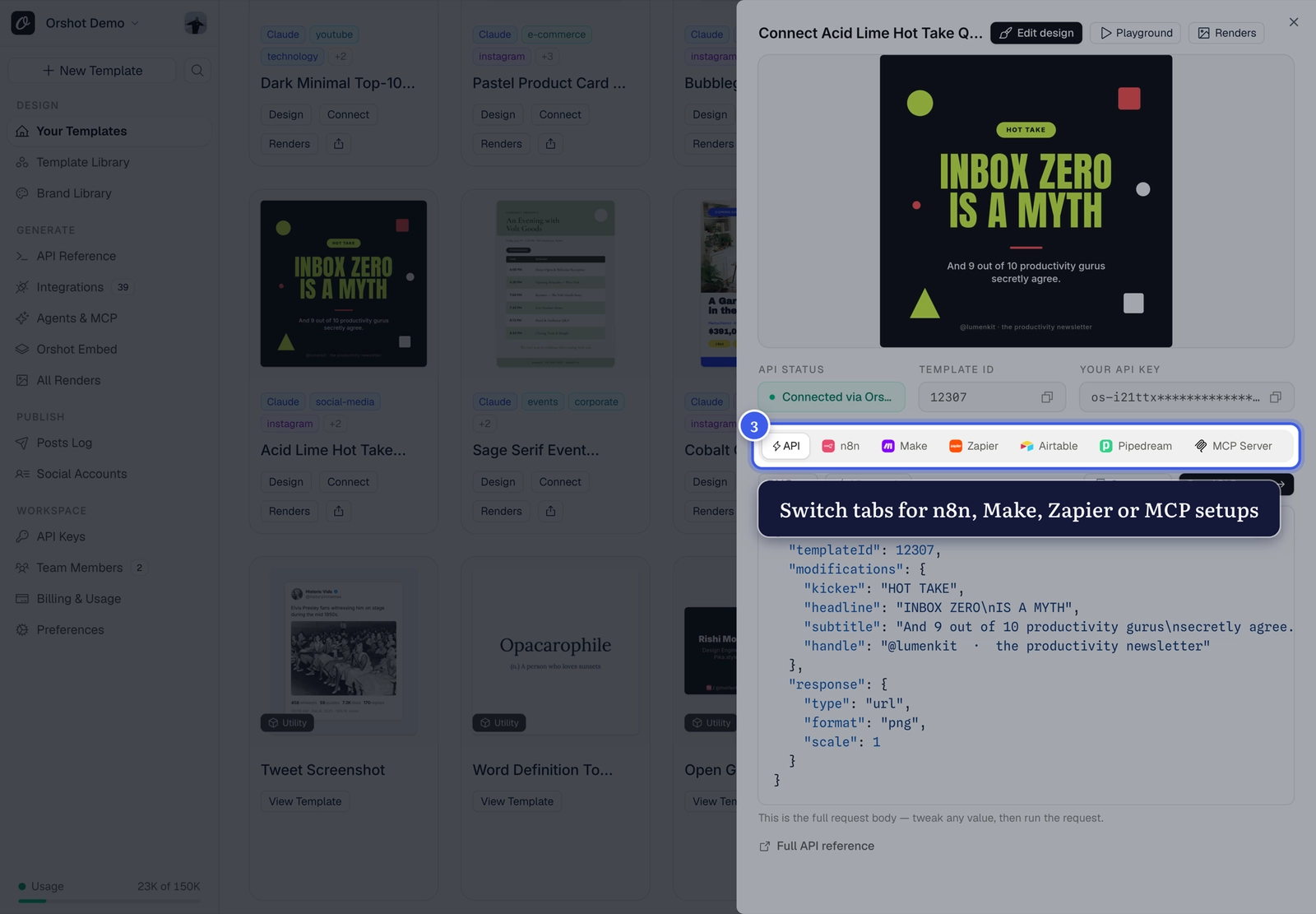
The request body below is pre-filled with your template's parameters. Tweak any value, pick a format, and hit Run API Request:
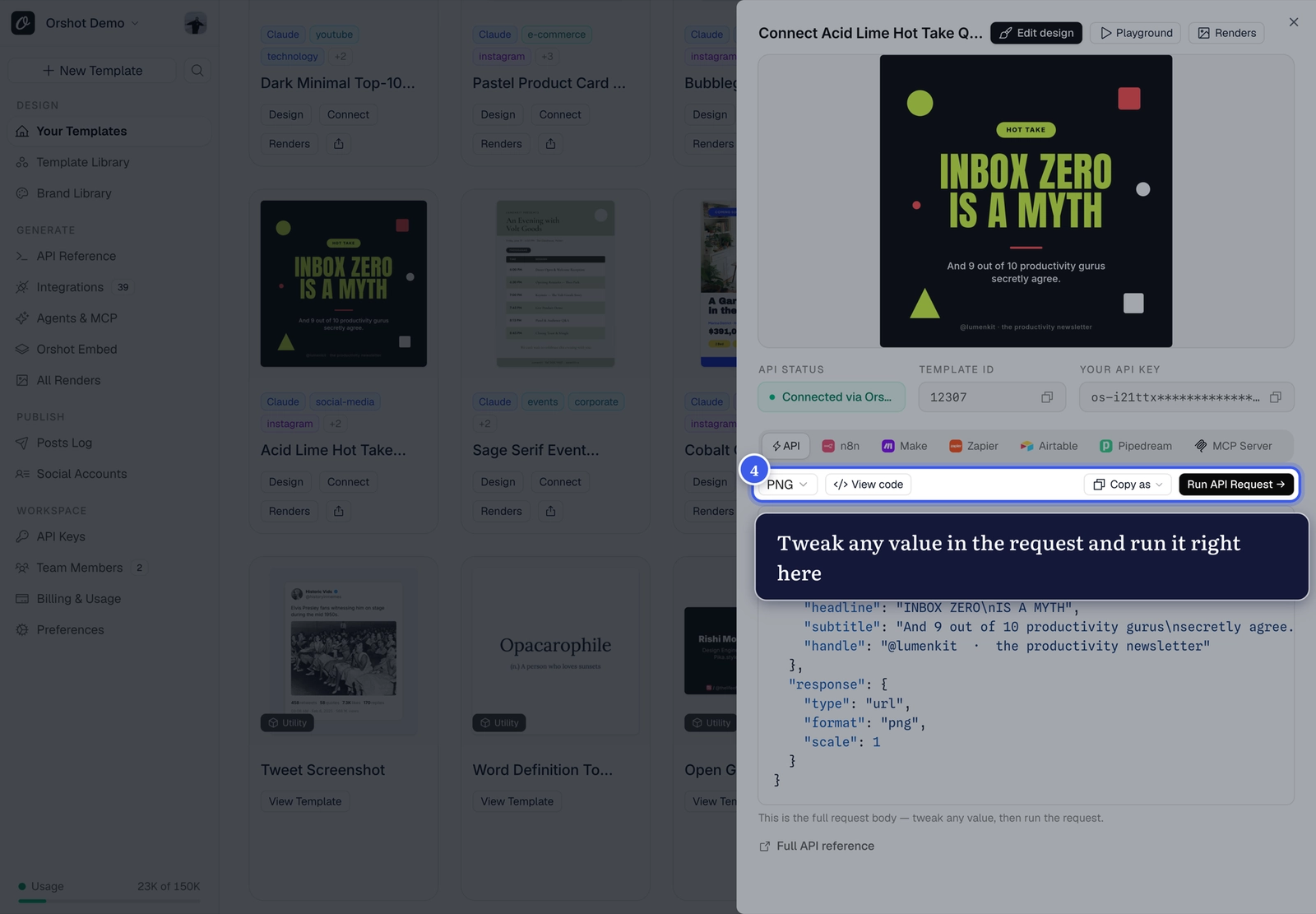
Automating instead?
The tabs above the request switch to ready-made setups for n8n, Make, Zapier, Airtable and MCP — same template, no code.
The full Playground#
For more room — live preview, format options, API response inspector — open the Playground from the Quick Connect header:
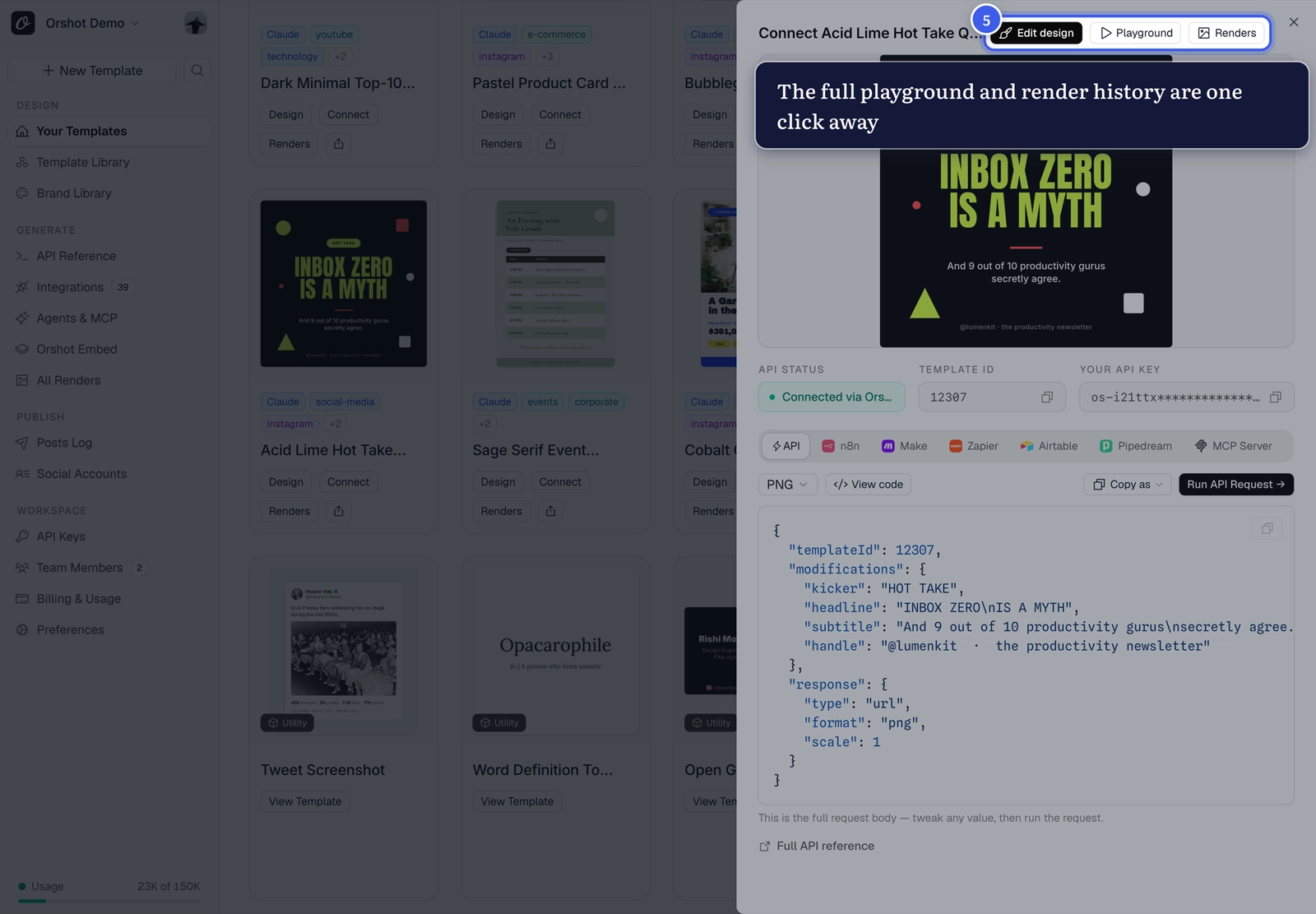
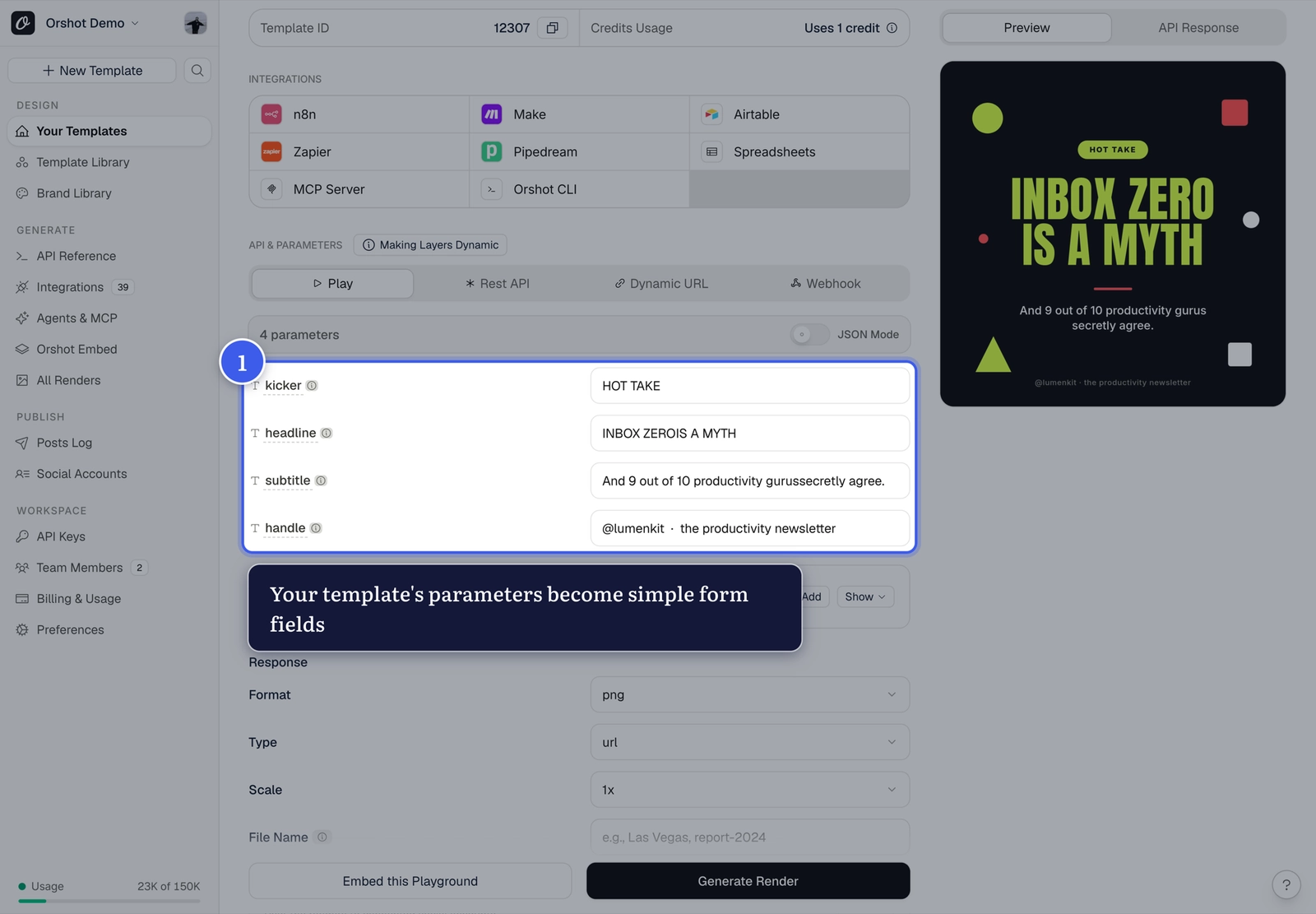
Fill in the parameter fields and click Generate Render:
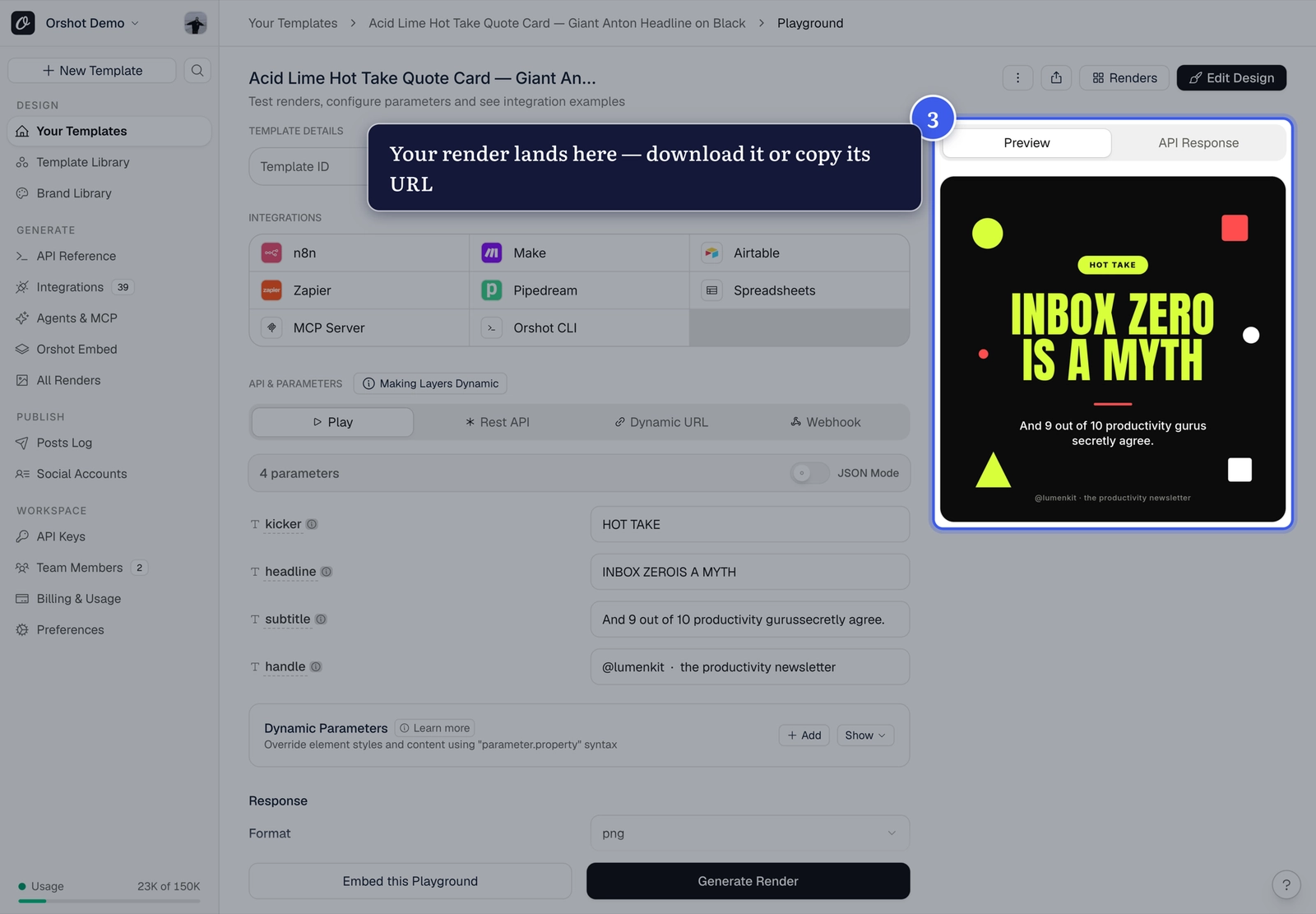
Your render lands in the Preview panel — download it or copy its URL:
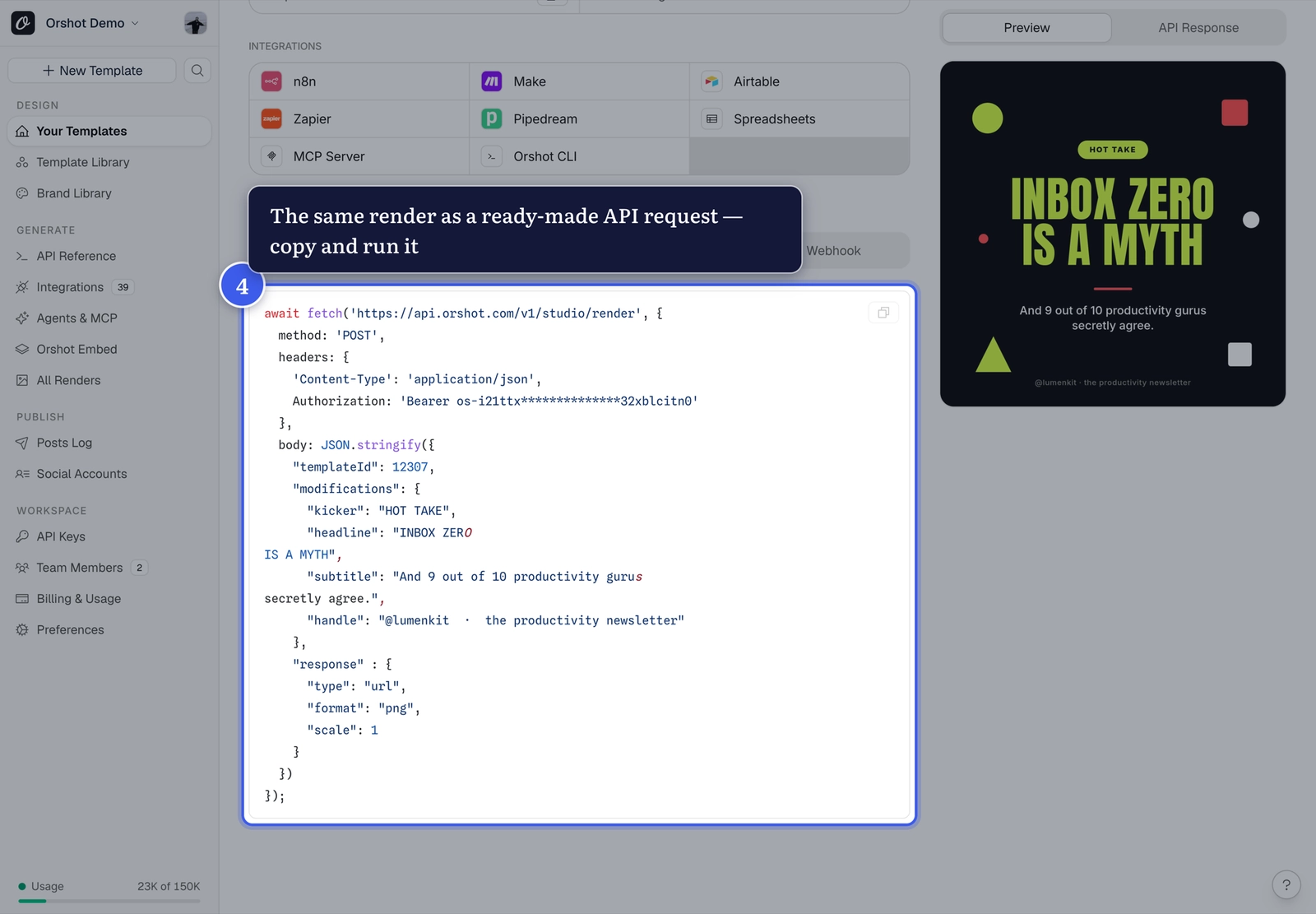
The REST API tab shows your exact render as a copy-paste request:
Related#
More in Getting Started
Ready to automate?
Start rendering images, PDFs and videos from your templates in under 2 minutes. Free plan, no credit card.
Get your API key- Image, PDF and video generation via API
- Visual editor with AI and smart layouts
- Zapier, Make, MCP and 40+ integrations
- White-label embed for your own app
- 100 free credits a month, no credit card required