How to upload and manage brand images
Build a reusable image library — upload once, use in every template and API call
Published Jun 7, 2026
Open Brand Library from your workspace sidebar — the Images tab is your reusable asset collection:
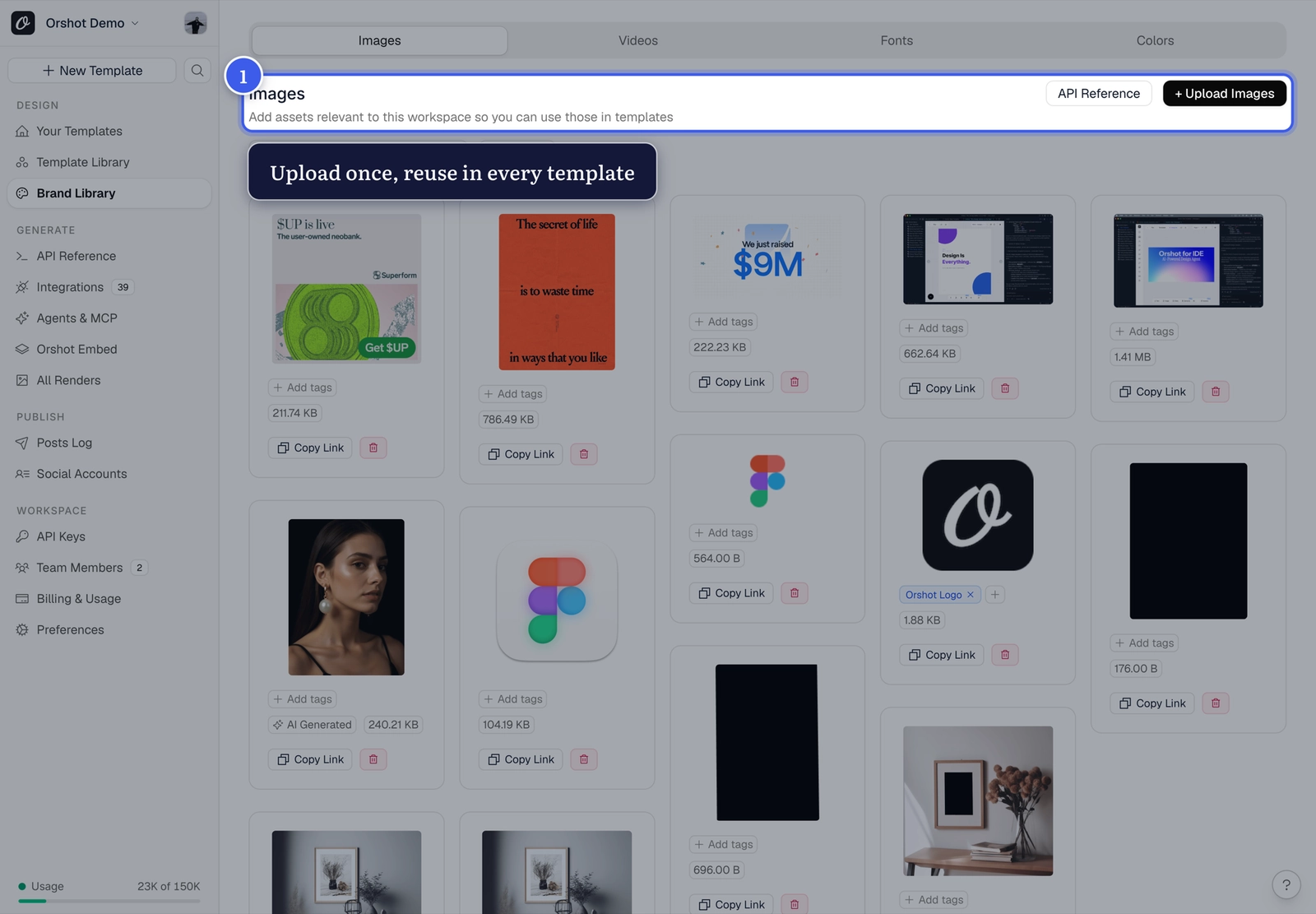
Upload and use#
- Click Upload Images (top right)
- Tag assets so they're easy to find later
- Use them anywhere:
- In Studio via the insert panel or Replace Image
- In API calls — Copy Link gives you a direct URL for any
modificationsvalue
One library, every template
Assets are workspace-wide. Upload your logo once and every template, teammate and automation can use it.
Related#
More in Templates
Was this page helpful?
Ready to automate?
Start rendering images, PDFs and videos from your templates in under 2 minutes. Free plan, no credit card.
Get your API key- Image, PDF and video generation via API
- Visual editor with AI and smart layouts
- Zapier, Make, MCP and 40+ integrations
- White-label embed for your own app
- 100 free credits a month, no credit card required